You do not need a design agency, a print run or a four-figure budget to give your restaurant a menu that looks professional. A good restaurant design app free to start with can handle templates, layouts and sharing in one place, and Flipbooks AI turns the finished file into a page-turning digital menu that guests open on any phone. This article walks through what to look for in a free app, which menu templates fit which kind of restaurant, how to lay out each page so dishes actually sell, and how to share the result without a single printing invoice.
Most owners search for a design app at the worst possible moment: a price changed, a supplier dropped an ingredient, or a new season starts on Monday. So everything below is built for speed. You will find tables to compare options, a numbered tutorial you can follow in one sitting, and a short list of mistakes that quietly cost restaurants money.
What a Free Design App Really Needs
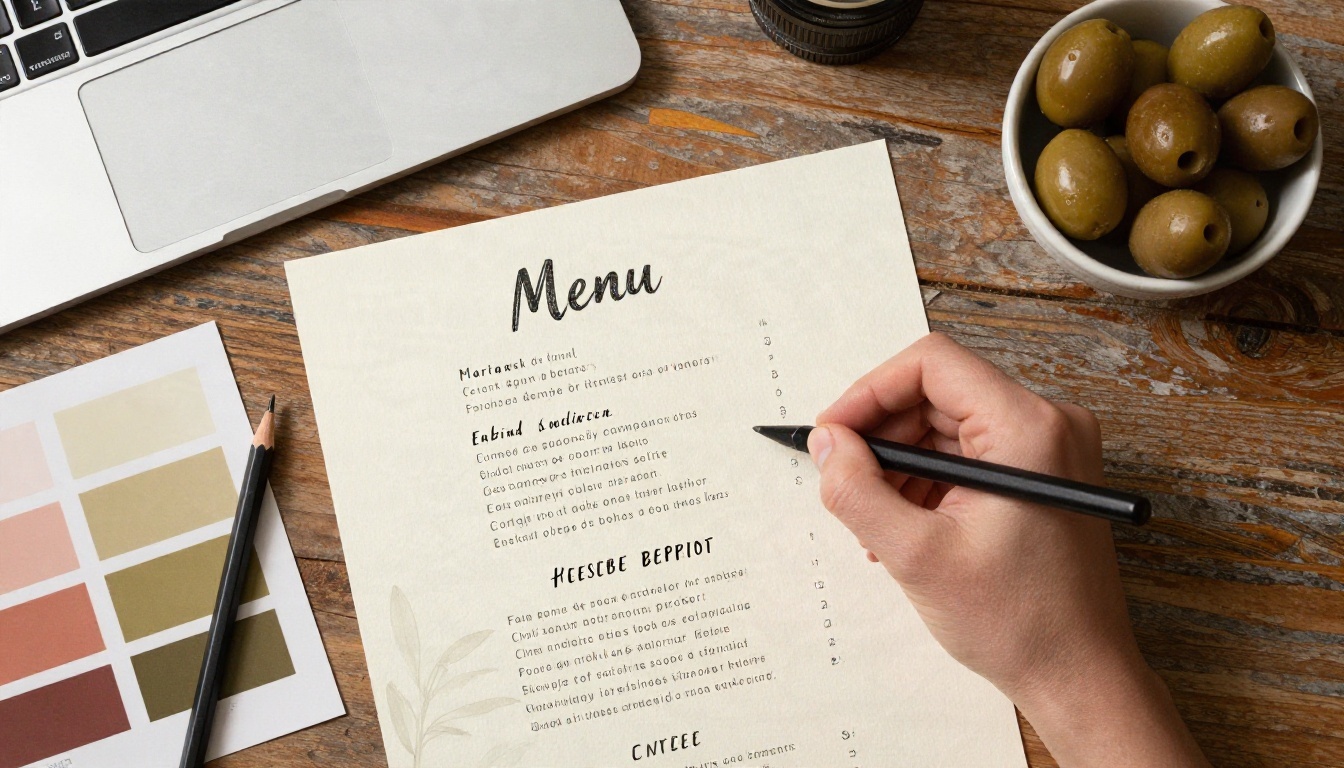
"Free" can mean three very different things: free forever, free for seven days, or free until you try to export. The difference matters more than any template library. Before you invest an afternoon building a menu, check what happens when you press the download button.
The Budget Reality
A small restaurant reprints its menu between two and six times a year. Each print run means design time, paper, lamination and delivery. Even a modest run adds up, and the moment a dish sells out, the printed copy is wrong. A digital menu fixes that: edit the source file, re-upload, and the link everyone already has shows the new version.
💡 Pro tip: Keep your menu source file in a shared cloud folder. When a price changes at 4 p.m., anyone on the team can update it before the dinner rush.
Features That Matter
Ignore the marketing banners and check these six things:
- No watermark on the exported or shared menu
- Mobile-responsive display, because most guests open your menu on a phone
- Custom branding such as your colors, logo and fonts
- Easy updates without breaking the link or QR code you already printed
- Multiple sharing options: link, embed, QR code
- Password protection for private menus like tasting events or staff training
| Feature | Why It Matters | What to Check |
|---|
| Watermark-free output | Guests judge you by the first screen | Test the export before you commit |
| Mobile layout | Over half of menu views happen on phones | Open the preview on your own phone |
| Stable link | Printed QR codes must keep working | Confirm you can replace the file behind the same link |
| Branding control | Consistency builds trust | Upload your logo and set hex colors |
| Password option | Private events and wholesale price lists | Look for a per-flipbook setting |
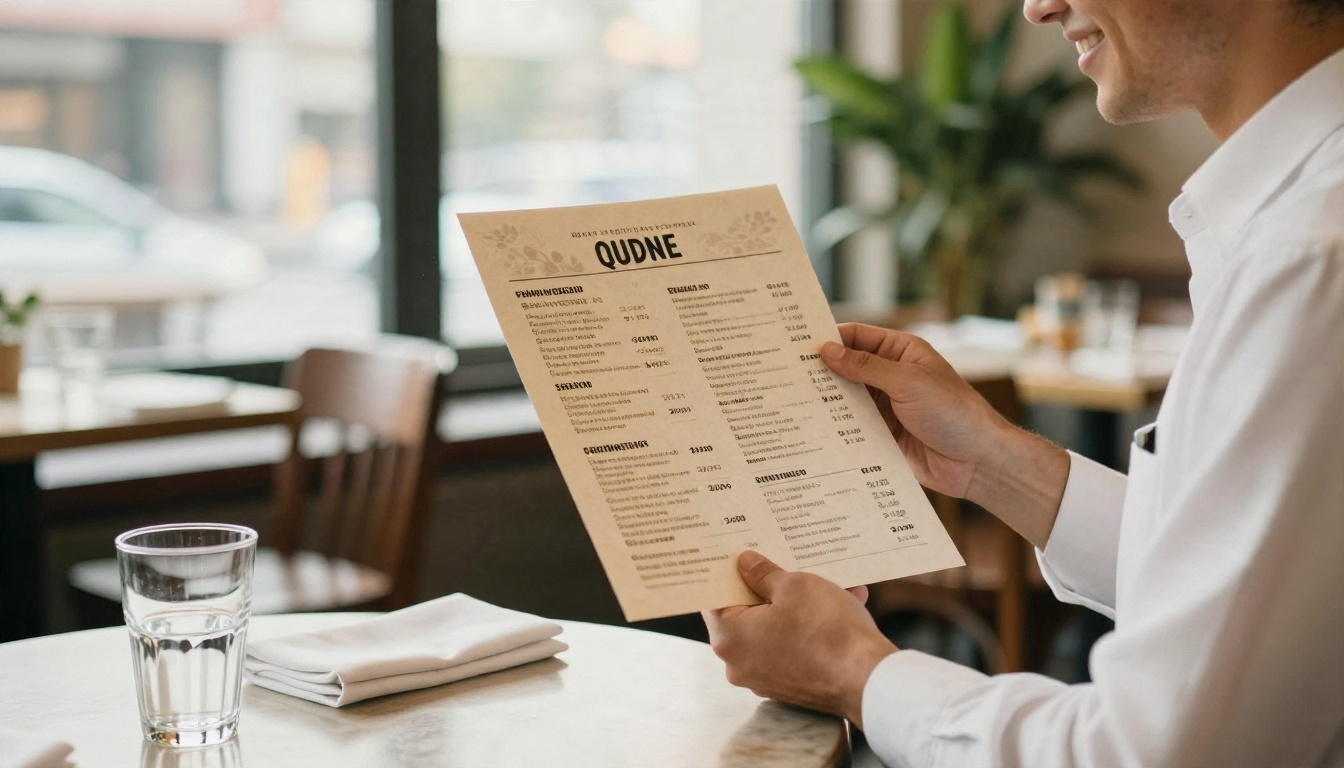
A template is only a starting grid. The right one depends on how long guests sit with your menu and how many items you list. A food truck with eight dishes and a fine-dining room with a tasting flight have almost nothing in common, so choose by use case rather than by looks.
Single Page for Quick Service
Cafes, bakeries and food trucks do best with one page, one column and large type. Guests decide in under a minute, so group items into three or four clear blocks: drinks, something savory, something sweet, extras. Leave generous white space around prices.
Multi-Page for Full Dinner Service
Restaurants with starters, mains, sides, desserts and a wine list need a page-turning format. This is where a flipbook shines. Each page keeps a single job, and the page-turn effect gives guests the feeling of holding a real menu while you avoid the cost of leather binders.
Drinks and Dessert Inserts
A separate drinks or dessert page, shared as its own link or QR code, lets servers put the right menu in front of guests at the right moment. After the main course, a dessert page on the table outsells a verbal list of specials almost every time.
| Template Type | Best For | Pages | Typical Update Frequency |
|---|
| One-page lunch | Cafes, food trucks, delis | 1 | Weekly |
| Multi-page dinner | Bistros, trattorias, steakhouses | 4 to 12 | Monthly or seasonal |
| Wine and cocktail list | Bars, wine rooms | 2 to 6 | Monthly |
| Dessert insert | Any sit-down venue | 1 to 2 | Seasonal |
| Event or tasting menu | Private dining, pop-ups | 1 to 3 | Per event |
If you want a ready-made starting point, the Restaurant Menu Creator and the Menu Flipbook Designer are built around exactly these formats.
Layout Rules That Sell Dishes
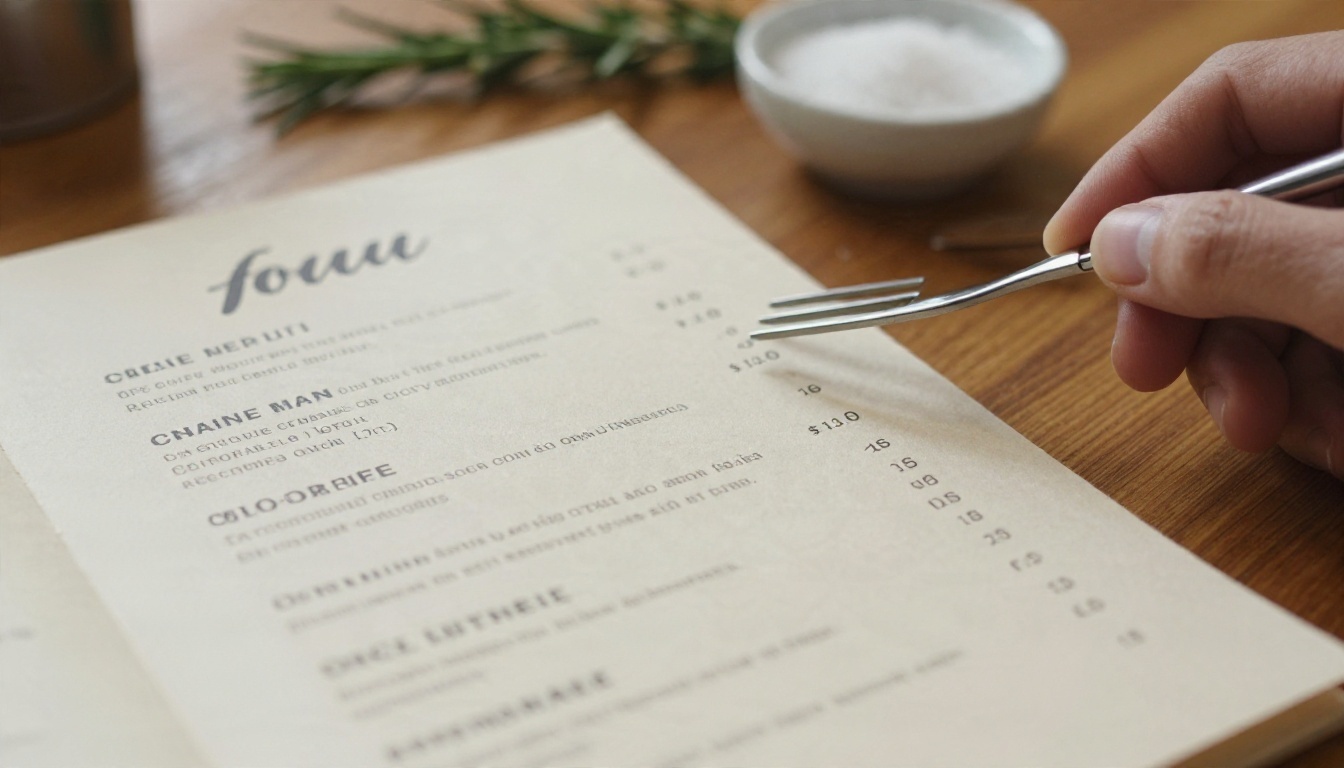
Menu design is quiet psychology. Layout decides which dishes get noticed, and noticed dishes get ordered. You do not need a design degree to apply the basics.
Follow the Eye Path
Guests tend to scan the top of a page first, then drift to the middle, then the bottom right. Place your highest-margin dishes in those natural landing spots. Avoid lining prices up in a neat right-hand column, because it invites price comparison. Tuck the price directly after the dish description in the same font size instead.
Fonts and Color
Stick to two fonts: one for headings, one for body text. Pick a palette of three colors at most, such as cream, olive and terracotta for a warm bistro, or charcoal and brass for a cocktail bar. High contrast matters in dim rooms, so test your menu at low screen brightness.
⚠️ Warning: Thin script fonts look elegant on a laptop and become unreadable on a phone held at arm's length in candlelight. Use them for the restaurant name only.
Photos or No Photos
Photos help casual venues and tourist areas, where guests may not know the dishes. Fine dining usually skips them and lets descriptions do the work. If you include photos, use real shots of your own plates, shot in natural light, rather than stock images that set expectations you cannot meet.
| Layout Choice | Casual Cafe | Bistro | Fine Dining |
|---|
| Photos per page | 2 to 4 | 1 to 2 | 0 to 1 |
| Items per page | 8 to 12 | 6 to 9 | 4 to 6 |
| Font style | Rounded sans | Serif plus sans | Refined serif |
| Description length | 5 to 8 words | 10 to 15 words | 15 to 25 words |

Here is the practical part. The workflow below assumes you design the pages in any tool you already like, whether that is a free design app, a word processor or a template, and export them as a PDF. Flipbooks AI then converts that PDF into a flipbook with page-turn effects. You can create an account in under a minute.
Step by Step: From PDF to Flipbook
- Create your account. Go to Flipbooks AI and sign up.
- Prepare your PDF. Export from your design app at A4 or Letter size, one menu page per PDF page. Keep the file under a sensible size so it loads fast on mobile data.
- Upload the PDF. Drag it into the dashboard. The PDF to Flipbook Converter turns each page into a flippable spread within moments.
- Check the preview. Flip through every page on desktop and on your phone. Look for cut-off text and tiny prices.
- Customize the look. Set your background color, add your logo, choose the page-turn effect and adjust sound if you want the paper rustle.
- Add multimedia. Embed a short video of the kitchen or an audio note from the chef. Video and audio can sit directly on the page.
- Choose your sharing method. Copy the direct link, grab the embed code or generate a QR code for tables.
- Publish and test. Scan the QR code with two different phones before you print anything.
💡 Pro tip: Name your flipbook with the season, for example "Autumn Dinner", so you can tell versions apart in your dashboard.
Branding That Feels Like You
The shared flipbook should look like an extension of your dining room. Upload your logo, match the background to your wall color and keep the page-turn effect subtle. No watermarks appear on your menu, so the only brand guests see is yours.
Pro Features Worth Knowing
Once the basics are live, the Professional plan adds analytics, lead generation and offline downloads. Analytics tell you which pages get the most attention, which is useful for deciding where to put your specials. Lead capture lets you collect an email address before a guest opens a private event menu. Offline downloads give regulars a copy they can read without a signal. You can compare tiers on the pricing page, and standard plans and above allow unlimited flipbooks, handy if you keep separate menus for lunch, dinner, brunch and catering.
Sharing Options Compared
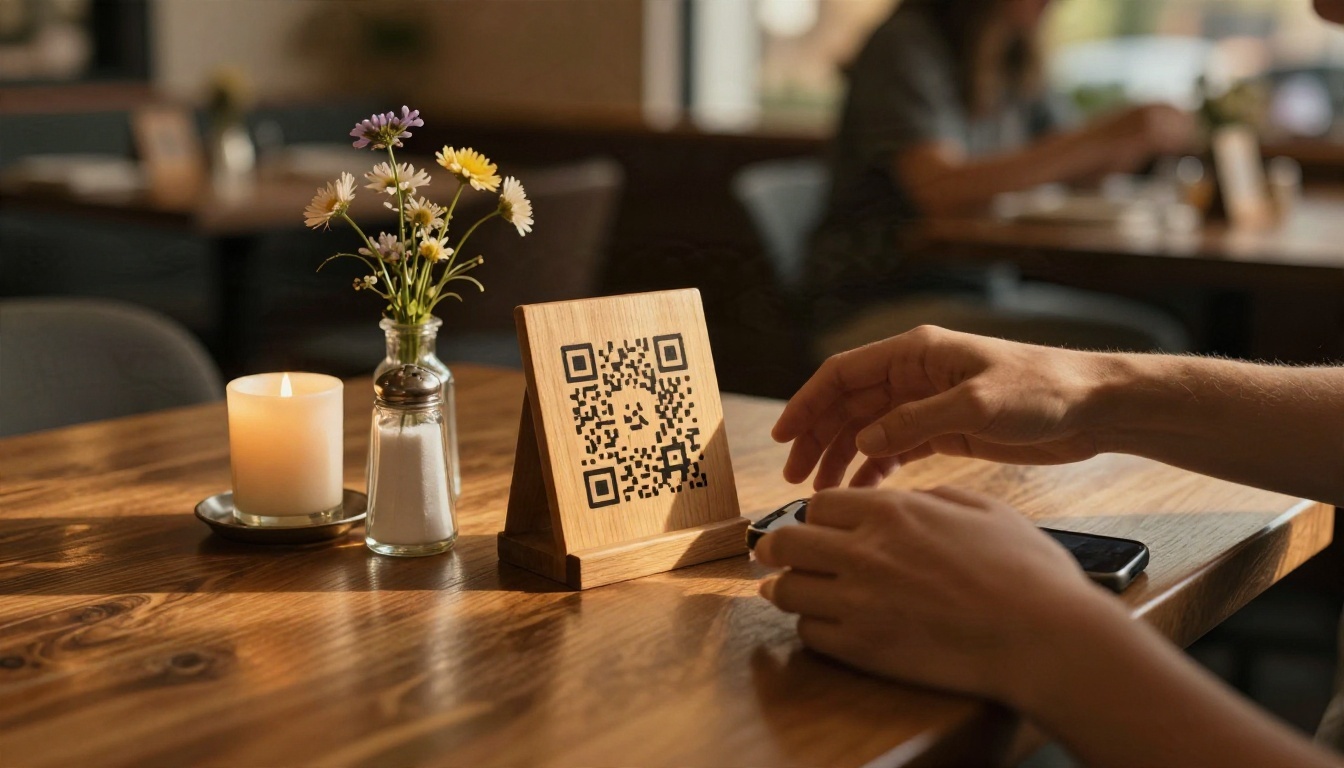
A beautiful menu does nothing if guests cannot reach it. The good news is that a flipbook can be shared several ways at once, so each channel does its own job.
| Sharing Method | Best Use | Setup Time | Notes |
|---|
| Direct link | Social bios, messages, newsletters | 1 minute | Updates automatically when you replace the file |
| QR code on tables | Dine-in ordering | 5 minutes | Print on a small stand or tent card |
| Website embed | Menu page on your site | 10 minutes | Follow the Embed Flipbook on Website tool |
| Password link | Private events, staff menus | 2 minutes | Share the password only with invited guests |
| Offline download | Regulars, delivery partners | 1 minute | Available through Professional features |
QR Codes on the Table
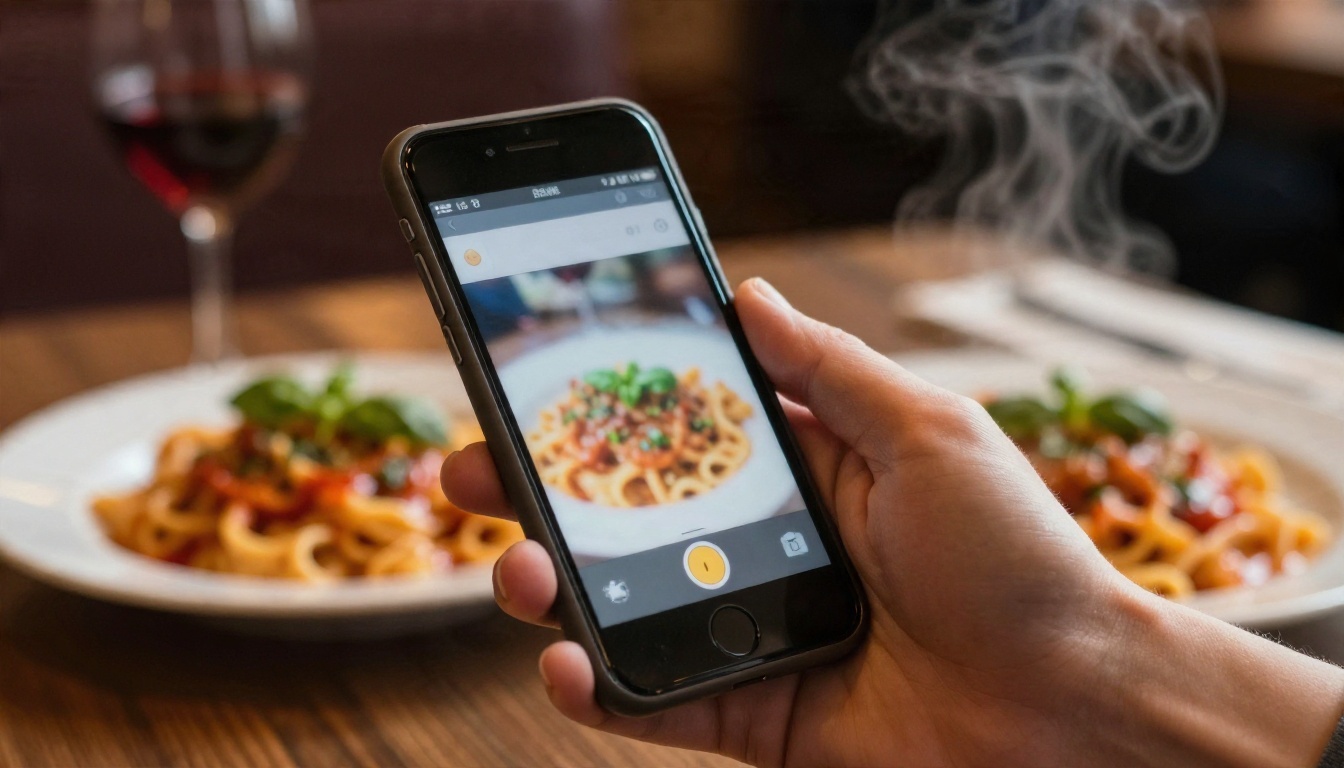
A QR code is the cheapest signage you will ever buy. Print it at least 3 cm wide, place it where guests naturally look, and add a short line like "Scan for today's menu". Avoid glossy surfaces that reflect ceiling lights and make scanning frustrating.
Your Website and Social Profiles
Embed the flipbook on a dedicated menu page, then paste the direct link into your Instagram bio, Google Business Profile and delivery platform descriptions. Search engines can index the page that hosts the embed, so also add a few lines of text about your cuisine and opening hours around it.
✅ Best practice: Keep the same link everywhere. When the menu changes, replace the PDF behind the link rather than creating a new flipbook, and every channel updates at once.
Real Restaurant Scenarios
Theory helps, but examples make it stick. These three setups show how different venues use the same workflow.
The Neighborhood Cafe
A cafe with twelve items builds a one-page menu, uploads it, and places a QR stand on each table and a small printed card at the counter. When the oat milk supplier changes, the owner edits one line and re-uploads in five minutes. The same link keeps working.
The Family Trattoria
A family trattoria keeps a multi-page flipbook with starters, pasta, mains and desserts, plus a separate wine page. Servers open the dessert page on a tablet at the table, and the owner embeds the whole menu on the restaurant website so tourists can read it before booking.
The Pop-Up Supper Club
A supper club sells twenty seats for a single evening. The organizer builds a three-page tasting menu, adds password protection and sends the link only to ticket holders. After the event, the flipbook is archived, and a short video of the kitchen at work stays in the portfolio.
| Scenario | Pages | Main Channel | Special Feature |
|---|
| Neighborhood cafe | 1 | QR on tables | Weekly edits to the same link |
| Family trattoria | 8 | Website embed | Separate wine and dessert pages |
| Pop-up supper club | 3 | Password link | Private access for ticket holders |
| Hotel dining room | 10 | Link plus offline download | Guests read in their rooms |
Other food businesses can borrow the same approach. A bakery can publish a seasonal digital price list, a hotel can pair its menu with a hotel brochure, and a chef who is proud of their dishes can collect them in a recipe book flipbook. A wellness venue with tea and juice lists will find the Spa and Wellness Menu tool fits better.
Mistakes That Cost You Orders
Most menu problems are small and fixable. Here are the five that show up most often.
- Too many items. Past roughly seven dishes per category, guests freeze and default to the safest option. Trim ruthlessly.
- Low-contrast text. Light gray on cream looks stylish on your monitor and unreadable in a dim room.
- Oversized PDFs. A 40 MB file loads slowly on mobile data. Compress images before export.
- Dead QR codes. Printing a code that points to a temporary file means reprinting later. Use a link that stays stable.
- No allergen notes. Add clear icons or short notes for common allergens. It protects guests and your business.
⚠️ Warning: Always have a printed fallback for guests without a smartphone. A single laminated page behind the host stand is enough.
A Quick Pre-Publish Checklist
Before you share the final link, run through this list:
- Read every price aloud against your point-of-sale system
- Check spelling of dish names in the original language
- Flip through on a phone with low brightness
- Scan the QR code from arm's length
- Confirm the password works if you set one
- Ask a regular guest to find the vegetarian options in ten seconds
A free restaurant design app gets you the pages. A flipbook gets those pages into your guests' hands, on their own phones, with no printing delay and no watermark in the corner. Pick one template this week, build the pages, export a PDF and publish it. You can refine fonts and photos on the next update, which now takes minutes rather than days.
Ready to put your menu online? Get started for free on Flipbooks AI, browse all flipbook tools to find the format that suits your venue, or compare pricing plans if you need analytics, lead generation and unlimited flipbooks for several menus. Your next seasonal update could be live before the lunch rush.



