Your menu is the first thing every guest reads, and these days they read it on a phone. If you are searching for a restaurant menu app, you probably want three things: a free way to start, a menu that works on Android as smoothly as on iPhone, and features that actually save you time during service. This article sorts out what is real and what is marketing. Along the way you will see how a tool like Flipbooks AI turns a plain PDF into a page-turning digital menu without a watermark or a download.
A restaurant menu app is any software that puts your food and drink list on a guest's screen. Some are real apps you install from Google Play. Others are web menus that open from a QR code. The label "app" is used loosely, and that confusion costs owners time, so it helps to separate the types first.
The Three Main Types
| Type | How guests open it | Best for | Typical effort |
|---|
| Native app | Download from Google Play or the App Store | Chains with loyalty programs | High, needs development |
| Web menu (QR) | Scan a code, opens in the browser | Almost every independent venue | Low |
| Flipbook menu | Scan a code or click a link, pages turn like a printed menu | Venues that want a designed look | Low |
For most independent restaurants, cafés, and bars, a web or flipbook menu beats a native app. Guests will not install an app to read a lunch list. They will scan a code and expect it to load in two seconds.
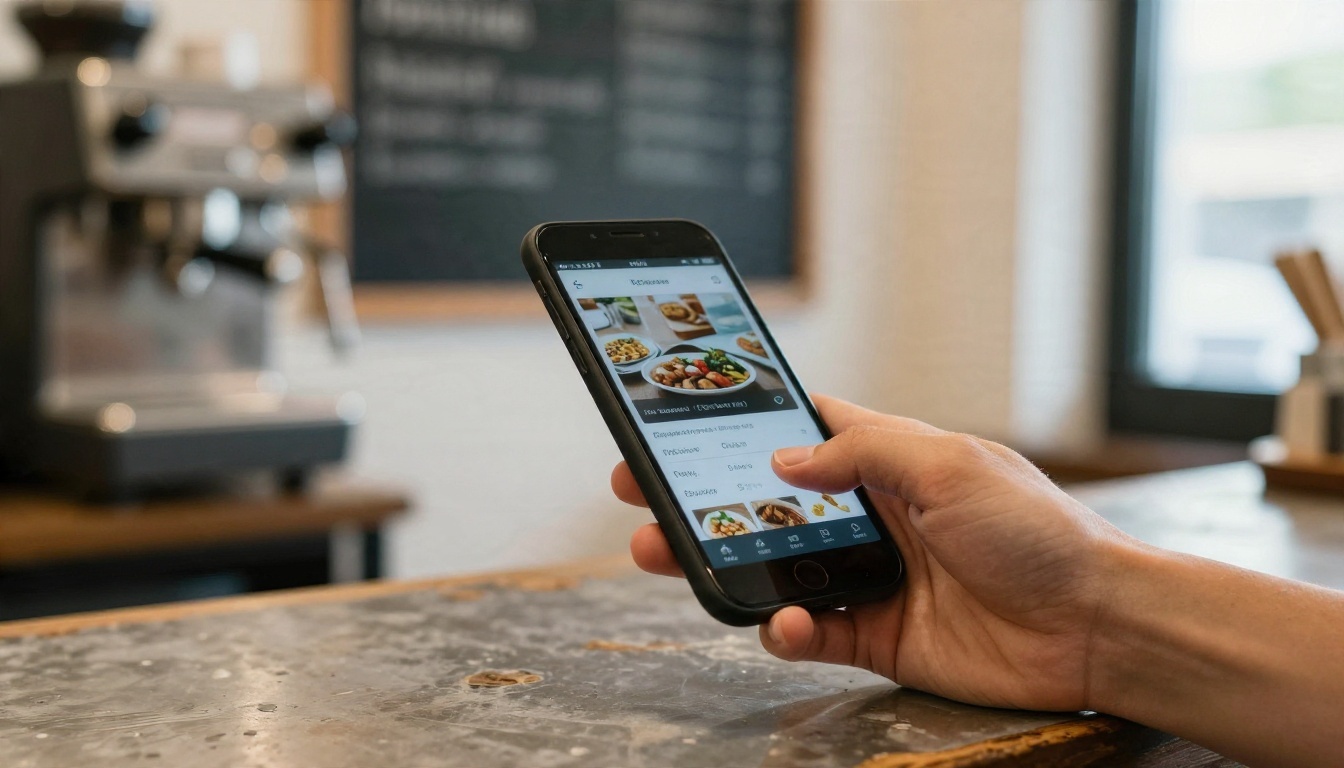
What Diners Actually Expect
Think about your own habits. A guest sits down, pulls out a phone, and wants to see dishes, prices, and allergens without pinching and zooming. They expect:
- Fast loading on a weak restaurant Wi-Fi or mobile data.
- Readable text without horizontal scrolling.
- Clear photos that make the dish look like what arrives.
- Current prices, not last season's.
A menu that fails on any of these sends people back to asking the waiter, which defeats the point.
Free Options: What You Really Get
Free is a real starting point, but it comes in several flavors. Some are truly free forever, some are trials, and some are free until you want your logo on the page.
Free Tiers and Their Limits
Typical limits on free restaurant menu tools include:
- A cap on items or pages, often 20 to 50 dishes.
- Vendor branding printed on your menu or QR page.
- No custom domain or a link that looks like a random string.
- No analytics, so you never learn which dishes get attention.
- No export, which locks your content inside the tool.
⚠️ Always check whether the free plan adds a watermark. A "Powered by" banner on a fine dining menu looks careless, and removing it usually means an upgrade.
Hidden Costs to Watch
The sticker price is rarely the full story. Watch for per-order commissions, charges for each QR code, extra fees for more languages, and paid support. A tool that looks cheap at 10 items can get expensive at 80.
| Cost model | Looks like | Risk |
|---|
| Free forever | No card required | Branding, limits, ads |
| Free trial | 7 to 30 days full access | Menu disappears on day 31 |
| Freemium | Basic free, extras paid | Features you need sit behind the paywall |
| Flat monthly | One price, no surprises | Pay even in slow months |
| Commission | Pay per order | Eats margin on every sale |
If you already have a designed PDF menu, the cheapest route is often to convert it rather than rebuild it in a template editor. That is exactly what the PDF to Flipbook Converter does, and you can review current plans and limits before committing.
Android Support Without the Headaches
Android holds a large share of phones in many markets, and its screens vary a lot: budget handsets, large foldables, older browser versions. A menu that looks perfect on your own phone can break on a guest's.
Native App or Browser Menu?
A native Android app needs development, Google Play review, updates, and guests willing to install it. A browser menu skips all of that. It works through Chrome, Samsung Internet, and every other browser, and it updates the moment you change it.
| Approach | Android reach | Updates | Cost |
|---|
| Native Android app | Only guests who install it | Through Google Play | High |
| Responsive web menu | Every Android browser | Instant | Low |
| Flipbook with mobile layout | Every Android browser | Instant, re-upload the PDF | Low |
| Raw PDF link | Opens, but needs zooming | Replace the file | Free |
The raw PDF deserves a warning. It technically works on Android, but tiny text and slow downloads frustrate people. A mobile-responsive flipbook solves that by adapting pages to the screen.
Testing on Real Android Devices
Before you print a single QR code, run this quick check:
- Open the menu on at least two different Android phones, one older and one newer.
- Try both Chrome and Samsung Internet.
- Switch to mobile data and time how long it takes to load.
- Turn the phone sideways and confirm nothing breaks.
- Test in dim lighting to check contrast.
💡 Ask your staff to test on their own phones. Instant feedback from five different devices beats any emulator.
Feature lists on vendor sites can run to forty items. In a working restaurant, only a handful change your day.
Photos, Allergens, and Languages
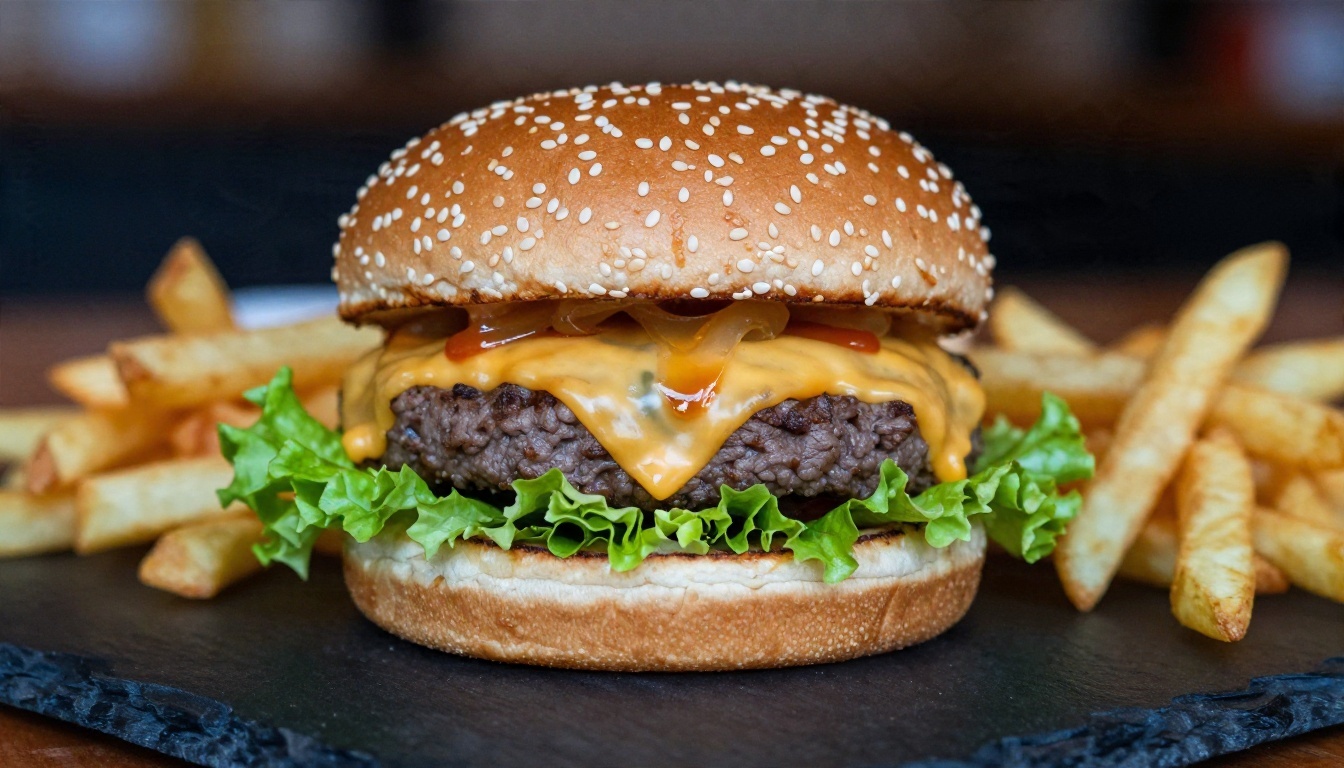
Good photography sells dishes. People order what they can picture. Pair it with clear allergen labels and, if you serve tourists, a second language. A menu that tells a gluten-free guest what is safe protects both them and you.
Live Updates and Sold-Out Items
Printed menus go stale the moment the fish runs out. A digital menu lets you correct a price or remove a dish in minutes. With a flipbook, you re-upload the revised PDF and the same link and QR code show the new version. No reprint, no crossed-out lines.
QR Codes and Table Ordering
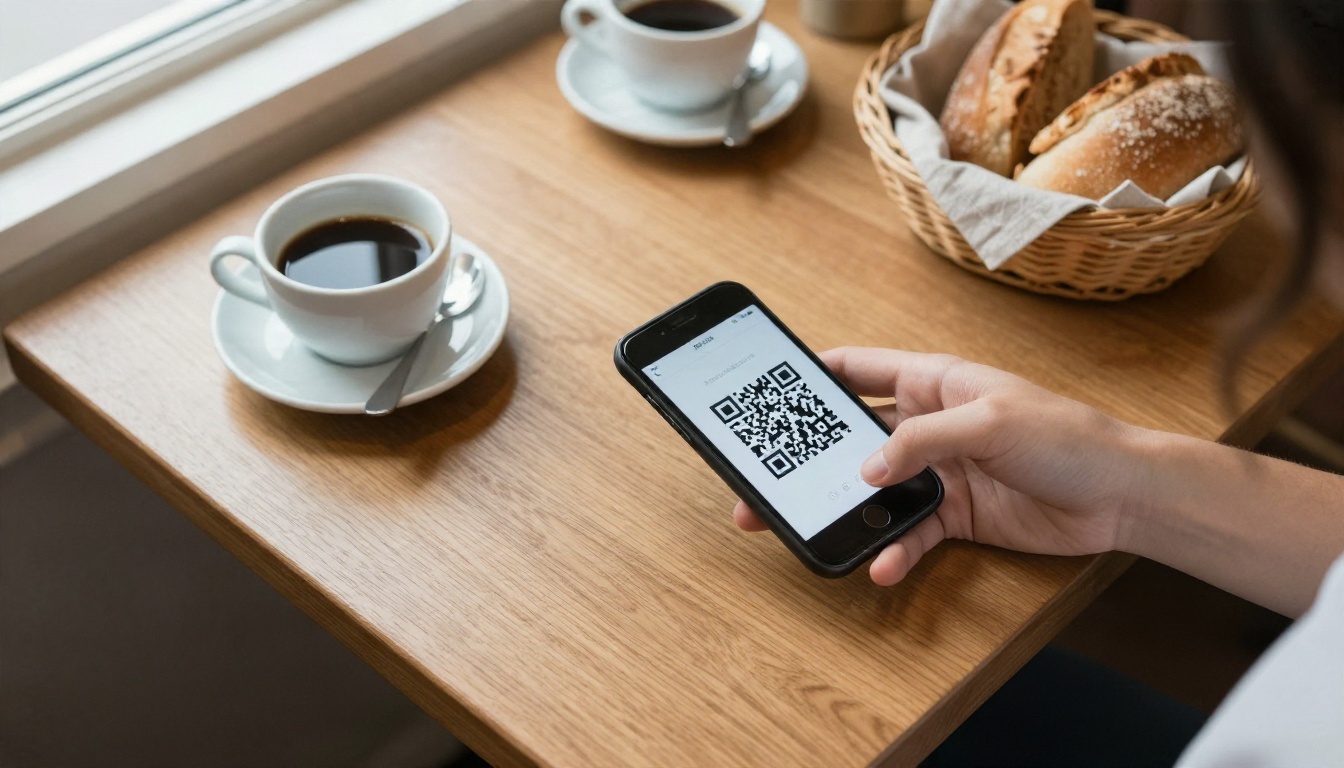
The QR code is the bridge between the table and the menu. Print it on a table stand, a sticker, or the receipt. Keep the code large enough to scan from arm's length, and always put a short URL beside it for guests whose cameras struggle.
Here is a quick comparison of the features owners ask about most:
| Feature | Why it matters | Needed by most venues? |
|---|
| Mobile-responsive layout | Readable on every Android screen | Yes |
| Fast updates | Prices and specials change | Yes |
| QR code | Table access with no typing | Yes |
| Password protection | Private or event menus | Sometimes |
| Analytics | See which pages get read | Helpful |
| Embedded video or audio | Chef intros, ambience | Optional |
| Online ordering | Take payment | Only if you do delivery |
✅ Start with the first three rows. Add the rest only when you have a clear reason.
If you already have a menu in PDF, Word, or a design tool, this takes about ten minutes. The Restaurant Menu Creator and the Menu Flipbook Designer are built for exactly this.
Upload and Convert Your PDF
- Go to Flipbooks AI and create an account.
- Click the upload area and choose your menu PDF. Export it at a normal resolution, since huge files load slowly on mobile data.
- Wait a few seconds while the pages are converted into a flipbook. You will see a preview with page-turning animation.
- Check that every page looks right, especially tables of prices and any small print.
💡 If your menu is only photos of a printed card, rescan it flat and well lit first. Crooked pages look sloppy once digital.
Customize Branding and Pages
Make the menu feel like your venue instead of a generic template:
- Colors and background that match your signage and walls.
- Your logo on the viewer, with no vendor watermark on the page.
- Page effects such as a realistic page curl, or a simple slide if you prefer calm.
- Multimedia, like a short video of the kitchen or an audio clip for ambience.
- Clickable links from dishes to a booking page or your social profiles.
Share, Embed, and Protect
Once it looks right, publish and share it in the way that suits your venue:
- Direct link for Instagram bios, WhatsApp, and Google Business Profile.
- QR code for table stands, windows, and takeaway bags.
- Embed code to place the menu on your site. The Embed Flipbook on Website page explains the steps.
- Password protection for private dinners, staff menus, or wedding tastings.
Pro Features: Analytics and Leads
On the Professional plan you get analytics showing which pages are read most and lead generation forms that collect an email before a guest sees a tasting menu. You also get offline downloads, handy for guests who want to save the wine list. Standard plans include unlimited flipbooks, so you can keep separate menus for lunch, dinner, brunch, and drinks. See the full list on the pricing page.
| Plan feature | Basic use | Professional use |
|---|
| No watermark | Clean menu page | Clean menu page |
| Unlimited flipbooks | Lunch, dinner, drinks | Several venues |
| Password protection | Private events | Member-only menus |
| Analytics | Not included | See page-level reading |
| Lead generation | Not included | Collect emails for offers |
| Offline downloads | Optional | Offer saved copies |
Real-World Examples
Theory only goes so far. Here is how three different venues might use the same idea.
The Neighborhood Bistro
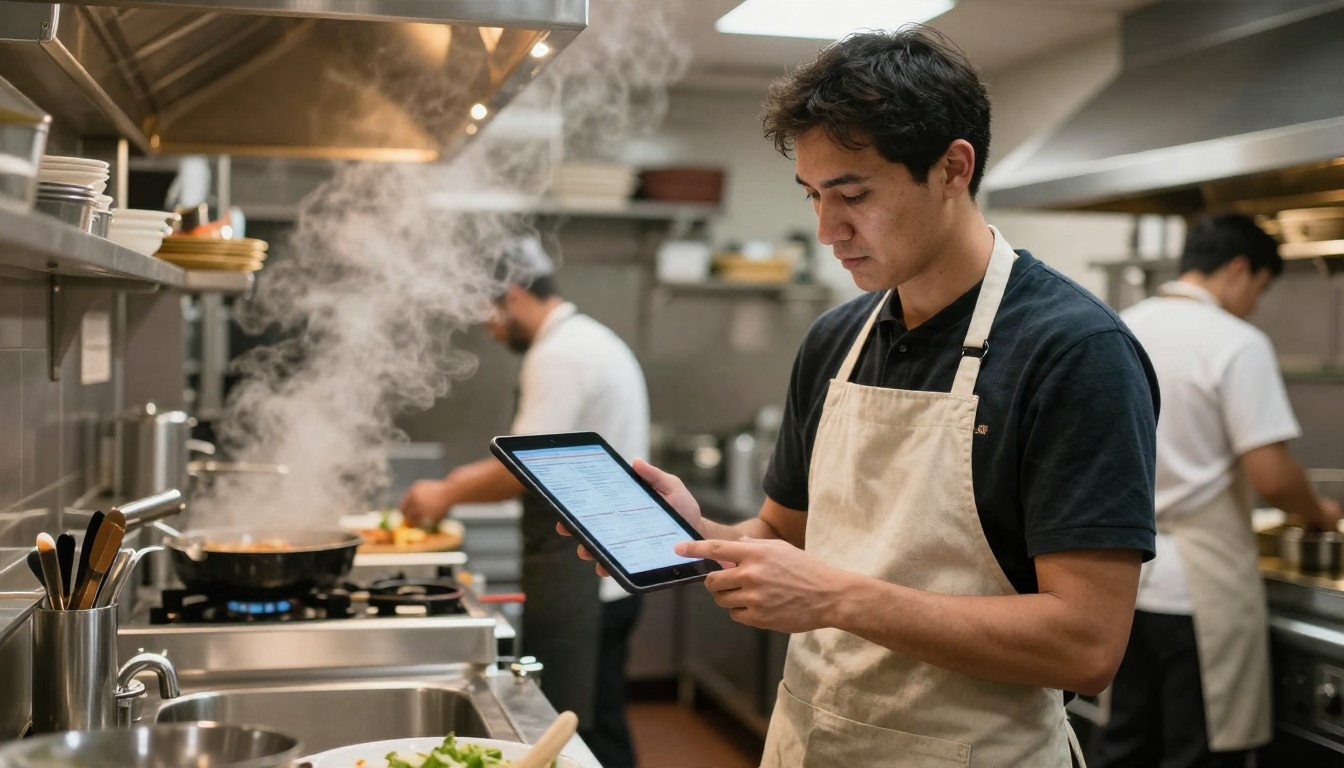
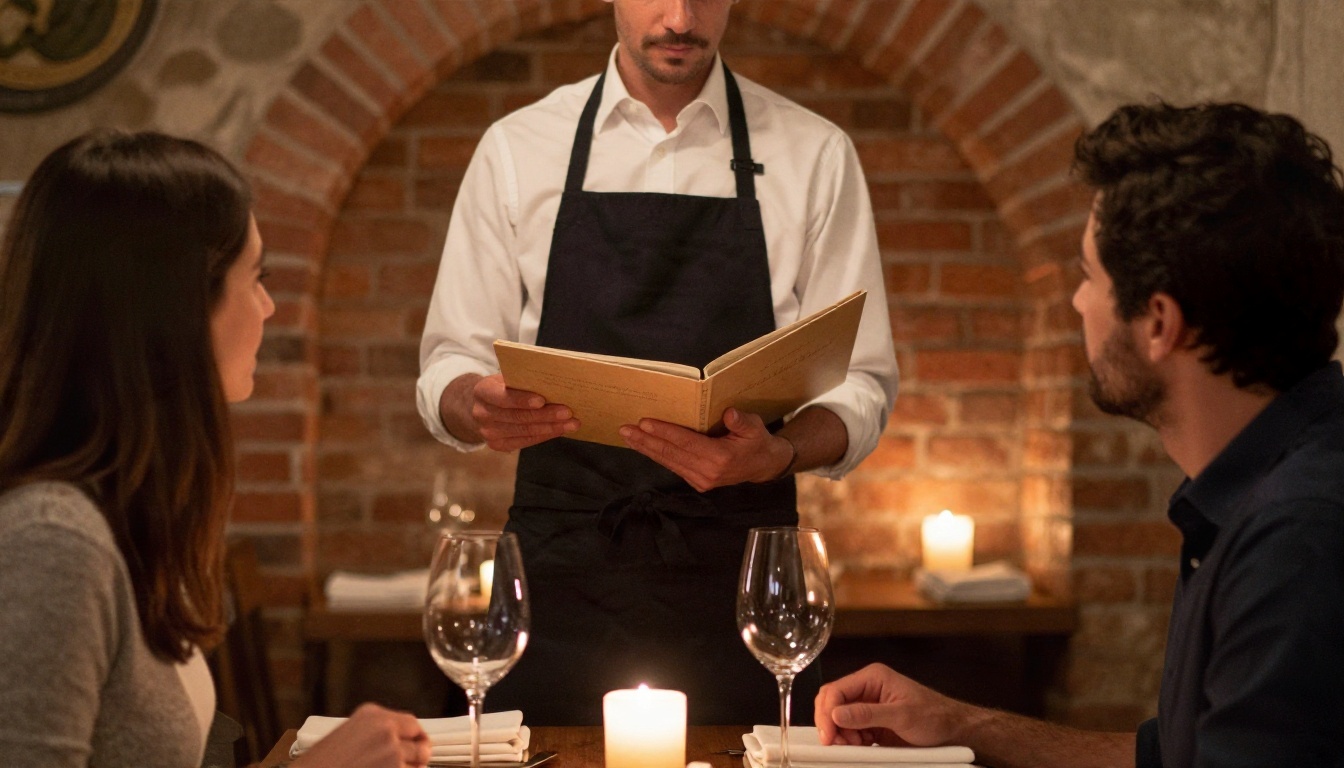
A bistro with a weekly changing menu exports a PDF every Monday, re-uploads it, and keeps the same QR code on every table. Nothing is reprinted. The owner saves the print bill and avoids stale pages. A waiter can also pull the menu up on a tablet to show a guest a dish they are unsure about.
The Food Truck
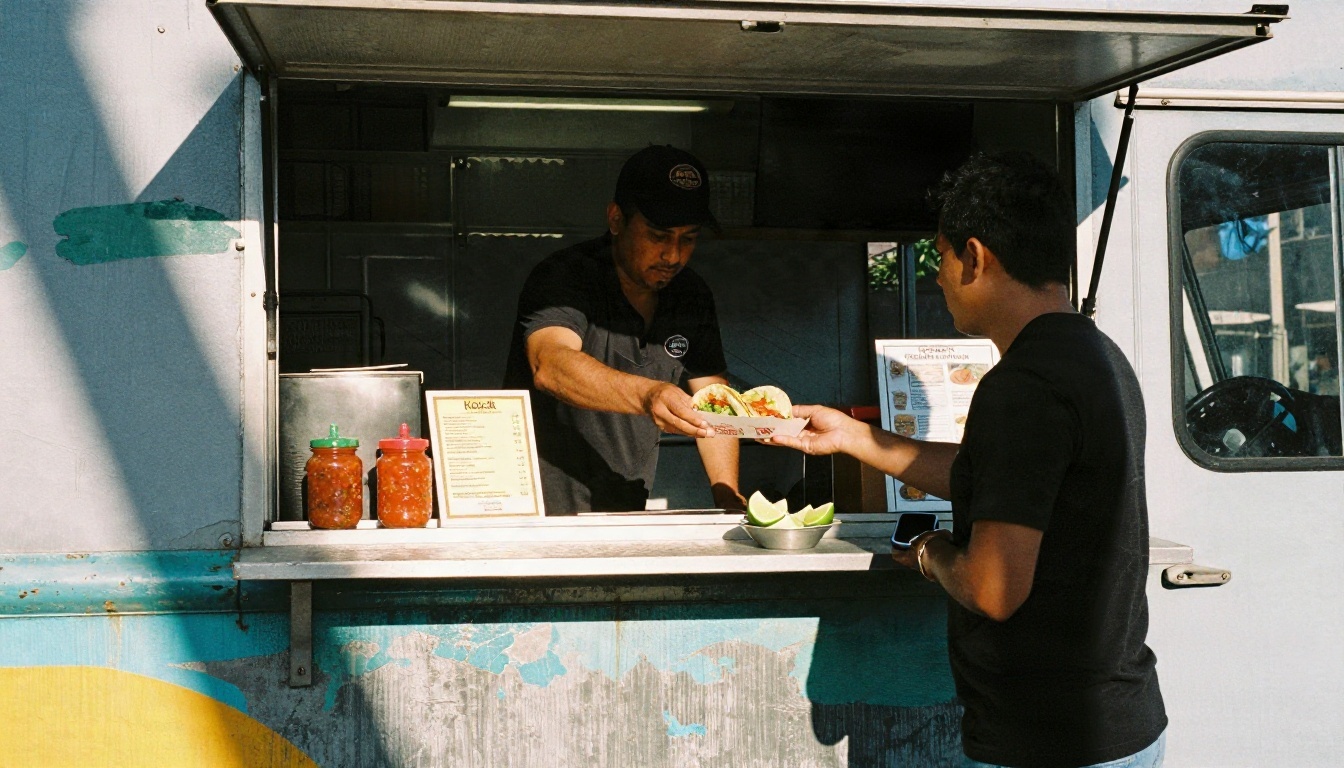
A truck has no room for a big board. A QR code on the serving window opens a short, photo-led menu that works on cheap Android phones with patchy signal. The owner updates the location and specials daily from a phone. A lightweight PDF keeps load times small.
The Café With Several Menus
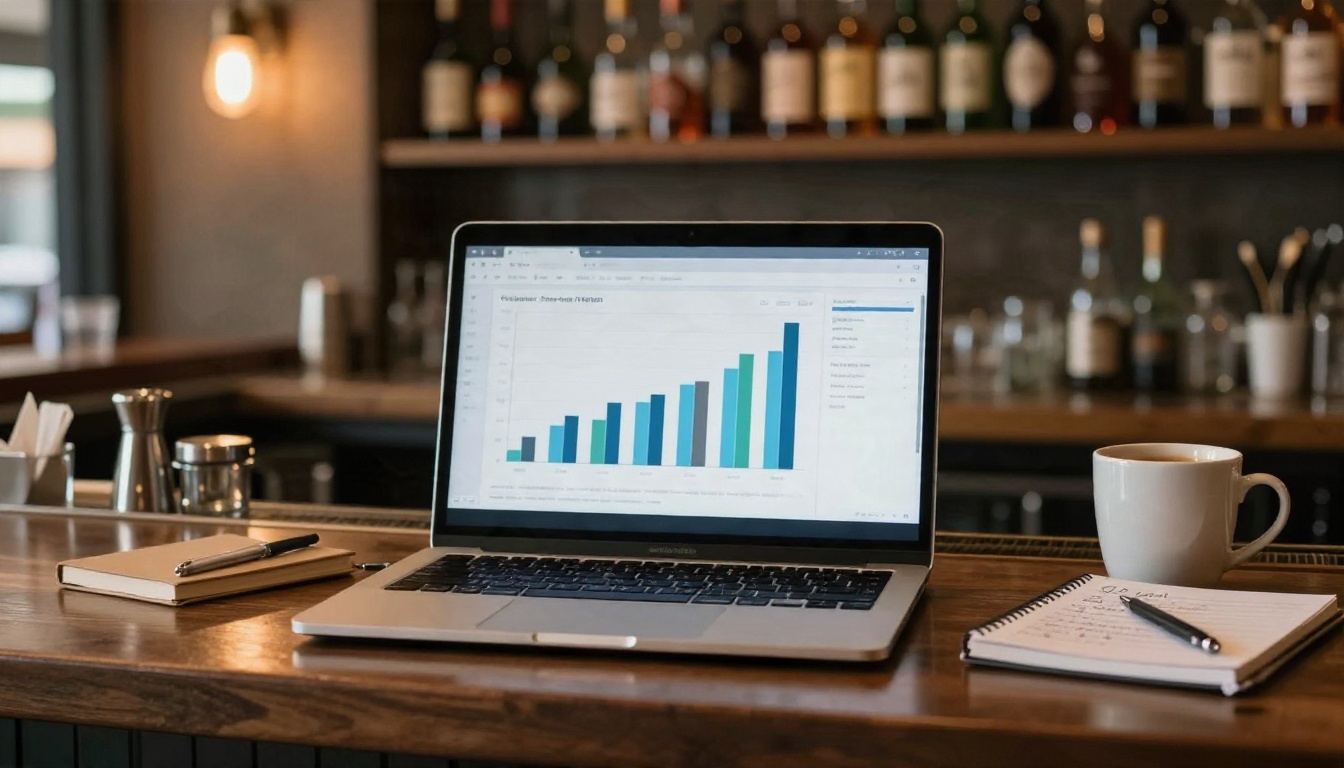
A café keeps one flipbook for breakfast, one for lunch, and one for seasonal drinks. Each has its own link, and the owner checks analytics to see which seasonal page draws the most views. Where the pastry pages get few views, they move them up front. You can adapt the same approach with the Digital Price List Generator for simple, price-driven lists.
Mistakes to Avoid
Most menu problems come from small choices that nobody tested.
Overloading the First Page
If the first screen is a wall of text, guests give up. Lead with the strongest sections, such as signature dishes or the day's specials, and keep the rest a swipe away.
Ignoring Contrast and Font Size
Dark text on a dark photo is unreadable in a dim dining room. Use body text large enough to read at arm's length, and test it in the real room with real lighting.
Letting the Menu Go Stale
A digital menu that is wrong is worse than a printed one that is right, because guests trust the screen. Put a weekly reminder in your calendar to check prices, allergens, and sold-out dishes.
Locking Yourself Into One Tool
Keep the master file of your menu in an editable format. If you can always re-export a PDF, you can switch tools without rebuilding from scratch.
⚠️ Avoid any tool that does not let you export your content. Your menu is your asset, not the vendor's.
Pick Your Setup Today
Here is the short version. If you want a free start, test a few tools with your real menu, not the demo one, and check for watermarks, item limits, and export options. If you care about Android, choose a mobile-responsive web or flipbook menu over a native app. If you want a polished, designed look with simple updates, a flipbook menu is hard to beat.
Ready to try it? Create your first menu on Flipbooks AI, upload your PDF, and have a QR code on your tables the same afternoon. Browse all flipbook tools if you also need a spa menu, a recipe book, or an event program, and compare pricing plans when you are ready for analytics and lead generation.



