A guest sits down, pulls out a phone, points it at a small square on the table, and your whole menu appears in two seconds. That is the promise of the QR code menu, and for plenty of restaurants it works exactly like that. For others it ends in squinting, slow loading PDFs and a server who ends up reading the specials aloud anyway. The difference comes down to setup, print size and the page the code points to. This article walks through real-world examples, a free setup process, the sizes that scan reliably, and the alternatives worth considering. If you want a menu that looks polished on any phone, you can build one with Flipbooks AI and point your code at it.
QR menus spread fast because the economics are simple. A printed menu costs money every time a price changes, a dish sells out or a season turns. A QR code costs almost nothing, and the page behind it can be edited in minutes.
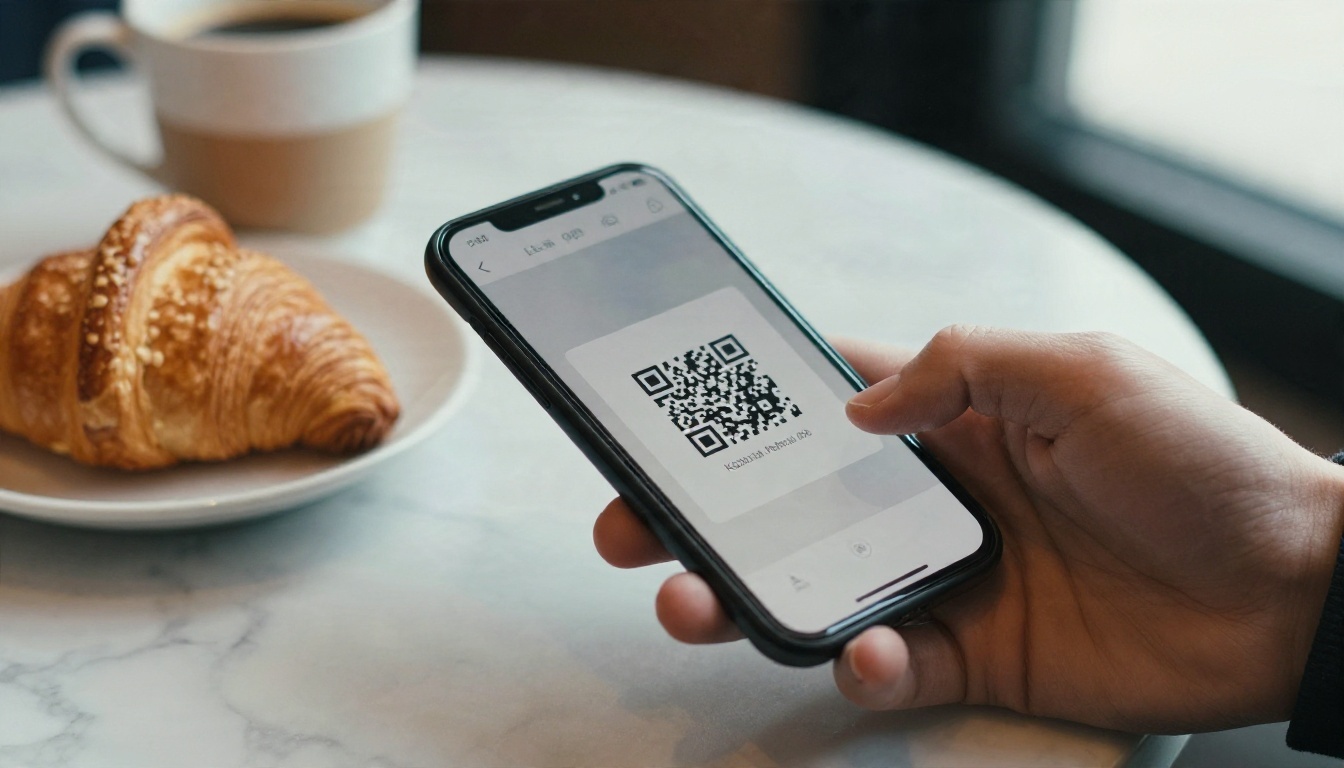
The practical reasons owners give most often:
- Lower reprint costs. No more throwing away 200 laminated menus because the burger went up by a dollar.
- Faster updates. Mark an item as sold out at 7 pm and every table sees it immediately.
- Hygiene and wear. Nothing sticky to wipe between seatings.
- Photos and allergen notes. A digital page has room that a single printed sheet never will.
- Multiple languages. One code can lead to several language versions for tourists.
What Guests Actually Think
Guests are not uniformly thrilled. Younger diners tend to scan without a second thought. Older guests and large groups often prefer paper, and anyone with a dead battery or no signal is stuck. A restaurant that offers only a QR code sends a message about who the place is for.
💡 Pro tip: Keep two or three paper menus at the host stand. Offering them quietly, without being asked, removes most of the friction and wins back the guests who dislike scanning.
Where QR Menus Work Best
They suit places where speed and flexibility matter more than ritual:
- Counter service and fast casual spots
- Bars with rotating drinks lists
- Food trucks and pop-ups
- Cafes with seasonal specials
- Hotel restaurants serving international guests
They are a tougher fit for traditional fine dining, where handing over a heavy printed menu is part of the experience.
Real Examples From Different Restaurants
These are typical scenarios drawn from how independent venues set things up. Each one solves a different problem.
The Neighborhood Cafe
A cafe with 12 tables puts a small acrylic stand on each one. The code leads to a single mobile page with coffee, pastries and a daily specials section at the top. The owner edits the specials every morning before opening, which takes about three minutes. Paper menus stay behind the counter for guests who ask.
The Family Taqueria
A taqueria with a mostly local crowd prints the code on a large window sticker and a counter sign, not on tables. Guests scan while queuing, decide, then order at the register. The menu page is in English and Spanish, with big photos of the top sellers. Because ordering happens at the counter, the QR code only needs to do one job: display the menu fast.
The Fine Dining Room
A tasting-menu restaurant uses no code on the table at all. Instead, the printed menu carries a tiny code at the bottom that leads to the wine list, allergen details and sourcing notes. The experience stays tactile, and the digital layer is optional depth.
| Restaurant type | Code placement | Menu format | Main benefit |
|---|
| Cafe | Table stand | Single mobile page | Daily specials in minutes |
| Taqueria | Window and counter | Bilingual photo menu | Shorter queue decisions |
| Fine dining | Printed menu footer | Wine and allergen pages | Depth without clutter |
| Food truck | Side panel sticker | One scrolling page | Zero printing costs |
| Hotel restaurant | Room cards and tables | Multi-language flipbook | Works for international guests |
Free Setup in Five Steps
You can launch a working QR menu without paying for anything. The only real decision is what the code points to.
Pick a Destination First
Before you generate any code, decide where it will lead. Your options are a PDF, a web page, or a flipbook-style menu. A raw PDF is the fastest to make but the weakest on phones, because guests have to pinch and zoom. A purpose-built mobile page or flipbook reads like an app.
Generate a Static Code
Free QR generators are everywhere. Choose one that produces a static code, which encodes your link directly and never expires. Be careful with generators that offer a "free" dynamic code: many disable it after a trial, and every printed sticker you made stops working.
Test Before You Print
Scan the code with at least three phones, including an older Android and an iPhone, on both Wi-Fi and mobile data. Time how long the page takes to appear. If it takes more than three seconds, shrink your images.
Here is the full process in order:
- Build or upload your menu to a mobile friendly page.
- Copy the final link.
- Paste the link into a static QR generator.
- Download the code as SVG or high-resolution PNG.
- Print one test copy and scan it from the actual seating distance.
⚠️ Warning: Never print 300 stickers before testing one. A code that points to a typo link is an expensive mistake.
Printing Sizes That Scan Reliably
A QR code that is too small is the most common reason scanning fails. The usual rule of thumb is a 10 to 1 ratio: the code should be at least one tenth as wide as the distance it will be scanned from. A guest holding a phone 30 cm away needs a code of at least 3 cm.
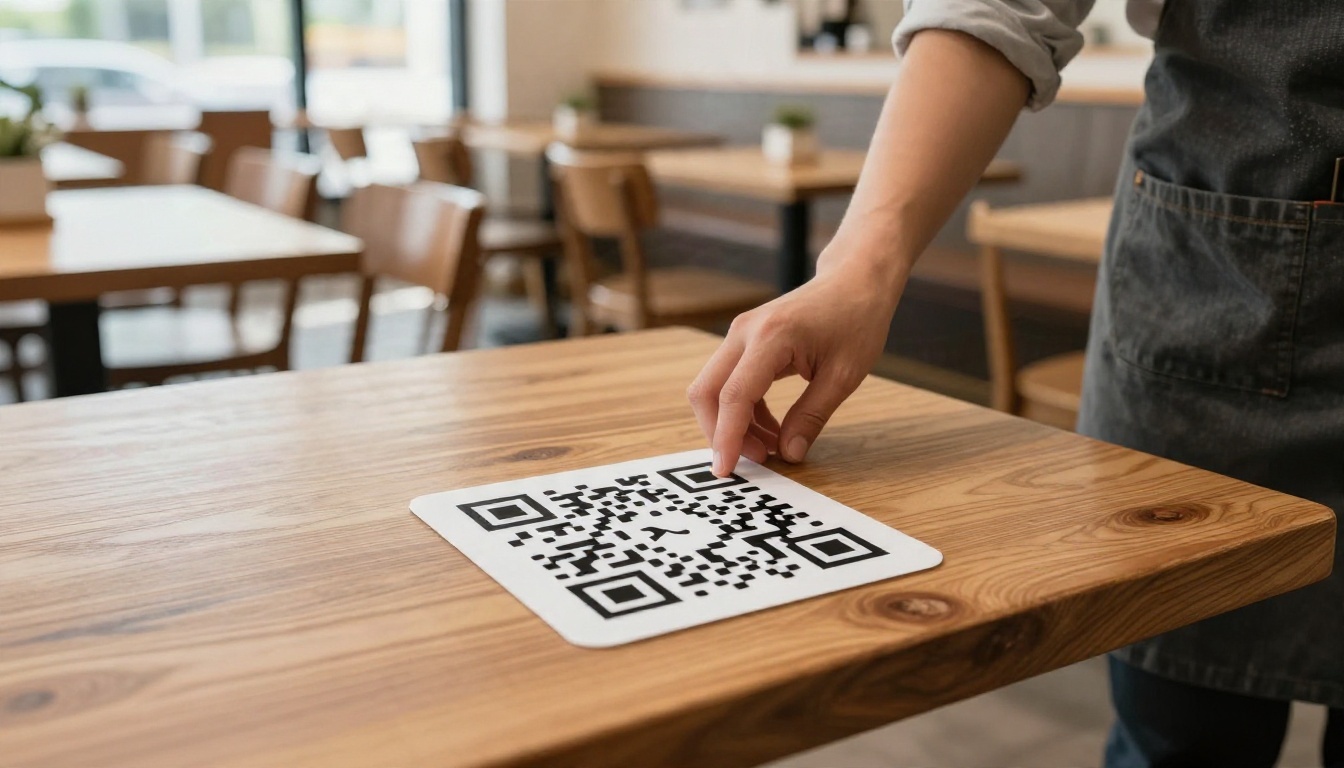
Size by Placement
| Placement | Scan distance | Minimum code size | Recommended size |
|---|
| Table sticker | 20 to 30 cm | 2.5 cm | 4 cm |
| Table tent or stand | 30 to 40 cm | 3 cm | 5 cm |
| A5 table card | 30 to 50 cm | 4 cm | 5 to 6 cm |
| Counter sign | 50 to 100 cm | 6 cm | 8 to 10 cm |
| Window poster | 1 to 2 m | 15 cm | 20 cm |
| Menu board on wall | 2 to 3 m | 25 cm | 30 cm |
Always round up. A bigger code scans faster, especially in dim restaurants.
Contrast and Quiet Zone
Size is only half of it. Two design details decide whether a code scans in a candlelit room:
- Contrast. Dark code on a light background. Avoid inverted codes (light on dark), because many older scanners fail on them.
- Quiet zone. Leave a clear margin around the code equal to at least four small squares. Do not let decoration, logos or table edges crowd it.
- Material. Matte laminate or matte acrylic. Glossy surfaces create glare under pendant lights.
- Logo in the middle. Fine for high error correction levels, but test it. Every logo reduces reliability.
✅ Best practice: Print codes in black on white or cream, add a short instruction like "Scan for menu" in plain text beside it, and keep the wording to two or three words.
The weak link in most QR menus is the page behind the code. A plain PDF forces guests to zoom and scroll sideways. A flipbook menu turns the same file into pages that fit a phone screen and turn with a swipe. Flipbooks AI handles this without watermarks, and the Restaurant Menu Creator is built specifically for the job.
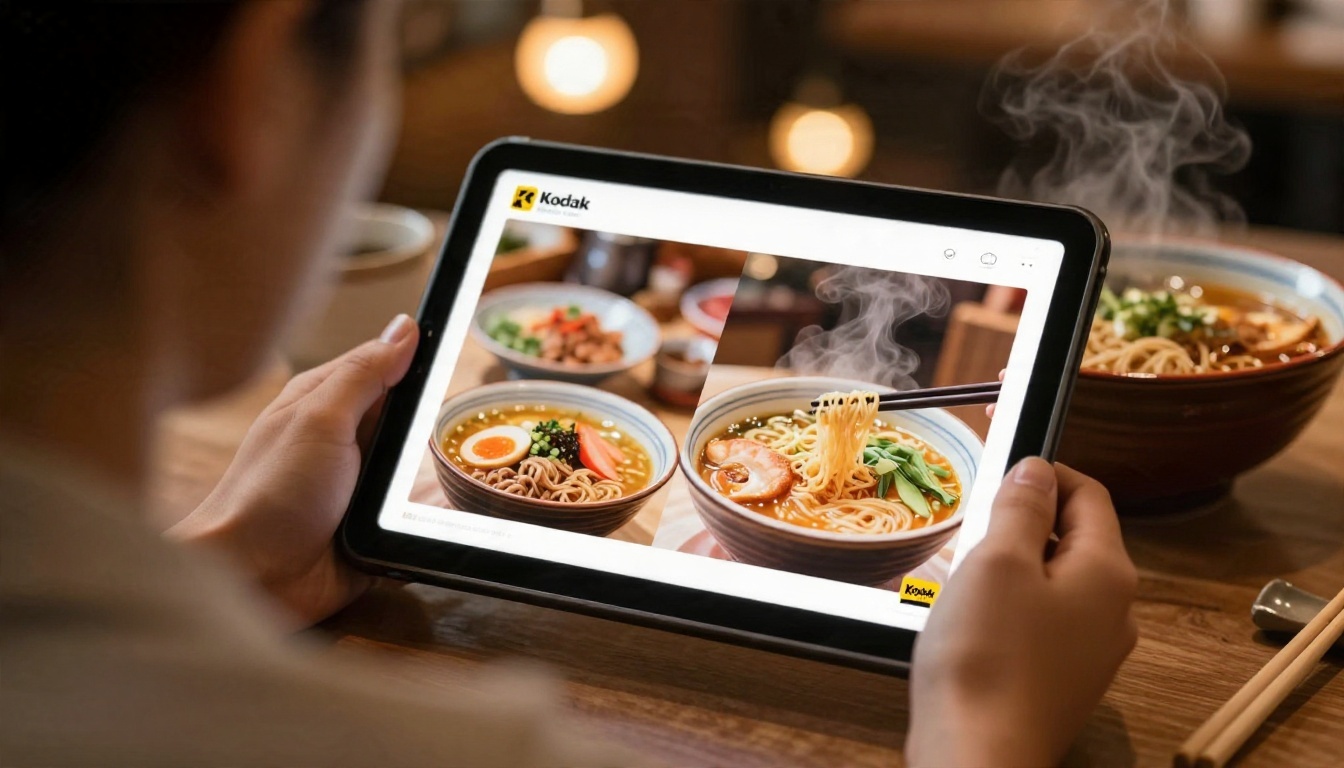
Upload and Convert
- Create an account on Flipbooks AI.
- Open the PDF to Flipbook Converter and upload your menu PDF. Design it in any tool you already use.
- Wait a few seconds while the pages convert into a flipbook with realistic page turns.
If you want to start from a layout instead, the Menu Flipbook Designer offers a structured starting point for food and drink pages.
Brand It
Open the customization panel and set your logo, background color and page effects. Match the palette to your signage so the digital menu feels like the same place as the dining room. You can also embed short videos, such as a chef preparing a signature dish, or add audio. The result is mobile-responsive, so it reads well on small screens as well as tablets.
Share and Protect
You have three ways to connect the menu to your code:
- Direct link. Paste the flipbook link into your QR generator. This is the simplest route.
- Embed code. Use the Embed Flipbook on Website option to place the menu inside your own site, then point the code at that page.
- Password protection. Useful for private event menus, wedding dinners or staff-only seasonal previews.
Because the link stays the same when you edit the flipbook, you never have to reprint your codes after a price change.
Track Scans
On the Professional plan you get analytics and lead generation. You can see how many people open the menu, which pages hold their attention and when traffic peaks. Lead capture lets you collect email addresses for a newsletter before the menu opens. Offline downloads let guests save the menu in case the dining room has weak reception. Unlimited flipbooks are included from the Standard plan up, which helps if you run separate menus for lunch, dinner, drinks and brunch.
| Need | Plain PDF | Free QR generator only | Flipbook menu |
|---|
| Mobile friendly pages | No | Depends on destination | Yes |
| Edit without reprinting | Re-upload required | Yes if link stays same | Yes |
| Branding and colors | Limited | None | Full |
| Scan analytics | No | Often paywalled | Professional plan |
| Password protection | No | No | Yes |
| Photos, video, audio | Photos only | Depends | Yes |
A QR code is one option, not a rule. Some venues find that other formats serve their guests better.
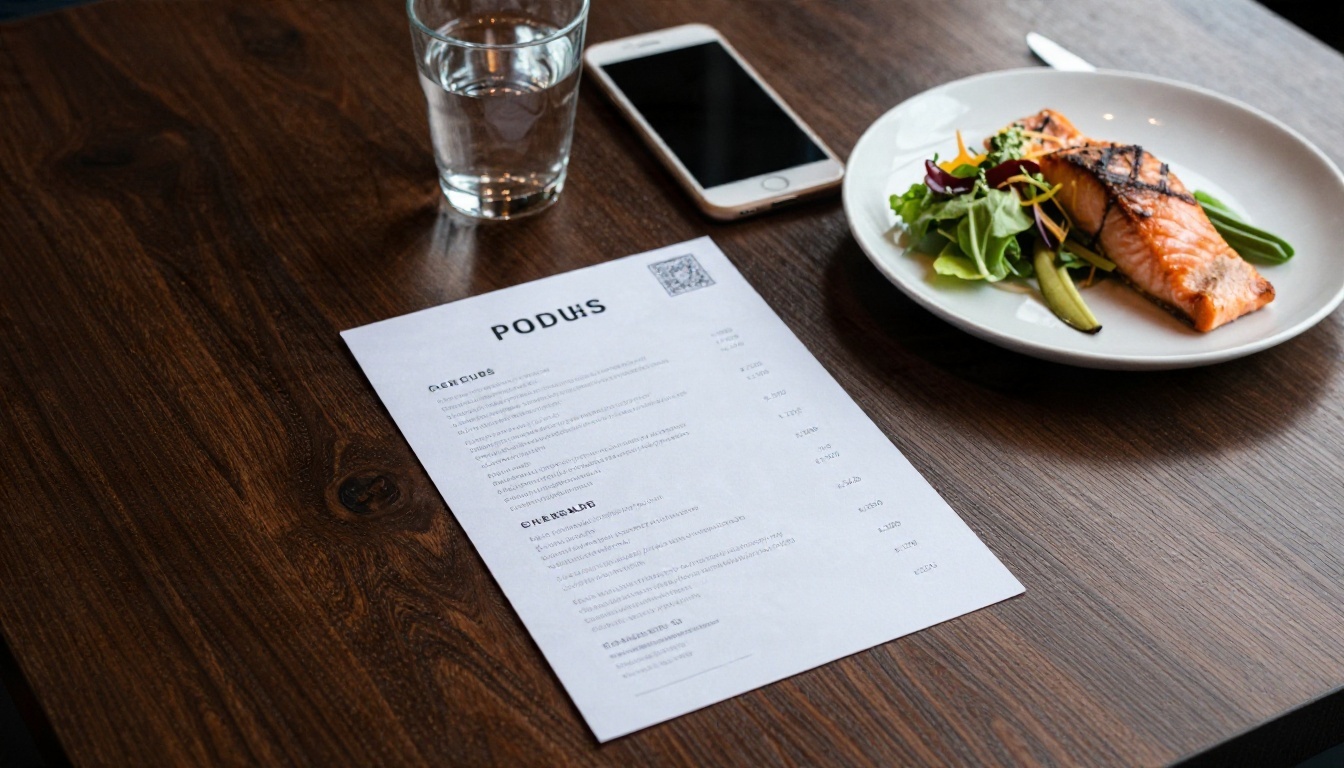
Paper and Hybrid Menus
Short laminated menus or single-sheet cards still win in many places. A hybrid approach prints the core menu on paper and uses a small code for the extended wine list, allergen sheet or seasonal specials. Guests who want paper get paper, and everyone else can scan.
NFC Tags and Short Links
NFC tags let guests tap a phone on a coaster or table plate to open the menu. They cost more per table than a printed code and some phones need NFC switched on. A short, memorable link printed beside the QR code is a cheap backup for guests whose cameras struggle.
Tablets and Digital Boards
A tablet menu on each table feels premium but requires charging, cleaning and theft protection. A digital screen over the counter works well for fast casual venues and can run a looping version of your flipbook or a digital price list.
| Option | Setup cost | Ongoing effort | Best for |
|---|
| QR code to flipbook | Very low | Minimal | Most independent restaurants |
| Laminated paper menu | Low | Reprint on changes | Short, stable menus |
| Hybrid paper plus QR | Low | Low | Mixed-age crowds |
| NFC tag | Medium | Low | Upscale bars and lounges |
| Table tablet | High | High | Chains and hotels |
| Wall screen | Medium to high | Medium | Counter service |
Common Mistakes to Avoid
Most failed QR menus break in the same few ways.
- Linking to a huge PDF. A 25 MB file on spotty Wi-Fi is a blank screen. Compress images and use a flipbook.
- Using expired dynamic codes. If your free trial ends, so does your menu. Choose a static code.
- Tiny prints. A 2 cm code on a glossy tent in a dark room will frustrate everyone.
- No instruction. Some guests still do not know to open the camera app. Add "Scan with your phone camera."
- No paper fallback. Elderly guests, kids with no phone and anyone with low battery need an alternative.
- Outdated prices. The biggest upside of a digital menu is that it stays current. Check it weekly.
- Skipping the test. Scan every code from the real distance, in the real light.
⚠️ Warning: If your menu link points to a page you do not control, such as a free file host, the page can disappear without notice. Keep your menu on a platform you manage.
A QR code menu is only as good as the page behind it and the print size on the table. Pick a static code, size it to the distance, keep a few paper menus on hand, and point the code at a mobile-first page that loads fast.
When you are ready to build that page, get started for free on Flipbooks AI and convert your PDF into a menu guests can swipe through. Browse the full list of flipbook tools to find the right layout for cafes, bars and spas, or compare pricing plans to see which tier fits your number of menus and your need for analytics.



