A guest sits down, props up their phone, scans a small square on the table, and your full menu is open in two seconds. No download, no login, no sticky laminated page. That is what restaurants with digital menus are doing right now, and most of them built it in an afternoon. This article shows real examples, the free tools people use, and a clean setup that works without an app. If you already have a PDF menu, you can turn it into a page turning version with Flipbooks AI in a few minutes.
Paper menus feel traditional, but they are expensive to keep accurate. Every price change, sold out dish, or seasonal special means another print run, or worse, a pen scribble that makes the whole page look tired.
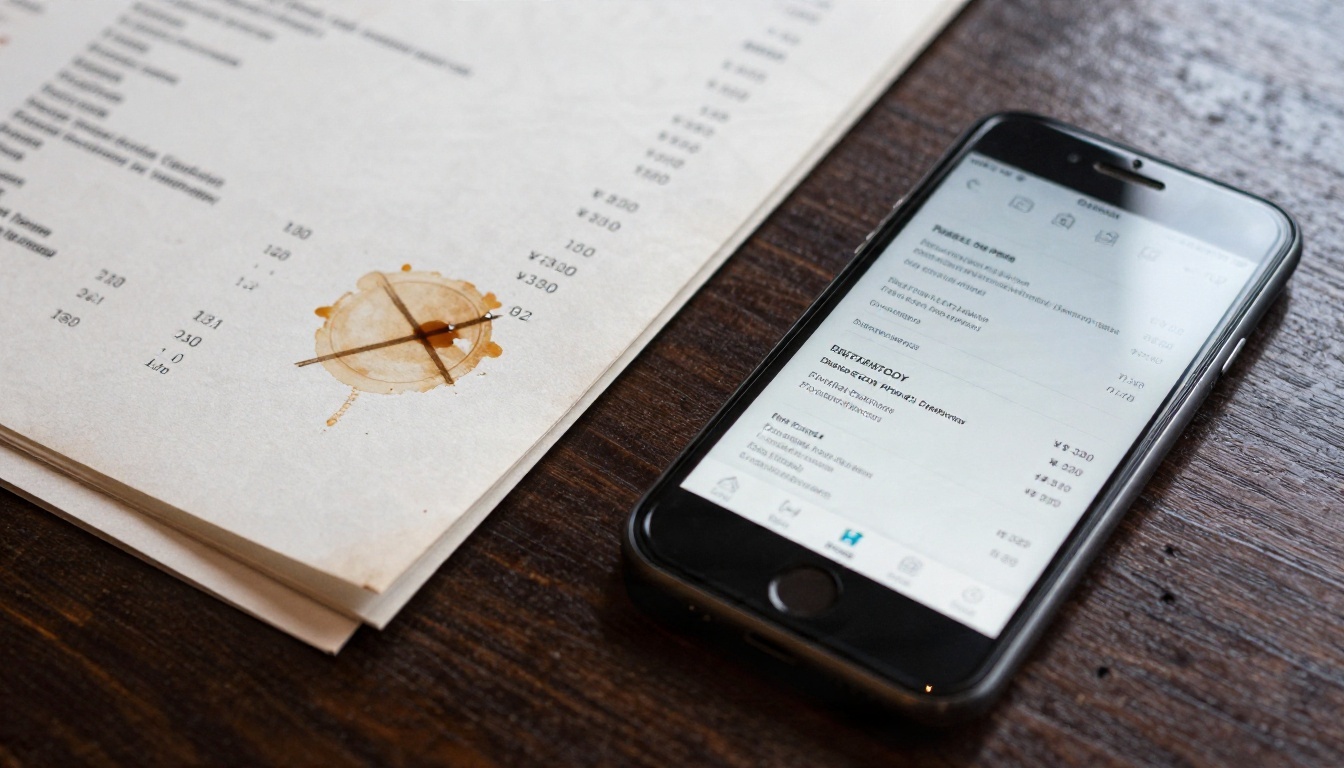
What a Digital Menu Actually Is
A digital menu is simply your menu stored online and opened through a link or a QR code. It can be a PDF, a web page, or a flipbook that turns pages like a printed booklet. The important part is that the guest opens it in the phone browser they already use.
There are three common formats:
- Plain PDF link: fast to make, but pinching and zooming on a small screen gets old quickly.
- Mobile web page: readable, but you need a site builder and some patience.
- Flipbook menu: keeps your original design, turns pages smoothly, and fits any screen size.
The Real Cost of Reprinting
Printing is not just the print shop invoice. It is also the time spent redesigning, the old copies you throw away, and the wrong price a guest points at before an awkward correction.
| Cost Area | Paper Menu | Digital Menu |
|---|
| Price change | New print run | Edit and republish |
| Seasonal dishes | Insert cards or reprint | Swap a page |
| Sold out items | Handwritten fixes | Update in minutes |
| Wear and hygiene | Replace worn copies | Nothing to wipe down |
| Languages | Multiple printed versions | Multiple links or one page |
💡 Pro tip: Keep one paper menu at the host stand for guests who prefer it. Digital should be the default, not the only option.
Here are the setups you see most often. None of them need a custom app, and all of them can be copied by a small team.
The Neighborhood Cafe
A cafe with twelve tables puts a small QR stand on every table. Guests scan, browse drinks and pastries, then order at the counter. The owner updates the pastry page each morning before opening, because the bakery selection changes daily.
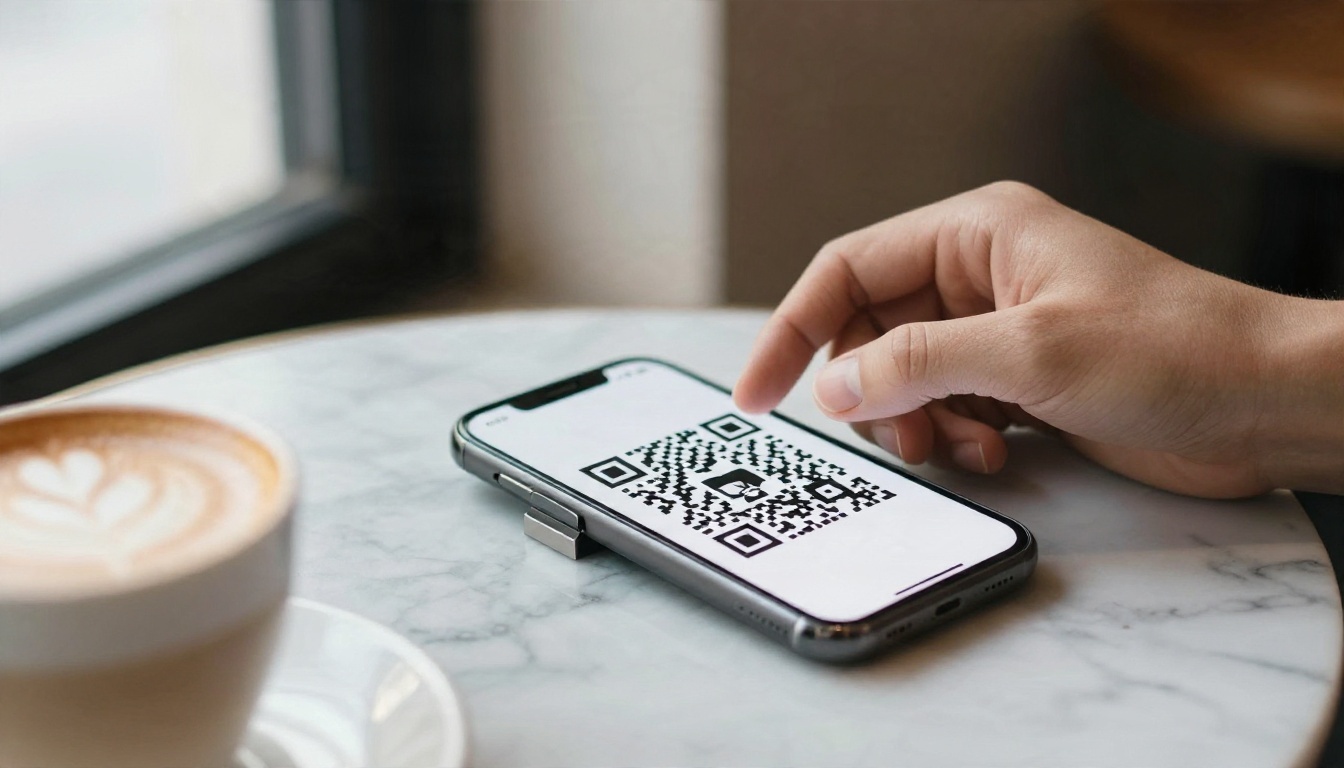
What makes this work is speed. The menu is short, the page loads fast, and nobody waits for a server to bring a booklet.
The Busy Taqueria
A taqueria with a lunch rush cannot afford confusion at the counter. They place the QR code on the wall near the entrance and on the counter itself. Guests read the menu while waiting in line, so by the time they reach the register, they already know what they want.
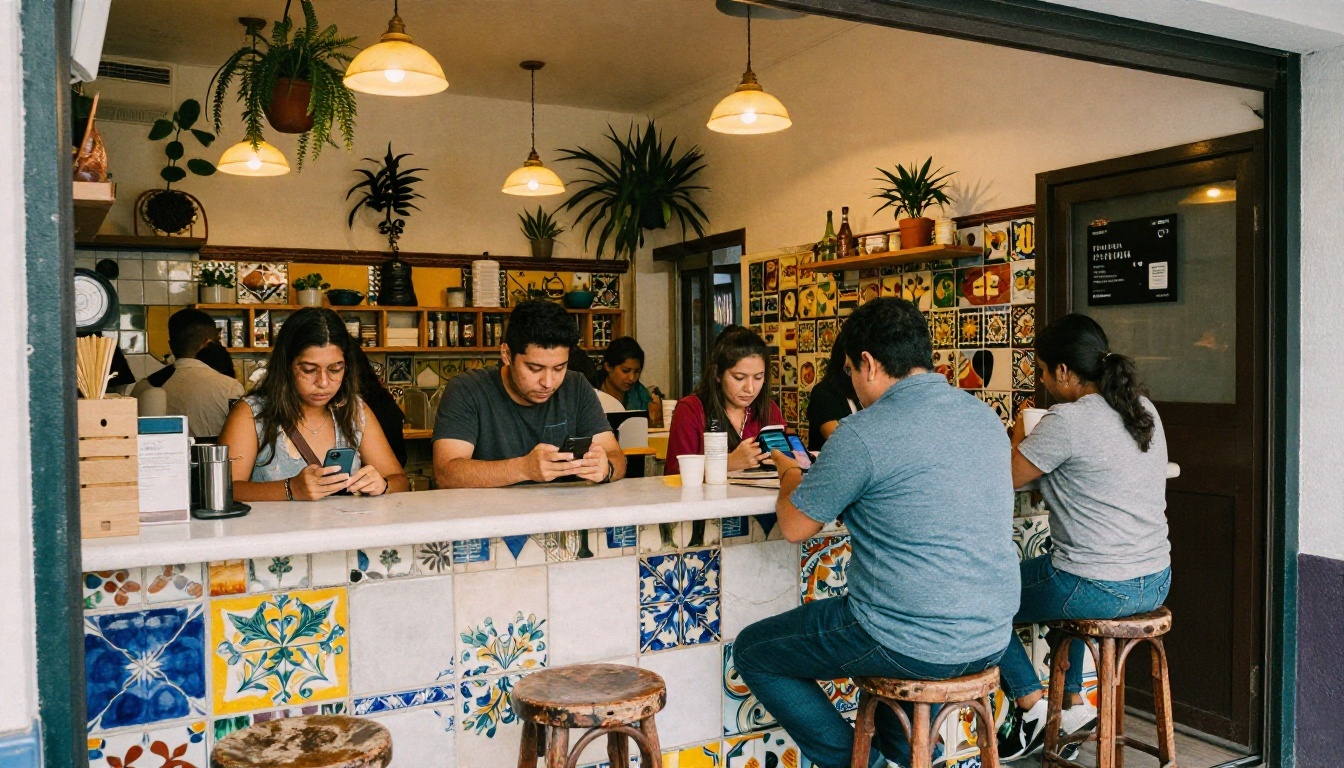
The line moves faster, and the cashier spends less time repeating the same list of tacos and combos.
The Sushi Bar
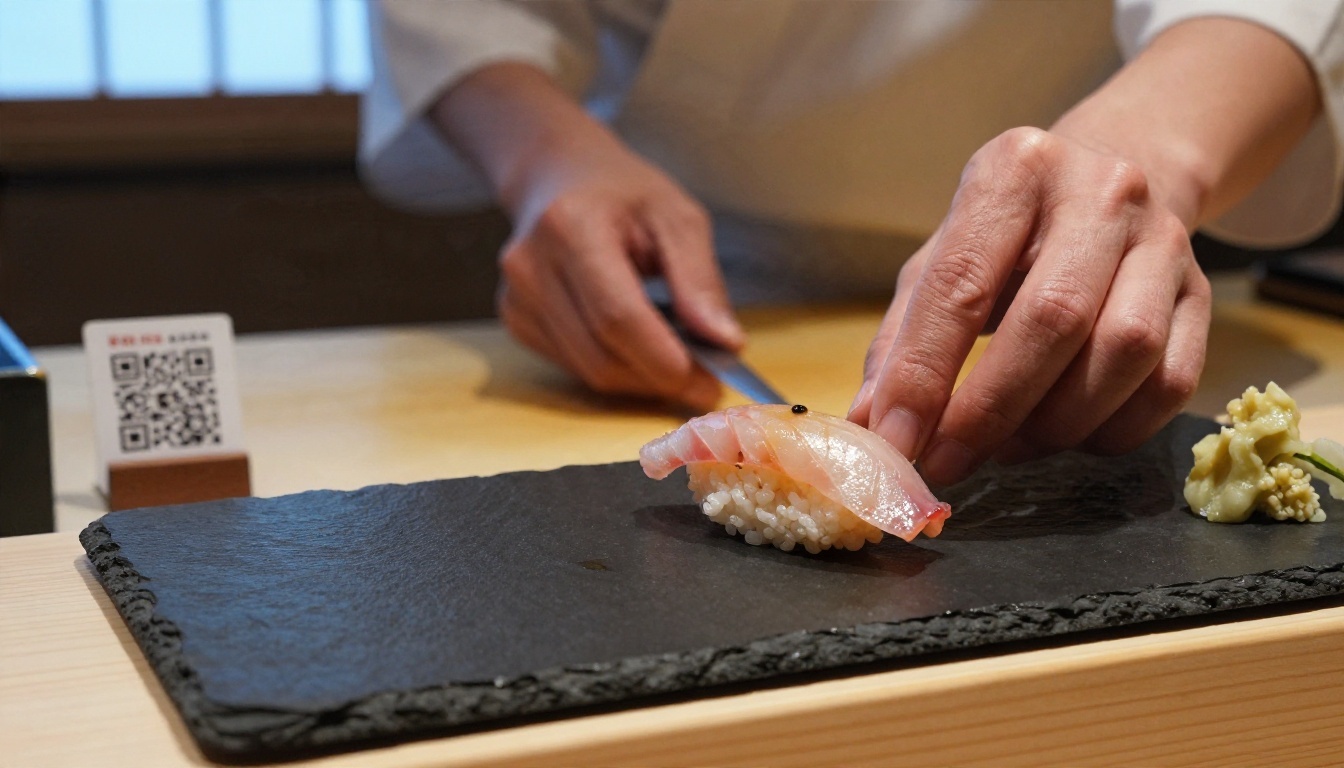
At a sushi bar, the menu is long and visual. A flipbook works well here because each page can show a category, such as nigiri, rolls, and sake, with photos that match the real plates. The chef can also hide an item the moment the fish runs out.
Food Trucks and Pop Ups
Food trucks have the opposite problem: tiny space and a menu that changes by location. A single sticker with a QR code on the serving window opens a link that always points to the current menu. When the truck moves to a new market, only the content behind the link changes.
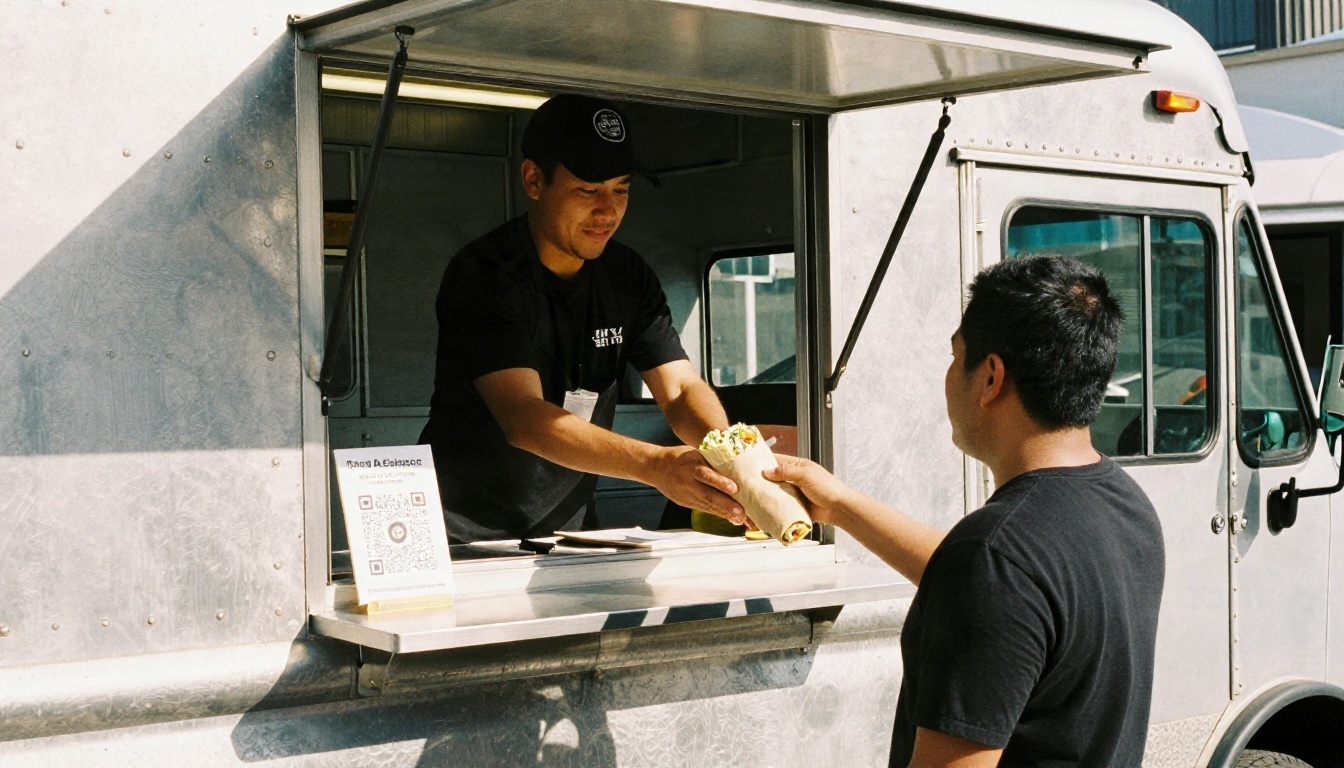
Here is how these examples compare:
| Venue Type | Best Format | Where the QR Code Goes | Update Frequency |
|---|
| Cafe | Short flipbook or PDF | Table stands | Daily |
| Taqueria | Single page or flipbook | Entrance and counter | Weekly |
| Sushi bar | Photo flipbook | Counter and tables | Daily |
| Food truck | One page menu | Serving window | Per location |
| Fine dining | Flipbook with wine list | Table card or host stand | Seasonal |
You do not need a paid platform to get started. Plenty of restaurants begin with free tools and upgrade only when they need branding, analytics, or protection from messy links.
Google Drive and a PDF
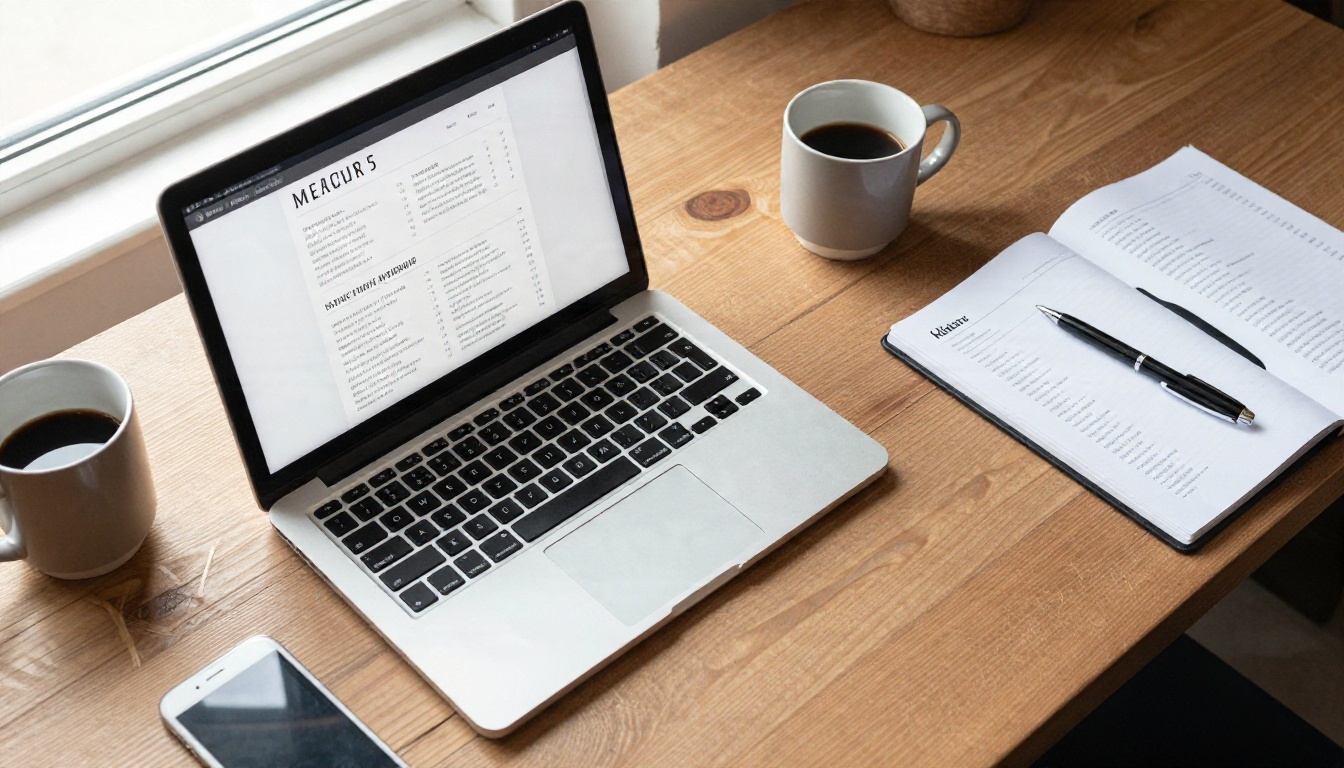
Design your menu in any word processor, export it as a PDF, upload it to Google Drive, and set sharing to "anyone with the link." Copy that link and you have a working digital menu. It is free, but the PDF opens in a viewer that can feel clunky on small screens.
Canva for Layout
Canva has free menu templates, and you can export a clean PDF in minutes. It is a good option when you have no designer. Pair it with a flipbook tool afterward so guests get a smoother reading experience.
Free QR Code Generators
Many free generators create a static QR code from any link. Check two things before printing: that the code does not expire, and that the link does not pass through a tracking redirect that may stop working later.
⚠️ Warning: Some free QR services make dynamic codes that stop working when a trial ends. Test the code on two different phones, then print it. Never print a code you cannot trust to last.
| Tool | Cost | Best For | Main Limitation |
|---|
| Google Drive PDF link | Free | Fast first version | Clunky zoom on phones |
| Canva templates | Free tier | Layout without a designer | Export is a static file |
| Free QR generator | Free | Creating the scan code | Dynamic codes can expire |
| Flipbooks AI | See pricing | Page turning menu, branding | Needs a PDF to start |
Setup Without an App
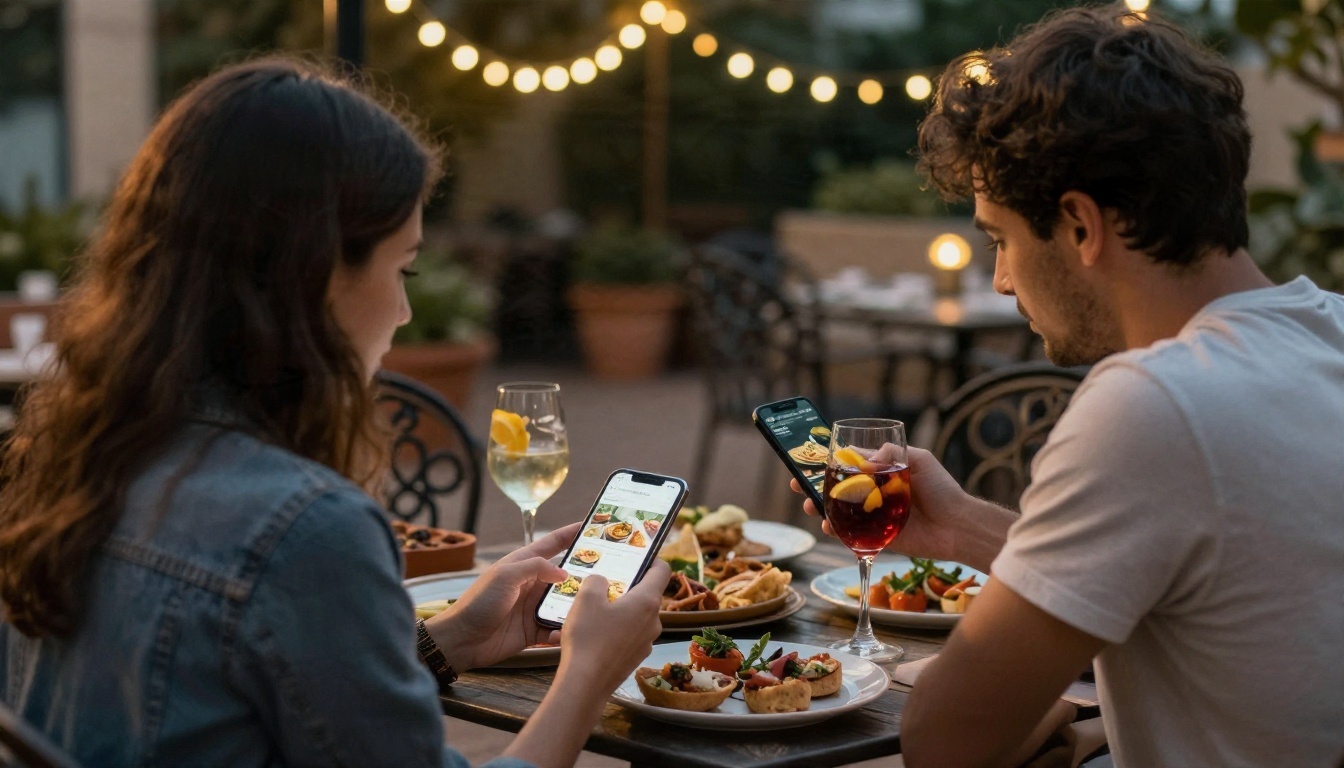
An app sounds modern, but for a menu it creates friction. Guests have to find it, download it, accept permissions, and sometimes create an account while their food order waits.
Why Guests Skip Downloads
Think about the last time you were hungry at a table. Would you install anything? Almost nobody does. A menu that opens inside the browser wins because there is nothing to install and nothing to remember.
The Browser First Approach
The setup is simple:
- Keep your menu as a PDF or design file.
- Convert it to an online format that opens by link.
- Generate a QR code that points to that link.
- Print the code on table stands, receipts, windows, or your door.
- Add the same link to your website, Google Business profile, and social bio.
Because the link never changes, you can edit the menu behind it as often as you like. The printed QR code stays valid.
✅ Best practice: Put the link in more places than the table. Guests also check your menu from the sidewalk, from a delivery app, or from a friend's text.
If you want your menu to look like your brand and still open in a browser, a flipbook is the cleanest route. The Restaurant Menu Creator and the Menu Flipbook Designer are built for this exact case.
Step 1: Start With Your PDF
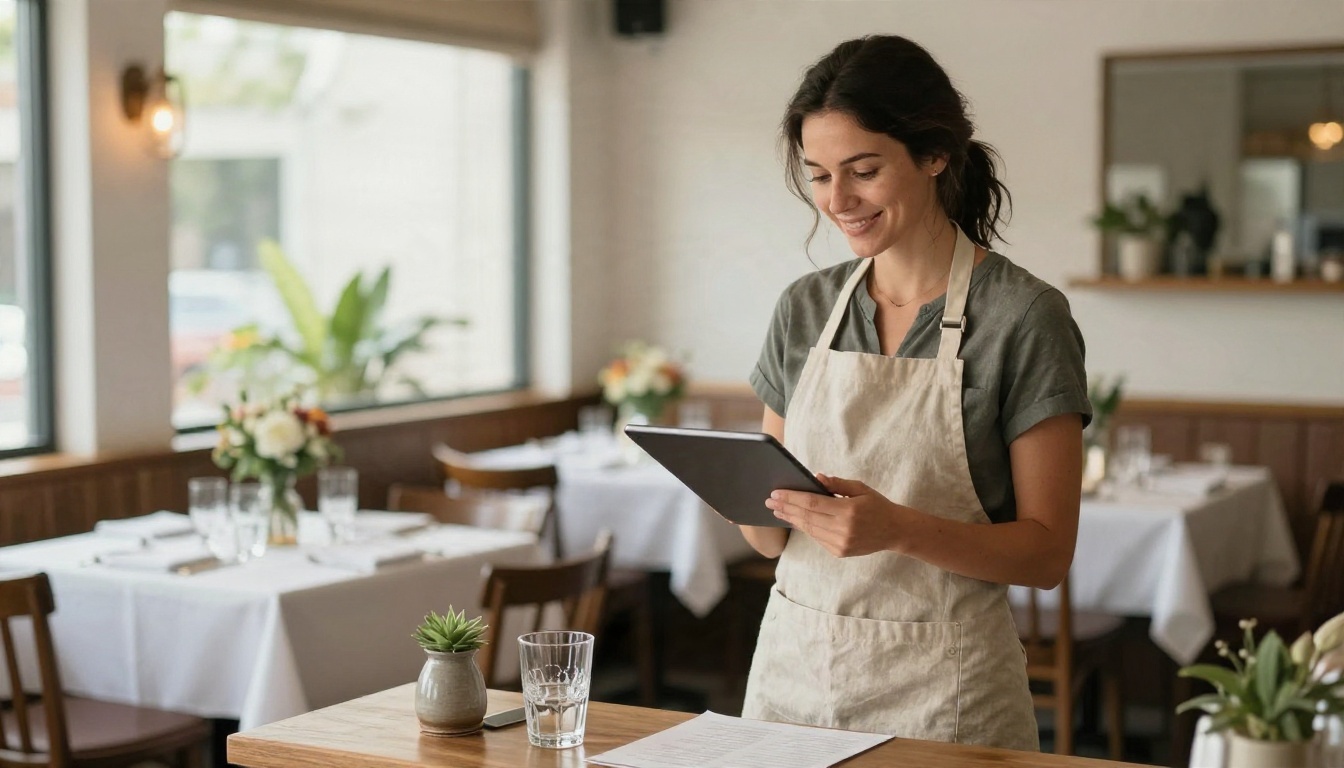
Go to Flipbooks AI and create an account. Upload your menu PDF. The platform converts it into a flipbook automatically, keeping your fonts, photos, and layout. If you do not have a PDF yet, make one in Canva or a word processor first. The PDF to Flipbook Converter handles the conversion.
Step 2: Customize the Look
Next, match the flipbook to your restaurant:
- Add your logo and brand colors.
- Choose a page turning effect that suits your style, from a soft flip to a clean slide.
- Add links, photos, or short audio and video clips, such as a chef introducing the tasting menu.
- Keep custom branding consistent with your door sign and website.
There are no watermarks, so the menu looks like yours and nobody else's.
Step 3: Share and Embed
Once it looks right, publish it and choose how to share:
- Direct link: paste it in your bio, Google profile, and delivery listings.
- QR code: generate one from the link and print it for tables and windows.
- Embed code: follow the Embed Flipbook on Website steps to place the menu on your own site.
- Password protection: useful for private event menus, wedding tastings, or a staff only specials list.
The flipbook is mobile responsive, so it fits any phone without pinching and zooming.
Step 4: Track and Update
On the Professional plan, you get analytics and lead generation. You can see which pages get opened most, which helps you decide where to place your best margin dishes. A lead form can collect emails for a newsletter or event invites. Offline downloads are also available if you want a PDF copy for guests with weak signal. See all options on the pricing page.
| Feature | Why a Restaurant Cares |
|---|
| Page turning flipbook | Feels like a real menu |
| Mobile responsive | Works on any phone |
| No watermarks | Looks professional |
| Password protection | Private event menus |
| Analytics | See what guests read |
| Embed and links | One menu, many places |
| Offline downloads | Helps in low signal spots |
💡 Pro tip: If you also publish daily prices or a list of dishes by weight, the Digital Price List Generator pairs nicely with your main menu.
Mistakes That Cost You Diners
Digital menus are easy to set up, but a few common errors push guests back to asking "do you have a regular menu?"
Tiny Text and Slow Pages
If a guest has to zoom in to read a price, they will leave the page. Check your menu on an older phone with a weak connection. Compress large photos before uploading, and keep font sizes readable.
QR Codes That Are Too Small or Placed Badly
A code stuck under a candle or printed on a glossy surface reflects light and fails to scan. Use matte stands, give the code some white space around it, and test in your actual lighting.
Forgetting the Guests Who Cannot Scan
Some guests have an old phone, a dead battery, or simply prefer paper. Keep a few printed copies and train your team to offer help with a smile.
| Mistake | What Happens | Simple Fix |
|---|
| Link goes to a huge PDF | Slow loading | Use a compressed flipbook |
| Dead QR code | Guests ask for paper | Use a link you control |
| Outdated prices | Arguments at the bill | Update the same day |
| No printed backup | Some guests feel excluded | Keep a few copies |
| Code on glossy card | Glare blocks scanning | Use matte material |
Not Telling Your Team
Your staff should know where the link lives, how to update it, and how to help a guest who is confused. A five minute briefing before service saves many awkward moments.
Your Next Step
You do not need an app, a developer, or a big budget. Start with the menu you already have, turn it into a link, and put a QR code where guests sit. Then improve it as you see what works.
Ready to build yours? Create your account on Flipbooks AI and upload your first menu. Try the Restaurant Menu Creator for a layout made for food service, or browse all flipbook tools if you also need a catering brochure or a recipe book. When you are ready for analytics and lead capture, compare the pricing plans and pick what fits your restaurant.



