A buyer opens your listing on their phone during a lunch break. If they see a flat, slow PDF that needs pinching and zooming, they close it. If they see pages that turn under their thumb, with photos that fill the screen and a floor plan one swipe away, they keep going. That difference is what a sample flipbook for real estate shows better than any sales pitch. In this article you will see listing examples you can copy, templates that save hours, and a free online maker workflow built on Flipbooks AI.
What Makes a Listing Flipbook Work
A real estate flipbook is a digital brochure that behaves like a printed one. Pages turn, photos load fast, and the whole thing lives behind a single link. You upload a PDF, the platform converts it, and you share a URL or embed it on your site.
Agents like the format because it keeps the feel of a glossy brochure without the printing bill or the weight of an email attachment.
Why It Beats a Plain PDF
A PDF is a file. A flipbook is an experience. Here is how the two compare for a typical listing.
| Feature | Plain PDF | Flipbook | Property Website |
|---|
| Page turning effect | No | Yes | Scroll only |
| Opens in browser, no download | Sometimes | Yes | Yes |
| Works on mobile | Needs zooming | Responsive | Depends on build |
| Embedded video and audio | Rarely | Yes | Yes |
| Setup time | Minutes | Minutes | Days or weeks |
| Update after sharing | Resend the file | Update once, link stays | Update once |
| Cost to produce | Low | Low | High |
The flipbook sits in the sweet spot. It looks premium, takes minutes to build, and the link never changes when you update a price or swap a photo.
Who Gets the Most Value
- Listing agents who need a polished presentation for every new property.
- Property managers with a rotating set of rentals and a need for fast updates.
- Developers selling off plan, where renders, plans and pricing tables all need to live together.
- Brokerages that want every agent on the team sending the same branded material.
- Vacation rental owners who want to show amenities, house rules and local tips in one place.
💡 Pro tip: Treat the flipbook as your open house in link form. If you would walk a buyer through a room, give that room a page.
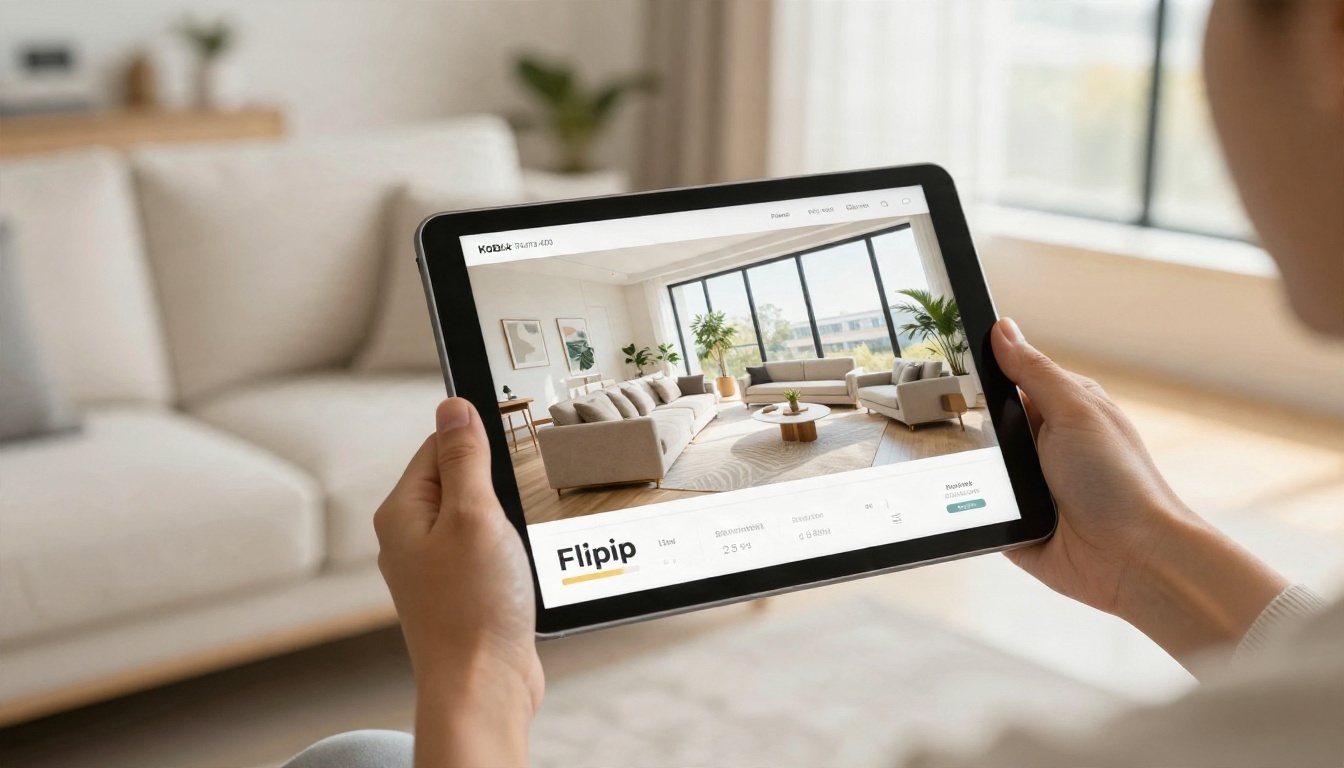
Sample Listing Flipbook Examples
Theory only goes so far. Below are four sample layouts you can model, each built for a different type of seller. Every one of them can be made from a standard PDF exported from Canva, InDesign, Word or Google Slides.
The Single Property Showcase
This is the workhorse. It suits a family home, a condo or a townhouse, and it usually runs 8 to 14 pages.
Typical page flow:
- Opening page with the best exterior photo, address and price.
- Short property story in two or three paragraphs.
- Room by room photo spreads.
- Floor plan with dimensions.
- Features and upgrades list.
- Neighborhood page with schools, parks and transit.
- Agent profile with phone, email and a booking link.
The magic is in the pacing. Buyers want a quick emotional hit first, then facts. Put the pretty photos early and the square footage later.
The Luxury Estate Lookbook
High-end listings sell on atmosphere. This sample uses fewer words and bigger images, often one photo per page with a short caption in italics. Think of it as a magazine feature about the home rather than a spec sheet.
Add an embedded drone video on page three and a short audio note from the owner about why they loved living there. Details like these make a seven-figure property feel personal. For a similar style of layout, the Interactive Lookbook Designer is a handy starting point.
The New Development Brochure
Off plan buyers cannot walk through the building, so the flipbook has to do that job. A strong sample includes:
- Site plan and location map
- Unit type pages with floor plans
- Finish and material selections
- Amenities spread
- Pricing and payment schedule table
- Developer track record
- Contact page with a reservation link
This is where flipbook link tracking matters most, because you want to know which unit types draw the most attention.
The Rental Portfolio
Property managers can bundle ten or twenty units into one flipbook, with a contents page that jumps to each unit. Each unit gets one spread: photos on the left, rent, deposit and availability on the right. When a unit rents, swap the page and republish. The link your leads already have keeps working.
Here is a quick comparison of the four samples.
| Sample Type | Typical Pages | Best Content | Main Goal | Ideal Audience |
|---|
| Single property | 8 to 14 | Photos, plan, features | Book a showing | Home buyers |
| Luxury lookbook | 12 to 20 | Large images, video | Build desire | High-net-worth buyers |
| New development | 16 to 30 | Renders, plans, pricing | Secure reservations | Investors, off plan buyers |
| Rental portfolio | 10 to 40 | Unit spreads, rent table | Fill vacancies | Tenants |
Templates That Save Hours
You do not need to design from scratch. Most agents work from a template, drop in new photos and text, and export. The structure matters more than the exact fonts.
The Ideal Page Order
After looking at many listing brochures, the pattern that holds up best is simple:
- Page 1: One hero photo, price, address. Nothing else.
- Page 2: The story. Why this home, why this street.
- Pages 3 to 8: Rooms, in the order a visitor would walk through them.
- Page 9: Floor plan and lot details.
- Page 10: Neighborhood highlights.
- Page 11: Pricing, taxes, fees or HOA details if relevant.
- Last page: Agent photo, contact details, call to action.
✅ Best practice: Keep one idea per page. A buyer flipping on a phone should never have to hunt for the point.
If you want a head start, the Real Estate Brochure Creator is built for exactly this kind of layout, and the Brochure Flipbook Maker works for general brochures.
Template Comparison
Different sources give different results. This table shows where each option shines.
| Template Source | Cost | Design Control | Best For | Watch Out For |
|---|
| Canva real estate templates | Free to low | High | Quick single listings | Fonts may not match brand |
| InDesign or Affinity | Software license | Full | Luxury and developer brochures | Needs design skill |
| Google Slides or PowerPoint | Free to low | Medium | Rental portfolios | Export at high resolution |
| Brokerage master files | Included | Low | Team consistency | Less room for personal style |
| Agency made custom file | High | Full | Large developments | Slow turnaround |
Whichever you choose, export at 150 DPI or higher, in landscape for spreads or portrait for single pages, and keep your file size reasonable so conversion is quick.

How to Create One with Flipbooks AI
Here is the full workflow from PDF to shareable link. It takes most agents under fifteen minutes the first time, and less after that. Start by opening your free Flipbooks AI account.
Upload Your PDF
- Export your finished brochure as a PDF from your design tool.
- Log in to your dashboard and click the upload button.
- Drop in the PDF. The PDF to Flipbook Converter turns each page into a turnable flipbook page automatically.
- Wait a few seconds for processing, then preview the result.
Tip: if you send a PDF with a clean first page and consistent margins, the preview will look right on the first try.
Customize the Look
Now make it yours. Inside the editor you can:
- Add branding: Upload your logo and set your agency colors so the viewer matches your brand.
- Pick a background: A soft neutral behind the pages keeps focus on the photos.
- Choose page effects: Select the page turning style, speed and sound that suit the property.
- Embed multimedia: Add a walkthrough video, a drone clip or a background audio track.
- Place links: Turn a "Book a showing" button into a clickable link to your calendar.
There are no watermarks, ever, so your brochure always looks like your brochure.
Share and Protect
Once you are happy with the preview, choose how it travels:
| Sharing Option | Best Use | Notes |
|---|
| Direct link | Text messages, email, social bios | Short and easy to paste |
| Embed code | Your agency website or listing page | See the Embed Flipbook on Website tool |
| QR code | Yard signs, printed flyers, window displays | Buyers scan and flip on the spot |
| Password protection | Pre-market and off-market listings | Share the password only with approved buyers |
⚠️ Warning: If a listing is confidential, always turn on password protection before sending the link, not after.
Pro Features for Teams
Teams and busy agents often move up to the Professional plan for the extras:
- Analytics: See how many people opened the flipbook and which pages held attention.
- Lead generation: Ask for a name and email before the viewer opens the pages.
- Offline downloads: Let a client save the brochure for later.
- Unlimited flipbooks: Available from the Standard plan and above, ideal if you list often.
Compare the options on the pricing page to see which plan fits your volume.
Free Maker or Paid Plan?
Starting free is the smartest move. Build one flipbook, send it to a few clients, and see how it feels. Upgrade when you need more volume or more data.
What Free Really Gets You
A free account is enough to prove the concept. You can convert a PDF, preview it and share it without a watermark. Check the pricing page for the exact limits that apply today, since plans can change.
| Need | Free Account | Standard Plan and Above | Professional Plan |
|---|
| Try the format on one listing | Yes | Yes | Yes |
| Unlimited flipbooks | No | Yes | Yes |
| No watermarks | Yes | Yes | Yes |
| Password protection | Check plan limits | Yes | Yes |
| Analytics | No | No | Yes |
| Lead generation forms | No | No | Yes |
Pick based on how you work. A new agent with two or three listings a year can stay light. A team with twenty live properties needs unlimited flipbooks and probably analytics.
Mistakes That Cost Showings
Even a beautiful template can underperform. These are the slips that show up again and again.
Too Many Words Per Page
Buyers skim. If a page looks like a legal document, they skip it. Aim for a short paragraph or a bullet list per page and let the photo carry the emotion.
Weak or Dark Photos
A flipbook amplifies your photos, for better or worse. Shoot in daylight, straighten verticals and keep rooms tidy. One great kitchen photo outsells five mediocre ones.
Hiding the Call to Action
Put your contact details on the last page and also on a floating link or a middle page. Never make a motivated buyer search for your number.
Never Updating the Price
A stale price makes your listing look abandoned. Because the flipbook link stays the same, update the PDF, republish, and everyone with the link sees the new number.
Quick checklist before you hit share:
Ready to Build Yours?
You now have four sample flipbook layouts, a template structure that works, and a clear workflow. The next step is to make one for a property you are listing this week.
A good sample flipbook for real estate does not need a designer or a big budget. It needs sharp photos, a clean page order and a link that opens fast. Give yourself fifteen minutes on Flipbooks AI, and your next listing will look like it came from a much bigger agency.



