Every school has the same problem: great news, busy parents, and a newsletter that gets skimmed for three seconds before it disappears into an inbox. The fix is rarely more content. It is a better format. Below you will find school newsletter samples you can copy in PDF form, layout ideas that make pages easy to scan, a free section-by-section template, and a simple way to turn any finished PDF into a page-turning flipbook with Flipbooks AI.
Whether you run a five-teacher primary school or a district with twelve campuses, the samples and layout rules here work the same way. Pick a format, borrow the structure, swap in your own photos and dates, and export.
What Makes a School Newsletter Work
A strong newsletter does three things: it tells parents what to do this week, it shows them what their children are doing, and it makes the school feel like a place worth trusting. Everything else is decoration.
Know Your Readers
Your audience is not one group. It is at least four:
- Busy parents who want dates, deadlines and permission slips.
- Grandparents and extended family who want photos and good news.
- Staff who want to see their work recognized.
- Prospective families who read your archive to judge the school's culture.
A good sample newsletter gives each group something on the first page. A date box for parents, a big photo for grandparents, a shout-out for staff, and a clean look for everyone else.
Pick the Right Length
Length depends on frequency. The more often you send, the shorter each issue should be.
| Frequency | Ideal length | Reading time | Best for |
|---|
| Weekly | 1 page | 2 minutes | Reminders, dates, quick wins |
| Fortnightly | 2 pages | 4 minutes | Class highlights, events |
| Monthly | 4 pages | 7 minutes | Features, student work, staff news |
| Termly | 8 to 12 pages | 15 minutes | Full review, results, gallery |
💡 Pro tip: If you cannot decide between formats, start monthly at four pages. It gives you room for photos without forcing you to cut important notices.
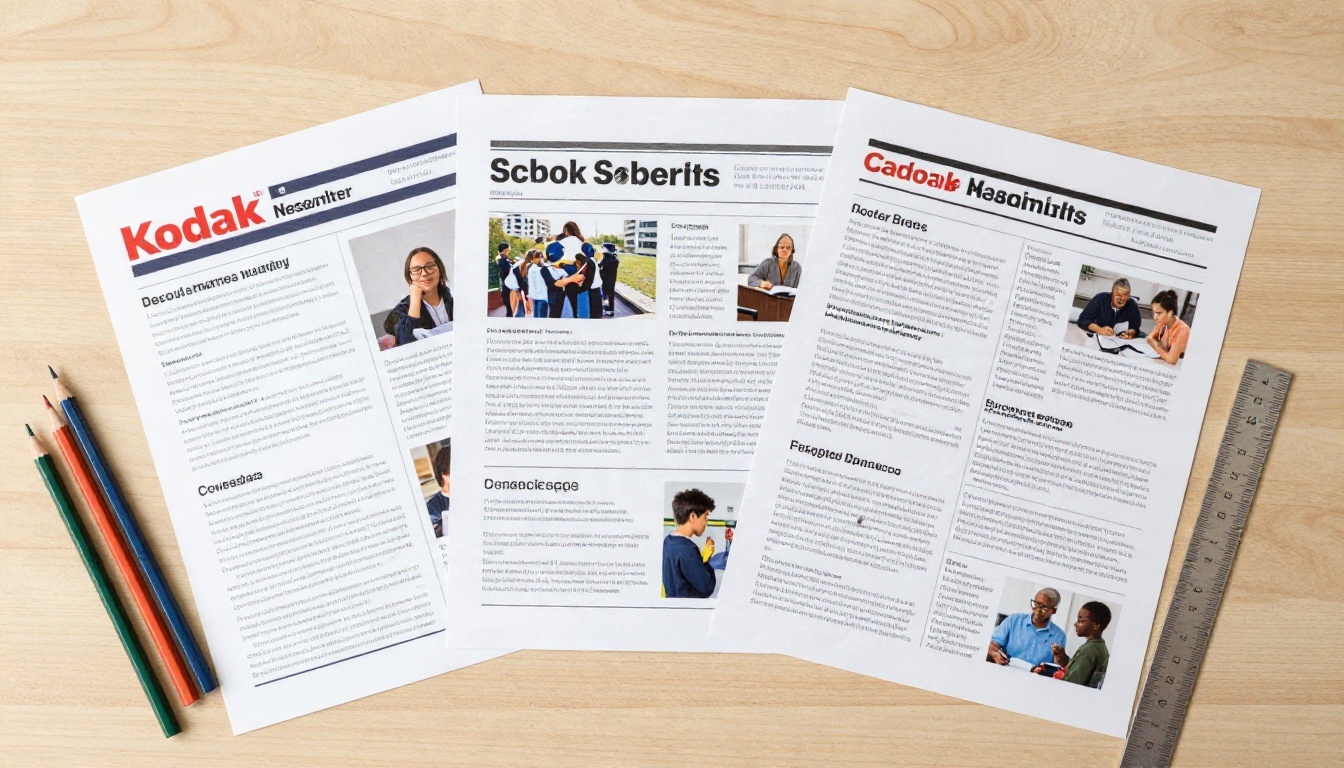
These are the formats most schools settle on after a few issues of trial and error. Each one can be built in any word processor or design tool and saved as a PDF.
The One-Page Weekly Letter
The simplest sample, and often the most read. A masthead at the top, a three-sentence note from the principal, a boxed calendar of the next seven days, and two or three short items. Nothing more.
Layout skeleton:
- Masthead (school name, issue date, small crest)
- Principal's note (60 to 80 words)
- "This week" date box
- Two short news items with one photo
- Footer with contact details and office hours
The Two-Page Spread
This sample suits primary schools that want a photo-forward look. Page one holds the masthead, principal's note and a large hero photo. Page two holds the calendar, class news, and a reminders column.
It prints well on a single sheet folded or double-sided, and it reads well on a phone when converted to a flipbook, because each page has a clear focal point.
The Four-Page Booklet
The classic monthly format. Page one is the front page, pages two and three are the inside spread with features and class news, and page four carries the calendar, contacts and a short community notice board.
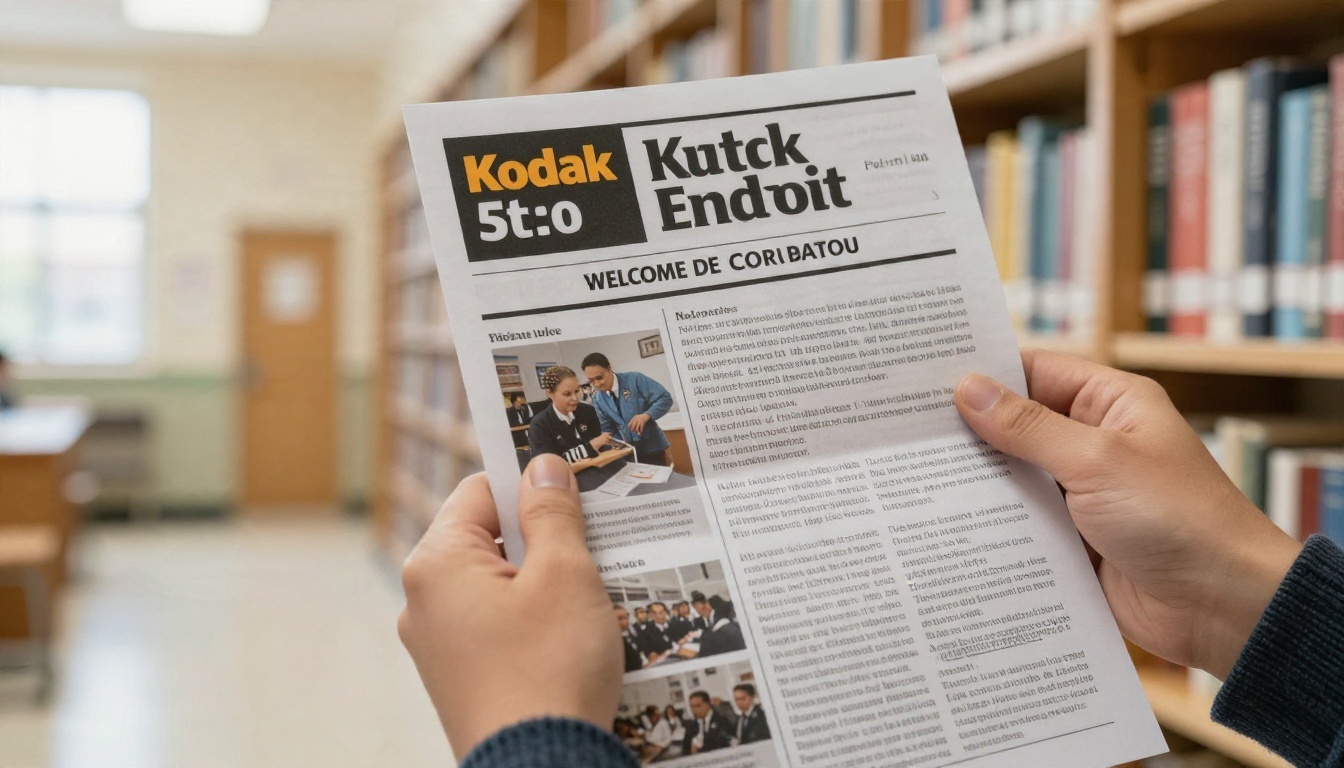
The Department Roundup
Secondary schools often do better with a roundup format: one short block per department (English, Science, Arts, Sport), each with a headline, a photo and a link. It spreads the writing load across staff and keeps the editor from becoming a bottleneck.
The Gallery Issue
Once a term, publish an issue that is mostly photos. Captions of one sentence, a few student quotes, and a single page of dates. Parents save these. They also make the best archive pieces for your website.
Format Comparison at a Glance
| Format | Pages | Writing effort | Design effort | Best audience |
|---|
| One-page weekly letter | 1 | Low | Low | Parents of young children |
| Two-page spread | 2 | Medium | Medium | Primary schools |
| Four-page booklet | 4 | Medium | Medium | Monthly updates |
| Department roundup | 4 to 6 | Shared | Medium | Secondary schools |
| Gallery issue | 6 to 10 | Low | High | Termly highlights |
Layout Ideas That Actually Work
Good layout is mostly restraint. Parents do not read newsletters line by line. They scan for their child's name, a date, and a photo.
Build a Strong Masthead
The masthead is the first thing anyone sees, so keep it simple:
- School name in one bold typeface, not two.
- Issue number and date in a smaller size.
- A crest or logo on the left, never floating in the middle of the text.
- One brand color used consistently, plus a neutral.
⚠️ Warning: Avoid stacking three or four fonts in the masthead. It looks busy and makes every later page feel inconsistent.
Use a Simple Column Grid
A three-column grid is the safest choice for A4 and US Letter. Use a wide column for the main story and two narrow ones for dates and reminders. A two-column grid works for text-heavy formats. Whatever you choose, keep the gutters (the white space between columns) at least 0.5 cm.
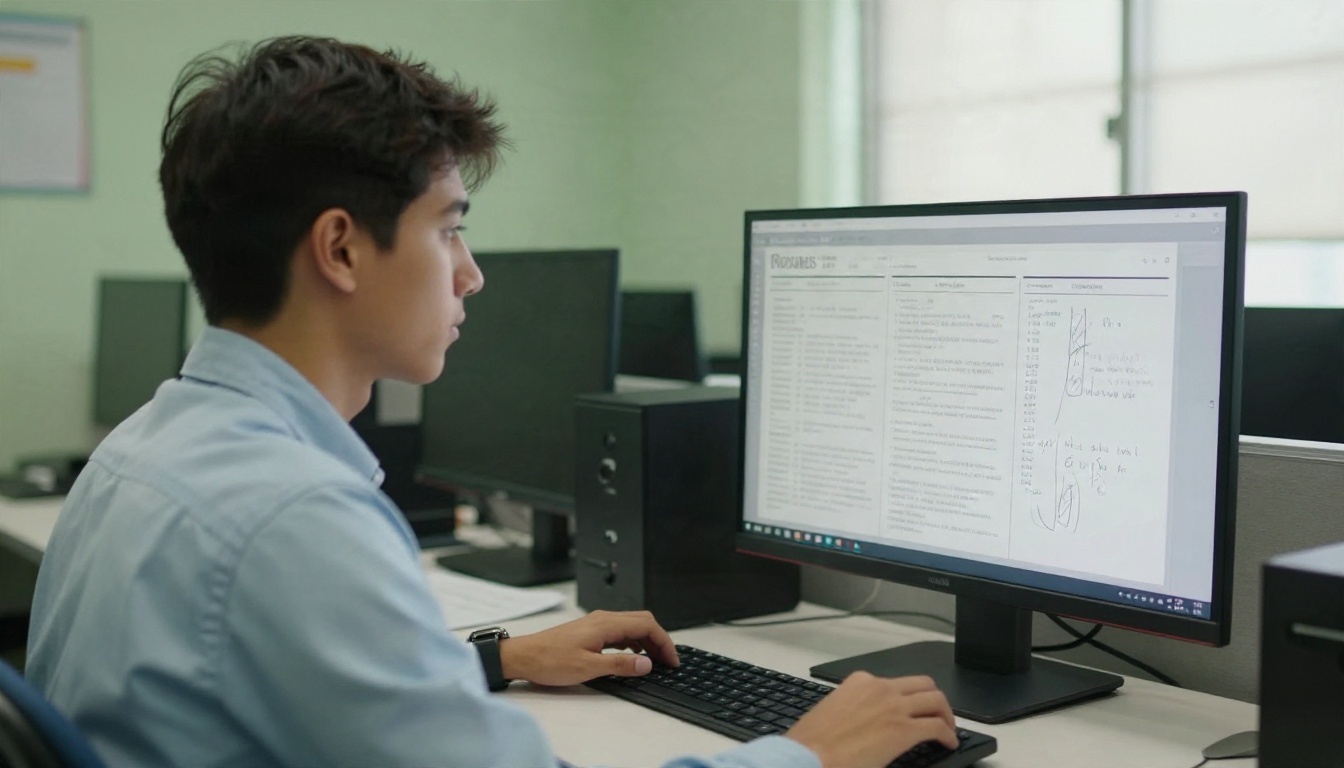
Here is a quick reference for common grids:
| Grid | Best for | Strength | Watch out for |
|---|
| One column | Weekly letters | Fast to build, phone friendly | Can look plain |
| Two columns | Text-heavy issues | Easy reading rhythm | Photos need careful sizing |
| Three columns | Monthly booklets | Flexible, magazine feel | Narrow columns crowd long words |
| Modular blocks | Department roundups | Easy to rearrange | Needs consistent spacing |
Choose Photos With Care
Photos do more work than paragraphs. A few rules that never fail:
- Use real classroom moments, not posed lineups.
- Crop tight on faces and hands.
- Keep one large image per spread, not six small ones.
- Check consent for every student shown.
- Write a caption that names the activity, not just "Year 3."

Make the Calendar Impossible to Miss
Parents open newsletters mostly for dates. Put them in a boxed section with a tinted background, use a consistent format (day, date, event, time), and repeat the most urgent date in a banner at the top.
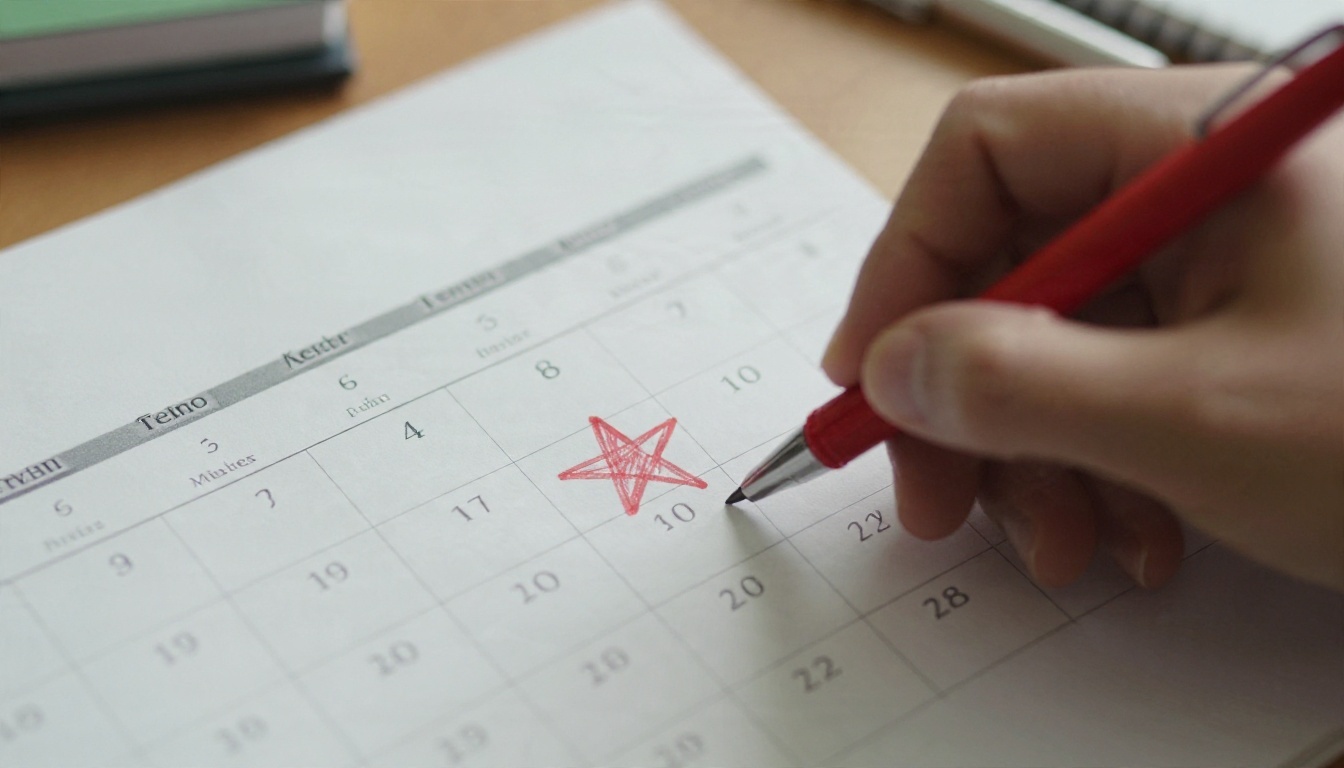
✅ Best practice: Place the next three dates in the same spot on every issue. Readers learn where to look, and your office phone rings less.
A Free Template You Can Copy
Here is a template skeleton you can paste into your own document. Replace the brackets with your own details, and keep each block to the suggested length.
Section by Section
| Section | Suggested length | What goes inside |
|---|
| Masthead | 1 line | School name, issue number, date |
| Principal's note | 60 to 100 words | One win, one reminder, one thank you |
| This week or month | 5 to 8 lines | Dates, times, locations |
| Feature story | 120 to 180 words | One class, one project, one photo |
| Student spotlight | 40 to 60 words | Name, achievement, quote |
| Staff news | 30 to 50 words | Welcomes, milestones, thanks |
| Reminders | 4 to 6 bullets | Uniform, pickup, forms, deadlines |
| Contact footer | 3 lines | Phone, email, office hours |
Sample Wording You Can Reuse
Short, warm sentences beat formal paragraphs. A few lines to adapt:
- "A big thank you to every family who joined us for Reading Night. Over 140 of you came, and the library has never been louder."
- "Reminder: permission slips for the museum trip are due Friday, 14 March."
- "Congratulations to Maya in Year 5, who won the district art prize with her ink drawing of our playground oak."
💡 Pro tip: Write the dates first and the stories second. If the calendar is right, the newsletter has already done half its job.

A Simple Production Routine
Staff are more likely to contribute when the routine is predictable. A schedule that works for most schools:
- Monday: Reminder email to teachers for contributions.
- Wednesday: Deadline for text and photos.
- Thursday: Layout, proofing and principal's approval.
- Friday morning: Export to PDF and publish.
Turn Your PDF Into a Flipbook
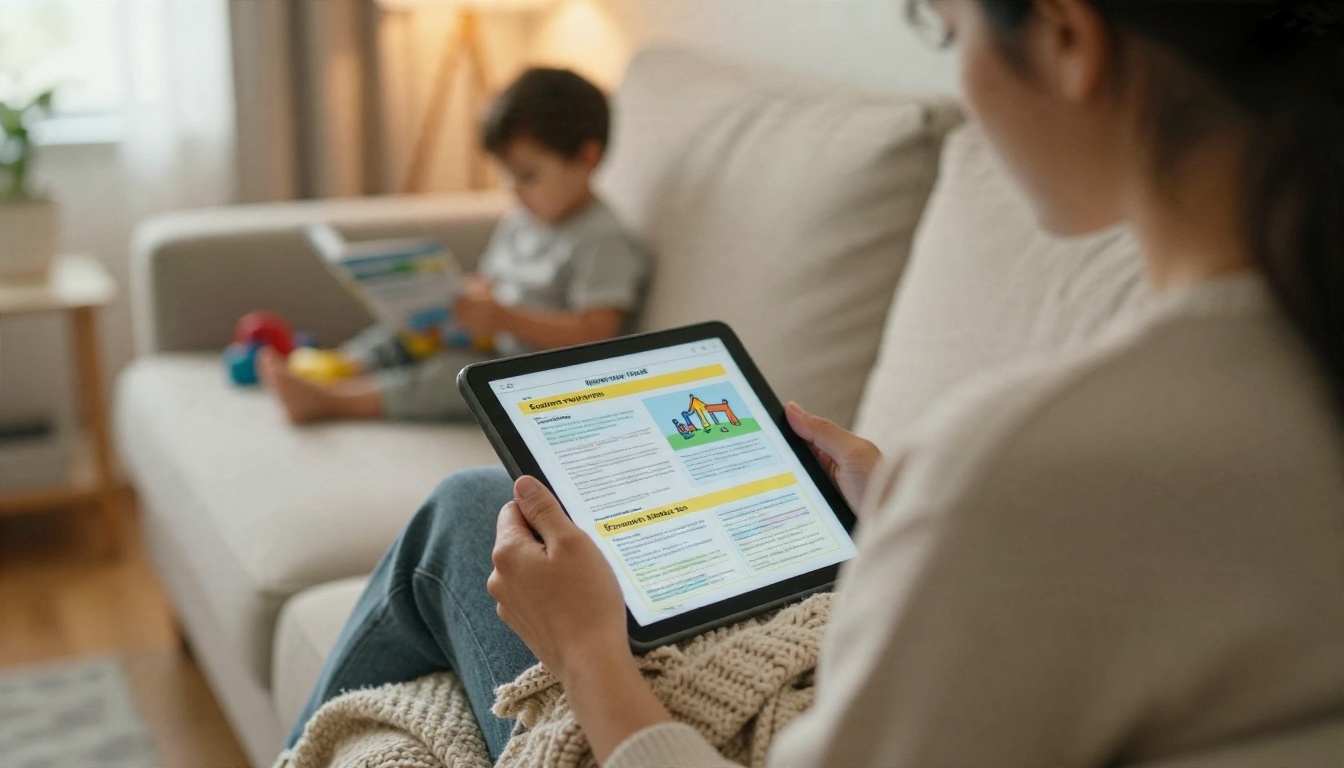
A PDF is a fine starting point, but it has real limits on phones. Parents pinch, zoom, scroll sideways and give up. A flipbook keeps your exact design and adds page-turning, mobile-friendly reading, and a link that works everywhere.
PDF Versus Flipbook
| Feature | Plain PDF | Flipbook newsletter |
|---|
| Reads well on phones | Poor, needs zoom | Excellent, responsive |
| Page-turning feel | None | Yes |
| Shareable by one link | Attachment or download | Yes |
| Password protection | Limited | Available |
| Embed on school website | Awkward | Simple embed code |
| Reader analytics | None | Available on Professional plan |
| Archive of past issues | Folder of files | Tidy online library |
How to Create a Newsletter Flipbook
If your newsletter is already a PDF, you are minutes away from a digital edition. The School Newsletter Creator and the Newsletter Flipbook Publisher are built for exactly this.
- Open the platform. Go to Flipbooks AI and create an account. No watermarks are added to your pages, ever.
- Upload your PDF. Drag your finished file into the PDF to Flipbook Converter. Each page is converted automatically and keeps your fonts, colors and photos.
- Customize the look. Add your school logo, choose a background color that matches your crest, and pick a page-turning effect. You can also embed a short video message from the principal or an audio clip from the school choir.
- Add links. Turn dates, forms and sign-up pages into clickable links so parents can act without leaving the issue.
- Set privacy. For internal staff issues or sensitive notices, use password protection. For public issues, keep the link open.
- Share it. Copy the direct link into your email or messaging app, or use the embed code to place the newsletter on your school website.
- Track results. On the Professional plan, analytics show how many parents opened each issue and which pages they read. Compare plans to see what fits your school.
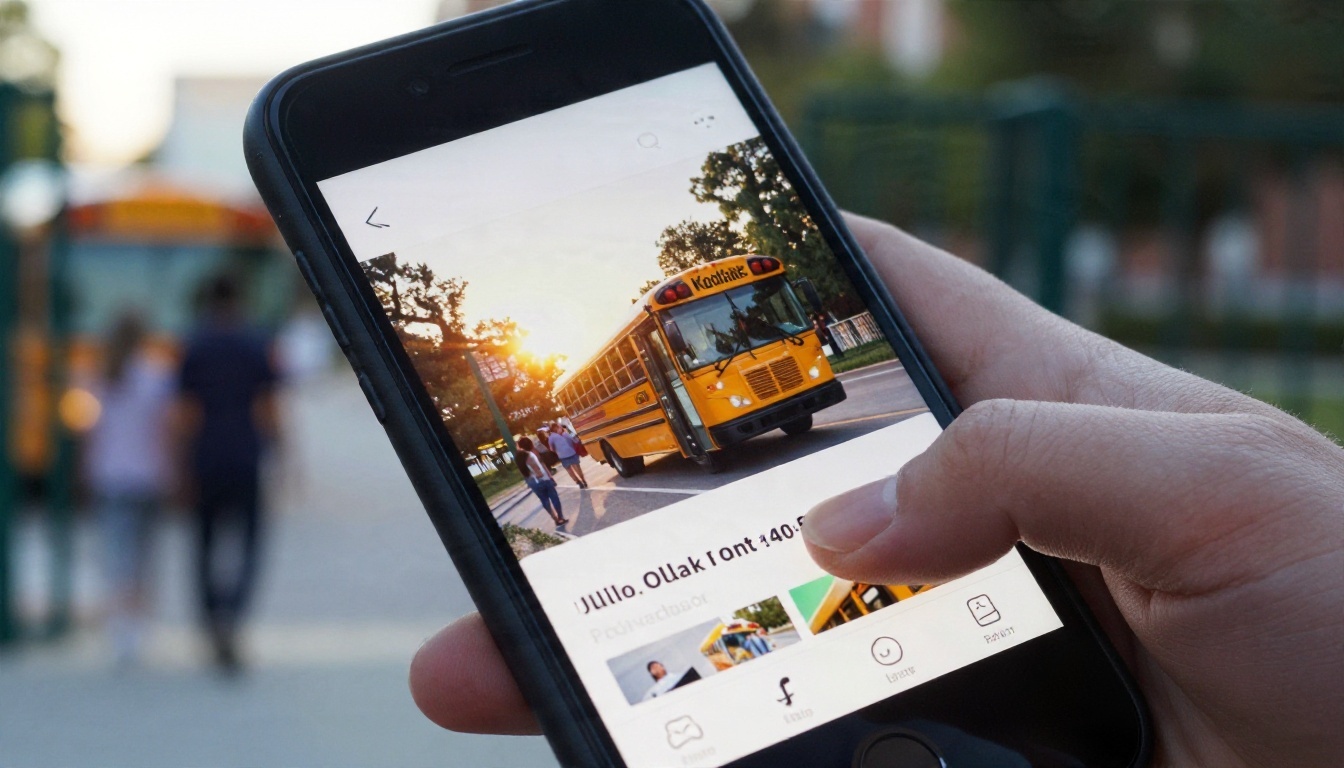
💡 Pro tip: Enable offline downloads for families with unreliable internet. They can save the issue once and read it on the bus, in the car, or at pickup.
Plan Features at a Glance
| Need | What to use | Plan |
|---|
| One newsletter, occasional use | PDF to flipbook, share link | Free to try |
| Every issue, unlimited archive | Unlimited flipbooks, custom branding | Standard and above |
| Open rates, reader tracking | Analytics, lead generation | Professional |
Check the current pricing page for details, since plan limits can change.
Real Examples From Real Schools
Here are three scenarios that show how the formats and flipbooks fit together.
A small rural primary school sends a one-page weekly letter. The office manager builds it in a word processor, exports a PDF, and uploads it to a flipbook each Thursday. The same link goes into the parent group chat, so nobody hunts for attachments.
A suburban secondary school uses the department roundup. Each head of department writes 80 words and sends one photo. The editor assembles the pages in an hour and publishes a four-page flipbook with password protection for staff and an open version for parents.
An international school runs a termly gallery issue and a monthly booklet. The gallery issue is embedded on the admissions page, so prospective families can flip through real classroom life before booking a tour. For end-of-year keepsakes, the team also uses the Yearbook Flipbook Maker.
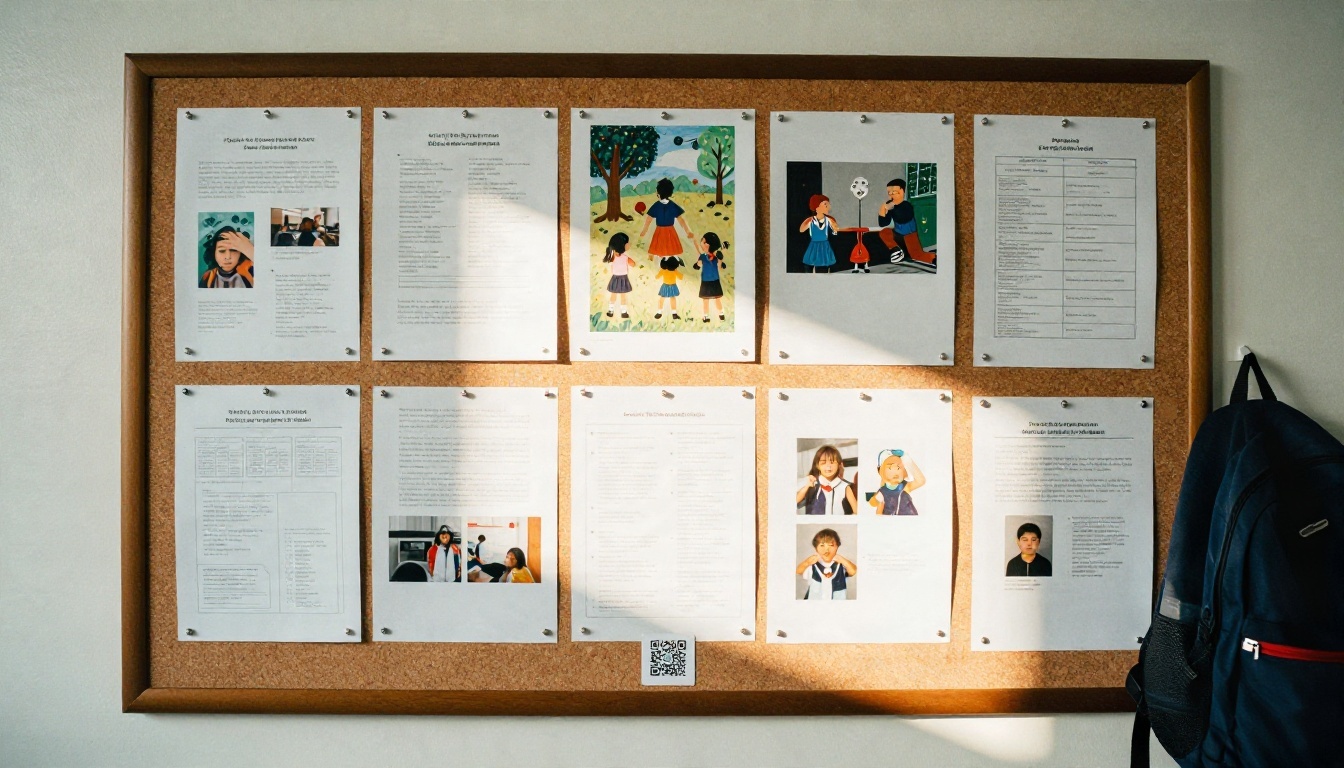
✅ Best practice: Print a small QR code on the school noticeboard that links to your newsletter archive. Families who skip email can still reach every issue.
Common Mistakes to Avoid
Most weak newsletters fail for the same few reasons.
Too Much Text
Walls of text get skipped. If a story runs past 180 words, cut it or move it to your website and add a link.
No Clear Action
Every issue should end each section with a next step: sign up, bring, attend or reply. A newsletter that informs but never asks gets read and forgotten.
Inconsistent Design
Switching fonts, colors and layouts every month makes the school look disorganized. Save a master template and reuse it. Small changes in photos and headlines are enough to keep it fresh.
Ignoring Mobile Readers
If your PDF is only readable on a desktop, you are losing most of your audience. Test every issue on a phone before sending, or publish it as a flipbook so the layout adapts.
Skipping Consent and Privacy
Always check photo permissions, and avoid printing full names alongside images of younger children. When in doubt, use first names only and a password-protected link.
Start Your Next Issue Today
You now have the formats, the layout rules, and a free template to copy. The last step is publishing.
Ready to send a newsletter parents actually open? Get started for free on Flipbooks AI and publish your next issue as a flipbook.



