You finished the manuscript. Now someone tells you that publishing costs thousands of dollars, and your excitement sinks. It does not have to. Today, self publishing for free is a real option: major retailers print and sell your book without charging a setup fee, several of them hand out an ISBN at no charge, and you can even turn your PDF into a page-turning online edition with Flipbooks AI. This article lays out what is actually free, what is only "free with strings attached," and the exact order of steps to get your book in front of readers.

What "Free" Really Means
Let's be honest from the first paragraph: free publishing means no upfront fees, not no costs ever. Retailers earn their money by keeping a slice of each sale, so you pay with a percentage instead of a payment today. For a first-time author that is a fair trade, because nothing is at risk before your first sale.
Where the Costs Hide
Even on a zero budget, a few expenses can sneak in:
- Printed proof copies of a paperback (you pay printing and shipping, usually a few dollars each)
- Stock images or fonts with licenses that forbid commercial use
- Paid editing if you decide a human editor is worth it
- A purchased ISBN if you want to control your publisher name
None of these is mandatory. You can skip every one and still publish a professional-looking book.
Your Real Budget Is Time
The currency of free publishing is hours. Expect to spend a weekend on formatting, a few evenings on the book description, and a week waiting on reviews and approvals. If you treat the process like a small project with a checklist, it stays painless.
| Item | Can It Be Free? | How |
|---|
| Writing software | Yes | Google Docs, LibreOffice, Reedsy Book Editor |
| E-book distribution | Yes | KDP, Draft2Digital, Kobo, Google Play Books |
| Paperback printing | Yes (print on demand) | Cost is deducted from each sale |
| ISBN | Sometimes | Platform-assigned or government programs |
| Front jacket design | Yes | Canva free tier, your own photography |
| Editing | Partly | Beta readers, free grammar checkers |
| Online flipbook edition | Yes | PDF to Flipbook Converter |
Every platform below lets you list a book without paying to join. Royalty rates and rules change, so always confirm current terms on the official site before you commit.

Amazon KDP
Kindle Direct Publishing is the biggest storefront and the easiest to start with. You upload a manuscript, set a price, and choose e-book, paperback, or hardcover. Paperbacks and hardcovers are printed only when someone orders, so you never hold inventory. The trade-off is that KDP-assigned ISBNs are tied to Amazon, and enrolling in exclusivity programs can limit where else you sell.
Draft2Digital
Draft2Digital works as an aggregator: you upload once and it distributes to many retailers and library services. It takes a small share of each sale instead of charging upfront, and it formats your e-book automatically. It is a strong choice if you want wide distribution with minimal effort.
Kobo Writing Life and Apple Books
Kobo Writing Life is friendly to international authors and has strong readership in Canada, Europe, and Australia. Apple Books (through Apple's author tools) reaches iPhone and iPad readers. Neither requires you to buy an ISBN for e-books, which keeps the budget at zero.
Google Play Books and Lulu
Google Play Books accepts e-book and audiobook uploads and can provide an identifier for you. Lulu is a print on demand service that lets you order a single copy at cost, ideal for gifts or a launch party.
| Platform | Upfront Cost | Formats | Free ISBN Offered | Best For |
|---|
| Amazon KDP | $0 | E-book, paperback, hardcover | Yes (Amazon only) | Largest audience |
| Draft2Digital | $0 | E-book, some print | Yes (e-books) | Wide distribution |
| Kobo Writing Life | $0 | E-book | Not required | International readers |
| Apple Books | $0 | E-book | Not required | Apple device users |
| Google Play Books | $0 | E-book, audio | Not required | Search visibility |
| Lulu | $0 | Print on demand | Yes (with limits) | Author copies |
💡 Pro tip: Publishing wide (many stores) usually protects you from depending on one retailer, while a single store can be simpler for your first title. Pick one strategy per book and stick with it for a few months before judging results.
How a Free ISBN Works
An ISBN is a number that identifies a specific edition of a book. Libraries, bookstores, and distributors use it to catalog and order titles. Here is the part that confuses many authors: you do not need one everywhere.
Platform-Assigned ISBNs
Several services give you an ISBN at no charge. The catch is that the platform is listed as the publisher of record, and that number generally only works inside their ecosystem. For most first-time authors who just want a book on sale, this is perfectly fine.
Government-Funded ISBNs
In some countries, the national agency issues ISBNs for free to local authors and publishers. Canada and India are commonly cited examples, but programs differ widely, so search for your own country's ISBN agency and read its eligibility rules. This route gives you a number registered under your own name as publisher.
When to Buy Your Own
Buy your own block of ISBNs only if you want to appear as publisher, sell through distributors that require an ISBN you own, or plan to release many editions. In the United States, ISBNs are sold by a single agency and are not cheap, so it is a decision for later, not for day one.
| ISBN Route | Cost | Publisher Listed | Portable Across Platforms |
|---|
| Platform-assigned | Free | The platform | No |
| National agency (where free) | Free | You | Yes |
| Purchased from agency | Paid | You | Yes |
| No ISBN (e-book only) | Free | Not applicable | Retailer identifier only |
⚠️ Warning: Never reuse one ISBN for two different formats. Paperback, hardcover, and e-book each need their own number if they carry ISBNs.
You can build a clean manuscript without buying a single program.
Free Writing Tools
- Google Docs for drafting and easy sharing with readers
- LibreOffice Writer for a desktop alternative with proper page styles
- Reedsy Book Editor for exporting a formatted e-book and print-ready PDF
- Calibre for checking and converting e-book files
Free Editing Habits
Professional editors are worth their fees, but they are not the only path. Try this routine instead:
- Rest the draft for at least a week before editing
- Read it aloud to catch clumsy sentences
- Run a free grammar checker for typos and repeated words
- Recruit three beta readers from writing communities and give them a short feedback form
- Fix one problem type per pass: pacing first, then dialogue, then spelling
Design a Front Jacket Without Spending
Readers do judge a book by its front. Use a clean layout, one strong image you own or have a clear license for, and a readable font. Tools like Canva's free tier include templates, but check that every element is licensed for commercial use. Keep text large enough to read as a thumbnail.
✅ Best practice: Look at the top ten books in your genre and note the colors, fonts, and composition. Match the conventions, not the exact designs.
Publish Your Book Step by Step
Follow this sequence and you will avoid most rookie mistakes.
- Finalize the manuscript in one file with consistent headings and no stray formatting.
- Export an EPUB for e-book stores and a print-ready PDF for paperbacks.
- Choose your platform(s) using the table above.
- Create an account and complete the tax interview. It is free, and it prevents unnecessary withholding on your royalties.
- Enter metadata: title, subtitle, description, two or three categories, and seven keyword phrases where the store allows them.
- Select an ISBN option (free assigned number or your own).
- Upload the files and use the online previewer to check every page.
- Set pricing and territories. Start with a modest e-book price to attract early readers.
- Order a proof copy of the paperback before pressing publish.
- Publish and wait for review, which usually takes from a few hours to a few days.
Write a Description That Sells
Your book description is a sales page, not a summary. Open with a hook, name the stakes, and end with a reason to click "buy." Use short paragraphs and bold a couple of phrases, since most stores support basic formatting.
Create a Free Online Edition with Flipbooks AI
Stores sell your book, but you also want a version you can send to a friend, a reviewer, or a local reading group with a single link. That is where a flipbook helps. A flipbook turns a PDF into a realistic page-turning experience in the browser, with no download required.
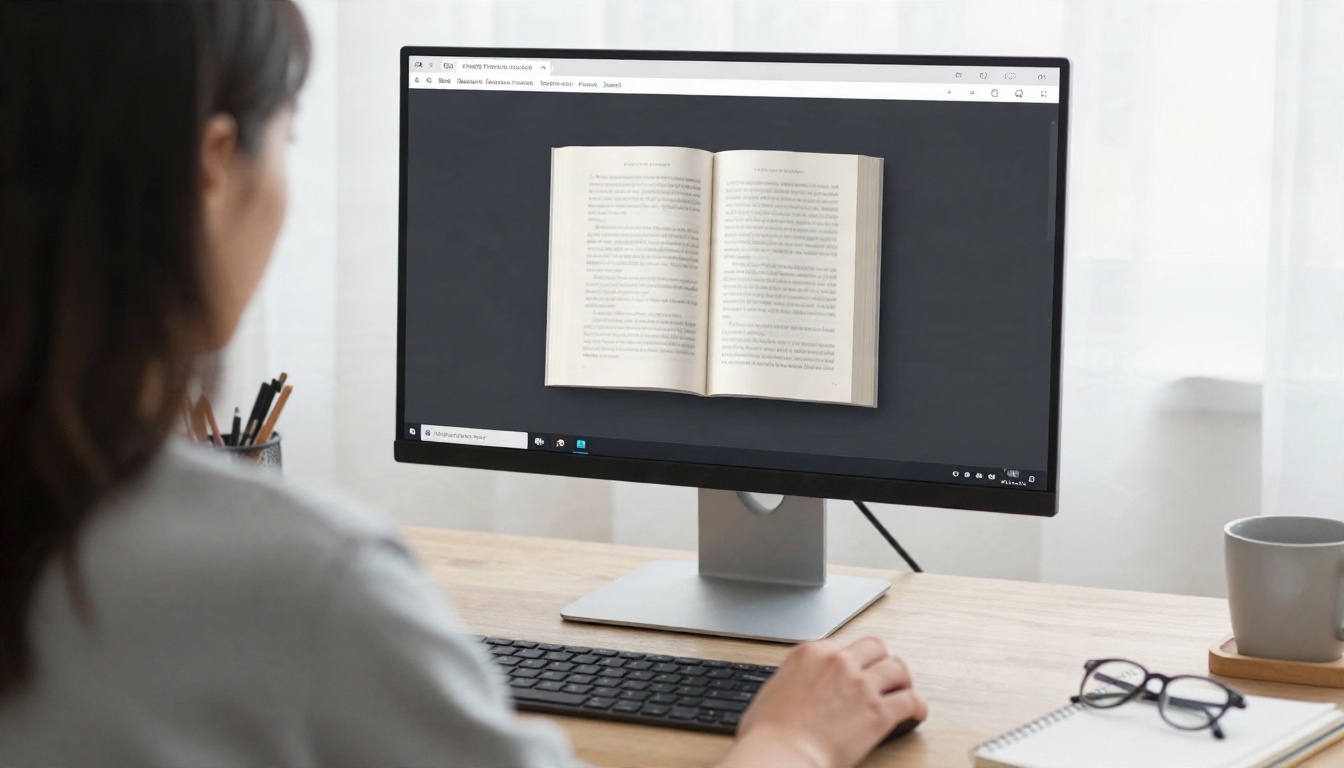
Here is how to create one with the Interactive E-Book Publisher or the E-Book Flipbook Generator.
Step 1: Open Your Account
Go to Flipbooks AI and create an account. Check the pricing page to see which features each plan includes, so you can begin on the option that fits your budget.
Step 2: Upload Your PDF
Drag your print-ready PDF into the uploader. The platform converts each page into a flippable spread, keeping fonts, images, and links intact. Preview it on both desktop and phone, since the design is mobile-responsive.
Step 3: Customize the Look
- Set a background color that matches your brand or genre
- Add your logo or author photo for custom branding
- Choose page-turn effects and sound
- Embed videos or audio, such as a reading of your first chapter
Step 4: Share It Your Way
- Copy a direct link for newsletters and social media
- Use an embed code to place the book on your author site (see the Embed Flipbook on Website tool)
- Add password protection for advance reader copies
- Allow offline downloads for readers on slow connections
Step 5: Extra Features for Serious Authors
On the Professional plan, you get analytics showing how far readers get in your sample and lead generation that collects email addresses before the book opens. Unlimited flipbooks arrive with the Standard plan and above, and there are no watermarks on your pages, ever.
| Use Case | Flipbook Feature | Benefit |
|---|
| Advance reader copies | Password protection | Controlled early access |
| Sample chapters | Direct link, no download | Fast sharing |
| Author website | Embed code | Readers stay on your page |
| Newsletter list building | Lead generation | Email addresses from interested readers |
| Cookbook or travel title | Multimedia embeds | Videos and audio inside pages |
Writers of recipe collections can start with the Recipe Book Flipbook, and travel authors can try the Travel Guide Flipbook. Browse all flipbook tools for more formats.
Free Ways to Reach Readers
A book on sale with no visitors earns nothing. Luckily, the most effective promotion is free too.

Serialize on Reading Platforms
Wattpad and Royal Road let you post chapters and gather readers before launch. Substack works well for nonfiction authors who want an email audience. Post the first few chapters, then point readers to the full book.
Build a Simple Author Presence
- A one-page website with your sample flipbook embedded
- A newsletter signup that offers the first chapter
- A consistent username across social channels
- A short bio and an author photo with natural light
Meet Readers in Person
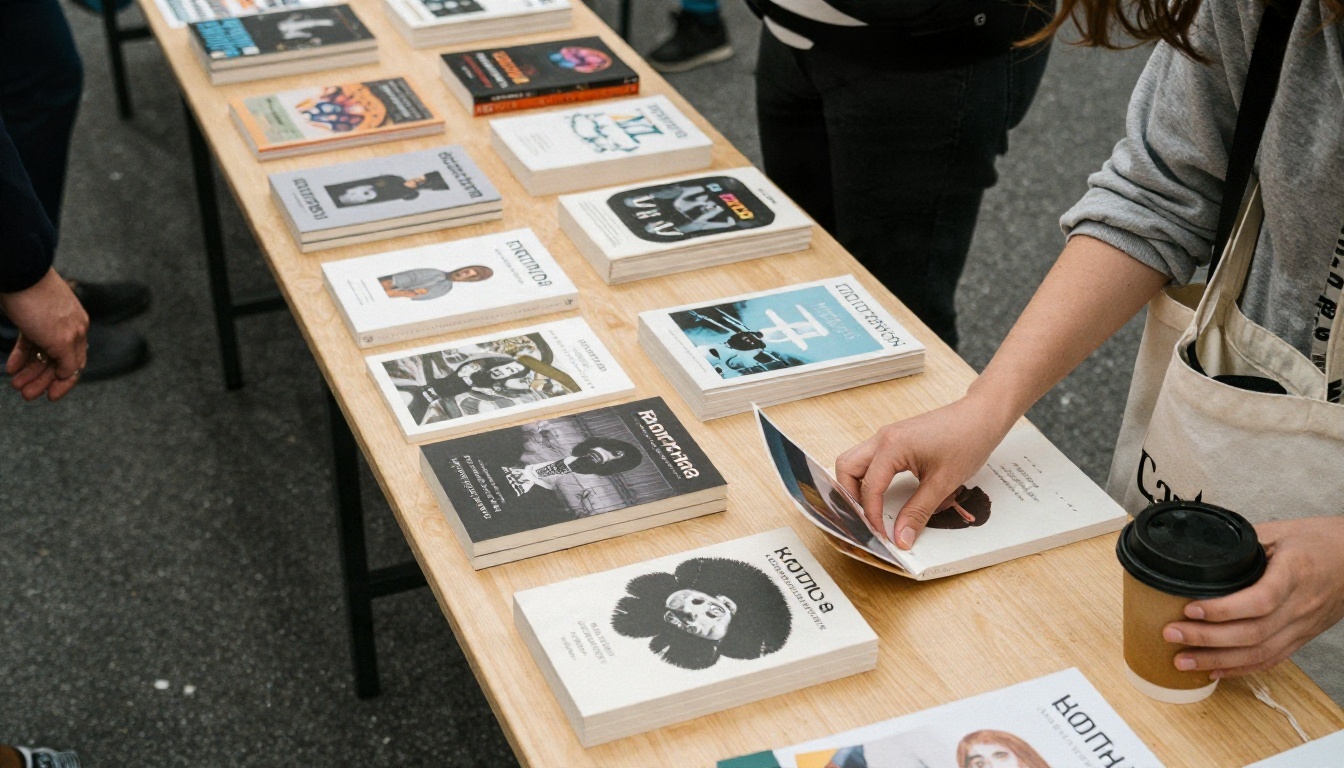
Local libraries, community centers, and small book fairs often welcome local authors. Bring a few paperbacks ordered at author-copy cost, a simple sign, and a link to your sample online.
Ask for Honest Reviews
Send your flipbook link or a free copy to readers who enjoy your genre and politely request an honest review. Avoid paying for reviews, since stores can remove them and penalize accounts.
Common Mistakes to Avoid
- Skipping the proof copy. Paper and screens look different, and margins that seem fine on a monitor can disappear in print.
- Using copyrighted images. Free to view does not mean free to publish.
- Pricing too high for a debut. A lower price helps you gain early reviews.
- Ignoring metadata. A weak description or the wrong categories hides your book.
- Giving up after launch week. Most sales come from steady, small efforts over months.
💡 Quick check: If a service asks for money to "guarantee" sales or reviews, close the tab. Legitimate platforms earn from your sales, not from promises.
Ready to Publish Your Book?
Self publishing for free is not a trick. It is a modest, honest way to test your book with real readers while risking only your time. Pick one platform, choose an ISBN route, order a proof, and press publish.
When you want a polished online edition to share with reviewers and fans, get started for free on Flipbooks AI, compare the pricing plans when you need analytics and lead generation, and browse the full list of tools and templates to find the right fit for your next title. Your readers are waiting, and your first chapter is only one upload away.



