You already made the magazine. The photography is sharp, the layout is tight, and the print run is sitting in a box. Now the question is how to sell a magazine online without a bookkeeping nightmare, a custom website, or a payment setup that scares buyers away. The good news: a PDF export and a few free tools are enough to start. With a platform like Flipbooks AI, that PDF becomes a page-turning issue that readers open on a phone, a tablet or a laptop.
This article walks through the whole path. You will see which selling model fits your audience, how to price single issues and subscriptions, how to build a paywall that protects revenue without annoying readers, and which free tools get you live fast.
Why Digital Magazines Sell Now
Print still has charm, but shipping costs, paper prices and slow delivery have pushed many readers toward digital copies. A reader in another country can buy your issue at midnight and be reading it two minutes later. You pay no postage, no packaging and no reprint.
Who Is Buying Digital Issues
Three groups buy most often:
- Collectors and fans who want every issue, often in both formats.
- Professionals who need industry reading on the move: architects, chefs, photographers, marketers.
- International readers who could never afford print shipping to their country.
What Readers Expect
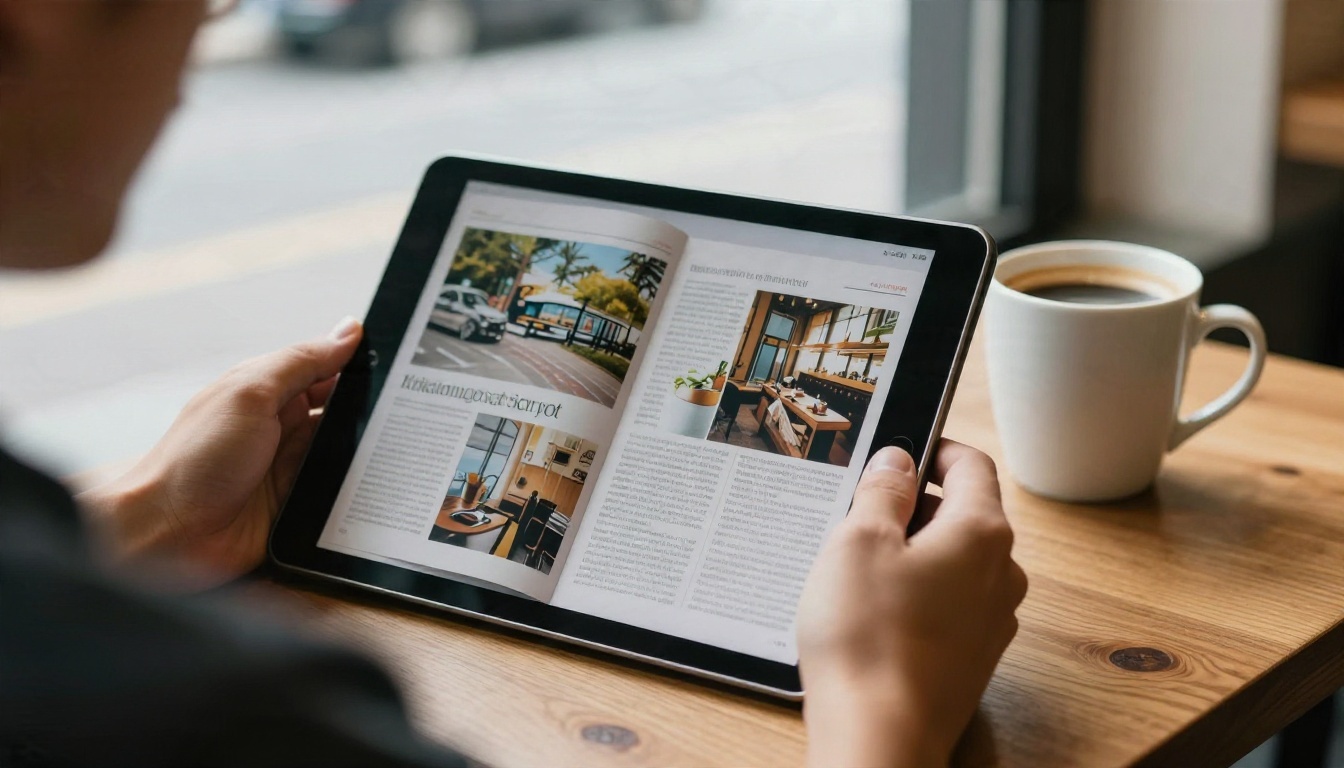
Readers who pay for a digital magazine expect it to feel like a magazine. That means pages that turn, sharp images that zoom, text that stays readable on a small screen, and a link that works the first time. A plain PDF download feels like a receipt. A flipbook feels like a product.
💡 Pro tip: Keep the first three pages free to read. A reader who has already turned pages and enjoyed the layout is far more willing to pay for the rest.
Pick Your Selling Model
Before you set a price, decide what you are selling. Each model changes how you collect money and how often readers return.
| Model | Best For | Revenue Pattern | Effort |
|---|
| Single issue sale | New magazines, special editions | One-time spikes | Low |
| Subscription | Regular monthly or quarterly titles | Predictable recurring income | Medium |
| Back issue archive | Established titles with a catalog | Slow, steady long-tail sales | Low |
| Freemium with locked issues | Magazines building an audience | Free reach, paid conversions | Medium |
| Sponsored free edition | Niche B2B titles | Advertiser-funded | High |
One-Off Issue Sales
This is the simplest route. You upload an issue, set a price, and share a link. A buyer pays once and reads. It works well when you publish irregularly or when you want to test demand before committing to a schedule.
Subscriptions
Subscriptions turn an occasional buyer into a monthly line on your income sheet. A subscriber is also easier to market to, since you already have an email address and a reason to write. The cost is consistency: you must publish on time, every time.
Hybrid Freemium
Many small publishers mix the two. The latest issue is paid, while older issues sit free as a sample library. Readers see the quality, trust the brand, and buy the new edition. This model pairs especially well with a magazine flipbook because the free archive doubles as your sales page.
Pricing That Pays the Bills
Pricing a digital magazine is awkward because there is no paper cost to anchor the number. Readers still compare you with print, with newsletters, and with free articles.
Start With Your Real Costs
Add up what one issue costs you: writers, photographers, design time, software, and your own hours. Divide by the number of buyers you can realistically reach. If the number looks impossible, you have two options: raise the price or cut the cost. Do not hide the problem by guessing.
Test Three Price Points
Instead of arguing in your head, test. Release three issues at three prices and watch what happens.

Here are typical ranges publishers use as a starting point. Treat them as test values, not rules.
| Product | Low Range | Mid Range | Premium Range |
|---|
| Single digital issue | $2 to $4 | $5 to $8 | $9 to $15 |
| Monthly subscription | $3 to $5 | $6 to $10 | $12 to $20 |
| Annual subscription | $25 to $40 | $45 to $75 | $90 to $150 |
| Back issue bundle (6 issues) | $10 to $15 | $18 to $30 | $35 to $60 |
| Special edition or guide issue | $5 to $8 | $10 to $15 | $20 to $35 |
⚠️ Warning: Do not price a digital issue at the same level as print unless the content is clearly worth it. Readers know you have no printing or shipping bill, and they will notice.
A few pricing habits that tend to work:
- Offer an annual plan at roughly ten months of the monthly price.
- Bundle back issues at a discount to lift the average order.
- Use a launch price for the first week of a new issue.
- Keep prices clean. Round numbers feel calmer than 4.97.
Paywalls That Readers Accept
A paywall is not a wall so much as a door with a sign. The best ones let people look inside before asking for money.
Hard, Metered, or Soft Walls
| Paywall Type | How It Works | Strength | Weakness |
|---|
| Hard | Nothing readable until payment | Highest protection | Lowest sampling, fewer new buyers |
| Preview | First pages free, rest locked | Good balance, shows quality | Needs a strong opening |
| Metered | A set number of free issues, then pay | Builds habit | Needs login or tracking |
| Soft or donation | Free to read, optional payment | Wide reach | Low conversion |
| Password gated | Buyers receive a code after payment | Simple to run | Codes can be shared |
For most independent magazines, a preview wall is the sweet spot. The reader sees the editor's letter and a feature opener, then meets the lock.

Protect Files Without Annoying Readers
Piracy worries every publisher, but heavy protection often hurts honest buyers more than thieves. A practical middle path:
- Use password protection on paid issues and send the password after purchase.
- Deliver the issue as a hosted flipbook rather than a loose PDF, so there is no easy file to forward.
- Change the password for each new issue.
- Add the buyer's name or order number to the receipt email so sharing feels personal.
✅ Best practice: Protect the file, but never make the reader jump through five steps. If opening the magazine takes longer than thirty seconds, refunds go up.
You do not need a developer, a shop theme, or a monthly bill to begin. A small set of free tools can handle design, hosting, payment and email.
| Job | Free Option | What It Does |
|---|
| Layout | Canva, Affinity trial, Google Slides | Build pages and export a PDF |
| Page-turning issue | PDF to Flipbook Converter | Turns the PDF into a flipbook readers can open |
| Payment link | Stripe Payment Links, PayPal buttons, Gumroad | Collects money, no website needed |
| Email list | MailerLite, Brevo, Buttondown free tiers | Sends launch notes and password emails |
| Landing page | Carrd, Notion public page | One page to explain the issue |
| Social previews | Canva, a phone camera | Short clips and page teasers |
The flow is short. Design the issue, export a PDF, convert it to a flipbook, put a payment link on a simple page, and email the password to buyers. That is the full system, and it can run on a laptop.
💡 If your magazine is closer to a newsletter, try the Newsletter Flipbook Publisher. For a more polished title, the E-Magazine Publishing Tool is built for multi-page editorial layouts.
How to Create a Magazine Flipbook
Here is the exact process for turning a finished PDF into a sellable digital copy with Flipbooks AI.
Step by Step
- Create your account. Head to Flipbooks AI and sign up. You can try the platform before choosing a plan.
- Upload your PDF. Drag the exported issue into the upload area. The platform converts each page into a flipbook spread within moments. Use a high-resolution export so photographs stay crisp when readers zoom.
- Customize the look. Add your logo, pick a background color that matches your brand, choose a page-turn effect, and set the cover page to open first. Flipbooks AI never adds watermarks, so the magazine looks like yours alone.
- Add multimedia. Drop in videos and audio: an interview clip, a playlist for a music issue, a behind-the-scenes reel. These extras make a digital copy worth more than a flat PDF.
- Set protection. Switch on password protection for the paid issue. Leave a preview issue open as your free sample.
- Share it. Copy the direct link, or use the Embed Flipbook on Website option to place the issue on your own page with an embed code.
- Deliver after payment. Your payment tool sends the buyer to a thank-you page or email that contains the link and password.

Sharing and Protection
For paid issues, pair a direct link with a password. For free samples, embed the flipbook on your homepage so visitors can flip through without leaving. Mobile-responsive design means the same link works on a phone screen, which matters since a large share of readers will open your issue there.
Analytics and Leads
On the Professional plan you get analytics and lead generation. You can see which pages readers stop on, how long they stay, and where they leave. Lead capture lets you ask for an email before a free preview opens, which feeds your mailing list at no extra cost. Offline downloads are also available, a nice bonus for readers on planes or trains. Compare the options on the pricing page to see which plan matches your volume. Publishers with many titles will want the unlimited flipbooks on the Standard plan and above.
| Feature | Why Publishers Care |
|---|
| No watermarks | Your brand stays alone on the page |
| Unlimited flipbooks | Every issue and back issue can stay online |
| Password protection | Simple paid access without a login system |
| Embedded video and audio | Gives readers more than a PDF |
| Analytics and lead generation | Shows what sells and who is reading |
| Offline downloads | Reading without a connection |
| Custom branding | Looks like your own product |
A great issue does nothing if nobody sees it. Selling is half production and half distribution.
Three Channels That Work
- Your own mailing list. The warmest buyers are people who already asked to hear from you. Send a launch note, a preview link, and a deadline for a launch price.
- Social posts with page teasers. Share a single spread, a striking photograph or a pull quote. Link to the preview, not the paywall.
- Partners and communities. Newsletters, forums and creators in your niche can feature an issue for a share of sales.
A real-world example: a small travel magazine published a free sample issue as an embedded flipbook on its homepage. Visitors flipped through ten pages, hit a clear price box, and bought the full issue through a payment link. The publisher changed the password each month and sent it by email. No online shop, no developer, and a few hours of setup.
Another case: a chef-run food quarterly sold annual subscriptions at a lower price during the first two weeks after launch, then moved to the regular price. Early buyers felt rewarded, and the editors had cash before printing began.
Five Mistakes to Avoid
- Locking everything. Without a sample, nobody trusts a new title.
- Skipping the mobile check. Open every issue on a phone before you sell it.
- Using low-resolution exports. Blurry photographs look cheap and trigger refunds.
- Forgetting delivery. If the password email lands in spam, your support inbox fills up. Test it with a friend.
- Never raising prices. After a few good issues, nudge the price up and watch the numbers.
⚠️ Warning: Always state what the buyer gets, whether it is a one-time issue or a recurring plan. Vague promises lead to chargebacks and bad reviews.
Your First Issue Goes Live Next
Selling a magazine online is no longer a project that needs a team. You need a finished PDF, a price you have tested, a paywall that lets people sample first, and a handful of free tools to connect the pieces.
Ready to put your first issue on sale? Create your account on Flipbooks AI, upload your PDF, and have a protected, page-turning magazine in minutes. Browse all flipbook tools to find the layout that suits your title, and compare pricing plans when you are ready to publish more than one issue.



