A finished PDF sitting in a folder earns nothing. Selling it means choosing where buyers pay, what you charge, and how they can sample the book before they commit. Get those three decisions right and a 60-page PDF can quietly outsell a self-published paperback. This article compares the main selling platforms, breaks down pricing models, and shows why interactive previews built with Flipbooks AI often beat a plain download link. You will also find fee tables, a step-by-step preview tutorial, and a launch checklist you can run through in an afternoon.
Why PDF Books Still Sell

PDF is the format everyone already has a reader for. Phones, laptops, tablets, and office printers all open it without installing anything. That matters more than most authors admit, because every extra step between "buy" and "read" costs you sales.
What Buyers Actually Want
Readers who pay for a PDF are usually after a specific outcome: a workbook they can fill in, a recipe collection, a training manual, a market report, a set of templates. They are not browsing for entertainment. They want proof the book solves their problem, fast delivery, and a file that looks professional on any screen.
Common PDF book categories that sell well:
- How-to workbooks with exercises and checklists
- Cookbooks and recipe collections
- Industry reports and data summaries
- Course companions and study notes
- Planners, templates, and printables
- Photography and art books with large images
What Sellers Keep
Marketplaces like Amazon take a large cut and own the customer relationship. When you sell a PDF directly, you keep the buyer's email, set your own price, and change the file whenever you like. A typical direct sale keeps 90% to 97% of the price after fees, compared with 30% to 70% royalties on some retail ebook stores.
💡 Pro tip: The buyer's email address is worth more than the first sale. Readers who liked book one are your cheapest audience for book two.
Where to Sell Your PDF
Your choice of platform shapes fees, design control, and how much work you do on taxes and delivery. There is no single winner. The right pick depends on volume, technical comfort, and whether you sell one book or a whole catalog.
Marketplaces vs Your Own Store
A marketplace gives you built-in traffic but takes more money and limits branding. A creator platform hosts checkout and file delivery for a smaller fee. A self-built store gives total control but needs more setup. Many authors start on a creator platform, then add a store once monthly sales justify it.

Platform Comparison Table
Fees below are approximate and change often, so check each provider's current pricing page before you commit.
| Platform | Typical fee (approx.) | Best for | Main drawback |
|---|
| Gumroad | About 10% plus payment processing | Fast solo launch | Fees add up at volume |
| Payhip | 0% to 5% depending on plan, plus processing | Creators wanting lower fees | Fewer design options |
| Lemon Squeezy | About 5% plus 50 cents per sale | Global sales tax handled for you | Less storefront polish |
| Shopify with a download app | Monthly plan, app fee, processing | Brands selling many products | Setup time and monthly cost |
| Etsy | Listing fee, about 6.5% transaction fee, processing | Templates, planners, printables | Crowded, limited brand control |
| Amazon KDP | 35% or 70% royalty | Reflowable ebooks and print | PDF is converted, layout can change |
| Stripe Payment Links | About 2.9% plus 30 cents | Full control of the experience | You build delivery yourself |
Fees That Add Up
A 10% platform fee on a $19 book is $1.90. Add roughly $0.85 in card processing and you net around $16.25. Sell 500 copies and the difference between a 10% and a 5% platform fee is about $475. Small percentages become real money once your book finds an audience.
⚠️ Watch out: Selling digital products internationally triggers VAT and sales tax rules. A "merchant of record" platform handles that filing for you. If you choose a bare payment processor, tax compliance becomes your job.
How to Price a PDF Book
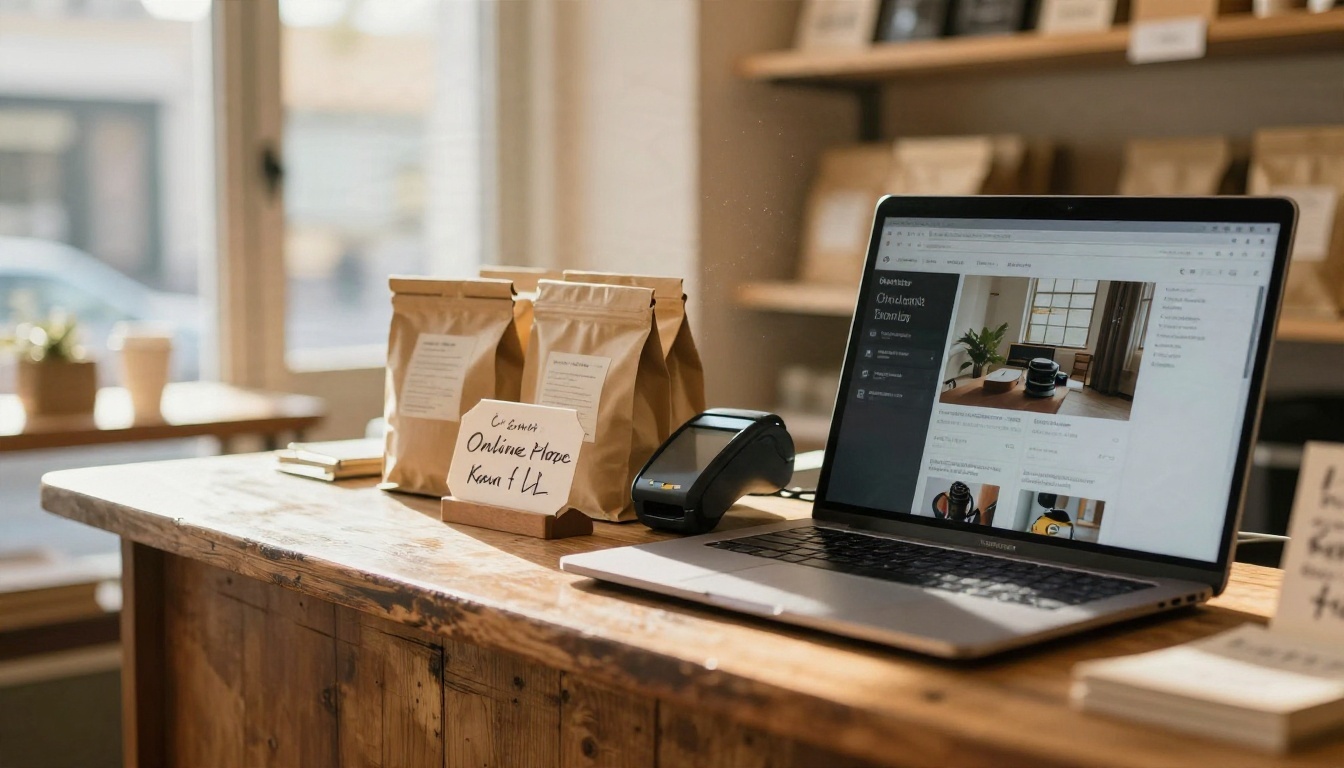
Price signals quality. A $2 PDF suggests a quick checklist. A $39 PDF suggests a serious resource. Neither is wrong, but the number must match the promise on your sales page.
Five Pricing Models
| Model | How it works | Typical range | Best for |
|---|
| Flat price | One fixed price for one file | $9 to $29 | Focused workbooks |
| Pay what you want | Buyer chooses, with a minimum | $5 minimum, $15 average | Building an audience |
| Tiered editions | Basic PDF, plus templates, plus video | $19 / $39 / $79 | Skill-based topics |
| Free chapter, paid book | Sample is free, full book is paid | $12 to $35 | Longer books |
| Library subscription | Monthly access to many titles | $5 to $15 monthly | Authors with a catalog |
Three Tiers That Work
Tiered editions often lift average order value without hurting conversion. Here is a simple layout for a 90-page business workbook:
- Essential, $19: the PDF alone
- Plus, $39: the PDF and editable templates
- Studio, $79: the PDF, templates, and a recorded walkthrough
Most buyers choose the middle option. The top tier makes the middle one feel reasonable, and the low tier keeps the door open for cautious readers.
Bundles and Launch Discounts
Run a launch price for seven days, then raise it. A visible countdown from $19 to $29 creates honest urgency because the price truly changes. Bundle related titles at 25% to 35% off the combined total, and offer existing customers a returning reader code.
Previews That Close Sales
Nobody wants to buy a book they cannot see. Product descriptions and bullet lists help, but a real look inside answers the question buyers actually have: "Is this well made and useful?"

What to Show in a Sample
A strong preview is not just chapter one. Include the pieces that prove value:
- The table of contents, so buyers see the full scope
- One complete worked example or recipe
- A sample of the layout with charts, photos, or templates
- A short author note explaining who the book is for
- A clear next step on the final preview page
Aim for 10% to 15% of the book. Fewer pages feel stingy, and more pages hand over the whole value.
Why Static Samples Fall Short
A downloadable sample PDF has three problems. It breaks the buying flow because the reader leaves your page. It gives you no data on whether anyone opened it. And it looks like every other PDF, so it fails to signal the craft inside your book.
An embedded, page-turning preview solves all three. Readers flip through right on your sales page, you can see how far they got, and the experience feels like handling a real book.
✅ Best practice: Place the preview above the buy button, not buried below the fold. Buyers who interact with a sample convert at noticeably higher rates in most creator tests.
Flipbook Alternatives Worth Testing

A flipbook turns a PDF into a browser-based reading experience with page-turning animation, zoom, and mobile-friendly layout. It is not a store. It is the preview and presentation layer that sits in front of your checkout. Think of it as the display window, with your payment platform as the cash register.
Flipbook vs Plain PDF
| Feature | Plain PDF sample | Flipbook preview |
|---|
| Reading feel | Scroll through a file | Page-turn animation |
| Mobile reading | Pinch and pan | Responsive layout |
| Sits on your sales page | Usually a download link | Embeds directly |
| View tracking | None | Page and session data (plan dependent) |
| Lead capture | Separate form needed | Built-in options (Professional plan) |
| Password protection | Awkward to set up | Simple toggle |
| Audio and video | Rarely supported | Can be embedded |
| Share by link | Large file attachment | One short URL |
Choosing Between Flipbook Tools
When you compare flipbook platforms, check five things: whether the free or entry plan adds a watermark, how many flipbooks you can publish, whether you can embed on your own domain, what analytics you get, and whether readers can download for offline use. Flipbooks AI publishes with no watermarks, offers unlimited flipbooks on the Standard plan and above, and supports password protection, offline downloads, embedded video and audio, and custom branding. Analytics and lead generation arrive with the Professional plan. See the current pricing plans for details.
How to Create a Book Preview with Flipbooks AI

This walkthrough turns a sample of your book into an embeddable preview. Total time is usually under 15 minutes. The E-Book Flipbook Generator and the Interactive E-Book Publisher follow the same flow.
Step by Step
- Open your account. Visit Flipbooks AI and create an account. Pick a plan from the pricing page based on how many titles you plan to publish.
- Prepare the sample PDF. Export the first 10% to 15% of your book, plus the table of contents and one worked example. Keep images at 150 to 200 DPI so pages load quickly.
- Upload the file. Use the PDF to Flipbook Converter. Drag the PDF in, and the platform converts each page into a flippable spread. Expect a short wait for large image files.
- Customize the look. Add your logo, choose background colors that match your sales page, and pick a page-turn effect. If your book has tutorials or recipes, embed a short video or audio clip on the relevant page.
- Set access options. Leave the flipbook public for open previews, or apply password protection for a private reviewer copy or a members-only edition.
- Share and embed. Copy the direct link for email and social posts. Grab the embed code and paste it into your sales page, following the Embed Flipbook on Website instructions.
- Switch on Professional features. If you are on the Professional plan, turn on analytics to see how many pages readers view, and add a lead capture step so you collect emails from interested visitors.
💡 Pro tip: End the preview with a plain final page that says what the buyer gets next, then point to your checkout button directly beneath the embed.
A Real-World Example
Consider a nutritionist selling a 70-page meal-prep workbook for $24. She uploads a 9-page sample with the contents page and one full week of recipes, embeds it above her buy button, and sends the direct link in her newsletter. Visitors flip through on their phones, the lead form captures emails from people who are not ready to buy, and she follows up with a launch discount. The preview does the persuading, and the payment platform simply takes the money.
Other authors use the same method for different formats: the Recipe Book Flipbook for cooks, the Course Material Publisher for educators, and the Digital Catalog Maker for product-heavy titles.
Protect Files Without Annoying Buyers

Piracy worries most first-time sellers. The honest truth is that no protection is perfect, and heavy locks punish paying customers more than thieves. The goal is to make buying easier than copying.
Practical Protection Options
| Method | Buyer friction | Protection level | Notes |
|---|
| Personalized watermark | Low | Medium | Buyer's name or email on each page deters sharing |
| Expiring download links | Low | Medium | Links die after a set time or download count |
| Password-protected preview | Low | Medium | Good for review copies and member editions |
| Hard DRM | High | High | Needs special readers, frustrates buyers |
| Preview only online, full file after purchase | Low | High for the full text | Pair a flipbook preview with a secure delivery page |
Delivery Details That Matter
Send the file instantly and include a backup link in the receipt email. Name the file clearly, such as "Meal-Prep-Workbook-2026.pdf". Reduce the file size under 15 MB by compressing images, since large downloads fail on mobile connections and generate refund requests.
⚠️ Watch out: Never rely on a "no copying" pop-up alone. It stops nobody. Spend the effort on a great preview and fast delivery instead.
Track What Sells and Improve It

Launching is the start of the process. The numbers tell you what to adjust.
Four Numbers Worth Watching
- Preview opens: how many visitors flip through the sample
- Average pages viewed: where interest peaks or drops
- Conversion rate: buyers divided by visitors, with 2% to 5% as a common range for cold traffic
- Refund rate: anything above 5% suggests the preview promises something the book fails to deliver
Three Common Mistakes
- Sample too short. Readers drop off before they see real value.
- Price changes without a reason. Raise prices after reviews arrive, and say why.
- No email capture. Without a list, every sale starts from zero.
If readers leave your preview at page 6 every time, move your strongest example earlier. If most viewers finish the sample but few buy, the issue sits with your price or your buy button, not the book.
Pre-Launch Checklist
| Task | Done when |
|---|
| Sales page written | Headline, benefits, and sample proof in place |
| Platform chosen | Checkout tested with a real card |
| Price set | Launch price and regular price decided |
| Preview built | Flipbook embedded above the buy button |
| Delivery tested | Download works on phone and laptop |
| Email capture ready | Lead form or sign-up box live |
| Tax settings checked | Region rules confirmed |
Ready to Sell Your PDF Book?
A good PDF book business needs three parts working together: a checkout platform with fees you can live with, a price that matches the promise, and a preview that lets readers feel the quality before paying. Pick the platform from the table above, set your price using one of the five models, and put an interactive preview in front of every visitor.
Ready to build yours? Create your free account on Flipbooks AI and turn a sample PDF into a page-turning preview today. Browse all flipbook tools to find a format that fits your book, and compare pricing plans when you are ready for analytics, lead generation, and unlimited titles.



