You already have a PDF, or you could make one by Friday. The question is whether anyone will pay for it, and how to get it in front of them without losing half the sale to fees and mistakes. Etsy has millions of active buyers who search for printable planners, templates and worksheets every single day, and a well-made PDF costs you nothing to ship. This article walks through what sells, how to set up a digital download listing, which files to upload, and what Etsy will really take from each sale. Along the way you will see how a tool like Flipbooks AI can turn the same PDF into a page-turning preview that makes buyers more confident.
💡 Quick take: Etsy is a marketplace, not a file host. Your job is to make a great product, a clear listing and a smooth delivery. Everything else is handled by the platform.
Why PDFs Do Well on Etsy
A PDF is the closest thing to a perfect small-shop product. You make it once, list it once, and sell it again and again while you sleep. There is no inventory, no packaging and no trip to the post office.
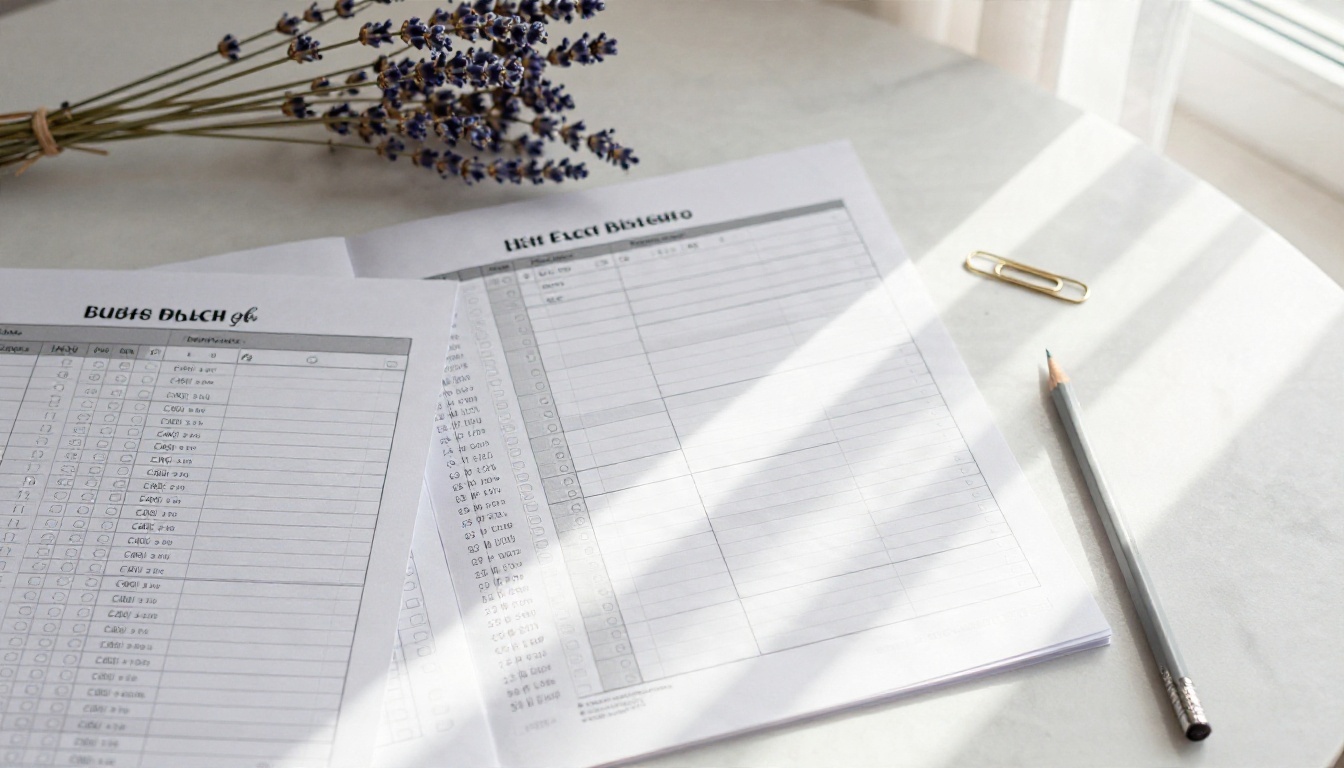
Low Cost, No Shipping
Physical sellers worry about material costs, shipping delays and returns. Digital sellers worry about quality and discoverability. That trade is a good one for most beginners.
- Startup cost is close to zero if you already own a laptop and a design app.
- Delivery is instant, so buyers get the file seconds after paying.
- Scaling is simple: one finished file can be sold thousands of times.
- Updates are easy. Fix a typo, upload the new file, and past buyers can redownload it.
Who Buys Them
Etsy buyers browsing printables tend to fall into a handful of groups. Knowing which one you serve shapes your design, your title and your price.
- Parents and teachers looking for worksheets, chore charts and lesson plans.
- Planners and organizers who want budget sheets, habit trackers and weekly layouts.
- Event hosts who need invitations, seating charts and checklists.
- Small business owners who buy contracts, social media templates and price lists.
- Hobbyists who want recipes, patterns, journals and coloring pages.
What Sells Right Now
Trends move, but categories stay surprisingly stable. Planning, budgeting, weddings, education and small business tools sell year after year. Seasonal spikes happen around New Year, back to school and the holidays, so prepare those products two to three months early.
| Product Type | Typical Price Range | Competition | Effort to Create |
|---|
| Budget and finance trackers | $3 to $12 | High | Low |
| Wedding planners and checklists | $8 to $25 | Medium | Medium |
| Kids worksheets and lesson packs | $2 to $10 | High | Medium |
| Business templates and contracts | $10 to $40 | Medium | High |
| Recipe books and meal planners | $5 to $18 | Medium | Medium |
| Niche e-books and mini guides | $6 to $20 | Low to medium | High |
⚠️ Price ranges shift with trends and shop reputation. Treat the table as a starting point and compare against the top ten results for your own niche.
Planners and Trackers
Planners remain the biggest printable category. The trick is to stop making a generic weekly planner and start making one for a specific person: a nurse working night shifts, a freelance photographer, a student with ADHD. A narrow audience means less competition and a buyer who feels the product was made for them.
Templates and Worksheets
Templates sell because they save time. Think client intake forms, invoice layouts, meal plan sheets or a one-page pet care record. Worksheets for classrooms do well when they match a specific grade level and subject. Bundles raise your average order value, so group three to five related files together.
Finding a Niche

Open Etsy and type a broad term such as "budget planner" into the search bar. Watch the suggestions that appear. Those are real searches from real buyers. Then run this simple routine:
- Write down ten suggested phrases that include your product type.
- Open the top results and note the review counts. Products with hundreds of reviews show proven demand.
- Look at three-star and four-star reviews. Buyers often say exactly what they wish the product included.
- Pick one gap, such as a missing format, a missing size or a missing audience.
- Design your product around that gap.
Digital Download Setup Step by Step
Setting up the listing takes about an hour once your file is ready. Do the preparation work first, because a messy file creates support messages and refund requests.

Preparing the PDF File
Treat the PDF like a retail product. Buyers will print it, annotate it on a tablet or open it on a phone, so test all three.
- Page size: Offer US Letter and A4 if your audience is international. Many sellers include both in one download.
- Margins: Leave at least 0.25 inches so home printers do not clip content.
- Fonts: Embed fonts or convert text to outlines so nothing changes on the buyer's device.
- File size: Compress images. Large files frustrate buyers on slow connections.
- Instructions page: Add a short first page that explains how to print, how to use hyperlinks and how to contact you.
- Licensing: State clearly whether the file is for personal use only or allows commercial use.
Creating the Listing
Here is the process from a blank screen to a live listing.
- Open the Shop Manager in Etsy and click Add a listing.
- Upload your photos and mockups first, then write a clear title with your main search phrase near the front.
- Choose Digital as the listing type. Etsy will then ask for your files instead of shipping details.
- Set the price and quantity. Digital listings renew automatically, so you do not need to restock.
- Fill in the category, attributes and all thirteen tags with phrases real people would search.
- Write the description: what the buyer gets, file format, page size, how to use it, and any usage limits.
- Upload the downloadable file or files, then preview the buyer experience.
- Publish, then check the listing from a logged-out browser.
✅ Best practice: Put the most important selling points in the first two lines of the description. Many shoppers never scroll.
Listing Files and Photos
Etsy separates the product the buyer receives from the pictures that sell it. Both need attention.
File Limits and Formats
At the time of writing, Etsy allows up to five files per digital listing, with each file limited to roughly 20 MB. Etsy publishes the exact list of allowed formats, and PDF, JPG, PNG, ZIP and a few others are included. Always confirm the current limits in Etsy's seller help pages before you build a large bundle.
| Situation | Best File Setup |
|---|
| Single printable planner | One PDF with instructions on page one |
| Planner in two paper sizes | Two PDFs, one for Letter and one for A4 |
| Large bundle over the size limit | A short PDF with a download link to hosted files |
| Editable template | A PDF with a link to the editable version |
| Pattern with several sizes | One PDF per size plus one overview file |
⚠️ If your product is larger than the limit, the usual workaround is a small PDF that contains a secure link to the full file. Make sure that approach is allowed under Etsy's current policies, and test the link regularly.
Mockups That Convert
Your first photo does most of the selling. Shoppers cannot touch a PDF, so the pictures must show it in real life.

A strong set of ten listing photos usually includes:
- A bold first image that shows the finished product on a desk or tablet.
- A close-up of the most useful page.
- A bundle overview that shows every file included.
- A size and format photo that lists paper sizes and file types.
- A how-it-works image with three simple steps.
- A short video or animation if you have one.
- A photo of the product in use, such as a printed planner filled in with pen.
The Real Cost of Selling
Fees are where many new sellers get surprised. Etsy charges several small amounts that add up, so build them into your price from the start.

| Fee | Typical Amount | When It Applies |
|---|
| Listing fee | $0.20 per listing | When you publish, and again each time a digital listing sells and renews |
| Transaction fee | 6.5% of the sale price | Every sale |
| Payment processing | Varies by country, around 3% plus a fixed amount in the US | Every sale paid through Etsy Payments |
| Offsite Ads | 12% to 15% of the order | Only when a sale comes through an Etsy ad |
| Subscription (optional) | Monthly plan fee | If you choose a plan for extra shop tools |
Fees change, and they differ by country, so check Etsy's official fee page before setting prices. Sales tax and VAT on digital items are handled differently depending on where your buyer lives, and Etsy collects and remits it in many regions.
A Sample Profit Calculation
Say you sell a budget planner for $8.00.
- Listing fee on renewal: $0.20
- Transaction fee at 6.5%: $0.52
- Payment processing at roughly 3% plus $0.25: about $0.49
- Total fees: about $1.21
- Left for you: about $6.79, or around 85% of the sale
If the same sale comes from an Offsite Ad at 15%, another $1.20 disappears. That is why many sellers price a little higher and rely on bundles to protect margin.
💡 Pricing tip: Test two price points for a few weeks each. A $12 bundle often earns more profit than three separate $4 files, because fees are charged per sale.
Add a Flipbook Preview with Flipbooks AI
Here is a problem every digital seller faces: buyers cannot flip through the product before paying. Static mockups only go so far. A flipbook preview lets a shopper experience the first few pages the way they would in a printed book.

Etsy restricts sending buyers off the platform to complete a purchase, and listings cannot embed outside widgets. So use the flipbook where it is allowed: your own website or blog, your social media posts, your email list and the bonus page inside the file you deliver. Always review Etsy's current seller policy before you add external links.
How to Create a Flipbook from Your PDF
The PDF to Flipbook Converter makes this quick.
- Go to Flipbooks AI and create an account.
- Click to start a new flipbook and upload your PDF. Conversion takes only a moment, and the page order and layout stay intact.
- Open the editor. Add your brand colors, a logo and a background that matches your shop style. Turn on the page-turn effect to give it a book feel.
- Add multimedia where useful, such as a short video that shows how to use the planner or audio instructions.
- Trim the flipbook to a sample if you only want to show the first pages. Many sellers publish a ten-page teaser of a fifty-page product.
- Choose a sharing method: a direct link, or an embed code you can paste into your site with the Embed Flipbook on Website tool.
- Publish and test the flipbook on your phone.
Flipbooks AI never adds watermarks, and the flipbook layout is mobile-responsive, so it looks good for shoppers coming from Pinterest or Instagram on a phone. Sellers of e-books can also try the Interactive E-Book Publisher or the E-Book Flipbook Generator.
Sharing and Protecting Your Preview
Not every file should be public. Use the options that match your product.
| Goal | Best Option |
|---|
| Show a sample on your own site | Embed code on a product page |
| Share a teaser on social media | Direct link in a post or story |
| Send a bonus file to past buyers | Password-protected flipbook link |
| Offer a read-only version | Flipbook with downloads turned off |
| Let customers keep a copy | Offline download enabled |
Pro Features Worth Knowing
On the Professional plan you can add analytics to see how many people open your flipbook and which pages they spend time on, plus lead generation forms that collect an email address before someone reads your sample. That list can fuel launches for new products. The Standard plan and above offer unlimited flipbooks, so you can publish a preview for every product in your shop. Compare options on the pricing page.
Other products fit the same approach. A Recipe Book Flipbook suits cooking printables, the Course Material Publisher works for worksheets and lesson packs, and the Digital Price List Generator fits business templates. See everything in the tools directory.
Delivery and Customer Messages
Once a buyer pays, Etsy emails them a download link and also places the files in their account under Purchases and Reviews. Your job is to make that moment easy.
- Set up a short automatic thank-you message that explains how to download and print.
- Mention that downloads work best on a computer, since some phones struggle with large files.
- Offer a friendly reply within 24 hours when someone asks for help.
- Ask for a review a few days after purchase, not the same hour.
Because digital items are generally not returnable, state your refund approach in the shop policies and keep it fair. Most disputes disappear when the listing explains exactly what the buyer gets.
Common Mistakes to Avoid

Most failed digital shops make the same handful of errors. Avoid these and you are ahead of the pack.
- Using unlicensed fonts, clip art or photos. Check every asset license. Personal-use licenses do not allow resale.
- Copying a bestseller. Etsy removes copied products, and buyers notice. Be original.
- Unclear file details. If the listing does not say what format, size or pages are included, expect messages and bad reviews.
- Weak first photo. Your thumbnail decides whether a shopper clicks.
- Ignoring tags. Use all thirteen, and make them different from the title phrases.
- Pricing too low. A $1 product earns almost nothing after fees.
- Skipping mobile testing. Open your own listing and delivered file on a phone.
- Never updating. Refresh designs for new years, seasons and trends.
✅ Weekly habit: Spend thirty minutes every week reviewing which listings get views but no sales. Those usually need a better first image, a clearer title or a lower price.
Ready to Launch Your Shop?
You now have the map: choose a narrow niche, build a clean PDF, set up a digital listing with clear files and strong photos, price with fees in mind, and promote with a flipbook preview on channels you own. Start with one product, publish it, and let real buyer data tell you what to build next.
Ready to turn your first PDF into an interactive preview? Get started for free on Flipbooks AI, browse all flipbook tools and templates, or compare pricing plans to pick the one that fits your shop.



