You have a PDF that took weeks to write, and someone out there would happily pay for it. The only gap is the setup: where to host it, how to collect money, and how to convince a stranger it is worth buying before they hand over a card number. The good news is that you can sell a PDF online this afternoon with free tools and no website. The better news is that a good preview, built with something like Flipbooks AI, often does more for your sales than any price tweak.
This article walks through the free tools worth using, how payment links work, what a preview should show, and what fees actually leave your pocket on a typical sale.
What Selling a PDF Really Takes
Selling a PDF looks like one task, but it is four. If one is weak, the whole thing stalls.
The Four Moving Parts
| Part | Job | Typical free option |
|---|
| Product page | Explains the offer and shows proof | Storefront page, simple landing page, social bio link |
| Preview | Lets buyers sample the content | Flipbook preview, sample pages, screenshots |
| Checkout | Takes payment securely | Payment link, hosted checkout |
| Delivery | Sends the file after payment | Automatic download link or email |
Most beginners obsess over checkout and ignore the preview. That is backwards. A buyer who cannot see inside your PDF has to trust your description alone, and trust is the expensive part.
Who Buys PDFs Online
PDFs sell best when they solve a narrow problem fast. Think templates, workbooks, planners, recipe collections, study notes, lesson packs, price lists, checklists, and niche reports. A wedding planner might sell a budget workbook. A teacher might sell a worksheet bundle. A freelance photographer might sell a posing reference. The format matters less than the clarity of the promise.
💡 Pro tip: Before you pick a tool, write one sentence that finishes "After reading this PDF, the buyer can ___." If you cannot finish it, the product is not ready to sell.
"Free" usually means no monthly fee. You still pay a percentage per sale, which we will break down later. Here are the main categories.
Payment Link Tools
Payment link tools let you create a hosted checkout page with a product name, a price and a file. You paste the link into an email, a social post or a button. There is no storefront to design. This is the fastest route if you already have an audience.
Storefront Platforms for Digital Products
These platforms give you a product page, checkout, file hosting and automatic delivery in one place. Several have a free tier with no monthly cost, charging only per transaction. Some also act as the merchant of record, meaning they collect and remit sales tax or VAT for you. For a solo seller, that can save real headaches.
Free Website Builders and Link Pages
If you want your own page, a free site builder plus an embedded payment button works. You get more control over design, but you also take on more setup. A link page works well when most of your traffic comes from social media.
| Option | Setup time | Best for | Watch out for |
|---|
| Payment link tool | 10 minutes | Existing audience, one product | Little built-in marketing |
| Digital storefront | 30 minutes | Several products, automatic delivery | Platform fee per sale |
| Website builder + button | 2 to 4 hours | Brand control, search traffic | Tax handling is on you |
| Marketplace listing | 1 hour | Borrowed traffic | Competition, higher cuts |
Payment Links Without a Website
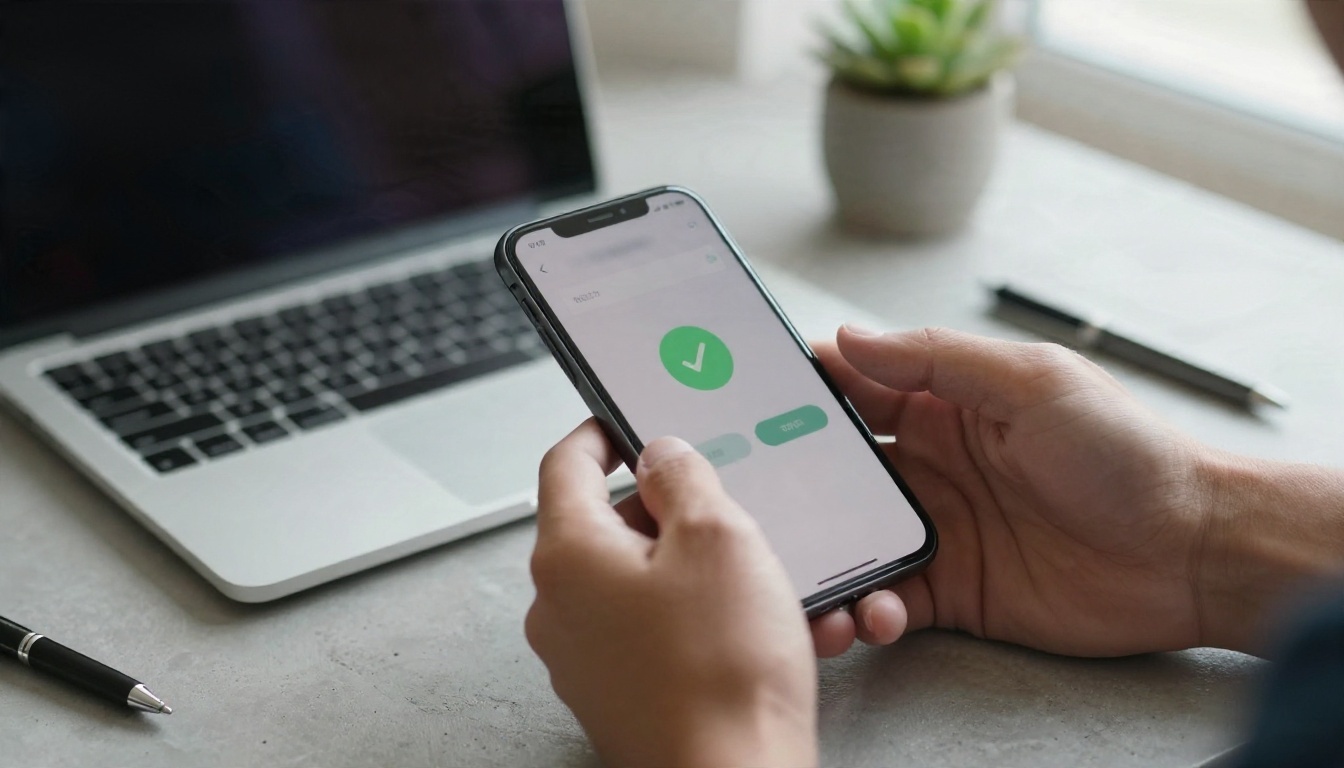
A payment link is a URL that opens a checkout page. The buyer pays, and the tool either redirects them to a download page or emails the file. That is all.
How a Payment Link Works
- You upload the PDF or attach a delivery page.
- You set a price, currency and product title.
- The tool gives you a link.
- You share the link anywhere: an email, an Instagram bio, a newsletter, a QR code on a printed flyer.
- After payment, the buyer gets access to the file.
Because the link is just text, you can drop it into any channel without building a thing.
Setting Up Your First Link
- Name the product like a search term. "Meal Prep Planner PDF" beats "My Planner v2".
- Use one clear price. Offer a single option first. Tiers can come later.
- Add a thank-you message with support contact details, so refund requests reach you rather than a chargeback.
- Test the purchase yourself. Buy your own PDF with a small amount or in test mode, and open the download on your phone.
⚠️ Warning: Check the payment tool's rules on digital goods before you launch. Some processors restrict certain categories, and an account freeze after your first sales is painful.
Previews That Make Buyers Click Pay
Physical shops let customers pick up the book. Online, a preview does that job. Sellers who add a real, flippable sample tend to answer the "is this worth it?" question before the buyer asks it.

What to Show
- The table of contents, so buyers see the scope.
- One strong sample chapter or section, showing your writing and layout quality.
- A few visual pages, such as templates, charts or checklists.
- Proof of usefulness, such as a filled-in example page.
What to Hold Back
Do not give away the page that solves the problem. Show the first ten percent, tease the rest, and keep the most valuable template or answer behind the paywall.
| Preview format | Feels like | Buyer effort | Risk of full copy leaking |
|---|
| Cover image only | A brochure | None | None |
| Screenshot gallery | A quick look | Low | Low |
| Sample PDF download | A trial | Medium | Medium |
| Flipbook sample | Holding the real book | Low | Low if the sample is trimmed |
A flipbook sample wins on feel. The buyer turns pages in the browser, with no download and no extra app.
Build a PDF Preview with Flipbooks AI
If your product is a PDF, the PDF to Flipbook Converter is the natural way to build the sample. The same method works for workbooks, catalogs, planners and the interactive e-book publisher use case.
Step by Step
- Trim your PDF. Create a copy that contains the cover, table of contents and your best sample pages. Never upload the full paid file as a public preview.
- Create an account. Go to Flipbooks AI and sign in.
- Upload the sample PDF. The platform converts it into a page-turning flipbook in the browser. Pages keep their layout and are mobile-responsive.
- Customize it. Add your custom branding, adjust colors, and pick the page effects that suit your product. If your PDF is a course or tutorial pack, you can embed videos and audio too.
- Choose how to share it. Copy a direct link for your social bio, or use the embed flipbook on your website option to place the preview right above your buy button.
- Add protection where needed. Use password protection for a buyer-only flipbook, such as a bonus section you send after payment.
- Track what happens. On the Professional plan, analytics and lead generation show how far people read and let you capture emails from curious visitors. See the pricing plans for details.
✅ Best practice: Place the flipbook above the buy button, not below it. People who flip first buy with fewer questions.
The platform adds no watermarks, which matters when your preview doubles as sales material. Standard plans and above also allow unlimited flipbooks, handy if you sell several PDFs and want one preview for each.
Where It Fits Best
The Real Cost of Fees
This is where sellers get surprised. A $20 sale does not mean $20 in your account.

Where the Money Goes
Fees usually come in up to three layers:
- Payment processing: a percentage plus a fixed amount per charge, charged by the card processor.
- Platform fee: a percentage taken by the storefront or tool for hosting and delivery.
- Tax handling: either you manage it, or a merchant-of-record platform does and charges for the service.
A Worked Example
Rates change often, so treat the table as an illustration and check each provider's current pricing page before you decide. These figures use common published structures for a single $20 sale.
| Setup | Fee structure used | Approx. fees | You keep |
|---|
| Payment link only | About 2.9% + $0.30 | $0.88 | $19.12 |
| Free-tier storefront | About 5% platform + processing | $1.88 | $18.12 |
| Merchant-of-record platform | About 5% + $0.50 all-in | $1.50 | $18.50 |
| Percentage-heavy storefront | About 10% + $0.50 | $2.50 | $17.50 |
The payment link looks cheapest. But it leaves sales tax, receipts and delivery for you to handle. The merchant-of-record option costs a little more and removes a real compliance burden when you sell to buyers in several countries.
Small Prices Hurt Most
Fixed fees weigh heavier on low prices. On a $5 sale, a $0.30 fixed fee is 6% before any percentage. If you sell cheap PDFs, bundle them or raise the price to a point where the fixed fee stops dominating.
💡 Pro tip: A $12 bundle of three $5 PDFs usually earns more after fees than three separate $5 sales, and buyers feel they got a deal.
Delivery and Piracy Worries
Every seller of digital files asks the same thing: what stops someone from forwarding my PDF?
Practical Protection
Honestly, nothing stops it completely. But you can lower the odds:
- Use expiring download links so a shared URL stops working.
- Limit download counts per purchase where the tool allows.
- Personalize the file with the buyer's name in the footer.
- Keep previews trimmed, so the public version is never the full product.
- Offer value that cannot be copied, such as updates, support or a bonus community.
Most buyers are not pirates. They want a clear price, quick access and a fair deal. Treat them that way.

Refunds and Support
Decide your refund rule before the first sale. Many sellers of downloads offer a short window, such as 7 or 14 days, and some offer none because the file has been delivered. Either is fine if you state it on the product page. Unclear rules lead to chargebacks, which cost more than refunds.
Real-World Examples
Numbers and tools mean more with a story attached.
The Recipe Blogger
A food blogger collects 40 weeknight recipes into a PDF and sells it for $12 via a payment link. She builds a flipbook with the first six recipes and the shopping list pages, then embeds it on her blog post. Visitors flip through the sample while reading, and the buy button sits right under it.
The Freelance Tutor
A math tutor sells a practice workbook for $18. He keeps the answer key out of the public preview and delivers it only after payment. The preview shows the table of contents and one worked unit, so parents can judge the difficulty level before buying.
The Small Wholesaler
A candle maker sells a seasonal wholesale price list to shop owners at $9, with the fee refunded against a first order. Buyers see a branded preview of the product pages first, which saves her from fielding sample requests by email.
| Scenario | Price | Preview type | Delivery |
|---|
| Recipe bundle | $12 | Flipbook, 6 recipes | Auto download |
| Tutor workbook | $18 | Flipbook, one unit | Download + bonus link |
| Wholesale list | $9 | Flipbook, product pages | Email delivery |
A Simple Launch Checklist
Before you publish, run through this list:
- Write the one-sentence promise.
- Finish and proofread the PDF. Check links, page numbers and file size.
- Build a trimmed preview and test it on a phone.
- Pick one payment tool and set the price.
- Write short refund and support terms.
- Buy your own product once to test the full flow.
- Share the link in two places, then watch which one brings buyers.
⚠️ Warning: Do not skip the phone test. Most buyers open links on mobile, and a PDF with tiny text or a broken download button loses sales quietly.
Start Selling This Week
You do not need a store, a developer or a monthly bill to sell a PDF. You need a clear promise, a payment link or free storefront, a preview that proves your quality, and a fee setup that fits your price.
Ready to build the preview? Create a free account on Flipbooks AI and turn your sample pages into a flipbook you can share or embed in minutes. Browse the full set of flipbook tools to find a template that matches your product, or compare pricing plans when you are ready for analytics and lead capture.



