You shot the series, edited the sequence, and now a stack of beautiful prints sits on your desk with no buyer in sight. The good news: photo books are one of the few creative products that sell in print, in PDF, and as a page-turning digital edition built on Flipbooks AI. The hard part is choosing where to sell, what to charge, and how to offer more than one format without tripling your workload.
This article walks through Selling Photo Books: Online Platforms, Pricing, Digital Flipbook Versions and Examples in the order you will actually make decisions. First the market, then the platforms, then the math, then the digital edition, and finally real examples you can copy.
Why Photo Books Still Sell
People are surrounded by images on screens, which makes a physical object with a clear sequence feel special. A photo book gives a body of work a beginning, a middle, and an end. That is something a social feed cannot do.

Who Actually Buys
Your buyers are rarely "everyone." They tend to fall into a few groups:
- Fans of your style who already follow your work and want something to own.
- Subjects and families, such as couples, newborn clients, and sports teams.
- Collectors and designers who buy limited editions as objects.
- Brands and agencies who want a printed or digital lookbook.
- Travelers and hobbyists who want inspiration from a specific place.
Print Versus Digital Demand
Print carries the higher price and the stronger emotional pull. Digital carries the lower friction: no shipping, no waiting, no stock. Most successful sellers stop treating them as rivals and sell both. A buyer who loves the print will often pay a small extra amount for a PDF or flipbook copy to show friends or read on a tablet.
💡 Pro tip: Put the digital edition on the same product page as the print. A cheaper "preview" option converts people who hesitate at a higher price.
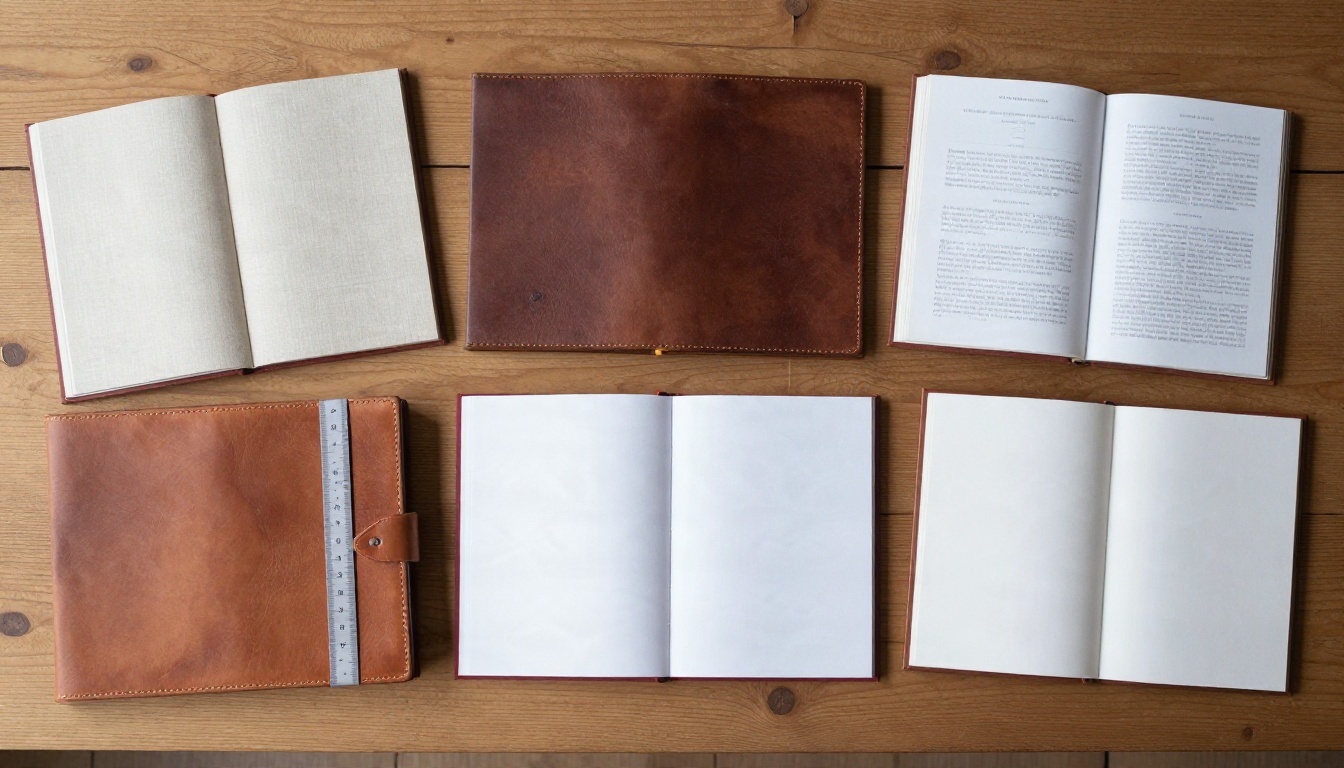
There are three broad routes. Each trades control for convenience in a different way.
Print on Demand Services
Services such as Blurb, Amazon KDP, and IngramSpark print each copy only after an order arrives. You carry no inventory and no upfront print bill. The tradeoff is a lower margin per book and less control over paper and finishing.
Marketplaces and Storefronts
Etsy, Gumroad, and similar marketplaces give you built-in traffic and simple checkout. Fees apply per sale, and you do not own the customer relationship. They suit smaller editions, zines, and digital downloads.
Your Own Website
A site on Shopify, Squarespace, or WordPress costs more effort at the start, but you keep the email list, the brand, and the full margin. You can pair it with a print partner and a digital edition hosted on Flipbooks AI.
| Route | Setup effort | Margin | Inventory | Best for |
|---|
| Print on demand (Blurb, KDP, IngramSpark) | Low | Lower | None | First books, testing demand |
| Marketplace (Etsy, Gumroad) | Low | Medium | Optional | Zines, small editions, downloads |
| Own website with print partner | Medium | Higher | None or small | Building a brand and a mailing list |
| Own website with local print run | High | Highest | Yes | Limited editions and signed copies |
⚠️ Heads up: Fees and printing costs change often. Check each platform's current rate card before you fix your retail price.
How to Price Your Book
Pricing is where many photographers lose money. They choose a number that "feels right" and discover later that shipping and fees ate the profit.
Know Your Unit Cost
Start with the real cost of one finished copy delivered to a buyer. Add every line:
- Printing and binding per copy
- Packaging, such as a box, tissue, and a protective sleeve
- Shipping, or the portion you absorb
- Platform and payment fees
- Your time for design, editing, and support
A Simple Pricing Formula
A reliable starting point is to multiply your printing and packaging cost by 2.5 to 3, then adjust for shipping and fees. Limited editions, signed copies, and strong personal brands can sit well above that. The table below uses made-up numbers purely to show the method.
| Item | Example amount |
|---|
| Printing and binding | $22.00 |
| Packaging | $3.00 |
| Platform and payment fees | $4.50 |
| Total cost before shipping | $29.50 |
| Retail price at 2.5 times print and packaging | $62.50 |
| Profit before shipping and time | $33.00 |
Pricing the Digital Version
A digital flipbook has almost no unit cost, so the price reflects value rather than expense. Many sellers price the digital edition at 20 to 40 percent of the print price, or include it free as a bonus with print orders. You can also sell it alone as an entry point.
✅ Best practice: Test two prices for four weeks each. Real sales data beats any formula.
Digital Flipbook Versions That Sell
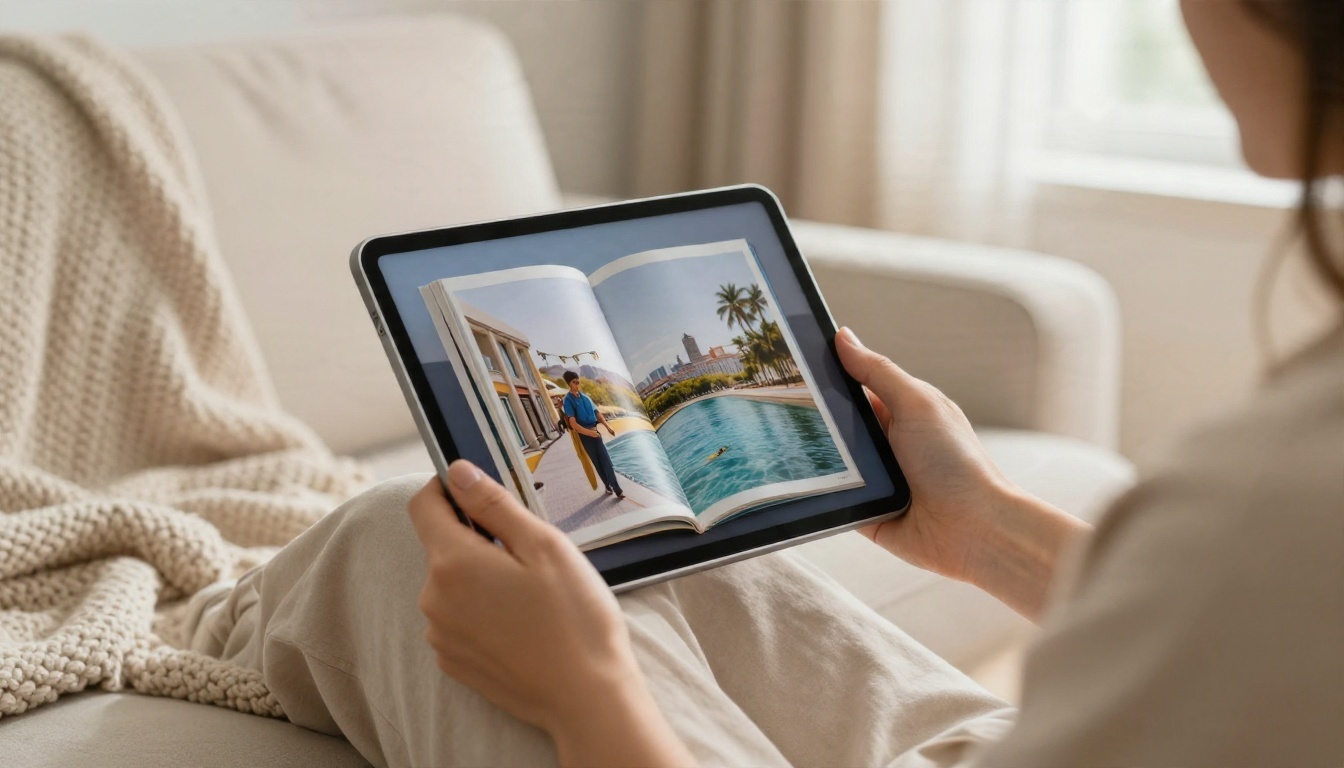
A flipbook is a web-based edition of your book that looks and behaves like a real one. Pages curl, readers zoom, and nothing needs downloading. Unlike a plain PDF, it feels like a product and not a file attachment.
Why Offer a Flipbook
- Instant delivery: the buyer gets a link seconds after payment.
- Zero shipping cost: the margin is almost entirely yours.
- Shareable previews: embed a few pages on your site as a free sample.
- Mobile friendly: pages adapt to phones and tablets.
- Control: use password protection so only paying customers can open it.
Format Comparison
| Format | Unit cost | Delivery | Feels like a product | Protection options |
|---|
| Printed hardback | High | Days to weeks | Very high | Physical only |
| PDF download | Near zero | Instant | Low | Easy to forward |
| Digital flipbook | Near zero | Instant | High | Password and link control |
Smart Bundles
Bundles lift the average order. Three that work well:
- Print plus flipbook: the print ships, and the flipbook link arrives instantly.
- Flipbook plus bonus pages: extra outtakes or behind the scenes notes for digital buyers only.
- Preview flipbook free, full book paid: a short embedded sample sells the full edition.
How to Create a Flipbook with Flipbooks AI
If you already have a print ready PDF, you are close to a sellable digital edition. The PDF to Flipbook Converter turns it into an interactive book. For photo specific work, the Photography Portfolio and Portfolio Flipbook Builder tools are a natural fit.
Step 1: Start Your Account
Go to Flipbooks AI and create an account. You can compare options on the pricing page before you commit.
Step 2: Upload and Convert
- Export your finished layout as a high quality PDF.
- Upload the file in your dashboard.
- Wait a moment while the pages convert into a flipbook.
- Check that every spread displays correctly, especially panoramic images across two pages.
💡 Export at the resolution you would send to print, then check the file size. Large files load slower on mobile.
Step 3: Customize the Look
- Add custom branding with your logo and a background color that suits your photos.
- Choose page effects, such as the curl speed and sound.
- Embed video and audio, for example a short behind the scenes clip or an ambient track.
- Confirm the mobile responsive view on a real phone.
- Remember: no watermarks, so your work stays clean.
Step 4: Share and Protect
You have several options:
- A direct link to place in an email or checkout confirmation.
- An embed code for your site, as described in the Embed Flipbook on Website tool.
- Password protection so only buyers can open the full book.
Step 5: Track and Capture Leads
On the Professional plan, you get analytics and lead generation. See which pages hold attention and collect emails from people who read a free preview. Offline downloads let buyers keep a copy for travel. See the pricing details for which plan includes what.
| Need | Feature | Plan level |
|---|
| Publish a few books | Flipbook creation, no watermark | Entry plans |
| Publish many titles | Unlimited flipbooks | Standard and above |
| Know who reads | Analytics and lead capture | Professional |
| Limit access | Password protection | See pricing |
Real Examples That Work
The patterns below are composites based on how photographers commonly sell. They show how the pieces fit.

The Landscape Photographer
A landscape photographer prints a small run of 100 linen-bound books and sells them from a personal site. The same book lives as a flipbook with an embedded 12 page preview. Visitors read the preview, join the email list through lead capture, and receive a launch discount. The print carries the margin, and the flipbook builds the audience.
The Wedding Studio
A studio delivers each couple a printed album through a local lab. It also sends a private flipbook, protected by password, so relatives abroad can flip through the day. Reorders of the print version come from the same link. Studios can build this with the Wedding Album Flipbook tool.

The Fashion and Glamour Creator
A fashion photographer produces a seasonal book of beach and studio editorials. The print is a premium limited edition. The flipbook sells at a lower price and also works as a pitch for brands, using the Interactive Lookbook Designer. Tasteful, polished imagery sells best, so keep every spread editorial and suitable for a wide audience.

Examples at a Glance
| Seller type | Print role | Flipbook role | Main benefit |
|---|
| Landscape photographer | Premium product | Free preview and lead capture | Audience growth |
| Wedding studio | Keepsake album | Private shared copy | Family sharing and reorders |
| Fashion creator | Limited edition | Paid digital and brand pitch | Two revenue streams |
| Travel photographer | Small zine | Paid mobile edition | Low cost entry |
Mistakes to Avoid
- Skipping a proof copy. Colors on screen rarely match paper. Order a sample before you sell.
- Ignoring shipping. Heavy books cost real money to send. Build it into the price or set a clear flat rate.
- Underpricing the digital edition. A flipbook looks like a book, so price it like one.
- Selling only one format. Offer a print, a digital version, and a bundle.
- Forgetting the email list. A one-time buyer becomes a repeat buyer only if you can reach them.
- No preview. Buyers want to see the pages. Embed a short sample.
⚠️ Always check image rights and model releases before you sell a book commercially, especially with portraits.
Start Selling This Week
You do not need a perfect launch. Pick one platform, calculate your unit cost, and publish a digital edition alongside your print. Here is a simple plan:
- Finalize your PDF and order one proof.
- Set a price using the 2.5 times formula as a starting point.
- Upload the PDF to Flipbooks AI and create a preview.
- List the print and digital bundle on your chosen platform.
- Share the preview link with your audience.
Ready to turn your photo book into something readers can open in seconds? Get started for free on Flipbooks AI, browse all flipbook tools, or compare pricing plans to choose what works for you.



