An architect will never buy your product. That surprises many manufacturers, yet it is the first fact of specification sales: the architect writes your product into a document, a contractor orders it months later, and you win or lose the deal in a quiet office long before anyone talks about price. To get into that document you need three assets that work together: a digital catalog that is easy to search, a sample program that respects the designer's time, and spec sheets that can be pasted into a project without a single phone call. This article shows how each one works, with examples and tables you can copy. If you want to publish the catalog side quickly, Flipbooks AI turns a PDF into a shareable flipbook in minutes.
Why Specifiers Buy Differently
Selling to a purchasing manager is a conversation about price, lead time and terms. Selling to a specifier is closer to selling to an editor. They are choosing what goes into a story that has a budget, a code, a client and a deadline.
The Architect's Real Job
An architect balances design intent, building codes, client budget and liability. A specifier, often a senior architect or a dedicated consultant, turns drawings into written requirements: the product, the performance numbers, the acceptable substitutes. Every line they write is a risk they personally carry.
That is why they favor products that feel safe to name. They ask quiet questions while they browse:
- Does this product have test data I can cite?
- Will it still be available in 18 months?
- Can I find the dimensions, finishes and certifications in under a minute?
- If the contractor substitutes it, can I defend the choice?
Where Products Get Dropped
Most products do not lose to a competitor. They lose because the specifier could not find a number, so they moved to a product where the number was easy to find.

💡 Pro tip: Treat every missing data point as a lost specification. If a specifier has to email you for a fire rating, you have already slipped down the shortlist.
What Specifiers Want in a Digital Catalog
A good specification catalog is not a brochure. It is a reference tool with a good photograph attached. Designers use it in two moods: early inspiration, when they want beautiful imagery, and late documentation, when they want exact figures. Your catalog has to serve both.
Data Before Decoration
Lead each product page with what the specifier needs to confirm, then support it with imagery. A reliable page order looks like this:
- Hero photograph of the product installed in a real project
- One line summary of what the product is and where it belongs
- Technical table with dimensions, weights, performance values and certifications
- Finish and color range with true to life swatches
- Details and sections such as CAD drawings and installation notes
- Downloads for BIM files, specification text and warranty documents
- Contact line for a named representative, not a generic inbox

Catalog Format Comparison
Not every format suits every moment. Here is how the common options compare for a specification audience.
| Format | Strength | Weakness | Best Moment |
|---|
| Printed catalog | Tactile, memorable on a shelf | Outdated quickly, costly to reprint | Office drop off, trade show |
| Raw PDF download | Easy to produce | Slow on mobile, no tracking | Email attachment on request |
| Digital flipbook catalog | Fast, shareable, trackable, always current | Needs a clean source file | Early research and follow up |
| Product database portal | Deep filtering and BIM data | Heavy setup, low visual appeal | Late stage documentation |
| Material sample box | Real texture and color | Limited quantity, shipping cost | Final selection |
The strongest approach is a stack. A flipbook catalog creates interest, a data portal or downloads page supplies detail, and a small sample box closes the choice. A tool such as the Digital Catalog Maker handles the first layer without developer time, and the Product Catalog generator is a good fit if you manage many SKUs.
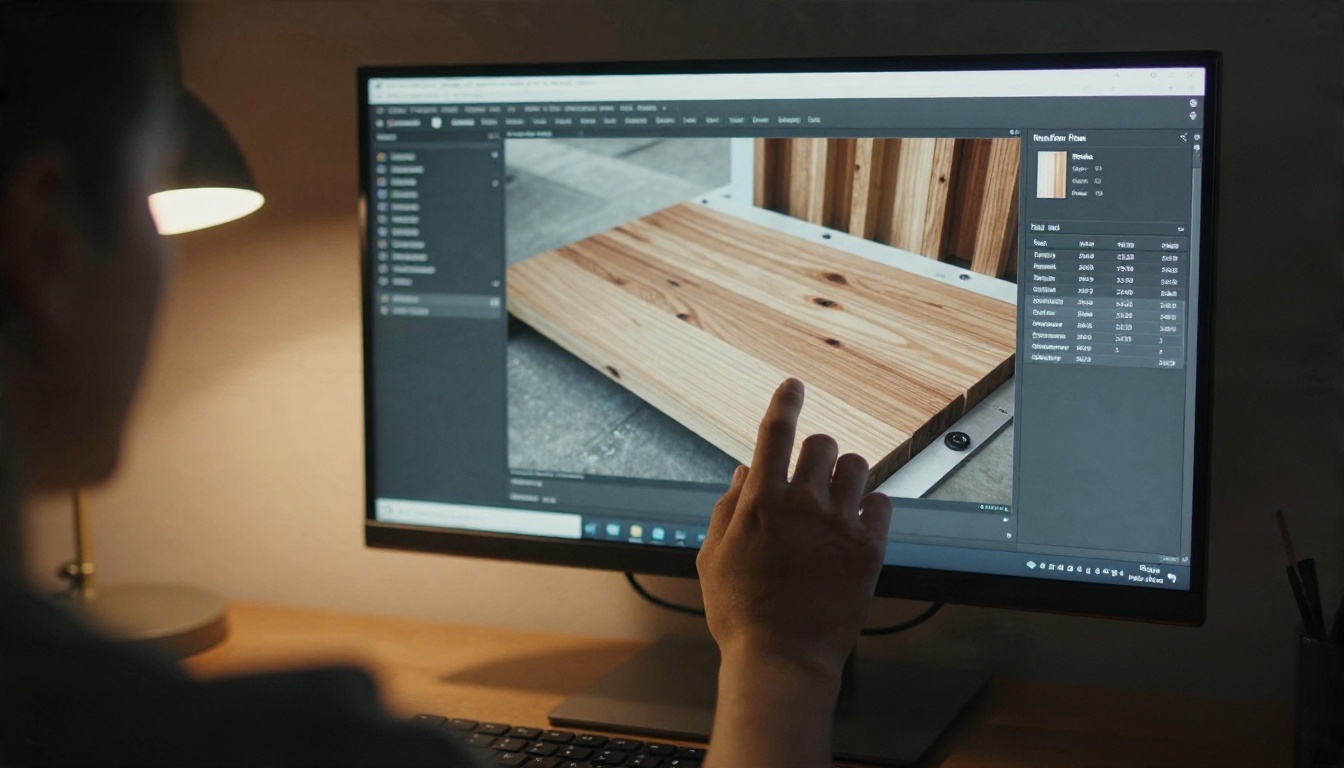
Spec Sheet Examples That Get Used
A spec sheet is the document that actually moves into the project file. If it is clear, your product travels with the project. If it is vague, the specifier writes "or equal" and your product becomes optional.
Anatomy of a Strong Spec Sheet
Here is a model layout for a fictional exterior timber cladding board. Use it as a template and swap in your own figures.
Product: Thermally modified ash cladding, 140 x 21 mm profile
| Section | What to Include | Example Entry |
|---|
| Description | One sentence, no marketing language | Thermally modified ash board for ventilated rainscreen facades |
| Dimensions | Cover width, thickness, lengths, weight | 140 mm width, 21 mm thickness, 2.4 to 4.2 m lengths |
| Performance | Tested values with the standard named | Class B fire rating, durability class 2 |
| Finishes | Named options, with a sample code | Natural, Charcoal, Silver Grey (codes A1 to A3) |
| Installation | Fixing method, spacing, substrate | Concealed clip, 600 mm centers, 20 mm ventilated cavity |
| Sustainability | Certificates and declarations | Environmental product declaration available as PDF |
| Warranty | Duration and conditions in plain words | 25 years against structural failure |
| Contact | Named person and direct line | Regional specification manager |

Weak Versus Strong Spec Sheets
Small wording choices decide whether a sheet is usable. Compare these two approaches.
| Element | Weak Version | Strong Version |
|---|
| Performance claim | "Excellent fire resistance" | "Class B, tested to the named standard, report attached" |
| Dimensions | "Various sizes available" | A table with every size and tolerance |
| Finishes | "Many colors" | Named finishes with sample codes |
| Warranty | "Industry leading" | "25 years, terms linked on page 3" |
| Contact | "Call our sales office" | A named representative with direct email |
| File format | Scanned image PDF | Text based PDF, searchable, with downloadable specification text |
✅ Best practice: Write the specification text yourself in three levels (short, standard, performance based) so the architect can paste it directly into the project manual. Whoever writes the clause controls the wording.
Real World Example
A mid sized flooring manufacturer rebuilt its catalog around this approach. Every product page ended with a downloadable specification clause and a one click sample request. Within a season, regional reps reported that architects stopped asking for "the PDF with the numbers," because the numbers were already on the page. The change cost no new product development, only better organization.
Product Sample Programs That Convert
Samples are the most persuasive and the most expensive asset you own. A designer holding a tile in daylight makes a decision that no photograph can make for them. A pile of unrequested samples in a bin does the opposite.
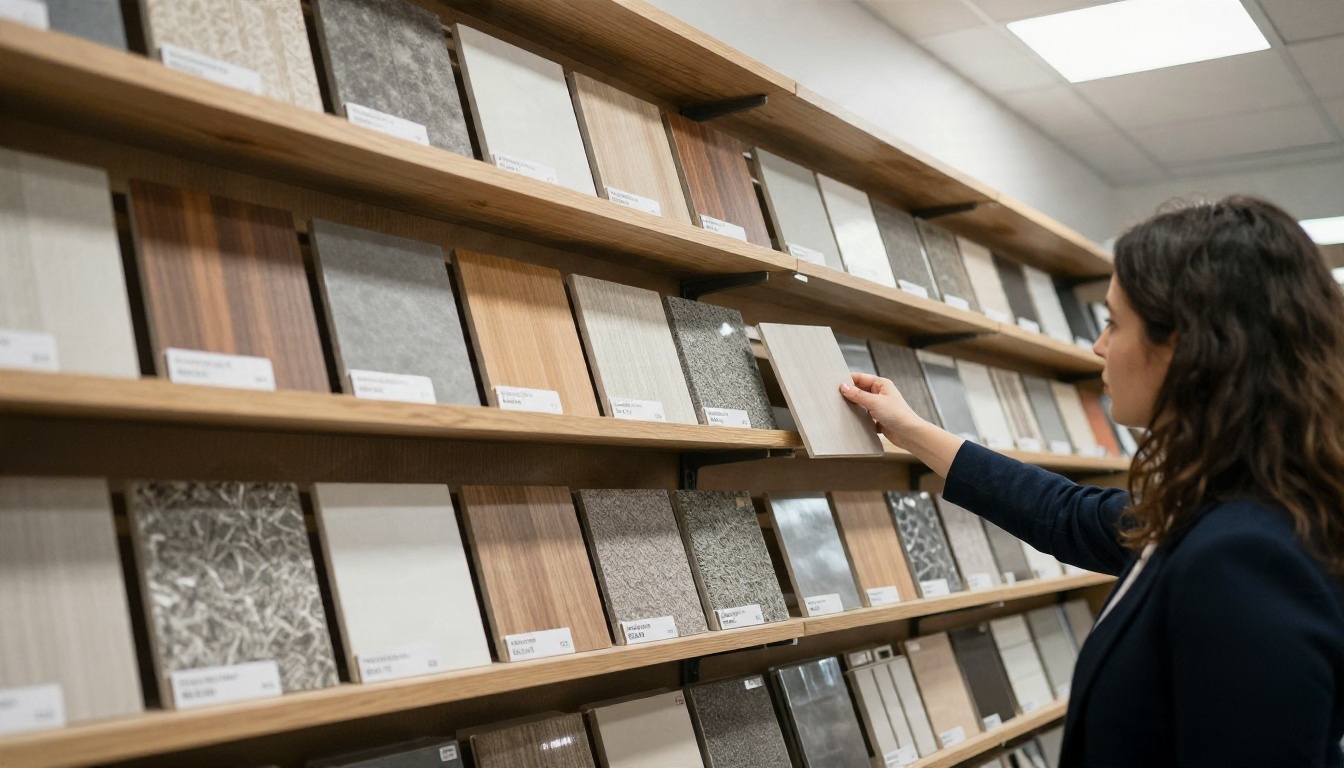
Send Fewer, Better Samples
Quality beats quantity. Follow these rules:
- Curate by project type. A healthcare project gets antimicrobial finishes, not your whole range.
- Label everything. Product name, finish code, size and a link to the spec sheet on the back of every piece.
- Pack for the desk. Samples that fit a standard drawer get kept. Oversized ones get returned.
- Include one printed card with a short link or QR code that opens the digital catalog on the exact product.
- Ship quickly. A sample that arrives within three days still belongs to the conversation. After two weeks it belongs to the recycling.

A Sample Request Workflow
A simple flow keeps your cost under control and gives your team a reason to follow up.
- The architect clicks "Request sample" from the catalog page.
- A short form captures project name, stage, location and the number of samples needed.
- Your team ships within 48 hours with a tracked label.
- An automatic reminder tells the rep to call three days after delivery.
- The rep asks one question: "Did it work in the light of the space?"
- The outcome is logged: specified, shortlisted, or dropped, with a reason.
Step six matters most. Without the reason, you only learn which products are popular, not why they win.
| Sample Type | Cost Level | Best Used When | Follow Up Timing |
|---|
| Single swatch | Low | Early research | One week |
| Curated sample box | Medium | Shortlisting stage | Three days after delivery |
| Full size mockup | High | Final selection, large project | Same week, in person |
| Digital sample (render and data) | Very low | Remote teams, quick checks | Immediate |
How to Build a Spec Catalog with Flipbooks AI
If you already have a catalog PDF, you can publish an interactive version without a designer or a developer. The steps below apply to any manufacturer, from a tile company to a lighting brand.
Upload and Convert
- Create your account at Flipbooks AI.
- Upload your catalog or spec sheet bundle as a PDF. The PDF to Flipbook Converter turns each page into a flippable spread with realistic page effects.
- Check that tables and numbers stay readable on a phone. Architects often open links from email on mobile.
- Add clickable links on each page to downloads such as BIM files, CAD drawings and installation notes.
💡 Tip: Export your PDF with live text, not flattened images. Specifiers copy and paste numbers all day, and searchable text makes that possible.
Brand, Protect and Embed
- Custom branding: Add your logo and brand colors so the flipbook feels like part of your company, with no watermarks.
- Multimedia: Embed an installation video or an audio walkthrough on the relevant page.
- Password protection: Keep a trade only price list or a pre-launch range private. The Digital Price List Generator is useful for specification price books.
- Embed on your site: Place the catalog directly on a product page using the Embed Flipbook on Website tool, or send a direct link in an email signature.
- Offline downloads: Let a designer keep the catalog on a laptop for site visits with weak connectivity.
For presentation meetings, the Sales Presentation flipbook format helps you walk a project team through a range on a single screen.

Track and Follow Up
The Professional plan adds analytics and lead generation. You can see which pages a specifier opened, how long they stayed and whether they returned. A rep who sees that an architect spent four minutes on the facade section can open the next call with a specific, useful offer.
| Feature | Why Specifiers Care | Sales Benefit |
|---|
| Mobile responsive layout | Reads well on phones and tablets | Fewer abandoned views |
| Password protection | Keeps trade prices private | Safe sharing with chosen firms |
| Embedded video | Shows installation, not just photos | Less need for a site visit |
| Offline download | Works on site and in transit | Catalog stays at hand |
| Analytics | Not visible to the specifier | Shows what to follow up on |
| Lead capture | Optional form before opening | Names behind anonymous views |
Measuring What Moves Specs
A catalog or sample program is only useful if it leads to specification. Track a short list of numbers rather than a dozen.

| Metric | What It Tells You | Healthy Signal |
|---|
| Catalog opens per outreach email | Interest in your range | Rising month over month |
| Average pages viewed per visit | Depth of reading | More than a quick scroll |
| Sample requests per 100 opens | Strength of intent | Steady or growing |
| Samples to specification rate | Sample quality and fit | Higher than your baseline |
| Time from sample to decision | Sales cycle length | Shortening |
| Projects specified per region | Where reps are effective | Balanced across territories |
⚠️ Warning: Do not judge success by downloads alone. A specifier may download a sheet and never use it. The sample to specification rate tells you far more.
A useful habit is a monthly review with one question: which three products were opened most, and do they have the best spec sheets? If not, fix the sheets first.
Common Mistakes to Avoid
Most manufacturers repeat the same few errors. Check your own materials against this list.
- Selling the company instead of the product. Specifiers skip the history page and go straight to the table.
- Hiding data behind a form. Gate the price list if you must, but never the technical data.
- Using stock photography. Architects recognize real projects. Show installed products with credit to the design firm.
- Letting files go stale. An outdated certificate is worse than none. Keep a single source and republish when it changes.
- Overloading the sample box. Ten undersized chips tell less than three well chosen full tiles.
- Ignoring the contractor. After the specifier names you, the contractor still has to order. Provide a clear route for that second buyer.
- Skipping the follow up. A catalog opened twice with no call is a warm lead going cold.

A Simple Rollout Plan
You do not have to rebuild everything at once. Try this order:
- Week one: Pick your five best selling products and rewrite their spec sheets using the template above.
- Week two: Publish them as a flipbook catalog and embed it on your product pages.
- Week three: Build a curated sample box for your two main project types.
- Week four: Turn on analytics and set a follow up routine for every sample sent.
- Month two: Review the metrics table and expand to the rest of the range.
Start Selling to Specifiers Today
Architects and specifiers reward manufacturers who make their job easier. A clear digital catalog, a sample that arrives labeled and on time, and a spec sheet with every number in place will do more for your pipeline than another round of brochures.
Ready to publish yours? Create a free account on Flipbooks AI, upload your first catalog PDF and share it with a specifier this week. Browse all flipbook tools to find the right template for your range, or compare pricing plans to add analytics and lead generation once your catalog is live.



