Most SEO deals aren't lost on price. They're lost in the gap between "sounds interesting" and "where do I sign," usually somewhere inside a 40-page PDF that nobody opened. If your proposals go out as flat attachments and vanish into an inbox, the right SEO proposal software will pay for itself within a couple of closed retainers. And if you want something more memorable than a static file, tools like Flipbooks AI turn that same PDF into a page-turning proposal your prospect actually reads.
This article compares the best options for agencies, shows which free SEO proposal templates are worth your time, and walks through building a PDF flipbook proposal step by step.

What SEO Proposal Software Does
Think of it as a production line for your pitch. You feed in a prospect's details, your audit findings, and your pricing. You get out a branded, trackable document that is easy to approve.
The Core Job
At minimum, good proposal software handles five things:
- Templates so you never start from a blank page
- Branding that keeps every document consistent
- Pricing blocks with optional add-ons
- E-signature or approval so the deal closes in one place
- Tracking so you know when a prospect opened it and what they read
Everything else is a bonus. If a tool misses tracking or approvals, you're really just buying a nicer word processor.
Who Needs It
Solo consultants can get by with a template and a PDF. Once you send more than four or five proposals a month, though, the manual work starts to bite. Agencies with several salespeople need shared libraries, so the pitch looks the same no matter who sends it.
💡 Pro tip: Count how many proposals you send monthly and how long each takes. If it's above three hours per proposal, software will recover that time quickly.
Best Options for Agencies
There isn't one winner. The right pick depends on whether you need heavy contract features, a design-first experience, or a lightweight way to impress a prospect.
Dedicated Proposal Platforms
These are built for sales documents. They include templates, content libraries, approvals, and analytics.
| Tool | Best For | Strength | Watch Out For |
|---|
| PandaDoc | Agencies with contracts and payments | Strong e-signature, document workflow, CRM integrations | Can feel heavy for small teams |
| Proposify | Teams that send high volume | Reusable sections, approval workflows, reporting | Learning curve on larger libraries |
| Better Proposals | Design-conscious agencies | Clean templates, quick setup | Fewer deep contract controls |
| Qwilr | Web-style interactive proposals | Visually polished, live pricing tables | Layout flexibility takes practice |
| HoneyBook or Bonsai | Freelancers and solo consultants | Proposals, invoices, and contracts in one place | Not built for large sales teams |
Pricing varies by plan and changes often, so check each vendor's current page before you commit. Most offer a free trial, which is the best way to test whether your team will actually use it.
SEO Audit and Reporting Tools
A proposal is only as strong as the evidence inside it. Tools such as Semrush, Ahrefs, SE Ranking, and Screaming Frog produce the audit findings, ranking gaps, and traffic estimates that go into your document. Some of them include white-label report builders, so you can drop real data into a branded PDF in minutes.
The workflow most agencies settle on:
- Run a site audit and a competitor gap review.
- Export the findings as charts and short summaries.
- Place them inside your proposal template.
- Publish the final PDF as a shareable, trackable document.
How the Approaches Compare
| Approach | Setup Time | Tracking | Visual Impact | Best Fit |
|---|
| Word or Google Docs to PDF | Low | None | Low | Solo, early stage |
| Dedicated proposal platform | Medium | Strong | Medium to high | Growing agencies |
| Audit tool white-label report | Medium | Limited | Medium | Data-heavy pitches |
| PDF flipbook proposal | Low | Strong on higher plans | High | Any agency wanting a memorable pitch |

Free SEO Proposal Templates
Free templates are a perfectly good starting point, as long as you treat them as scaffolding and not finished work. A prospect can smell a generic template from the first page.
What Every Template Needs
Whichever template you grab, check that it contains these sections:
- Executive summary that restates the client's goal in their own words
- Current situation with two or three audit findings
- Strategy and scope broken into clear deliverables
- Timeline with milestones, not vague months
- Pricing and packages with at least one optional add-on
- Expected outcomes framed as ranges, never guarantees
- Next steps with a single obvious action
A Sample Structure You Can Copy
| Page | Section | Goal | Suggested Length |
|---|
| 1 | Cover and greeting | Set tone, show you listened | 1 page |
| 2 | Goals and challenges | Prove you understand the business | 1 page |
| 3 to 5 | Audit findings | Show evidence, not opinions | 3 pages |
| 6 to 7 | Strategy and deliverables | Make the work tangible | 2 pages |
| 8 | Timeline | Reduce uncertainty | 1 page |
| 9 | Pricing options | Anchor and offer choice | 1 page |
| 10 | Case study | Build trust | 1 page |
| 11 | Next steps | Trigger the decision | 1 page |
Eleven pages is plenty. Shorter proposals get read, and read proposals get signed.
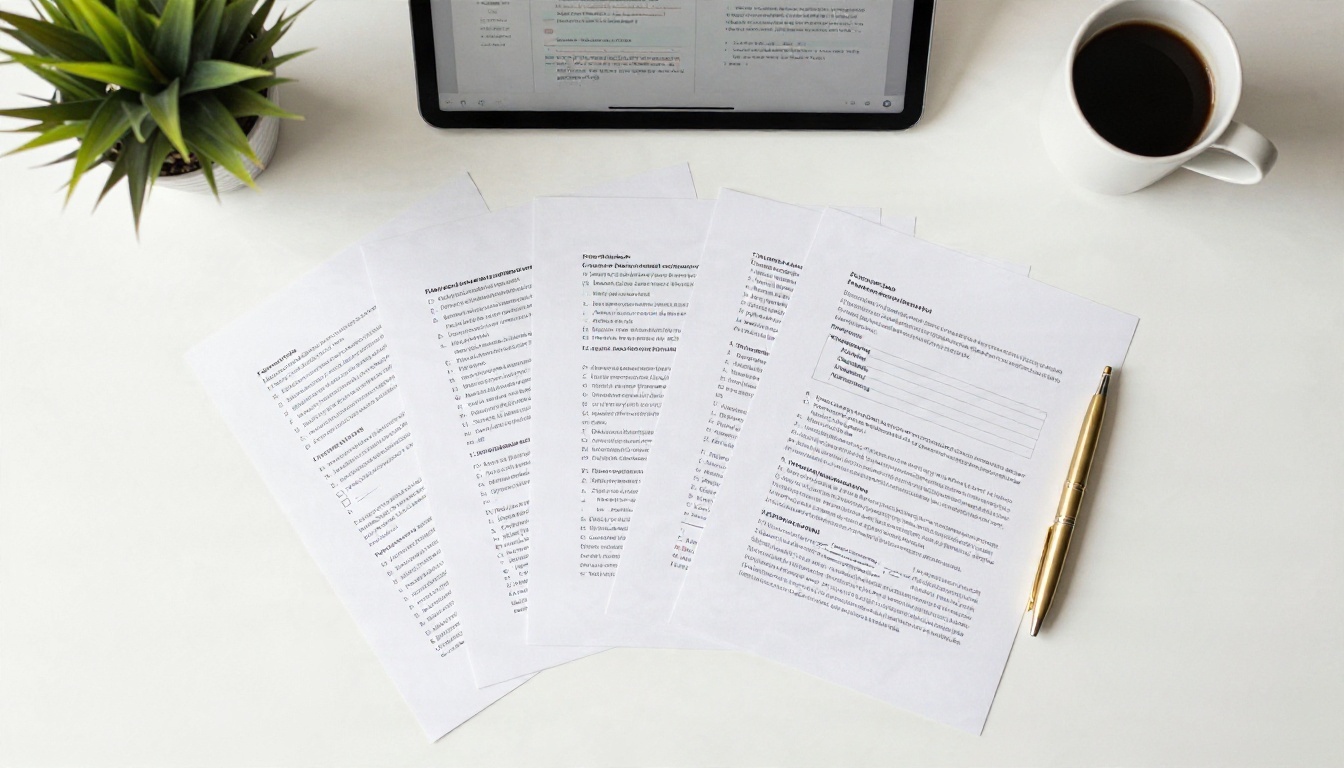
Free Versus Paid Templates
Free templates from Google Docs, Canva, and Notion galleries give you structure at zero cost. What they usually lack is tracking, approvals, and reusable pricing blocks. Paid platforms add that automation.
⚠️ Warning: Never send a template with leftover placeholder text. One stray "[Client Name]" on page six can undo an otherwise strong pitch.
A sensible middle path: design your proposal in a free tool, export to PDF, then publish it as a flipbook so you keep the design freedom and still get a trackable link.
Why PDF Flipbook Proposals Win
A flipbook is a PDF presented as a turning-page document in the browser. No download, no attachment limit, no awkward scrolling through a file viewer.
Attention Is the Real Bottleneck
Prospects skim. A flipbook feels like a short, curated booklet, so people tend to move through it page by page instead of jumping to the price and closing the tab. It also looks good on a phone, which is where plenty of business owners first open your email.
What You Get Over a Plain PDF
| Feature | Plain PDF | PDF Flipbook |
|---|
| Opens in browser, no download | No | Yes |
| Page-turning reading experience | No | Yes |
| Shareable link and embed code | Limited | Yes |
| Password protection | Depends on tool | Yes |
| Mobile-responsive layout | Often clunky | Yes |
| Analytics on views and reading behavior | No | Yes, on the Professional plan |
| Embedded video or audio walkthrough | No | Yes |
| Watermarks | Not applicable | None |

A Real-World Scenario
Picture a boutique agency pitching a local-SEO retainer to a regional dental group. Instead of emailing a 2 MB attachment, the account lead sends a link. The practice manager opens it on her phone between appointments, flips to the pricing page, and forwards the link to the owner. The agency sees the document was opened three times in a day. That's the moment to call, with context.
✅ Best practice: Record a two-minute video walkthrough and embed it on page two. Prospects who see your face are far likelier to reply.
How to Create a Proposal Flipbook
If you already have a proposal PDF, you're about ten minutes from a flipbook. Here is the process with Flipbooks AI.
Step 1: Create Your Account
Sign up on Flipbooks AI. You can start from the PDF to Flipbook Converter if you just want to try one document first.
Step 2: Upload and Convert
- Click the upload button and select your proposal PDF.
- Wait a few seconds while pages are converted into flipbook pages.
- Preview the result and confirm the page order, fonts, and images look right.
Screenshot description: a dashboard with a large upload area on the left and a live preview of the first spread on the right.
Step 3: Customize the Look
Make it unmistakably yours:
- Add your logo and brand colors
- Choose a page-turn effect and background
- Insert links to your case studies and booking calendar
- Embed a video or audio introduction
For sales-focused layouts, the Sales Presentation and Presentation Flipbook Designer tools are good starting points.
Step 4: Share and Protect
You can share the proposal three ways:
- Direct link in your email or chat message
- Embed code to place it on a client portal or landing page, see Embed Flipbook on Website
- Password protection for confidential pricing
Step 5: Track Results
On the Professional plan, you get analytics and lead generation tools. Use them to see who opened the document, which pages held attention, and when to follow up. Offline downloads are available too, which is handy for clients who want a copy for an internal meeting. Compare pricing plans to see which tier fits your volume. Unlimited flipbooks start at the Standard plan, and there are no watermarks on any plan.

Pricing and Packaging Your Offer
Even the best document fails if the pricing page confuses people. Software helps, but the structure is your job.
Offer Three Options
Three tiers anchor the conversation around which package, not whether to buy.
| Package | Scope | Best For | Typical Positioning |
|---|
| Foundation | Technical audit, on-page fixes, monthly reporting | Small sites needing a clean base | Entry retainer |
| Growth | Foundation plus content plan, link outreach | Businesses ready to compete | Most popular |
| Authority | Growth plus digital PR, conversion work, quarterly strategy | Competitive niches | Premium retainer |
Set your own numbers based on your costs, market, and scope. The structure matters more than any single figure.

Show Outcomes as Ranges
Search results are never guaranteed, and prospects have heard "page one in 30 days" too many times. Frame results as realistic ranges tied to specific actions, such as "reduce crawl errors by X" or "publish 8 targeted pages per quarter." You build trust by sounding honest, not magical.
Add a Clear Deadline
A proposal that stays valid for 14 days gives prospects a reason to decide. Put the date in the pricing section and again on the final page.
Mistakes That Kill SEO Proposals
After reviewing countless pitches, the same errors show up again and again.
Too Much Jargon
Words like "topical authority" and "crawl budget" impress other SEOs, not business owners. Translate each into a plain outcome: more qualified visitors, fewer lost leads.
No Proof
Case studies with specific before-and-after numbers beat any claim you can make about yourself. One strong example on a single page is enough.

Silent Follow-Up
Most agencies send the proposal and wait. A better plan:
- Send the link with a short, personal note.
- Check the open data after 24 hours.
- Follow up with one useful insight, not "just checking in."
- Offer a 15-minute walkthrough call.

One Size for Every Prospect
Reusing a template is smart. Reusing the content is lazy. Rewrite the summary and the first audit finding for each prospect, even when the rest stays the same.
💡 Pro tip: Freelancers can keep a master flipbook and duplicate it per client, swapping only the first three pages. It takes minutes and still feels custom.

Send Your Next Proposal Today
Here's how to pick quickly:
- Solo or just starting: use a free template, export a PDF, and publish it as a flipbook.
- Growing agency with contracts: trial one dedicated platform such as PandaDoc, Proposify, or Better Proposals, and pair it with a flipbook for your hero pitch.
- Data-driven pitches: use your audit tool's white-label reports, then publish the final PDF as a flipbook.
Ready to try it? Create your free account on Flipbooks AI, upload your current proposal, and see how it looks as a flipbook in minutes. Browse all flipbook tools for brochures, reports, and portfolios you can reuse in your pitch, or check the Corporate Report Maker for client-facing audits. When you're ready to track opens and capture leads, compare pricing plans and pick the tier that fits your pipeline.



