Somewhere in your family there is a recipe that exists in exactly one place: a stained index card in a drawer, a text thread from 2019, or a memory your aunt keeps promising to write down. A shared recipe book fixes that. It puts every dish, every story, and every "a pinch of this" note into one online family cookbook that anyone in the family can open from a phone, tablet, or laptop. With a free maker like Flipbooks AI, you can turn a simple PDF into a page-turning cookbook in minutes, then send it to the whole family with a single link.
This article shows you how to collect recipes, choose a format, build the book, and pick the right sharing option so nobody is left out of Sunday dinner.
Why a Shared Recipe Book Works
Recipes Disappear Faster Than You Think
Family recipes rarely die dramatically. They fade. A grandmother moves in with relatives, a box gets lost in a house sale, a phone breaks without a backup. Handwritten cards are also physically fragile: grease, humidity, and fading ink all take their toll.
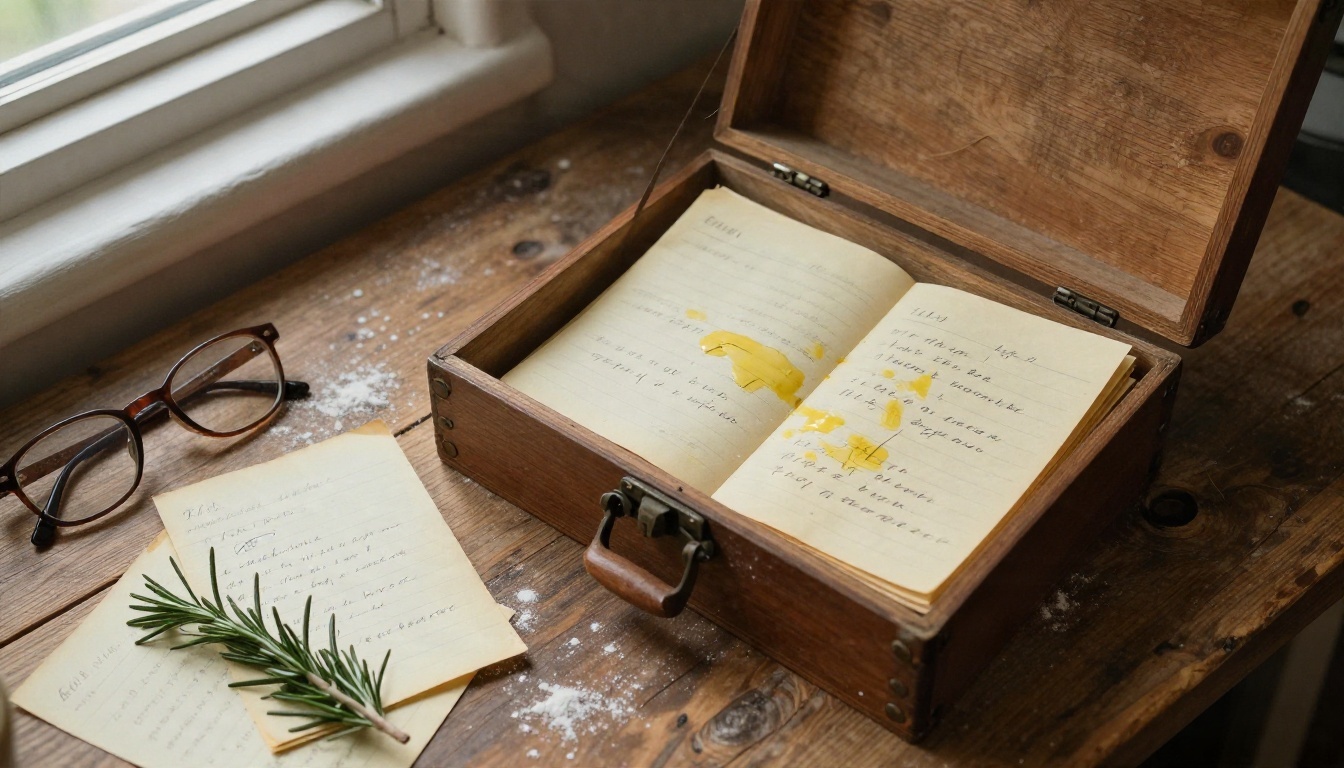
Here is what usually goes wrong with a family recipe collection:
- One copy only. The original lives with one person, and everyone else relies on photos of photos.
- Scattered formats. Some recipes are in email, some on paper, some in a notes app.
- No context. The dish is saved, but the story of who made it and when is lost.
- Version chaos. Three cousins each have a slightly different version of the same lasagna.
What a Digital Cookbook Adds
A digital family cookbook solves all of that at once. It is searchable, always current, and available on every device. It can also hold things a paper box never could: photos of the finished dish, audio of Grandpa explaining his sauce, and a short video of how thick the dough should feel.
💡 Pro tip: Treat the book as a living document. When someone improves a recipe, update the source file and re-upload. Everyone with the link sees the newest version.
Collect the Recipes First
Do not start with design. Start with the material. A good cookbook is 80 percent content and 20 percent styling.
Scan Handwritten Cards
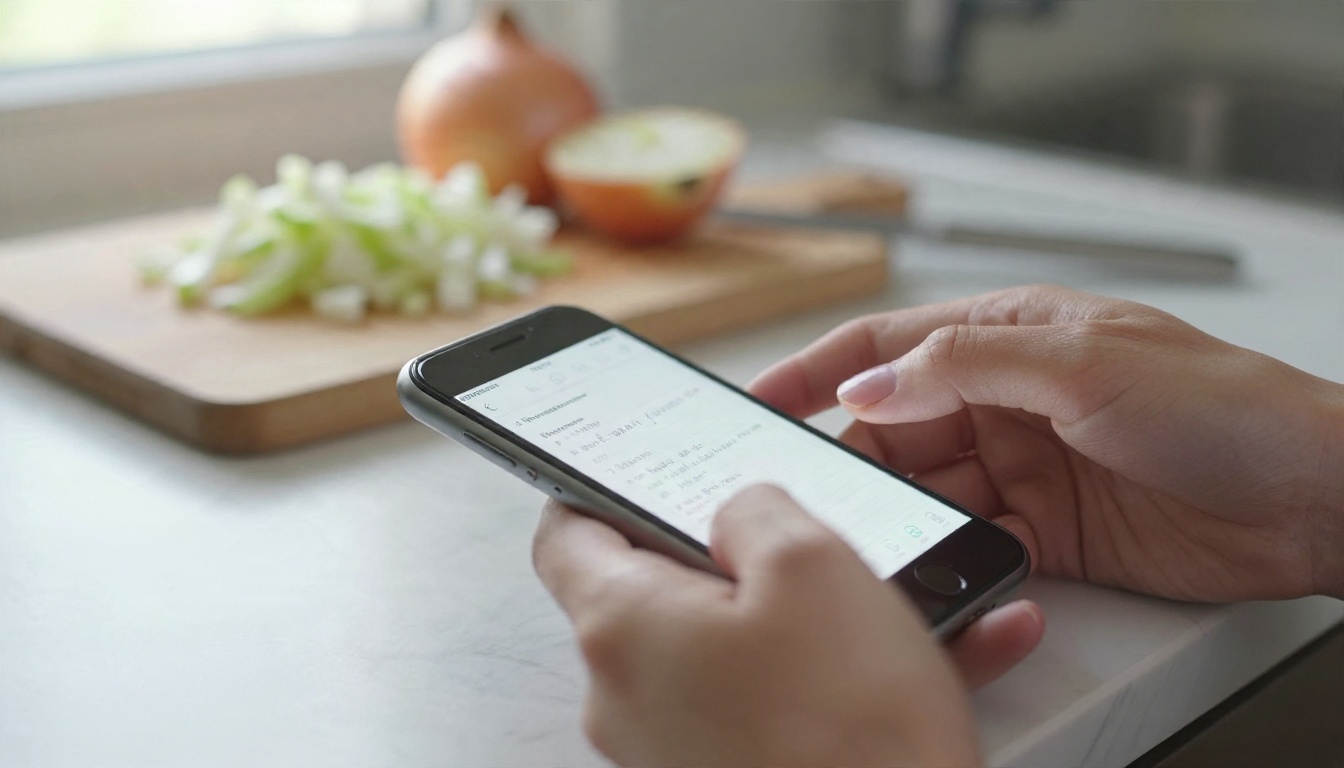
Handwriting is the soul of a family cookbook, so keep it. Use your phone's built-in document scanner, or take a flat photo in daylight with no shadows. Save each card as a high-resolution image, then place it on the page next to a typed version of the recipe. That way the original handwriting survives, and the ingredients stay readable on a small screen.
Ask Relatives for Stories
Send a short, friendly request to the family group. Ask for three things: the recipe, the story behind it, and one photo. Keep the prompt simple:
- What is the dish called in your house?
- Who taught it to you, and when did you first eat it?
- What is the one thing people always get wrong?
The answers to question three are usually the best part of the page.
Photograph Every Dish
A photo turns a list of ingredients into something people want to cook. You do not need a studio. Natural window light, a clean plate, and a slightly elevated angle are enough.
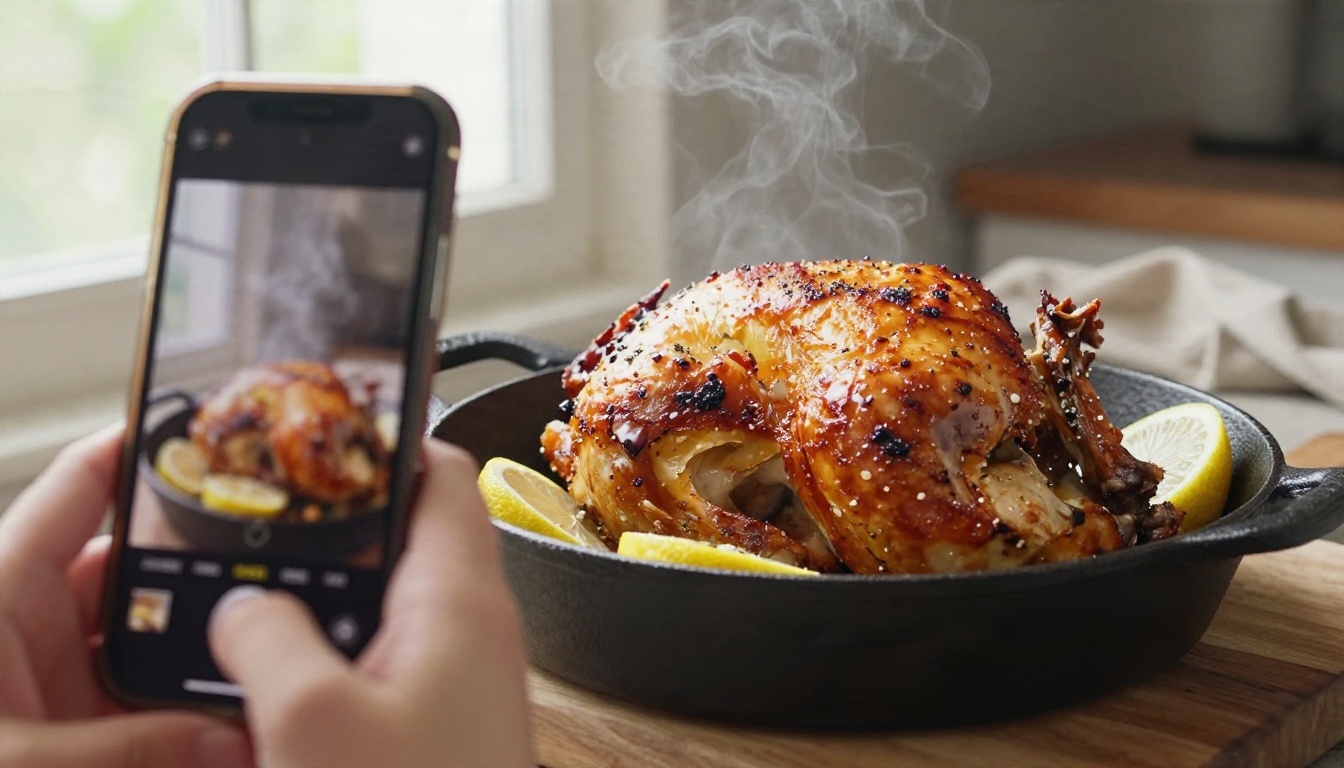
✅ Best practice: Shoot each dish twice, once while cooking and once plated. The process photo is often the one relatives find most useful.
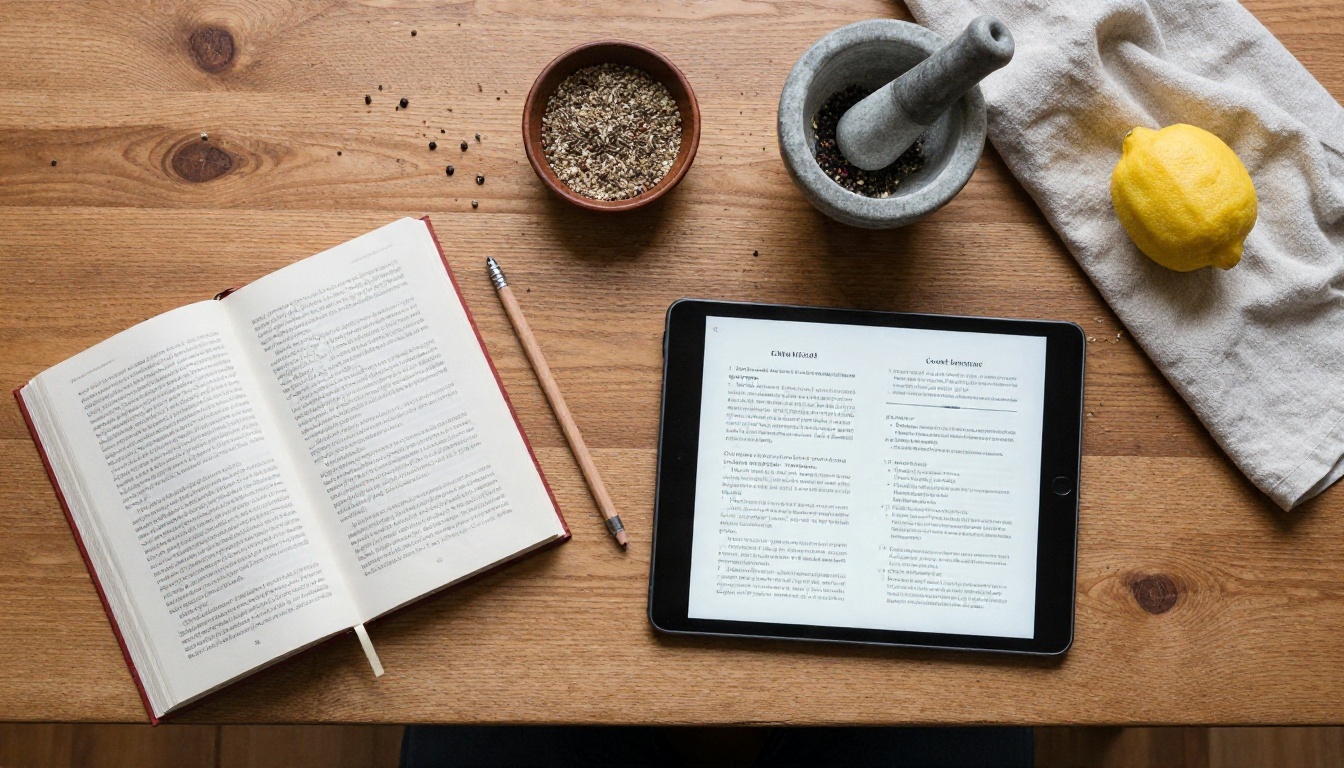
Before you build anything, decide how the book will live. Most families choose between a printed book, a shared document, or a flipbook-style online cookbook.
Online Cookbook vs Printed Book
| Feature | Printed Cookbook | Shared Document | Online Flipbook Cookbook |
|---|
| Works on a phone | No | Yes, but cramped | Yes, mobile-responsive |
| Easy to update | No, reprint needed | Yes | Yes, re-upload the PDF |
| Page-turn feel | Yes | No | Yes |
| Audio and video | No | Limited | Yes |
| Cost to share with 30 relatives | High | Free | Low or free |
| Works offline | Yes | Sometimes | Yes, with offline downloads |
| Private access | Physical only | Account required | Password or private link |
A printed copy still makes a lovely gift. The smartest approach is to do both: keep the living version online and print a few copies for the grandparents.
Free Maker Options Compared
You can build a family cookbook in several ways. The right choice depends on how much design control you want and how many relatives need access.
| Approach | Best For | Design Control | Sharing | Watermark Risk |
|---|
| Word processor plus PDF | Simple lists | Medium | Email attachment | None |
| Slide or design template | Visual books | High | Link or file | Depends on tool |
| Recipe app | Meal planning | Low | In-app only | Varies |
| PDF to Flipbook Converter | Page-turning family books | High | Link, embed, password | None, ever |
The last option works well because you keep full control of the layout in any editor you like, and the flipbook step handles the sharing. You can also open the dedicated Recipe Book Flipbook tool, which is built for exactly this use.
How to Create a Family Cookbook with Flipbooks AI
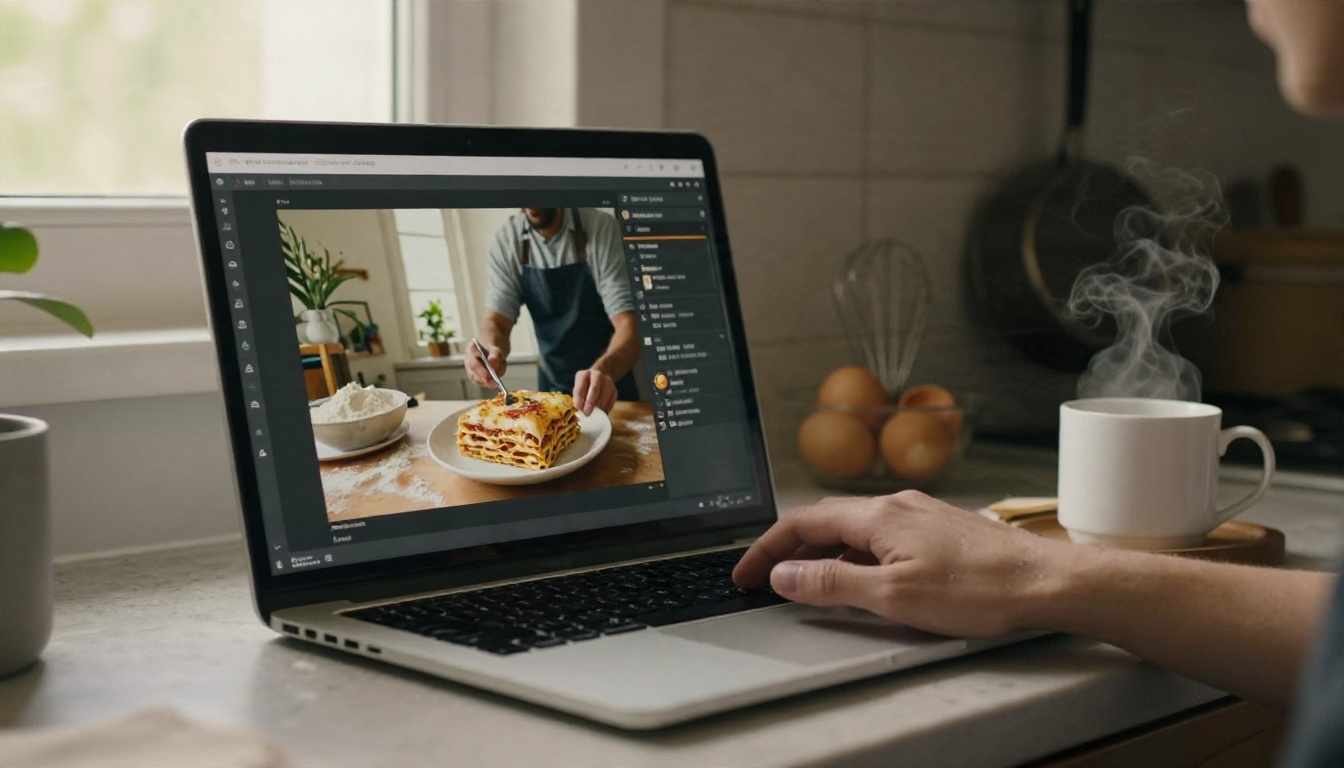
The whole process takes about 20 minutes once your recipes are collected. Here is the full path from files to a shareable link.
Step 1: Build the Document
Open any editor you are comfortable with and set up a simple structure:
- Front page: a title such as "The Martinez Family Table," a family photo, and the year.
- Welcome note: two or three lines about why the book exists.
- Chapters: starters, mains, sides, desserts, holiday dishes, and "Grandma's Corner."
- One recipe per page: ingredients on the left, steps on the right, photo at the top.
- Index page: a list of recipes with page numbers.
Export the finished book as a PDF. Keep each page at a consistent size so the page-turn effect looks clean.
⚠️ Watch out: Keep file size reasonable. A PDF with 60 uncompressed photos can be slow to open on older phones. Compress images before exporting.
Step 2: Upload and Convert
Go to Flipbooks AI and create an account. Upload your PDF, and the platform converts it into a realistic flipbook where pages turn like paper. Conversion usually takes a few moments, even for a long book. Open the preview and flip through each page to check that photos and text are sharp.
Step 3: Customize the Look
This is where the book starts to feel like yours. In the editor you can adjust:
- Branding and name: use your family name and a custom title.
- Colors: choose a background that suits the book, such as warm cream or sage green.
- Page effects: adjust the page-turn style and sound.
- Multimedia: embed videos and audio. A 30-second clip of Grandma kneading dough is worth a thousand words of instructions.
- Layout: pick single-page or spread view.
The result is mobile-responsive, so it adapts to phones, tablets, and desktops without extra work.
Step 4: Share It
Once the look is right, publish and choose how relatives will reach it. You can copy a direct link, grab an embed code, or add a password. The next section compares all three.
Pro Features Worth Knowing
If your family is large or you plan to turn the book into something bigger, a few paid features are useful. The Standard plan and above includes unlimited flipbooks, so you can make one book per branch of the family or one per holiday. The Professional plan adds analytics and lead generation, handy if the cookbook is also a fundraiser or a small food-business project. You can check what each tier includes on the pricing page.
| Plan Need | What You Get | Good For |
|---|
| Try a single book | Core flipbook creation, no watermarks | One family cookbook |
| Many books | Unlimited flipbooks (Standard and above) | Several branches, holiday editions |
| Track readers | Analytics and lead generation (Professional) | Fundraiser or small food business |
Sharing Options That Actually Work
Link, Embed, or Password
Not every relative uses technology the same way. Some will open a link from a text message, others only check email, and a few will want to print a page for the fridge. Pick the sharing method that matches your family.
| Sharing Method | How It Works | Best For | Privacy Level |
|---|
| Direct link | Paste into WhatsApp, email, or SMS | Fast sharing with everyone | Anyone with the link |
| Embed code | Place the book on a family blog or website | Reunion pages, family sites | Public on that page |
| Password protection | Link plus a password | Private recipes, family secrets | High |
| Offline download | Save a copy to the device | Cabins, camping, bad Wi-Fi | Stays on the device |
For a first book, a password-protected link is the sweet spot. Send the link in the family chat and share the password in a separate message. If you have a family website or a reunion page, the Embed Flipbook on Website tool lets you show the cookbook right on the page.
💡 Pro tip: Put the link in the family group description or pin it. Recipes get lost in busy chats, but pinned links do not.
A Simple Rollout Plan
- Day 1: Share the draft with two or three relatives for fixes.
- Day 3: Add missing recipes and photos.
- Day 7: Send the final link to the whole family.
- Day 30: Remind everyone to add one new recipe, and re-upload.
Real Family Examples
Different families use the same tool in very different ways. Here are four setups that work well.
The Long-Distance Family
Two sisters live in different countries and cook together on video calls. They keep one shared cookbook open on a tablet during each call, so both see the same page, the same measurements, and the same photo.
The Holiday Edition
A family builds a new book every November, filled only with holiday dishes. Because the Standard plan allows unlimited flipbooks, each year gets its own edition, and old ones stay available.
The Grandparent Project
A teenager sits with their grandfather, records him explaining each dish, and adds the audio to the page. The grandfather opens the finished book on his porch, and hears his own voice telling the story. It is often the most emotional part of the whole project.

The Kids' Kitchen
Parents keep a short "easy recipes" book for children, with big photos and simple steps. Kids can open it on a tablet propped on the counter and cook beside an adult.
| Family Type | Recipe Count | Suggested Format | Sharing Choice |
|---|
| Small household | 20 to 30 | Single book, one chapter per meal | Direct link |
| Extended family | 50 to 100 | Chapters by relative | Password link |
| Reunion group | 100 plus | Edition per year | Embed on reunion page |
| Gift for newlyweds | 25 to 40 | Printed and online | Private link |
If you want a similar approach for other keepsakes, the Interactive E-Book Publisher and Wedding Album Flipbook tools use the same flow.
Mistakes to Avoid
Cramming Too Many Recipes Per Page
Small text is unreadable on a phone. Stick to one recipe per page, or at most two short ones. White space is your friend.
Skipping the Stories
Ingredients can be found anywhere. The story is what makes a recipe yours. Even one sentence under the title adds warmth.
Forgetting Measurements
Old recipes often say "a handful" or "until it feels right." Ask the cook to measure once, then note both versions. Both the tradition and the practical amounts belong on the page.
Sharing Without a Backup
Keep your source files in cloud storage and on a drive. The flipbook is the display copy, and the original PDF and photos are your safety net.
⚠️ Warning: Before sharing anything publicly, ask relatives if they are comfortable with their photos and names appearing. A password-protected link keeps the book among the people who should see it.
Start Your Family Cookbook Today
A shared recipe book is one of the few projects that gets better the longer it exists. Every new dish, photo, and story adds to something your relatives will use for years. Start small with ten recipes, share it with a few people, and let the book grow.
Ready to build yours? Create your free account on Flipbooks AI, upload your first PDF, and send the link to the family. Browse all flipbook tools to find the format that fits, or compare pricing plans when you are ready for unlimited books, analytics, and more.



