Nobody trusts a brand that only talks about itself. Buyers trust other buyers, and that is why a single honest customer story can outsell a page of polished claims. The problem is that most case studies end up as dull PDFs buried in a shared folder. In this article you will find real case study examples, a template you can copy today, and flipbook ideas that make your stories feel like something people want to flip through. If you want to build the finished piece as you read, open Flipbooks AI in another tab and follow along.
Why Customer Stories Work
A customer story is the shortest path between "I am not sure" and "I will try it." It answers the questions a prospect is afraid to ask out loud: Did this work for someone like me? How long did it take? What went wrong?
Proof Beats Promises
Marketing copy says you are fast, friendly, and affordable. A story shows a bakery owner cutting her order time from two days to four hours. The second version sticks because it has a person, a number, and a before and after.
Here is what a good story does for you:
- Builds trust faster than any tagline, because the voice belongs to someone else.
- Shortens sales cycles, since prospects arrive with half their objections already answered.
- Gives your team language to use in emails, calls, and proposals.
- Feeds every channel from one interview: social posts, newsletters, sales decks, and web pages.
💡 Pro tip: A story with one believable number beats a story with five vague ones. "Reduced returns by 31%" is stronger than "dramatically improved satisfaction."
Where Stories Get Lost
Most teams do the hard part. They interview the customer, collect the results, and write the draft. Then the story is exported as a flat PDF, attached to an email, and forgotten. Mobile readers pinch and zoom. Nobody can tell whether it was opened. The design looks like a legal contract.
A flipbook fixes the delivery problem. It opens in the browser, turns pages the way a printed brochure would, loads on a phone, and can be tracked. The story itself stays the same. The experience of reading it is what changes.
Case Study Examples That Convert
Three short examples show how the same structure works across very different businesses. Each one follows a simple arc: situation, action, result.

The Local Service Business
A family-run HVAC company struggled with a trust gap. Homeowners hesitated to book a stranger. The owner interviewed five recent customers, photographed the finished jobs, and built a six-page story about a winter emergency repair that took under three hours.
- Situation: A broken furnace on the coldest week of the year.
- Action: Same-day visit, transparent quote, and a follow-up call.
- Result: The homeowner left a review and referred two neighbors.
The company sent that story to every new quote request. Close rates rose because the proof was already in the prospect's hands.
The Online Store
A small skincare brand wanted to show real results without making medical claims. Instead of a testimonial wall, the founder built a flipbook featuring three customers, each with a week-by-week photo diary and a short quote. The story format let customers speak in their own words, and the brand simply presented them.
- Situation: Customers asked, "Will this work on sensitive skin?"
- Action: Real routines, honest timelines, and photos in natural light.
- Result: Fewer pre-purchase support emails and a higher average order value from bundle buyers.
The Nonprofit or School
A community literacy program needed to show donors what a gift actually does. The team gathered one student's story, a teacher's note, and a simple chart of reading progress across a school year. They shared it as a flipbook in the donor newsletter.
- Situation: Donors wanted to see impact, not just totals.
- Action: One student, followed over twelve months.
- Result: Repeat gifts increased because the story made the numbers human.
Here is how the three compare at a glance:
| Business type | Story length | Best proof element | Main goal |
|---|
| Local service | 4 to 6 pages | Job photos and timeline | Book more quotes |
| Online store | 6 to 8 pages | Before and after photos | Reduce buyer doubt |
| Nonprofit or school | 6 to 10 pages | Personal story and progress chart | Renew donors |
| B2B software | 8 to 12 pages | ROI figures and quotes | Win procurement approval |
A Case Study Template You Can Copy
A good template saves hours and keeps every story consistent. Use the structure below as your starting point, then adapt it to your industry.
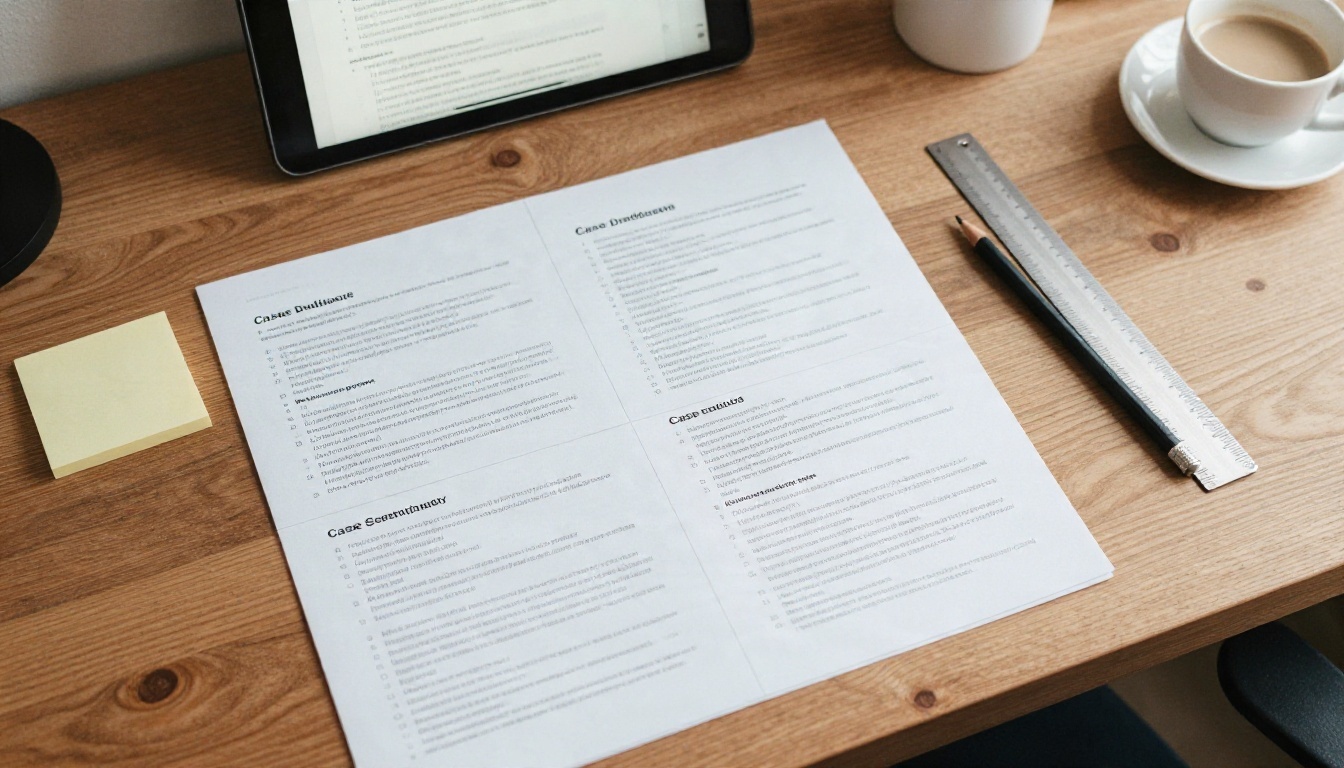
The Seven Sections
| Page | Section | What to include | Suggested length |
|---|
| 1 | Title page | Customer name, headline result, one strong photo | 1 line plus image |
| 2 | The challenge | What was broken or missing, in the customer's words | 80 to 120 words |
| 3 | Why they chose you | The moment of decision and what they compared | 60 to 100 words |
| 4 | The solution | What you did, step by step | 120 to 180 words |
| 5 | The results | Three numbers, one chart, one quote | 100 words plus visuals |
| 6 | The customer quote | A pull quote with a portrait | 30 to 50 words |
| 7 | Next step | A clear invitation to talk, book, or buy | 1 to 2 lines |
Keep headlines plain. "How Maple Street Bakery Cut Order Time by 80%" works better than a clever pun nobody remembers.
Questions to Ask Customers
The interview decides the quality of the story. Keep it conversational and record it, with permission, so you can pull exact quotes.
- What was going on in your business before you found us?
- What had you already tried, and why did it fall short?
- What almost stopped you from choosing us?
- What changed in the first 30 days?
- Which number would you point to as the biggest win?
- What would you tell someone in your position today?
⚠️ Warning: Always get written approval before publishing a customer's name, photo, or numbers. Send the final draft for sign-off, and keep the approval email on file.
Flipbook Ideas for Customer Stories
A single story is useful. A well-designed set of stories becomes a sales asset your whole team can use. Here are three formats worth trying.
The Story Collection Lookbook
Gather six to ten short stories, one per spread, with a large photo and a pull quote on each. This works well for service companies, studios, and agencies that serve many types of clients. The Interactive Lookbook Designer is a natural fit for this layout.
The Results Report
Pair one story with a short data section: charts, timelines, and a summary of outcomes. This format suits B2B companies and nonprofits. Use the Report Flipbook Creator when numbers matter as much as narrative.
The Sales Deck Add-On
Attach a single-page version of your best story to a proposal. Sales teams can drop it into the Sales Presentation flipbook so prospects see proof right where they decide.
| Format | Best for | Pages | Ideal audience |
|---|
| Single story flipbook | Proposals, quote follow-ups | 6 to 8 | Warm leads |
| Story collection lookbook | Websites, trade shows | 12 to 20 | Cold traffic |
| Results report | Investors, donors, enterprise buyers | 10 to 16 | Decision makers |
| Newsletter story issue | Existing customers | 4 to 6 | Subscribers |
Other places where a story flipbook fits nicely:
How to Create a Case Study Flipbook with Flipbooks AI
Once your story is written and laid out in a design tool or word processor, turning it into a flipbook takes only a few minutes.

- Open your account. Head to Flipbooks AI and sign in or create a free account. No credit card is needed to look around.
- Upload your PDF. Drag your finished story into the PDF to Flipbook Converter. Conversion takes seconds, and your pages keep their layout, fonts, and image quality.
- Check the page flow. Preview the page-turn effect on desktop and mobile. Make sure the title page, results page, and next step page each read clearly on a small screen.
- Apply your branding. Add your logo, pick brand colors, and choose a background that matches your website. Flipbooks never carry a watermark, so the story looks like yours.
- Add multimedia. Embed a short customer video or an audio clip of the interview so readers can hear the real voice behind the quote.
- Choose how to share. Copy a direct link for emails, grab an embed code for your site with the Embed Flipbook on Website tool, or add password protection for stories that contain sensitive numbers.
- Turn on tracking. On the Professional plan, enable analytics to see which pages get read and add a lead capture form so you know who is reading.
- Offer a download. Allow offline downloads so a procurement team can save the story and pass it around internally.
💡 Pro tip: Put your lead form after the results page, not before the first page. Readers who have just seen the proof are far more willing to leave an email address.
Here is how the plans line up for this kind of project. Check current pricing for exact details.
| Feature | Basic use | Standard plan | Professional plan |
|---|
| Watermark free flipbooks | Yes | Yes | Yes |
| Unlimited flipbooks | No | Yes | Yes |
| Password protection | Limited | Yes | Yes |
| Custom branding | Basic | Full | Full |
| Analytics and lead generation | No | No | Yes |
| Offline downloads | Limited | Yes | Yes |
Sharing and Tracking Your Stories
A great story that nobody sees is a wasted interview. Plan the distribution before you publish.

Where to Share
Match the story to the moment a buyer needs it.
| Channel | How to use the flipbook | Timing |
|---|
| Email follow-up | Link to the most relevant story after a call | Within 24 hours |
| Website | Embed on a dedicated stories page and on product pages | Always on |
| Social media | Post one page as an image, link to the full flipbook | Weekly |
| Sales proposals | Add the story link next to pricing | At proposal stage |
| Trade shows | Show on a tablet or print a QR code | During events |
| Newsletter | Feature one story per issue | Monthly |
Measuring What Works
Do not guess which story is working. Look at the numbers:
- Open rate tells you whether the headline earns a click.
- Page drop-off shows where readers lose interest. If most leave at page three, shorten the challenge section.
- Time on results page reveals whether your proof is strong enough to hold attention.
- Lead form submissions connect stories directly to revenue.
Review the data after two weeks. Retire the weakest story, rewrite its opening, or swap the lead image. Small edits often double the read-through rate.
Common Mistakes to Avoid
Even strong interviews can produce weak stories. Watch for these:
- Starting with your company. The customer is the hero. You are the guide who showed up at the right time.
- Hiding the numbers. If you have a result, put it on page one.
- Using stock photos. Real photos, even imperfect ones, feel more believable.
- Writing in corporate language. Use the customer's own phrases wherever possible.
- Making it too long. Six to eight pages is plenty for most audiences.
- Skipping the next step. Every story should end with one clear action.
- Never updating. Refresh stories every year, and add new ones as results come in.
✅ Best practice: Build one new story every month. In a year you will have twelve proof points, which is enough to serve almost every objection a buyer can raise.
Turn Your Next Win Into a Story
You do not need a big budget, a design team, or a perfect interview. You need one happy customer, six honest questions, and a format people actually enjoy reading. Pick your best recent result, write it with the template above, and publish it today.
Ready to build your first story flipbook? Get started for free on Flipbooks AI, browse all flipbook tools and templates, or compare pricing plans to see which one fits your team. When you are ready for analytics and lead capture, upgrade to Professional and see exactly which stories bring in new customers.



