Your cousin in Lisbon wants the beach photos. Grandma wants the new baby pictures printed, but she will happily read them on her tablet. Your aunt keeps asking for the lasagna recipe, and nobody has opened the 40 MB email you sent last week. The fix is simple: put everything into a page-turning flipbook and send one link. With Flipbooks AI, a PDF becomes a real, flippable book that opens in any browser, on any phone, with no app and no login for the people you share it with.
This article shows how to share photo albums, family newsletters and recipe books by link, free, step by step. You will see what works best for each type of content, how to keep it private, and how to avoid the small mistakes that make relatives give up.
Why Links Beat Attachments
Families are not tech teams. Some relatives use a new smartphone, others use a ten-year-old laptop, and a few still call to ask where the email went. Whatever you send has to work for all of them on the first try.
The Email Size Problem
Most email providers cap attachments at roughly 20 to 25 MB. A single photo album PDF with 60 high-resolution pictures easily passes that. Sending it in pieces means five emails, five downloads and one confused uncle. A link has no size limit for the person receiving it: they click, and the first page appears.
Why Relatives Skip Apps
Asking someone to install an app, create a password and accept a friend request is a big ask. Many older relatives will simply never do it. A link works like a web page. It opens from a text message, a WhatsApp group, an email or even a QR code printed on a holiday card.
How Sharing Methods Compare
| Method | Works on any device | Keeps page-turn feel | Size limit | Easy to update |
|---|
| Email attachment | Sometimes | No | About 25 MB | No, resend everything |
| Cloud folder link | Mostly | No, files open one by one | Depends on storage | Yes, but messy |
| Social media post | Needs an account | No | Cropped or compressed | Hard to organize |
| Printed copies | Yes | Yes | None | Costly to reprint |
| Flipbook link | Yes, browser only | Yes | Handles large PDFs | Yes, same link |
💡 Pro tip: If you update the album next month, you can keep sharing the same link. Relatives always see the latest version without a new email.
Three Things Families Share Most
Not every family document needs the same treatment. These three formats come up again and again, and each one has its own best practices.
Photo Albums That Feel Real
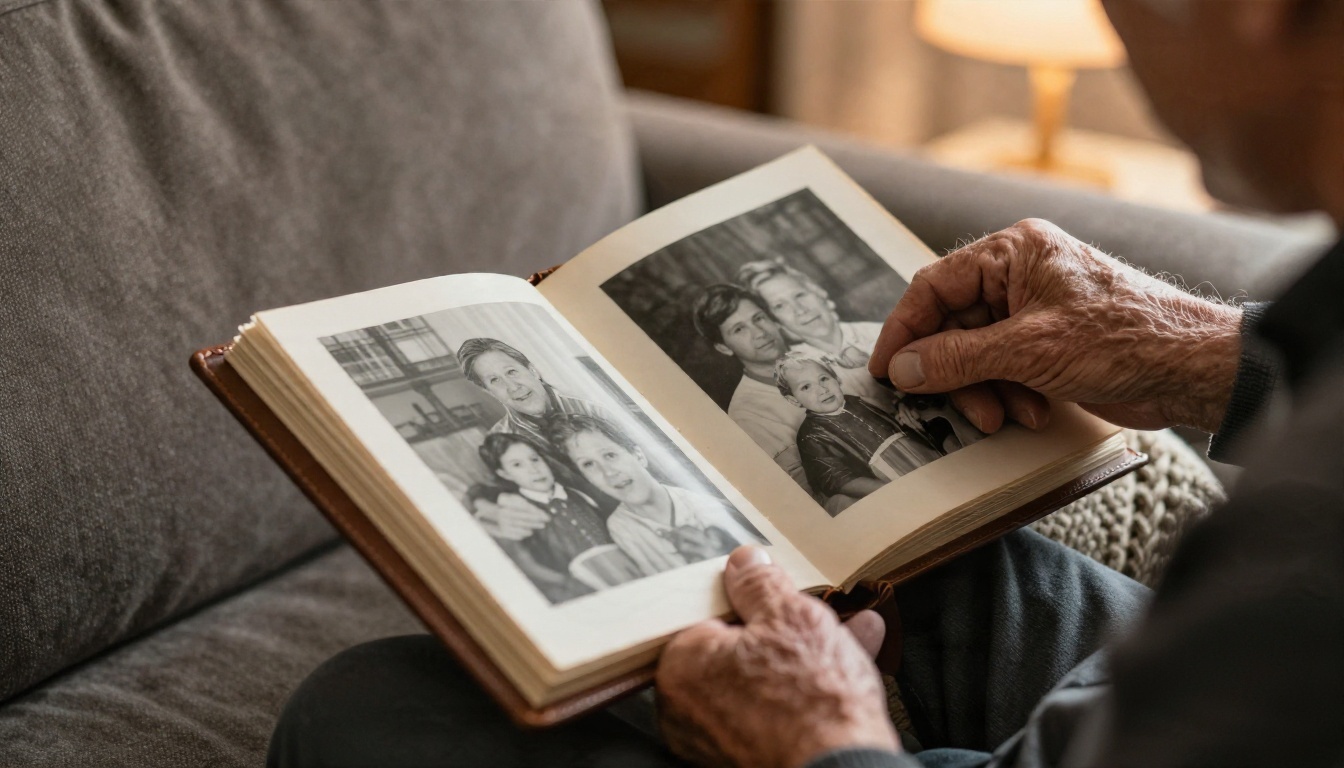
A photo album works because of rhythm: a full-page portrait, then a busy collage, then a quiet landscape. A flipbook keeps that rhythm. Pages turn with a gentle curl, and readers can zoom into a face or a handwritten caption.
Tips for strong albums:
- Group by story, not by date. "Summer at the lake" beats "Photos 2026".
- Use one hero photo per spread and keep the rest small.
- Add short captions with names. Future grandchildren will thank you.
- Keep the PDF under about 100 pages so it loads quickly on slow connections.
If your album is for a wedding or an anniversary, the Wedding Album Flipbook tool is built for exactly that layout.
Newsletters Everyone Actually Reads
A monthly family newsletter sounds old-fashioned, and that is part of the charm. Think of it as a short magazine: school news, a birthday calendar, a "photo of the month" and a tiny joke from the kids. Because a flipbook is visual, it feels more like opening a mailbox than reading an email.

A simple newsletter layout that works:
- Front page: a big photo and the month's headline.
- News page: three or four short updates, one paragraph each.
- Calendar page: birthdays, trips and reunions.
- Photo page: the best five pictures of the month.
- Back page: a recipe, a quote or a question for everyone to answer.
The Newsletter Flipbook Publisher turns that PDF into a shareable issue in minutes.
Recipe Books Worth Passing Down
Recipes are family history written in butter stains. A flipbook lets you collect them in one book without losing the personality. Scan grandma's handwritten cards, type the ones that only exist in your memory, and arrange them by season or by person.
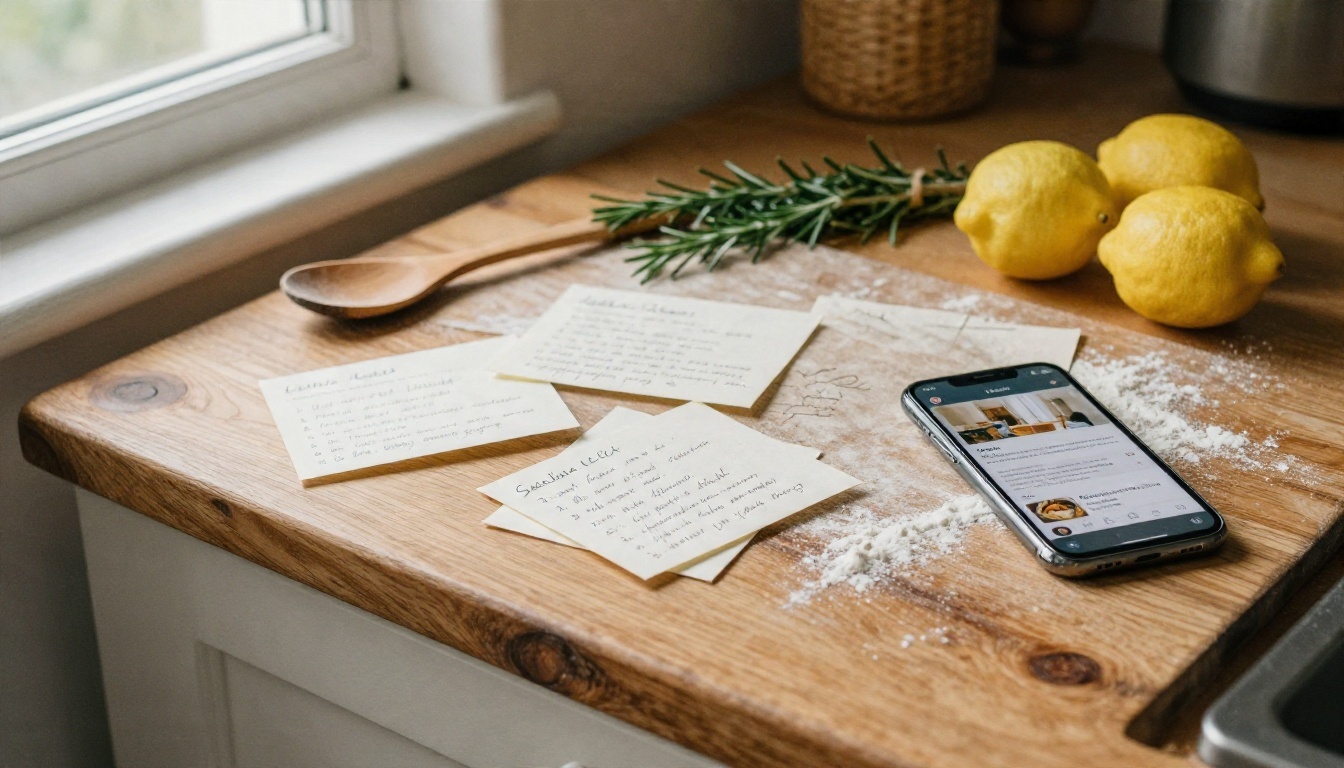
Good recipe books share a few habits:
- One recipe per page, with the ingredient list on the left.
- A small photo of the finished dish, or of the person who made it famous.
- A line of context: "Nonna made this every Christmas Eve."
- A table of contents on page two so people can jump to the dish they want.
The Recipe Book Flipbook tool gives you a clean starting point.
Which Tool Fits Which Content
How to Create a Family Flipbook
Here is the full process, from loose files to a link in your family chat. Plan about 15 minutes for your first one.
Prepare Your PDF
You can build the PDF in any tool you already use: Canva, Google Docs, Word, Pages or a photo-book app. If your material is on paper, scan it first.
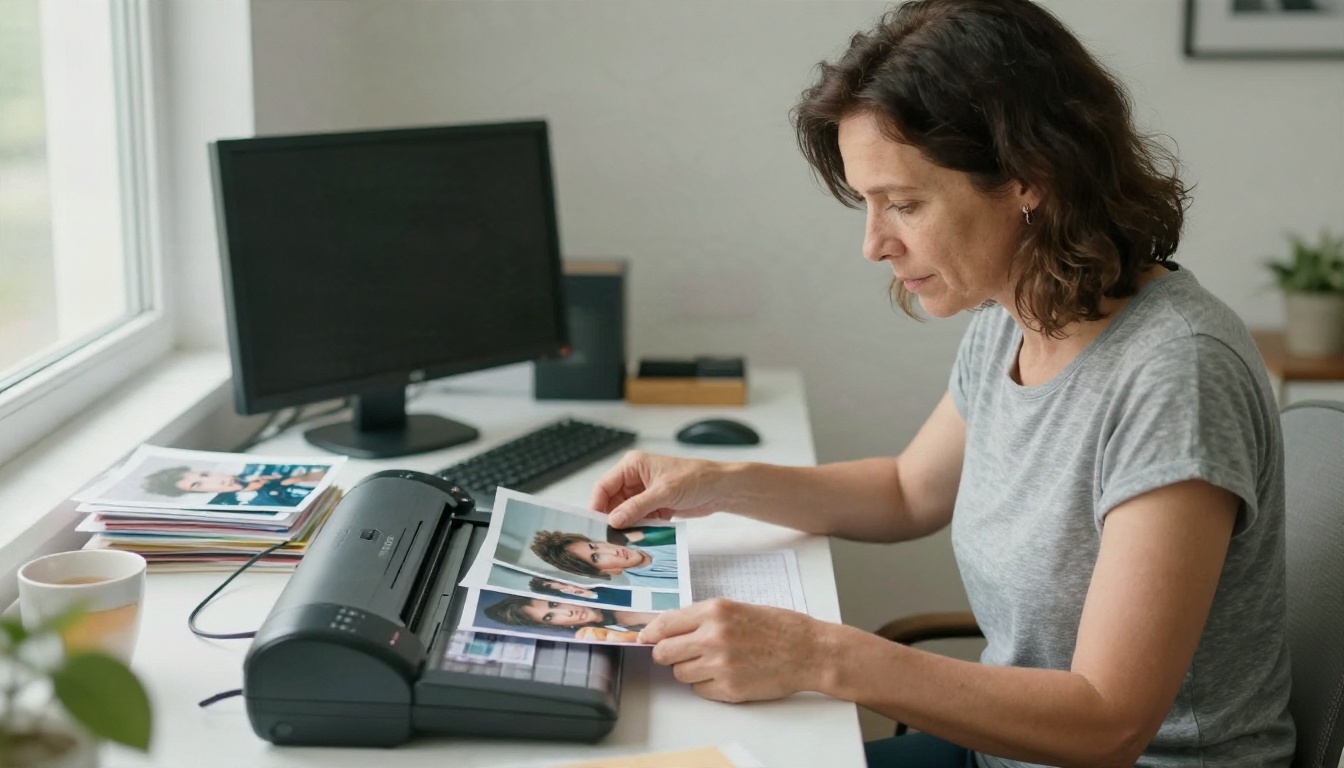
Quick checklist before exporting:
- Scan prints at 300 DPI for sharp zoom.
- Export the PDF at "high quality" but not "print press" size.
- Keep a consistent page size across the whole file.
- Number the pages so relatives can say "look at page 14".
Upload and Convert
- Go to Flipbooks AI and create an account.
- Click to create a new flipbook and drop in your PDF.
- Wait a few seconds while the PDF to Flipbook Converter turns each page into a flippable spread.
- Preview it. Flip through every page and check that images are sharp and text is readable.
✅ Best practice: Preview on your phone, not only on your computer. Most relatives will open it on a small screen.
Customize the Look
Once the flipbook is ready, adjust the details that make it feel like yours:
- Background color: warm cream for photo albums, soft green for recipes, light blue for newsletters.
- Page effects: the classic curl, or a flatter slide if you prefer.
- Custom branding: add a family name or a small logo, like "The Rossi Family".
- Multimedia: embed a short video of the birthday song or an audio message from grandpa. Flipbooks AI supports embedded video and audio.
- No watermarks: your book stays clean, with no third-party stamps on the pages.
Share the Link
This is the moment everything pays off. You have several options:
- Direct link: copy it and paste it into your family chat, text or email.
- QR code: print it on a holiday card or on the fridge.
- Embed code: place the book on a family website or blog. The Embed Flipbook on Website page explains how.
- Offline download: let relatives with poor internet save a copy for later.
Extras on the Professional Plan
Most families only need the basics. If you run a large family project, such as a reunion committee or a genealogy site, the Professional plan adds analytics (see how many people opened the book and which pages they read) and lead generation forms, which can double as RSVP collectors. The Standard plan and above also remove limits on how many flipbooks you can create.
| Feature | Everyday family use | Large family project |
|---|
| Page-turning flipbook | Yes | Yes |
| No watermark | Yes | Yes |
| Password protection | Helpful | Recommended |
| Unlimited flipbooks | Standard plan and above | Standard plan and above |
| Analytics | Not needed | Professional plan |
| Lead generation and RSVP forms | Not needed | Professional plan |
Check the pricing page for what is included in the free option and how each paid plan differs.
Keep It Private
Family photos often include children, home addresses and moments you would not post on a public timeline. Sharing by link does not have to mean sharing with the world.
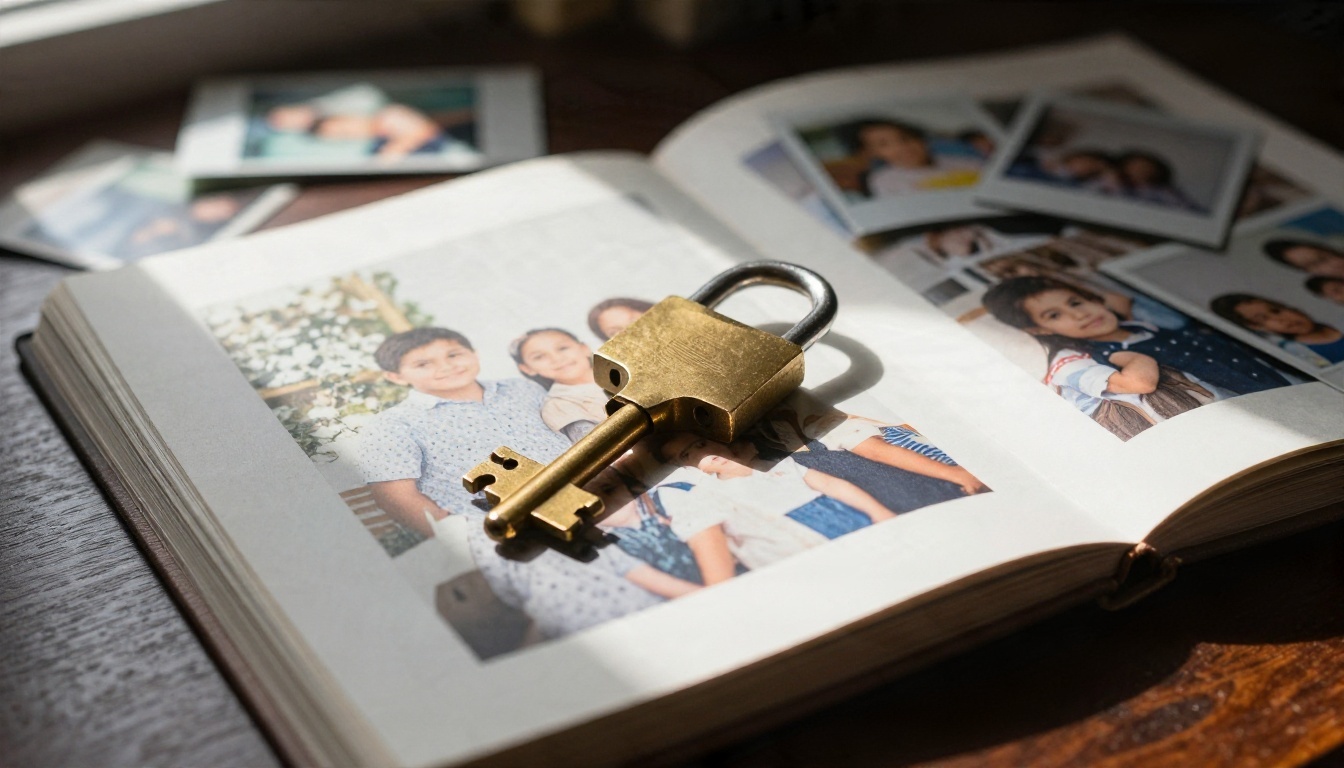
Use Password Protection
With password protection you can lock a flipbook behind a simple word that the family knows, for example the name of the dog plus the year you adopted it. Anyone who gets the link by accident still cannot open the book. Send the password in a separate message from the link.
⚠️ Warning: Do not put the password in the same sentence as the link in a public group or a social post. Share it by direct message or in person.
Decide Who Sees What
Different relatives need different access. Here is a quick way to think about it:
| Audience | Suggested setup | Example |
|---|
| Immediate family | Password plus private link | Baby's first-year album |
| Extended family | Password, shared in the group chat | Reunion photos |
| Family friends | Link only, no sensitive photos | Holiday newsletter |
| Public website | Embedded, no private details | Family cookbook for a charity sale |
💡 Pro tip: Make two versions of an album: a private one with every photo and a lighter one for friends and neighbors. Same tool, two links.
Real Family Scenarios
Theory is nice, but families use these things in very specific ways. Here are three situations you may recognize.
The Big Reunion
Maria organizes a reunion for 60 people across four countries. She builds a 12-page flipbook with the schedule, a map, the menu and a list of who is bringing what. She sends one link. When the plan changes, she replaces the PDF, and everyone sees the new version through the same link. No more "which version is the right one?" messages.

Grandparents Far Away
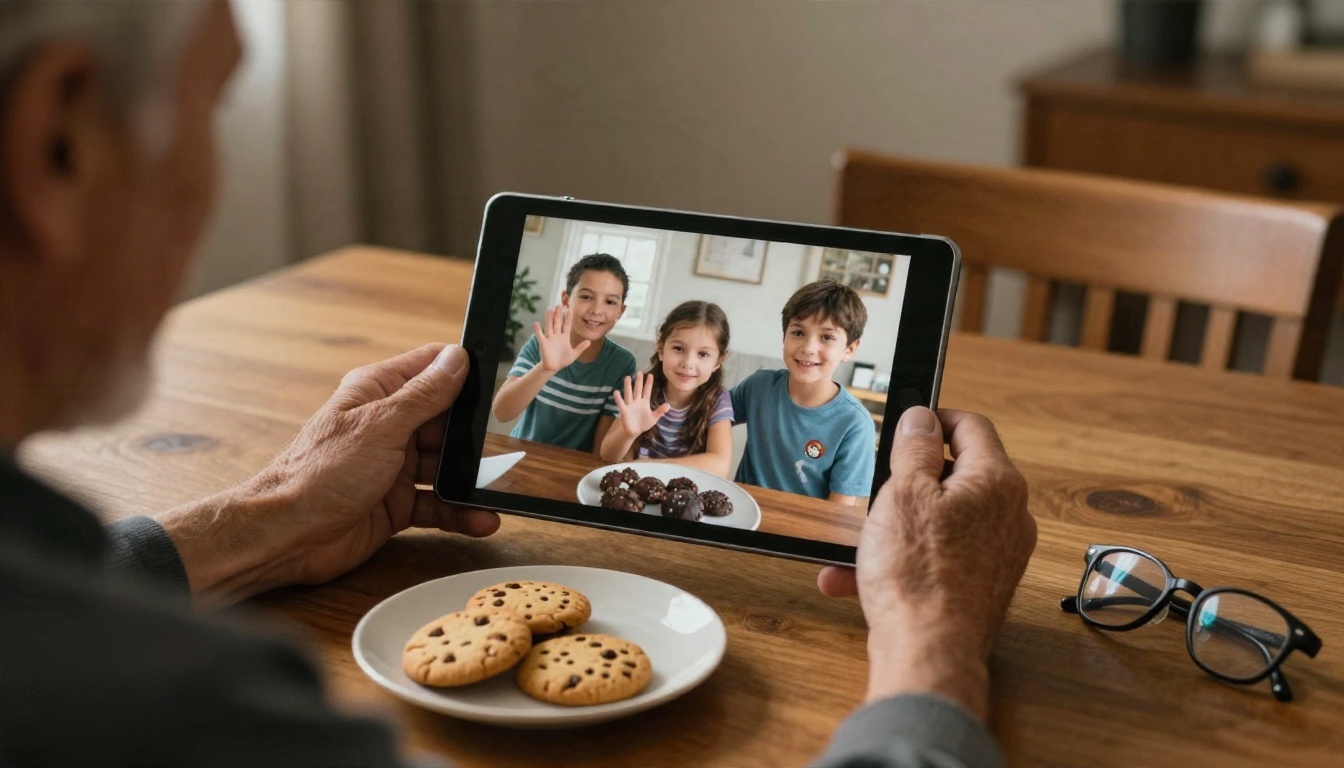
Tom's parents live abroad and rarely get to see the grandchildren. Every month he makes a 6-page newsletter with the best photos, a short note from each child and a 20-second video of the baby trying to walk. His father opens it on a tablet during Sunday video calls, and they flip through it together on screen.
The Holiday Recipe Swap
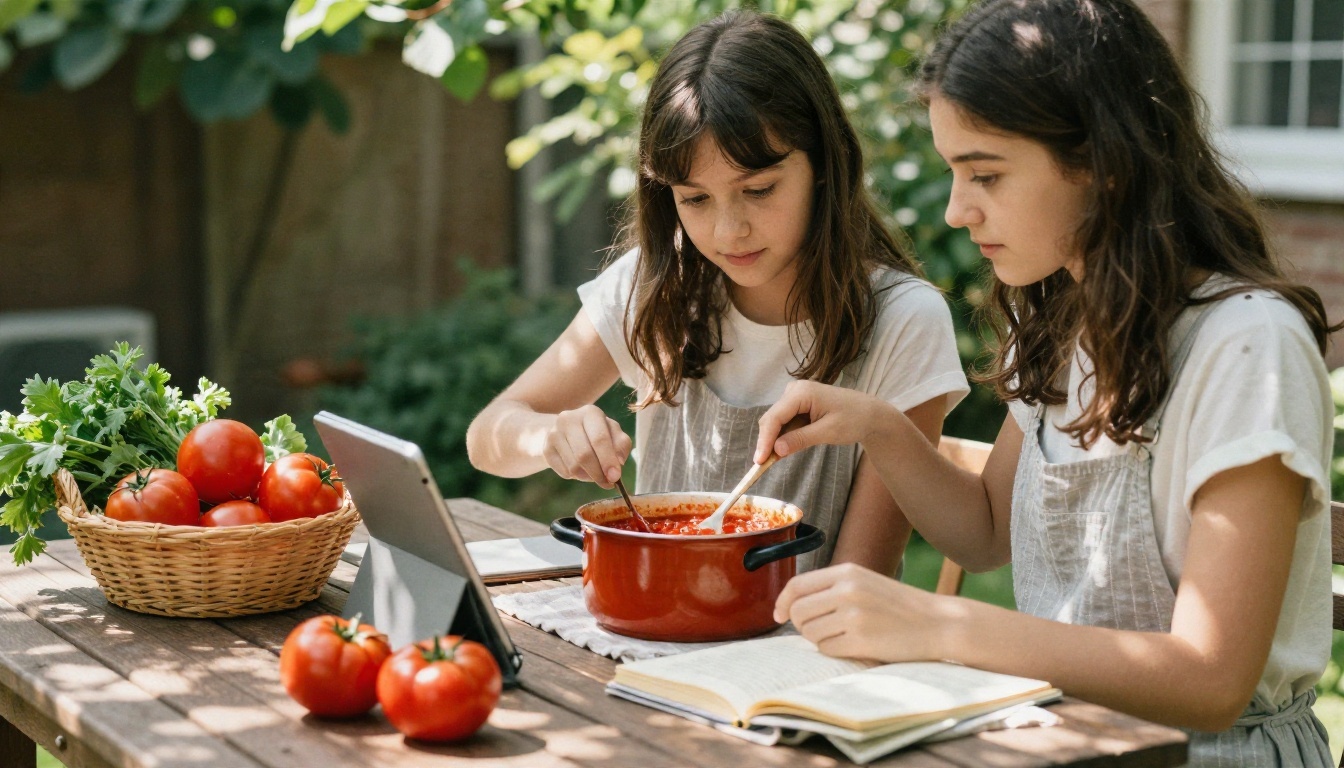
Two sisters, one in Chicago and one in Naples, decide to save their mother's recipes before they get lost. They scan 38 handwritten cards, type the translations, and build a recipe book. The password-protected link goes to cousins, nieces and nephews. Next Christmas, everyone cooks from the same book, and the photos come back as a second flipbook.
You do not need a design degree. A few free and simple tools can handle the writing, layout and exporting parts of the process:
- Canva or Google Docs for newsletter and recipe layouts, both can export a PDF.
- Your phone's built-in scanner for recipe cards and old prints.
- A photo-book or collage app for packing many pictures into clean pages.
- Flipbooks AI tools for converting the PDF into a shareable flipbook.
A few more that fit family projects well:
Mistakes to Avoid
A few small habits can keep your family flipbook from being ignored.
- Sending a huge PDF with no preview. Compress images a bit and check that the first page loads fast.
- No captions. A photo of "someone at a beach" means little in ten years. Add names and places.
- Tiny text. If it is not readable on a phone, increase the font size. Aim for at least 12 pt in the PDF.
- Forgetting privacy. Photos of children and home details deserve a password.
- Making it too long. A 120-page album will rarely be finished. Break it into themed volumes.
- Sending it once and never again. A monthly rhythm keeps people looking forward to the next issue.
✅ Best practice: Ask one relative to test the link before you share it with everyone. If they can open it in under ten seconds, you are ready.
Share Your First Family Flipbook
You already have the material: photos on your phone, recipes in a drawer and news you would like to tell. The only missing step is turning it into something relatives can open with one tap.
Ready to try it? Create your free account on Flipbooks AI, upload your first PDF and send the link to the family chat today. Browse all flipbook tools to find the right layout for your album, newsletter or cookbook, and compare pricing plans if you want unlimited flipbooks, analytics or extra privacy for a bigger family project.



