Smart Menus for Restaurant Websites: Embed Examples, Free Options and Mobile Setup
Most diners check your menu on a phone before they ever walk in. See how smart menus beat PDF links, which free options are worth using, copy-ready embed code for any website builder, and a mobile setup checklist that keeps pages fast and readable.
Your menu is the most visited page on your restaurant website, and for most places it is also the worst one. A blurry PDF that takes eight seconds to load, needs pinching and zooming, and still shows last season's prices sends hungry people straight to a competitor. A smart menu fixes that: it loads fast, turns pages like a real menu, fits any phone screen and updates in minutes. Platforms like Flipbooks AI make this possible without a developer, and this article shows exactly how to set one up, what free options exist, and what the embed code looks like.
Why Smart Menus Beat Plain PDFs
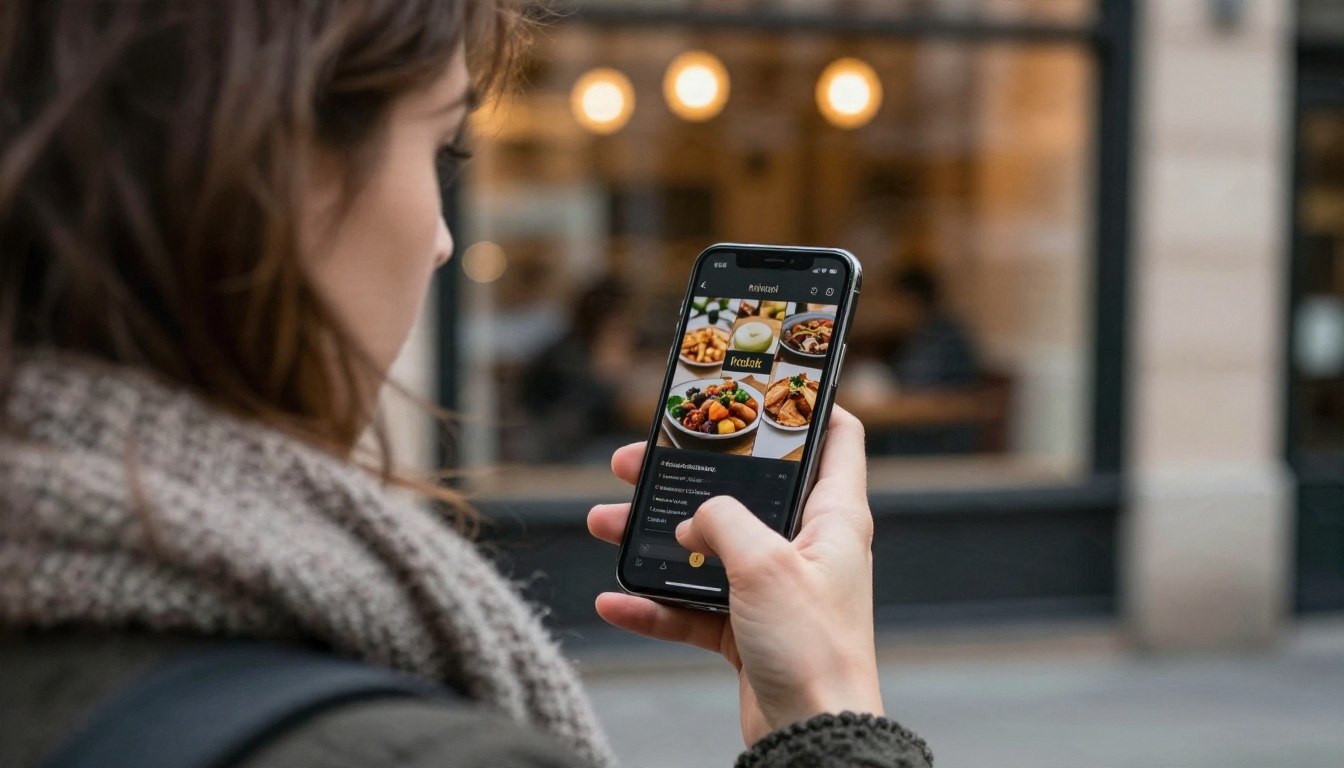
Think about how people actually find a restaurant. They search on a phone, tap your site, and look for three things: the menu, the hours and the address. If the menu is a 6 MB PDF, a good share of them leave before it opens. Smart menus exist to remove that friction.
The Problem With PDF Links
A standard PDF link has several quiet costs:
Slow downloads on mobile data, especially in busy city centers with weak signal
Tiny text that forces zooming and horizontal scrolling
No tracking, so you never know which pages guests read
Outdated copies floating around in search results and review sites
Awkward navigation, with no page flip or section jump
💡 Pro tip: Search your restaurant name followed by "menu" on your own phone. If the first result is an old PDF, that is what guests see too.
What Makes a Menu Smart
A smart menu is not a fancy ordering system. It is a menu that behaves well on the web. In practice that means a responsive layout, quick loading, page-turn or scroll navigation, easy updates and, ideally, basic analytics. A flipbook-style menu built from your existing design gives you all of that while keeping the look you already paid for.
Menu Format
Mobile Readability
Load Speed
Easy Updates
Tracking
Plain PDF link
Poor
Slow
Medium
None
Photo of printed menu
Poor
Medium
Hard
None
Flipbook menu
Good
Fast
Easy
Yes, on higher plans
Native HTML menu page
Excellent
Fast
Needs developer
Via site analytics
Full ordering platform
Excellent
Medium
Easy
Yes, but costly
The flipbook format sits in the sweet spot. You keep the visual design, skip the developer bill and avoid the monthly fees of a full ordering platform.
Free Options Worth Trying
Budget matters, especially for a new place or a food truck. Several routes cost nothing, though each comes with trade-offs you should know before you commit.
Free Tools and Their Limits
Free tiers on menu and document tools usually restrict at least one of the following: watermarks, number of menus, storage, or branding. Watermarks are the most damaging, because a third-party logo across your dessert page looks unprofessional. When comparing, check these points:
Does the free plan add a watermark or ad banner?
Can you embed the menu on your own domain?
Is the menu mobile responsive without extra work?
How many menus or pages can you publish?
Can you replace the file without changing the link?
Number five matters more than it sounds. If every menu update creates a new link, your QR codes, Google Business profile and embed codes all break.
⚠️ Warning: Avoid free tools that host your menu on their own page with their ads around it. Guests may click away to the advertiser.
When Free Stops Working
Free is fine for testing. It stops working when you need to remove branding, protect a private tasting menu, track visits or run more than one location. At that point a low-cost paid plan is cheaper than the lost bookings from a clumsy menu. You can compare current tiers and see what is included on the Flipbooks AI pricing page.
Option
Cost
Watermark
Custom Domain Embed
Best For
Website builder built-in menu block
Included with site plan
No
Yes
Very simple menus
Free PDF viewer plugins
Free
Sometimes
Yes
Basic PDF display
Free tiers of flipbook tools
Free
Often
Limited
Short trials
Paid flipbook plan
Low monthly fee
No
Yes
Most restaurants
Ordering platform
Monthly fee plus commission
No
Partial
Delivery heavy brands
Embed Examples You Can Copy
Embedding means placing your menu inside your own web page, so guests never leave your site. Most flipbook and menu tools give you a snippet of code. You paste it into a custom HTML block, and the menu appears. The Embed Flipbook on Website tool explains the process in more detail.
Basic Iframe Embed
The simplest version is an iframe. Replace the placeholder link with the one from your flipbook dashboard:
For portrait menus on phones, many owners increase the padding value to about 130%, which gives the page more vertical room. Test both values and keep the one that reads best.
✅ Best practice: Always add a text link under the embed, such as "Open the menu in full screen". It helps guests on slow connections and gives search engines something to follow.
WordPress, Wix and Squarespace
Each builder has its own place for the snippet:
WordPress: add a Custom HTML block on your menu page and paste the code
Wix: use the Embed Code element, choose "Code", then paste
Squarespace: insert a Code block and uncheck "Display Source"
Shopify or others: add a custom HTML section in the page editor
If the builder blocks iframes on the free plan, a direct link or a button that opens the menu is a working fallback.
How to Create a Smart Menu with Flipbooks AI
If you already have a menu designed in Canva, Word or InDesign, you are most of the way there. The Restaurant Menu Creator and Menu Flipbook Designer turn that file into a page-turning web menu. Here is the full process.
Export your menu as a PDF. Keep it under 10 MB if you can, and use 150 DPI images rather than print-resolution files.
Upload the file. The PDF to Flipbook Converter processes each page and builds the flipbook automatically.
Preview the result on both desktop and phone before you change anything else.
💡 Pro tip: Design for portrait phone screens from the start. A menu with large section headings and short descriptions converts better than a crowded A3 layout.
Customize the Look and Feel
Once converted, adjust the presentation so it matches your brand:
Custom branding: add your logo and choose background and toolbar colors to match your site
Page effects: pick a page-turn style or a simple slide, whichever feels right for your restaurant
Multimedia: embed a short video of your open kitchen or audio of live music nights
Clickable links: link dishes to reservation pages, wine lists or allergen details
No watermarks: published flipbooks stay clean, with nothing covering your design
Share, Embed and Protect
Now publish. You will get three useful outputs:
A direct link for your Google Business profile and social bios
An embed code for your website, using the examples above
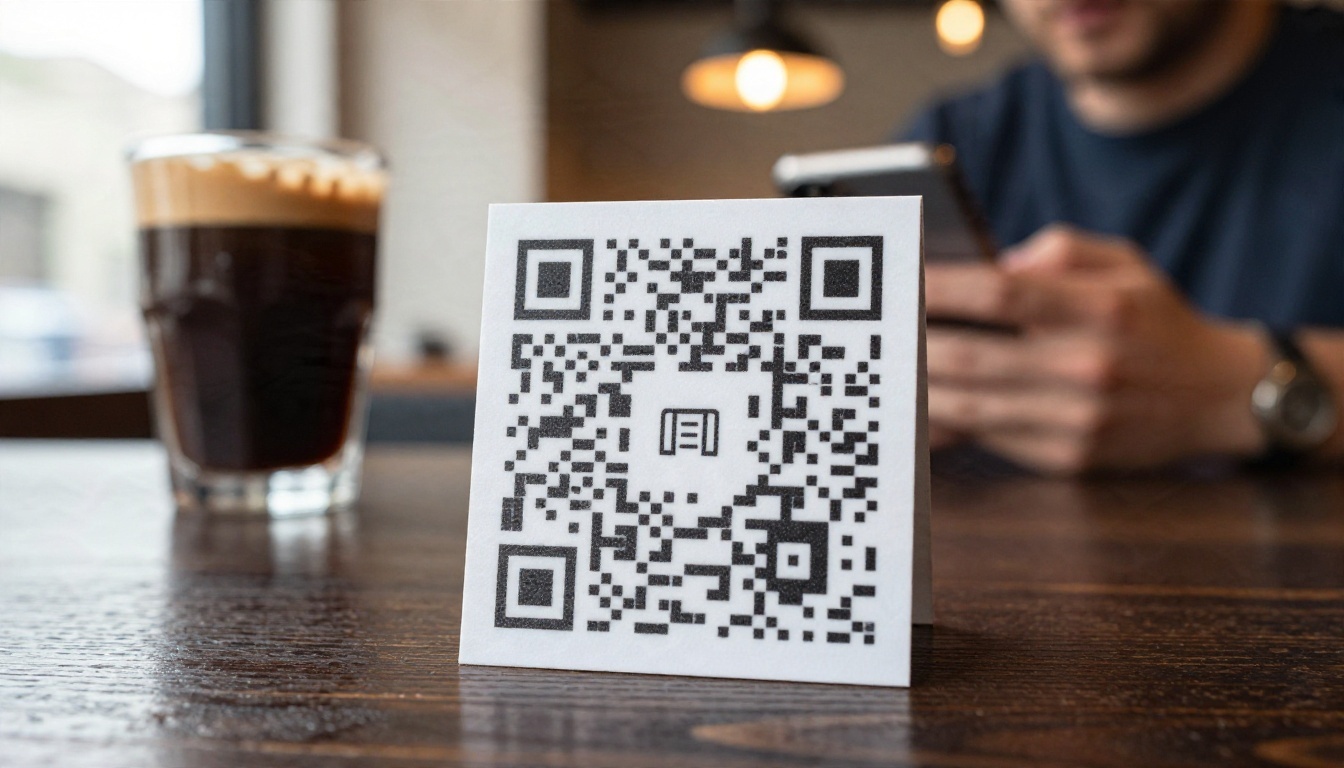
A QR code target for table cards and window signs
Need a private menu for events or a corporate dinner? Password protection keeps it hidden from the public. Offline downloads let guests save a copy, and paid plans open up analytics and lead generation, so you can see which pages get read and collect emails from visitors. Unlimited flipbooks come with the Standard plan and above, handy when you manage lunch, dinner, brunch, drinks and kids menus separately. Review the options at flipbooksai.com/pricing.
Mobile Setup That Actually Works
More than half of restaurant website visits come from phones, and many of those happen while someone is standing outside deciding where to eat. A menu that works on a desktop but fails on a phone is a menu that does not work.
Test on Real Phones
Browser dev tools are useful, but nothing replaces a real device. Ask three people to open your menu on different phones, ideally one older Android and one recent iPhone, and watch what they do. Do they find the dessert page? Can they read prices in daylight? Do they get stuck on the last page?
Speed, Size and Readability
Speed is the quiet conversion killer. Compress images, avoid embedding five fonts, and keep the PDF lean. Below is a practical checklist.
Setting
Recommended Target
Why It Matters
PDF file size
Under 10 MB
Faster conversion and load
Image resolution
150 DPI
Sharp enough on phones
Body text size
11 pt or larger in source
Readable without zoom
Page orientation
Portrait
Fits phone screens naturally
Embed height
130% of width on mobile
Shows a full page at once
Tap targets
At least 44 px
Avoids mis-taps on links
Contrast
Dark text on light background
Readable in bright sun
⚠️ Warning: Do not rely on hover effects or tiny arrows for navigation. Phones have no hover, and thumbs are bigger than cursors.
Real-World Menu Setups
Theory is fine, but here is how real restaurant types put smart menus to work.
The Neighborhood Pizzeria
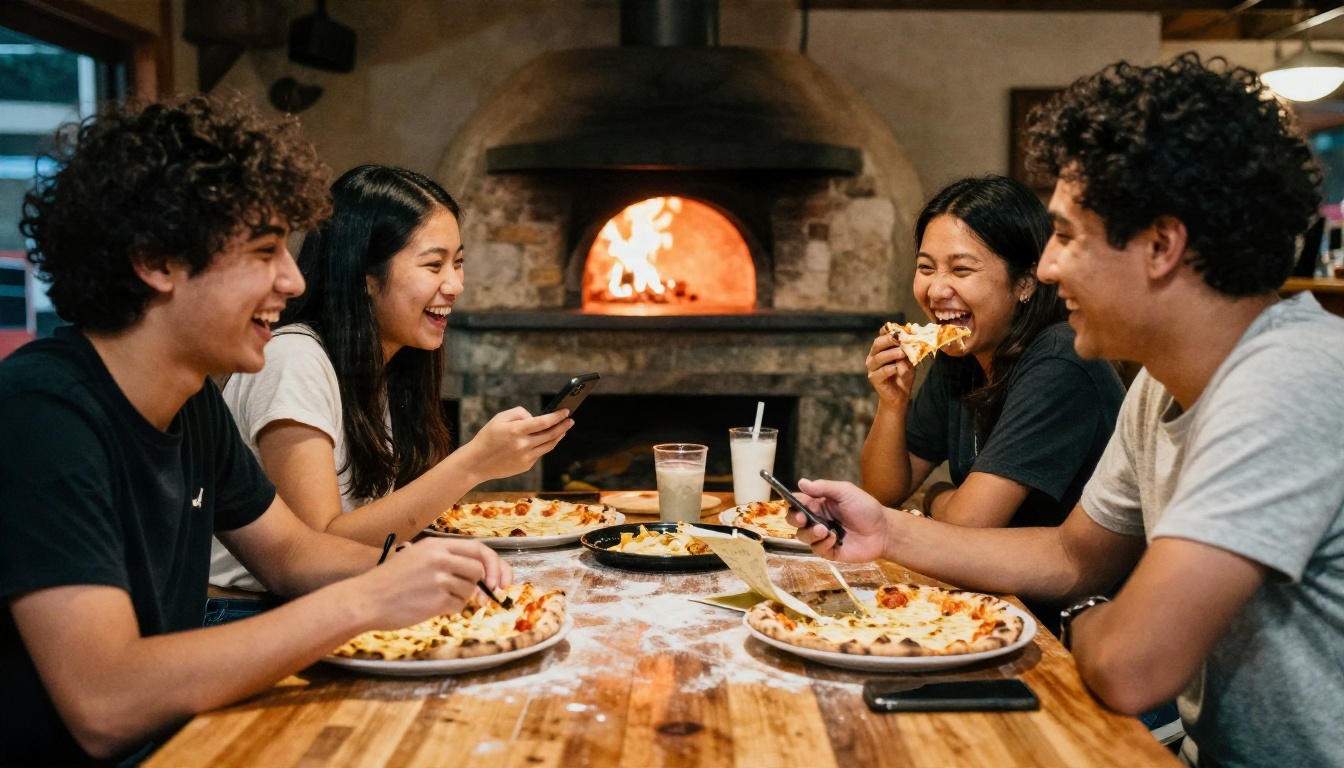
A pizzeria runs one main menu, a lunch deal and a seasonal special. It embeds the main menu on its homepage, shares the lunch deal link on social media and prints a QR code on every pizza box. When the special changes, the owner swaps the PDF and every link stays the same.
The Independent Cafe
A cafe uses the analytics available on paid plans to see that its breakfast page gets twice the views of its lunch page. The owner moves lunch specials higher in the menu and adds a short video of the pastry counter. Two weeks later, lunch orders rise. Small changes, backed by data, add up quickly.
The Upscale Terrace Restaurant
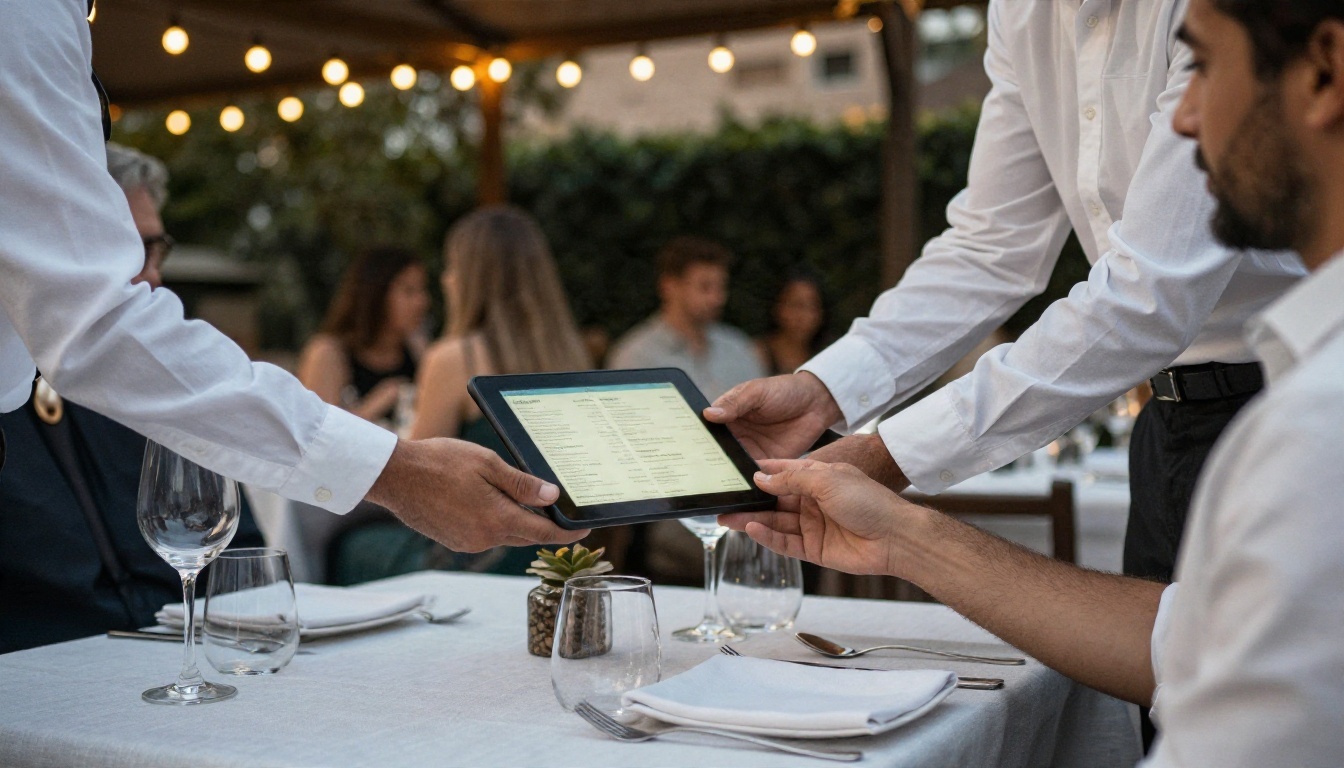
A fine dining spot keeps a public tasting menu on its site and a password-protected pairing menu for reservation holders. Tablets at the table show the same flipbook, so the staff never need to reprint anything. Pairing it with a Digital Price List Generator for private events keeps pricing tidy and consistent.
Even a good tool cannot save a poorly planned menu. These are the slip-ups that show up again and again:
Uploading a print file without resizing. Huge files slow every guest down.
Changing the link after every update. Replace the file instead, so QR codes keep working.
Hiding the menu behind a form. Guests want food, not a signup wall.
Skipping allergen information. Add a clear page or icon legend for common allergens.
Never checking analytics. If you pay for the data, read it monthly.
✅ Best practice: Put a calendar reminder on the first of each month to review prices, seasonal dishes and broken links.
Build Yours Today
A smart menu does not need a developer, a big budget or a new website. It needs a clean PDF, a few minutes and a tool that respects your design. Get started for free on Flipbooks AI, convert your current menu and paste the embed code into your site this afternoon.
Want to see what else is possible? Browse all flipbook tools for recipe books, event programs and more, or compare pricing plans to pick the one that fits your restaurant. When you are ready to publish, sign in and choose your plan to get your menu live.