You just paid for 5,000 printed catalogs, and the last page says "See the full interactive version online." Now comes the awkward part: how does a reader get from that sheet of paper to your digital flipbook in under ten seconds? Most teams reach for a QR code without thinking twice. Others have been pitched snap tags, the branded, logo-centered visual codes that look nicer on a page. Both can open a flipbook built with Flipbooks AI, but they behave very differently once ink hits paper.
This article compares the two on the things that decide whether a printed link gets scanned or ignored: reliability, design, cost, tracking and print rules. You will also see which one fits catalogs, menus, brochures and flyers, and how to build the destination link so it never breaks.
What Each Code Actually Does
Before comparing, it helps to be precise. People use "snap tag" loosely, so here is how this article defines each option.
How QR Codes Work
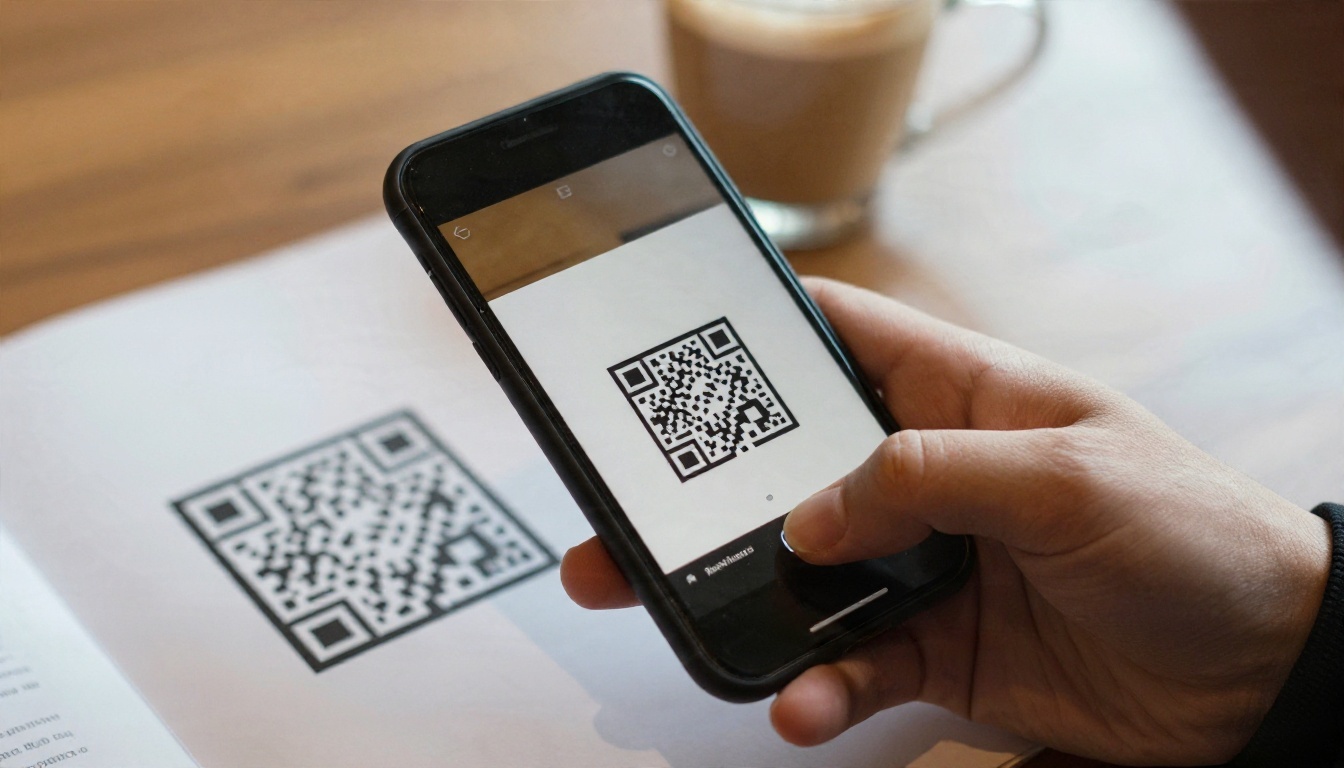
A QR code is an open standard, created in 1994 by Denso Wave. It stores data (usually a web address) in a grid of black and white modules. Three square "finder" patterns in the corners tell a camera where the code starts, and built-in error correction lets the code survive smudges, folds or a logo placed in the middle.
The big advantage: the built-in camera app on modern iPhone and Android phones reads QR codes with no download. The reader points, a banner appears, one tap opens the link. Any free or paid generator can produce one, and any printer can reproduce it.
What Snap Tags Are
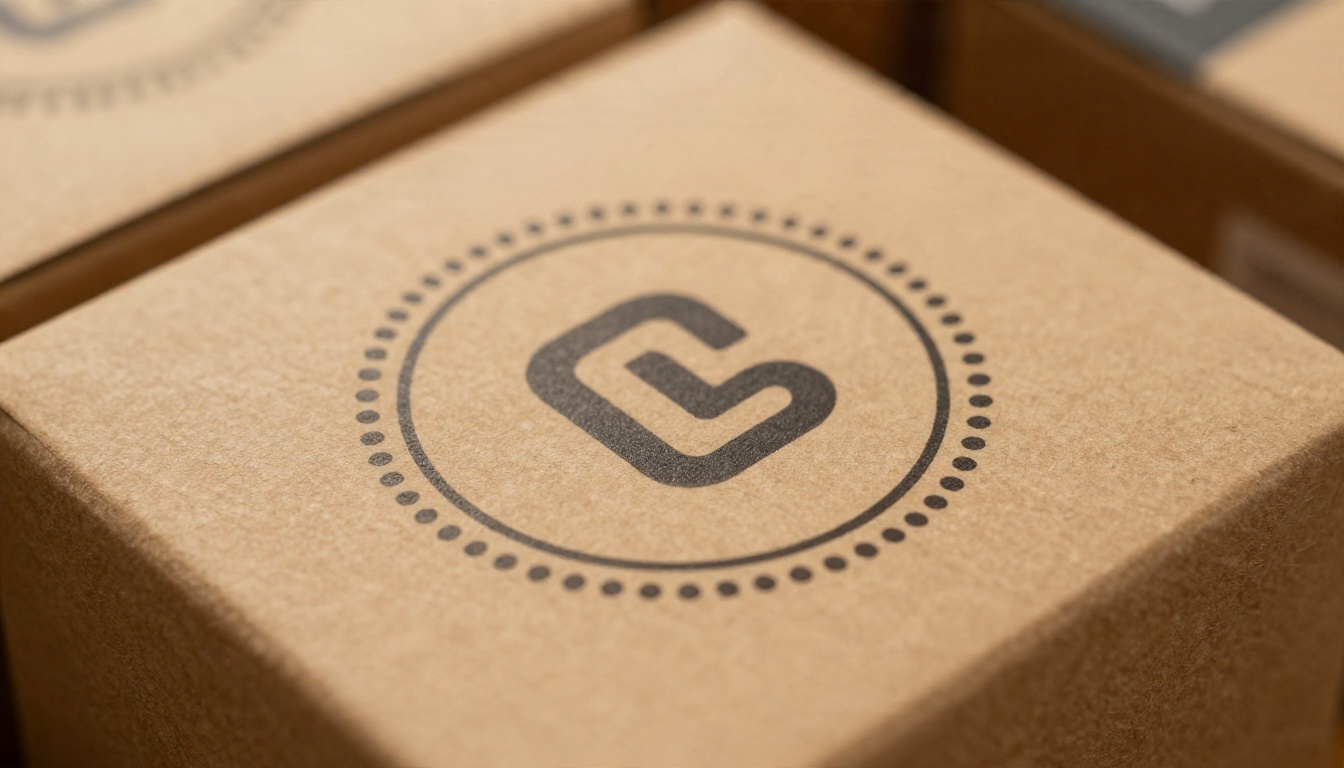
Snap tags are branded visual codes, typically a circular or custom shaped pattern wrapped around a logo or icon. Instead of a generic grid, the code itself looks like part of your brand. Depending on the vendor, they are read through a dedicated scanning app, an in-app camera, or a platform camera feature, and the tag points to a record in the vendor's system, which then redirects to your destination.
That redirect layer is the important detail. It is what makes snap tags pretty and trackable, and it is also what makes them dependent on one company staying in business and keeping your tag alive.
💡 Pro tip: Capabilities differ a lot between snap tag vendors. Before committing, ask three questions: which camera or app reads it, who owns the redirect, and what happens to printed tags if you cancel.
Head to Head Comparison
Here is the quick view before we dig into each factor.
| Factor | QR Code | Snap Tag |
|---|
| Standard | Open, universal | Usually proprietary |
| Phone support | Native camera on iOS and Android | Often a specific app or platform camera |
| Scan steps for reader | Point, tap banner | Open app or camera mode, point, tap |
| Branding freedom | Moderate (colors, logo in center) | High (code is the brand shape) |
| Cost to create | Free to low | Often subscription or per tag fees |
| Print risk if vendor stops | Static codes keep working | Printed tags may stop resolving |
| Tracking | Via dynamic code or link analytics | Usually built into the vendor platform |
| Recognition by public | Very high | Low, needs a prompt |
Scan Reliability
QR codes win on reliability for one simple reason: billions of phones already know how to read them. Reader friction is the silent killer of printed links, and every extra step (open an app, switch modes, allow permissions) cuts the number of people who finish the scan.
Snap tags can be very reliable inside their own ecosystem, but outside it, a stranger standing in a shop will not install an app to read your brochure. Even a gorgeous tag fails if nobody can open it.
Design and Branding
This is where snap tags earn their place. A circular tag built around your logo looks intentional, while a QR code looks like a utility sticker. On premium packaging, boutique catalogs or fashion lookbooks, that matters.
QR codes are not stuck with plain black squares, though. You can:
- Use a dark foreground on a light background in your brand color (keep strong contrast)
- Round the modules or the corner eyes
- Place a small logo in the center, thanks to error correction
- Frame the code with a short call to action, such as "Flip through it on your phone"
The rule: style it, but never reduce contrast below what a phone camera can read in dim light.
Cost and Setup
A QR code costs nothing to generate. A snap tag program may involve setup fees, monthly plans or per scan pricing. For a one time print run of leaflets, that overhead is hard to justify. For a long running brand campaign across packaging, signage and ads, a custom tag can make sense.
| Cost Item | QR Code | Snap Tag |
|---|
| Generation | Free tools or low cost | Vendor account, sometimes custom design fee |
| Ongoing fees | None for static, small for dynamic | Commonly subscription based |
| Reprint risk | Low | Higher if platform changes |
| Designer time | Minimal | Moderate to high |
Where Each Code Wins
No single winner exists. The right pick depends on who is holding the paper, and how much patience they have.
Restaurants and Menus
A diner at a table wants one thing: the menu, now. A QR code on a table card gets them there with a native camera in two seconds. Snap tags add friction at the worst moment, when a hungry customer is already deciding whether to bother.
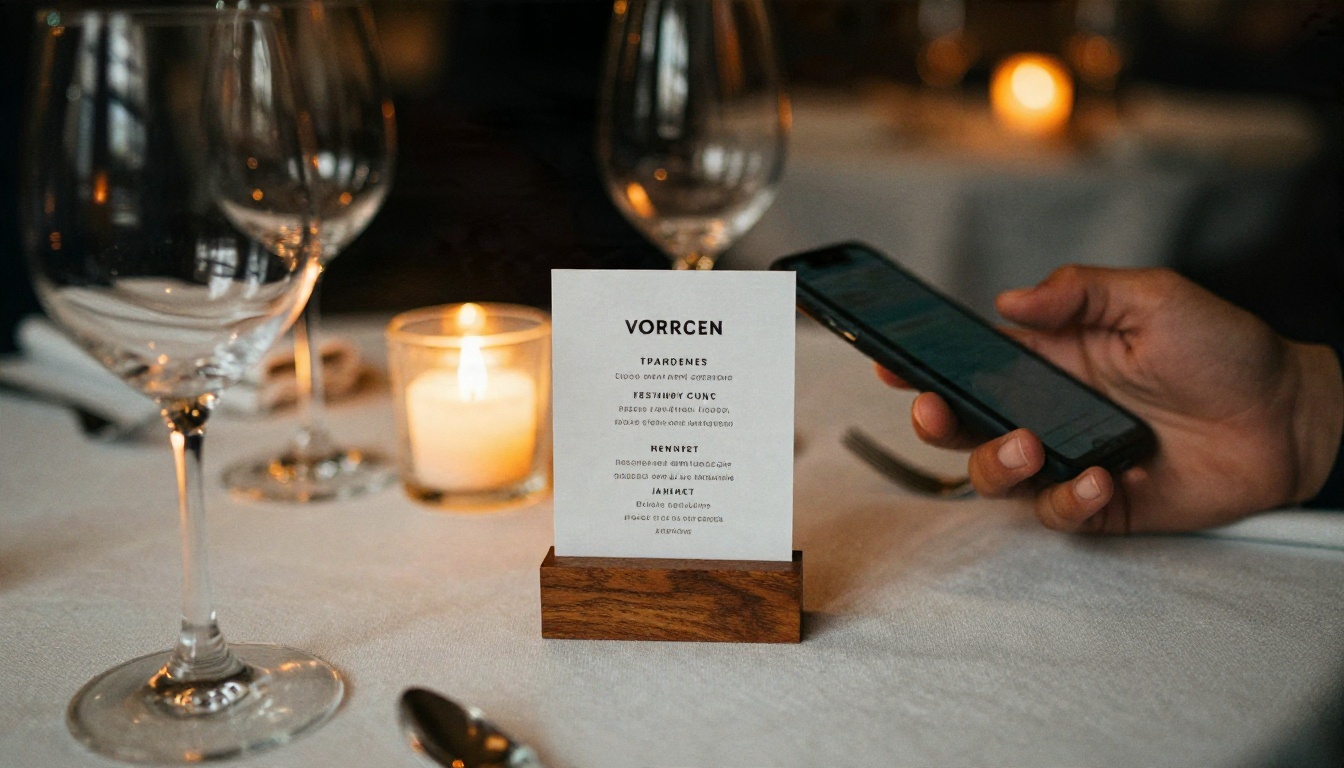
A restaurant can turn its PDF into a page turning menu with the Restaurant Menu Creator, then print one QR code on every table card. When prices change, only the PDF changes, and the printed code keeps working.
Catalogs and Brochures
Printed catalogs are where the two formats compete most. Buyers flipping through a fashion catalog might notice a branded tag and scan it out of curiosity, but a QR code placed next to a short prompt performs more consistently across audiences. If your readers are business buyers on the move, choose predictability.
For these projects, the Digital Catalog Maker and the Brochure Flipbook Maker turn the same files you sent to the printer into mobile friendly flipbooks.
Real Estate and Events
Yard signs, property flyers and event programs share a trait: the reader is outdoors, in a hurry, and often with poor signal. A large, high contrast QR code can be read from a few steps away. The agent in the photo below does not need the buyer to install anything.

See the Real Estate Brochure Creator and the Event Program Maker for ready workflows.
| Print Format | Best Pick | Why |
|---|
| Restaurant table card | QR code | Instant, no app, fast decision |
| Product catalog | QR code | Broad audience, predictable scans |
| Luxury packaging | Snap tag (or styled QR) | Brand look matters more than reach |
| Yard sign or poster | QR code | Readable from a distance |
| Magazine ad | Either | Depends on audience and tracking needs |
| Event program | QR code | Attendees scan quickly between sessions |
| Brand campaign across media | Snap tag | Unified look and built-in tracking |
The Link Problem Nobody Mentions
The code is only half the story. The other half is the address behind it, and that is where printed campaigns quietly fail six months later.
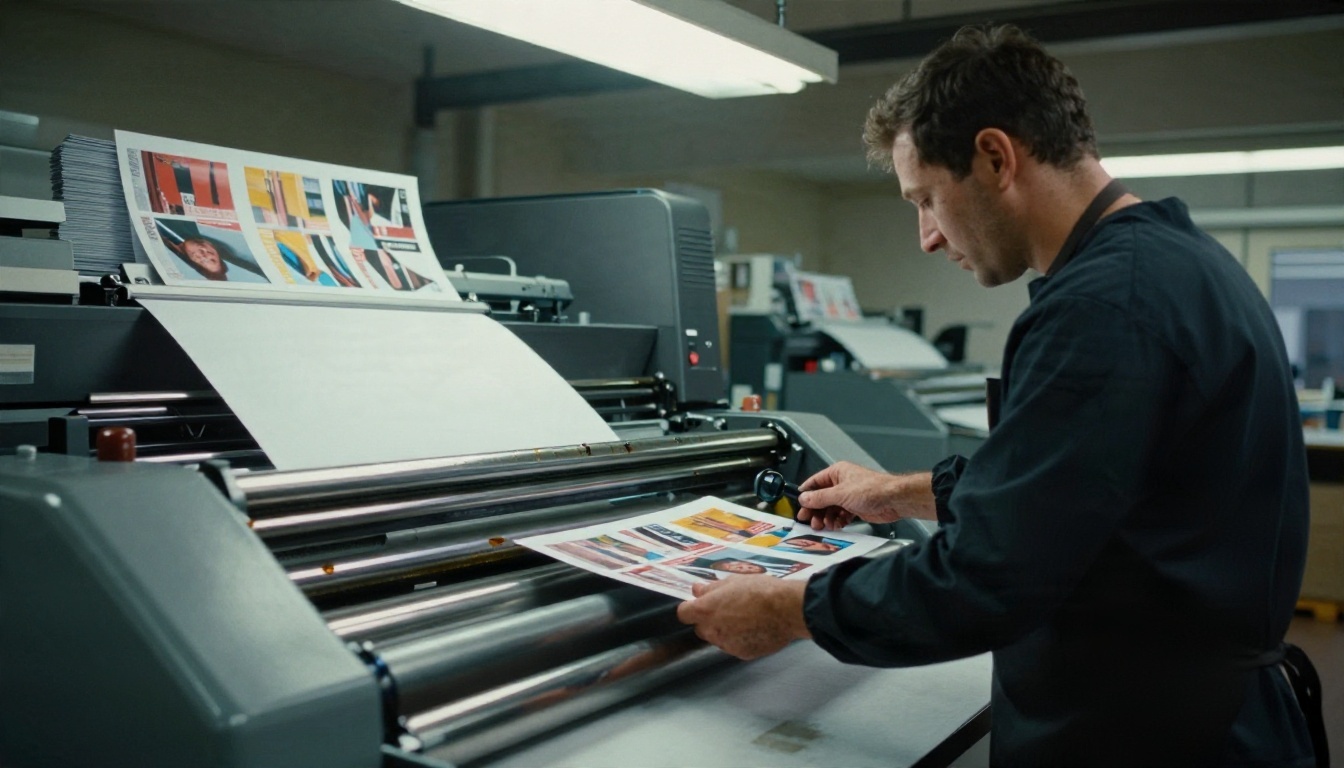
Static vs Dynamic Codes
A static QR code has the web address baked into the pattern. It never expires, but you cannot change where it points. A dynamic QR code points to a short redirect that you can edit later, which also allows scan counts. Snap tags are almost always dynamic by design.
Dynamic is flexible, but it adds a dependency. If the redirect service closes, every printed copy goes dead.
Why a Stable Flipbook Link Helps
Here is a cleaner approach: print a static QR code that points to one permanent flipbook link. When your catalog changes, replace the PDF behind that flipbook instead of reprinting anything. You get the stability of a static code and the update freedom of a dynamic one, without a third party redirect.
✅ Best practice: One printed code, one permanent flipbook address, updated content behind it. The paper never goes out of date.
Build the Link With Flipbooks AI
If your printed piece points to a flipbook, here is how to create the destination. These steps work whether you choose a QR code or a snap tag.
Upload and Convert
- Create your free account at Flipbooks AI.
- Upload the PDF you used for print, using the PDF to Flipbook Converter.
- Wait a moment while the pages convert into a page turning flipbook that loads smoothly on phones.
Brand and Protect
- Add your logo and brand colors so the destination matches the printed piece the reader just scanned.
- Choose page effects, and embed videos or audio where they help, such as a product demo next to a catalog page.
- For private material like wholesale price lists, switch on password protection.

Share and Track
- Copy the direct link, and paste it into your QR generator or snap tag platform.
- If you also need the flipbook on a site, grab the embed code and follow the Embed Flipbook on Website instructions.
- Turn on offline downloads for readers with weak signal, and check the Professional plan for analytics and lead generation.
Every flipbook is free of watermarks, and the Standard plan and above allow unlimited flipbooks, so you can create a separate destination for each printed piece and see which one performs.
💡 Pro tip: Create one flipbook per print placement (menu card, flyer, packaging). Separate links let you compare which printed spot actually brings readers in.
Print Rules That Prevent Failures
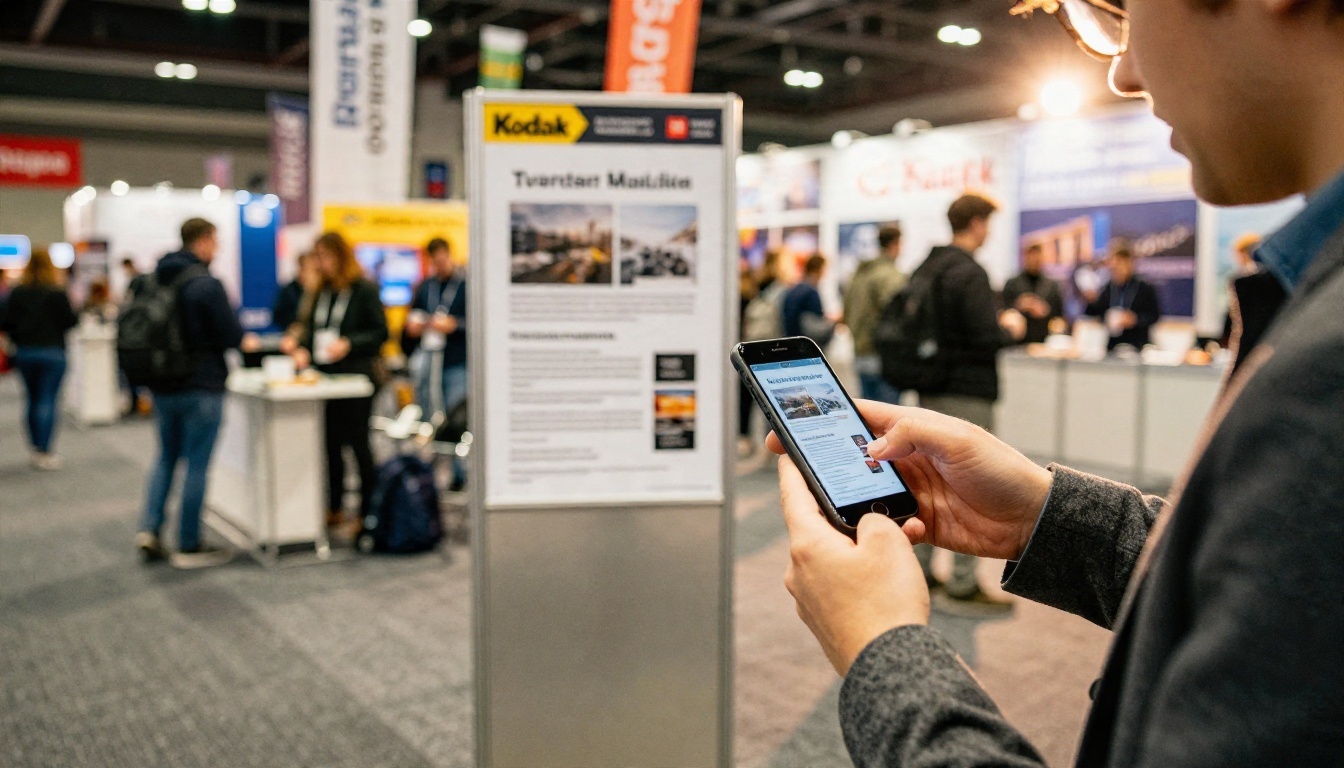
Most scan failures come from print decisions, not from the code type. These rules apply to both.
Size and Placement
| Rule | Recommended Value |
|---|
| Minimum QR size | About 2 cm (0.8 in) square for close range |
| Scanning distance rule | Roughly 1 unit of code width per 10 units of distance |
| Quiet zone (blank margin) | At least 4 modules around the QR code |
| Contrast | Dark code on a light, flat background |
| Placement | Flat area, away from folds, staples and gutters |
| Error correction | Medium to high when adding a logo |
Avoid placing a code across a spine or fold. A crease can split a QR code in two and make it unreadable. Glossy laminate under strong light can also cause glare, so check a matte option for packaging.
Test Before You Print
- Scan the proof on at least two iPhones and two Android phones.
- Test in dim light and in direct sun.
- Print a small sample on the real paper stock and scan it again.
- Confirm the destination opens quickly on a mobile connection.
- Ask someone who has never seen the piece to scan it without instructions.
⚠️ Warning: Never approve a print run from a screen preview alone. Ink gain, paper texture and glossy coating change how a code reads.
Add a short human prompt near the code. "Scan to flip through the full catalog" outperforms a bare square, because people need a reason to lift their phone.
Which One Should You Pick?

For most printed flipbook links, QR codes are the safer choice. They work on the camera every reader already has, cost almost nothing, and a static code pointing to a stable flipbook link will keep working for as long as the paper exists.
Snap tags make sense in a narrower set of cases: premium brand campaigns where the code is part of the visual identity, programs that need built-in tracking across many media, and audiences who are already inside the vendor's app. Even then, a styled QR code with your logo and colors closes much of the design gap.
| If Your Priority Is... | Choose |
|---|
| Maximum scans from the general public | QR code |
| Lowest cost and no vendor risk | Static QR code |
| Brand look on premium packaging | Snap tag or styled QR code |
| Built-in campaign tracking | Dynamic QR code or snap tag |
| Print once, update forever | Static QR code plus a stable flipbook link |
Ready to build the destination your printed code will point to? Get started for free on Flipbooks AI, browse all flipbook tools to find the right template for your catalog, menu or brochure, and compare pricing plans when you are ready for analytics and lead capture.



