You have 800 photos from a holiday, a wedding or your kid's first year, and you want them in a book people can actually hold. Two names come up first: Snapfish and Photobox. Both are easy to start, both run constant sales, and both can leave you with a bill that looks nothing like the price on the product page. This comparison breaks down what each one really costs, where each one wins, and which free digital photo book options let you skip printing altogether. Along the way you will see how a free page-turning album built with Flipbooks AI stacks up against a printed copy.
💡 Quick answer: Choose Snapfish if you shop during big promotions and want a huge range of gifts. Choose Photobox if you want a polished editor and premium layflat options, especially in the UK and Europe. Choose a digital flipbook if you want to share the whole story today, for nothing.
Snapfish vs Photobox at a Glance
Both companies sell the same basic promise: upload photos, drag them into a template, pay, and wait for a parcel. The differences sit in the details, such as regional focus, finish options and how aggressively each one discounts.
Who Each Service Suits
Snapfish leans toward bargain hunters. It has a very broad catalog of personalised products (mugs, calendars, canvases, cards) and discounts that often reach 50 percent or more. If you are flexible on timing and happy to wait for a code, it can be cheap.
Photobox leans toward people who care about the look of the finished book. Its layflat pages, paper choices and tidy templates attract wedding and travel photographers, and it has a strong presence across the UK and several European countries.
Side-by-Side Snapshot
| Feature | Snapfish | Photobox |
|---|
| Best known for | Frequent deep discounts, wide gift range | Premium finishes, clean design |
| Main audience | US, Canada, UK, Australia | UK and Europe |
| Book formats | Softback, hardback, layflat options | Softback, hardback, layflat, large formats |
| Editor | Template-based, auto-fill available | Template-based, auto-fill available |
| Typical price behavior | List price high, sale price low | Higher list price, fewer but steady offers |
| Digital sharing | Online albums for viewing prints | Online albums for viewing prints |
| Wait time | Production plus shipping, often 1 to 2 weeks | Production plus shipping, often 1 to 2 weeks |
⚠️ Product ranges, regions and delivery times change often. Always check the live product page and the final basket total before you pay.
The Real Cost of Each Photo Book
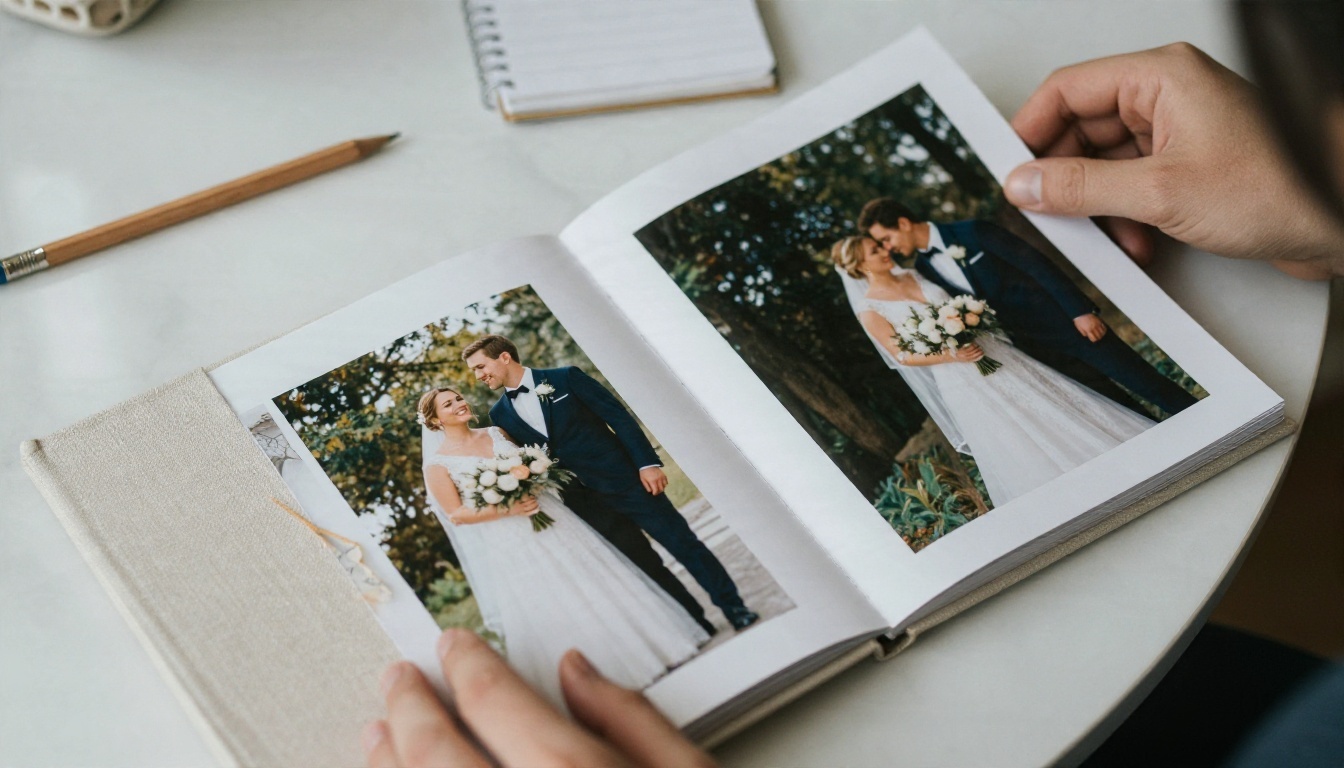
The price you see first is rarely the price you pay. A photo book has a base price, then charges for extra pages, upgraded paper, a nicer binding and delivery.
Starting Prices by Format
The ranges below are ballpark list prices before any promotion. They are meant to show the shape of the cost, not to replace the live numbers on each site.
| Book type | Snapfish (approx. list) | Photobox (approx. list) |
|---|
| Small softback (about 5x7 in) | Low, often around $10 to $20 | Low to mid, often around £12 to £20 |
| Medium square hardback (about 8x8 in) | Mid, often around $25 to $45 | Mid, often around £30 to £45 |
| Large landscape hardback (about 11x14 in) | Upper mid, often around $50 to $90 | Upper mid, often around £50 to £90 |
| Premium layflat | Higher, varies by size | Higher, varies by size |
| Extra pages | Charged per added page or spread | Charged per added page or spread |
Shipping and Extras
Shipping is where budgets slip. A single book can cost a lot to post, and orders to several addresses multiply the charge. Watch for these add-ons:
- Extra pages beyond the base count, usually billed per page or spread.
- Paper upgrades such as thicker or lustre stock.
- Gift wrap or presentation boxes.
- Express delivery if you leave things until the last week before a birthday or holiday.
- Duplicate copies for grandparents, which turn one book into five separate bills.
How Sales Really Work
Both companies run near-permanent promotions. A "60 percent off" banner can make a book look like a steal, but the discounted number is often the normal price in practice. A sensible approach is to build the book first, save it in your cart, and check back over a couple of weeks. If the total drops, buy. If it does not, you have still lost nothing.
💡 Pro tip: Before ordering, count your pages. Many people choose a book with 20 pages and then add 14 more to fit every photo. Trimming to your best 30 or 40 images often saves more than any coupon.
Price matters, but so does what arrives at your door. Print quality depends on paper, binding, colour accuracy and the resolution of the photos you upload.
Paper and Binding
Standard books on both platforms use a glossy or lustre finish with a sewn or glued spine. Layflat binding, where pages open to a flat double-page spread without a gutter, is the upgrade photographers pay for, because panoramic shots do not disappear into the fold.
- Softback: light, cheap, good for casual albums and gifts.
- Hardback: sturdy, better for wedding and milestone books.
- Layflat: best for landscapes and full-page spreads.
Editors and Templates
Both editors offer drag-and-drop layouts, auto-fill that arranges photos for you, and basic text tools. Auto-fill is fast but rarely perfect. Expect to spend an hour or two fixing crops, swapping orders and adjusting captions on a 40-page book.
✅ Best practice: Upload your highest resolution originals. Low-resolution images show a warning icon in most editors, and that warning is worth taking seriously. A soft photo on a screen becomes a blurry photo on paper.
The Case for Going Digital
A printed book is wonderful, but it has three limits: it ships once, it costs per copy, and it cannot be updated. A digital photo book solves each of those.
The Sharing Problem
Imagine you made a book of a family reunion. Twelve relatives want a copy. With print, you order twelve books and pay for twelve shipments. With a digital flipbook, you send one link. Everybody sees the same pages, with realistic page-turning, on a phone, tablet or laptop.
Cost Per Copy
| Scenario | Printed book | Digital flipbook |
|---|
| 1 copy for you | Full price plus shipping | Free to share |
| 10 copies for family | Ten times the price plus shipping | Still one link |
| Fix a typo after publishing | Reorder the whole book | Replace the file |
| Send to someone overseas | International shipping, long wait | Instant |
| Add 5 more photos later | New edition, new bill | Re-upload and refresh |
When Print Still Wins
Print wins when you want a tactile keepsake on a coffee table, a gift to wrap, or a book that survives without a battery. Many people do both: a digital version for everyone, and a single printed copy for the shelf.
Free Digital Photo Book Options
If your main goal is to share your photos beautifully rather than own a physical object, free tools are more than good enough. Here is how the common choices compare.

Free Options Compared
| Option | Page-turn effect | Layout control | Easy link sharing | Best for |
|---|
| Phone shared albums | No | Low | Yes | Quick dumps of raw photos |
| Cloud drive folders | No | None | Yes | Archiving originals |
| Slide decks (PDF export) | No | High | Yes, as a file | Designed layouts |
| Design tool free tiers (PDF export) | No | High | Yes, as a file | Custom templates |
| Flipbooks AI flipbook | Yes | High, from your PDF | Yes, link or embed | Polished, shareable albums |
The pattern is clear. Most free tools handle either design or sharing, but not both. A flipbook sits in the middle: you design the pages wherever you like, then convert them into a realistic, page-turning book.
Why a Flipbook Beats a Plain PDF
A plain PDF scrolls like a document. A flipbook turns pages, feels like a book and opens in any browser without downloads. You can also add password protection for private family photos, which matters when the album includes children. See the PDF to Flipbook Converter for the core tool behind this approach.
How to Make a Free Photo Flipbook
You do not need design skills. If you can put photos into a slide deck, you can finish a flipbook in an afternoon.
Step by Step
- Sort your photos. Pick the best 30 to 60 images and group them by event or theme. Delete near-duplicates without mercy.
- Build the pages. Use a slide deck or any design tool. Set a consistent page size, such as square or landscape, and leave breathing room around each photo.
- Export as PDF. Use the highest quality setting so photos stay sharp.
- Create your account. Create a free account on Flipbooks AI.
- Upload the PDF. Drag the file in and let the converter turn each page into a flip-able spread. This usually takes under a minute.
- Customise the look. Choose a background colour, add your own branding or a title, and pick the page-turn style. You can also embed audio, such as a favourite song, or short video clips next to the matching photos.
- Share it. Copy the direct link, or use the embed option to place the book on a family website or blog. Turn on password protection if the photos are private.
- Check the results. On the Professional plan, analytics show how many people opened the book and which pages they spent time on. Offline downloads let relatives view the book without a connection.
💡 Good to know: Flipbooks AI never adds watermarks, and the books are mobile-responsive, so Grandma can swipe through on her phone just as well as you can on a laptop. Paid plans add features such as unlimited flipbooks and analytics, so compare the plans to see what you need.
Tools for Specific Albums
Some projects benefit from a purpose-built starting point:
Real-World Scenarios
Numbers and tables help, but the right choice depends on the project. These three examples show how people mix print and digital.
A Wedding Album
A couple wants a premium keepsake and a way for 80 guests to relive the day. They order one layflat hardback from Photobox for the shelf, then publish the same pages as a flipbook and send the link to everyone. The printed book costs once; the guest copies cost nothing.
Grandparents Overseas
A family living abroad wants the grandparents to see a year of photos. Printing and posting two copies internationally would cost a lot and take weeks. Instead, they build a 40-page album, upload it, add a password and send the link. Grandparents open it the same evening, and next year the family just builds a new one.
A Travel Photographer
A hobbyist photographer wants to show a Portugal trip to friends and prospective clients. Print copies for each person would be wasteful. A portfolio-style flipbook with captions, maps and an embedded soundtrack gives a professional impression, and the link goes straight into an email signature or social bio.
Decision Table
| Your situation | Best pick |
|---|
| Hunting for the lowest price on a printed gift | Snapfish during a big sale |
| Want premium paper or layflat spreads | Photobox |
| Need to share with many people fast | Digital flipbook |
| Photos are private or sensitive | Flipbook with password protection |
| Want a keepsake and wide sharing | One printed copy plus a flipbook |
| Zero budget | Free flipbook plus a free design tool |
Pick Your Next Step
If you are still torn between Snapfish and Photobox, run a simple test. Build the same 30-page book in both editors, compare the final basket totals including shipping, and wait a week to see whether a sale appears. Whatever you decide, do not let printing be the only way your photos are seen.
Ready to share your album today? Get started for free on Flipbooks AI, browse all flipbook tools to find the right template for your project, or check the pricing plans when you want analytics, offline downloads and unlimited flipbooks. Your photos deserve more than a folder on a hard drive, and a single link gets them in front of the people who matter.



