Your menu changes on Thursday, your sous chef still has last month's recipe card taped to the wall, and a guest just asked for the allergen list you updated in a different file. Sound familiar? The right software for chefs fixes exactly this: one place for digital menus, recipe books and online sharing, without a design degree or a big monthly bill. This article compares the options, shows where free tools are enough, and walks through turning a simple PDF into a page-turning menu with Flipbooks AI.
What Chefs Actually Need From Software
Most "kitchen software" is built for inventory, payroll or point of sale. That is useful, but it is not what this article is about. Here the focus is on the documents a chef produces and shares: the menu a guest reads, the recipe book a team cooks from, and the tasting list sent to a catering client.
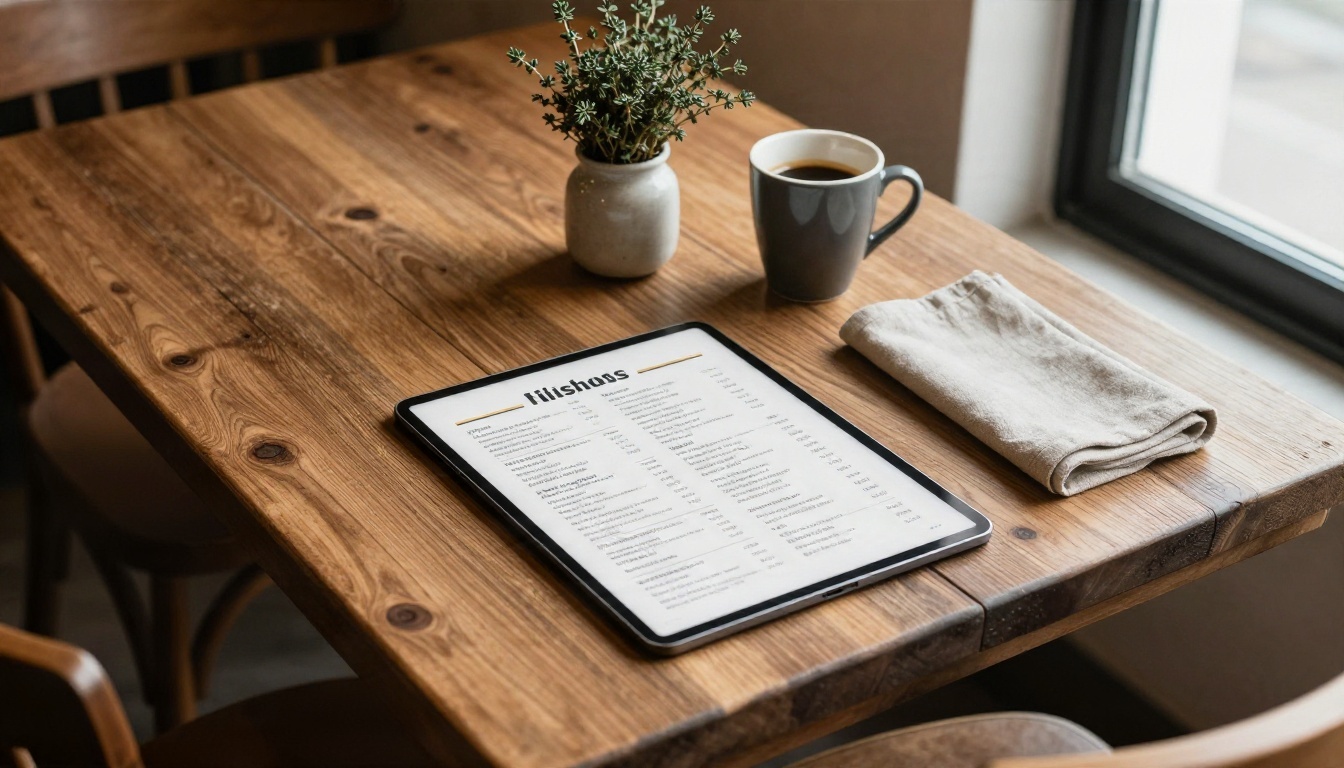
Menus, Recipes, and Sharing
Three jobs come up again and again:
- Digital menus: readable on any phone, easy to edit when a dish sells out or a price shifts.
- Recipe books: consistent layouts, clear quantities, photos of the finished plate, and a version everyone trusts.
- Online sharing: a link, a QR code, or an embed on your website, with the option to keep private material private.
A single tool rarely does all three well. The goal is a small stack that works together and that your team will actually open.
Three Questions Before You Choose
- Who reads it? Guests need speed and clarity. Cooks need exact quantities. Clients need polish.
- How often does it change? Daily specials call for fast edits. A signature recipe book may change twice a year.
- Where will it live? A phone screen, a website, a printed card, or all of them?
| Chef type | Main need | Update frequency | Best fit |
|---|
| Restaurant owner | Guest-facing menu | Weekly | Flipbook menu plus QR code |
| Private chef | Client proposals | Per booking | Branded PDF flipbook |
| Food blogger | Recipe archive | Weekly | Recipe book flipbook and blog |
| Caterer | Tasting menus | Per event | Password-protected flipbook |
| Cooking instructor | Class handouts | Per course | Shareable recipe booklet |
💡 Pro tip: Write down your three most common documents before you compare tools. If a tool does not handle at least two of them, keep looking.
A digital menu is not just a photo of your printed menu pasted on a website. Guests on a phone want fast loading, readable text and no pinching or zooming.
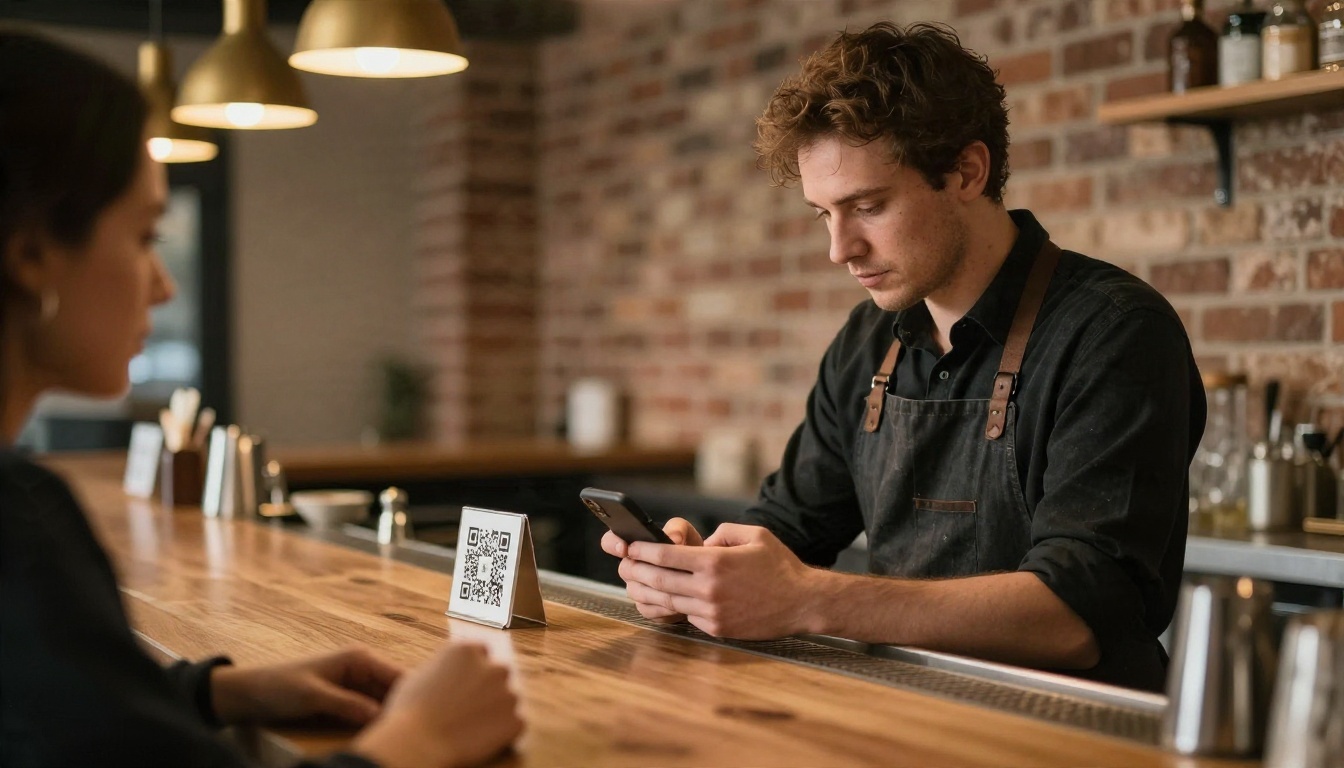
PDF, QR, or Flipbook
Each format has a place. Here is how they compare in a real service.
| Format | Setup time | Mobile reading | Easy to update | Looks polished |
|---|
| Plain PDF link | Minutes | Poor (zooming needed) | Medium | Low |
| QR code to web page | Hours | Good | High | Medium |
| Flipbook menu | Minutes | Very good | High | High |
| Printed card only | Days | Not applicable | Low | High |
A flipbook keeps the design you already made, because it starts from your PDF, and adds the page-turning feel guests expect from a good restaurant menu. It is also mobile-responsive, so the same link works on a phone, a tablet and a desktop.
Keep Prices Easy to Update
Menus change. Ingredients get pricier, a supplier runs out of halibut, a seasonal dish comes back. Keep your menu source file (a Google Doc, a Canva design or a Word file) in one shared folder, export a fresh PDF, and replace it. With a flipbook platform, the link and the QR code can stay the same while the content updates behind them.
✅ Best practice: Print the QR code on durable stands once, and never reprint it. Update the flipbook instead.
If you want a template built around this workflow, try the Restaurant Menu Creator or the Menu Flipbook Designer.
Recipe Books Without the Chaos
Every kitchen has a recipe problem. Some live in a battered notebook, some in a phone photo, and a few exist only in the head of the person who has been cooking them for ten years.
One Layout for Every Recipe
Pick a single card layout and stick to it. A good recipe card includes:
- Title and yield: portions, or batch size for restaurant prep.
- Ingredients in order of use: weights first, volumes second.
- Method in numbered steps: one action per step.
- Allergens and storage notes: easy to miss, expensive to forget.
- A photo of the plated dish: the standard your team cooks toward.
Consistency matters more than beauty. A cook reading at 4 p.m. with a ticket printer humming should find the quantity in under two seconds.
Turning Notes Into a Shareable Book
Once your recipes sit in one document, export it as a PDF and convert it. The Recipe Book Flipbook tool turns that PDF into an interactive book you can send to staff, students or readers. Because it uses a link, nobody has to download a 40 MB file, and you can swap in a corrected page without resending anything.
| Recipe book type | Typical length | Audience | Sharing method |
|---|
| Kitchen prep book | 30 to 100 pages | Internal team | Password-protected link |
| Signature dishes booklet | 10 to 25 pages | Guests, press | Website embed |
| Cookbook preview | 15 to 30 pages | Readers, buyers | Public link |
| Class handout | 5 to 15 pages | Students | Link or QR code |
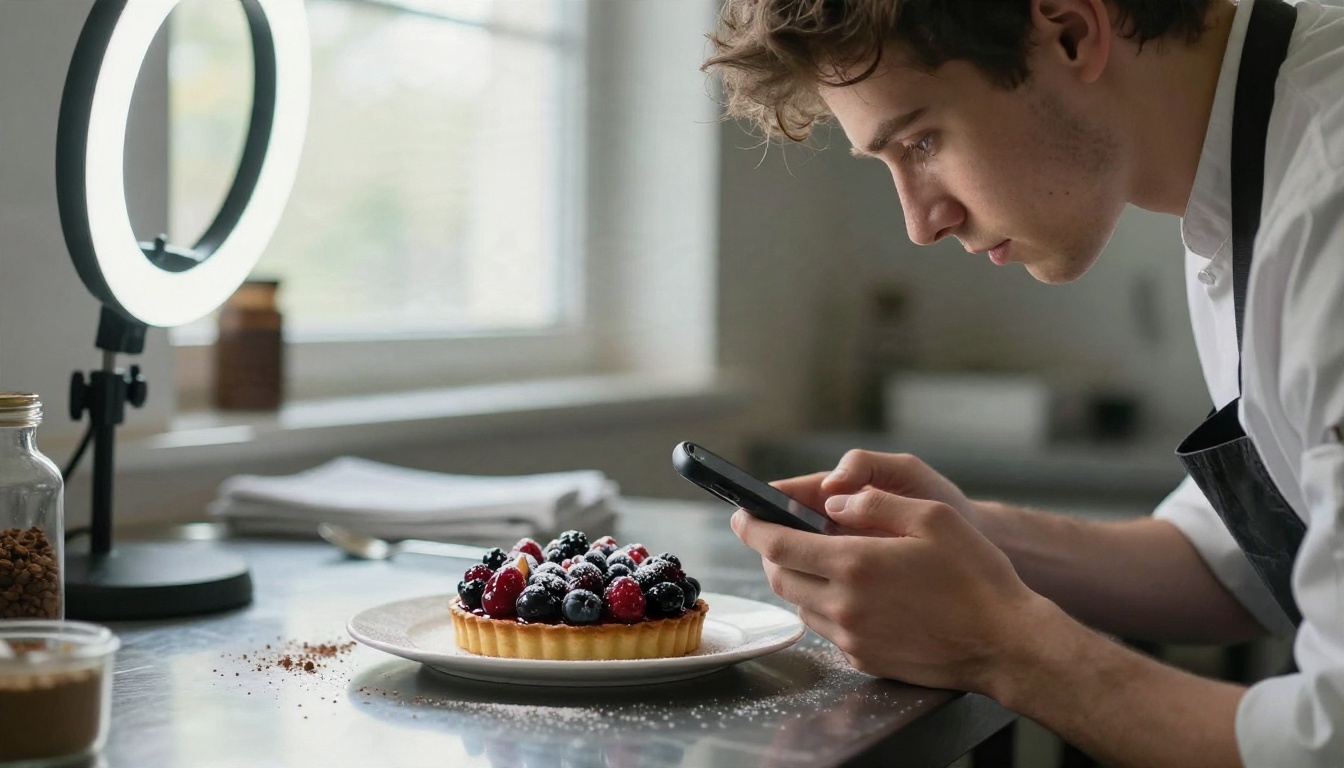
💡 Pro tip: Photograph every dish in the same spot with the same window light. A uniform look makes an amateur recipe book feel professionally edited.
Free Options Worth Using
You do not need to spend money on day one. Plenty of chefs start with free tools and only pay once the workflow proves itself.
What Free Tools Do Well
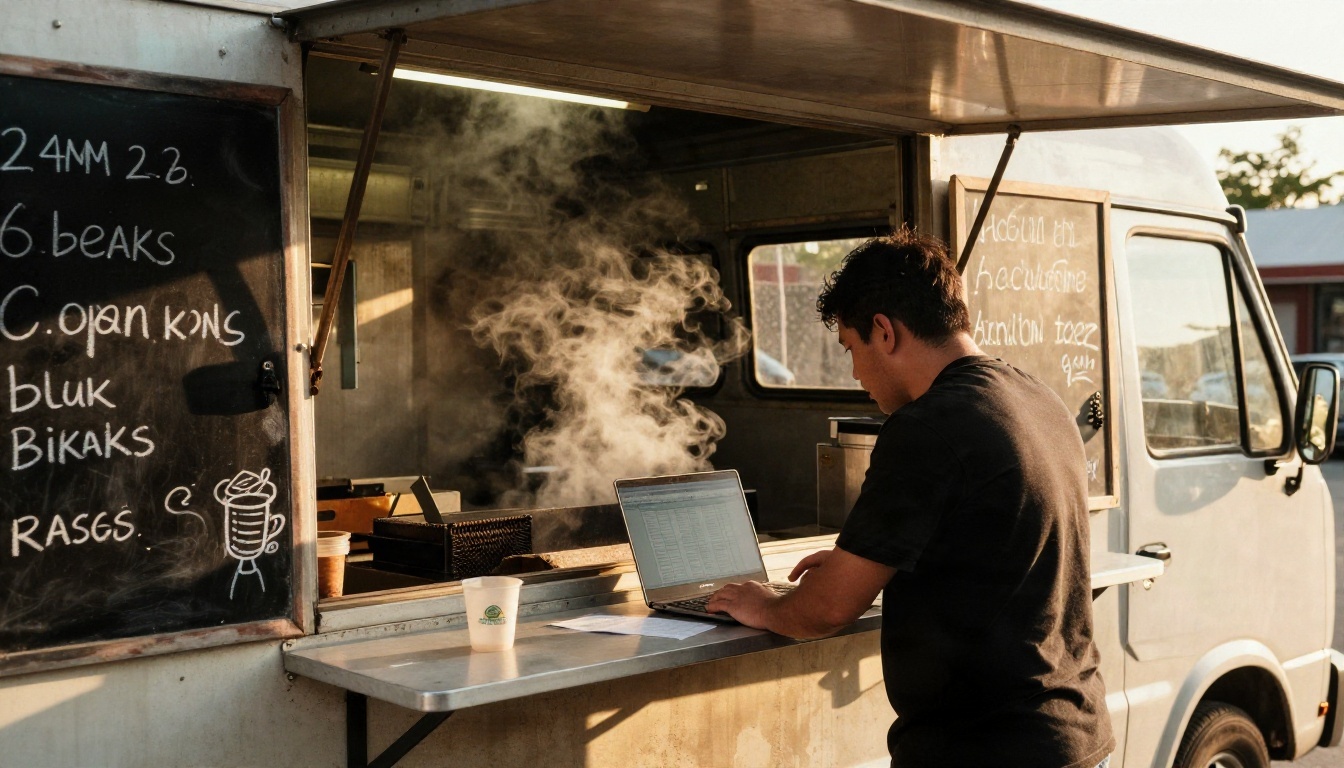
- Word processors and spreadsheets (Google Docs, Sheets, LibreOffice): ideal for drafting menus and costing recipes.
- Free design tools (Canva's free tier and similar): good for menu layouts and recipe cards with ready-made templates.
- Notes apps (Notion, Google Keep and similar): quick for collecting recipe ideas and ingredient lists.
- Free QR code generators: useful, though check whether the code expires or redirects through someone else's ad page.
Where Free Stops
Free tiers usually hit a wall in the same places:
- Watermarks or branding on exported files and shared links.
- Limited pages or projects, which hurts once you have a full recipe archive.
- No password protection, so private recipes end up public.
- No analytics, so you cannot see whether guests open the menu.
| Need | Free tools | Paid flipbook platform |
|---|
| Draft a menu | Excellent | Not needed |
| Page-turning mobile view | Rare | Built in |
| No watermarks | Often missing | Yes, no watermarks |
| Password-protected sharing | Rare | Yes |
| Embed on your website | Limited | Yes |
| Reader analytics | Rare | Professional plan |
⚠️ Watch out: Some "free" menu makers keep your content on their servers and put their name on your public link. Read the export and branding terms before you print a single QR stand.
A practical setup: draft in a free tool, export to PDF, then use a flipbook platform for the public face. You can compare plans on the pricing page and see what fits your volume.
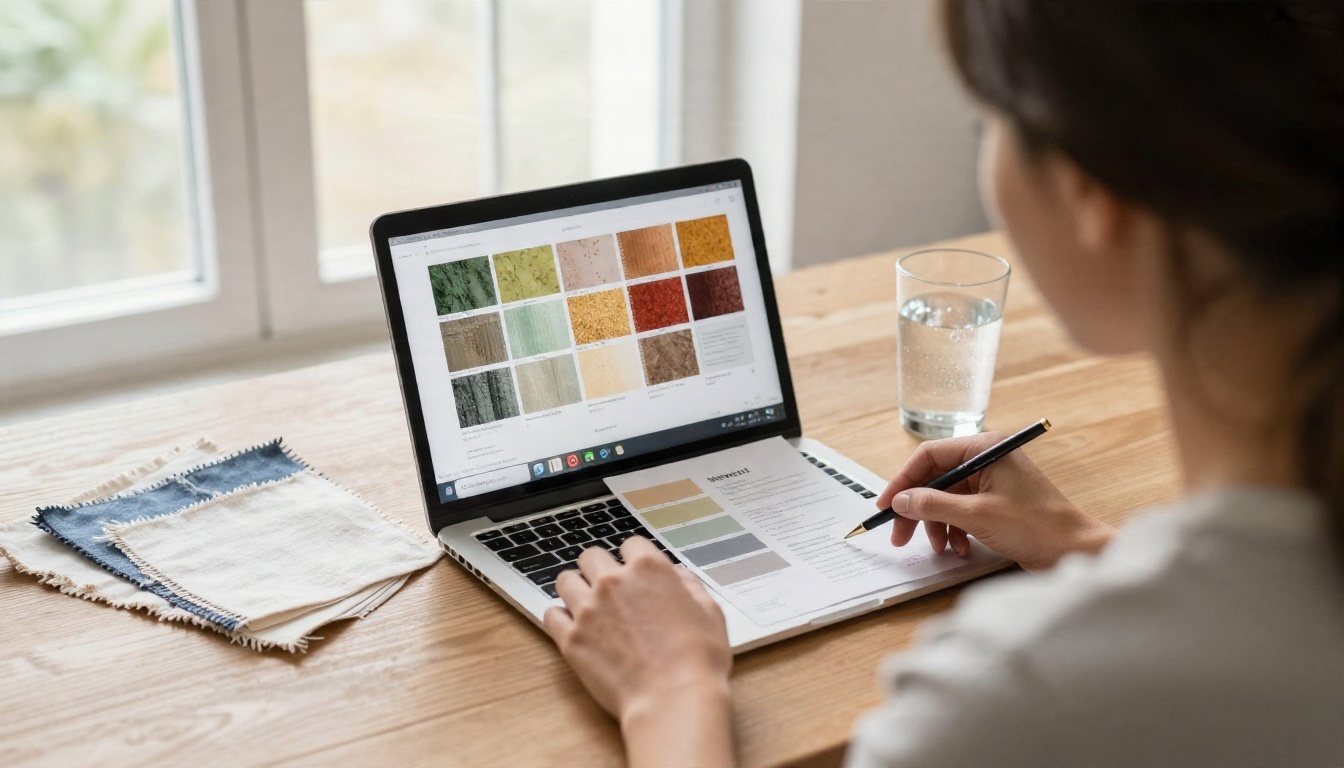
Here is the workflow, from a finished PDF to a shareable, branded menu. It takes about ten minutes the first time.
Upload Your PDF
- Go to Flipbooks AI and create an account.
- Choose a new flipbook and upload your menu or recipe book as a PDF. The PDF to Flipbook Converter handles the conversion and keeps your layout intact.
- Wait a moment while pages are processed. You will see a page-turning preview.
💡 Pro tip: Export your PDF at standard page size with fonts embedded. Text then stays sharp on every screen.
Customize the Look
- Branding: add your logo and pick background colors that match your dining room or your website.
- Page effects: choose the page-turn style that suits your restaurant. A quiet bistro may prefer subtle motion.
- Multimedia: embed a short video of your kitchen or audio on a tasting page. Videos and audio can sit right next to the dish they describe.
- Mobile check: open the preview on your phone before you publish. The design is mobile-responsive, but you should always read it as a guest would.
Share and Protect
- Direct link: paste it into Instagram, email or a text message.
- QR code: turn the link into a code and print it on table stands.
- Website embed: follow the Embed Flipbook on Website steps to place the menu on your own page.
- Password protection: lock internal recipe books so only your team can open them.
- Offline downloads: let a client or a student save a copy for places without signal.
Pro Tools: Analytics and Leads
On the Professional plan, you can see how many people open your menu and which pages hold attention. You can also collect contact details through lead generation, which suits private chefs, caterers and event kitchens that want to follow up on inquiries. Standard plans and above offer unlimited flipbooks, so you can keep one for lunch, one for dinner and one for each seasonal tasting. Check the pricing plans to see which tier matches your needs.
Real Kitchens, Real Setups
Theory is fine, but here is how different cooks put this to work.
| Scenario | Setup | Result |
|---|
| Neighborhood bistro | Menu drafted in Canva, exported to PDF, published as a flipbook with a QR code on tables | Edits go live in minutes, no reprinting |
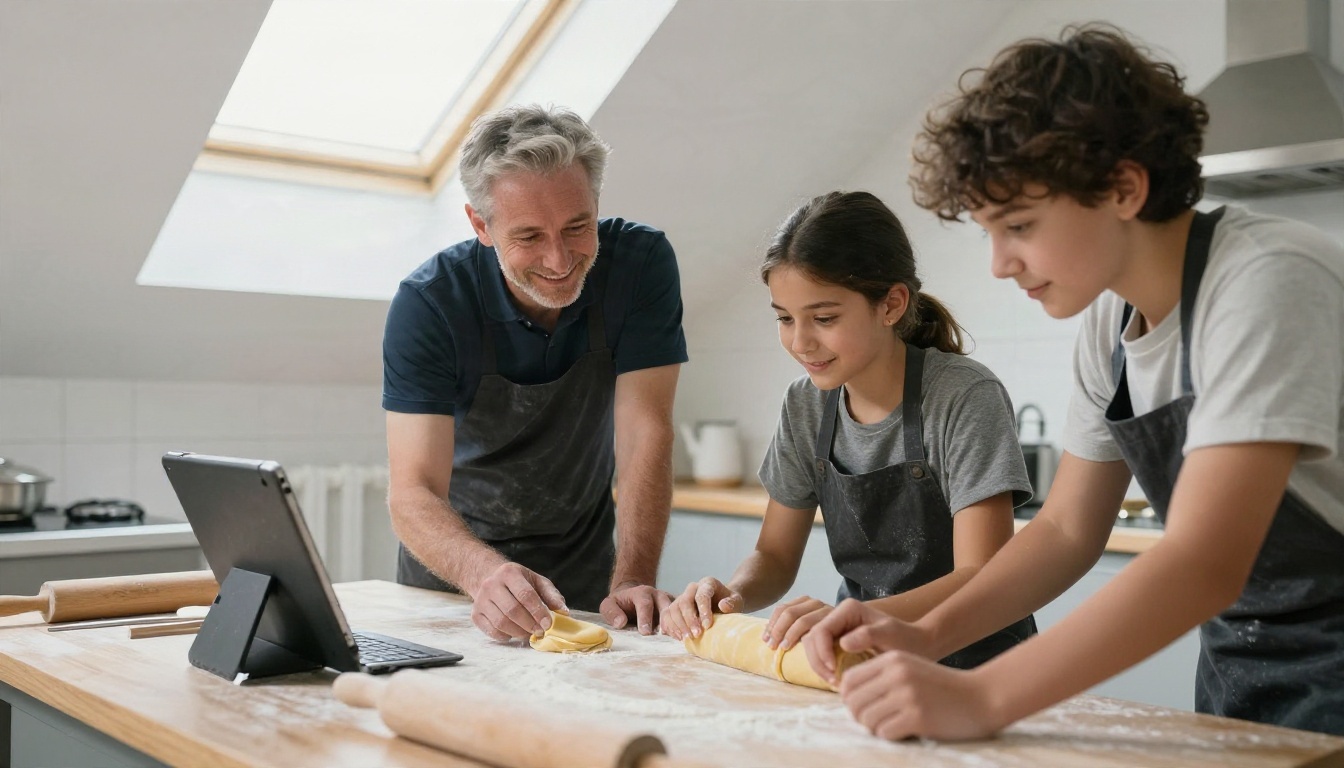
| Food truck | One-page flipbook with daily specials, link posted on social channels | Customers see today's menu before they arrive |
| Private chef | Branded proposal flipbook with password protection | Clients open a polished tasting menu on their phone |
| Cooking instructor | Recipe booklet shared per course with a link | Students cook from their own phones |
| Hotel kitchen | Internal recipe book with password access | One trusted version across shifts |
A Bistro With Weekly Specials
A bistro owner writes the specials every Monday in a shared document. By Tuesday morning, the PDF has been exported and replaced in the flipbook. Guests who scan the same QR code from last month see the new dishes. No new stands, no reprinting, and no staff member needs to remember to swap anything.
A Private Chef Selling Experiences
A private chef sends a proposal flipbook with menu options, photos, pricing notes and a short video of the chef plating. Password protection keeps prices between the chef and the client. The Digital Price List Generator can help format the pricing pages.
A Teacher With a Recipe Booklet
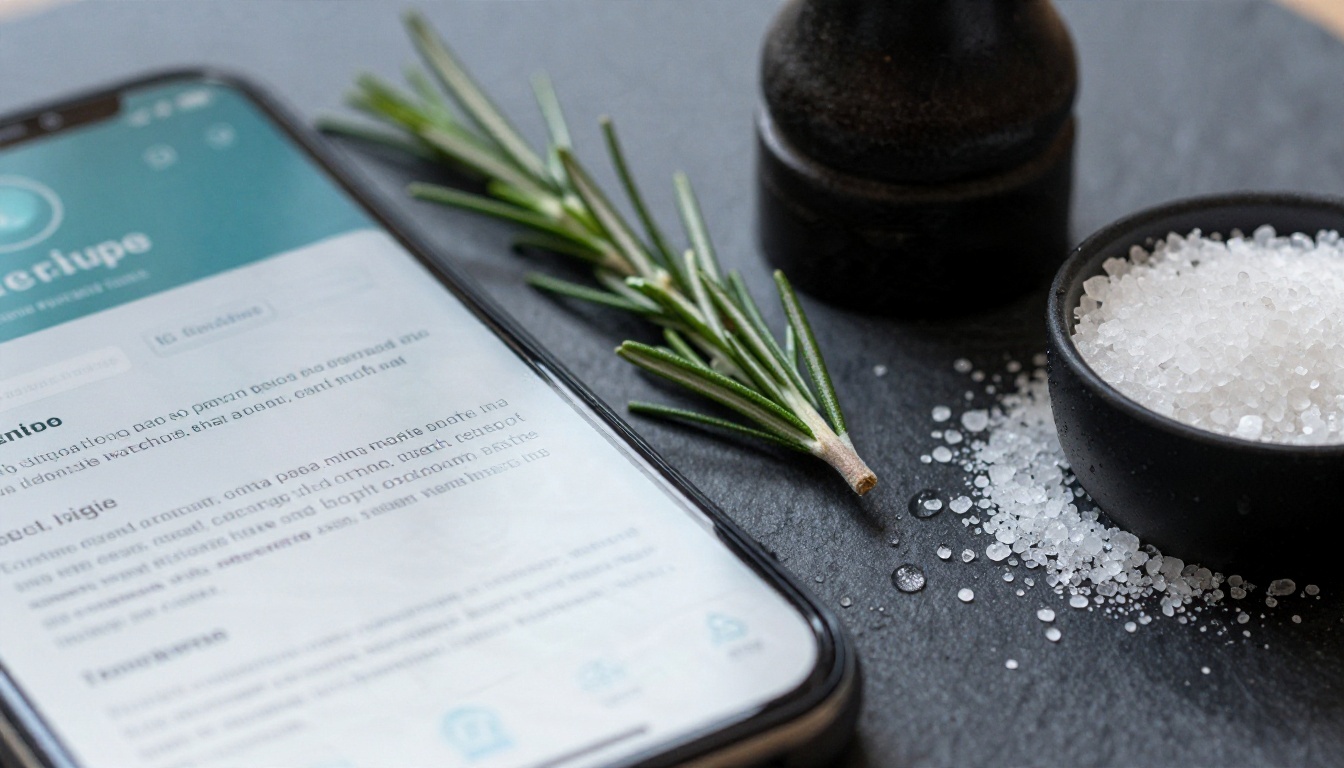
A cooking instructor turns a ten-page class handout into a booklet, then shares one link per course. Students open it on a phone in the kitchen, flour on their hands, scrolling is not needed because the pages turn with a swipe.
Mistakes to Avoid
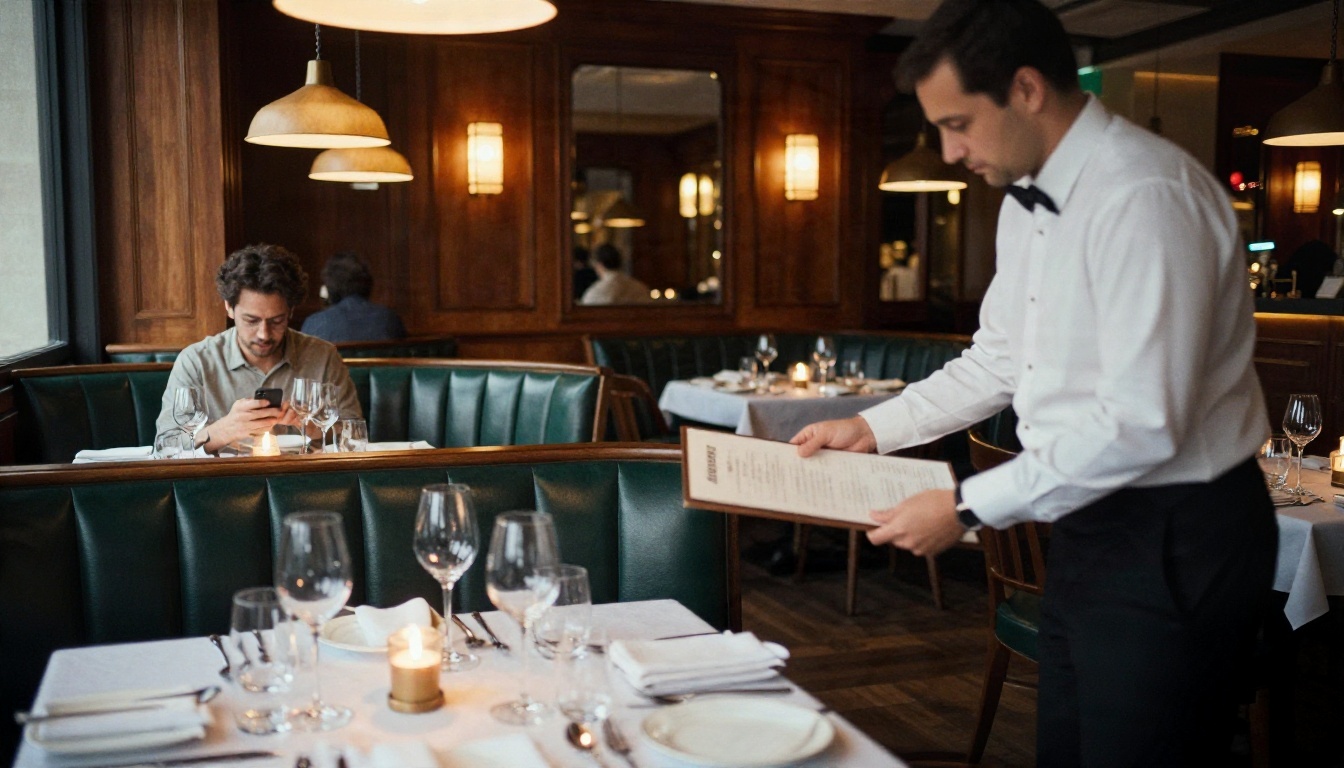
Even good tools fail when the setup is careless. Watch for these:
- Tiny text: if a guest has to zoom, the menu has failed. Use at least 11 pt type in the source PDF.
- Outdated QR links: a QR code that leads to last season's menu damages trust. Keep one link and update what is behind it.
- No allergen information: list allergens clearly, and keep that list current whenever a recipe changes.
- Public recipe books: signature recipes shared without a password can end up on a competitor's menu.
- Too many tools: three tools that talk to each other beat eight that do not. Keep the stack small.
- Skipping a phone test: always check the final result on an actual phone, in dim restaurant lighting.
⚠️ Warning: A digital menu does not replace legal allergen and pricing requirements in your area. Check local rules and keep a printed fallback for guests who prefer it.
Pick Your Setup Today
Start small. Draft your menu or your recipe book in a free tool, export a clean PDF and publish it as a flipbook. Then watch how guests and staff use it, and adjust.
Your kitchen already runs on good systems. Your documents deserve the same care.



