Every Saturday night, somewhere, a volunteer is fighting with a Word document that refuses to keep the announcements on page two. If that sounds familiar, the problem is rarely your team. It is the tool. The right software for church bulletins turns a weekly scramble into a repeatable 30 minute task, and modern options let you publish the same bulletin on paper, on your website and on every phone in the pews. Platforms like Flipbooks AI even convert a simple PDF into a page-turning online bulletin with no watermark.
This article compares free options, template sources, online sharing methods and real pricing, so you can choose a setup that fits your congregation and your budget.
What Church Bulletin Software Does
At its simplest, bulletin software helps you lay out the order of worship, announcements, prayer requests, events and giving information, then output it in a format people can read. The best tools also help you reuse last week's layout, share the result online and track whether anyone opens it.
Print First or Digital First
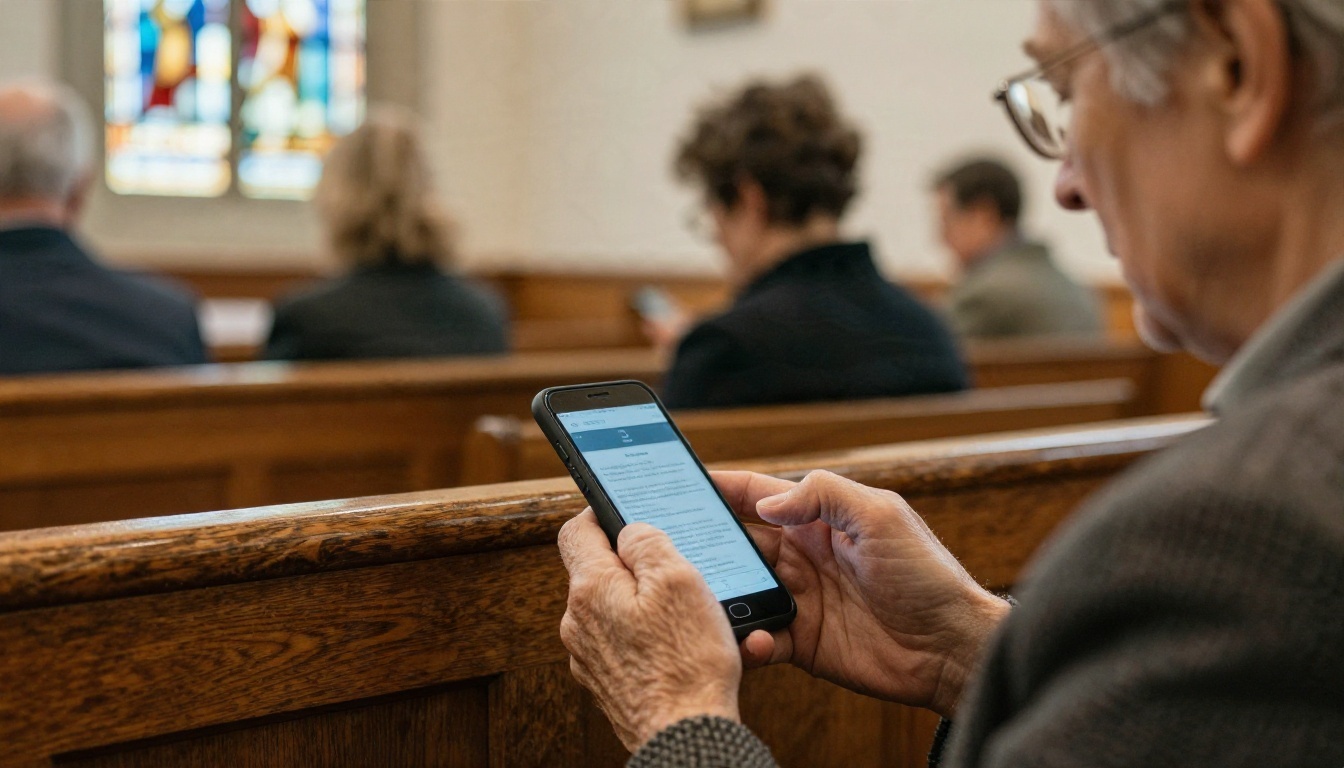
Many congregations still print 80 percent of their bulletins, and that is fine. The shift is that the digital version now matters just as much. Members who travel, visitors who check your website before a first visit, and homebound members all depend on the online copy.
💡 Pro tip: Design for both from day one. A layout that works as a folded letter-size sheet also converts cleanly into a mobile-friendly digital edition.
Who Needs It Most
- Small churches with one part-time administrator and a tight budget
- Multi-site churches that must keep several campuses in sync
- Volunteer teams that rotate every few months and need a simple, repeatable process
- Churches with older members who want large print and an easy link, not an app download
Free Options Worth Trying
You do not need to spend money to publish a good bulletin. Free tools are enough for many churches, provided you accept a few trade-offs.
Google Docs and Slides
Google Docs is the easiest free starting point. Several people can edit the same file at once, version history rescues you from accidental deletions, and you can export a PDF in two clicks. Slides works well for landscape bulletins and for screens in the lobby.
Canva Free
Canva offers a large library of church bulletin templates with drag-and-drop editing. The free plan is generous, though some premium photos and elements sit behind a paid tier. It is excellent for seasonal designs such as Advent, Easter and Pentecost.
Word and Publisher Templates
If your office already has Microsoft 365, the built-in templates are a safe choice. They print reliably, which matters when your copier is older than your newest member.
| Free Option | Best For | Online Sharing | Main Limit |
|---|
| Google Docs | Collaboration, quick edits | Share link, PDF export | Basic design control |
| Canva Free | Attractive seasonal layouts | Link, PDF, image export | Some assets are paid |
| Microsoft Word | Familiar print layouts | PDF export | Manual sharing |
| Flipbooks AI free start | Turning a PDF into a digital bulletin | Link, embed, QR | Free plan has page and feature limits |
⚠️ Watch out: "Free" often means one of three things: a watermark, a page limit, or a time limit. Check which one applies before you build your weekly workflow around a tool.
Templates That Save Hours
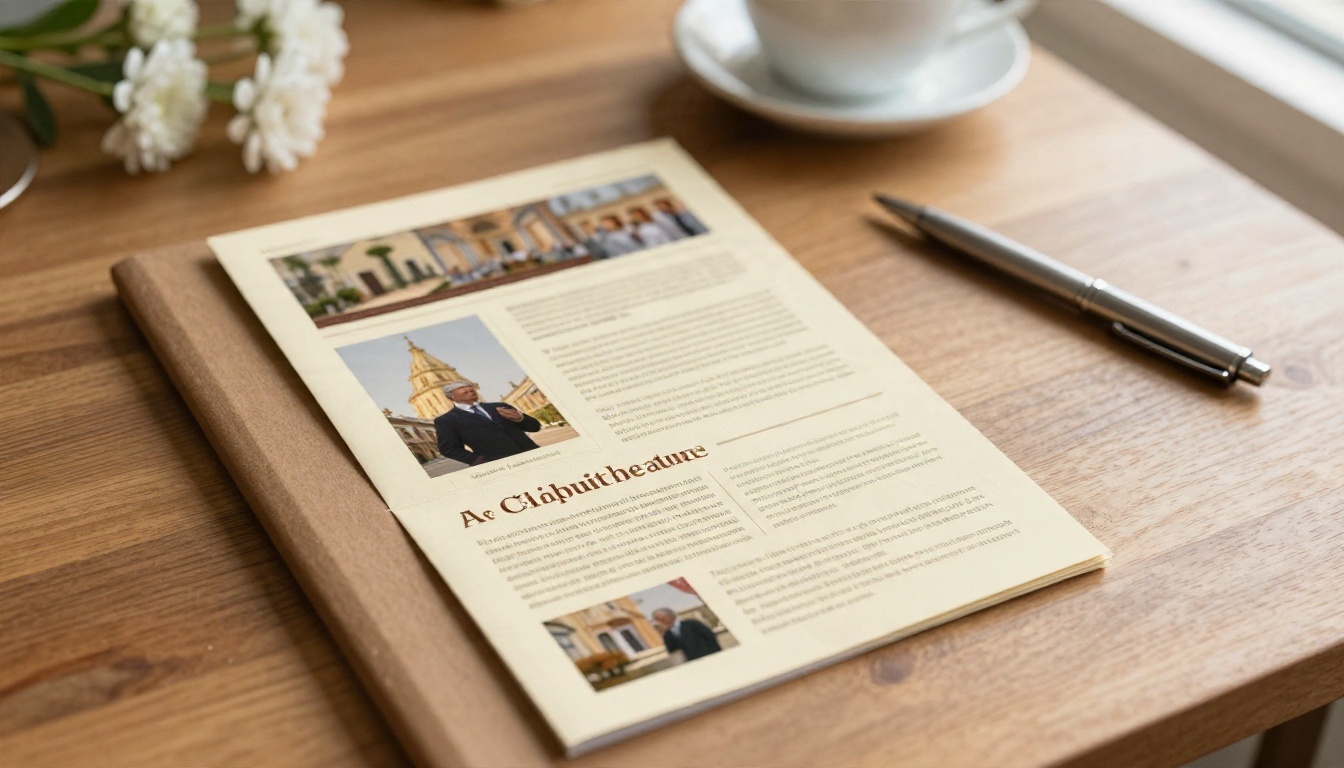
A good template is not about pretty fonts. It is about removing decisions. When the layout is fixed, your volunteer only swaps text and photos.
Sections Every Bulletin Needs
Most successful bulletins share the same backbone:
- Welcome message with service times and a short note for first-time visitors
- Order of worship with hymn numbers or song titles
- Announcements limited to the five most urgent items
- Prayer requests and celebrations such as birthdays and anniversaries
- This week's calendar with times and rooms
- Giving and contact details including a QR code to your online giving page
Layout Choices for Print and Screen
| Layout | Print Fit | Screen Fit | Notes |
|---|
| Letter, folded in half (4 pages) | Excellent | Good | Classic format, easy to read as a flipbook |
| Single sheet, double sided | Excellent | Fair | Low printing cost, limited space |
| Tri-fold | Good | Poor | Hard to read on phones |
| Landscape slides | Fair | Excellent | Perfect for lobby displays |
For online sharing, the four-page folded format is the sweet spot. Pages turn naturally, the text stays large enough for older readers, and you can still hand out a printed copy at the door.
Online Sharing That Works
Printing is only half the job. Once your bulletin exists as a PDF, you have several ways to get it in front of people.
Links and QR Codes
A single permanent link, printed on your welcome card and displayed on a lobby sign, lets visitors open this week's bulletin every week. Pair it with a QR code on the back of the pew card. Because the link stays the same, you never need to reprint the sign.
Website Embeds and Email
Embedding the bulletin directly on your website keeps readers on your page instead of sending them to a download. With the Embed Flipbook on Website tool you can paste one snippet into your site and update the content each week without touching the page again. For email, send the link rather than a heavy attachment, and many inboxes will thank you.
| Sharing Method | Setup Time | Best Audience | Weekly Effort |
|---|
| Direct link | 2 minutes | Everyone | Replace the file |
| QR code | 10 minutes | Visitors in the building | None after setup |
| Website embed | 15 minutes | Online visitors | Replace the file |
| Email newsletter | 5 minutes | Regular members | Paste the link |
| Password protected link | 5 minutes | Staff, pastoral care lists | Share the password |
Private Content Needs Protection
Prayer lists often contain names and health details. Use password protection for any edition that includes sensitive information, and keep a public edition with those sections removed. Password protection is one of the features available on Flipbooks AI, so one PDF can power both versions.
Build a Digital Bulletin Step by Step
Here is how a volunteer can create an online, page-turning bulletin from a PDF in about ten minutes. The same workflow applies to the Newsletter Flipbook Publisher and the Event Program Maker if you also need those.
Upload and Convert
- Design your bulletin in Google Docs, Canva or Word and export it as a PDF.
- Create a free account on Flipbooks AI.
- Upload the PDF with the PDF to Flipbook Converter. Each page becomes a flippable page with realistic turning effects.
💡 Screenshot description: After upload, you will see a preview of your bulletin on the left and a settings panel on the right with sections for branding, background and sharing.
Customize the Look
- Add your church logo and pick a background color that matches your sanctuary or your website.
- Choose a page-turn effect and sound, or switch the sound off for quiet reading.
- Embed a sermon video or audio clip so members can listen to the message from the same page.
- Check the mobile-responsive view to confirm text is readable on a small screen.
Share and Track
- Copy the direct link and place it on your website and social pages.
- Paste the embed code into your website builder.
- Add a password for private editions.
- On the Professional plan, open analytics to see how many people opened the bulletin and which pages they read. Offline downloads let members save a copy for travel, and lead generation forms can capture visitor contact details for follow-up. See pricing plans for details.
| Feature | Why a Church Cares |
|---|
| No watermark | Your bulletin looks like yours, not an ad |
| Unlimited flipbooks (Standard and above) | Publish every week and keep the archive |
| Password protection | Safe prayer lists and staff editions |
| Offline downloads | Members without steady internet can still read |
| Custom branding | Matches your church identity |
| Audio and video embeds | Add sermon clips or music |
Pricing: What Churches Really Pay
Prices change often, so treat the ranges below as a planning tool and confirm on each vendor's page.
| Category | Typical Cost | What You Get |
|---|
| Word processor or Google Docs | Free to low monthly fee | Layout and PDF export only |
| Design tools such as Canva | Free or a modest monthly fee | Templates, brand kits, exports |
| Church management suites | Monthly fee that scales with congregation size | Bulletins plus giving, scheduling and directories |
| Flipbook publishing platform | Free start, paid tiers for unlimited use | Online page-turning editions, embeds, analytics |
| Print shop or outsourced design | Per-issue fee | Professional layout and printing |
Costs People Forget
- Printing and paper: for many churches this is bigger than any software subscription
- Volunteer time: a clunky tool can cost five extra hours a month
- Migration: moving archives and templates from one system to another takes effort
- Per-user pricing: a few suites charge for every editor you add
✅ Best practice: Calculate your cost per bulletin, not per month. A tool that costs a little more but saves an hour of volunteer time each week is cheaper than it looks.
Compare plan levels on the Flipbooks AI pricing page. The Standard plan covers unlimited flipbooks, while the Professional plan adds analytics and lead generation, a good fit for churches that want to measure online reach.

Real Church Scenarios
A 60-member rural church has one volunteer, a tight budget and members who prefer paper. A Google Docs template, a PDF export and a single online link gives them everything they need at nearly no cost. The link sits on a small sign near the entrance.
A mid-sized suburban church with 400 attendees uses Canva for seasonal designs and publishes each edition online as a flipbook. They embed it on the home page, place a QR code on the pew cards and send the link in a weekly email. The volunteer team has trimmed preparation time from three hours to about one.
A multi-site church keeps one master template and creates a separate edition per campus. Password protection protects pastoral care lists, while the public editions help new visitors check service times before they arrive. A nonprofit style report, such as the one made with the Non-Profit Annual Report tool, can then share the same branding at year end.
| Church Type | Suggested Setup | Monthly Effort |
|---|
| Small rural | Google Docs plus PDF and one link | About 2 hours |
| Mid-sized | Canva plus flipbook edition and QR code | About 4 hours |
| Multi-site | Shared template, flipbook per campus, analytics | Shared across staff |
Pick Your Setup This Week
Start with what you already have. Choose one template, set up one permanent link and publish the next bulletin both on paper and online. After a month, check how long preparation takes and whether members actually open the digital edition.
When you are ready for a polished online edition, get started for free on Flipbooks AI and upload your first PDF. Browse all flipbook tools to find the right fit for newsletters, event programs and reports, and compare pricing plans when you want unlimited editions, analytics and offline downloads.
Your bulletin is often the first thing a visitor holds. Make it easy to read, easy to share and easy for your volunteers to produce.



