You have a catalogue ready, maybe as a PDF, maybe as a folder of product photos, and one question: what is the fastest way to put it in front of buyers without hiring a web developer? The answer is software that turns your file into a page turning online catalogue with a single link. In this article we compare free options, templates, pricing models and sharing methods, then walk through the whole process on Flipbooks AI so you can publish today.
💡 Quick answer: upload a PDF to a flipbook tool, pick a template, add your branding, and copy the link. Most people finish the first version in under 15 minutes.
What Catalogue Publishing Software Does
A catalogue publishing tool takes static content and makes it behave like a real website experience. Pages turn, images zoom, links open product pages, and the whole thing loads on a phone without pinching and scrolling.
From PDF to Page Turning Experience
Most businesses already own a PDF catalogue. The problem is that a raw PDF is heavy, hard to read on mobile, and gives you no data about who opened it. A PDF to flipbook converter fixes all three issues:
- Lighter loading: pages stream as the reader flips, so nobody waits for a 60 MB download.
- Mobile friendly: the layout adapts to the screen instead of shrinking it.
- Trackable: you can see views, time on page and which pages get the most attention.
- Interactive: add clickable hotspots, video and audio directly on the pages.
Who Needs It
The use cases are wider than most people expect:
- A boutique sharing a seasonal lookbook with wholesale buyers
- A furniture maker sending a price list to interior designers
- A restaurant group updating its menu every week
- A real estate agent presenting listings in a branded brochure
- A distributor with 400 SKUs who needs one link for every sales rep
If you work in one of these niches, there is probably a purpose built tool for it, such as the Digital Catalog Maker, the Fashion Catalog Creator or the Furniture Catalog Maker.
Free Options Worth Trying
Free software is a fair place to begin, especially if you are testing demand or publishing a short catalogue. The trick is knowing what "free" actually includes.
What Free Plans Usually Allow
| Feature | Typical free plan | Typical paid plan |
|---|
| Number of catalogues | 1 to 3 | Unlimited or high cap |
| Page limit | 10 to 30 pages | Hundreds of pages |
| Watermark or ads | Often visible | Removed |
| Custom branding | Limited | Full logo and colours |
| Password protection | Rarely | Included |
| Analytics | Basic or none | Detailed reports |
| Download for offline use | No | Yes |
| Support | Community or email only | Priority |
Free plans are not a trick. They are a trial with real value, but they are built to nudge you upward once your catalogue grows.
Where Free Gets Expensive
The cost is not always money. Watch for these hidden prices:
- Watermarks on every page. A stranger's logo on your product catalogue weakens trust with buyers.
- Public only links. If your wholesale prices are visible to everyone, that is a business risk.
- Expiring links. Some free plans delete catalogues after 30 or 90 days, which breaks every link you already sent.
- Locked export. If you cannot download your work, you are stuck with one vendor.
⚠️ Warning: before you share a free catalogue link in an email campaign or on social media, check that the link does not expire. A dead link in a printed QR code is a painful fix.
You can try Flipbooks AI free to see how a watermark free workflow feels before deciding on a plan.
Templates That Save Hours
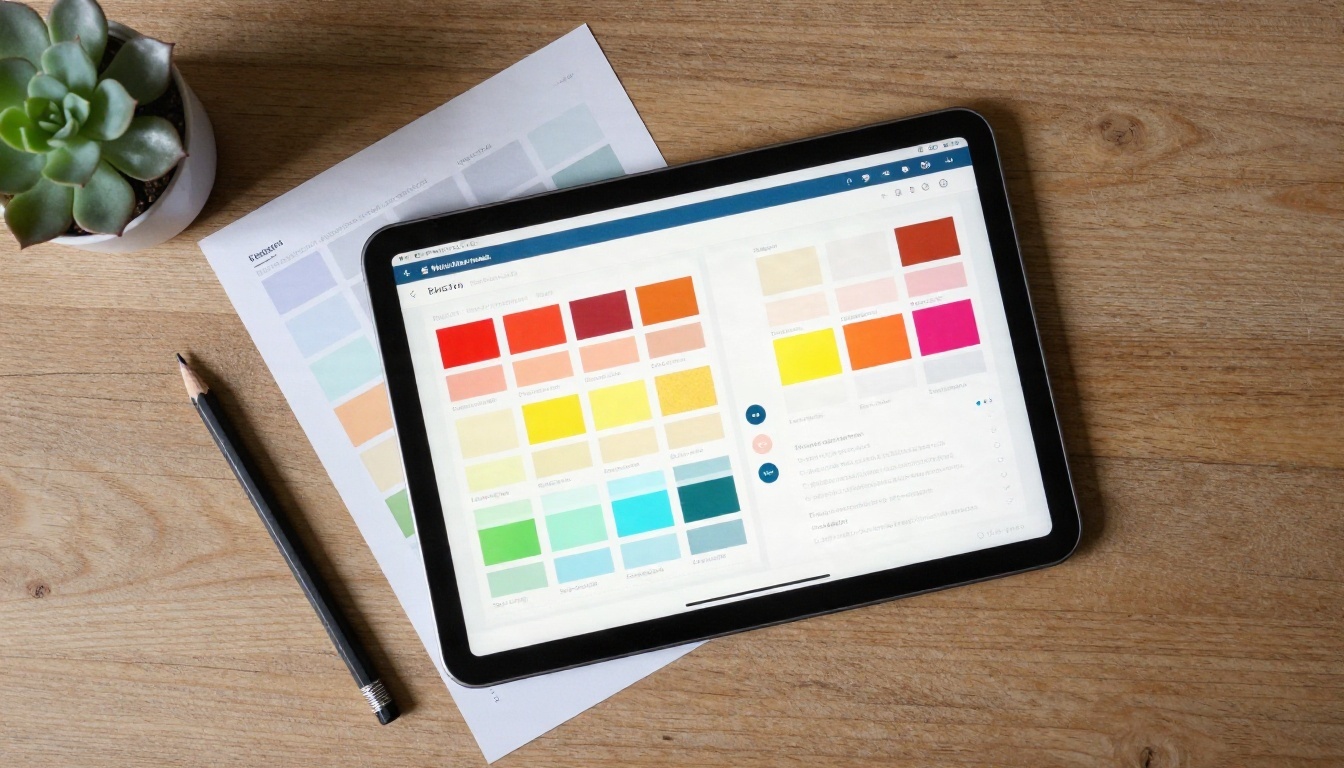
Starting from a blank page is where most catalogue projects stall. Good templates solve layout, spacing and typography so you can focus on products and prices.
Pick a Template by Industry
Not every layout suits every business. Match the template to how your buyers shop:
Customise Without Losing Your Brand
A template is a starting point, not a final product. Spend your effort on four things:
- Cover page photo. One strong image beats five average ones.
- Brand colours. Use two, maybe three, and keep them consistent on every page.
- Typography. One font for headings, one for body text. No more.
- Page order. Put bestsellers in the first six pages, because most readers never reach page 40.
✅ Best practice: keep your product photos at the same angle and background across the whole catalogue. Consistency looks professional even with a modest budget.
Pricing Without Surprises
Pricing for catalogue software falls into a few patterns. Knowing them stops you from paying for features you will never use.
Typical Pricing Models
| Model | How it works | Best for | Watch out for |
|---|
| Free tier | Limited pages and catalogues | Testing an idea | Watermarks, expiry |
| Monthly subscription | Fixed fee, cancel anytime | Seasonal catalogues | Price rises at renewal |
| Annual subscription | Discounted when paid yearly | Steady publishing | Hard to refund |
| Per catalogue fee | Pay for each publication | One off projects | Costs add up fast |
| Per view fee | Pay for readers | Rarely a good fit | Surprise bills when a link goes viral |
For most small teams, a flat subscription with unlimited catalogues is the easiest model to budget. You can check current options on the Flipbooks AI pricing page.
Plan Features Compared
Here is how a typical entry level and professional plan differ in practice on a platform like Flipbooks AI. Always confirm the exact details on the pricing page because plans can change.
| Capability | Free trial | Standard | Professional |
|---|
| No watermarks | ✅ | ✅ | ✅ |
| Unlimited flipbooks | ❌ | ✅ | ✅ |
| Custom branding | Basic | ✅ | ✅ |
| Password protection | ❌ | ✅ | ✅ |
| Embed video and audio | ✅ | ✅ | ✅ |
| Offline downloads | ❌ | ✅ | ✅ |
| Analytics | ❌ | Basic | Detailed |
| Lead generation forms | ❌ | ❌ | ✅ |

💡 Pro tip: do the maths on cost per lead, not cost per month. If a Professional plan captures twelve qualified enquiries from one catalogue, it pays for itself quickly.
Sharing a Catalogue by Link
Publishing is only half the job. How you share decides whether anyone actually reads the thing.
Link, Embed or QR Code
Each sharing method has a different strength:
| Method | Where it works best | Effort | Example |
|---|
| Direct link | Email, WhatsApp, social bios | Very low | Send to a wholesale buyer after a call |
| Embed code | Your website or landing page | Low | Show the catalogue on a Products page |
| QR code | Print, packaging, shop windows | Low | Add to a trade show banner |
| Email signature link | Every outgoing message | Very low | Link the latest seasonal edition |
| Download PDF | Buyers who want offline access | Low | Offer after the reader clicks a button |
To put the catalogue on your own site, follow the steps in the Embed Flipbook on Website tool. It takes one snippet of code and the flipbook stays responsive on every screen size.

Password Protection and Privacy
Not every catalogue should be public. Consider these scenarios:
- Trade only pricing: protect the link with a password and share it only with approved retailers.
- Pre launch collections: keep a new line private until the announcement date.
- Client specific catalogues: build a version for one customer with their negotiated rates.
⚠️ Warning: never send a password in the same message as the link. Use a second channel, such as a text message, so a forwarded email does not expose the whole catalogue.
How to Publish With Flipbooks AI
If you want a practical walkthrough, here is the full process using Flipbooks AI. It works for product catalogues, menus, lookbooks and price lists alike.
Step by Step
- Create your account. Go to flipbooksai.com/account and sign up. You can test the platform before choosing a paid plan.
- Upload your PDF. Drag the file into the upload area. The conversion engine turns each page into a flippable page in seconds. A 40 page catalogue usually takes under a minute.
- Check the preview. Flip through every page. Look for blurry images, cut off text and broken links.
- Apply your branding. Add your logo, set your colours and pick a background that matches your site.
- Choose page effects. Select a page turn style and sound if you like. Subtle is better for a B2B catalogue.
- Add multimedia. Place a short product video or audio note on the pages where it adds value.
- Set your privacy. Keep it public, or add a password for trade only content.
- Publish and copy the link. Share it by email, social media, QR code or embed it on your site.
💡 Tip: if you are building a catalogue from scratch, start with the Catalog Flipbook Creator and pick a layout that fits your products before you add content.
Branding, Effects and Media
The details are where a basic catalogue becomes one that looks like your company. Here is what to adjust:
- Logo and favicon: show your brand in the viewer toolbar.
- Background colour or image: match the surrounding page if you embed the flipbook.
- Page flip effect and sound: choose a realistic paper turn or a clean slide.
- Video and audio: show a product in use or let the founder introduce the collection.
- Mobile layout: the viewer is responsive by default, but always test on a real phone before you send it out.
Analytics and Lead Capture
Once the link is live, you can watch what happens. On the Professional plan, analytics and lead generation give you:
- Views by day, device and country
- The most read and least read pages
- Time spent on each spread
- A contact form that appears before or during reading, so every serious buyer leaves their details

A real example: a furniture studio publishes a 36 page catalogue and notices that readers drop off at page 9, a dense table of fabric options. They replace it with a visual swatch spread, and the average reading depth moves from page 9 to page 21 within two weeks. Without analytics, they would never have known.
Mistakes That Cost You Readers
Even good software cannot save a catalogue that ignores a few basics. Here are the most common problems, and the fixes.
| Mistake | Why it hurts | Quick fix |
|---|
| Uploading a print PDF with tiny text | Unreadable on a phone | Increase font size to at least 10 pt before export |
| Giant image files | Slow loading and drop off | Compress photos to a sensible size |
| No links on products | Readers cannot buy | Add clickable links to each product page |
| One version for everyone | Wrong prices for the wrong buyer | Create a trade version and a public version |
| Forgetting to update | Outdated prices damage trust | Replace the file and keep the same link |
| Ignoring the data | You repeat the same errors | Check analytics every month |
Three habits help more than any feature:
- Version your catalogue. Name editions by season, such as Spring 2027, so you can find old ones.
- Test on three devices. A phone, a tablet and a laptop reveal different problems.
- Ask one customer to try it. Watch where they hesitate. That is your next edit.
Ready to Publish Yours?
The best software to publish a catalogue online is the one that gets your products in front of buyers quickly, looks like your brand, and tells you what works. Start with a free option to test your layout, choose a template that fits your industry, and move to a paid plan when you need unlimited catalogues, password protection or lead capture.
Here are your next steps:
Your catalogue is probably already finished. All it needs now is a link.



