A guest walks into your spa, picks up the menu, and decides in under ninety seconds whether they are booking a 60 minute massage or just a manicure. That is how much weight a single document carries. If you are searching for spa menu examples that actually help you design, describe and price your services, this article gives you working layouts, copy you can adapt, price tables and PDF template structures. And when the menu is ready, a tool like Flipbooks AI turns the PDF into a page turning digital version that guests can open on any phone, with no watermark and no app to install.
Whether you run a boutique day spa, a hotel wellness center or a mobile massage business, the same principles apply. Let's build the menu piece by piece.
It Sells Before the Therapist Does
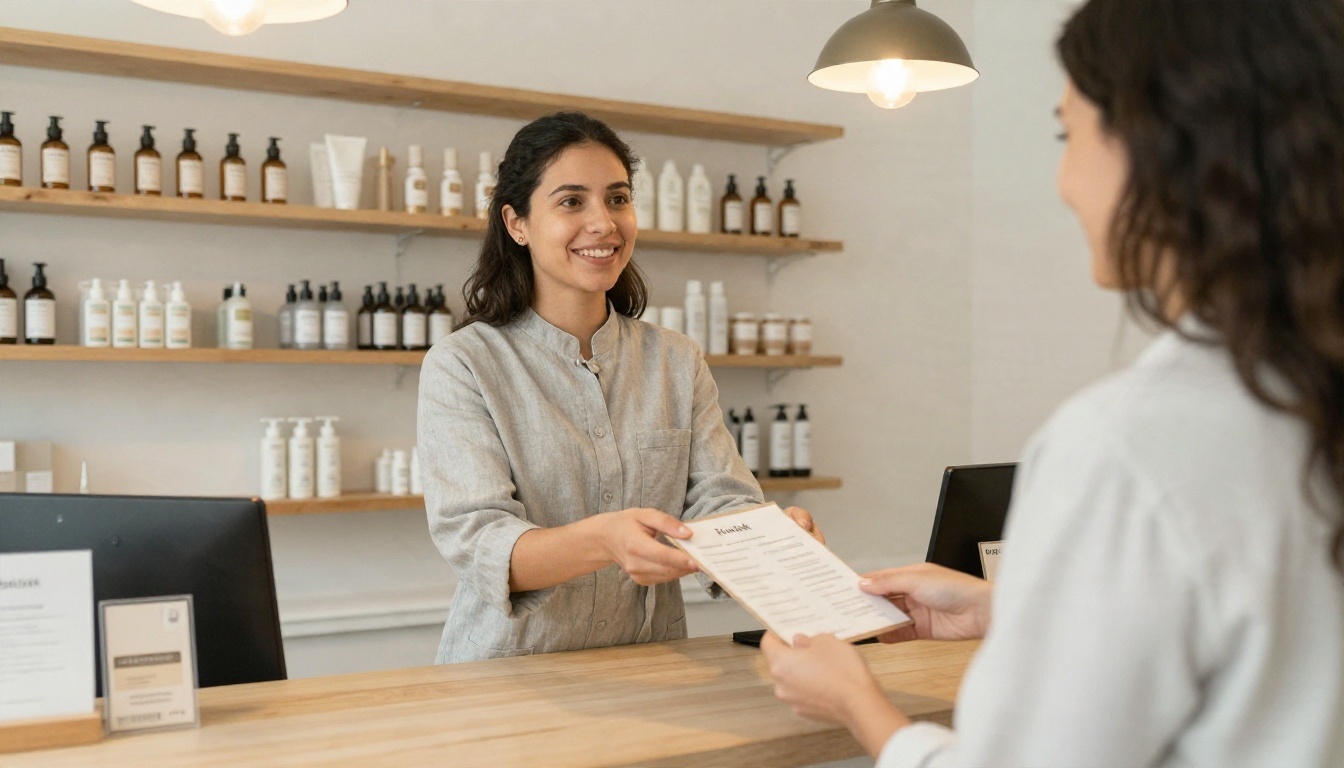
Most guests arrive undecided. They sit in the lounge with tea, a robe and about ten minutes to spare. The menu is your quietest salesperson, and it works while your front desk is busy. A strong menu removes anxiety ("what is a body wrap, exactly?"), builds desire ("warm basalt stones, rosemary oil, a scalp finish") and makes the next step obvious ("book at the desk or scan the code").
The Three Jobs of Every Menu
Every page should do at least one of these:
- Inform: what the treatment is, how long it lasts, what it costs.
- Persuade: sensory language, results, ingredients and the feeling afterward.
- Guide the eye to upgrades: add-ons, packages and memberships placed where decisions happen.
💡 Pro tip: Read your menu out loud. If it sounds like a medical leaflet or a perfume ad, rewrite it. The best spa copy sounds like a calm, knowledgeable friend.
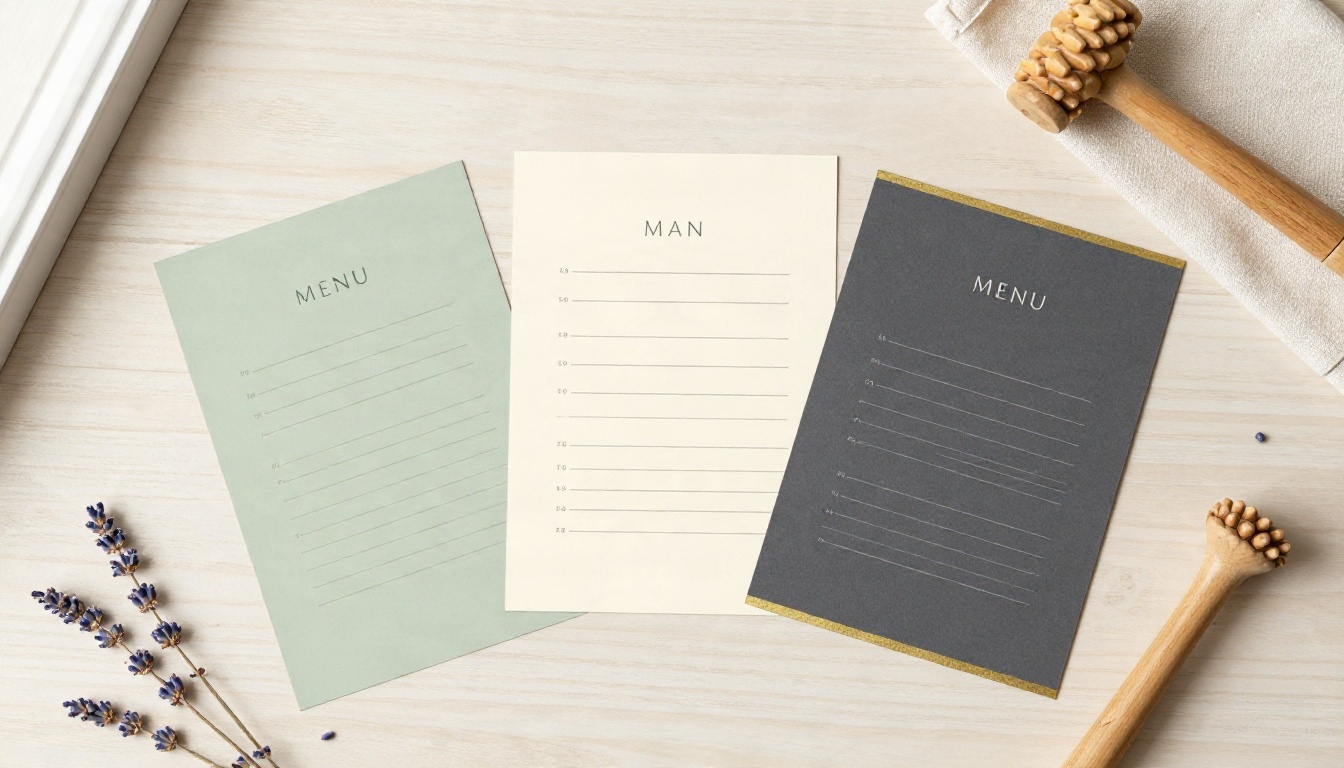
Design is not decoration. It is how you control reading speed and price perception. Here are three layouts that show up again and again in successful spas.
Example 1: The Single Page Minimalist
Best for small studios with 8 to 12 services. One sheet, generous white space, a serif heading font and a thin line between categories. Prices sit flush right in a lighter weight so they never shout.
Layout sketch:
- Top: logo and a one line promise ("Quiet treatments, real results")
- Middle: three category blocks (Massage, Facials, Body)
- Bottom: booking line, opening hours and a QR code
Example 2: The Tabbed Booklet
Best for day spas and hotel wellness centers with 25 or more services. Each category gets its own spread: a full width photo on the left page, descriptions on the right. This style works especially well as a flipbook because guests flip through it the same way they would handle a printed booklet. The Spa & Wellness Menu creator is built for exactly this format.
Example 3: The Trifold Takeaway
Best for retail counters, events and hotel room desks. Six panels, one clear path: cover panel, signature treatments, packages, add-ons, policies and contact. It is cheap to print and easy to restyle each season.
Layout Comparison
| Layout | Best for | Services | Print cost | Digital friendliness |
|---|
| Single page minimalist | Studios, solo therapists | 8 to 12 | Very low | Excellent |
| Tabbed booklet | Day spas, resorts | 25+ | Medium to high | Excellent as flipbook |
| Trifold takeaway | Retail, events, hotels | 10 to 20 | Low | Good |
| Menu card on a stand | Treatment rooms, lounges | 5 to 8 | Low | Moderate |
✅ Best practice: Pick a palette of two main colors plus one accent. Sage, sand and brushed gold feel calm. Bright primary colors feel like a gym.
Treatment Descriptions That Sell
A Simple Four Line Formula
You do not need a copywriter. You need a repeatable structure. Use this for every treatment:
- Name: short and evocative ("Deep Tissue Restore").
- What happens: one sentence with the method and the products.
- What you feel: one sentence with the sensory result.
- Details: duration and price on the same line.
Massage Description Examples
Swedish Massage, 60 min, $95
Long, flowing strokes with warm almond oil melt away tension from shoulders to calves. You leave unhurried, loose and sleepy in the best way.
Deep Tissue Restore, 75 min, $125
Slow, focused pressure targets stubborn knots in the back, neck and hips. Expect firm work, deep breathing and noticeably easier movement the next day.
Hot Stone Ritual, 90 min, $150
Smooth basalt stones, heated and glided along the spine, carry warmth deep into the muscles. Finished with a lavender scalp massage.
Facial Description Examples
Clarifying Clay Facial, 50 min, $85
A deep cleanse, steam and a mineral clay mask draw out congestion while a cooling serum calms the skin. Ideal for combination and oily skin.
Hydration Glow Facial, 60 min, $105
Layers of hyaluronic serum and a gentle facial massage plump dry, tired skin. Your complexion looks rested and luminous.
Express Refresh, 30 min, $55
Cleanse, exfoliate, mask and moisturize. A lunch break treatment with a visible difference.
Words to Use and Words to Skip
| Use | Skip | Why |
|---|
| Warm, slow, unhurried | Relaxing (alone) | Too generic to picture |
| Targets tension in the neck | Fixes your pain | Avoid medical claims |
| Mineral clay, almond oil | Chemical free | Vague and misleading |
| You leave feeling... | Guaranteed results | Skin and bodies vary |
| 60 min, $95 | Call for pricing | Hidden prices lose bookings |
⚠️ Warning: Avoid wording that promises to cure, treat or heal a condition. Stick to comfort, relaxation and appearance, and follow the advertising rules in your region.
How to Format Prices
Small formatting choices change how expensive a menu feels. The most reliable habits:
- Drop the currency symbol and the cents on premium menus. Write 95, not $95.00.
- Place the duration before the price, never after it.
- Align prices in a single right column so guests cannot scan down a list and compare.
- Show two durations for your best sellers (60 and 90 minutes) so the longer option feels like a natural step up.
Sample Price Ranges
The figures below are illustrative. Check your local market, therapist wages and product costs before settling on your own numbers.
| Service | Duration | Budget spa | Mid range | Luxury |
|---|
| Swedish massage | 60 min | $60 | $95 | $160 |
| Deep tissue massage | 60 min | $70 | $110 | $175 |
| Classic facial | 50 min | $55 | $85 | $140 |
| Body scrub | 45 min | $50 | $80 | $130 |
| Manicure | 45 min | $25 | $45 | $70 |
| Couples massage | 60 min | $140 | $210 | $340 |
Packages and Memberships
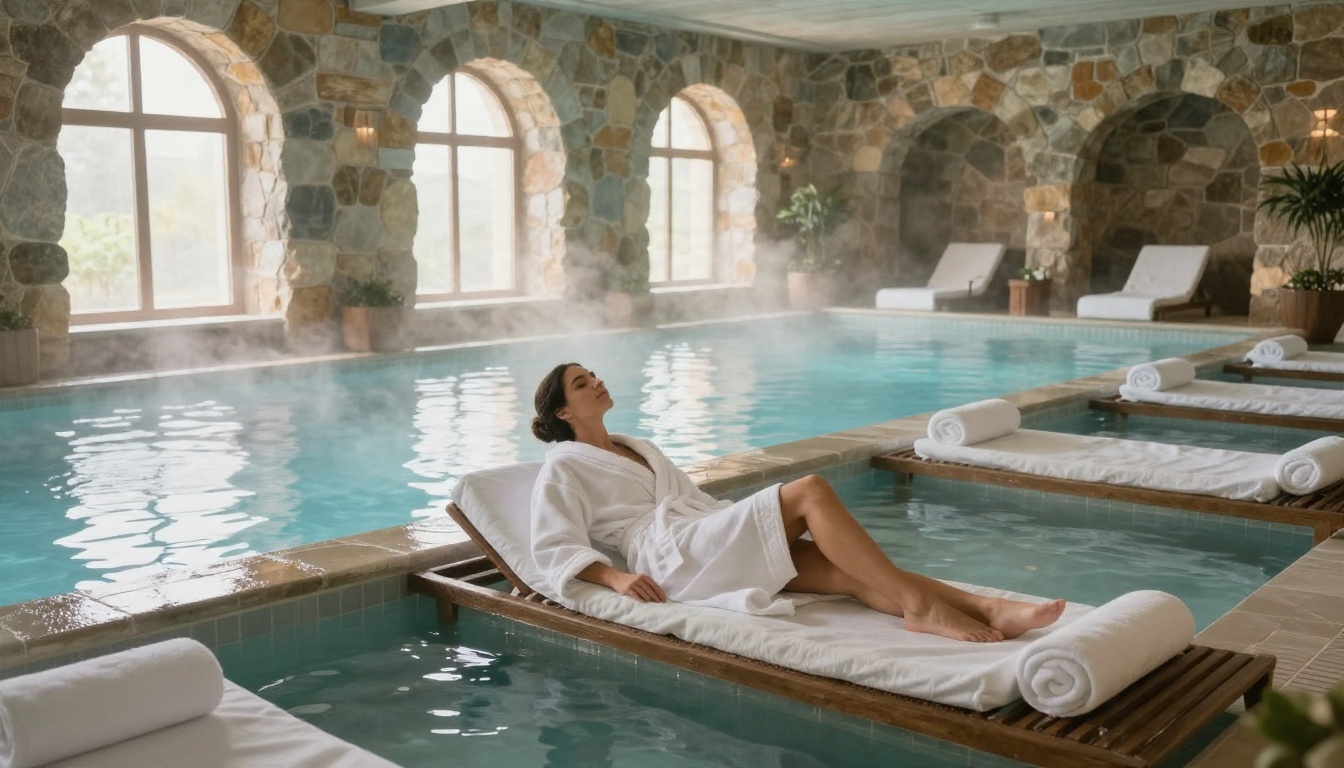
Packages raise your average ticket and give guests a reason to commit. A classic structure uses three tiers:
- The Pause (half day): 60 minute massage plus thermal pool access, $150.
- The Reset (full day): massage, facial, light lunch and pool, $290.
- The Retreat (two guests): couples massage, tea service and robes, $420.
Name them like experiences, not like bundles. People remember "The Reset" long after they forget "Package B".
Add-Ons Placed at the Right Spot
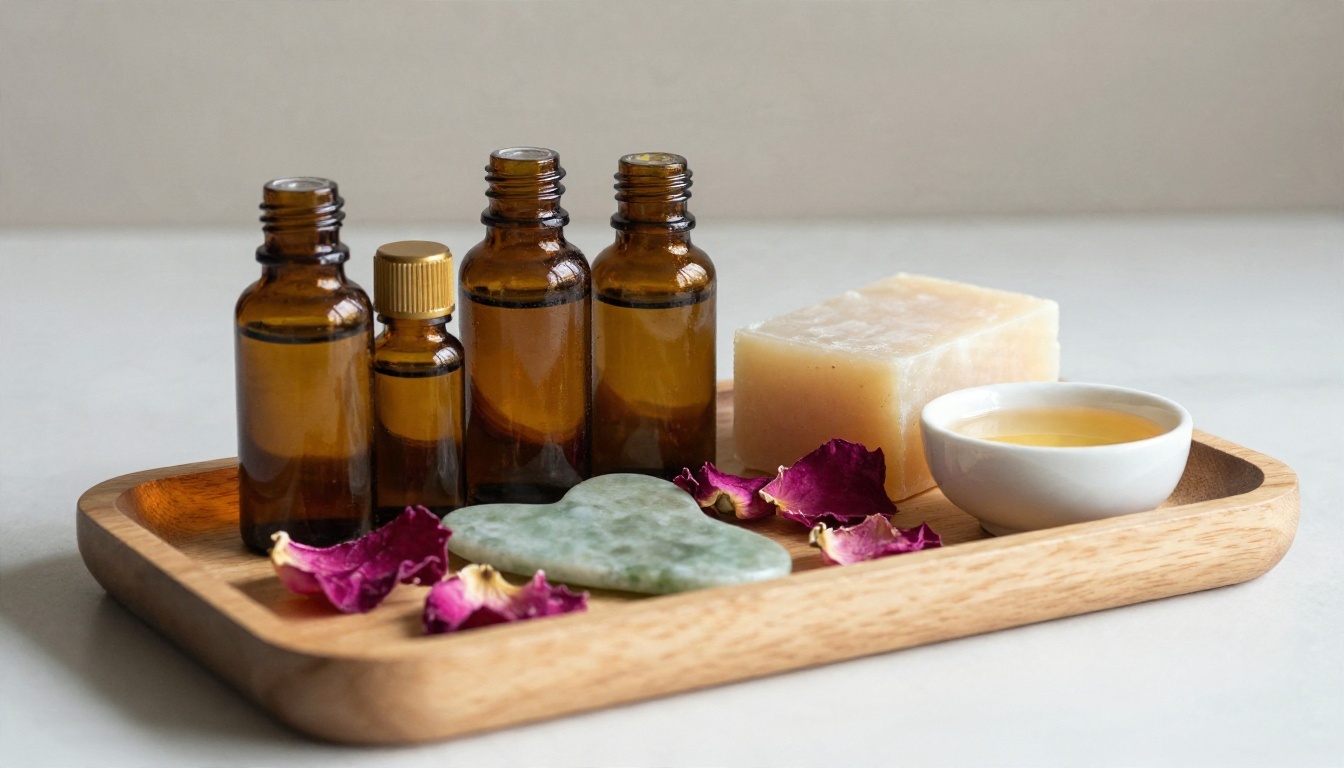
Add-ons convert best when they sit directly under the treatment they upgrade, not on a separate page at the back. Examples that guests accept easily:
| Add-on | Price | Pairs with |
|---|
| Aromatherapy oil upgrade | $10 | Any massage |
| Scalp massage finish | $15 | Hot stone, Swedish |
| Hand and foot paraffin | $20 | Facials, body scrubs |
| Jade gua sha sculpting | $18 | Hydration Glow Facial |
| Extra 30 minutes | $55 | Any massage |
💡 Pro tip: If you add one line under each massage ("Add an aromatherapy upgrade for 10"), expect a noticeable share of guests to say yes at booking, because the choice is already in front of them.
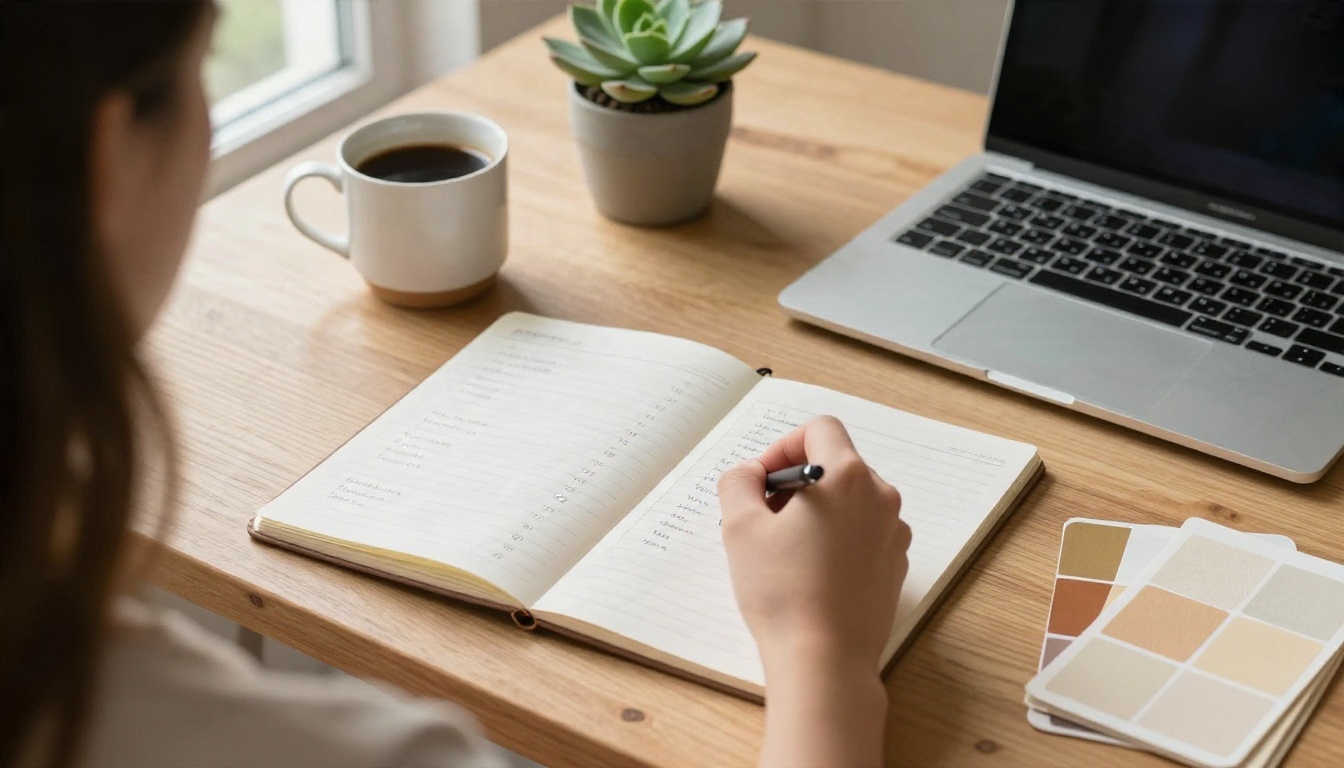
A PDF is still the most portable format for a spa menu. It prints cleanly, emails easily and is the perfect source file for a digital flipbook. Here is how to structure a template before you open any design software.
Page by Page Template Structure
For an eight page A5 or half letter booklet, this order works well:
- Page 1, welcome: logo, a short welcome line and your location.
- Page 2, signature treatments: your three best sellers, with photos.
- Page 3, massage: full list with descriptions and prices.
- Page 4, facials: same format as massage, for consistency.
- Page 5, body and hands: scrubs, wraps, manicures, pedicures.
- Page 6, packages: the three tiers described above.
- Page 7, add-ons and extras: small table, easy to scan.
- Page 8, policies and booking: cancellation window, arrival time, contact, QR code.
Template Specs Worth Setting Up
| Setting | Recommended value |
|---|
| Page size | A5 (148 x 210 mm) or half letter |
| Margins | 15 mm minimum on all sides |
| Heading font | Elegant serif, 22 to 28 pt |
| Body font | Clean sans serif, 9 to 10 pt |
| Photo resolution | 300 dpi for print, 150 dpi for screen |
| Export | PDF with embedded fonts and compressed images |
Print Versus Digital
Printed menus are tactile and feel luxurious, but prices change, treatments rotate and every reprint costs money. A digital flipbook can be updated in minutes, shared by link or QR code, and read in treatment rooms without touching a shared surface. Many spas keep a small run of printed menus for the lounge and use the flipbook everywhere else: social bio, booking page, email confirmations and gift card messages. For spas with a dedicated price sheet, the Digital Price List Generator is a handy companion.
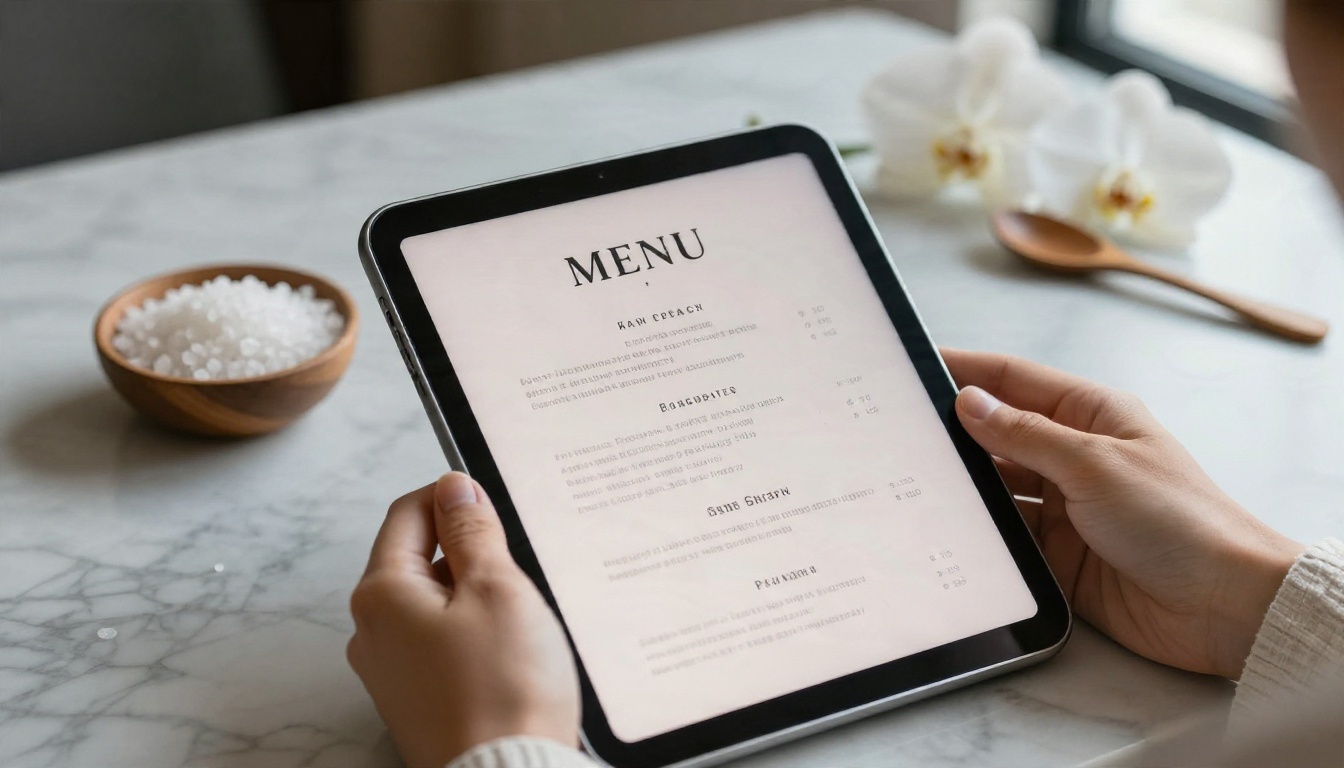
Once your PDF is ready, it takes only a few minutes to publish it. Start on the Flipbooks AI homepage, or go straight to the Menu Flipbook Designer for menu specific options.
Step 1: Create Your Account
Create a free account to open your dashboard. You can compare plans on the pricing page at any time. The Standard plan and above allow unlimited flipbooks, which is handy if you run separate menus for each location, season or language.
Step 2: Upload and Convert Your PDF
- Click to create a new flipbook.
- Drag your spa menu PDF into the upload area.
- Wait a few seconds while the pages convert into a turnable flipbook.
- Check that fonts, photos and prices look sharp on every page.
The PDF to Flipbook Converter handles this step, and your pages keep the exact layout you designed.
Step 3: Brand It
- Upload your logo and set your brand colors so the viewer matches the menu.
- Choose a page turn effect that suits your style. A soft, slow turn fits a spa better than a fast flip.
- Add a background in sand or sage to extend the calm feeling.
- Embed a short video of your treatment room or add ambient audio, such as quiet water sounds.
Step 4: Share Everywhere
- Direct link for your Instagram bio and booking confirmations.
- QR code printed on the reception desk and inside treatment rooms.
- Embed code for your website, using the Embed Flipbook on Website tool.
- Password protection for private menus, such as corporate wellness days or members only pricing.
Step 5: Track and Capture Leads
On the Professional plan you get analytics showing which pages guests spend time on, so you can see whether the facial page is getting more attention than the massage page. Lead generation forms let you collect an email address before a guest opens a gift package menu or seasonal offer. Offline downloads let guests save the menu to read in the lounge even with poor signal. See all options on the pricing page.
| Feature | Standard plan | Professional plan |
|---|
| Unlimited flipbooks | Yes | Yes |
| No watermarks | Yes | Yes |
| Custom branding | Yes | Yes |
| Password protection | Yes | Yes |
| Analytics | Basic | Detailed |
| Lead generation forms | No | Yes |
✅ Best practice: Always test the flipbook on your own phone before printing the QR code. Most spa guests will open it on a mobile screen while standing at the front desk.
Mistakes That Cost Bookings
Even a beautiful menu can underperform. Watch for these:
- Too many options. More than 30 services on a single menu leads to indecision. Group, trim or split into two booklets.
- Tiny, low contrast text. Pale grey on cream looks elegant on a screen and unreadable in a dim lounge.
- No photos of real rooms. Stock imagery feels generic. Use real photographs of your own treatment rooms and products.
- Prices without durations. A guest cannot judge value if they do not know the length of the session.
- Outdated information. A menu with last year's prices damages trust. This is where a digital version wins: update once, and everyone sees the new version.
- No call to action. Finish every menu with a clear next step: a phone number, a booking link or a QR code.
A quick real world example: a small day spa with a 12 page printed menu moved its menu to a flipbook, linked it from the booking confirmation email and placed a QR code in each treatment room. Guests started adding upgrades before arriving, and the front desk stopped answering the same five questions every morning.
You now have layouts to copy, descriptions to adapt, price tables to benchmark and a PDF structure to follow. The last step is getting the menu in front of guests.
A calm, clear and well priced menu is one of the cheapest ways to fill your appointment book. Build it once, keep it current, and let it do the selling.



