A reporter has ten minutes before tip-off, a deadline looming, and a question about a sophomore guard's career high. If your team's media book is a 90 MB PDF that takes a minute to load on stadium Wi-Fi, that reporter will guess, or worse, skip the story. A well-built sports media template fixes that. It puts rosters, records, schedules, and storylines in one clean document that people can actually find things in. This article walks through proven examples, the PDF settings that matter, and free design ideas you can copy today. You can also turn the finished file into a mobile-friendly flipbook with Flipbooks AI, so nobody has to pinch and zoom through a clunky download.
A sports media book is the reference document a team hands to journalists, broadcasters, scouts, sponsors, and fans at the start of a season. Think of it as a press kit with a memory: history, stats, bios, and logistics, all in one place.
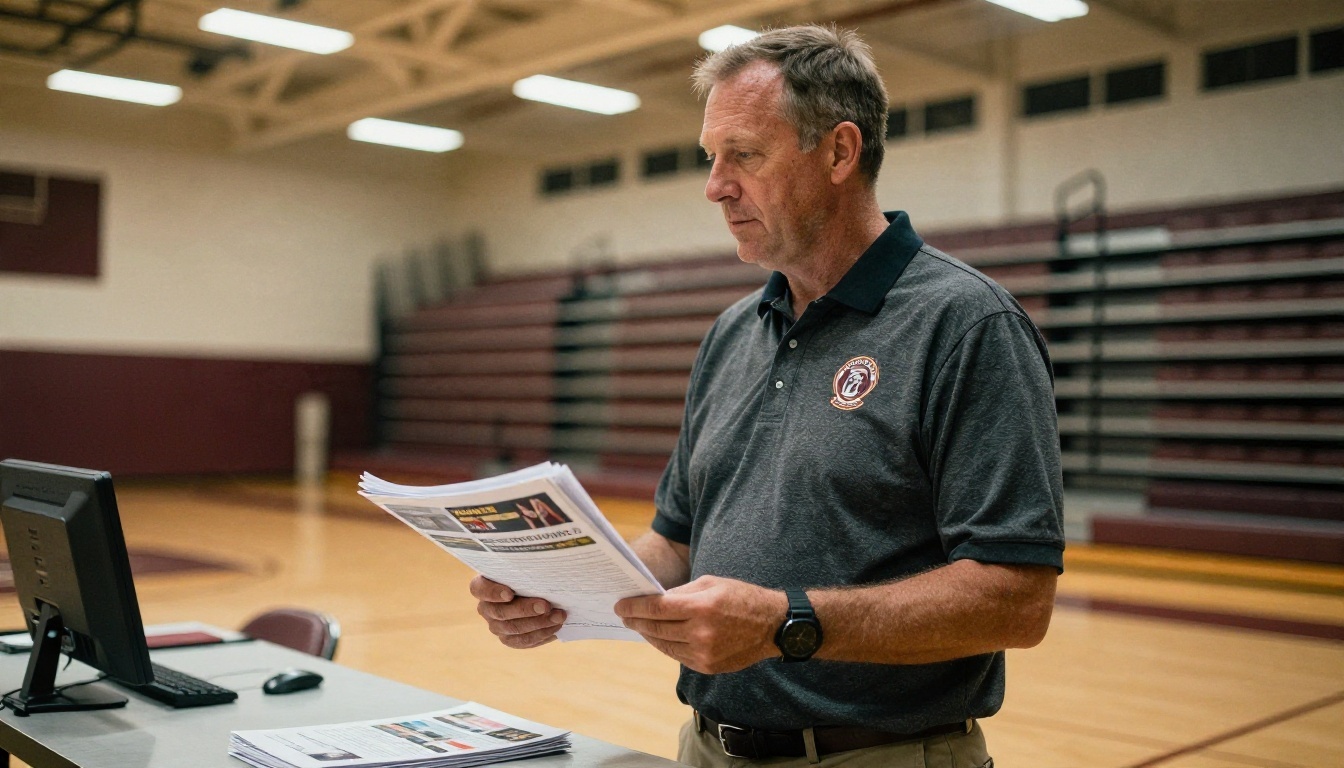
Who Actually Reads It
Different readers open the same document for very different reasons:
- Beat reporters hunt for quotes, injury history, and recent trends.
- Broadcasters want pronunciation notes, hometowns, and fun facts they can drop into a live call.
- Recruits and scouts scan measurables, class year, and career stats.
- Sponsors look at attendance numbers, social reach, and community programs.
- Fans and families flip straight to the roster and the schedule.
If your layout only serves one of these groups, the others will bounce. A good template gives each reader a fast path.
What Reporters Look For First
Ask any sports information director and you will hear the same answer: the roster, the schedule, and last season's results. Everything else is a bonus. Build your table of contents around those three, then layer extras behind them.
💡 Pro tip: Put a one-page "Quick Facts" panel right after the front page. Coach name, conference, stadium capacity, media contact, and broadcast partners. It answers 80 percent of routine questions before anyone emails you.
Sport and level change the structure more than most people expect. A pro hockey book can run past 300 pages. A youth soccer league might do fine with 16. Here is how different programs usually structure theirs.
| Program Type | Typical Length | Must-Have Sections | Design Tone |
|---|
| Pro football | 150 to 300 pages | Roster, depth chart, records, rules changes | Bold, high contrast |
| College basketball | 100 to 200 pages | Player bios, game logs, opponents, history | Energetic, photo heavy |
| High school football | 24 to 48 pages | Roster, schedule, coach bio, senior spotlights | Clean, community focused |
| Youth soccer | 12 to 24 pages | Team photos, schedule, sponsor page | Friendly, colorful |
| Pro hockey | 200 to 350 pages | Stats tables, team records, awards, rink info | Sharp, data driven |
Example 1: The College Basketball Book
College programs tend to lead with an emotional front page: a single dramatic action photo, a bold team color block, and the season year in large type. Inside, each player gets a half page or full page with a portrait, a short bio, and a three-year stat line.
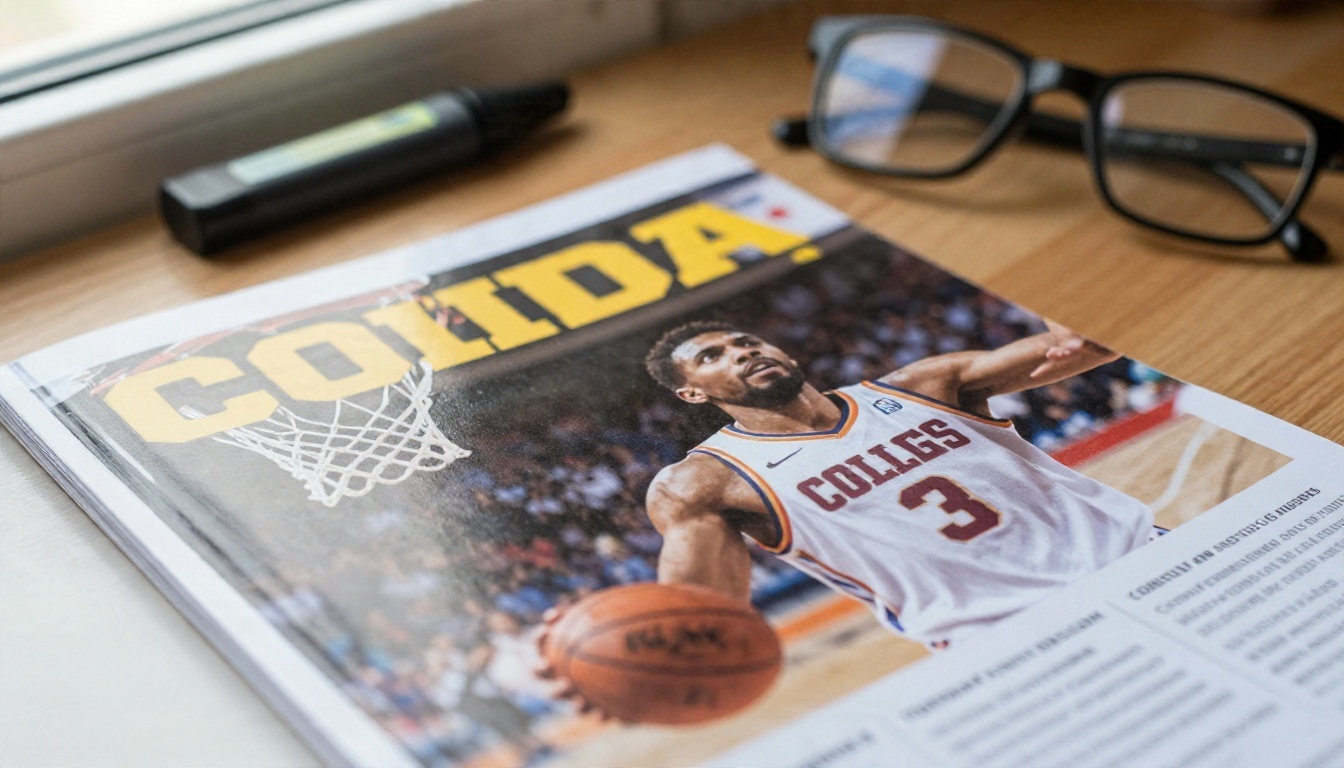
What works here is the repeatable bio block. Once the designer builds it, every athlete gets the same structure, so readers learn where to look after the second page.
Example 2: The High School Football Program
A school athletic department rarely has a full-time designer, so the template needs to be forgiving. The best versions use a two-column layout, large headshots, and a standing "Senior Class" spread that families love to keep.
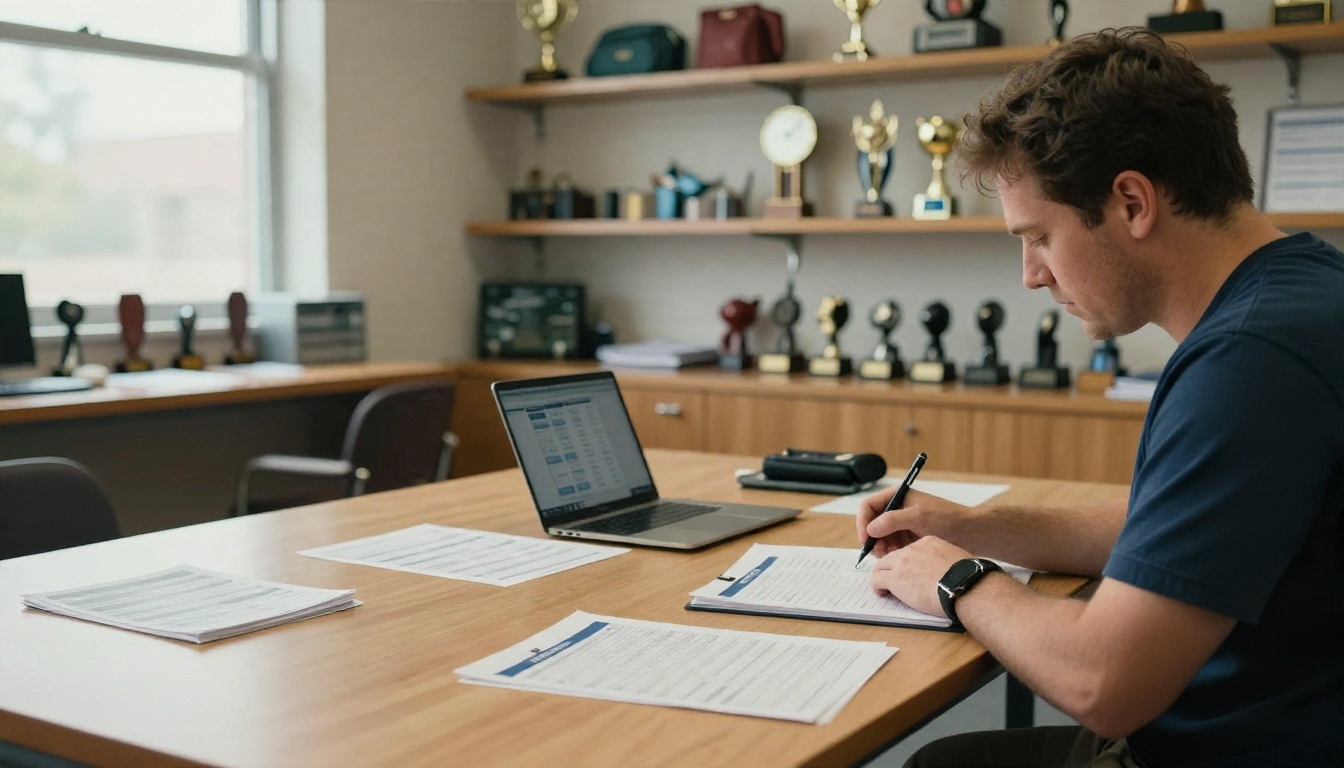
Many schools also package this with a yearbook-style archive. If that sounds useful, the Yearbook Flipbook Maker handles that format well, and the Event Program Maker suits game-day programs sold at the gate.
Example 3: The Youth League Handout
Youth leagues need something short, bright, and printable on a home printer. A 12-page booklet with team photos, a season calendar, a sponsor thank-you page, and a parent contact list is plenty. Skip dense stat tables. Parents want smiles and kickoff times.
Pages Every Template Needs
Whatever the sport, a handful of page types show up again and again. Build these once as master pages and you can reuse them every season.
| Page Type | Purpose | Layout Tip |
|---|
| Front page | Set the mood, name the season | One hero photo, minimal text |
| Quick Facts | Answer routine questions | Two-column list with icons |
| Roster | Names, numbers, positions, hometowns | Sortable table, consistent columns |
| Player bios | Tell individual stories | Portrait, three stats, one quote |
| Schedule | Dates, venues, broadcast info | Alternating row shading |
| Records and history | Provide context | Timeline or banner graphic |
| Media contacts | Help reporters reach you | Large text, direct phone and email |
The Front Page Sets the Tone
You have about two seconds. A front page needs one strong photo, the team name, the season, and nothing else. Resist adding sponsor logos here; save them for the back page or an inside spread.
Roster and Bio Pages
A roster table should include number, name, position, height, weight, class or age, and hometown. Align numbers to the right and names to the left. Use a slightly heavier font for the player number so the eye can jump down the column.
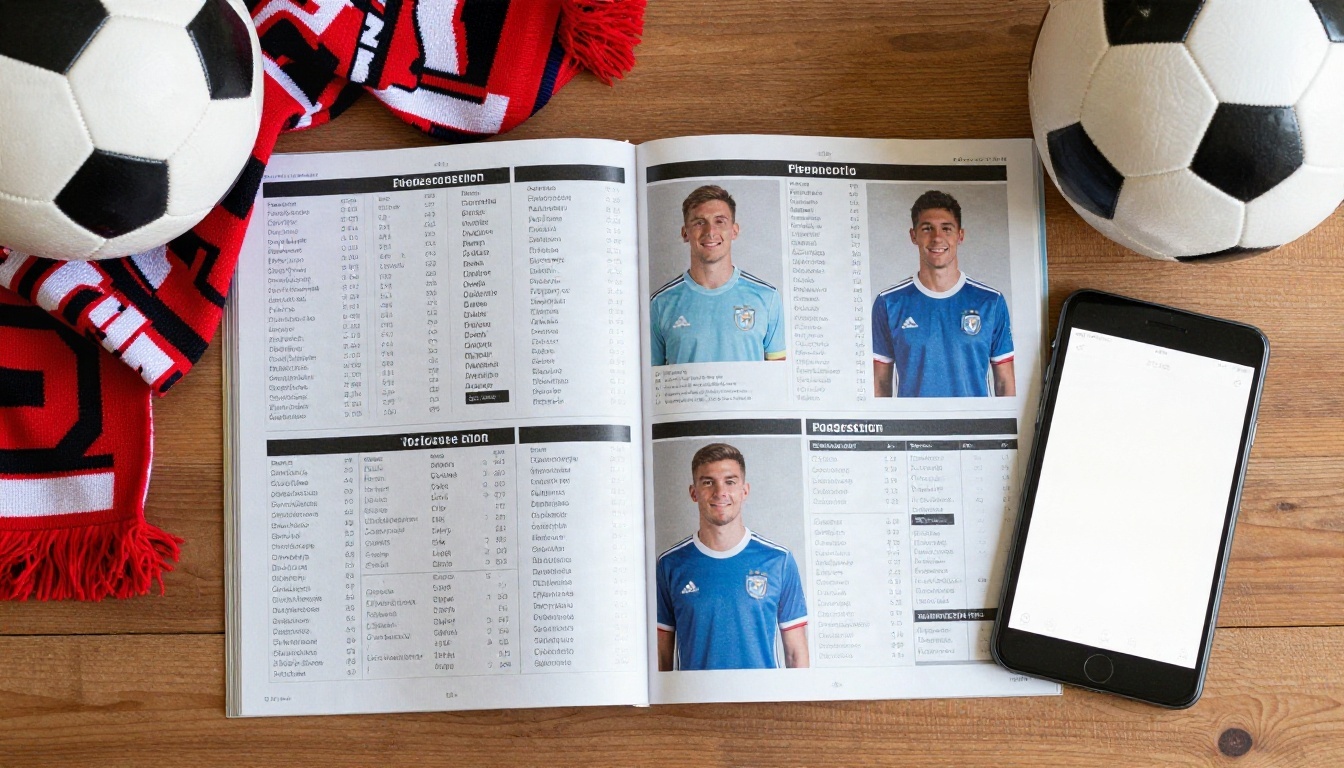
✅ Best practice: Keep headshot dimensions identical across the whole roster. Mixed crops make even a great team look disorganized.
Stats and Records Pages
This is where hockey, baseball, and basketball books earn their reputation. Dense numbers are fine as long as you give them room. Use a light gray band on every other row, set the numerals in a tabular font so digits line up, and bold the career highs.
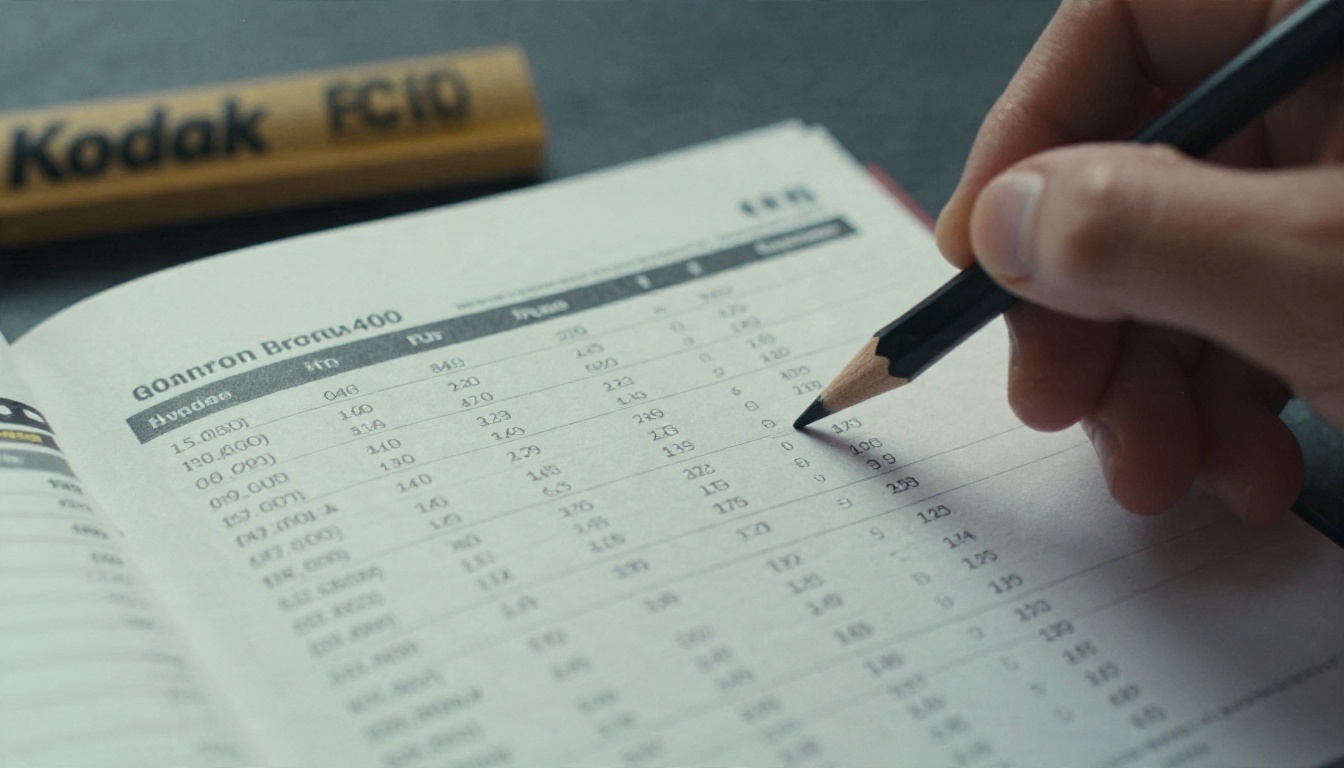
Three small design choices make stats readable:
- Column headers repeat at the top of every page the table runs onto.
- Abbreviations are defined once, in a legend on the first stats page.
- Totals are separated with a heavier rule so they never blend into the last game.
Most media books begin life as a PDF. The format is universal, preserves fonts, and prints reliably. But a PDF built for a commercial printer is not the same as one built for a reporter's phone.
| Setting | Print Version | Digital Version |
|---|
| Page size | Letter, A4, or 8.5 x 11 in | Same size or 16:9 landscape |
| Color mode | CMYK | RGB |
| Resolution | 300 dpi images | 150 dpi images |
| Bleed | 0.125 in on all sides | None needed |
| File size target | Under 200 MB | Under 15 MB |
| Links | Not needed | Clickable table of contents and emails |
Page Size and Bleed
Portrait Letter is still the safest default for a team publication, because it prints at any school or office. If most readers will open it on screens, a landscape layout reads better on laptops and tablets. Whatever you choose, keep important text at least half an inch from the edge.
File Size and Fonts
Embed every font, or convert them to outlines. Compress photos to 150 dpi for the digital copy and keep a separate high-resolution file for the printer. A reporter on a press-box connection will not wait for a 120 MB download.
⚠️ Warning: Never email the print-ready PDF as the "media version." Inbox limits, slow downloads, and missing clickable links will frustrate the people you most want to impress.
Free Design Ideas to Borrow
You do not need a big budget. These ideas cost nothing and work for nearly any sport.
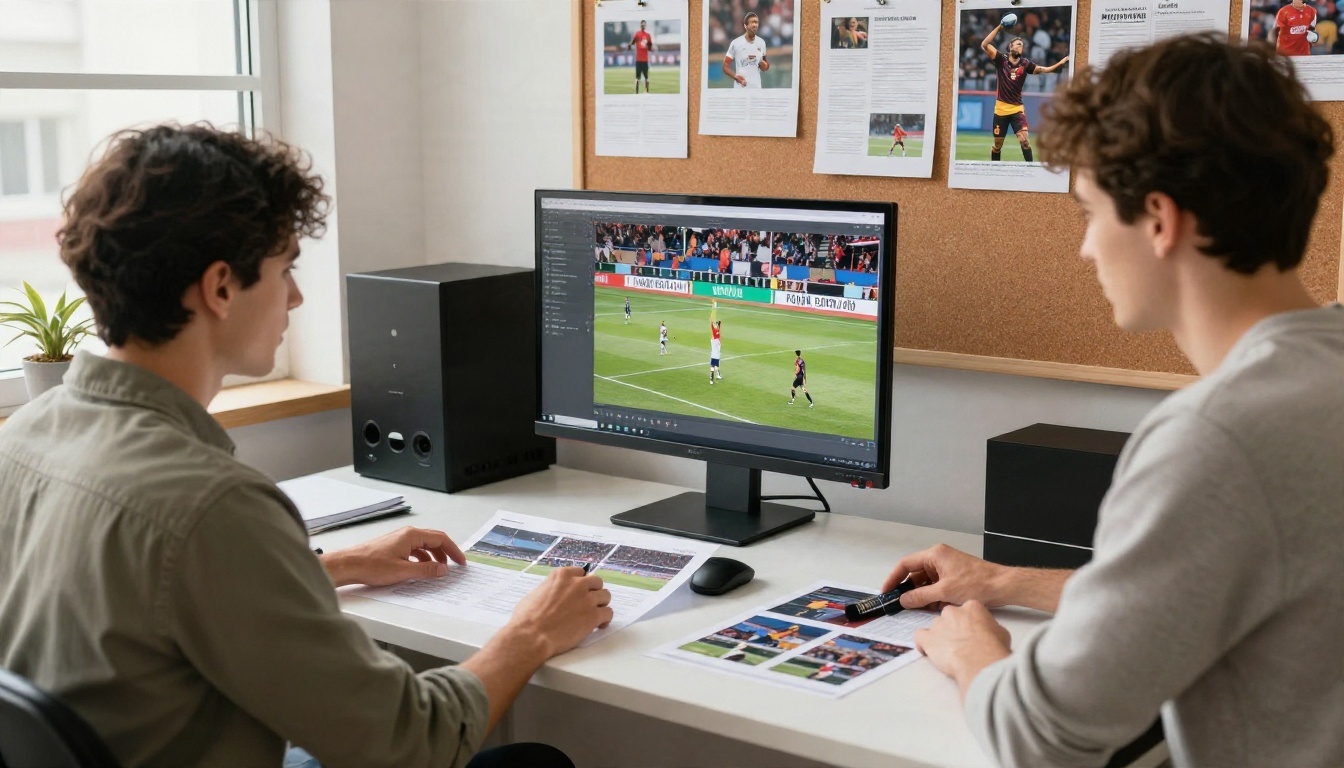
Color and Type Combinations
Pick two team colors and one neutral. Use the primary color for headings and section tabs, the secondary for pull quotes and highlights, and the neutral (white, charcoal, or cream) for backgrounds. Pair a heavy condensed sans serif for headlines with a clean readable text face for bios. Free options such as Oswald with Source Sans work well together.
Here are quick pairings you can try:
- Football: Deep navy, bright gold, off-white
- Basketball: Black, team red, warm gray
- Soccer: Forest green, white, sand
- Hockey: Ice blue, charcoal, silver
Photo Direction on a Budget
Action shots beat posed team photos on front pages and section openers. If you lack a staff photographer, ask a student journalist or a parent volunteer to shoot from the sideline with a telephoto lens during practice. Golden-hour light, tight crops, and visible effort make ordinary photos feel professional.
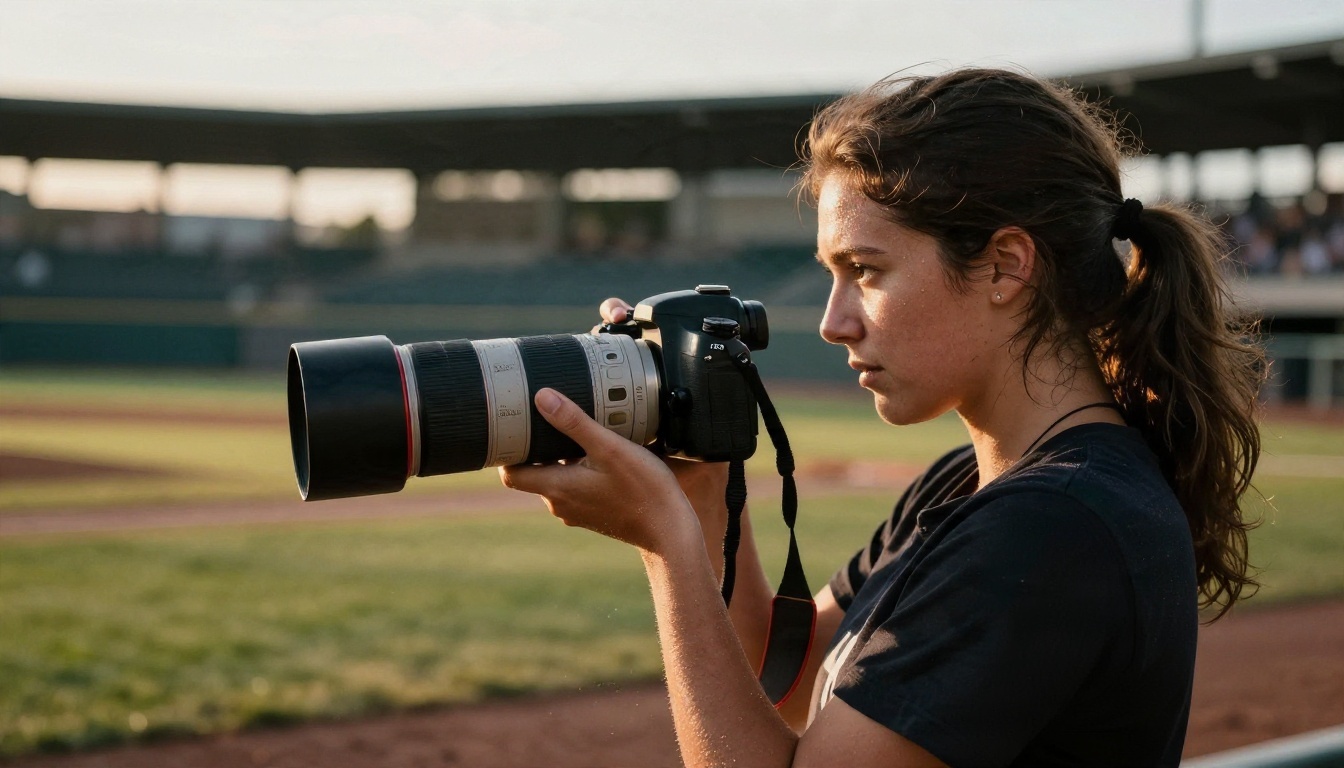
💡 Pro tip: Shoot vertical and horizontal versions of every key moment. Vertical shots fill a portrait page, while horizontal ones suit spreads and web banners.
How to Create It with Flipbooks AI
A PDF is a fine starting point, but a flipbook gives reporters a page-turning experience on any device, with working links, search, and no heavy download. Here is the workflow, start to finish.
Step 1: Upload Your PDF
- Go to Flipbooks AI and create an account.
- Choose the PDF to Flipbook Converter.
- Drag in your digital-version PDF. Conversion usually takes under a minute, and the page order, fonts, and images stay exactly as designed.
For press-focused packages, the Press Kit Designer is a natural companion, and athletes building personal highlight books can use the Digital Portfolio Creator.
Step 2: Customize the Look
In the editor you can adjust the following:
- Branding: Add your team logo and set toolbar colors to match your palette.
- Page effects: Choose a realistic page-turn animation and sound.
- Multimedia: Embed highlight videos on player pages and audio of the coach's season preview.
- Navigation: Add clickable links from the table of contents to each section.
No watermarks are added to your flipbook, so the finished product looks like it belongs to your program.
Step 3: Share and Track
Once published, you have several sharing choices:
| Sharing Option | Best For |
|---|
| Direct link | Email blasts to media lists |
| Embed code | Team website and athletics pages |
| Password protection | Embargoed recruiting or sponsor-only editions |
| Offline download | Reporters traveling to away games |
On the Professional plan, you also get analytics and lead generation. You can see which pages get the most attention, which is useful when a sponsor asks whether anyone saw their ad. Browse the full list of flipbook tools to find formats for schedules, newsletters, and season recaps.
Three Common Mistakes
Even strong programs trip over the same few problems.

- Cramming too much on a page. White space is not wasted space. A bio with room to breathe gets read; a wall of text gets skipped.
- Forgetting updates. Rosters change, injuries happen, and schedules shift. Publish a digital version you can refresh, rather than a static file that goes stale by week three.
- Ignoring mobile readers. Many journalists check facts on their phones in the tunnel or the parking lot. If your layout needs a desktop to make sense, you are losing readers.
Add a short checklist to your workflow:
- Proofread every name, number, and hometown twice.
- Test every link in the table of contents.
- Open the final file on a phone before sending it out.
- Keep a dated version number in the footer so everyone knows which edition they hold.
Ready to Publish Yours?
A strong sports media template does not need a design agency. Start with the page types above, pick the PDF settings that suit your readers, borrow the color and type pairings, and keep the structure consistent from page to page. Then publish it where people can reach it in two taps.
Ready to turn your PDF into a polished flipbook? Get started for free on Flipbooks AI, browse all tools and templates, or compare pricing plans to choose the one that fits your program. Your next season deserves a document that reporters actually open.



