You bought a box of prints, a shelf is waiting, and now you need an album that actually fits. The catch is that "standard" means different things depending on who sells it. This article sorts out the real numbers: the standard photo album size, the picture sizes in inches that fit inside it, how to print without blurry results, and when a digital option built with Flipbooks AI makes more sense than another heavy album.
What Counts as Standard Album Size
There is no single legal or industry standard, but there is a clear winner by habit. Most store-bought albums are built around the 4x6 inch print, because that is the default size of photo lab prints and the size most people order.
The Short Answer
A typical slip-in album measures about 7.5 x 9.5 inches on the outside and holds 100 to 300 prints sized 4x6 inches. Larger albums for 5x7 or 8x10 prints run from 9 x 11 inches up to 12 x 14 inches, and scrapbook formats are usually 12 x 12 inches.
💡 Pro tip: Always check the inside page dimensions, not the outer size. A "4x6 album" might have pockets that are a hair larger than 4x6, which is intentional so the print slides in easily.
Why 4x6 Dominates
The 4x6 print matches the 3:2 aspect ratio of film negatives and most DSLR and mirrorless cameras. That means no cropping, no white borders, and no surprises. Retail kiosks, drugstores and online labs all price 4x6 prints at the lowest rate, so albums followed the demand.
Picture Sizes in Inches
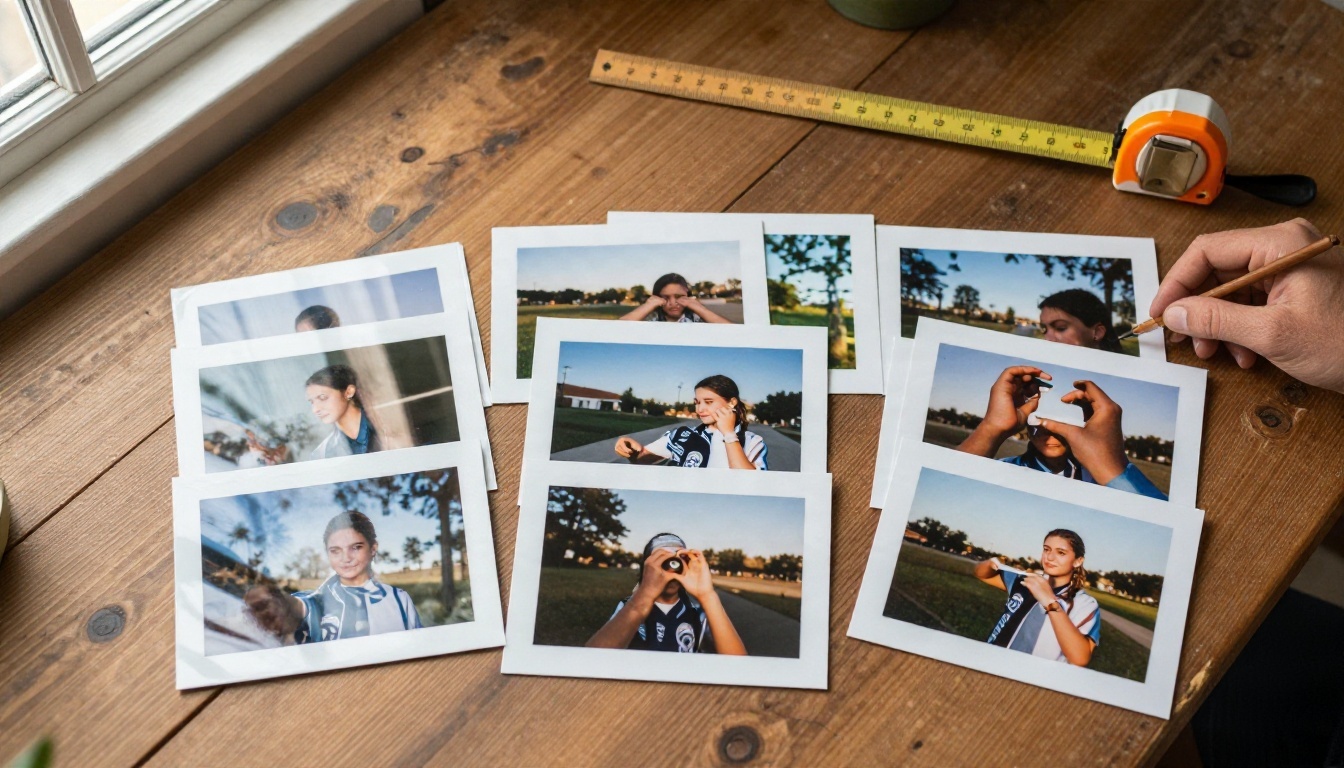
Before buying anything, know what you are fitting. Here are the print sizes you will meet most often, with the pixel dimensions needed for a sharp result at 300 DPI.
Common Print Sizes Table
| Print Size (inches) | Pixels at 300 DPI | Aspect Ratio | Best Use |
|---|
| 2.5 x 3.5 (wallet) | 750 x 1050 | 5:7 | School photos, keepsakes |
| 3.5 x 5 | 1050 x 1500 | 7:10 | Small albums, compact prints |
| 4 x 6 | 1200 x 1800 | 3:2 | Everyday albums, travel |
| 5 x 7 | 1500 x 2100 | 5:7 | Portraits, framed gifts |
| 8 x 10 | 2400 x 3000 | 4:5 | Wall frames, formal portraits |
| 8.5 x 11 | 2550 x 3300 | Letter | Scrapbook pages, documents |
| 11 x 14 | 3300 x 4200 | 11:14 | Large frames, wedding displays |
| 12 x 12 | 3600 x 3600 | 1:1 | Square scrapbook and photo books |
Aspect Ratios Matter
Your camera does not shoot in "inches." It shoots in ratios, and ratios decide what gets cut off.
- 3:2 (most cameras): fits 4x6 exactly.
- 4:3 (most phones): fits 4.5x6 naturally, so a 4x6 print loses a sliver at the edges.
- 4:5 (portrait favorite): fits 8x10 exactly.
- 1:1 (square): fits 12x12 and 8x8 formats.
⚠️ Watch out: Printing a phone photo at 4x6 usually crops a small strip from the top and bottom. Look at the preview before you confirm an order, especially for group shots where someone stands near the edge.
Choosing Your Album Size
Picking a size is really picking a style of storage. Think about how often you will flip through the pages, how many photos you have, and whether you want captions.
Slip-In, Magnetic or Photo Book
| Album Type | Typical Capacity | Strength | Weakness |
|---|
| Slip-in pocket | 100 to 300 prints | Fast to fill, no glue | No room for notes |
| Magnetic self-stick | 20 to 40 pages | Flexible layouts | Old adhesive can yellow prints |
| Archival with corners | 30 to 60 pages | Safe for heirloom prints | Slower to assemble |
| Printed photo book | 20 to 100 pages | Polished, designed look | Cannot rearrange after printing |
| Digital flipbook | Practically unlimited | Share instantly, never fades | Needs a screen |
How Many Photos Fit
A simple rule helps. A 4x6 album with two photos per page and 50 pages holds 100 prints. If you take 40 photos on a weekend trip, a single album will be full after about three trips. Count your yearly prints, then multiply by the number of years you want a single volume to cover. Larger 8x10 albums hold far fewer pictures, usually 20 to 50, so they suit highlights rather than everything.
Printing Photos Without Surprises
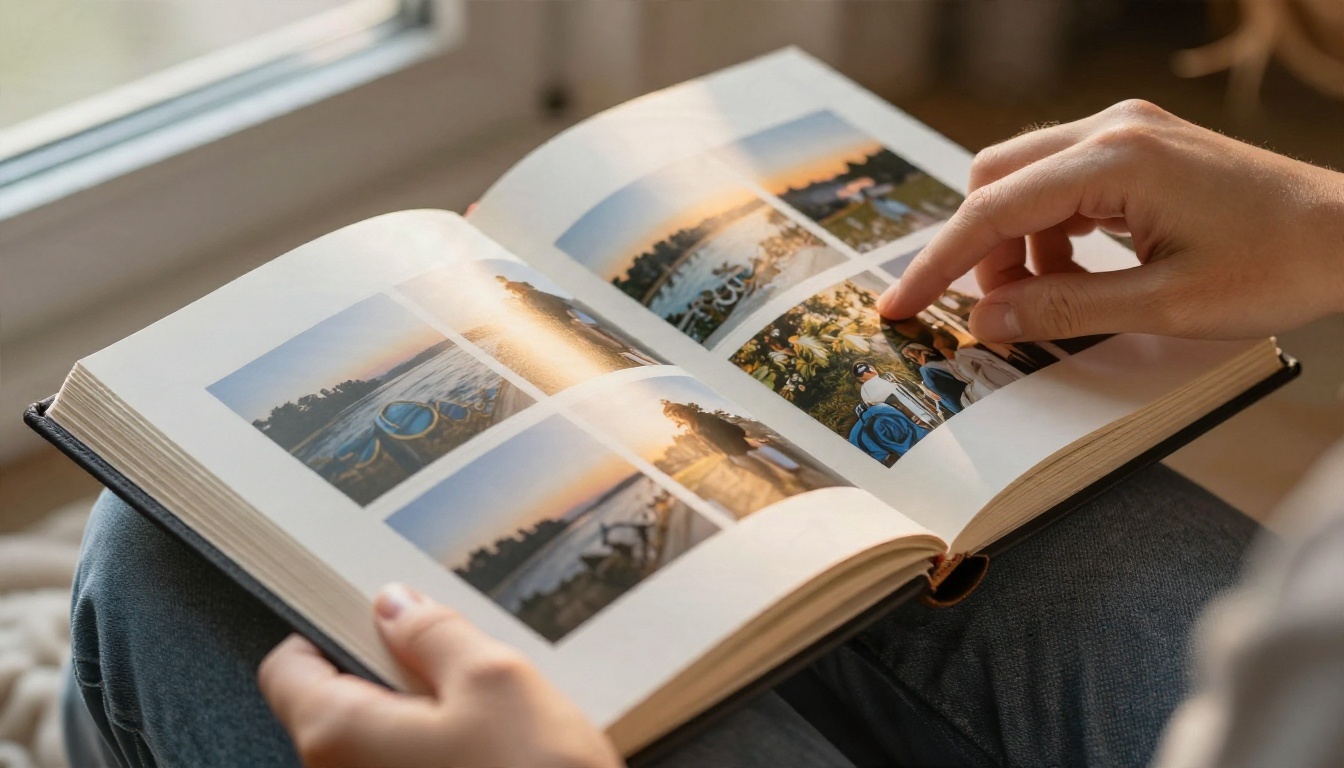
A great album is only as good as the prints inside. Most disappointments come from resolution, cropping, or paper choices, and all three are easy to avoid.
Do the Resolution Math
Multiply the print width and height in inches by 300. A 4x6 print needs 1200 x 1800 pixels, which nearly every modern phone exceeds. An 8x10 needs 2400 x 3000 pixels, about 7.2 megapixels, which is still easy. Trouble starts with photos that were heavily compressed, screenshotted, or downloaded from social media. Those often come in at 1080 pixels wide, which will look soft beyond 4x6.
✅ Best practice: For prints above 8x10, work from the original file, not a messaging app copy. Messaging apps shrink photos aggressively.
Fix Cropping Before You Order
Follow this short checklist before you press "order":
- Open the lab's crop preview for every photo.
- Move faces away from the outer 5 percent of the frame.
- Choose "no crop" if the lab offers white borders, and accept the thin margin.
- Order one test print of your most important picture first.
Pick the Right Finish
| Finish | Look | Best For |
|---|
| Glossy | Vivid, high contrast | Landscapes, travel, color-rich scenes |
| Matte | Soft, low glare | Portraits, framed photos |
| Luster (satin) | Between glossy and matte | Weddings, albums handled often |
| Metallic | Deep, reflective colors | Display prints, not albums |
Luster is the safe answer for an album. It resists fingerprints and still looks rich.
Online Alternatives to Printed Albums
Printed albums are lovely, but they are heavy, expensive to duplicate, and easy to damage. A fire, a flood or a basement move can erase decades of memories in a day. Digital albums solve those problems, and they do not have a "standard size" to worry about.
Cloud Folders vs Flipbooks
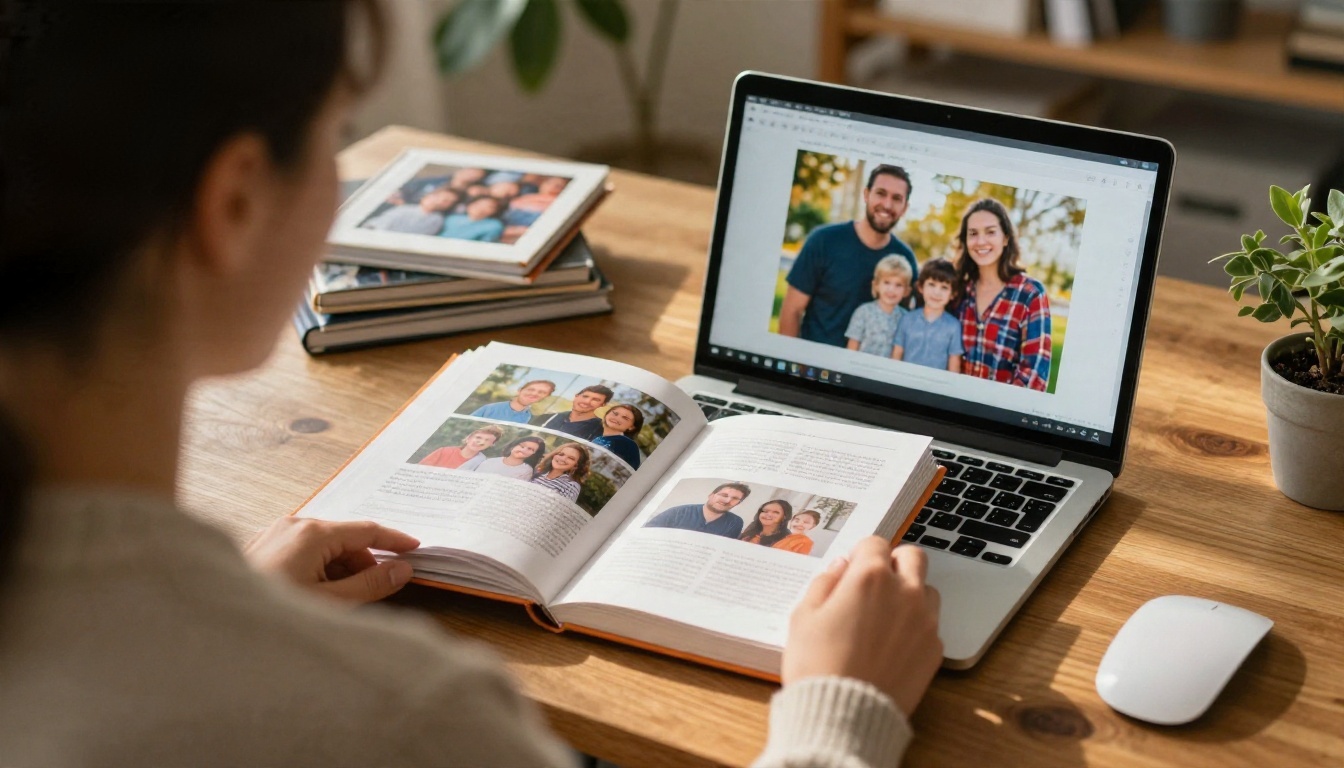
Most people start with a shared folder. It works, but it feels like a file cabinet rather than an album. A flipbook keeps the page-turning feel of a printed album while living online, so grandparents can open a link and flip through without installing anything.
| Option | Feels Like an Album | Easy to Share | Offline Use | Cost Per Copy |
|---|
| Printed album | Yes | No, one copy | Yes | Rises with each copy |
| Shared cloud folder | No | Yes | Sometimes | Free to low |
| Social media album | Partly | Yes | No | Free |
| Digital flipbook | Yes | Yes, link or embed | Yes, with download | One build, endless viewers |
When Digital Wins
- Large families spread across cities who all want the same album.
- Weddings and events where 300 guests ask for photos.
- Photographers who want to show a client gallery without shipping anything.
- Archives of old prints you scanned and want to protect from fading.
When printed wins: a gift for someone who prefers paper, a coffee-table keepsake, or a ceremony where passing an object around is part of the moment. Many people do both. Print a small highlight album and share the full set as a flipbook.
Build a Digital Album with Flipbooks AI
If you scanned your prints or exported your best photos as a PDF, the rest takes minutes. Flipbooks AI works as a PDF to Flipbook Converter, so your layout turns into a page-turning album with no watermarks.
Step 1: Prepare Your PDF
Set your page size to match the album you imagine. Good choices are 8.5 x 11 inches for portrait pages, 11 x 8.5 inches for landscape, or 12 x 12 inches for square pages. Place photos with at least 150 DPI for screen viewing, though 300 DPI keeps them safe if someone downloads and prints a page.
Step 2: Upload and Convert
- Create a free account on Flipbooks AI.
- Click to add a new flipbook and drop in your PDF.
- Wait a few seconds while pages are converted into a flippable book.
- Preview it on desktop and phone. The layout is mobile-responsive, so pages adapt to small screens.
Step 3: Customize the Look
Pick a background color that suits your photos. A warm neutral works well for family pictures, while a deep charcoal makes colorful travel shots pop. Adjust page-turn effects, add your own branding or a family name, and embed a short audio clip or a video of a moment that a still photo cannot capture.
💡 For wedding collections, the Wedding Album Flipbook tool is tailored to that format. Working photographers can use the Photography Portfolio option to present client work.
Step 4: Share It Your Way
| Sharing Method | Best For | Notes |
|---|
| Direct link | Family and friends | Paste in a message or email |
| Embed code | Personal sites, blogs | See Embed Flipbook on Website |
| Password protection | Private events, baby photos | Keeps the album off public search |
| Offline download | Travel, bad connections | Available on eligible plans |
Step 5: Pro Features Worth Knowing
If you share albums with many people, the Professional plan adds analytics so you can see how many viewers opened the album, and lead generation for photographers collecting client details. Unlimited flipbooks come with the Standard plan and above. Compare options on the pricing page.
Real-World Examples
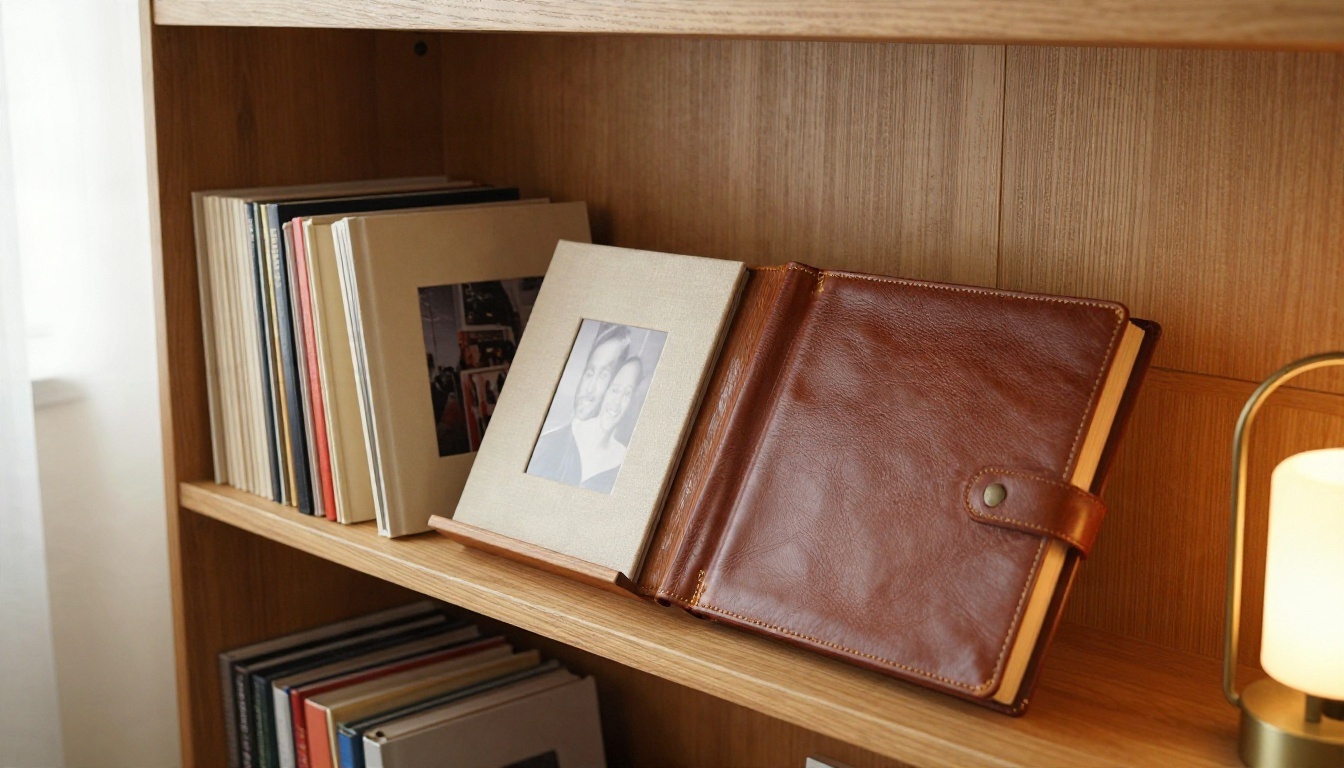
Numbers are useful, but a few scenarios show how the choices play out.
A Family Vacation Album
A family returns with 180 photos from a week at the coast. They print their favorite 60 at 4x6 in luster finish and slide them into a 100-photo pocket album. The remaining 120 go into a PDF, which becomes a flipbook the grandparents open on a tablet. Total effort: one evening.
A Wedding Collection
A couple has 600 edited images. A 12 x 12 inch square print album holds 40 highlights, while the full set lives in a password-protected flipbook for guests. Printing 40 spreads costs far less than printing 600 photos for each relative, and everyone sees the same story.
A Photographer's Client Gallery
A portrait photographer delivers 8x10 prints in a presentation box, plus a link to a digital album. Clients can order extra prints from the flipbook pages they love, and the photographer sees which pages got the most views.
A Scanned Heirloom Archive
Old prints from the 1970s usually come in 3.5x5 or square formats with white borders. Scan each at 600 DPI, save as a PDF, and convert it. The originals can stay safely in an acid-free box while the family enjoys the digital version.
Quick Reference Cheat Sheet
| If You Want | Choose | Photo Size |
|---|
| Everyday memories, lots of photos | Slip-in pocket album | 4x6 |
| A mix of portraits and snapshots | Medium archival album | 5x7 and 4x6 |
| A display-quality keepsake | Large leather or linen album | 8x10 |
| Creative layouts with notes | Scrapbook, 12 x 12 | Mixed, cropped to fit |
| Unlimited photos shared with everyone | Digital flipbook | Any, PDF pages |
✅ Rule of thumb: If you plan to handle the album weekly, go with 4x6 and a pocket style. If it will live on a shelf and appear at holidays, 8x10 or 12x12 gives your best photos room to breathe.
Ready to Build Yours?
Pick the size that matches your photos, print the ones worth holding, and let a digital version carry the rest. Create your first album on Flipbooks AI in a few minutes, browse every available flipbook tool for weddings, portfolios and more, or compare pricing plans to find the right fit for your photo collection.



