A student portfolio is the one document that can say what a transcript never will: here is what I can actually do. Whether you are applying to art school, chasing an internship or pitching for a scholarship, the people reading your work are busy and have seen hundreds of similar files. This article shows you real student portfolio examples, the templates worth copying, the best format, the right page count and the free software that gets you there. When your pages are ready, you can turn them into a shareable page-turning document with Flipbooks AI in a couple of minutes.
What a Student Portfolio Really Is
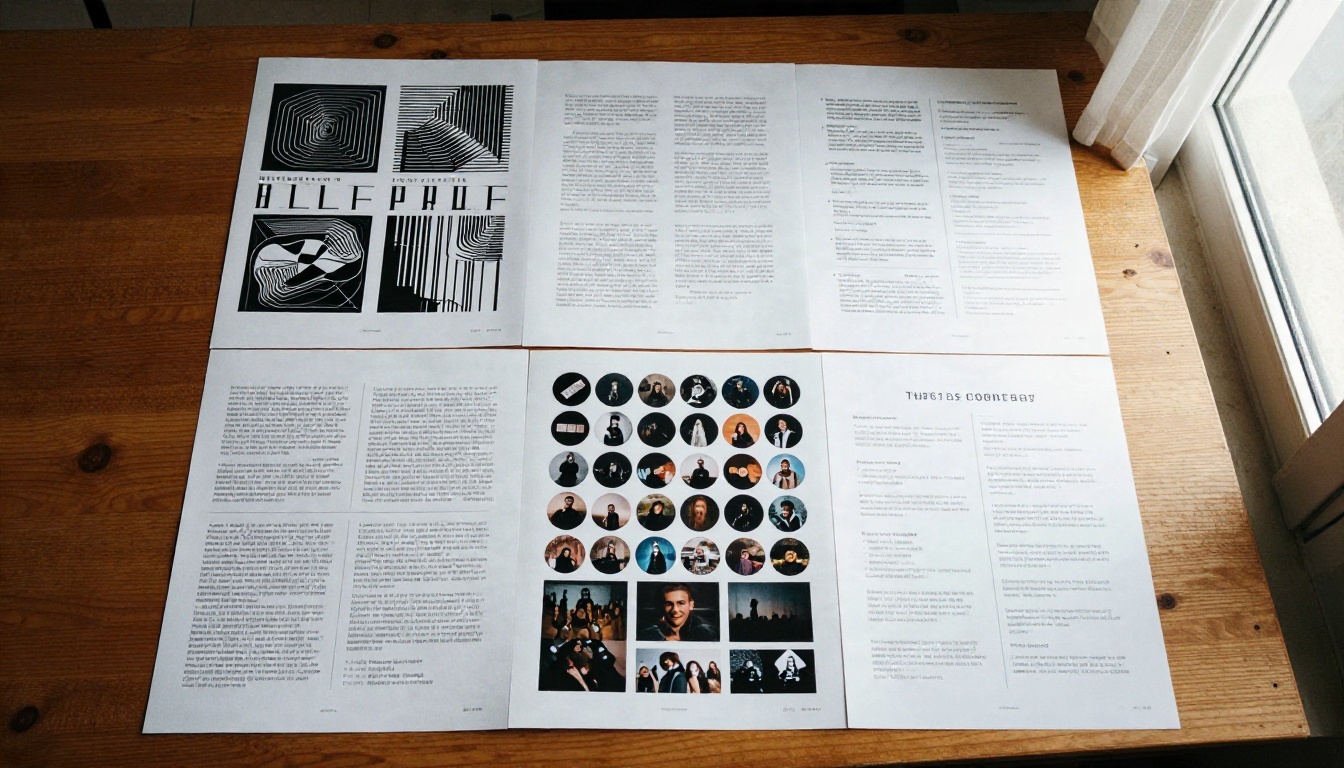
A portfolio is a curated selection of your best work, arranged so a stranger can judge your skills in under five minutes. It is not a scrapbook. It is not everything you have ever made. It is an argument, and every page is evidence.
Who Needs One
You might think portfolios are only for artists. In practice, many more students use them:
- Art, design and illustration students applying to programs or studios
- Photography and film students showing a visual style
- Architecture and interior design students presenting projects and models
- Engineering and computer science students documenting builds, code and lab results
- Business, marketing and communications students showing campaigns, reports and case studies
- Education and nursing students collecting lesson plans, placements and reflections
Print or Digital
Most admissions offices and employers now ask for a digital file or a link. Print still wins in a face-to-face interview, because a physical object invites conversation. The smart move is to build once and deliver both.
| Format | Best For | Strengths | Weak Spots |
|---|
| Printed, spiral or bound | In-person interviews, studio reviews | Tactile, memorable, color you control | Costly to reprint, one reader at a time |
| PDF | Applications with upload portals | Universal, fixed layout | Static, large files, no tracking |
| Website | Long-term personal branding | Easy to update | Needs hosting, layout varies by screen |
| Flipbook | Sharing by link, email or QR code | Page-turning feel, mobile-friendly, embeddable | Needs a source PDF first |
💡 Pro tip: Design your portfolio as a PDF first. A single clean source file feeds the print version, the upload version and the online version without extra work.
Student Portfolio Examples That Work
Good examples share a pattern: a strong opening, a clear sequence, and every project explained in a few sharp sentences. Here is how that looks across majors.
Art and Design Example
An illustration student opens with her single best piece, full bleed, with no caption. Page two is a short statement: three sentences about her style and tools. Then come five projects, each given a two-page spread: finished work on the left, process sketches and a short note on the right. The portfolio ends with a contact page and one link.

What makes it work: process is visible. Reviewers want to see how you think, not just the polished result.
Photography Example
A photography student builds a portfolio around three short series of six images each, rather than 40 unrelated pictures. Each series gets a title, a location and one sentence of context. Images are large, margins are generous and there is almost no text.
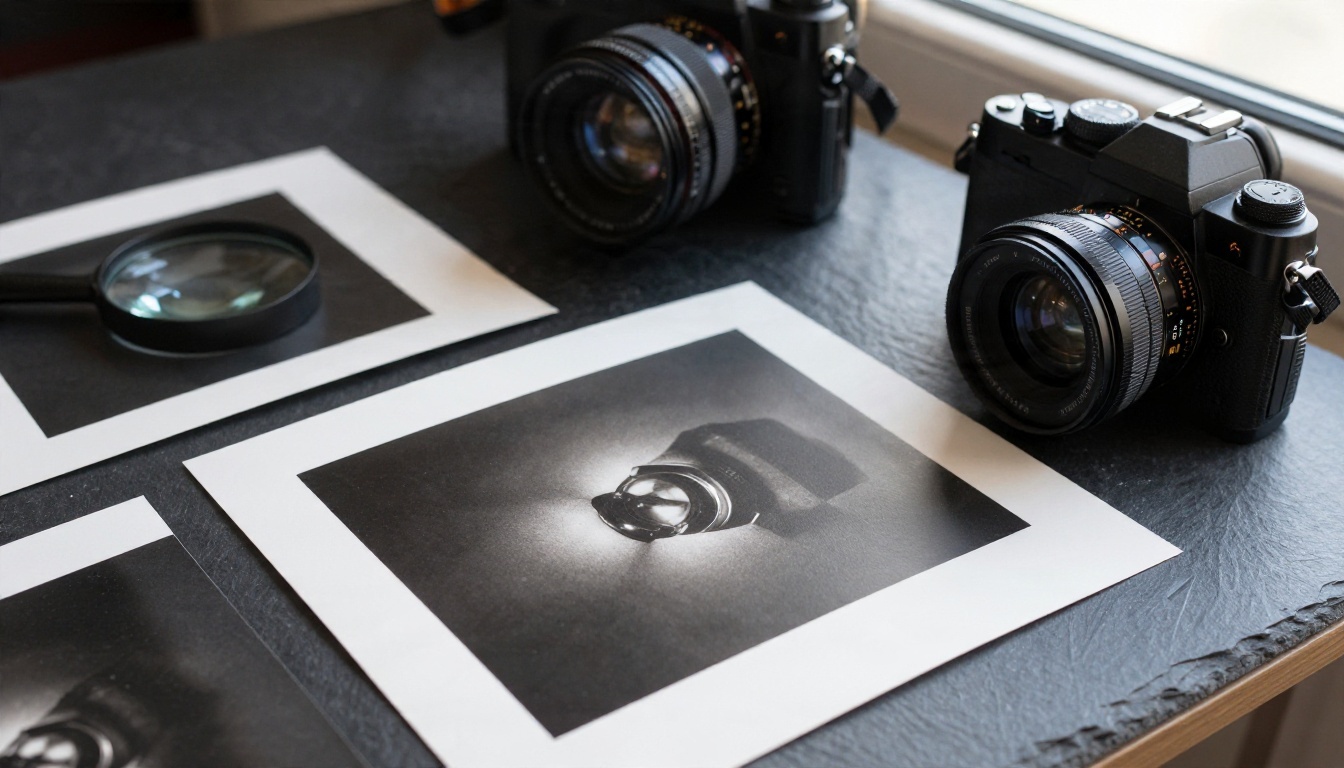
Series beat random sets because they prove you can sustain a vision. If you shoot weddings, events or travel, the Photography Portfolio Flipbook tool keeps large images crisp on every screen.
Architecture Example
An architecture student shows four projects: one studio design, one competition entry, one technical drawing set and one model photo series. Each project begins with a site plan or concept diagram, followed by plans, sections and renders, and finishes with a final photo. Page layouts follow a strict grid so projects feel like one body of work.

Non-Creative Majors
A business student can build an excellent portfolio too. A strong example includes a one-page profile, a marketing plan from a class project, a market research summary with charts, a group presentation and a short reflection on what changed between the first draft and the final version. Engineering students do the same with design briefs, CAD screenshots, test results and photos of prototypes.
| Major | What to Include | Typical Pages |
|---|
| Graphic design | Branding, posters, packaging, layout work | 15 to 25 |
| Photography | Three themed series, one personal project | 15 to 25 |
| Architecture | Studio projects, drawings, model photos | 20 to 40 |
| Business and marketing | Case studies, reports, campaign mockups | 10 to 15 |
| Engineering and CS | Build logs, diagrams, code samples, results | 10 to 20 |
| Education and nursing | Lesson plans, placement notes, reflections | 10 to 20 |
Templates You Can Start From
You do not need to design from a blank page. A template gives you the skeleton, and your work provides the personality.
Where to Find Free Templates
Look for templates in tools you probably already use. Canva, Adobe Express, Google Slides, Microsoft PowerPoint and Figma Community all offer free student-friendly layouts. Many universities also publish their own portfolio templates on department pages, so check there first.
If you want a faster path, the Digital Portfolio Creator and the Portfolio Flipbook Builder turn a finished PDF into an interactive portfolio without any design skills.
Anatomy of a Good Template
Whatever you pick, check that it includes these pages:
- Title page with your name, major and one strong image
- About page with a short statement and a headshot
- Project pages in a repeatable layout
- Process page showing sketches, drafts or code
- Résumé or skills page in one clean column
- Contact page with your email and a link
⚠️ Warning: Avoid templates with heavy decoration. If the frame is louder than your work, reviewers will remember the frame.
Best Format and Page Size
Format decisions seem small, but they affect how your work looks on a reviewer's screen at 11 p.m. on deadline night.
Orientation and Size
Landscape is the safest choice for screens. Most laptops, monitors and tablets are wider than they are tall, so a landscape page fills the view without scrolling. Portrait still suits print, résumé-heavy portfolios and editorial work.
| Choice | Dimensions | Use It When |
|---|
| Landscape 16:9 | 1920 x 1080 px | Screen-first, presentations, flipbooks |
| Landscape Letter or A4 | 11 x 8.5 in or 297 x 210 mm | Print and screen balance |
| Portrait Letter or A4 | 8.5 x 11 in or 210 x 297 mm | Print, text-heavy work |
| Square | 10 x 10 in | Photography and Instagram-style layouts |
File Type and Weight
Export a PDF at 150 to 300 dpi for images. Keep the file below 20 MB when an application portal sets a limit, and always read the upload rules first. Name the file clearly: Lastname_Firstname_Portfolio.pdf is easy to find in a stack of hundreds.

✅ Best practice: Embed fonts, compress images to a sensible size and open the exported file on your phone before you send it. If it looks bad there, it will look bad to the reviewer.
How Many Pages Should It Have?
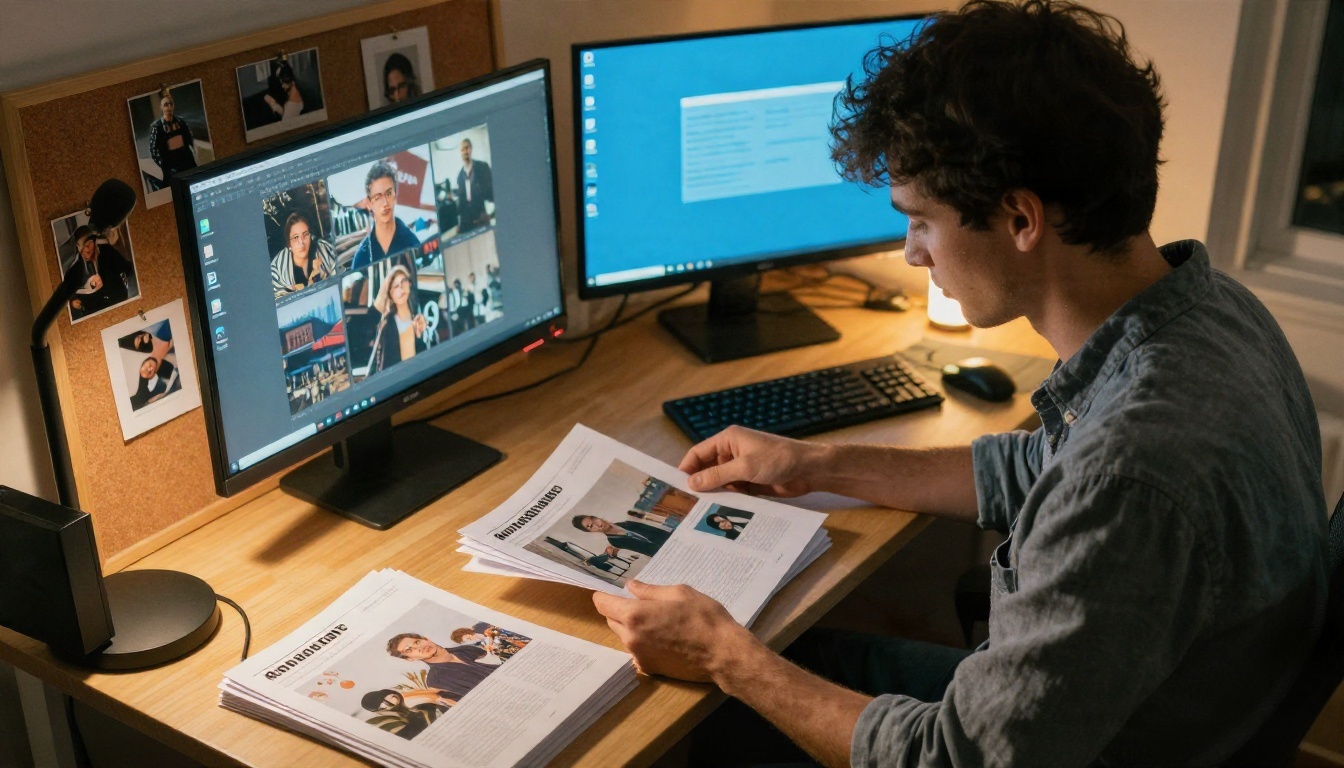
Short, usually. A reviewer who sees 60 pages will skim. A reviewer who sees 15 strong pages will read every one.
A Simple Page Count Rule
Aim for 10 to 20 pages for most undergraduate applications, with one project per one to three pages. Architecture and large design programs may accept up to 40. Always check the instructions, because some programs state a hard maximum of 10, 15 or 20 works.
| Purpose | Suggested Length | Projects |
|---|
| University application | 10 to 20 pages | 6 to 12 works |
| Internship application | 8 to 15 pages | 3 to 5 projects |
| Scholarship submission | 8 to 12 pages | 3 to 4 projects |
| Graduate program | 20 to 30 pages | 5 to 8 projects |
| Class or course review | 6 to 10 pages | 2 to 4 projects |
How to Cut Without Regret
Cutting is the hardest part, so use a clear test:
- Remove duplicates. If two pieces show the same skill, keep the stronger one.
- Drop anything you would not defend in an interview.
- Lead and finish strong. Your best work goes first and your second best goes last.
- Ask a friend to pick three favorites. If they skip a piece, consider cutting it.
Free Software to Build It
You can make a full portfolio without spending anything. Match the tool to your skill level and your major.
| Software | Cost | Best For | Export |
|---|
| Canva | Free plan | Fast layouts, non-designers | PDF, PNG |
| Google Slides | Free | Simple, collaborative portfolios | PDF |
| Adobe Express | Free plan | Quick branded pages | PDF, PNG |
| Figma | Free plan | Precise layouts, UI and UX work | PDF, PNG |
| Microsoft PowerPoint | Often free with school accounts | Presentation-style portfolios | PDF |
| Scribus | Free, open source | Print-ready multi-page layouts | PDF |
| Flipbooks AI | See pricing | Turning any PDF into a page-turning portfolio | Link, embed, download |

A common workflow: layout in Canva or Figma, export a PDF, then publish it online. That way your design tool does the design and your publishing tool does the sharing.
How to Create a Student Portfolio with Flipbooks AI
Once your PDF is ready, publishing it takes minutes. Here is the exact process.
- Open your account. Go to Flipbooks AI and sign in or create a free account.
- Upload your PDF. Drag your portfolio file into the uploader. The PDF to Flipbook Converter turns every page into a smooth page-turning spread, and the conversion usually finishes in seconds.
- Customize the look. Set your background color, add your logo or initials, choose a page-flip effect and adjust the toolbar so it matches your style. You can also add links, audio or embedded video to project pages, which is perfect for film students and musicians.
- Check the preview. Flip through it on desktop and on your phone. The layout is mobile-responsive, so spreads adapt to smaller screens.
- Share it. Copy a direct link for applications, grab an embed code for your personal site using the Embed Flipbook on Website tool, or place the link in a QR code on a business card.
- Protect private work. Turn on password protection when you share unpublished projects, client work or portfolios under review.
- Track who opens it. The Professional plan adds analytics and lead generation, so you can see when a recruiter opens your file. Offline downloads are also available if a reviewer wants a copy. Compare options on the pricing page.

Flipbooks are published with no watermarks, and the Standard plan and above allows unlimited flipbooks, so you can keep one version per application: one for art school, one for internships, one for a specific studio.
💡 Pro tip: Name each link after the recipient, such as yourname-studioA. When analytics show a visit, you will know exactly who looked.
If you are building a more specific document, the Course Material Publisher suits coursework collections, and the Yearbook Flipbook Maker works well for senior projects and class showcases.
Mistakes That Sink Student Portfolios
Most weak portfolios fail in the same few ways. Check yours against this list before you hit send.
Too Much, Too Soon
Fifty pages of everything you have made shows a lack of judgment. Curating is a skill reviewers actively test for.
No Context
A picture alone leaves questions. Add a title, a year, your role and the tools you used. For group work, state exactly what you did.
Weak Opening
Your first two pages decide whether the rest gets a fair read. Open with your strongest image or a project that proves your main skill.
Inconsistent Layout
Mixed fonts, random margins and shifting colors make a portfolio feel unfinished. Pick two typefaces, one accent color and a grid, then stay with them.
Broken or Heavy Files
An oversized PDF that will not upload is a lost application. Test the file, the link and the password before the deadline, and never wait until the last hour.
Ready to Publish Yours?
You already have the hard part: the work. The rest is selection, sequence and a clean delivery. Pick a free template, aim for 10 to 20 pages, export a tidy PDF and publish it so anyone can open it with one click.
When you are ready, create your account on Flipbooks AI and upload your first portfolio today. Browse all flipbook tools to find the right layout for your major, or compare pricing plans if you want analytics and unlimited flipbooks. Your next opportunity could be one link away.



