Two weeks before camp starts, your inbox fills with the same questions: What time is drop-off? Can my child bring a phone? Who do I call if something goes wrong? A well-built summer camp welcome packet answers all of them before anyone has to ask. This article gives you a free template, a clear list of what to include, and examples you can borrow, plus a fast way to publish the result as a mobile-friendly flipbook with Flipbooks AI.
Why a Welcome Packet Matters
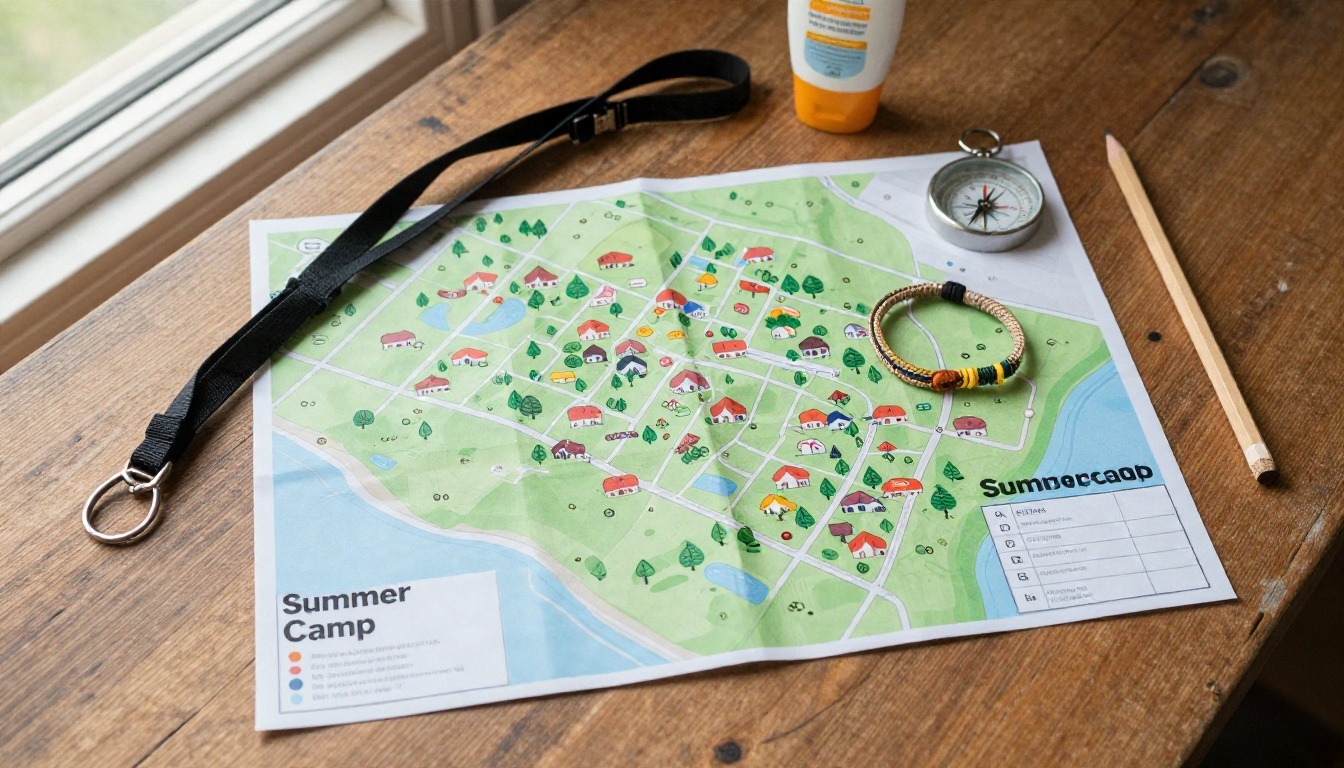
A welcome packet is the first real impression a family gets of your camp. Before a child meets a counselor, their parents have already judged how organized you are, based on a few pages of information. A clear packet builds trust. A messy one creates anxiety, and anxious parents send more emails, make more calls and arrive more stressed on day one.
The payoff is practical, too. Camps that send a solid packet report fewer last-minute questions, smoother check-in lines and fewer forgotten forms. Staff spend their time welcoming children instead of hunting for allergy information.
What Parents Worry About Most
Parents rarely ask about the craft schedule. Their concerns are far more basic:
- Safety: Who supervises the kids, and what is the staff-to-camper ratio?
- Health: How are medications, allergies and injuries handled?
- Logistics: Where do I park, and when do I pick up?
- Communication: How will I hear from my child, and from you?
- Homesickness: What happens if my child is struggling on day two?
💡 Pro tip: Read your draft as a nervous first-time parent. If a worry is not answered within two pages, the packet is missing something.
Print, PDF or Flipbook?
Most camps still mail a stapled PDF printout. It works, but it has real limits: nobody can search it, links do not click, and every schedule change means a reprint. Here is how the three common formats compare.
| Format | Cost per family | Easy to update | Works on phones | Clickable links and video |
|---|
| Printed booklet | High (printing and postage) | No | No | No |
| Plain PDF attachment | Free | Re-send needed | Awkward zoom and scroll | Limited |
| Digital flipbook | Free to low | Yes, same link | Yes, responsive | Yes |
A flipbook keeps the familiar page-turning feel of a booklet while staying one tap away on any device. You will see how to make one in the tutorial section below.
What to Include in Your Packet
Think of the packet as a short briefing, not a brochure. Every page should answer a question a parent is already asking. Here is the core set of pages, in the order that makes sense for most camps.
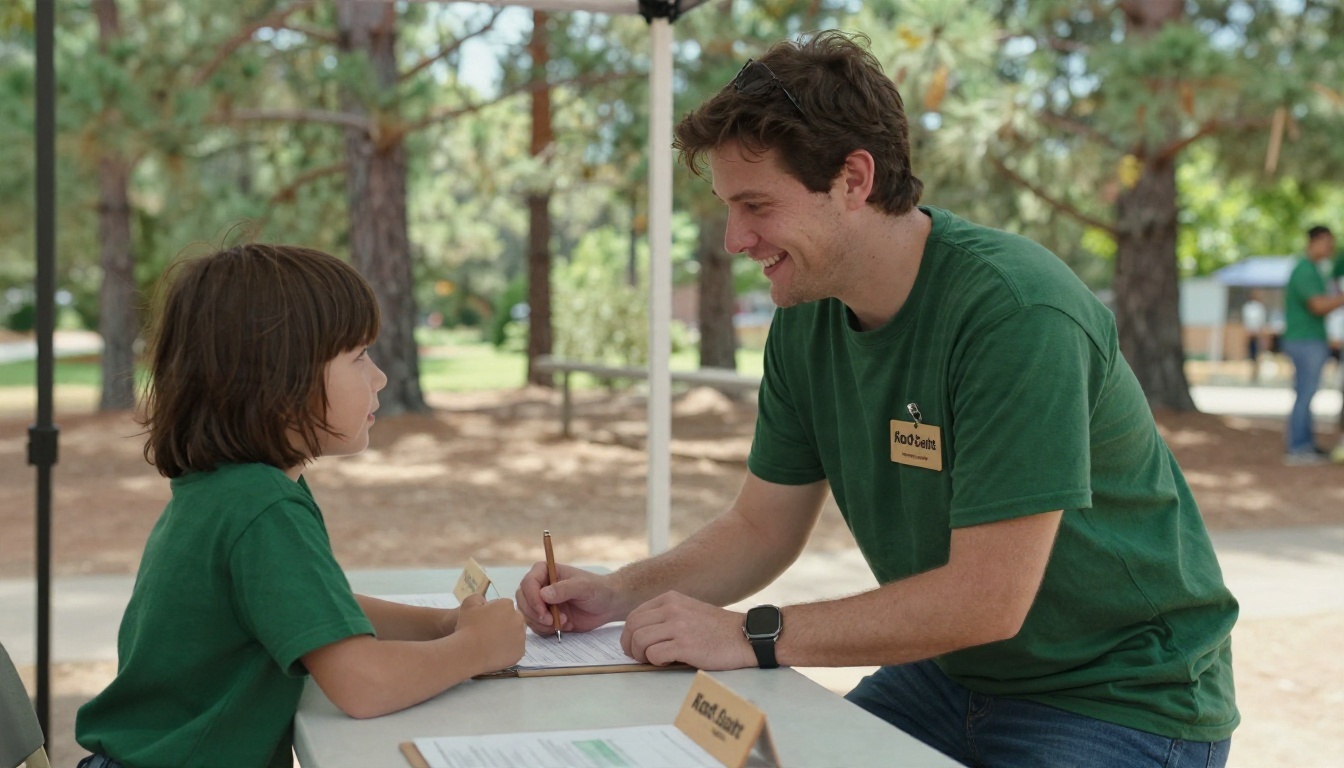
Essential Pages at a Glance
| Page | What it contains | Why parents need it |
|---|
| Welcome letter | Director greeting, camp mission, session dates | Sets the tone and confirms the booking |
| Key dates and times | Drop-off, pick-up, closing showcase | Prevents arrival mix-ups |
| Contact directory | Office, nurse, director, emergency line | One place to find every number |
| Health and safety | Medication rules, allergy plan, incident policy | Reduces fear about the unknown |
| Packing list | Clothing, gear, banned items | Avoids overpacking and forgotten items |
| Daily schedule | Sample day from wake-up to lights out | Helps children feel prepared |
| Behavior and values | Camper expectations, anti-bullying policy | Shows how you protect every child |
| Forms checklist | Deadlines for waivers, health forms, payments | Stops paperwork delays |
Health and Safety Details
This is the page parents read twice. Be specific and calm. State where the health office is, who staffs it, and how long a nurse is on site each day. Explain how prescription medication must be delivered (original container, labeled, with a signed form) and what happens when a child is ill or hurt.

Include a short plain-language summary of your emergency process: who is called first, how parents are notified and the typical time frame. Avoid legal jargon. If a policy needs the full legal text, link to it instead of pasting it in.
⚠️ Warning: Never publish a child's medical information in a shared packet. Collect health details through a private form and keep the packet limited to policies and procedures.
The Packing List
A good packing list prevents two problems: the child who arrives with nothing and the child who arrives with three suitcases. Split it into Must Bring, Nice to Have and Leave at Home, and explain the reason behind each restriction. Parents accept "no phones" far more readily when the packet says why.
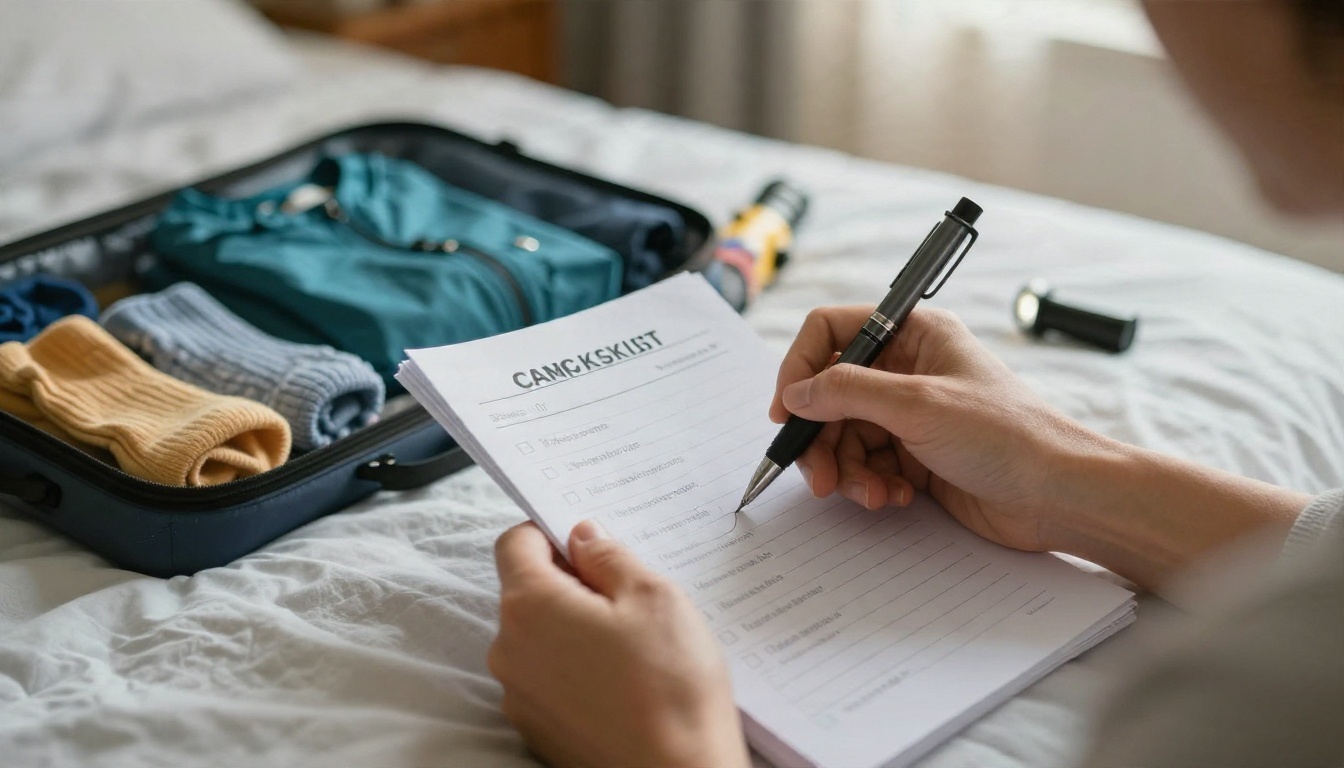
- Must Bring: Refillable water bottle, sunscreen, hat, swimsuit, towel, closed-toe shoes, rain jacket, labeled sleeping bag (overnight camps)
- Nice to Have: Flashlight, journal, stamped envelopes, favorite stuffed animal
- Leave at Home: Phones, tablets, valuables, candy, anything that cannot get wet or dirty
✅ Best practice: Add a line about labeling. Ask parents to write the child's name on every item, including shoes and water bottles. It saves your lost-and-found box from overflowing.
A Sample Daily Schedule
Children relax when they know what comes next. A one-page "typical day" does the job without locking you into minute-by-minute promises.
| Time | Activity | Notes for parents |
|---|
| 8:30 AM | Arrival and check-in | Sunscreen applied before drop-off |
| 9:15 AM | Morning circle | Songs, announcements, groups |
| 10:00 AM | Activity block 1 | Sports, crafts or nature |
| 12:00 PM | Lunch and quiet time | Allergy-safe tables available |
| 1:30 PM | Swim or lake time | Lifeguard on duty, swim test on day one |
| 3:00 PM | Activity block 2 | Choice of rotation |
| 4:30 PM | Closing circle and pick-up | Photo sharing at the gate |
Free Summer Camp Welcome Packet Template
Copy this structure into any document editor, Canva-style design tool or slide deck. It is built for 8 to 12 pages, which is long enough to be useful and short enough to actually be read.
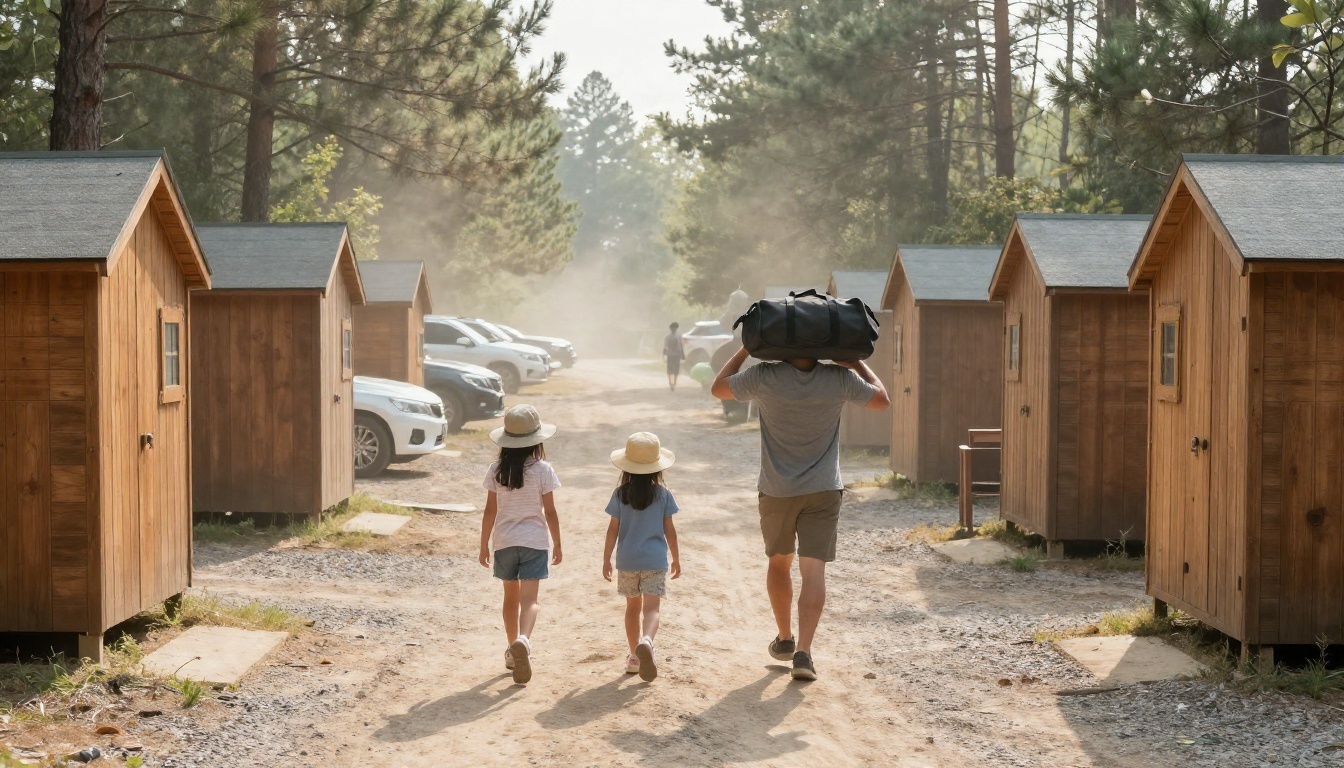
Page by Page Layout
- Page 1, Welcome cover page: Camp name, season, a bright photo of campers, and the tagline.
- Page 2, Welcome letter: A short, warm note from the director (sample below).
- Page 3, Important dates: Session start and end, drop-off and pick-up windows, family day.
- Page 4, Who to call: Phone numbers and emails for the office, nurse and director, plus after-hours contact.
- Page 5, Health and safety: Medication drop-off, allergy plan, emergency process.
- Page 6, Packing list: Three columns: bring, optional, leave at home.
- Page 7, A day at camp: The sample schedule table.
- Page 8, Camper expectations: Respect, kindness, inclusion, and how staff handle conflict.
- Page 9, Communication: How and when you send photos, updates and newsletters.
- Page 10, Forms and deadlines: A checklist parents can tick off.
- Page 11, Map and directions: Parking, drop-off lane, accessible routes.
- Page 12, Frequently asked questions: Five to eight real questions from past families.
Sample Welcome Letter
Copy and adapt the text below. Keep it under 150 words.
Dear families,
Welcome to Pine Lake Camp! We are so happy your child is joining us this summer. Our counselors have been planning games, projects and plenty of time outside, and we cannot wait to meet your camper.
This packet explains what to bring, where to arrive and who to call if you have questions. Please look through the health and safety page and return your forms by June 1. If your child is nervous, that is completely normal. Our team has plenty of experience helping new campers feel at home, and we will share a short update after the first day.
See you soon,
Maya, Camp Director
Real Examples Parents Love
Different camps need different emphasis. These three scenarios show how the same template bends to fit.
Day Camp Example
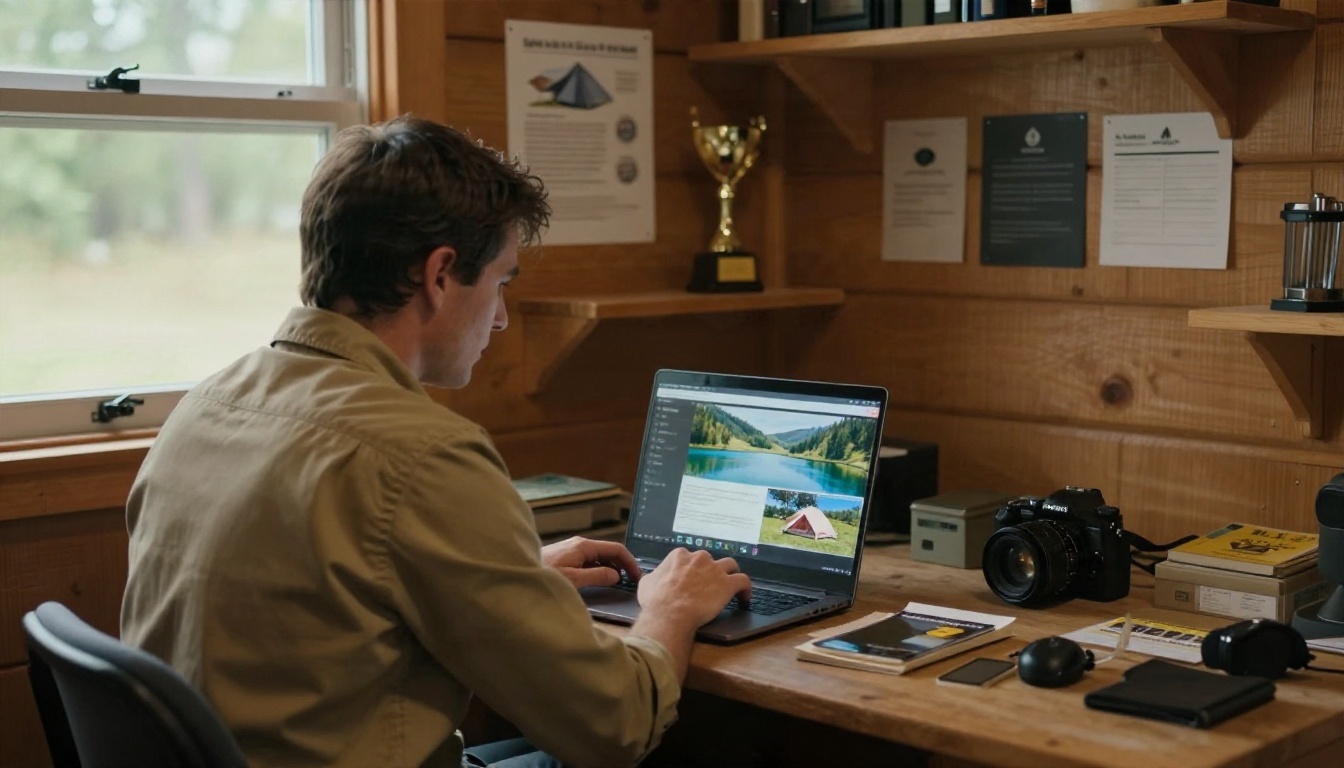
A neighborhood day camp serving ages 5 to 10 keeps its packet to eight pages. The focus is logistics: a parking map, a drop-off timeline, sunscreen policy and a lunch-and-allergy page. A single "Who picks up my child?" page explains the authorized pickup process, which families mention as their favorite page in end-of-summer surveys.
Overnight Camp Example
An overnight camp for ages 9 to 15 sends a longer packet of twelve pages. It adds a cabin-life page (bunk assignments, shower schedule, quiet hours), a mail and care package policy, and a homesickness page that tells parents what to say in letters. It also includes a clear no-phone rationale, written as a benefit rather than a rule.
Specialty Camp Example
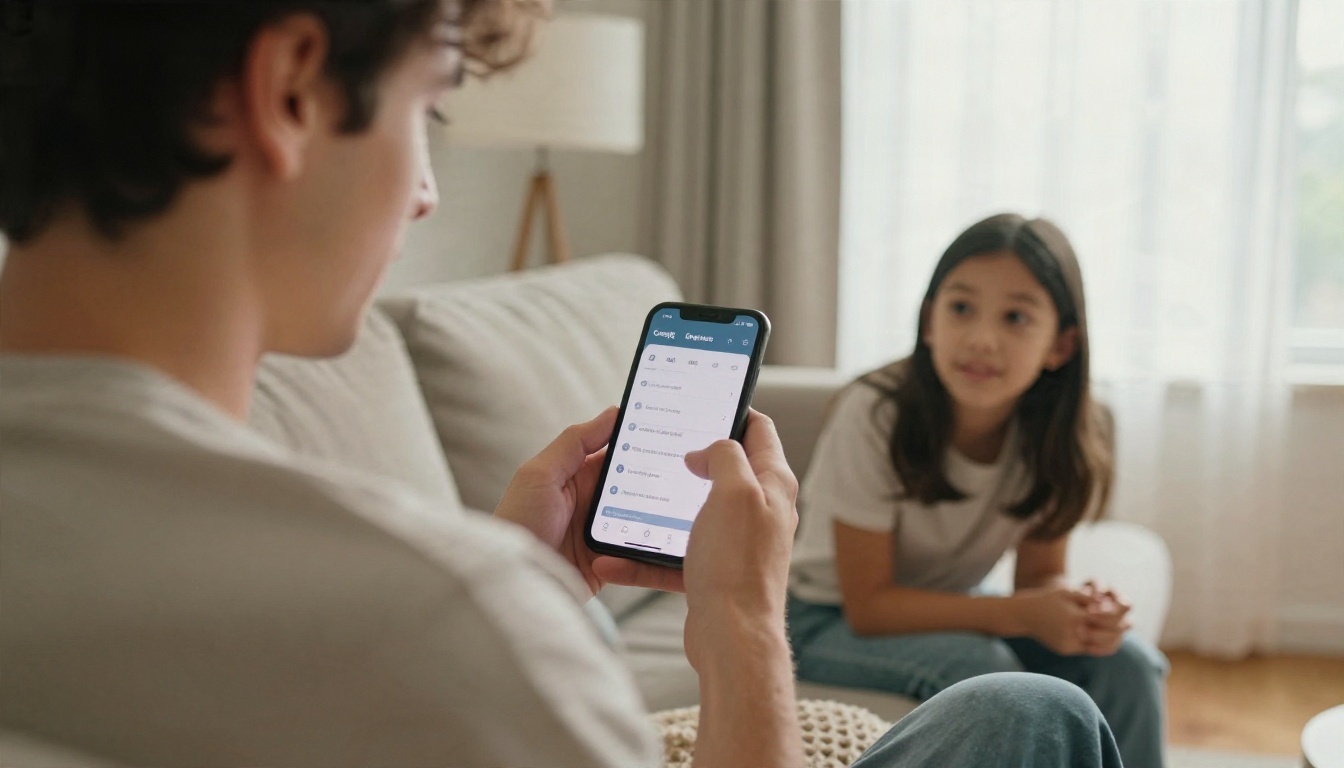
A soccer, art or coding camp customizes the template around its activity. A soccer camp adds a gear list (cleats, shin guards), weather policies and a skills assessment form. An art camp adds a supply fee note and a showcase date. The structure stays the same, so parents always know where to look.
| Camp type | Typical length | Extra pages to add | Biggest parent question |
|---|
| Day camp | 6 to 8 pages | Parking map, pickup authorization | "Who will have my child at 3 PM?" |
| Overnight camp | 10 to 14 pages | Cabin life, mail policy, homesickness | "What if my child is unhappy?" |
| Specialty camp | 8 to 10 pages | Gear list, skill levels, showcase | "What does my child need to bring?" |
How to Build It with Flipbooks AI
Once your packet exists as a PDF, you can turn it into a page-turning digital version in a few minutes. Use the PDF to Flipbook Converter for the quick route, or browse all flipbook tools if you want something more specific, such as the School Newsletter Creator for your mid-session updates or the Event Program Maker for the closing showcase.
Upload Your PDF
- Go to Flipbooks AI and create an account.
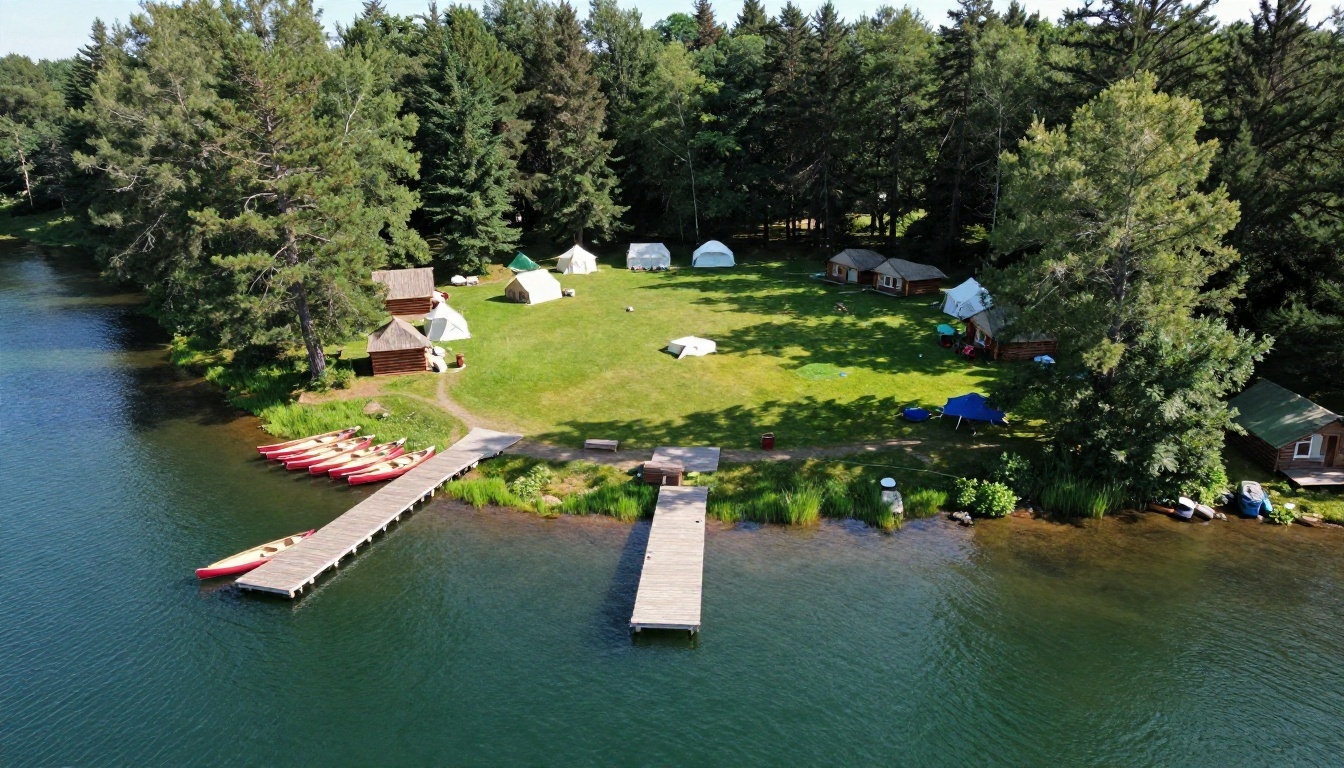
- Click to start a new flipbook and upload your packet PDF. Conversion takes a few seconds, and your pages become a realistic page-turn viewer.
- Check the page order and zoom in on the packing list and phone numbers to confirm they are readable on a small screen.
Brand and Customize
- Add your camp logo and pick background colors that match your camp's palette (forest green and sky blue work well).
- Choose a page-flip effect and a cover thumbnail so the link looks inviting in email previews.
- Embed a short welcome video from the director or a slideshow of last summer's photos. Video tends to calm nervous parents faster than text.
- Add clickable links to your forms page, your payment portal and your map.
Share and Track
- Copy the direct link and add it to your confirmation email, or use the embed option to place the packet on your registration page.
- Turn on password protection if you want only registered families to see the packet, which is useful when it contains staff phone numbers.
- Download the PDF for the few families who still want a printed copy.
- On the Professional plan, use analytics to see how many families opened the packet and which pages they read, and lead generation to collect contact details from prospective families on your public version. Check the pricing plans for details.
Because there are no watermarks, the packet looks like your camp's own publication. And when a schedule changes, you update the file and keep the same link, so nobody holds an outdated copy.
💡 Pro tip: Send the link twice: once with the confirmation email and again one week before the start date with the subject line "Your camp packet and one-week checklist."
Mistakes to Avoid
Even well-intended packets can backfire. Watch for these five.
- Too long: Anything over 14 pages will be skimmed. Move policies to a linked page.
- Jargon and acronyms: Parents may not know what "CIT" or "ADL" means. Spell it out.
- Buried contact numbers: Put the emergency number on its own page and again on the last page.
- Outdated details: A wrong pick-up time is worse than none. Use a digital link so changes appear instantly.
- No visuals: A wall of text feels cold. Add real photos of your site, staff and activities.
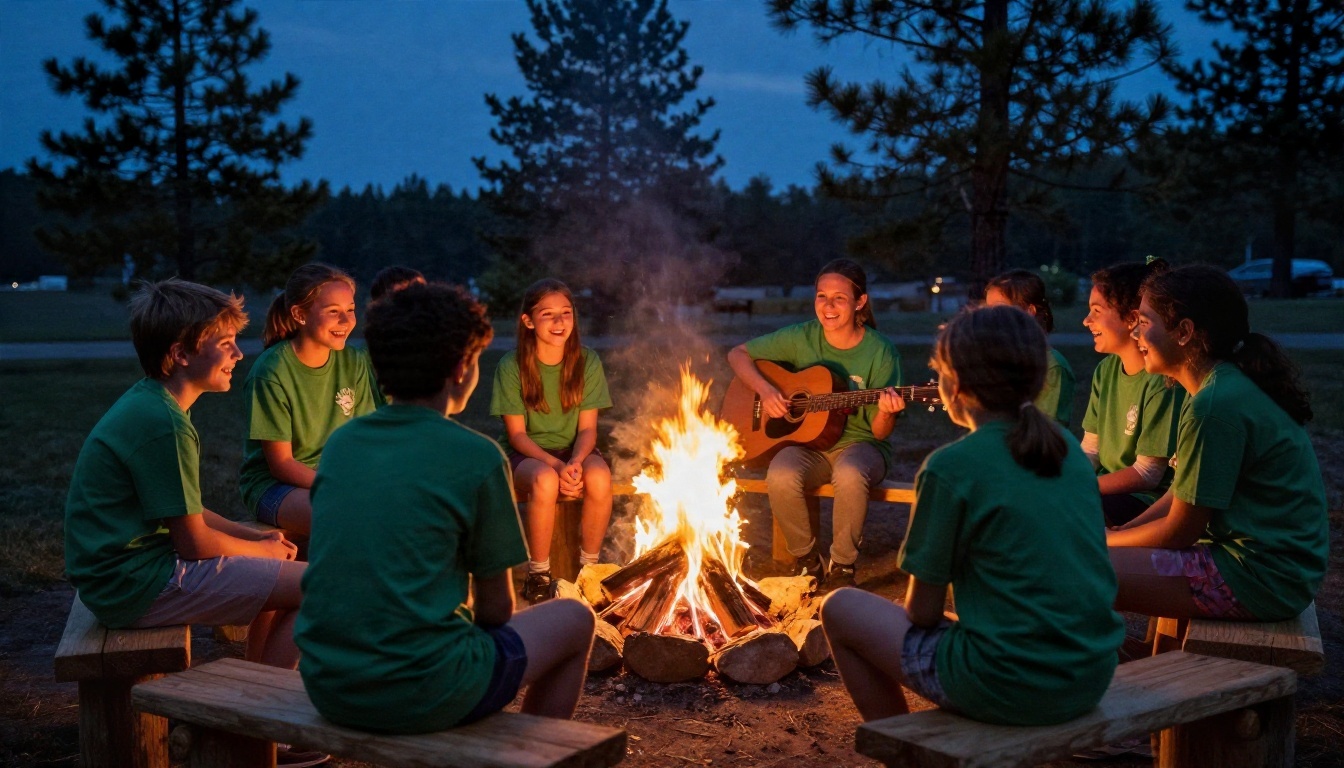
Photos deserve special care. Use real images of your own camp rather than stock pictures, and make sure you have photo permission for every child shown. A shot of the campfire circle or the lake dock does more to reassure parents than three paragraphs of description.
Send It and Relax
Your packet does not need to be perfect. It needs to answer the real questions, look professional and reach families before they start worrying. Start with the template above, adapt the welcome letter to your own voice, and publish it as a flipbook that works on every phone.
Ready to build yours? Create your free account on Flipbooks AI, try the PDF to Flipbook Converter, and browse the full set of tools and templates. When you are ready for analytics and password protection, compare the plans and choose what suits your camp.



