Tenant Welcome Packet Template: What to Include, Free Word Version and Examples
A practical look at the tenant welcome packet: what belongs inside, a free paste-ready Word template, examples for single units, apartment buildings and student rentals, and how to turn it into a shareable digital flipbook.
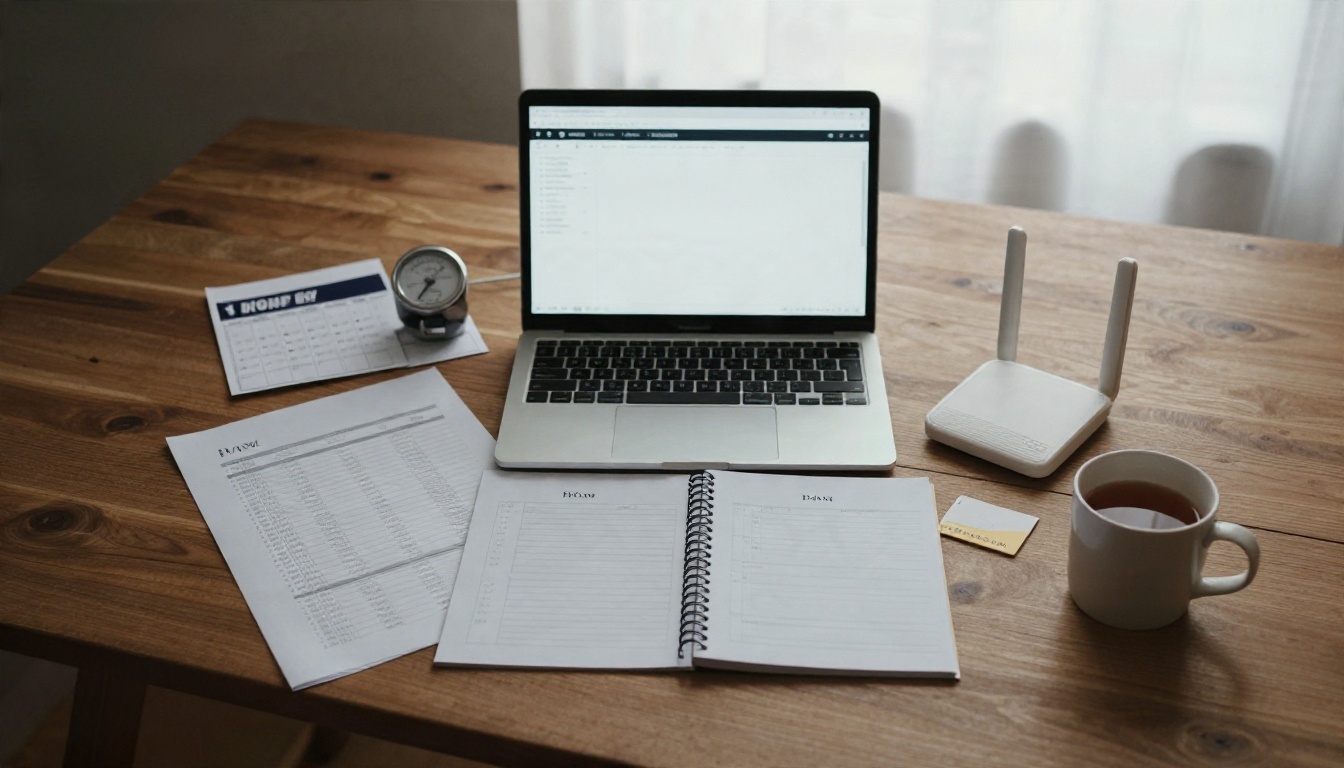
It is 9 p.m. on move-in day. Your new tenant cannot find the trash schedule, does not know which parking spot is theirs, and the Wi-Fi password is somewhere in an email thread from three weeks ago. So they text you. Then they text you again tomorrow. A tenant welcome packet stops that loop before it starts, and with a tool like Flipbooks AI you can turn a plain Word document into a page-turning digital booklet that tenants actually open.
This article shows exactly what to put in a welcome packet, gives you a free Word template you can copy and paste, walks through real examples for different property types, and explains how to publish the finished packet as a flipbook.
Why a Welcome Packet Pays Off
A welcome packet is a short, friendly document handed to a tenant at or just before move-in. It collects everything a new resident needs in one place: contacts, rules, schedules, and a few local tips.
Fewer Calls, Faster Move-Ins
Most "urgent" tenant messages in the first month are not emergencies. They are where is it and how do I questions. A good packet answers those before they become texts.
Fewer repeat questions about parking, laundry, trash, and rent payment
Clear expectations on noise, guests, pets, and maintenance requests
A better first impression, which tends to carry into lease renewals
A paper trail showing you shared the rules, handy if a dispute comes up later
💡 Pro tip: Track how many "basic question" messages you get in the first 30 days. After you start sending a packet, that number is the easiest way to see whether it works.
Who Needs One
Every landlord benefits, but the payoff grows with the number of units and the rate of turnover.
Property type
Main benefit of a packet
Typical length
Single-family rental
Sets maintenance and yard expectations
3 to 5 pages
Apartment building
Shares shared-space rules and amenity details
6 to 10 pages
Student housing
Handles high turnover and first-time renters
5 to 8 pages
Short-term rental
Replaces in-person check-in
2 to 4 pages
Property management company
Keeps every building consistent
8 to 12 pages
What to Include in the Packet
You do not need forty pages. You need the right pages. Think of the packet as the answer sheet to the first thirty days of living in the unit.
The Essentials
These sections belong in almost every packet.
Section
What to put in it
Priority
Welcome letter
Short, warm note from you or your team
High
Contact directory
Office hours, phone, email, after-hours emergency line
High
Rent payment
Due date, accepted methods, late fee policy, portal link
High
Maintenance requests
How to submit, expected response time, what counts as an emergency
High
Move-in checklist
Condition report, photo instructions, deadline to return it
High
Utilities
Which accounts to open, provider names, internet options
High
House rules
Quiet hours, guests, smoking, pets, balcony use
High
Trash and recycling
Pickup days, bin location, bulk item rules
Medium
Parking
Assigned spot, guest parking, towing policy
Medium
Laundry and amenities
Hours, booking, how machines are paid for
Medium
Safety information
Fire exits, smoke detector tests, shutoff valves
High
Local area
Grocery, pharmacy, transit, clinics
Low
Nice-to-Have Extras
Once the basics are done, small touches make the packet feel like a welcome and not a rulebook.
A neighborhood map with your favorite coffee shop and the nearest hardware store
A seasonal care list, for example how to prevent frozen pipes or when to change HVAC filters
Recycling photo tips showing what goes in which bin
Local discount cards or partner offers from nearby businesses
A short FAQ built from the real questions your last five tenants asked
What to Leave Out
Resist the urge to paste the whole lease into the packet. The lease is the legal document. The packet is the friendly summary that points back to it.
⚠️ Warning: Do not restate legal terms in your own words if they conflict with the lease. Link or refer to the relevant lease section instead, and have a local professional review any rules that vary by state or city.
Free Word Template You Can Copy
Here is a paste-ready outline for a standard residential packet. Copy it into a blank Word document, replace the bracketed text, and delete anything that does not apply to your property.
Paste-Ready Template Text
WELCOME TO [PROPERTY NAME]

Dear [Tenant Name],
Welcome home! We are glad you chose [Property Name]. This packet
has the details you will need during your first weeks. If something
is missing, call us and we will add it.

1. YOUR CONTACTS
Property manager: [Name], [Phone], [Email]
Office hours: [Days and times]
After-hours emergencies: [Phone]
Maintenance requests: [Portal link or email]

2. MOVE-IN CHECKLIST
[ ] Return the signed condition report by [Date]
[ ] Take dated photos of each room
[ ] Set up electricity and gas accounts in your name
[ ] Set up internet and renter's insurance
[ ] Test every smoke and carbon monoxide detector
[ ] Confirm your parking spot and mailbox number

3. PAYING RENT
Due date: [Day of month]
Grace period: [Days]
Accepted methods: [Portal / Bank transfer / Check]
Late fee: [Amount, as stated in your lease]

4. MAINTENANCE
Routine requests: submit through [Portal]. Typical response: [Time].
Emergencies (flooding, no heat, gas smell): call [Emergency Phone].

5. HOUSE RULES
Quiet hours: [Time] to [Time]
Guests: [Rule]
Pets: [Rule]
Smoking: [Rule]
Balconies and shared spaces: [Rule]

6. TRASH, RECYCLING AND PARKING
Trash pickup: [Days]. Recycling pickup: [Days].
Bins are located at: [Location]
Parking: [Spot number and guest rules]

7. AMENITIES
Laundry: [Location, hours, payment]
Gym / Pool / Storage: [Details]

8. SAFETY
Fire exits: [Location]
Water shutoff: [Location]
Electrical panel: [Location]

9. AROUND THE NEIGHBORHOOD
Grocery: [Name, distance]
Pharmacy: [Name, distance]
Transit: [Lines and stops]

10. FROM US TO YOU
[Personal note and sign-off]
Customizing in Word
Word is a fine place to draft, and a few habits make the result look professional.
Use heading styles for each numbered section so the table of contents builds itself.
Keep fonts to two, one for headings and one for body text.
Add your logo and a single accent color that matches your leasing materials.
Insert real photos of the building, the mailbox area, and the bin location.
Export to PDF once it is final, so the layout never shifts on a tenant's phone.
✅ Best practice: Write at an eighth-grade reading level. Short sentences and bullet lists beat dense paragraphs, especially for tenants reading on a phone.
Welcome Packet Examples
Layout and tone change with the property. Here are three realistic setups.
Small Landlord, Single Unit
A landlord with a duplex keeps it simple: a one-page welcome letter, a one-page contact and rent sheet, a one-page checklist, and a one-page home reference (shutoff valves, breaker panel, thermostat tips). Total: four pages. The tone is personal, and the landlord often adds a handwritten line at the bottom.
Multifamily Building
A 60-unit building needs more structure. The packet includes a building map, amenity booking rules, package room instructions, elevator reservation for moves, and a clear table of quiet hours. Because the same packet goes to many tenants, a digital version saves printing and lets the office update one file when rules change.
Short-Term and Student Rentals
For short stays, the packet works as a check-in guide: Wi-Fi, door access, appliance tips, checkout steps, and a short list of nearby food. For student rentals, add a roommate section covering shared bills, cleaning schedules, and how to report maintenance as a group.
Example
Format
Update frequency
Best sent
Duplex landlord
Printed folder plus PDF
Once a year
At lease signing
60-unit building
Digital flipbook
Quarterly
3 days before move-in
Student house
Mobile-friendly PDF
Every semester
With the keys handoff email
Vacation rental
Link in booking message
Each season
Day before arrival
Word, Print, or Flipbook?
Where you create the packet and how you deliver it are two different decisions. Word is a great editor. It is not always the best delivery format.
Feature
Word file
Printed folder
Digital flipbook
Easy to edit
Yes
No, must reprint
Yes, re-upload the PDF
Looks good on phones
Often breaks
Not applicable
Yes, mobile-responsive
Cost per tenant
Free
Printing and handling
Free to share
Clickable links and video
Limited
No
Yes
Open tracking
No
No
Yes, with analytics
Password protection
Manual
Not applicable
Yes
Works offline
Yes
Yes
Yes, with downloads
The sweet spot for most managers is simple: draft in Word, export to PDF, publish as a flipbook, and keep a printed copy in the unit for tenants who like paper.
How to Create It with Flipbooks AI
If you already have your packet as a PDF, turning it into an interactive booklet takes a few minutes. The PDF to Flipbook Converter handles the conversion, and the Real Estate Brochure Creator is a good fit for property-focused layouts.
Step-by-Step Setup
Create an account. Go to Flipbooks AI and sign up.
Export your Word packet to PDF. In Word, choose Save As, then PDF.
Upload the PDF. Drag it into your dashboard. The platform converts each page into a flipbook page with realistic page-turning.
Apply your branding. Add your logo, pick colors that match your property, and choose a background. There are no watermarks on your finished flipbook.
Add multimedia. Embed a short video tour of the laundry room, an audio welcome message, or a link to your tenant portal.
Preview on mobile. Most tenants will open it on a phone, so check every page.
Publish and share. Copy the direct link, or use an embed code to place it on your property website. The Embed Flipbook on Website page explains the options.
💡 Pro tip: Put the link in three places: the lease-signing email, the move-in day text, and a QR code on the inside of the front door.
Sharing and Privacy
A welcome packet often includes the Wi-Fi password, door codes, or the emergency number. That is not for the public internet. Use password protection so only residents can open the flipbook, and share the password separately from the link.
On the Professional plan, you can see how often each flipbook is opened and collect contact details through lead generation forms, handy if you also use the packet as a pre-leasing brochure for applicants. Tenants can also download the packet for offline use, which helps when the building Wi-Fi is down or the signal is poor in the basement unit. Check the pricing page to see which plan fits your portfolio, and browse all flipbook tools for other property documents.
Plan feature
Why it matters for landlords
Unlimited flipbooks (Standard and above)
One packet per building or per unit type
Password protection
Keeps door codes and Wi-Fi details private
Analytics (Professional)
Shows whether tenants opened the packet
Lead generation (Professional)
Captures applicant details from a pre-lease packet
Offline downloads
Helps in low-signal buildings
Custom branding
Matches your management company's look
Mistakes That Make Packets Useless
Even a well-written packet fails if it is handled badly. These are the most common problems.
Sending it too late. A packet delivered two weeks after move-in answers questions nobody is asking anymore. Send it before the tenant arrives.
Burying the emergency number. Put it on page one, in bold, and again on the last page.
Writing like a lawyer. Friendly plain language gets read. Legalese gets skipped.
Never updating it. Wrong phone numbers and old rules are worse than no packet. Set a calendar reminder to review it every quarter.
Using only paper. Tenants lose paper. A link stays in their message history.
Skipping the welcome. A packet that opens with rules feels like a warning. Open with a warm note.
✅ Best practice: Ask your next three tenants what was missing. Add those answers to the packet, and you will build a reference that gets better with every move-in.
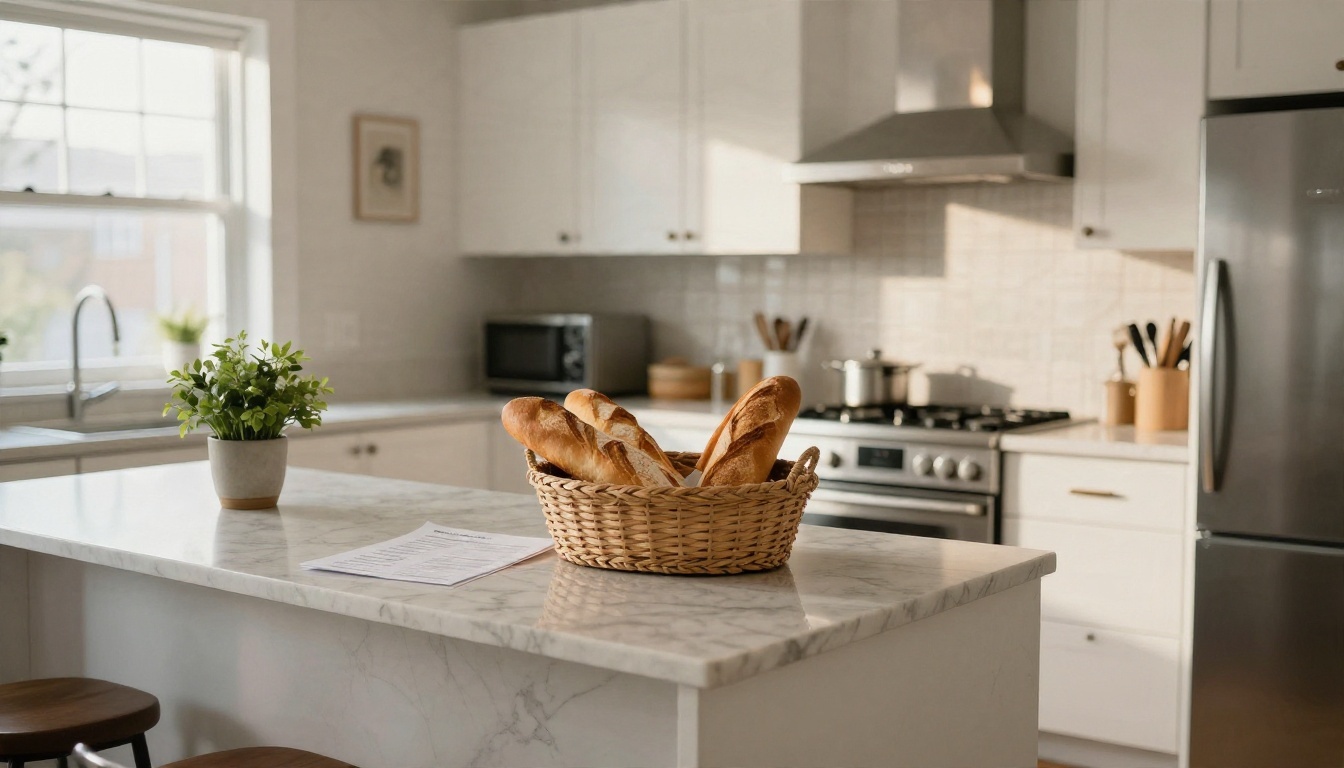
A small physical gesture helps too. A welcome basket with bread, a plant, and a printed card with the flipbook link pairs the digital packet with a human moment on the counter when they walk in.
Ready to Send Yours?
You now have the contents list, a free Word template, and three examples to adapt. The last step is to publish it somewhere tenants will actually find it.