You can now describe a brochure in two or three sentences and get a laid-out draft back in under a minute. That part is genuinely easy. The hard part comes after: writing a prompt that produces something usable, knowing what the free version will and will not let you do, and getting the finished file in front of customers without emailing a heavy attachment. This article walks through all three, and shows how to turn the result into a clean, page-turning link with Flipbooks AI.
Whether you run a café, manage a small hotel, or sell houses, the workflow is the same: prompt, refine, export, publish. Let's go step by step.
What Text to Brochure AI Does
A text to brochure tool takes a written description and produces a multi-panel layout: headline, body copy, image placeholders or generated images, and a call to action. Think of it as a first draft machine. It will not replace a brand designer, but it will get a local business from blank page to a presentable draft in minutes.

How the Process Works
Most tools follow the same four stages:
- You write a prompt describing the business, audience, tone, and sections.
- The AI drafts the copy and proposes a layout (tri-fold, bi-fold, single page, or multi-page).
- You edit text, swap images, and adjust colors.
- You export a PDF or image file.
The export is where most free tools stop. A PDF is fine for printing, but for the web it is clunky. That is the gap a flipbook fills, and we will get to it shortly.
Who Gets the Most Out of It
- Small restaurants and cafés that need a menu-style brochure for events.
- Independent hotels and guesthouses that want a room and amenities overview.
- Real estate agents producing a listing brochure for every new property.
- Freelancers and consultants who need a one-page services sheet.
- Event organizers building a quick program for a single weekend.
💡 Pro tip: If you produce more than two or three brochures a month, a repeatable prompt template saves more time than any single design feature.
Prompts That Actually Work
Vague prompts produce vague brochures. "Make a brochure for my business" gets you generic filler. Specific prompts get specific copy you can use almost as is.
The Four-Part Prompt Formula
Write your prompt in four short parts:
- Who: the business, location, and what makes it different.
- Who for: the reader (families, tourists, first-time buyers, corporate clients).
- What: the sections you need, in order.
- How: tone, length, and format (tri-fold, A4, six pages).
Here is a filled-in version:
"Tri-fold brochure for a family-run Italian restaurant in Austin. Audience: local families and office groups booking private events. Sections: our story, menu highlights, private dining packages, how to book. Warm, friendly tone. Short paragraphs, under 120 words per panel."
That single paragraph gives the AI enough structure to avoid fluff.
Prompt Examples by Industry
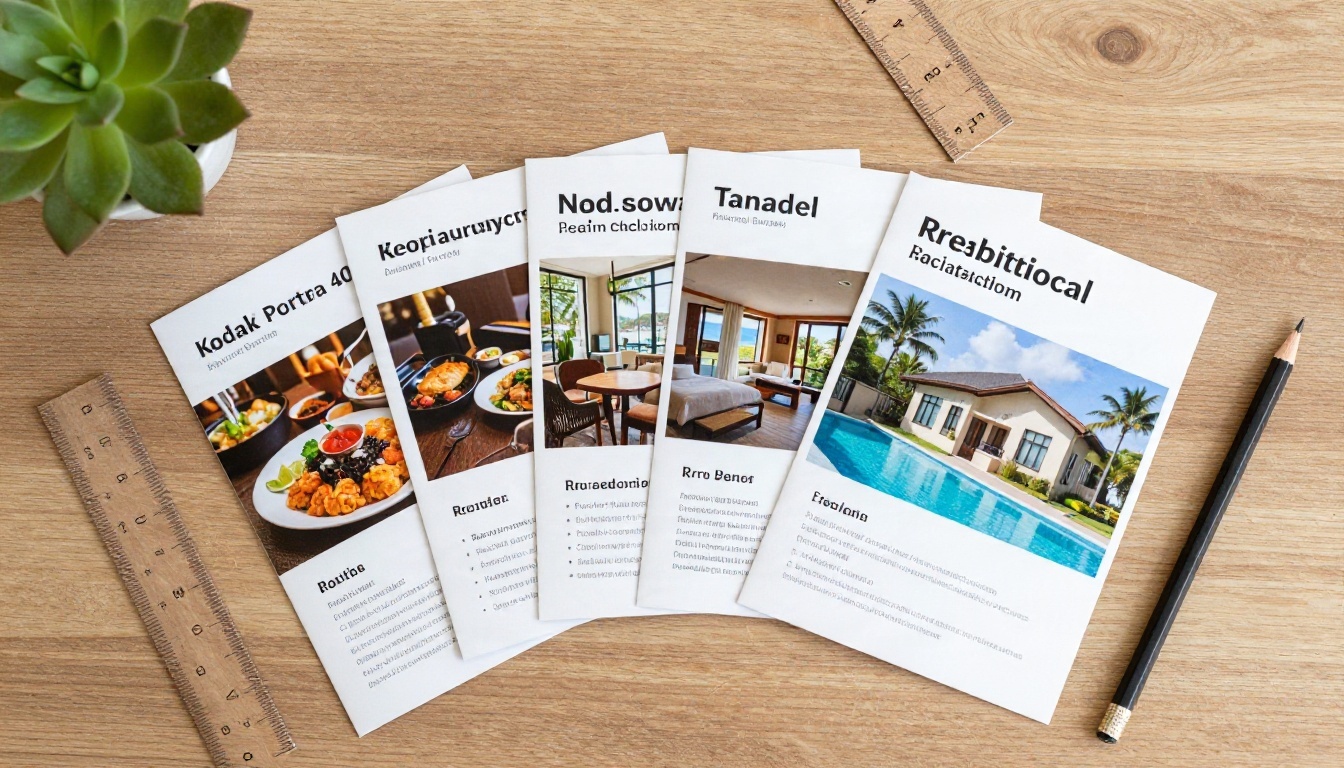
| Industry | Prompt Starter | Sections to Request |
|---|
| Restaurant | "Tri-fold brochure for a wood-fired pizza place, casual and playful." | Story, signature dishes, catering, hours |
| Hotel | "Bi-fold brochure for a 24-room coastal guesthouse, calm and elegant." | Rooms, amenities, nearby sights, booking |
| Real estate | "Single-property brochure for a 3-bedroom townhouse, confident and clear." | Highlights, floor plan notes, neighborhood, agent contact |
| Consulting | "One-page services brochure for a bookkeeping freelancer, professional." | Services, process, pricing approach, contact |
| Events | "Six-page program for a two-day craft fair, upbeat and informative." | Schedule, vendors, map notes, sponsors |
Common Prompt Mistakes
⚠️ Watch out for these:
- No audience. The AI defaults to a generic "customer" and writes bland copy.
- No length limit. You get long paragraphs that will not fit a fold.
- Too many goals. A brochure that sells, informs, and recruits does none of them well.
- Invented facts. If you do not supply prices, hours, or addresses, the AI may make them up. Always check every number.
Brochure Examples Worth Copying
Good examples show structure more than style. Here are three patterns that work well from a single prompt.
The Restaurant Event Brochure
A private-dining brochure usually needs just four things: a short story, three menu highlights, a package price range, and a booking method. Ask the AI for a warm, confident tone and request one sentence per dish. Then add your own photos of real food. Real photos always beat generated ones for restaurants.
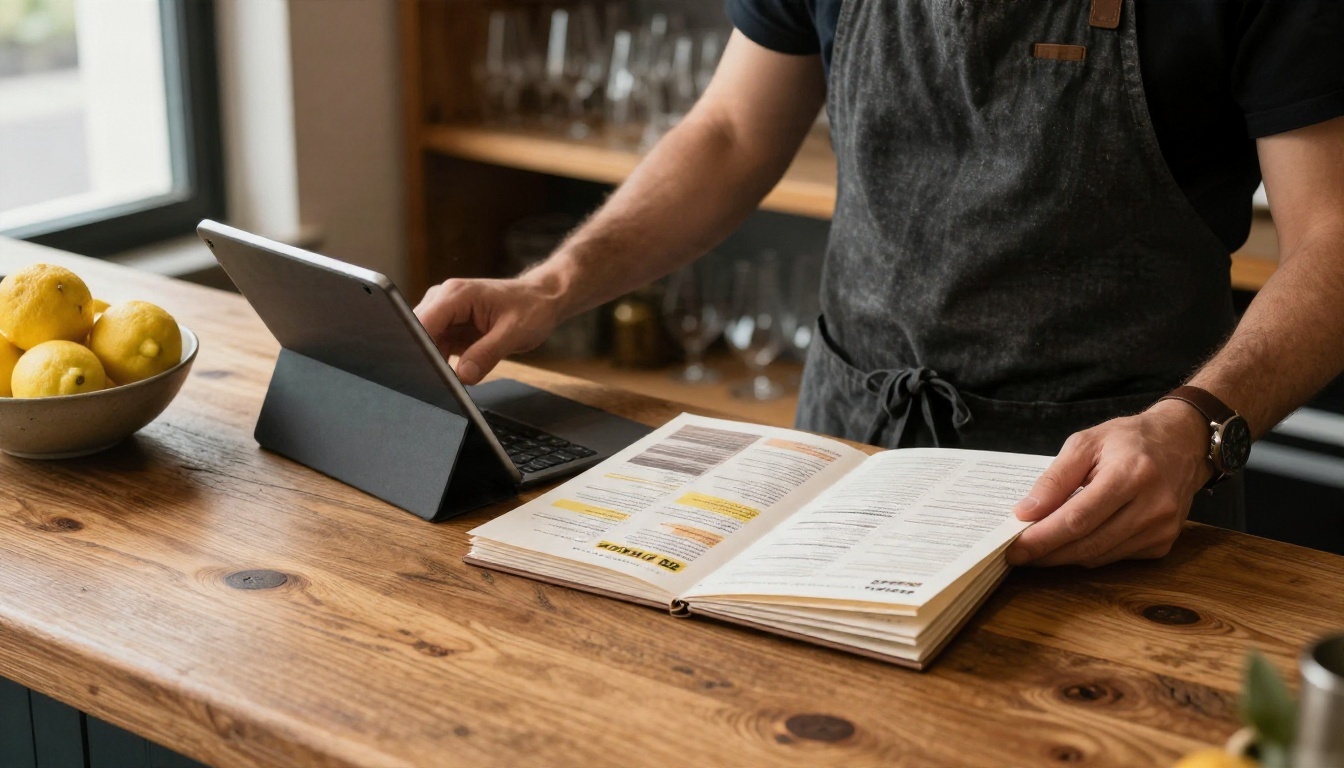
If you want a layout built specifically for dining, try the Restaurant Menu Creator once your text is ready.
The Hotel Welcome Brochure
Hotels benefit from a brochure that guests can read on their phone before arrival and on paper at the desk. Ask for room types, check-in details, local recommendations, and a short "good to know" panel covering Wi-Fi, parking, and quiet hours. The Hotel Brochure Designer fits this format well.

The Real Estate Listing Brochure
An agent can generate a first draft from a bullet list of features: bedrooms, lot size, renovations, school district. The AI is good at turning dry specs into readable paragraphs. You supply the photos and the legal details. For a ready-made layout, see the Real Estate Brochure Creator.

✅ Best practice: Keep one fact per sentence in listing copy. It scans faster and gives buyers fewer reasons to misread something.
Free Limits You Should Expect
"Free" means different things on different platforms. Rather than quote exact numbers that change often, here are the limits that most free text-to-brochure tools impose. Always check the current terms on the tool you pick.
Typical Free Tier Caps
| Limit | What It Usually Means | How to Work Around It |
|---|
| Generation credits | A small number of drafts per day or month | Write a stronger first prompt to avoid reruns |
| Watermarks | A logo or badge on the exported file | Check export terms before you design |
| Export resolution | Lower quality PDF or image | Fine for screens, risky for print |
| Page count | Short brochures only | Split long content into two documents |
| Image generation | Limited or stock-only images | Use your own photos |
| Commercial use | Sometimes restricted | Read the license before publishing |
| Sharing | Download only, no hosted link | Publish the PDF as a flipbook |
The last row matters most for this article. Many free generators give you a file and nothing else. Sharing is your problem.
Print vs Screen Quality
A brochure for screens only needs about 150 DPI. A brochure for a print shop wants 300 DPI plus bleed margins. Free exports are often screen quality. If you plan to print, test one copy before ordering a hundred.
⚠️ Heads up: Text that looks sharp on a laptop can look soft on paper. Print a single test page at actual size before committing.
How to Share Your Brochure Online
Here is where a flipbook helps. Instead of sending a PDF that people must download, you publish it as a page-turning web view with its own link. Readers open it in a browser, flip pages on a phone, and never see a download prompt.
Step 1: Export Your PDF
From your text-to-brochure tool, export the finished design as a PDF. If you have the choice, pick the highest quality setting and keep the pages in reading order.
Step 2: Upload to Flipbooks AI
Go to Flipbooks AI and create an account. Then upload your PDF using the PDF to Flipbook Converter. The platform converts each page into a flippable spread within moments.
Step 3: Customize the Look
Once the conversion finishes, you can:
- Add your custom branding and logo.
- Pick background colors that match your brochure.
- Adjust page effects such as the turning animation.
- Embed videos and audio for a richer experience, such as a short welcome clip for a hotel.
Every flipbook is mobile-responsive and there are no watermarks, so the result looks like it belongs to your business.
Step 4: Pick Your Sharing Method
You get several ways to publish. The table below compares them.
| Method | Best For | Notes |
|---|
| Direct link | Email, SMS, social posts | Fastest option, works anywhere |
| Embed code | Your own website | Use the Embed Flipbook on Website tool |
| Password protection | Private offers, client proposals | Keeps the brochure limited to people you choose |
| Offline download | Trade shows, poor connectivity | Readers keep a copy on their device |
| QR code on print | Linking paper to the digital version | Place on flyers, table cards, or posters |
Step 5: Pro Features for Tracking
On the Professional plan, you get analytics and lead generation. You can see how many people opened the brochure and gather contact details from interested readers. Review the current options on the pricing page. The Standard plan and above also allow unlimited flipbooks, which suits anyone producing brochures regularly.
💡 Pro tip: Use a separate flipbook link for each channel (Instagram, email, trade show). Then you can tell which one actually brings readers.
Free generators and flipbook publishing solve different problems. This table shows where each one fits.
| Feature | Free Text-to-Brochure Tool | Flipbook Publishing |
|---|
| Writes the draft | Yes | No, you upload a finished PDF |
| Layout editing | Basic | Branding and page effects |
| Hosted link | Rarely | Yes |
| Embed on website | Rarely | Yes |
| Password protection | No | Yes |
| Analytics | No | Yes, Professional plan |
| Mobile reading | Depends on file | Responsive by default |
Use both. Let the AI draft, then let a flipbook do the delivery.
Mistakes That Waste Time
Skipping the Fact Check
AI writes with confidence, even when it is wrong. Check prices, dates, addresses, phone numbers, and opening hours line by line. One wrong digit in a phone number costs more than the hour you saved.
Overloading Each Page
A brochure panel is small. If a panel holds more than about 100 words, readers skip it. Ask the AI to cut, then cut again.
Forgetting the Call to Action
Every brochure should end with one clear next step: book a table, request a viewing, call this number. Put it on the last panel and repeat it as a link in your flipbook.
Sending Large Attachments
A 25 MB PDF can bounce from inboxes or load slowly on mobile data. A flipbook link is a few characters and loads page by page.
Ignoring the Final Read on a Phone
Most readers will open your brochure on a phone. Before you share it, open the link on your own device and flip through every page.
A Quick Checklist Before You Publish
Ready to Publish Yours?
You do not need a design team to put a polished brochure in front of customers. Write a focused prompt, edit the draft, export a PDF, and turn it into a link people can open in one tap.
Your next brochure can be live before your coffee gets cold.



