Picking the wrong flipbook platform is an expensive mistake. You commit, upload your content, and then hit a wall: no custom branding, weak mobile performance, or analytics locked behind an enterprise paywall. Flipbooks AI has made this process much more straightforward, but it is still worth knowing exactly what to look for before you sign up anywhere.
This breakdown covers the 10 features that separate a platform worth using from one that wastes your time.
Why These Features Actually Matter
Not all flipbook tools offer the same depth. Some are glorified PDF viewers with a page-turn effect. Others are full publishing platforms with analytics, lead capture, password protection, and multimedia embedding. The difference between them is significant, especially if you are producing content professionally.
Before you commit to a subscription, run through this checklist.
The Real Cost of Choosing Wrong
Switching platforms mid-project means reformatting content, migrating links, and potentially losing SEO traction if you have embedded flipbooks externally. A 15-minute evaluation upfront saves weeks of rework later.
#1 PDF to Flipbook Conversion Quality
The foundation of any flipbook platform is how well it converts your PDF. Fonts should render crisply, images should stay sharp, and the layout should not drift from the original.
What to check:
- Does it preserve vector graphics?
- Are multi-column text layouts handled correctly?
- How does it handle PDFs with embedded fonts?
- Is there a page limit on free or standard plans?
⚠️ Some platforms compress images aggressively during conversion, which degrades the reading experience significantly for design-heavy publications like fashion catalogs or product brochures.
Flipbooks AI handles high-resolution PDFs without compression artifacts, which matters for anything visually demanding. The PDF to Flipbook Converter is built specifically for clean, accurate conversion with no quality loss.
#2 Page Animation and Reading Experience
The page-flip animation is the signature of this format. But not all animations are created equal.
Features that separate good from mediocre:
- Smooth, physics-based page curl
- Fast page rendering on scroll or swipe
- Keyboard navigation support (arrow keys, spacebar)
- Zoom functionality without pixelation
- Full-screen reading mode
A sluggish page turn or janky zoom ruins the reader experience immediately. Test the animation on both desktop and mobile before committing to any platform.
#3 Custom Branding and White-Label Options
If you are using a flipbook platform professionally, your reader should see your brand, not the platform's watermark.
Branding Control Matters
Branding features to look for:
- Custom logo placement on the flipbook toolbar
- Custom domain support for shared links
- Branded cover pages with your color scheme
- Removal of platform attribution (no "Powered by X" footers)
- Custom color themes for the reading interface
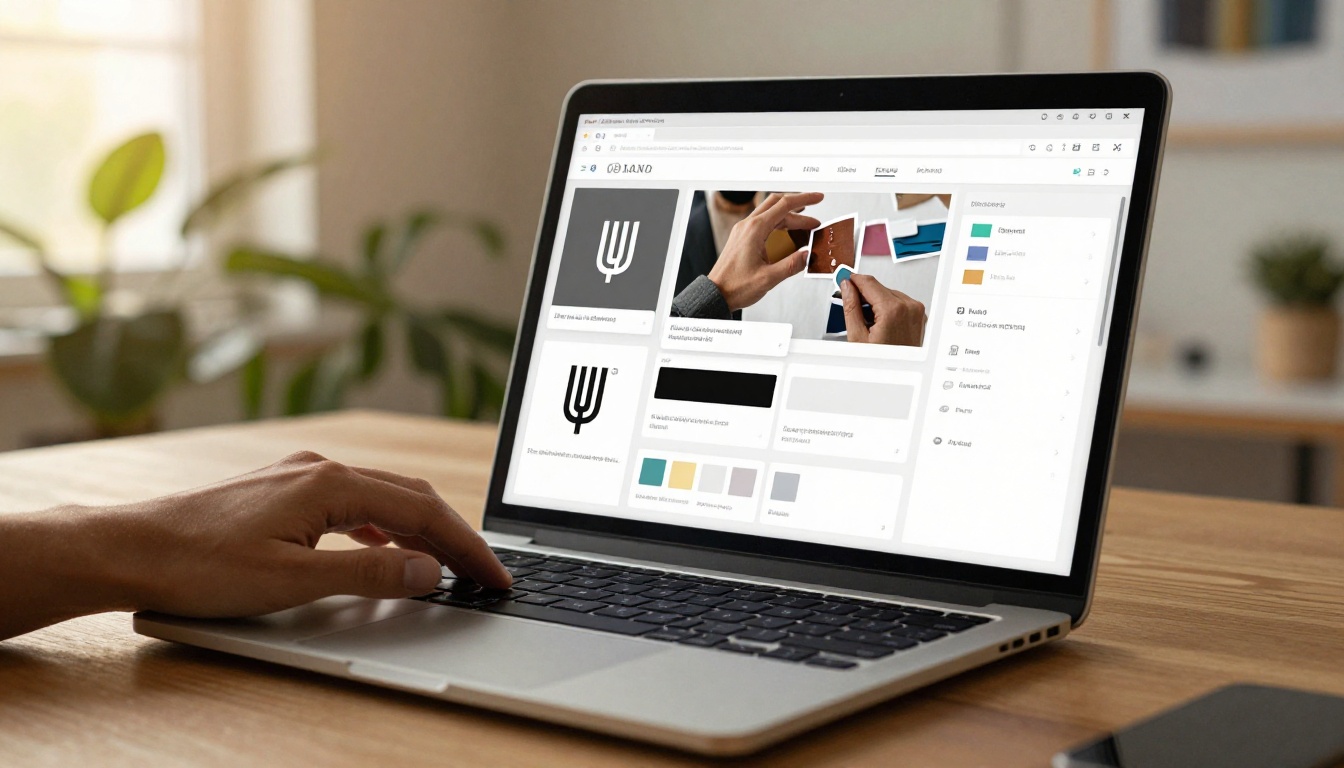
💡 White-label capability is often restricted to higher-tier plans. Check whether the platform charges extra for watermark removal or if it is included from the start.
Flipbooks AI removes watermarks across all paid plans, with no extra fee for branding control. This is one of the clearest differentiators when comparing platforms head to head.
| Feature | Free Tier | Standard | Professional |
|---|
| Watermark-free | No | Yes | Yes |
| Custom logo | No | Yes | Yes |
| Custom domain | No | No | Yes |
| Brand color theme | No | Yes | Yes |
#4 Mobile Responsiveness
More than half of digital content is consumed on mobile devices. A flipbook that requires pinch-and-zoom to read text on a phone is a broken experience.
Mobile requirements that are non-negotiable:
- Responsive layout that adapts to screen size
- Touch-based page swipe support
- Fast loading on mobile data connections
- Readable default font sizes without zooming
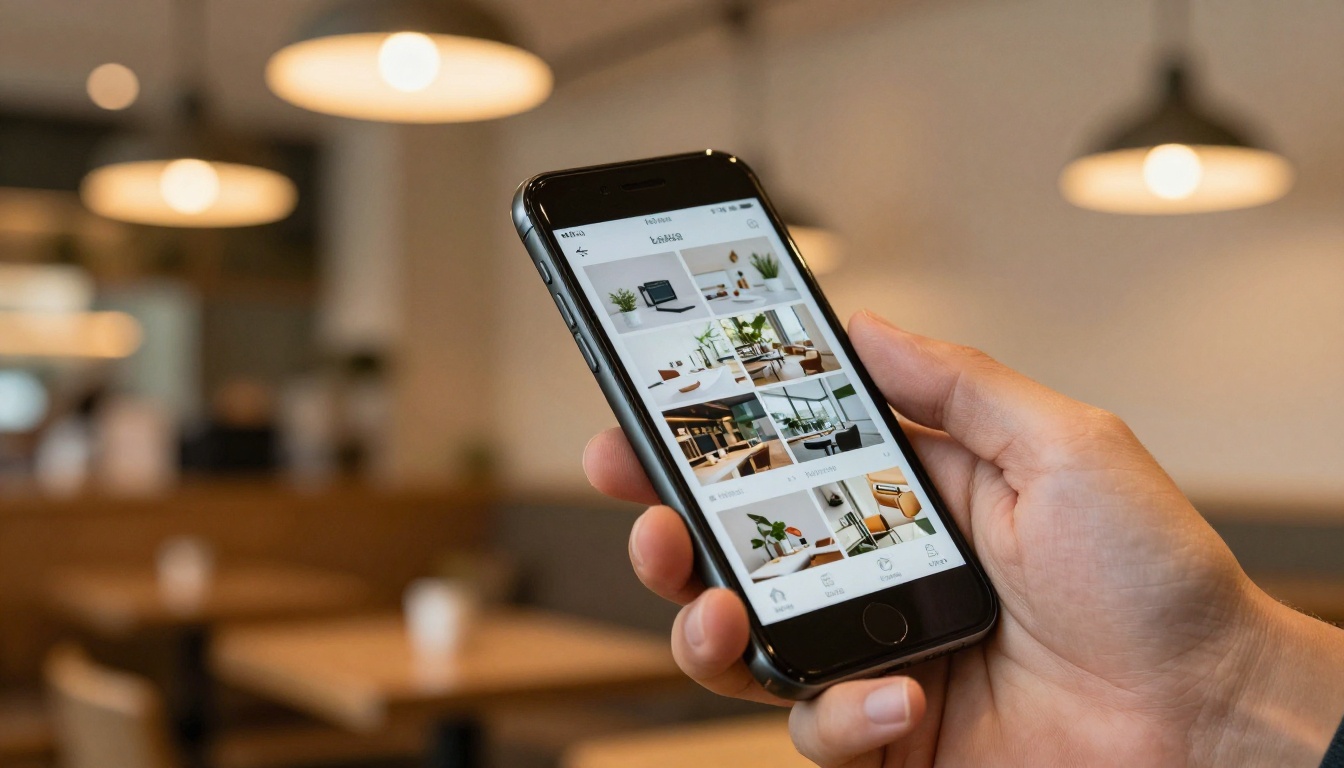
Test any platform you are considering on a real mobile device, not just a desktop browser in responsive mode. The difference is significant.
✅ Best practice: Upload a test PDF and open the flipbook link on your phone before purchasing any plan. This 30-second test will tell you everything about mobile performance.
#5 Password Protection and Privacy Controls
Not every flipbook is meant for the public. Internal reports, client presentations, employee training materials, and exclusive subscriber content all need access controls.
Who Needs This?
- HR teams distributing confidential policy documents
- Agencies sharing draft proposals with clients
- Publishers creating subscriber-only content
- Sales teams using branded pitch decks

Privacy features to evaluate:
- Password protection per flipbook
- Link expiration controls
- Domain restriction (only accessible from your site)
- Viewer-level access control
Flipbooks AI includes password protection on Standard plans and above. You set a password during publish, and anyone attempting to open the link will see a gated entry screen before the content loads.
#6 Embedding and Sharing Capabilities
A flipbook is only useful if it can reach your audience. The platform needs to support multiple distribution channels without breaking or degrading the experience.
Sharing and embedding features to check:
- Embed code (iframe) for website integration
- Direct shareable link
- QR code generation
- Social media sharing buttons
- Email-safe link format

The Embed Flipbook on Website tool makes this process simple. You get a clean embed snippet that renders the full interactive experience inline on any web page, no developer required.
💡 Check whether the embed works on major platforms: WordPress, Webflow, Squarespace, Wix, and Shopify. Not all embed codes are universally compatible with every page builder.
Static PDF content converted to a flipbook is a solid starting point. But the format becomes genuinely powerful when it supports embedded multimedia.
What to Look For
| Media Type | Why It Matters |
|---|
| Embedded video | Product demos, tutorials, brand films |
| Audio playback | Narration, ambient sound, music |
| Clickable hyperlinks | Drive traffic to product pages or CTAs |
| Pop-up text or tooltips | Add explanations without cluttering layout |
| Interactive forms | Collect feedback or sign-ups inline |
Real estate agents benefit from embedding virtual tour videos directly inside property brochures. A restaurant can link from a menu item to a video showing the dish being prepared. These interactions turn a passive document into an active experience.
✅ Best practice: If you are building a Digital Portfolio Creator or Interactive Lookbook Designer, multimedia embedding is not optional. It is the entire point of the format.
#8 Analytics and Visitor Tracking
Publishing content without knowing how it performs is guessing. A platform with built-in analytics tells you what is working and what is not.
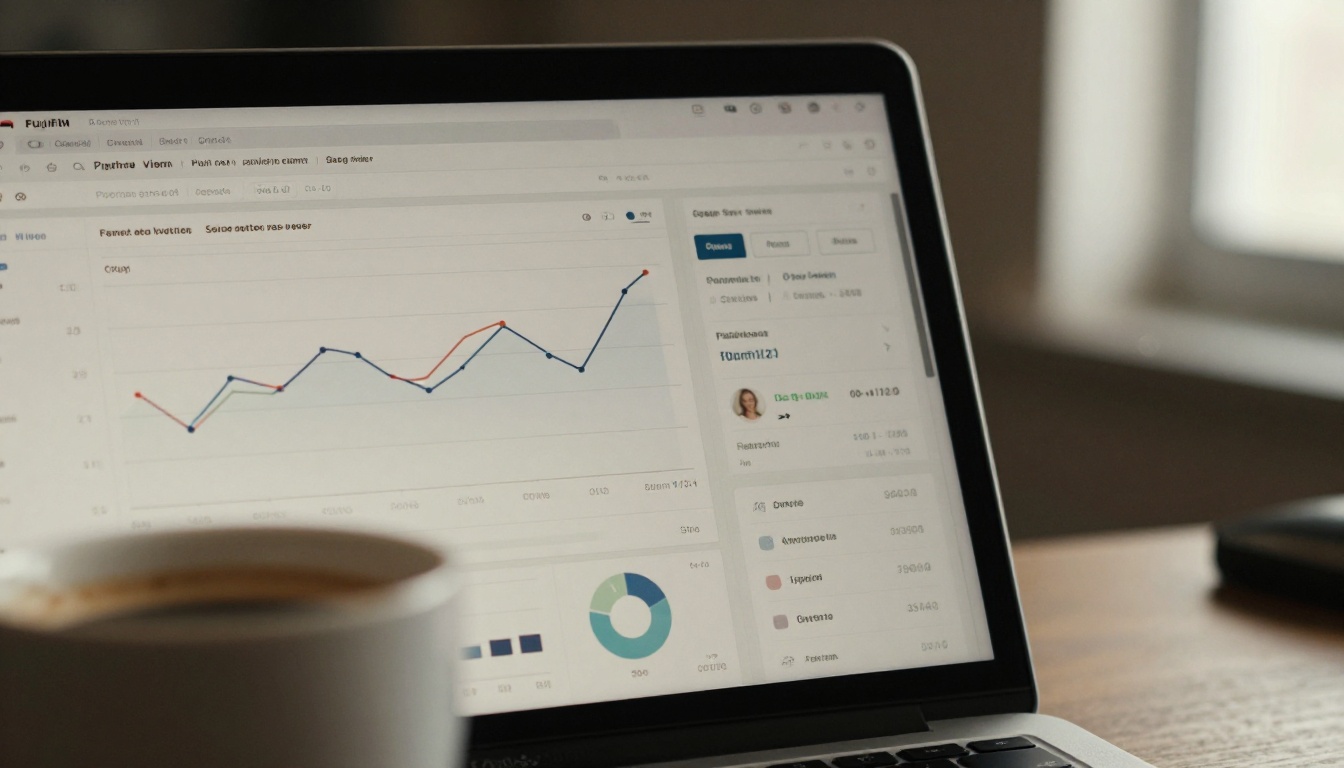
Analytics features worth having:
- Total views and unique visitors
- Time spent per page
- Drop-off points (which pages readers leave on)
- Geographic breakdown by country
- Device type (mobile vs. desktop split)
- Link source tracking (where traffic came from)
This data is especially valuable for sales teams using pitch decks, publishers tracking reader behavior, and marketers measuring content ROI. On Flipbooks AI, analytics are available on the Professional plan, giving you a full picture of how each flipbook performs over time.
This is the feature that separates a content platform from a sales tool. Lead generation turns your flipbook into an active pipeline rather than a passive document.
How It Works
A lead gate appears before or during the reading experience. The reader enters their name and email to continue, and that data feeds directly into your CRM or email list.
Use cases where this matters:
- E-books and reports: Gate a whitepaper behind an email capture form before readers access it
- Catalogs: Collect buyer details from product catalog viewers using the Digital Catalog Maker
- Training materials: Verify who has accessed compliance documents
- Event programs: Capture attendee contact details via the Event Program Maker
⚠️ Lead generation is a Professional-tier feature on most platforms. Confirm it is available before building your funnel around it. Check Flipbooks AI pricing to see exactly what is included at each tier.
#10 Offline Access and Downloads
An internet connection is not always guaranteed. For conferences, travel, and in-person presentations, offline access is critical.

Offline capabilities to look for:
- PDF download option for readers
- Offline reading mode in-browser (cached version)
- Downloadable app or PWA support
- Publisher control over whether downloads are permitted
Real estate agents presenting at open houses, sales reps in client offices, and event coordinators at venues without reliable WiFi all depend on offline access. It is a practical necessity, not a luxury. Flipbooks AI allows publishers to enable or disable PDF downloads per flipbook, giving you control over whether readers can save the content locally.
How to Create a Flipbook on Flipbooks AI
All 10 features above are available directly on the platform. Here is how to put them to work in practice.

Step 1: Create an account
Go to flipbooksai.com/account and sign up. No credit card required for the initial setup.
Step 2: Upload your PDF
From the dashboard, click "New Flipbook" and upload your PDF file. The conversion runs automatically. For a 40-page catalog, this typically takes under 30 seconds.
Step 3: Customize branding
Once converted, open the editor to:
- Upload your logo to the toolbar
- Set brand colors for the reading interface
- Add a custom cover page if needed
- Configure the background and page shadow style
Step 4: Add multimedia (optional)
Inside the editor, click on any page to insert embedded video links, audio clips, or clickable hotspots pointing to external URLs.
Step 5: Configure privacy and sharing
Before publishing:
- Set a password if the flipbook is private
- Enable or disable PDF downloads
- Activate analytics tracking
- Turn on lead capture if you want email collection
Step 6: Publish and distribute
Hit publish, then copy the direct link or embed code. Use the embed snippet to place the flipbook on your website, or share the link via email, social, or QR code.
💡 Use purpose-built tools for faster results: the Fashion Catalog Creator, Hotel Brochure Designer, and Annual Report Creator each include pre-designed templates that cut production time significantly.
Before making a final decision, stack up the features that matter most to your use case.
| Feature | Basic Platforms | Flipbooks AI Standard | Flipbooks AI Professional |
|---|
| PDF conversion | Limited | Unlimited | Unlimited |
| Watermark-free | No | Yes | Yes |
| Custom branding | Partial | Full | Full |
| Password protection | Rare | Yes | Yes |
| Multimedia embedding | Rare | Yes | Yes |
| Embed on website | Yes | Yes | Yes |
| Analytics | No | Basic | Full |
| Lead generation | No | No | Yes |
| Offline downloads | No | Yes | Yes |
| Mobile responsive | Partial | Yes | Yes |
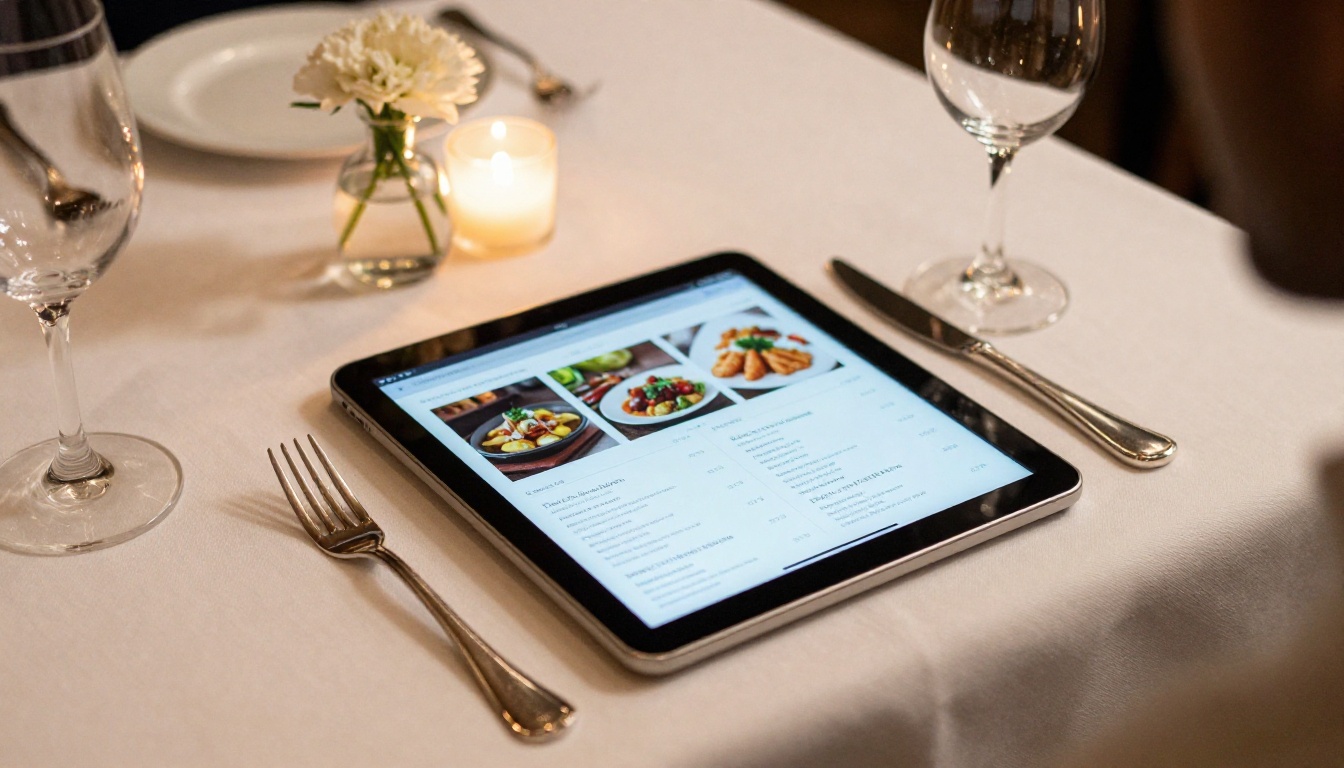
Which Plan Works for You
Use this decision matrix to match your needs to the right tier.
| If you need... | Choose |
|---|
| Personal projects, basic PDF viewing | Free tier |
| Professional content with full branding | Standard |
| Sales funnels, full analytics, lead capture | Professional |
| Unlimited flipbooks with custom domain | Professional |
Most professional use cases land squarely in Standard or Professional territory. The difference in monthly cost is small compared to the value of clean branding and full performance data.
Ready to see these features in action? Create your free account on Flipbooks AI and upload your first PDF in minutes. Browse all available flipbook tools to find templates built for your specific use case, or compare pricing plans to find the tier that fits your workflow.



