Teachers today face a real tension between limited budgets and the pressure to produce digital content that students actually want to read. Printed handouts get lost, static PDFs feel flat, and slideshows have hit their ceiling. Flipbook tools solve this by turning your existing documents into interactive, page-turning digital publications that work beautifully on any device. But not every platform is built with educators in mind. This article ranks the top 3 flipbook makers based on features, classroom usability, and real value for money, so you can stop comparing and start creating with Flipbooks AI.

Before ranking platforms, it's worth being specific about what separates a great educator tool from a generic digital publishing platform. Teachers have distinct requirements: ease of upload, no technical barrier, clean student-facing output, and sharing options that work within school systems.
Features That Matter Most in Classrooms
The best flipbook platforms for teachers share a common set of capabilities:
- Simple PDF-to-flipbook conversion with no design skills required
- Mobile-responsive output so students can read on phones and tablets
- Shareable links with optional password protection for private class materials
- Embedding options for school learning management systems (LMS)
- Custom branding to maintain a professional, school-branded appearance
- Analytics to see which students are actually opening and reading assigned content
💡 Analytics are particularly valuable for teachers who want to verify that students are genuinely reading assigned flipbooks, not just saying they did.
Free vs Paid: What You Actually Get
Every platform in this list offers some free tier, but the gap between free and paid is dramatic. Here's a realistic breakdown:
| Feature | Free Tier (Typical) | Paid Tier |
|---|
| Flipbooks per month | 1-3 | Unlimited |
| Watermarks | Yes | No |
| Custom domain/branding | No | Yes |
| Password protection | No | Yes |
| Analytics | No | Yes |
| Offline downloads | No | Yes |
| Embed on LMS | Limited | Full |
For individual teachers experimenting with digital materials, a free tier is a reasonable starting point. For schools distributing content regularly to hundreds of students, a paid plan quickly becomes essential.

#1 Flipbooks AI: Best Overall for Educators
Flipbooks AI earns the top spot because it was built with simplicity and practicality as its core values. The platform requires zero design experience: you upload a PDF, and within seconds you have a fully functional, beautifully rendered flipbook ready to share. For teachers who are already stretched thin, that frictionless experience matters enormously.
Features Built for Teaching
Flipbooks AI covers every base that matters in an academic environment. The Course Material Publisher and Training Manual Flipbook tools are purpose-built for educational content. The School Newsletter Creator is a favorite among department heads who distribute weekly communications.
Standout features for educators:
- No watermarks, ever, on any plan
- Unlimited flipbooks on Standard plan and above, no caps on content production
- Password protection for restricting access to enrolled students only
- Embed codes for placing flipbooks directly inside Google Classroom, Canvas, or Moodle
- Mobile-responsive design that automatically adjusts for any screen size
- Custom branding with your school's colors and logo
- Offline downloads so students can access materials without an internet connection
- Lead generation and analytics on the Professional plan
✅ The no-watermark policy is a genuine differentiator. Most competitors add a watermark to free and entry-level plans, which looks unprofessional on student-facing materials.
The Yearbook Flipbook Maker deserves a specific mention for schools that want to digitize their annual yearbook without hiring a designer.

Pricing for Schools
Flipbooks AI pricing is structured to accommodate individual teachers and institutions:
| Plan | Price | Best For |
|---|
| Free | $0/month | Testing and personal use |
| Standard | Affordable monthly rate | Individual teachers, no watermarks, unlimited flipbooks |
| Professional | Higher tier | Schools, analytics, lead gen, offline downloads |
💡 Schools on tight budgets often start with Standard to remove watermarks and get unlimited flipbooks, then upgrade to Professional when they need analytics for tracking how students interact with content.
Real Classroom Use Cases
Here's how teachers are actually using Flipbooks AI right now:
- Science teachers convert lab manuals into flipbooks that students read on tablets during experiments
- History departments build interactive timeline flipbooks with embedded reference images
- School administrators publish parent newsletters as branded flipbooks instead of email attachments
- Language arts teachers create student reading portfolios using the Digital Portfolio Creator
- Librarians digitize reading lists and book club selections into shareable flipbook catalogs
How to Create Educational Materials with Flipbooks AI
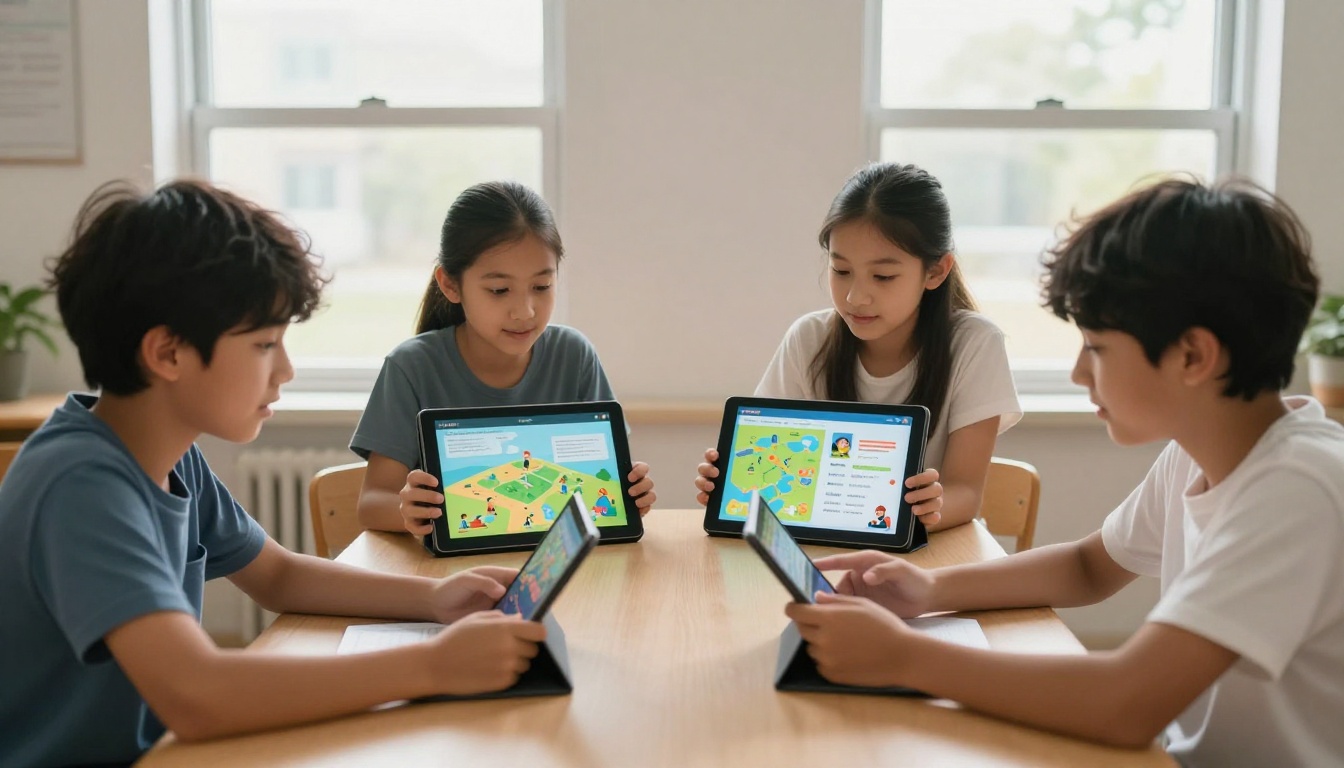
Creating your first educational flipbook takes less time than formatting a Word document. Here's the full process:
Step 1: Create Your Account
Go to Flipbooks AI and sign up for free. No credit card required to start. Your dashboard loads immediately after signup.
Step 2: Upload Your PDF
Click "New Flipbook" and drag your PDF file into the upload area. The PDF to Flipbook Converter handles documents of any size. Conversion typically completes in under 30 seconds for documents up to 50 pages.
Step 3: Customize the Appearance
Once converted, you'll see your flipbook in the editor. Here you can:
- Apply your school's color palette to the background and interface
- Upload your school logo to brand the flipbook
- Choose page-turn animation styles (classic flip, slide, or fade)
- Add a title and thumbnail image to the front page
- Enable or disable the page counter and navigation controls
Step 4: Set Sharing and Privacy Options
Before distributing to students, configure access:
- Public link: Anyone with the URL can view
- Password protected: Students need a class password to open
- Embed code: Copy the iframe code and paste it into your LMS
⚠️ For materials containing student work or sensitive content, always use password protection or restrict access via your LMS embed settings.
Step 5: Share and Track
Copy your shareable link and post it in Google Classroom, your school website, or send it directly. On the Professional plan, open the Analytics dashboard to see view counts, reading time, and geographic data per flipbook.

#2 Issuu: Best for Professional Publications
Issuu is the veteran of the digital publishing space. It launched in 2006 and has built a massive content library and distribution network. For educators at colleges and universities who want their publications to feel like professionally published material, Issuu has a real appeal.
What Works for Educators
Issuu's strengths are in presentation and discoverability. Publications created on Issuu can be embedded anywhere and carry a polished, magazine-quality feel. The platform supports multimedia embedding, so teachers can add video explanations directly into their flipbooks.
Specific advantages for educators:
- Established platform with a large existing audience and distribution network
- Multimedia embedding for video and audio content within publications
- Social sharing integration for reaching wider audiences
- Clean reading experience with a high-quality page-turn effect
- Analytics on paid plans showing readership data
💡 Issuu works particularly well for schools that publish monthly newsletters, literary magazines, or student journals intended for a wider community audience.
Where It Falls Short
For day-to-day classroom use, Issuu has friction points that teachers consistently flag:
- Watermarks on free plans that make content look branded by Issuu, not your school
- Limited flipbooks on free and starter tiers
- Pricing that can feel steep for individual teachers without institutional support
- Less focused on education: the platform serves publishers, marketers, and businesses equally, so education-specific tools are less developed
- No dedicated education tools like yearbook makers or course material publishers
For a teacher uploading weekly reading assignments, the upload limits and watermarks on free plans create ongoing friction.

#3 FlipHTML5: Best Free Entry Option
FlipHTML5 has been a popular free option for teachers because the free tier is genuinely functional. The platform converts PDFs to flipbooks quickly and the output looks respectable without requiring a paid subscription.
What You Get for Free
FlipHTML5's free plan includes:
- Unlimited flipbook conversions
- Basic page-turn animations
- Online hosting for your flipbooks
- Shareable links
- Embeddable content for basic use cases
For a teacher who just wants to quickly digitize a worksheet or reading packet without any budget outlay, FlipHTML5 gets the job done.
Where the Free Plan Struggles
The free experience has trade-offs that become significant at scale:
- Watermarks on all free content, prominent and hard to ignore on student-facing material
- FlipHTML5 branding on the viewer interface
- Limited customization without paid plans
- No analytics on free tier
- Desktop-heavy interface that feels dated compared to modern alternatives
- Storage limits that restrict how many flipbooks you can host simultaneously
For a one-off project, these limits are manageable. For a teacher maintaining a library of course materials semester after semester, they become real obstacles.
Full Side-by-Side Comparison
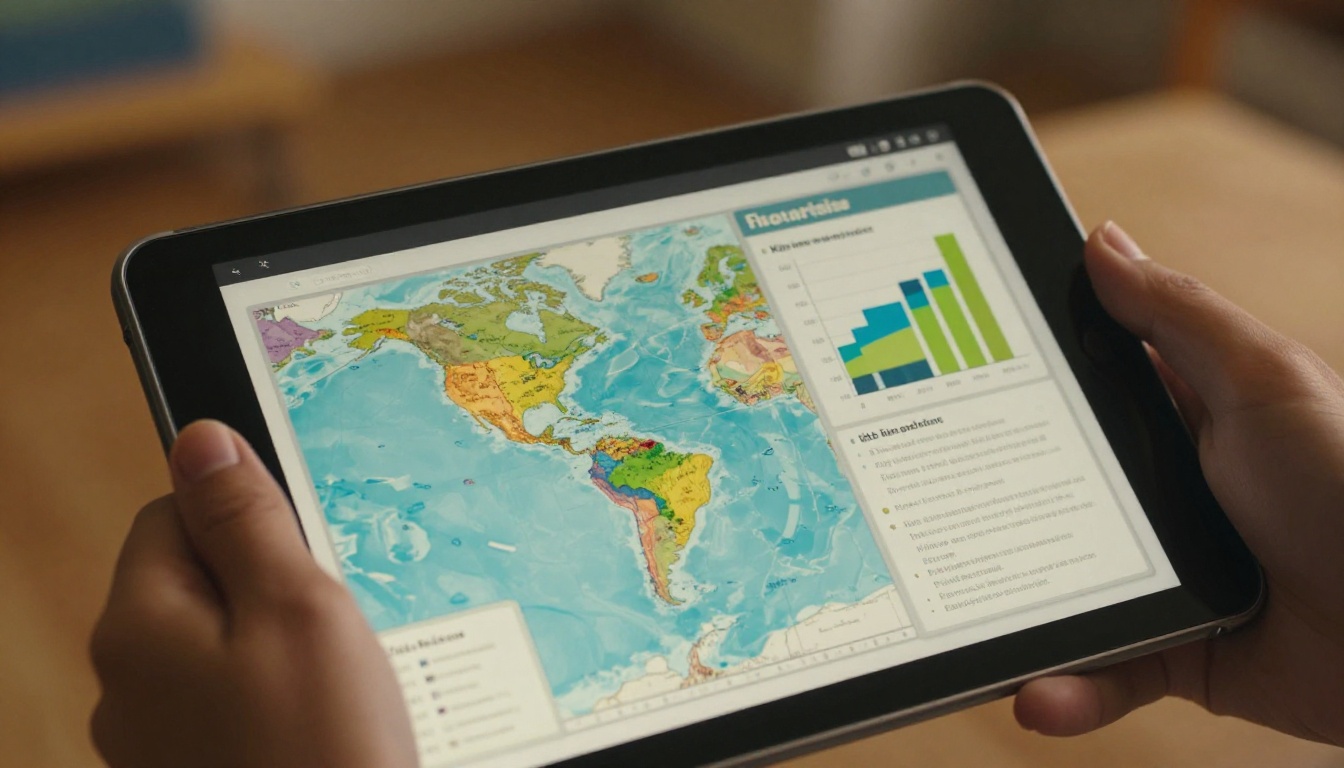
Let's put all three platforms in direct comparison across the features that matter most to teachers.
Features at a Glance
| Feature | Flipbooks AI | Issuu | FlipHTML5 |
|---|
| No watermarks (free) | ✅ | ❌ | ❌ |
| Unlimited flipbooks | ✅ (Standard+) | ❌ | ✅ |
| Password protection | ✅ | ✅ (paid) | ✅ (paid) |
| Analytics | ✅ (Professional) | ✅ (paid) | ✅ (paid) |
| Offline downloads | ✅ (Professional) | ❌ | ✅ (paid) |
| LMS embed codes | ✅ | ✅ | ✅ |
| Custom branding | ✅ | ✅ (paid) | ✅ (paid) |
| Education-specific tools | ✅ | ❌ | ❌ |
| Mobile-responsive | ✅ | ✅ | ✅ |
| Multimedia embedding | ✅ | ✅ | ✅ (paid) |
Pricing at a Glance
| Platform | Free Plan | Entry Paid | Free Plan Limitation |
|---|
| Flipbooks AI | Yes, no watermarks | Standard (affordable) | Limited flipbooks |
| Issuu | Yes, with watermarks | Starter (~$19+/month) | Watermarks, limited uploads |
| FlipHTML5 | Yes, with watermarks | Basic (~$14+/month) | Watermarks, FlipHTML5 branding |
✅ Flipbooks AI is the only platform in this comparison that removes watermarks without requiring a paid upgrade, which matters significantly for professional classroom use.
Not every teacher has the same needs or the same budget. Here's a direct recommendation based on common scenarios.
For Individual Teachers on a Budget
If you're a solo teacher without institutional backing and need to start immediately, Flipbooks AI still wins because the free plan includes no watermarks. You get a clean, professional output from day one. The Standard plan unlocks unlimited flipbooks at a price point accessible to individual educators.
FlipHTML5 is an acceptable fallback if you only need occasional one-off conversions and the watermark is not a concern for your use case.
For Schools and Institutions
At the institutional level, the case for Flipbooks AI Professional becomes very clear. Analytics let administrators and teachers see exactly how students are interacting with digital materials. The education-specific tools, from the Course Material Publisher to the Yearbook Flipbook Maker, cover every department's needs without requiring separate subscriptions.
Issuu is a reasonable choice for schools that publish externally and want wider distribution reach, such as university press departments or schools with active community outreach publications.


The three platforms ranked here each serve a distinct purpose, but the gap in value and educator-specific functionality is real. Flipbooks AI stands apart by offering no-watermark output at the free tier, dedicated tools for every educational use case, and a pricing structure that works for both individual teachers and entire institutions.
If you've been putting off digitizing your course materials because the process felt complicated or expensive, that barrier no longer exists. Upload your first PDF and have a polished, shareable flipbook in front of your students within minutes.
Ready to create your first educational flipbook? Get started for free on Flipbooks AI and see how quickly it changes how you share materials with students.
Browse all education-focused tools to find the right format for your content, whether that's a course reader, a student newsletter, or an end-of-year portfolio.
Compare all pricing plans to choose the tier that fits your school's budget and publishing volume.



