Picking a flipbook platform based on its free plan is harder than it looks. Most platforms advertise "free forever" and then bury the limitations: watermarks on every page, a cap of 3 publications, no custom domain, or forced public visibility for all your content. In 2026, the gap between platforms that genuinely respect free users and those that use the free tier as a frustration funnel has never been wider. This breakdown cuts through the noise and ranks the 5 best flipbook platforms based on what their free plans actually deliver, not just what the marketing pages claim.
What Actually Separates a Good Free Plan
Before ranking platforms, it helps to know what separates a genuinely useful free tier from one that exists only to push you toward upgrading. There are about four factors that matter in practice, and most platform comparison articles ignore at least two of them.
The Limits That Hurt Most
Storage and publication count are the most common restrictions. Some platforms give you 1 flipbook on the free plan. Others give you unlimited publications but cap total storage at 50MB, which barely fits a 10-page PDF with photos. Neither situation works well for anyone producing content regularly.
Watermarks are the second biggest issue. If every page of your client-facing catalog carries a competitor's logo, the free plan is essentially unusable for professional work. You would be handing a prospect a document that advertises someone else's product on every spread. That is not just unprofessional, it is actively counterproductive.
Public-only content is a sneaky one. Several platforms force all free-tier flipbooks to be publicly visible and indexed by search engines. That means confidential company documents, internal training manuals, or proposals you send to clients are searchable by anyone online. For most professional use cases, that is a hard dealbreaker.
Branding and custom domains matter less at the free tier, but they signal how the platform treats non-paying users. If the free plan at least lets you remove the platform's own watermark from your content, that is a good sign of respect for what you are trying to build.
Features Worth Paying For Later
The platforms worth starting on for free are the ones where the paid upgrade is a natural step, not a forced hand. The most valuable paid features across all flipbook platforms are:
- Analytics (view counts, reader behavior, geographic data)
- Lead generation forms embedded inside flipbook pages
- Password protection for individual publications
- Offline downloads so readers can save a PDF version
- Custom domain embedding on your own website
- Video and audio embeds inside pages for interactive content
If a platform's free plan gives you a working, watermark-free flipbook you can share via direct link, you already have something professional and useful. Everything else is an upgrade for scale, not a basic requirement.

1. Flipbooks AI (Best Overall Free Plan)
Flipbooks AI takes the top spot for one straightforward reason: the free plan is genuinely functional without feeling like a demo. You can convert PDFs to interactive flipbooks with realistic page-flip animations, share them via a direct link, and embed them on any website, all without a watermark on your content.
The platform is built around simplicity. Upload a PDF, watch it convert in seconds, then customize colors, add a logo, and share. The free tier gives you enough room to create real work: product catalogs, event programs, digital brochures, and client-facing presentations that actually look professional from the first share.
What the free plan includes:
- PDF to flipbook conversion with HTML5 page-flip effect
- Direct share link and embed code for websites
- Mobile-responsive viewing across all devices
- Basic customization including background color and logo placement
- No watermark on published content
What requires upgrading:
- Unlimited flipbooks (Standard plan and above)
- Analytics and reader tracking (Professional plan)
- Password protection for private or client-specific content
- Lead generation forms inside flipbook pages
- Offline downloads for readers
- Priority support response times
The tool library at flipbooksai.com/tools adds specialized creators for restaurants, real estate agents, educators, and retailers. Tools like the Restaurant Menu Creator, the Digital Portfolio Creator, and the Real Estate Brochure Creator are built around common use cases, so you are not starting from a blank slate or fighting a generic template.
💡 Pro Tip: Use the PDF to Flipbook Converter for the fastest start. Upload your existing PDF and it is ready to share in under a minute, no design skills needed.

2. Flipsnack
Flipsnack has been around for over a decade and its free plan reflects both its maturity and its monetization pressure. You can create 3 publications on the free tier with up to 30 pages each. The flipbooks are watermarked unless you upgrade, and all free publications are forced to public visibility.
For users who want to evaluate the interface or create a one-off brochure without paying, Flipsnack works. The editor is polished, the template library is substantial, and the page-flip effect is smooth and consistent across devices. However, 3 publications is a hard ceiling that fills up fast, and the watermark makes it unsuitable for client-facing work at zero cost.
Free plan limits:
- 3 publications maximum with no option to archive and replace
- 30 pages per publication
- Flipsnack watermark on every publication
- Public visibility only, no privacy controls
- Basic view count only, no deep analytics
Flipsnack's paid plans start at around $14 per month and remove the watermark and publication cap. That is a reasonable price if you need the editor's design capabilities. But if watermark-free publications on the free tier is your priority, Flipsnack cannot deliver that.
3. Issuu
Issuu is one of the oldest digital publishing platforms and its free plan has actually improved in recent years. Free users can upload and publish up to 3 documents as digital flipbooks. The publications live on Issuu's own platform and are publicly discoverable, which works well if you want traffic from Issuu's reader base but creates real problems for anything confidential.
The page-flip experience on Issuu is solid, and the discovery potential is real. Issuu has millions of readers who browse publications in niches like photography, fashion, education, and lifestyle. If you are publishing a digital magazine or creative portfolio that benefits from being found organically, Issuu's free plan has a genuine advantage that no other platform on this list offers.
Free plan highlights:
- Up to 3 publications with no page count limit
- Public distribution on Issuu's reader network
- Embeddable reader widget for websites
- Mobile-responsive viewer
Free plan drawbacks:
- Issuu branding appears on all embedded readers
- No privacy controls, all content is publicly indexed
- Reader downloads disabled on free tier
- No analytics or reader behavior data
⚠️ Warning: Issuu indexes all free publications in its search engine and on third-party crawlers. Never upload confidential documents, proprietary materials, or client-specific proposals on the free tier.

4. Publuu
Publuu is a newer entrant that has built a clean, modern interface and a free plan that allows 1 active publication at a time. That single-publication limit is genuinely restrictive for anyone creating more than occasional content, but the quality of that one publication is high. The page-flip animation is smooth, the viewer is clean, and there is no watermark on free publications.
Publuu also offers basic hotspot features on the free tier, letting you add clickable links within flipbook pages. For a single product catalog or portfolio piece that needs to look sharp and professional, Publuu delivers that at zero cost with a polished result.
Free plan includes:
- 1 active publication (delete to replace with a new one)
- No watermark on published content
- Clickable hotspots so readers can click links inside pages
- Direct share link for easy distribution
- Mobile-responsive viewer
Limitations:
- Only 1 publication at a time, no archiving on free tier
- No embed code available on free tier
- No analytics of any kind
- No privacy or password protection
5. Yumpu
Yumpu rounds out the list as the platform best suited to high-volume free publishing. The free plan allows unlimited publications with no cap on page count, making it the most generous in raw quantity by a significant margin. The catch is visibility: all free publications are public and indexed by search engines, and Yumpu's own branding appears inside the viewer. Ads are also shown on free publications, which is a real quality hit for professional presentations.
For publishers who want their content found, such as journalists, nonprofits publishing reports, or educators sharing course materials at scale, Yumpu's unlimited free hosting is hard to beat on volume alone. The SEO exposure from Yumpu's domain authority can drive organic traffic to publications that benefit from wide distribution.
Free plan strengths:
- Unlimited publications with no page count limit
- No storage cap for free users
- Public search engine visibility for content discovery
- Embed code available even on free tier
Free plan weaknesses:
- Yumpu branding throughout all viewers
- No privacy controls whatsoever
- Ads displayed inside free publications
- Basic customization only, no branding options
💡 Pro Tip: Yumpu's free plan works best for publicly shareable content where volume matters over branding, think nonprofit annual reports, community newsletters, educational handouts, or open-access research documents.
Full Free Plan Comparison
| Platform | Publications | Watermark | Privacy Controls | Embed Code | Analytics | Best For |
|---|
| Flipbooks AI | Limited (generous) | None | Yes | Yes | On paid plans | Professional and business use |
| Flipsnack | 3 max | Yes (branded) | No | Yes | Basic only | Template-first design work |
| Issuu | 3 max | Issuu branding | No | Yes | No | Content discovery, magazines |
| Publuu | 1 active | None | No | No | No | Single polished publication |
| Yumpu | Unlimited | Yes (branded) | No | Yes | No | High-volume public content |
✅ Best Practice: For professional or client-facing work, prioritize platforms with no watermark on free plans. Flipbooks AI and Publuu are the only two that meet this standard. Of the two, Flipbooks AI supports embed code on the free tier, which Publuu does not.
| Use Case | Best Free Platform | Why |
|---|
| Product catalog for clients | Flipbooks AI | No watermark, embeddable, professional output |
| Digital magazine or editorial | Issuu | Built-in reader discovery, large existing audience |
| Single portfolio piece | Publuu | Polished viewer, watermark-free, hotspots included |
| Restaurant or event menu | Flipbooks AI | Specialized tools, shareable link in seconds |
| Nonprofit annual report (public) | Yumpu | Unlimited, indexed, wide free distribution |
| Multiple brochures per month | Flipbooks AI | Best balance of publication limits and professionalism |
| First-time flipbook evaluation | Any of the 5 | All offer zero credit-card signup to start |

How to Start Your First Flipbook for Free
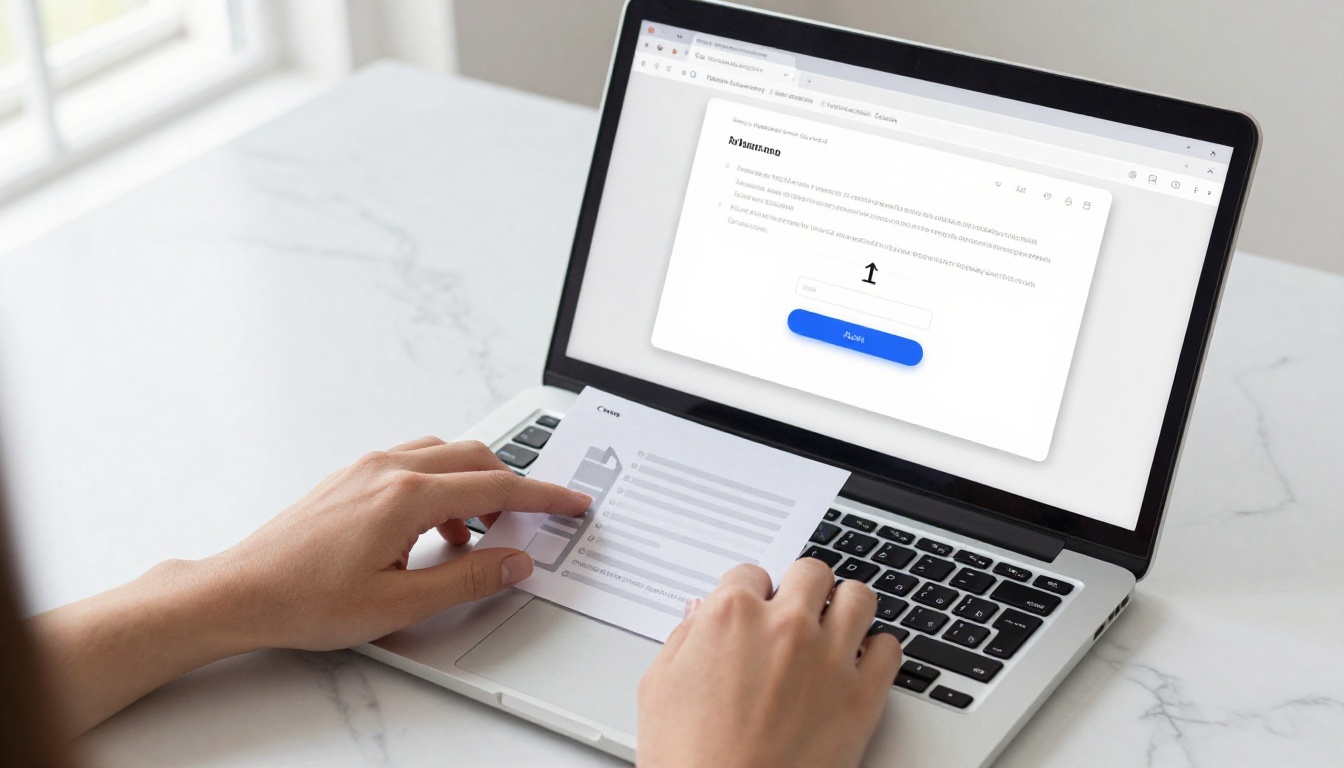
Flipbooks AI is the fastest path from PDF to published flipbook. Here is exactly how it works from signup to share:
Step 1: Create Your Account
Go to flipbooksai.com/account and sign up. No credit card is needed for the free tier. The signup process takes about 30 seconds, and you are inside the dashboard immediately.
Step 2: Upload Your PDF
Use the PDF to Flipbook Converter. Click the upload button, select your file, and the converter processes it automatically. Most PDFs under 20MB convert in under 60 seconds. Multi-page documents with images convert cleanly with correct page order preserved.
Step 3: Customize Appearance
Once converted, the editor opens automatically. You can set a custom background color or texture, add your logo to the viewer header area, adjust page transition speed, and enable or disable the table of contents sidebar for longer documents.
Step 4: Share or Embed
Click "Publish" and you get three instant options:
- A direct share link you can send via email, message, or include in a proposal
- An embed code snippet for pasting into any website, CMS, or landing page builder
- A QR code pointing to the live flipbook, ready to drop into printed materials
Step 5: Upgrade When Ready
When you need password protection for client documents, reader analytics to track engagement by page, or lead generation forms inside your flipbooks, the path is clear. Explore pricing plans to find the right tier. The Standard plan removes publication limits; the Professional plan adds analytics, lead generation, and offline download controls.
✅ Best Practice: Use the Embed Flipbook on Website tool to paste your flipbook directly into a landing page or product page. It loads fast, works on mobile without any app or plugin, and keeps the reader on your site.
The Real Cost of "Free" Over Time
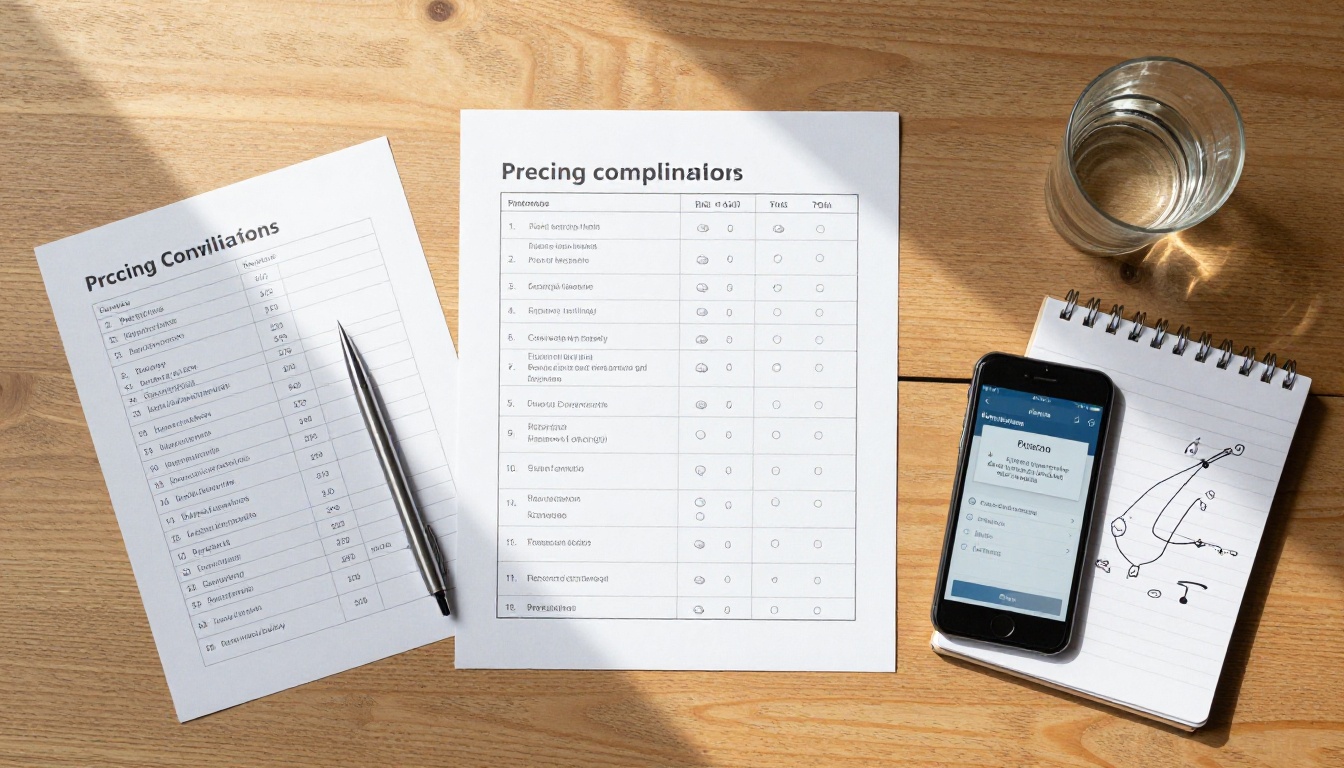
Free plans are not always cheap. Hidden costs show up in three concrete ways that rarely appear on the comparison chart.
Time cost: Platforms with watermarks or heavy branding require you to either apologize to clients or recreate assets from scratch once you finally upgrade. Starting on a cleaner free plan saves that rework entirely.
Reputation cost: A flipbook with another company's logo on it sends a signal to whoever receives it. In a client pitch, a watermarked catalog from a competitor's platform is worse than simply sending a PDF. It tells the prospect you are using someone else's free tool to represent your work.
Data cost: Platforms that make all content public index your work, and sometimes your client's work, without explicit consent. Once content is indexed, it is difficult to remove even after you delete the publication. A confidential price list or unreleased product catalog that gets indexed can surface in search results for months.
The platforms that score highest on long-term value are the ones where the free tier is actually usable for professional output, not just for internal experiments.
| Hidden Cost | Flipbooks AI | Flipsnack | Issuu | Publuu | Yumpu |
|---|
| Watermark on free publications | No | Yes | Partial | No | Yes |
| Forced public content indexing | No | Yes | Yes | Yes | Yes |
| Ads displayed inside viewer | No | No | No | No | Yes |
| Embed code requires paid plan | No | No | No | Yes | No |

Who Gets the Most From Free Plans
Free flipbook plans are not for everyone at every stage. Here is who genuinely gets real value from staying on a free tier without feeling the pressure to upgrade immediately.
Freelancers with occasional needs: A designer who creates one or two client-facing documents per month does not need a $30 per month subscription. A clean free plan covers the output without the overhead, and the client receives something that looks professional.
Small businesses just starting out: A coffee shop putting its menu online for the first time, or a small retailer creating its first digital catalog, does not need reader analytics on day one. Start free, validate the format works for your audience, then upgrade when the business has a clear return to justify it.
Educators and nonprofits: Course materials, training handouts, community newsletters: these benefit enormously from digital flipbook format but rarely have budget for recurring SaaS subscriptions. Platforms with generous free tiers serve this audience without compromise.
Anyone evaluating before committing: Testing how your existing content looks in a flipbook format before paying for a plan is exactly what free tiers are built for. All five platforms on this list let you do that without entering a credit card, which is the right approach.
💡 Pro Tip: Even if you plan to upgrade eventually, starting on the free plan lets you test your PDF quality, check mobile rendering on your own phone, confirm the page-flip layout works for your content type, and validate that your audience actually engages with the format before committing to a paid tier.

Start Without Paying, Scale When Ready
The best free plan in 2026 is the one you can actually use without apologizing for it. That means no watermarks on your client's catalog, no forced public indexing of a confidential proposal, and a sharing experience that works on mobile without requiring your reader to download anything.
Flipbooks AI hits all three. The free tier is a real working tool, not a crippled preview designed to frustrate you into buying. When your volume grows or you need analytics and lead generation, the upgrade path is clear at flipbooksai.com/pricing.
Ready to convert your first PDF? Create a free account and have a shareable flipbook live in under two minutes. Browse all specialized tools to find the right format for your content type, whether that is a product catalog, a restaurant menu, a real estate brochure, an interactive e-book, or a portfolio that needs to impress on first view.
Free does not have to mean limited. It just has to mean honest.



