Publishing a digital magazine used to mean hiring a designer, paying for InDesign licenses, and spending weeks tweaking layouts. In 2026, that reality is long gone. A new generation of no-code digital publishing platforms has made it genuinely easy for anyone, whether you run a small business, teach a course, or simply have a story to tell, to produce a polished, professional-looking magazine online. Flipbooks AI leads the pack for beginners, and in this article we rank it alongside five other serious contenders so you can choose the right fit from day one.
Why Digital Magazines Are Worth It
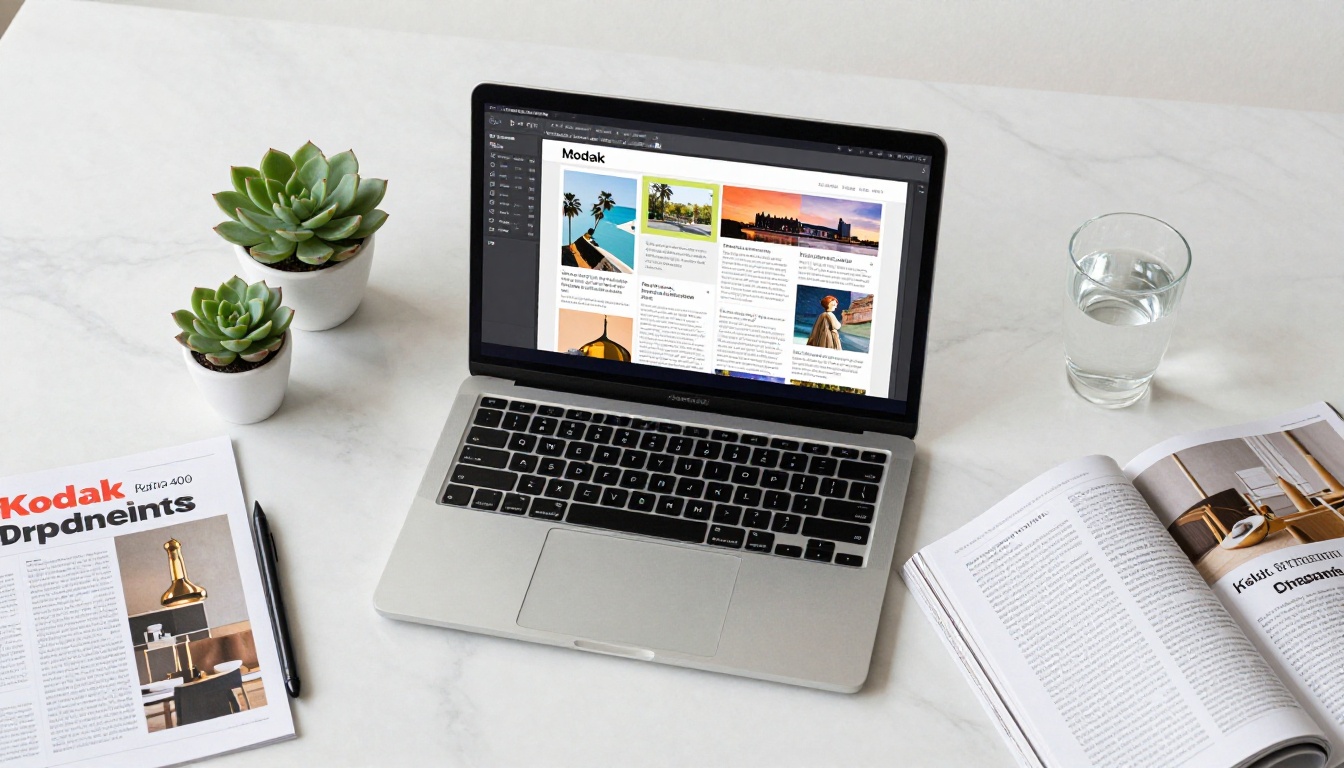
Print is expensive. A minimum print run for a small magazine can cost hundreds or thousands of dollars before a single copy reaches a reader. Digital flips that math entirely: zero printing costs, instant delivery, and a global audience reachable from any device.
The benefits go far beyond cost savings:
- Interactive elements: Embed video, audio, and clickable links directly inside your pages
- Real-time analytics: See exactly who reads what and for how long
- Instant updates: Fix a typo or swap a photo after publishing, no reprint required
- Mobile-responsive layouts: Readers on phones see a properly formatted version automatically
- No distribution headaches: Share via a link, embed on your website, or gate behind a password for subscribers only
The only real barrier used to be design skill. Today, that barrier is effectively gone.
Not every digital magazine builder is created equal. Before diving into the rankings, here are the criteria that separate a genuinely useful platform from a frustrating one:
- Ease of use: Can a first-timer produce something beautiful in under an hour?
- PDF import and conversion: The fastest workflow is designing in any tool, exporting as a PDF, then converting instantly to an interactive publication
- Interactivity: Page-flip effects, embedded media, and clickable hotspots separate real digital magazines from glorified PDF viewers
- Sharing and distribution: Custom links, embed codes, password protection, and social sharing options
- Pricing and watermarks: Unlimited publications without forced branding at a reasonable price point
- Mobile performance: Smooth, optimized reading on phones and tablets
- Analytics: Knowing your audience is critical for any serious publisher

1. Flipbooks AI
Flipbooks AI sits at the top of this list because it does one thing exceptionally well: turning a PDF into a beautiful, interactive flipbook magazine with virtually zero friction. Upload a file, configure your settings, and publish. There are no complex menus to memorize and no design training required whatsoever.
What sets it apart from every other platform in this list:
- No watermarks on any paid plan, including the entry-level Standard tier
- Unlimited flipbooks on Standard and Professional plans
- The E-Magazine Publishing Tool and Magazine Flipbook Creator are purpose-built for editorial and lifestyle content
- Password-protected publications for exclusive, private, or subscriber-only content
- Embedded video and audio on every published flipbook
- Mobile-responsive rendering by default, no extra configuration needed
- Analytics and lead generation available on the Professional plan
- The Newsletter Flipbook Publisher extends the platform beyond magazines into recurring content formats
💡 Already designed your magazine in Canva or Google Slides? Just export it as a PDF and upload it directly to Flipbooks AI. You'll have a live, shareable digital edition in minutes.
Real-world use case: A travel blogger creates a quarterly digital magazine in Canva, exports as PDF, uploads to Flipbooks AI, and sends subscribers a branded link with password protection. No developer involved. Total setup time: under 20 minutes.
Best for: Bloggers, small business owners, independent publishers, educators, nonprofits, and anyone working primarily in PDF format.
2. Canva
Canva is the most widely used graphic design tool for non-designers worldwide and includes a solid library of magazine templates. You pick a layout, swap in your content, adjust colors and fonts, and export. For the design phase, the experience is genuinely excellent for beginners.
The main limitation: Canva is primarily a design tool, not a digital publishing platform. The output is typically a static PDF or image. To get the interactive page-flip reading experience that makes digital magazines feel premium, you'd need to export and run that PDF through a dedicated publishing tool like Flipbooks AI. Canva's native "publish as website" option exists but does not replicate a true magazine browsing experience.
Best for: Creating the visual design of your magazine first, then exporting to a publishing platform for the final interactive result.
3. Joomag
Joomag is a dedicated digital publishing platform with a built-in page editor, a template library, and interactive features including hotspots, pop-ups, and embedded forms. It's a legitimate all-in-one option that covers design and publishing without requiring a separate tool.
The trade-offs are worth noting: the interface is noticeably more complex than Flipbooks AI, which matters a great deal for true beginners. The learning curve to produce something polished is steeper, and pricing can escalate quickly if you need multiple publications or access to analytics. Watermarks appear on free accounts, which is an early frustration for new users testing the platform.
Best for: Publishers who want a fully integrated editor and are willing to invest time in learning the platform.

4. Issuu
Issuu is one of the oldest and most recognized names in digital publishing with an established reader community built around the platform. Upload a PDF and Issuu creates a flippable publication automatically. It also has content discovery features that can surface your magazine to new readers browsing the Issuu network.
The drawbacks are significant for budget-conscious creators: the free plan is heavily restricted with forced Issuu branding on every publication, and the paid plans rank among the most expensive in this comparison. Customization options have improved over the years but still lag behind newer platforms. If audience discovery through Issuu's reader network is genuinely valuable to your strategy, the premium pricing may be justified.
Best for: Publishers who specifically want access to Issuu's existing reader community for organic content discovery and distribution.
5. Lucidpress (now Marq)
Marq, formerly known as Lucidpress, is built primarily for marketing teams and agencies that need consistent brand templating across many publications. Its standout feature is template locking, which lets administrators lock certain design elements while allowing team members to edit the content portion. This is excellent for franchise businesses or large organizations with strict visual identity guidelines.
For solo creators or small teams who simply want to publish a digital magazine fast, Marq is significant overkill. The pricing structure reflects its business-team positioning, making it one of the less accessible options for individual creators or small publishers on a budget.
Best for: Marketing teams at mid-to-large companies needing multi-user, brand-consistent publication workflows with strict template control.
6. Adobe Express
Adobe Express, the rebranded version of Adobe Spark, brings Adobe's design heritage into a simplified interface. Templates are polished, the stock asset library is large, and if you already subscribe to Adobe Creative Cloud, the ecosystem integration is seamless. For someone already using Lightroom, Illustrator, or Photoshop, Express feels like a natural creative extension.
The primary limitation mirrors Canva: it's a design and export tool rather than a true digital magazine publisher. Sharing via a web link is possible, but the immersive page-flip reading experience requires taking your output to a dedicated platform. The Adobe subscription ecosystem also adds cost for users who are not already invested in Creative Cloud.
Best for: Adobe Creative Cloud subscribers who want a faster, template-driven design workflow before publishing elsewhere.
Feature-by-Feature Breakdown
| Feature | Flipbooks AI | Joomag | Issuu | Canva | Marq | Adobe Express |
|---|
| PDF Upload and Convert | ✅ | ✅ | ✅ | ❌ | ✅ | ❌ |
| Page-Flip Effect | ✅ | ✅ | ✅ | ❌ | ❌ | ❌ |
| No Watermarks on Paid Plans | ✅ | ✅ | ✅ | ✅ | ✅ | ✅ |
| Unlimited Publications | ✅ | Limited | ✅ | ✅ | Limited | Limited |
| Password Protection | ✅ | ✅ | ✅ | ❌ | ❌ | ❌ |
| Embed Video and Audio | ✅ | ✅ | ❌ | ❌ | ❌ | ❌ |
| Reader Analytics | ✅ Pro | ✅ | ✅ | ❌ | ✅ | ❌ |
| Lead Generation Forms | ✅ Pro | ✅ | ❌ | ❌ | ❌ | ❌ |
| Mobile Responsive | ✅ | ✅ | ✅ | ✅ | ✅ | ✅ |
| Built-in Design Editor | ❌ | ✅ | ❌ | ✅ | ✅ | ✅ |
| Offline Downloads | ✅ | ❌ | ❌ | ✅ | ❌ | ✅ |
⚠️ Flipbooks AI intentionally does not include a built-in design editor. The workflow is: design in any tool you prefer (Canva, InDesign, Google Slides, PowerPoint), export as PDF, then publish on Flipbooks AI. This keeps the platform fast, focused, and extremely easy to use.
Pricing at a Glance
Prices shift regularly, so treat this table as directional rather than definitive. Always verify current rates on each platform's official pricing page.
| Tool | Free Plan | Paid Entry | Watermark-Free | Unlimited Pubs | Password Protect |
|---|
| Flipbooks AI | ✅ Limited | Affordable | ✅ All paid tiers | ✅ Standard+ | ✅ |
| Joomag | ✅ Limited | Mid-range | ✅ Paid | ❌ Limited | ✅ |
| Issuu | ✅ Branded | Premium | ✅ Paid | ✅ | ✅ |
| Canva | ✅ Robust | ~$15/mo | ✅ All tiers | ✅ | ❌ |
| Marq | ❌ None | Business-only | ✅ | ❌ Limited | ❌ |
| Adobe Express | ✅ Limited | CC Bundle | ✅ Paid | ✅ | ❌ |
💡 See the full Flipbooks AI pricing breakdown for a clear side-by-side of what each tier includes before you commit.
How to Make a Digital Magazine with Flipbooks AI
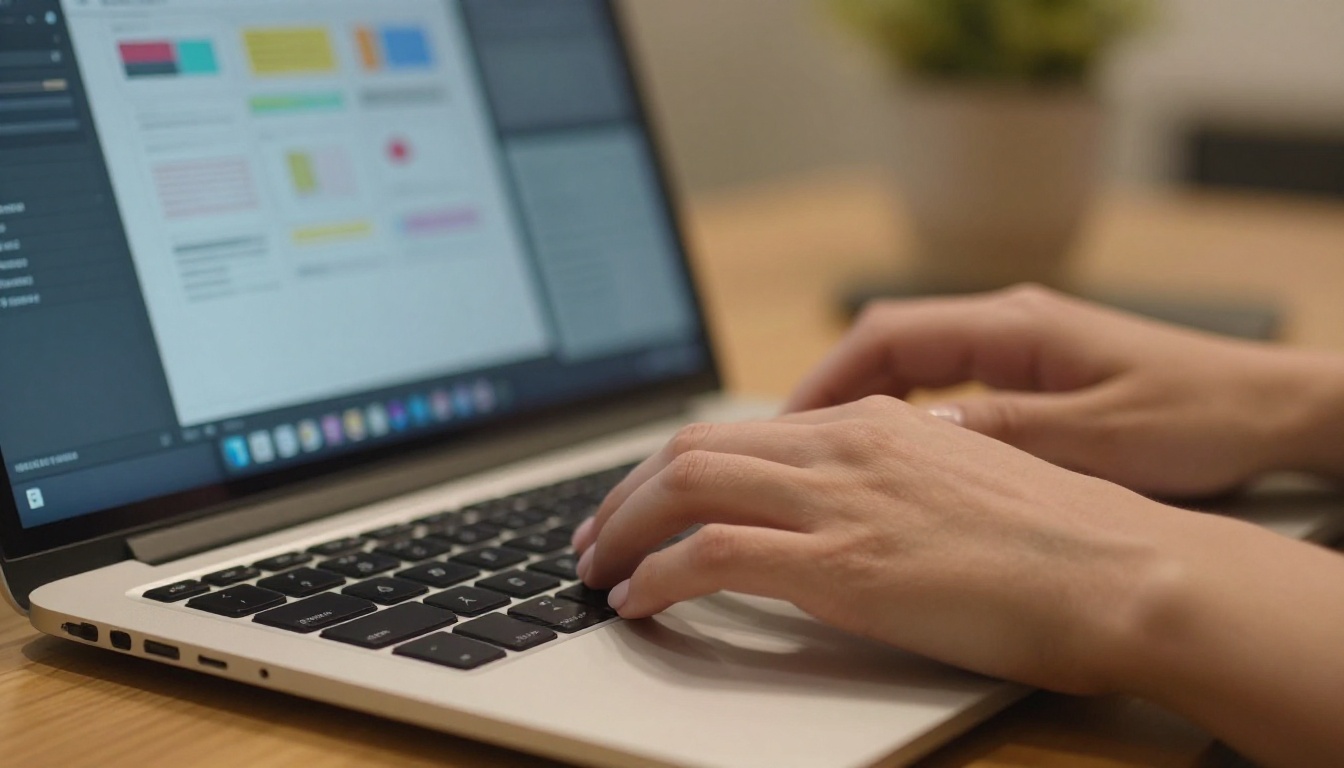
Since Flipbooks AI is the most beginner-friendly option in this ranking, here's the full workflow from zero to a published, shareable digital magazine.
Step 1: Create Your Account
Go to flipbooksai.com/account and sign up for free. Once inside your dashboard, click "New Flipbook" to start a new publication. You'll be prompted to name it and upload your source file.
Step 2: Upload Your PDF
Click the upload area and select your PDF. Flipbooks AI converts every page automatically, applying the interactive page-flip effect without any manual configuration on your end. For a standard-length magazine, conversion typically completes in seconds.
✅ Tip: Design your magazine in Canva using any magazine or A4 presentation template. Once done, export as PDF and upload directly to Flipbooks AI. No format adjustments needed. The pages convert cleanly every time.
Step 3: Customize Branding and Settings
After conversion, you have full control over the publication settings:
- Add your logo and set a brand color for the viewer interface chrome
- Adjust page effects: curl speed, shadow depth, and background color behind the pages
- Set auto-flip timing for kiosk-style or looping presentation modes
- Configure a table of contents if your PDF contains section bookmarks
- Add a password to restrict access to paying subscribers, event attendees, or private clients
For fashion and lifestyle brands, the Interactive Lookbook Designer and Magazine Flipbook Creator provide configurations optimized specifically for visual-heavy content formats.

Step 4: Publish and Share
When your settings are ready, hit Publish. Flipbooks AI generates:
- A direct shareable link for social media, email campaigns, or text messaging
- An embed code to place your magazine directly on any website, blog, or landing page
- Password settings if the publication is gated for a specific audience
- On the Professional plan: a full analytics dashboard showing reader sessions, per-page dwell time, geographic data, and a lead capture form to collect subscriber emails directly from inside the magazine
The Embed Flipbook on Website tool makes adding your magazine to a WordPress site, Webflow page, or any HTML-based platform straightforward with no developer or coding required.
| Your Situation | Best Pick |
|---|
| I have a PDF ready to publish right now | Flipbooks AI |
| I need to design from scratch first | Canva, then publish via Flipbooks AI |
| I want one platform for design and publishing | Joomag |
| I want organic audience discovery | Issuu |
| I run marketing for a large brand team | Marq |
| I'm already inside the Adobe ecosystem | Adobe Express |
| I run a small or independent business | Flipbooks AI |
| I'm publishing educational materials or courses | Flipbooks AI |
| I need password-gated private content | Flipbooks AI |
| I want to collect leads directly from my publication | Flipbooks AI (Professional plan) |

Time to Publish Your First Issue
There's no shortage of digital magazine tools, but most beginners overestimate how much complexity they actually need. If you have content to share, a brand to represent, or a story worth telling, you don't need InDesign. You don't need a design degree. You need a well-structured PDF and the right publishing platform behind it.
For most people reading this, that platform is Flipbooks AI. It handles every technical requirement (conversion, interactivity, sharing, mobile optimization, branding) so you can stay focused on what actually matters: your content and your audience.
Ready to see what your first digital magazine looks like live? Get started at flipbooksai.com/account. If you want to review exactly what each plan includes before signing up, the pricing page breaks it all down clearly.
The world doesn't need more static documents buried in email attachments. It needs your magazine, published and shareable. Start today.



