Most "free" flipbook tools are free the same way a trial subscription is free. You upload your PDF, everything looks polished, and then you spot a watermark stamped across every page, your publication disappears after 30 days, or sharing it publicly requires upgrading. If you've been burned by that before, this list fixes the problem. These are the top 7 flipbook creators that are actually free, with honest breakdowns of what each free plan delivers, what it withholds, and which one is worth your time.
What "Free" Really Means in This Space
Before the list, it's worth clarifying what kinds of "free" exist in the flipbook tool market, because they are not the same thing.
Freemium with real value gives you a permanently free plan with meaningful functionality. You might have a publication cap or limited storage, but you can create, publish, and share without paying. The tool makes money when you grow and upgrade.
Ad-supported free means you publish at no cost, but your readers see advertising inside your flipbook. This works for personal projects but creates a friction point in business settings.
Free trials are not free plans. They're time-limited access to paid features. This list ignores them entirely.
⚠️ Warning: Many tools list "free" prominently on their homepage but require payment to remove branding or share with more than a handful of readers. Always check the free tier details before investing time in a tool.
The tools below all have permanently free plans, not trials.
The Top 7 Free Flipbook Creators Ranked
#1 Flipbooks AI
Flipbooks AI tops this list because it solves the single biggest problem with free flipbook tools: watermarks. Most platforms charge you just to remove their logo from your work. Here, that's not a concern from the start.
The platform converts PDFs into smooth HTML5 flipbooks directly in the browser. No software to install, no technical skills needed. The free plan delivers a clean, professional result, and the pricing structure scales clearly if your needs grow.
What the free plan includes:
- PDF to flipbook conversion
- Realistic page-flip animations
- Shareable public link
- Mobile-responsive output
- No watermarks
Best for: Businesses, freelancers, educators, and anyone who needs a professional result without upfront costs.
💡 Pro Tip: Use the PDF to Flipbook Converter tool for fast, clean conversions. It handles multi-page PDFs reliably and outputs a viewer-ready flipbook in under two minutes.
#2 FlipHTML5
FlipHTML5 is one of the most established tools in this category. The free plan allows unlimited publications with HTML5 output and basic customization options. The catch is the FlipHTML5 branding that appears on all free flipbooks, making it less suitable for client-facing or professional work.
What the free plan includes:
- Unlimited publications
- HTML5 output
- Basic templates
- Cloud hosting
Limitation: Platform branding on all free flipbooks.
#3 Issuu
Issuu is a large publishing platform with an existing audience and built-in discovery features. The free tier allows basic uploads and viewing with social sharing and embed functionality. It's a solid option for content creators who want visibility on a platform people already browse, though the flipbook experience itself is capped until you pay.
What the free plan includes:
- Basic flipbook viewer
- Social sharing options
- Embed code
- Public profile page
Limitation: Issuu branding, restricted content categories, limited analytics on the free plan.
#4 Yumpu

Yumpu runs on an ad-supported model. Your publications are free to host and view, but readers will see advertising throughout the experience unless you subscribe. For personal projects or internal documents this is fine. For brand-facing content, the ads create a credibility problem.
What the free plan includes:
- Unlimited publications
- Embeddable viewer
- Public magazine profile
- PDF to HTML5 conversion
Limitation: Ads displayed to readers on all free content.
#5 Calameo
Calameo targets professional publishers and educators with a clean, functional free tier. You can publish up to 15 documents with HTML5 output, embed support, and mobile-responsive viewing. The Calameo branding appears, but the viewer itself is well-built and reliable for standard use cases.
What the free plan includes:
- Up to 15 publications
- HTML5 viewer
- Embed and share tools
- Mobile-responsive output
Limitation: 15 publication cap, Calameo branding on viewer.
#6 Flipsnack
Flipsnack is one of the more polished tools in this space, with a thoughtful design interface and a solid template library. The free plan is tight on quantity (typically 3 flipbooks), but the quality of what you can produce on that plan is respectable. It's a good option for a single portfolio piece or client presentation where design quality matters most.
What the free plan includes:
- 3 flipbooks
- Design templates
- Shareable link
- Embed code
Limitation: 3 flipbook cap, Flipsnack branding on free tier.
#7 Heyzine
Heyzine is a newer entrant with a minimal, fast interface. The free plan gives you 3 flipbooks and one of the cleaner viewing experiences in the category. In some configurations, Heyzine avoids hard watermarks on the free plan, which makes it worth considering alongside Flipbooks AI for users who want a clean result with minimal setup time.
What the free plan includes:
- 3 flipbooks
- Clean HTML5 viewer
- Shareable link
- Fast PDF conversion
Limitation: 3 flipbook cap, limited customization on free tier.
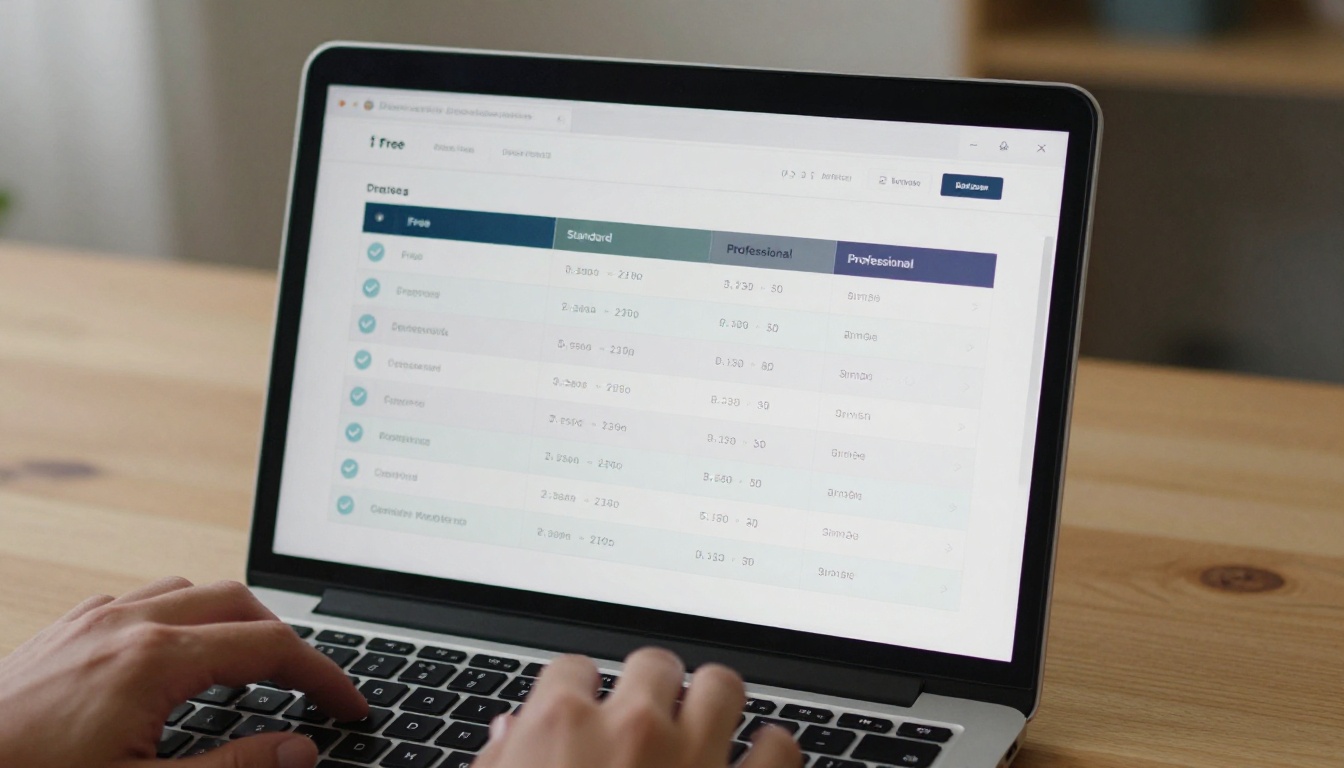
This table puts all 7 tools side-by-side on the features that matter most for everyday publishing:
| Tool | Watermark-Free | Publication Limit | Embed Code | Mobile Ready | Analytics |
|---|
| Flipbooks AI | Yes | Yes | Yes | Yes | Paid |
| FlipHTML5 | No (branding) | Unlimited | Yes | Yes | Paid |
| Issuu | No (branding) | Limited | Yes | Yes | Paid |
| Yumpu | Yes (but ads) | Unlimited | Yes | Yes | Limited |
| Calameo | No (branding) | 15 max | Yes | Yes | Paid |
| Flipsnack | No (branding) | 3 max | Yes | Yes | Paid |
| Heyzine | Mostly | 3 max | Yes | Yes | No |
✅ Best Practice: If you're using your flipbook for client presentations or branded content, a tool that stamps its own watermark costs you credibility. Prioritize watermark-free tools even if they have other limitations.
Free Plan Storage, Output, and Support

Here's the practical detail layer, covering storage limits, output format, and what kind of support you can expect when something goes wrong:
| Tool | Free Storage | Output Format | Custom Domain | Password Protect | Support |
|---|
| Flipbooks AI | Generous | HTML5 | Paid | Paid | Email |
| FlipHTML5 | 200MB | HTML5, PDF | No | No | Community |
| Issuu | 100MB | HTML5 | No | No | Email |
| Yumpu | Unlimited | HTML5 | No | No | Community |
| Calameo | 500MB | HTML5 | No | No | Email |
| Flipsnack | Limited | HTML5 | No | No | Chat |
| Heyzine | Limited | HTML5 | No | Paid | Email |
Password protection is worth noting here. If you create internal documents, private reports, or exclusive content, locking your flipbook behind a password is important. Most tools gate this feature behind paid tiers. Flipbooks AI includes it at an accessible plan level without forcing you into an enterprise tier.
Create Your First Flipbook with Flipbooks AI
If you want a flipbook live fast, here's the exact process using Flipbooks AI.
1. Create Your Account
Go to flipbooksai.com/account and register. No credit card required for the free plan. Account setup takes under 2 minutes.
2. Upload Your PDF
From your dashboard, click "New Flipbook" and upload your PDF. Drag and drop works. Conversion finishes in 30 to 90 seconds depending on file size and page count.
3. Customize the Look
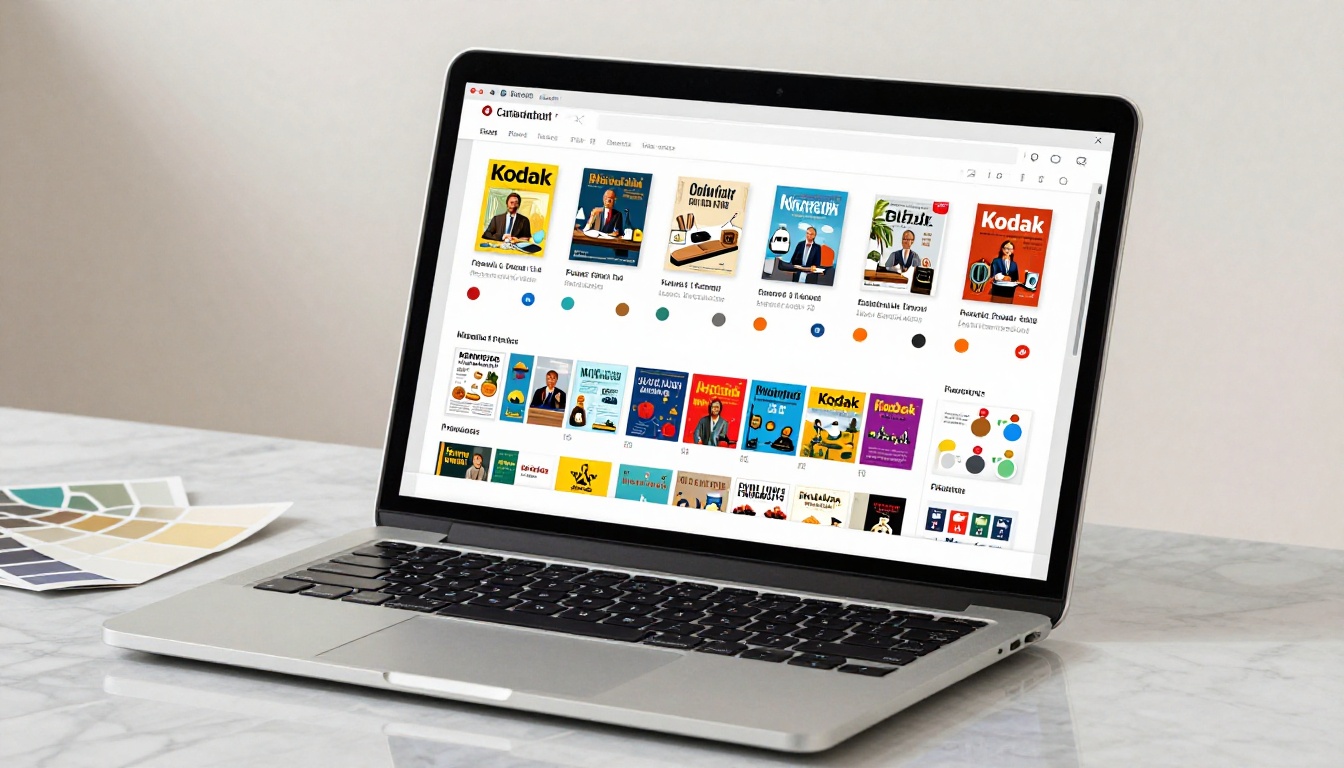
Once the conversion completes, a live preview appears. From the editor you can:
- Set a custom background color or texture
- Upload your logo for custom branding
- Choose your page-flip style and transition speed
- Enable or disable a table of contents sidebar
- Set a custom front page thumbnail
4. Share or Embed
When the flipbook looks right, click "Share." You'll receive:
- A direct public link for email, social media, or messaging
- An embed code for your website via the Embed Flipbook on Website tool
- Password protection options available on paid plans
5. Scale with Paid Features When Ready
If you eventually need reader analytics, lead capture forms, offline downloads, or team collaboration, those are available on higher plans. Check the full pricing breakdown to see what each tier includes.
What's available on the free plan, permanently:
- No watermarks, ever
- Mobile-responsive output across all devices
- Custom branding options
- Shareable public link
- Unlimited flipbooks (Standard plan and above)
💡 Pro Tip: Use the Interactive E-Book Publisher or Magazine Flipbook Creator tools for specific content types. They come with pre-built layouts that match the format from the start.
Real-World Use Cases

Free flipbook tools aren't just for publishing companies. Here's how different industries actually use them:
Restaurants and Hospitality: A cafe can publish its seasonal menu as an interactive flipbook that guests browse on their phones at the table. The Restaurant Menu Creator is built for exactly this, with food photography layouts and elegant typography. No reprinting costs when prices change.
Real Estate: Property agents share listing brochures as flipbooks, giving buyers an immersive browsing experience instead of a static PDF. The Real Estate Brochure Creator handles this workflow with property-specific layouts.
Education and Training: Teachers and corporate trainers convert course materials into interactive publications that students can access on any device. The Training Manual Flipbook and Course Material Publisher tools handle both settings cleanly.
Fashion and Retail: Seasonal lookbooks and product catalogs perform better as interactive flipbooks than static PDFs. The Interactive Lookbook Designer and Fashion Catalog Creator give brands the right format with minimal setup.
Photographers and Creatives: Portfolio work shown in a flipbook creates a stronger impression than a zip file or PDF attachment. The Photography Portfolio Flipbook is purpose-built for this, with full-bleed image layouts and smooth transitions.

Here's a direct breakdown based on common situations:
You want zero watermarks on a free plan: Flipbooks AI or Heyzine (for lower volume needs).
You need unlimited free publications with no hard cap: Yumpu (ad-supported) or FlipHTML5 (branded).
You're publishing for a business or client: Flipbooks AI, where branding control is available from day one.
You need a simple, fast one-off flipbook: Heyzine or Flipbooks AI both have clean interfaces for first-time users.
You need reliable embed support for your website: All 7 tools support embedding, but the Flipbooks AI embed tool gives the most display control over how the viewer appears on your page.
You're working with educational or corporate content: Flipbooks AI has dedicated tools like the Yearbook Flipbook Maker and Annual Report Creator that speed up production in these categories significantly.
✅ Best Practice: Test your flipbook on a smartphone before sharing it publicly. Over 60% of digital content gets read on mobile devices. If the page-flip experience breaks on a small screen, a large portion of your audience misses your content entirely.
The Real Value of a Truly Free Plan

Free flipbook tools have improved significantly over the past few years. The tools on this list are genuinely capable of producing professional output at no cost. The difference between them comes down to a few specific trade-offs: watermarks, publication limits, and what you're willing to accept in exchange for free hosting.
For most use cases, Flipbooks AI sits at the top because it removes the most friction. No watermarks, clean HTML5 output, no time limits on your publications, and a pricing structure that makes sense when you need more. If you need unlimited publications and don't mind platform branding or ads, FlipHTML5 and Yumpu both deliver.
The free tier is enough to build, publish, and share. Once you know exactly what you need, upgrading is straightforward on any of these platforms.
Ready to publish your first flipbook? Create a free account on Flipbooks AI and have something live today. Browse all available tools and templates to find the right format for your content, or check the full pricing breakdown when you're ready to scale.



