Your work deserves more than a static PDF gathering dust in someone's downloads folder. In 2025, clients, recruiters, and collaborators expect portfolios that move, respond, and feel alive — and the good news is that creating one no longer requires a single line of code or a budget of any kind. From flipbook-style presentations to social creative platforms, the top 7 free tools to create interactive portfolios online cover every creative discipline and skill level. Flipbooks AI leads the charge for creatives who want to turn their PDFs into scrollable, page-flipping portfolio experiences in minutes.

What "Interactive" Actually Means
The word gets used loosely, so it is worth pinning down. An interactive portfolio is not just a website with pictures. It is a presentation that responds to user action: clicking through pages, watching embedded videos, hovering over case study previews, or flipping through design spreads the way you would a printed book.
Static vs. Interactive Portfolios
| Feature | Static PDF/JPG Portfolio | Interactive Portfolio |
|---|
| Page navigation | Scroll or swipe only | Click, tap, flip, hover |
| Multimedia support | None | Video, audio, animations |
| Sharing method | Download required | Direct link or embed code |
| Analytics | None | View tracking, click data |
| Mobile experience | Often broken | Fully responsive |
| Real-time updates | Not possible | Edit anytime, live instantly |
A static PDF tells people what you made. An interactive portfolio shows them how you think.
Why It Matters Right Now
Creative industries are more competitive than ever. When a hiring manager opens 40 applications in one afternoon, the portfolio that loads instantly in the browser, flips through pages like a magazine, and plays a showreel on click is the one they remember. Attention is the scarcest resource in the creative economy, and an interactive portfolio captures it without asking for extra effort from the viewer.

Not every free tool deserves a spot on this list. We evaluated each platform across five criteria before including it.
Our Evaluation Criteria
- Free tier usability: Can you build and share a real portfolio without paying? No bait-and-switch.
- Interactivity depth: Does the tool offer genuine interactive features beyond a slideshow?
- Mobile responsiveness: Does the final portfolio look good on phones and tablets?
- Ease of setup: Can a non-technical creative be live within 30 minutes?
- Sharing and embedding: Can you get a public link or an embed code without upgrading?
Every tool on this list passed all five checks on its free tier.
1. Flipbooks AI
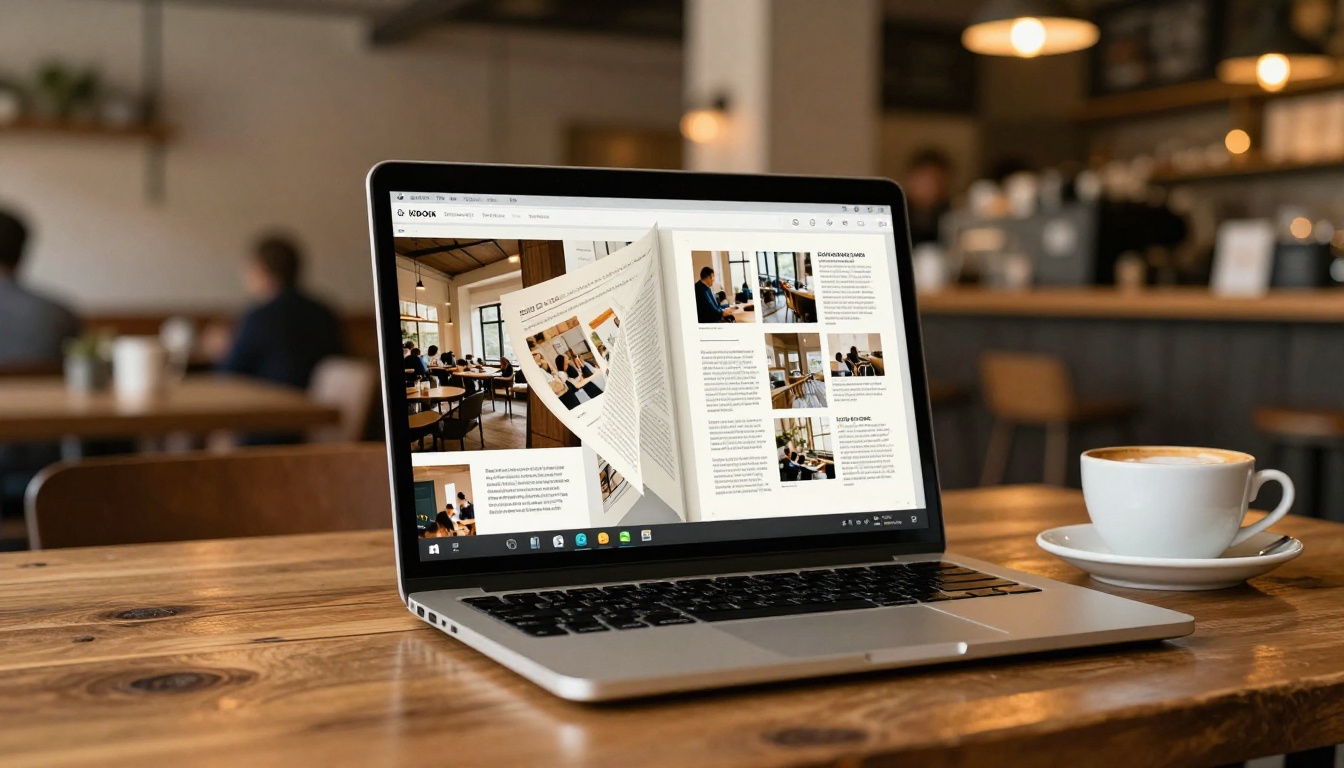
Flipbooks AI is the strongest option for creatives who already have their work compiled in PDF format. Upload your portfolio PDF and the platform converts it into a beautiful, page-flipping digital flipbook with smooth HTML5 animations, mobile responsiveness, and a shareable public link — all in under five minutes.
What separates it from basic PDF viewers is the page-flip experience. Visitors physically turn pages on screen, which feels tactile and memorable in a way that scrolling does not. The Digital Portfolio Creator and Portfolio Flipbook Builder tools are built specifically for this use case, letting you add custom branding, embed videos inside pages, and password-protect a private version for a specific client.
💡 Pro tip: Photographers get a dedicated Photography Portfolio Flipbook tool that optimizes image quality during conversion — no compression artifacts on your hero shots.
Free tier highlights:
- No watermarks, ever
- Public shareable link
- Mobile-responsive viewer
- Embed code for personal websites
- Unlimited flipbooks on Standard plan and above
2. Canva
Canva's free plan gives you access to a massive library of portfolio templates, a drag-and-drop editor, and the ability to publish your portfolio as a Canva website or a shareable presentation link. The Canva Websites feature is genuinely interactive: viewers can scroll through sections, click call-to-action buttons, and watch embedded YouTube videos.
It works best for designers who want pixel-level control over layout and branding. The downside is that the free tier shows Canva branding on published websites, and the portfolio format feels more like a one-page website than a curated publication.
Best for: Graphic designers, social media creatives, personal branding portfolios.
3. Adobe Express
Adobe Express (formerly Adobe Spark) offers a free portfolio page builder with clean templates and direct integration with Adobe fonts and assets. You can create multi-page portfolio sites with clickable navigation, image galleries, and text blocks without needing Creative Cloud.
The free tier is more limited than Canva's, with fewer customization options and Adobe branding on published pages. However, if your workflow lives inside the Adobe ecosystem, the frictionless asset import makes it worth considering.
Best for: Existing Adobe users, students in design programs, motion graphics artists.
4. Behance
Behance is Adobe's social platform for creatives, and it functions as a portfolio in its own right. Projects display in a scrollable, image-heavy format. Viewers can leave appreciations, follow your profile, and share your work. It is the closest thing to a portfolio-native social network.
The interactive element here is community-driven: comments, likes, and follows create authentic reach that a standalone website cannot replicate. The SEO benefit is real too, as Behance projects routinely rank in Google image search.
The limitation is control. You are building inside Behance's visual system, and you cannot embed your Behance portfolio cleanly into a personal site without it feeling like a redirect.
Best for: Illustrators, UI/UX designers, motion artists who want community exposure.
5. Format
Format offers a genuinely premium-feeling interface specifically designed for photographers and visual artists. Portfolios built on Format have clean gallery grids, full-screen image viewers, and client proofing features.
The free plan is limited to a trial period rather than an ongoing free tier, which is worth flagging. But for photographers who want a dedicated solution with professional-grade image display, Format sets the bar for visual quality in this category.
Best for: Photographers, videographers, fine art creatives.
6. Cargo
Cargo is the tool of choice for experimental designers, artists, and creatives who want to break out of template constraints. The interface is more complex than the others, but the results are genuinely unique. Free accounts can publish one live project.
It positions itself as an art tool more than a portfolio builder, which means the ceiling is high but the learning curve is steeper. If you want your portfolio to feel like it was designed from scratch, Cargo is worth the time investment.
Best for: Experimental designers, art directors, creative directors.
7. Journo Portfolio
Journo Portfolio is purpose-built for writers and journalists who need to clip articles, essays, and published work into a clean, linkable presentation. The free tier lets you create a public portfolio with up to 10 clips, and the interface is extremely easy to set up.
It does not have the visual depth of the other tools, but for content writers, journalists, and copywriters, it solves the right problem: collecting scattered bylines from a dozen publications into one shareable URL.
Best for: Writers, journalists, content strategists, copywriters.

Side-by-Side Comparison
Here is how all seven tools stack up on the features that matter most for interactive portfolios.
| Tool | Free Tier | Page Flip | Video Embed | Embed Code | Best For |
|---|
| Flipbooks AI | Ongoing | Yes | Yes | Yes | All creatives |
| Canva | Ongoing | No | Yes (YouTube) | Limited | Designers |
| Adobe Express | Ongoing | No | No | No | Adobe users |
| Behance | Ongoing | No | Yes | No | Community reach |
| Format | Trial only | No | Yes | No | Photographers |
| Cargo | 1 project | No | Yes | No | Experimental |
| Journo Portfolio | 10 clips | No | No | No | Writers |
⚠️ Note: "Page Flip" refers to the HTML5 book-style page-turn animation. Only Flipbooks AI offers this as a core portfolio feature on a free ongoing plan.
Pricing Overview
| Tool | Free Plan | Paid Plans Start At |
|---|
| Flipbooks AI | Yes, ongoing | See pricing |
| Canva | Yes | $15/month |
| Adobe Express | Yes | $9.99/month |
| Behance | Yes (always free) | N/A |
| Format | Trial only | $12/month |
| Cargo | 1 project free | $13/month |
| Journo Portfolio | 10 clips | $8/month |
Build Your Portfolio with Flipbooks AI
Flipbooks AI is directly relevant to creating an interactive portfolio, so here is exactly how to do it from start to finish.
Step 1: Prepare Your PDF
Before anything else, compile your work into a PDF. Most design tools export to PDF: Figma, Adobe InDesign, Canva, Keynote, and even Google Slides. Aim for:
- Landscape format (16:9 or A4 landscape) for best screen display
- High-resolution images embedded, not linked
- Consistent page layout so the flip animation looks cohesive
- Table of contents page as page 2 or 3 for easy navigation
Step 2: Create Your Account
Go to Flipbooks AI and create a free account. No credit card required for the free plan. The signup takes under a minute.
Step 3: Upload Your PDF
From your dashboard, click New Flipbook and upload your portfolio PDF. The platform converts it automatically into an interactive flipbook, typically within 30 to 60 seconds depending on file size.
✅ Best practice: Keep your PDF file size under 50MB for fastest conversion. Compress images to 150dpi if your file is larger.
Step 4: Customize Your Flipbook
Once converted, you can customize:
- Preview thumbnail: Choose the page that appears as the clickable preview card
- Branding: Add your logo, name, or studio name to the viewer interface
- Colors: Match the viewer accent color to your personal brand palette
- Background: Choose from solid colors or subtle textures for the viewer canvas
Step 5: Embed Videos or Audio
If your portfolio includes motion work, prototypes, or process videos, use the multimedia embed feature to add videos directly onto specific pages. This is where the Portfolio Flipbook Builder goes beyond what a PDF can do. Your portfolio becomes a living document.
Step 6: Share or Embed
Once you are happy with your flipbook, you have three options:
- Direct link: Copy the public URL and drop it into emails, LinkedIn, or job applications
- Embed code: Paste the HTML snippet onto your personal website to display your flipbook inline
- Password protection: Set a password to share a private version with specific clients

Step 7: Track Views with Analytics
On the Professional plan, you gain access to viewer analytics: how many people opened your portfolio, which pages they spent the most time on, and where they dropped off. This is the kind of data that tells you which projects land and which need rethinking.
💡 Pro tip: Use the analytics data to reorder your portfolio so your strongest work appears on pages 2 and 3 — where attention is highest after the opening spread.
The right tool depends entirely on what you create and how you need to share it.
| If You Are... | Best Tool | Why |
|---|
| A photographer with a PDF portfolio | Flipbooks AI | Image quality, page flip, embed code |
| A UI/UX designer building case studies | Canva or Cargo | Layout control, section interactivity |
| A writer with scattered bylines | Journo Portfolio | Clip collection, clean presentation |
| An artist wanting community discovery | Behance | Social reach, SEO visibility |
| A motion designer | Flipbooks AI with embedded video | Video-on-page inside flipbook format |
| A student applying for internships | Flipbooks AI or Canva | Fast setup, no cost, shareable link |
| An architect or interior designer | Flipbooks AI | Print-ready PDF converts beautifully |
Real-World Scenarios
Seeing how these tools fit into actual workflows makes the choice clearer.
Scenario 1: Freelance Brand Designer
A brand designer has 12 case studies compiled in a 40-page PDF. She uploads it to Flipbooks AI, customizes the viewer with her brand colors, and shares the public link in her email signature. Clients flip through her work without downloading anything.
Scenario 2: Architecture Graduate
A recent architecture graduate has an InDesign portfolio with renders, floor plans, and process pages. He exports to PDF, converts using the Digital Portfolio Creator, and embeds the result on his personal site with the provided embed code. Recruiters see the full portfolio without leaving his page.
Scenario 3: Editorial Illustrator
An illustrator wants community visibility alongside a shareable portfolio. She posts her best projects to Behance for SEO and community reach, and separately maintains a Flipbooks AI flipbook for direct client outreach where the page-flip experience adds presentation weight.

Common Mistakes to Avoid
⚠️ Warning: These are the most frequent errors that undercut an otherwise strong portfolio.
- Too many pages: A portfolio is a selection, not an archive. 12 to 20 pages is the sweet spot for most disciplines.
- Low-resolution images: If your portfolio is interactive but your images look blurry on a retina screen, the experience works against you.
- No clear contact path: Every portfolio needs a visible email address or contact link. Do not make people hunt for it.
- Outdated work: An interactive portfolio with old work is worse than no portfolio at all. Set a calendar reminder to update it every quarter.
- No mobile check: Always preview your portfolio on a phone before sharing. Most viewers open links on mobile first.
Features Worth Upgrading For
Some features on Flipbooks AI's paid plans are worth the investment once you start working with clients regularly:
- Analytics: See exactly which pages hold attention and which lose it
- Lead generation forms: Capture contact details from portfolio viewers directly
- Offline downloads: Let clients save a version to view without internet access
- Custom branding: Remove platform branding entirely, replace with your own identity
- Password protection: Share private versions with specific clients for confidential pitches
Why Interactive Beats Static Every Time
The data from portfolio platforms consistently points in one direction: interactive presentations hold attention longer, generate more follow-up inquiries, and are shared more often than static files. A PDF requires a download. A flipbook requires a click. That friction difference is the difference between your work being seen and being skipped.
When you add page-flip animations, embedded video, and real-time analytics on top of that, you are not just sharing a portfolio. You are creating a presentation that works for you around the clock, across time zones, without you in the room.

Your Next Step
Every creative on this list has work worth sharing. The only thing between your portfolio and the person who needs to see it is the right tool and about 30 minutes of setup time.
If you have a PDF portfolio ready right now, create a free account on Flipbooks AI and have your interactive flipbook live before you finish your coffee. If you are still building your portfolio content, use one of the other tools on this list to start collecting and organizing your work.
When you are ready to compare plans and decide what features your workflow needs, the Flipbooks AI pricing page lays out every option clearly. And if you want to see what is possible beyond a basic portfolio, browse the full tools directory to find purpose-built creators for photography portfolios, lookbooks, digital presentations, and more.
Your work already speaks for itself. Give it a format that lets people actually hear it.



