Static PDFs were the default for business documents for decades. They worked fine when most people sat at desktop computers and downloading a file felt fast. Today, that world is gone. Buyers scroll on phones, share links in Slack channels, and expect content that responds to them. Businesses using Flipbooks AI to convert their documents are seeing exactly why the old format no longer cuts it. Below are the top 7 reasons businesses prefer flipbooks over static PDFs, backed by real use cases and platform-specific advantages.
Why Static PDFs Are Failing Businesses
Before getting into the advantages, it helps to understand what is broken about the format businesses have relied on for so long.
Zero Engagement Data
A PDF is a black box. Once someone downloads it, you have no idea what happened next. Did they read page one and close it? Did they share it with a colleague? Did they spend ten minutes on your pricing page? There is no way to know. That absence of data means marketing teams are making decisions blind, unable to optimize their documents or measure ROI.
No Mobile Optimization
PDFs were designed for print. On a smartphone, a standard business PDF requires pinching, zooming, and scrolling sideways just to read a single paragraph. According to multiple content marketing studies, mobile users abandon unoptimized content within seconds. For a company distributing catalogs, brochures, or reports to mobile audiences, the PDF format is actively costing them readers.
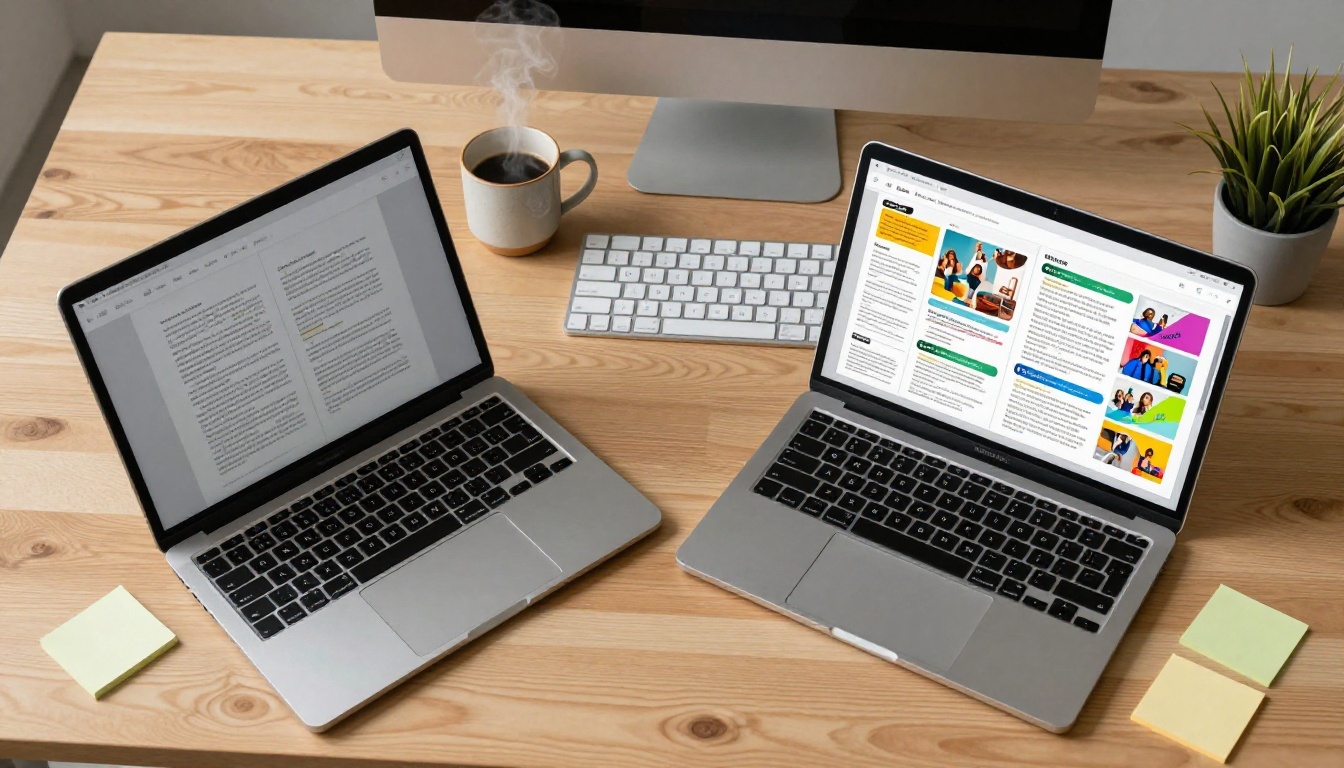
| Problem with PDFs | Business Impact |
|---|
| No engagement tracking | Cannot measure content ROI |
| Poor mobile experience | High abandonment rates on smartphones |
| Download friction | Fewer people access the content |
| No sharing control | Cannot revoke or update shared files |
| No embedded multimedia | Flat, static reading experience |
Reason 1: The Page-Turn Effect Changes Everything
The most immediately visible difference between a flipbook and a PDF is the tactile, animated page-turn experience. It is not a gimmick. Research consistently shows that interactive content holds attention 52% longer than static content. When a reader sees pages curl and turn, their brain engages differently. They feel like they are holding something physical. That psychological shift translates directly into time spent on the document and pages viewed per session.
Flipbooks AI renders this effect smoothly across all devices, with no plugins or software required. Readers open a link and the document comes alive instantly in their browser.
💡 Pro tip: The page-turn effect is especially powerful for product catalogs and lookbooks. Customers browsing a fashion catalog or furniture catalog spend more time exploring each page when the experience feels like flipping through a physical magazine.

Reason 2: Mobile Readers Expect Better
By 2025, over 60% of web traffic globally comes from mobile devices. Any document format that does not adapt to a 375-pixel-wide screen is eliminating the majority of potential readers before they start.
Flipbooks built on Flipbooks AI are fully mobile-responsive by default. The layout reflows automatically, text scales properly, and navigation controls are sized for thumbs. There is no pinching or horizontal scrolling. A prospective client opening your company brochure on their iPhone during their commute gets the same quality experience as someone on a 27-inch desktop monitor.
✅ Best practice: Always test your flipbook link on a mobile device before sending it to clients. Flipbooks AI renders consistently across iOS and Android browsers without any additional setup.

Reason 3: Analytics That Actually Work
This is the single biggest operational advantage flipbooks hold over PDFs, and it is one that most businesses do not fully appreciate until they have experienced it.
What You Can Track
With the Professional plan on Flipbooks AI, every published flipbook generates granular analytics data:
- Total views and unique visitor counts
- Time spent per page to identify which pages readers linger on
- Drop-off points showing exactly where readers stop engaging
- Geographic data on where your audience is located
- Device breakdown between desktop, tablet, and mobile readers
- Traffic sources showing how readers found your document
- Lead capture data from built-in forms
For a sales team distributing a sales presentation flipbook, knowing that prospects spend 45 seconds on page 8 (your pricing page) but only 4 seconds on page 12 (your case studies) tells you exactly what needs work. That intelligence is completely invisible in a PDF workflow.

| Analytics Feature | Static PDF | Flipbook (Professional) |
|---|
| View count | No | Yes |
| Time per page | No | Yes |
| Drop-off tracking | No | Yes |
| Geographic data | No | Yes |
| Device breakdown | No | Yes |
| Lead capture | No | Yes |
| Traffic sources | No | Yes |
Reason 4: Sharing Is Instant and Trackable
Distributing a PDF means emailing large attachments, dealing with inbox size limits, and losing control of the file the moment you hit send. An updated version requires sending a new email to every recipient. There is no way to revoke access or see who opened the file.
Flipbooks solve all of this with a single shareable link. Copy the URL, paste it anywhere, and every reader who clicks that link sees your document instantly in their browser.
Embedding on Any Website
Beyond simple links, flipbooks from Flipbooks AI can be embedded directly on any webpage with a short snippet of code. A hotel can embed their interactive brochure on their booking page. A restaurant can put their digital menu directly on their website. An e-commerce brand can embed a product catalog into their homepage without redirecting customers elsewhere.
💡 Pro tip: Embedded flipbooks significantly reduce bounce rate on landing pages. Visitors who interact with embedded content stay on the page 3x longer on average compared to pages that link out to PDFs.
Password protection is available for confidential documents. Send a private report to a board of directors or distribute a client proposal with restricted access, then revoke that access the moment the engagement ends.
Reason 5: Full Brand Control
A PDF carries whatever design was baked into it at creation. Colors are fixed, fonts are embedded, and the viewing experience depends on which PDF reader opens it. Different readers render PDFs differently, which means your carefully designed document may look completely different on a colleague's machine than it does on yours.
Flipbooks on Flipbooks AI offer full brand customization at the platform level:
- Custom color schemes matching your brand palette
- Logo placement in the viewer interface
- Custom domain for your flipbook links on Professional plan
- Favicon customization for branded browser tabs
- Page background colors and textures
- Font choices for interface elements
This means your reader's entire experience, from the moment they click the link to the final page, is wrapped in your brand identity. There are no third-party logos, no watermarks on paid plans, and no competing visual noise.
✅ Best practice: Set up your brand colors and logo in the platform before publishing any flipbook. Every document you create will inherit these settings automatically, ensuring consistent branding across your entire content library.
Reason 6: Multimedia Pages That Convert
A PDF can display text and static images. That is its ceiling. A flipbook built with Flipbooks AI can embed video directly into pages, include audio narration, add clickable hyperlinks, and incorporate interactive elements that static documents physically cannot support.
Consider the practical difference this creates across industries:
Every one of these scenarios is impossible with a PDF. They require the delivery format to support interactivity, and flipbooks are built for exactly that.

Reason 7: Lead Capture Inside the Document
This is where flipbooks stop being a better reading experience and become an active business tool. With the Professional plan on Flipbooks AI, you can embed lead generation forms directly inside your flipbooks.
A prospect reading your product catalog can enter their name and email right there on page 4, without leaving the document. A potential client reviewing your annual report can request a callback from within the report itself. A reader who reaches the final page of your brochure sees a contact form, not a dead end.
Professional Plan Features
The Professional plan includes:
- Lead capture forms with custom fields embedded on any page
- Full analytics dashboard with complete engagement data
- Offline downloads so readers can access content without internet
- Custom domain for flipbook URLs
- Password protection for confidential documents
- Priority support
| Feature | Free | Standard | Professional |
|---|
| Flipbooks | Limited | Unlimited | Unlimited |
| Watermark | Yes | No | No |
| Password protection | No | Yes | Yes |
| Analytics | No | Basic | Full |
| Lead generation | No | No | Yes |
| Offline downloads | No | No | Yes |
| Custom domain | No | No | Yes |
| Embed on website | No | Yes | Yes |
⚠️ Worth noting: Lead capture inside a document is only available on the Professional plan. If converting readers into contacts is a goal, upgrading your plan pays for itself quickly once you start capturing inbound leads from documents you were previously distributing for free with no return data.
How to Convert Your PDF to a Flipbook
If you have an existing PDF document, converting it takes under five minutes on Flipbooks AI.
Step 1: Create your account
Go to flipbooksai.com/account and sign up. No credit card required for the free plan.
Step 2: Upload your PDF
From your dashboard, click "Create Flipbook" and upload your PDF file. The platform accepts standard PDF files and processes them automatically.
Step 3: Customize your branding
Once converted, open the customization panel to set your brand colors, upload your logo, and adjust the viewer appearance. Changes apply instantly in the preview.
Step 4: Add multimedia (optional)
Use the editor to embed video links or audio files on specific pages where multimedia would add value. This step is optional but significantly increases engagement.
Step 5: Configure sharing and security
Set a password if the document is confidential. Toggle offline download access for readers who need it. Enable lead capture if you want to collect contact details from readers.
Step 6: Publish and share
Hit publish. Copy your flipbook link and share it via email, social media, or embed the provided code snippet directly on your website.
The PDF to Flipbook Converter handles the entire conversion automatically. No design software or technical knowledge required.
Industries Getting the Most Value
The shift from PDF to flipbook is not industry-specific. It creates measurable improvements across virtually every sector that distributes documents to clients, customers, or internal teams.
Retail and e-commerce: Product catalogs become browseable storefronts with direct purchase links. A product catalog generator builds these without any design background required.
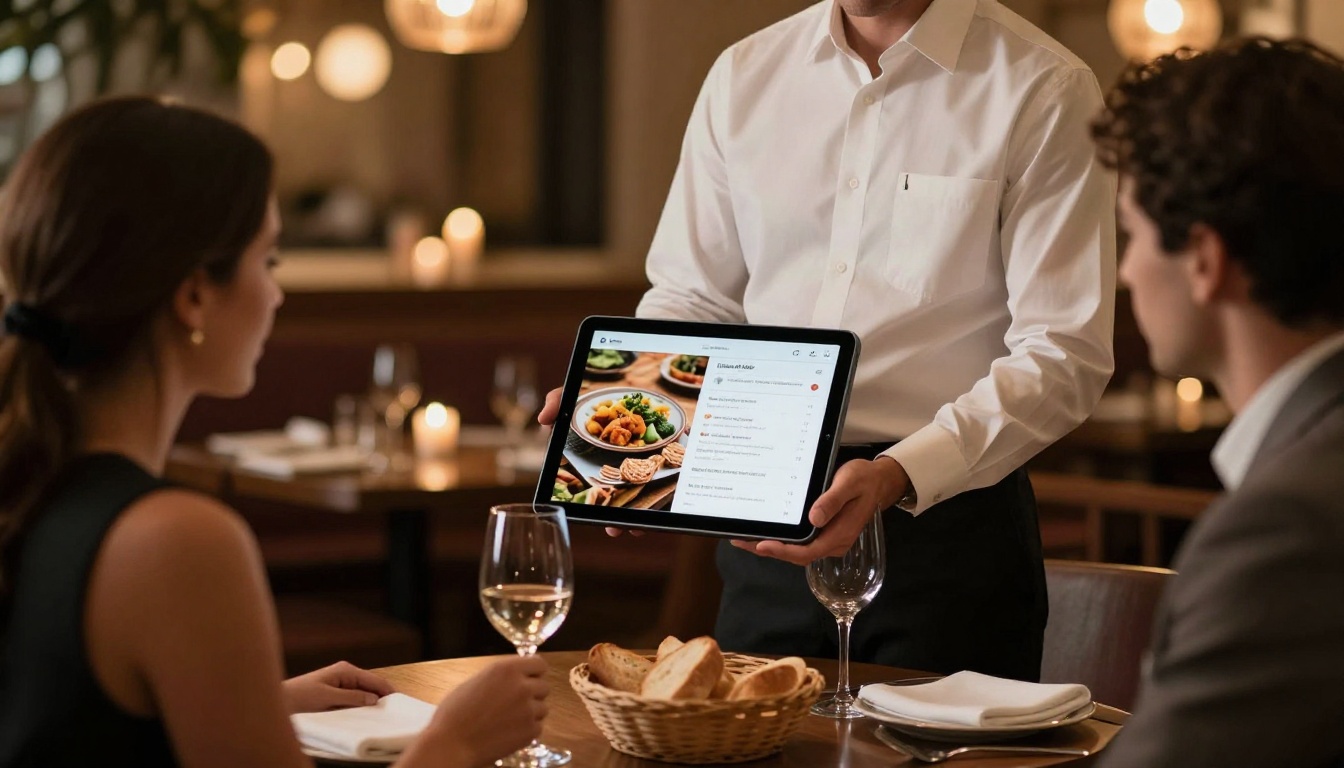
Hospitality: Hotels embed video tours and live booking links inside their hotel brochures. Restaurants use digital menus that update instantly when items change, without reprinting anything.
Real estate: Agents share interactive property brochures that include floor plans, virtual tours, and direct inquiry forms. Clients review properties on their phones between appointments.
Education and training: Organizations distribute training manuals and course materials that employees can access on any device, with video and audio support included.
Corporate communications: Finance teams publish annual reports and corporate reports that stakeholders actually read, with data visualizations and embedded videos.

Choosing between a PDF and a flipbook is not a design preference. It is a decision about how much return you want from every document you produce. PDFs cost time and money to create, then disappear into inboxes with no trace. Flipbooks convert that same investment into measurable engagement, brand reinforcement, and in some cases, direct lead generation.
Businesses that made the switch report improvements across content performance metrics within weeks of their first flipbook. The format works because it respects how people actually read today: on phones, quickly, with high expectations for quality.
Ready to see the difference for yourself? Create your first flipbook on Flipbooks AI for free. No design experience needed, no watermarks on paid plans, and conversion takes under five minutes from any existing PDF.
Browse the full library of tools and templates to find the right starting point for your industry, or compare pricing plans to choose the tier that fits your publishing volume and feature needs.



