A static PDF is no longer enough. Readers expect a recipe that plays a ten second clip, a magazine feature with the author's voice, a catalog where the product actually moves. The good news is that adding sound and motion to your publications costs far less than it did five years ago, and some of the best tools are free. This ranking breaks down the video editors, audio tools and publishing platforms worth your time, what they really cost, and how to combine them with Flipbooks AI so your multimedia lands inside a page-turning publication instead of sitting on a separate channel.
💡 Quick answer: For most small publishers, a free editor (DaVinci Resolve or CapCut), a free audio tool (Audacity) and a flipbook platform that embeds both is a complete, professional setup for under the price of a single streaming subscription.
What Publishers Actually Need
Before comparing tools, it helps to separate three jobs that often get mixed up. Most "multimedia suites" are good at one and mediocre at the others.
Creating the Video
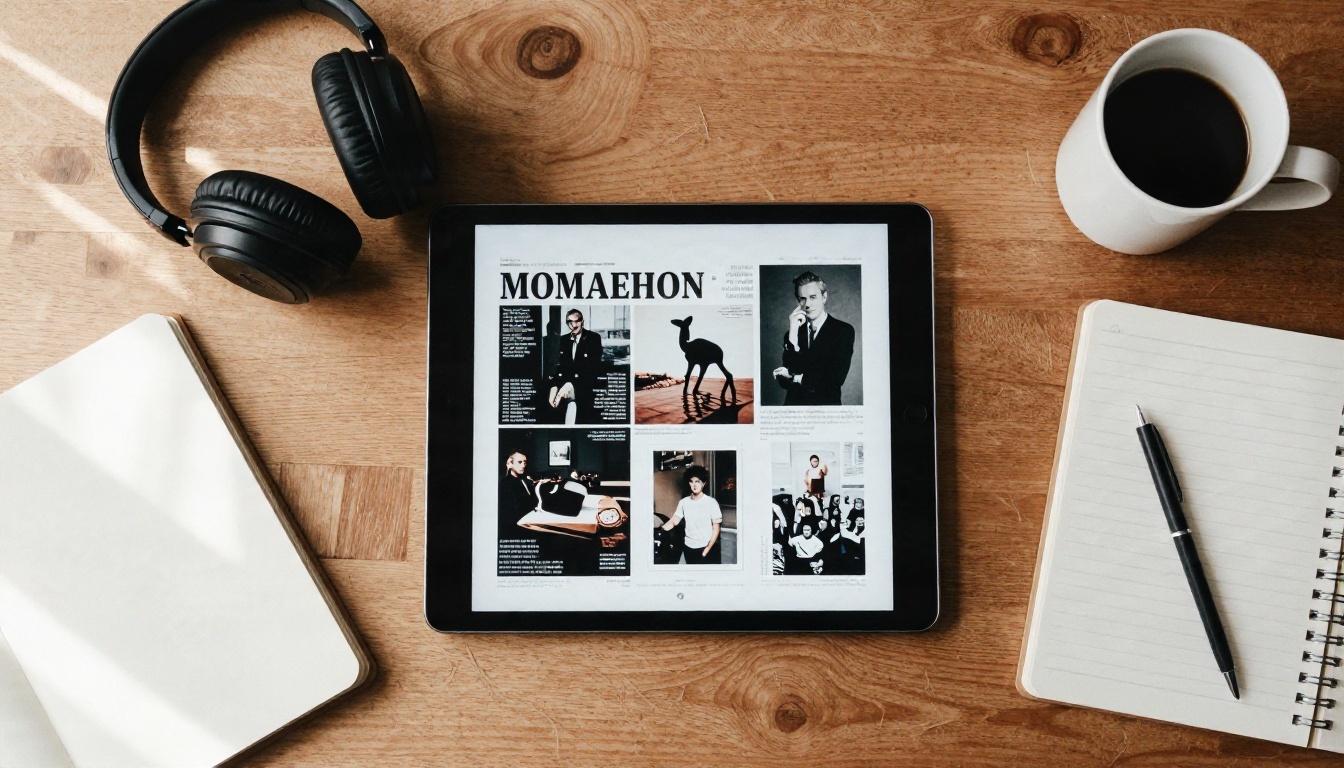
This is capture and editing: trimming a product demo, cutting a behind-the-scenes reel, adding captions. You need a timeline editor, decent export presets and, ideally, automatic subtitles. Most readers watch with the sound off on first view, so captions matter more than color grading.
Creating the Audio
Audio covers podcasts, author readings, narrated articles and ambient background tracks. The priorities here are noise reduction, level balancing and clean export to MP3. A mediocre microphone with good editing beats an expensive microphone with none.
Delivering It Inside the Publication
This is the step most roundups skip. A video file on your hard drive is not a publication. You need a layer that places the clip on the right page, plays it on mobile, and tells you whether anyone pressed play. That is where a flipbook platform earns its place in the stack.
Here is how the most common options compare for publishing work specifically, not for filmmakers.
| Tool | Best for | Free option | Typical paid entry | Learning curve |
|---|
| DaVinci Resolve | Polished long-form video | Yes, very capable | One-time purchase for Studio | Steep |
| CapCut | Short social and page clips | Yes, with some limits | Low monthly fee | Gentle |
| Adobe Premiere Pro | Teams already inside Adobe | No (trial only) | Monthly subscription | Moderate |
| Canva Video | Quick branded clips | Yes | Monthly Pro plan | Very gentle |
| Descript | Editing video by editing text | Limited free tier | Monthly subscription | Gentle |
| OBS Studio | Screen recording and live capture | Yes, fully free | None | Moderate |
Prices change often, so confirm current figures on each vendor's site before you commit.
Free Video Picks
DaVinci Resolve is the surprise of the category. The free version includes professional color tools, multi-track editing and solid export, and it is more than most publishers will ever outgrow. The trade-off is a heavier computer requirement and an interface that takes a weekend to feel comfortable.
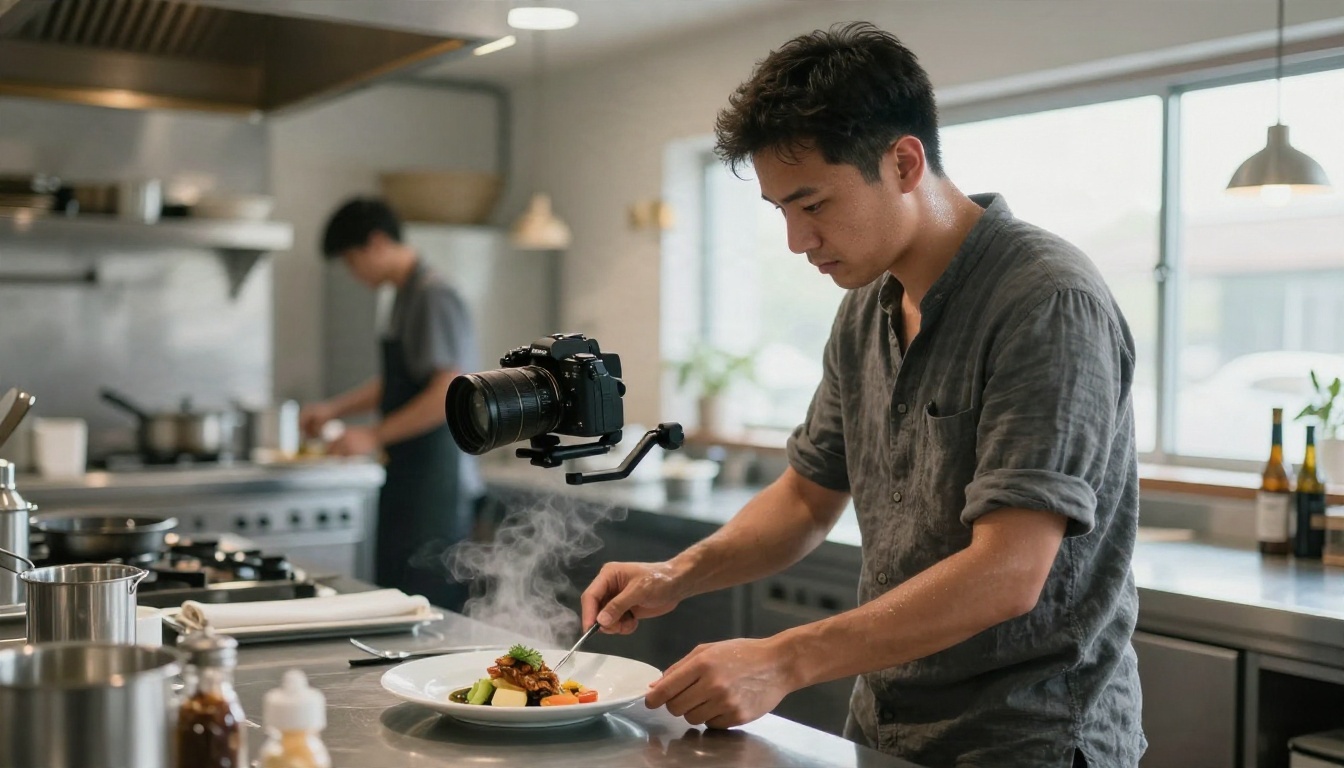
CapCut wins on speed. Auto captions, vertical templates and one-click resizing make it ideal for the 10 to 30 second clips that work best inside a flipbook page. OBS Studio is the right pick when you need to record a screen walkthrough of a software tutorial or a webinar replay.
Paid Video Picks
Adobe Premiere Pro makes sense when your designers already live in InDesign and After Effects, because assets move between apps without friction. Descript is worth paying for if your content is interview-heavy: you edit the transcript, and the video follows. For a publisher who produces a weekly interview series, that alone can save hours.
⚠️ Watch the file size. A four minute 4K export can run past a gigabyte. Export at 1080p with a modest bitrate for embedded clips, and keep the 4K master for your archive.
Audio is the cheapest way to make a publication feel alive. A 60 second narrated intro on the first page changes how a reader experiences everything after it.
| Tool | Best for | Free option | Notes |
|---|
| Audacity | Editing and cleanup | Yes, fully free | Open source, runs on any system |
| Adobe Audition | Multi-track and restoration | No | Strong noise removal |
| Descript | Podcasts and narration | Limited | Removes filler words automatically |
| Riverside | Remote interviews | Limited | Records each guest locally for clean tracks |
| GarageBand | Quick Mac projects | Yes, on Apple devices | Simple loops and voice presets |
| Hindenburg | Spoken word and audio books | Trial only | Built around narration workflows |
Free Audio Picks
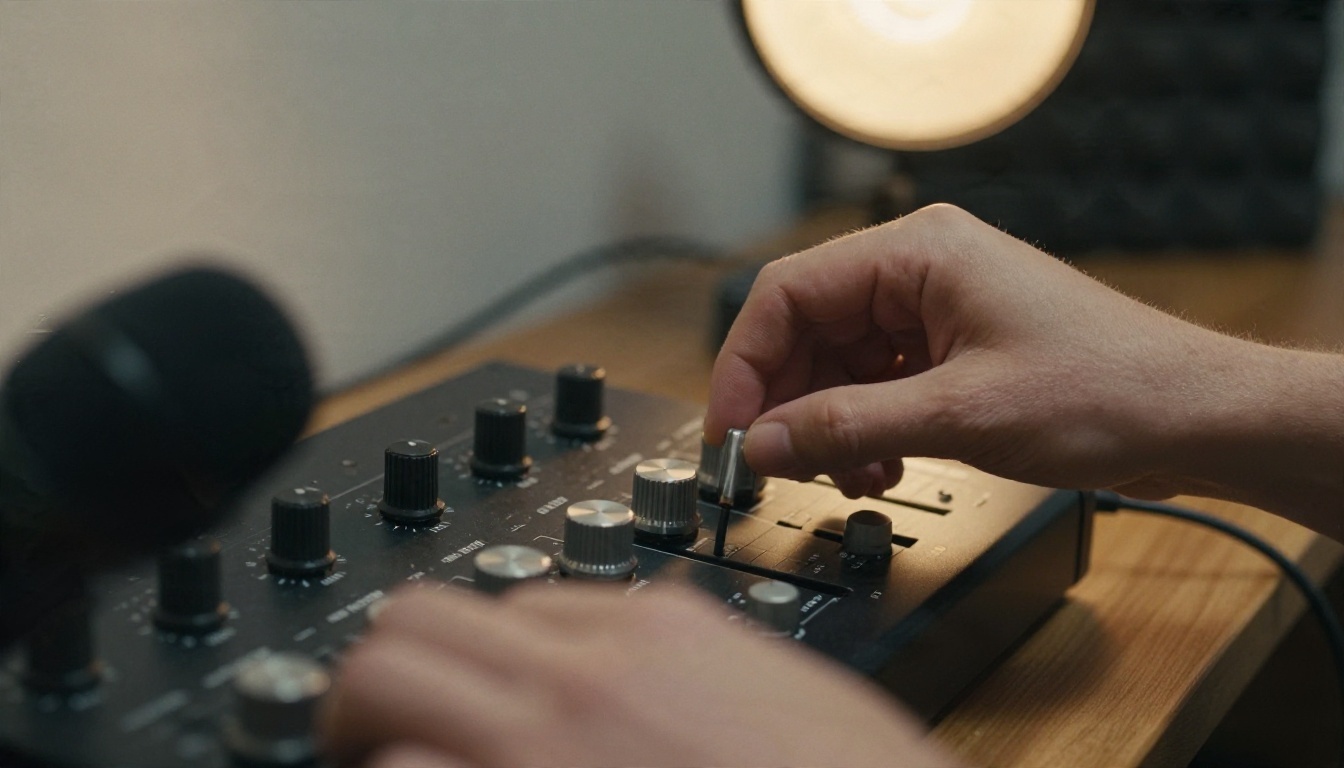
Audacity handles 90 percent of what a publisher needs: trim, normalize, remove background hiss, export MP3. Learn three tools in it (noise reduction, normalize, compressor) and you are done. GarageBand is a gentle alternative for anyone on a Mac or iPad.
Paid Audio Picks
If you interview people in different cities, Riverside is the most practical option because each guest records locally and the files sync afterward, so a shaky connection never ruins the audio. Descript again earns a mention for removing every "um" without manual cutting.
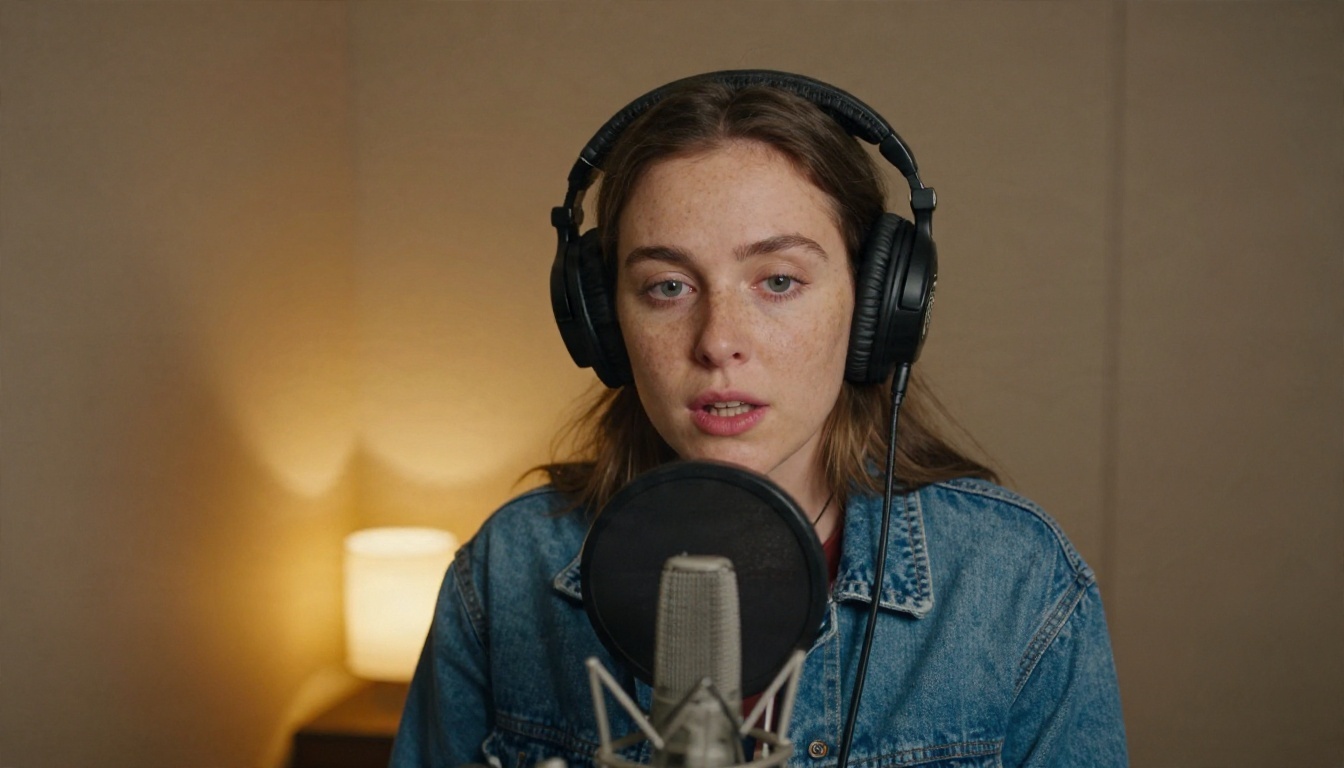
💡 Pro tip: Record in a closet full of clothes. Soft fabric absorbs echo better than most budget acoustic panels, and it costs nothing.
Pricing Compared at a Glance
The tools above are only half the bill. The real cost of multimedia publishing is the sum of creation, hosting and delivery. Here are three realistic setups.

| Setup | Video | Audio | Delivery | Rough monthly cost |
|---|
| Zero budget | DaVinci Resolve Free | Audacity | Free flipbook tier | Close to nothing |
| Small studio | CapCut Pro or Descript | Descript or Riverside | Flipbooks AI Standard plan | Low double digits |
| Growing team | Premiere Pro | Audition | Flipbooks AI Professional plan | Moderate, scales with seats |
Hidden Costs to Plan For
- Stock music and sound effects: Royalty free libraries often charge monthly. Free options exist, but check the license for commercial use.
- Storage and bandwidth: Hosting video yourself can get expensive when a flipbook goes viral. Embedding from a platform with proper delivery avoids surprise bills.
- Watermarks: Many free tiers stamp their logo on your output. That looks fine on a personal blog and unprofessional on a client catalog. Flipbooks AI never adds one.
- Time: A tool that takes 20 hours to learn costs more than a subscription that takes two.
How to Choose Fast
- Count how many videos and audio files you publish per month.
- If it is fewer than five, stay on free tools.
- If you interview remote guests, add Riverside or Descript.
- If your team shares projects, move to a subscription editor with cloud collaboration.
- Always budget separately for the delivery layer.
Free Options That Hold Up
Free does not have to mean compromised. These combinations produce work that clients and readers will not distinguish from paid output.
- Video: DaVinci Resolve for long pieces, CapCut for short clips, OBS for screen recording.
- Audio: Audacity for editing, a free royalty free library for background tracks.
- Design: Canva's free tier for covers and page layouts that you export as PDF.
- Delivery: The free tier on Flipbooks AI lets you turn that PDF into a flipbook before you spend anything.
✅ Best practice: Start with the free stack for one full issue. If a specific limit blocks you (export length, captions, collaboration), upgrade only that tool.
Add Video and Audio to a Flipbook
This is where your files become a publication. The process takes about fifteen minutes for a first issue.
Step 1: Prepare and Upload Your PDF
Export your layout from InDesign, Canva or Word as a PDF. Then go to the PDF to Flipbook Converter, create an account and drop the file in. Pages convert automatically and keep their fonts and images sharp.
Step 2: Place Your Media
Open the editor and choose a page. Add a video by pasting a link or uploading a file, then position and resize it. Do the same for audio: drop an MP3 on the page where the narration belongs. Flipbooks AI supports embedded video and audio, and the playback controls work on phones and tablets.
Step 3: Customize the Look
Set your brand colors and logo, pick a page-turn effect, and choose a background that suits the topic. A fashion lookbook can run on a soft neutral tone, while a technical report might need a clean white. The Magazine Flipbook Creator and the Interactive E-Book Publisher both include layouts built for this.
Step 4: Share It Your Way
You can send a direct link, embed the flipbook on your site with the Embed Flipbook on Website tool, or add a password to keep subscriber-only content private.
Step 5: Track and Capture Leads
On the Professional plan you get analytics that show which pages were opened and how long readers stayed, plus lead capture forms so you collect an email before a premium issue unlocks. Offline downloads let subscribers read on a flight with no signal.
| Feature | What it does for publishers | Plan |
|---|
| Video and audio embeds | Plays media directly on the page | All plans |
| No watermarks | Keeps your brand clean | All plans |
| Unlimited flipbooks | Publish every issue and every edition | Standard and above |
| Password protection | Gates subscriber content | Standard and above |
| Analytics and lead capture | Shows what readers value, collects emails | Professional |
| Offline downloads | Reading without a connection | Professional |
Real Workflows That Work
Theory is easy. Here is how different publishers put these tools to work.
The Independent Magazine
A small lifestyle magazine records each editor's note as a 90 second audio clip in Audacity, then films a short behind-the-scenes reel in CapCut. Both go into the E-Magazine Publishing Tool flow. Subscribers hear the editor's voice on page one and watch the shoot on page twelve. The publisher pays for nothing except the delivery layer.
The Restaurant With a Menu That Moves
A restaurant films a chef plating its signature dish, trims the clip in DaVinci Resolve and places it beside the dish on the page. The Restaurant Menu Creator turns the whole thing into a shareable menu that diners open from a QR code.
The Bookshop With an Audio Catalog
A bookshop owner records 30 second author readings and attaches each one to the matching title in a Digital Catalog Maker flipbook. Customers sample a book's voice before buying, and the shop sends the link in its monthly newsletter through the Newsletter Flipbook Publisher.
The Remote Podcast Team
A three person team records interviews in Riverside, cleans them in Descript, and publishes each episode as a transcript flipbook with the audio embedded on page one. Readers choose whether to listen or skim, and analytics reveal which episodes deserve a follow-up.
💡 Pro tip: Keep clips short. A 20 second video that loads instantly beats a three minute film that stalls on mobile data.
Three Mistakes to Avoid
- Buying tools before defining the output. Decide whether you are making clips, episodes or narrated articles first. The format picks the tool, not the other way around.
- Skipping captions. Silent autoplay is the default on many phones. A clip without subtitles is often skipped.
- Treating delivery as an afterthought. If your video lives on a different site from your publication, readers have to leave the page to watch it, and many never come back.
Ready to Publish?
You do not need a studio budget to make a publication that plays video and speaks to readers. Pick one free video editor, one free audio tool, and let the flipbook platform do the delivery.