Your music might be incredible, but the person deciding whether to book you, playlist you or sign you will probably give your press kit about sixty seconds. That is the whole job of an electronic press kit, or EPK: make a fast, confident first impression that answers "who are you, what do you sound like, and why should I care?" before the inbox tab gets closed. The good news is that you no longer need a designer or a big budget. Free builders, paid platforms and flipbook tools like Flipbooks AI can all produce a professional kit. The hard part is picking the right one for your situation, so this article compares the options side by side, shows real examples by artist type, and walks through a full tutorial.
What an EPK Actually Needs
Before comparing tools, it helps to know what the finished product has to do. A tool is only as good as the kit you build with it, and most weak EPKs fail on content, not design.
The Core Ingredients
Every strong music EPK, whatever the genre, includes the same building blocks:
- A short bio in three lengths: one line, one paragraph, and a full page.
- Three to five professional photos, at least one landscape and one portrait, in high resolution.
- Streaming links to your best two or three tracks, not your entire catalog.
- Live video or a performance clip that shows how you actually sound on stage.
- Press quotes and highlights: playlist adds, festival slots, radio spins, notable support slots.
- Contact details that a stranger can act on in ten seconds.
- A technical rider or stage plot for bands and DJs who play live.
💡 Pro tip: Put your single strongest credential in the first screen. A booker skimming on a phone should see "Supported a national touring act" or "1.2M streams" before they scroll once.
What Agents Skip Past
Industry people open hundreds of kits a month. They tend to skip anything that makes them hunt: giant audio file attachments, a bio that begins with your childhood, or a folder of twelve unlabeled photos. They also bounce when a link needs a login or a download. Your tool should make the kit light, scannable and instantly viewable.
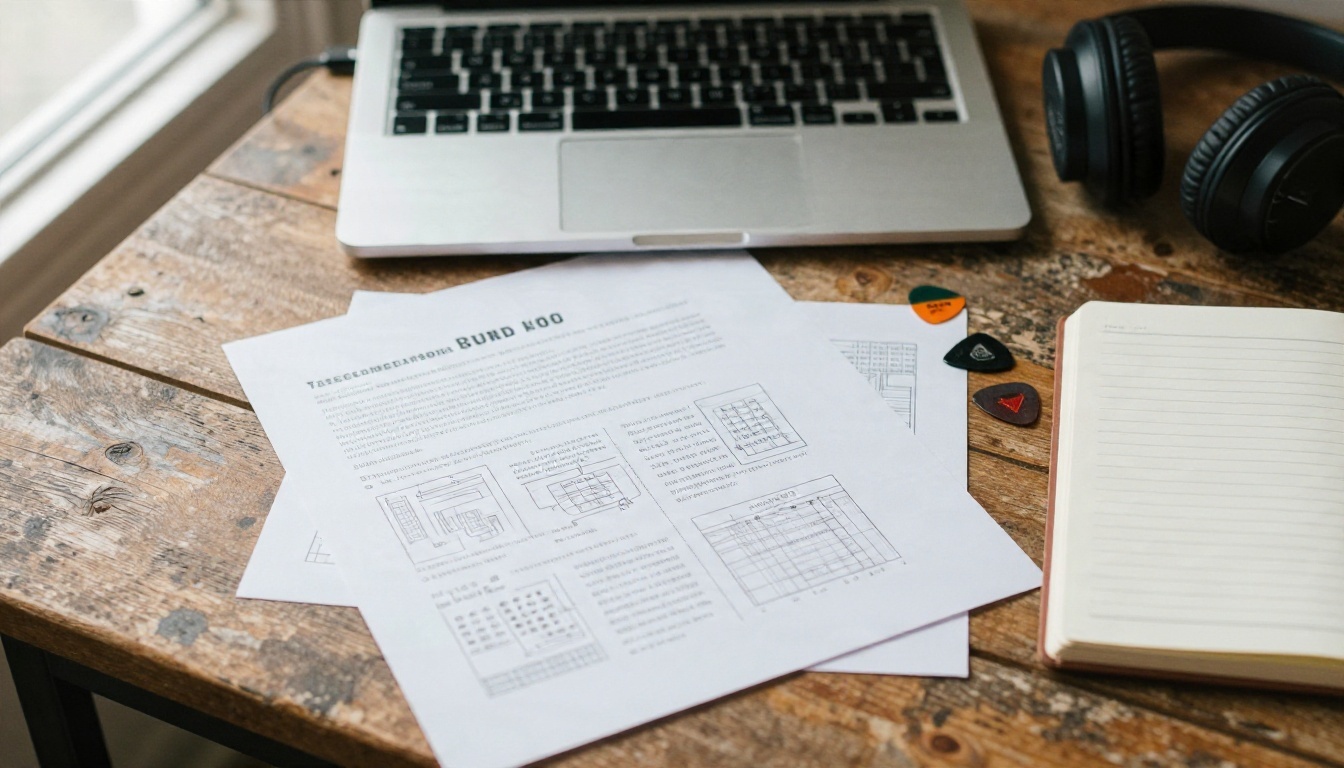
If you are just starting out or between releases, free tools get you surprisingly far. You trade some polish or tracking ability for zero cost.
Canva and Google Slides
Canva offers a large library of music-themed one-sheet and press kit templates. You drag in photos, swap fonts, and export a PDF. Google Slides is plainer but fast, and easy to share with collaborators like a manager or bandmate. Both work well for a static PDF, and both fall short on interactivity: embedded audio and video are limited, and you cannot see who opened your file.
Website Builders and Link Pages
Free tiers of website builders let you set up a simple one-page EPK with embedded players. A link-in-bio page can serve as a lightweight version, listing your best track, a video, a photo folder and your email. The tradeoff is branding: free plans usually add the platform's badge, and your URL might look generic.
Bandcamp and SoundCloud Profiles
Your streaming and sales profiles already work as part of an EPK. A tidy Bandcamp page with a short bio, artwork and a private link to unreleased tracks can stand in for a kit during early outreach. Treat these as supporting evidence, not the whole package, because they don't include press quotes, rider details or a stage plot.
⚠️ Watch out: Free tools often store your files on public links. If you share unreleased music, switch to a password protected format before sending.
When bookings start to matter, many artists move to a dedicated tool. The table below compares the main categories rather than individual price tags, since plans change often.
| Tool Type | Typical Cost | Best For | Main Limitation |
|---|
| Design apps (Canva, Slides) | Free to low monthly fee | Static PDF one-sheets | No tracking, limited media |
| Artist website builders | Low monthly fee | Artists who want a permanent home page | Visitors must browse, not flip through |
| Music marketplaces and booking networks | Subscription or per-submission | Festival and showcase applications | Kit style is locked to the platform |
| Flipbook publishers | Free to mid-tier plans | Polished, shareable, trackable kits | You build content in a PDF first |
| Custom designer work | One-time project fee | Established acts with a budget | Slow to update, costly for revisions |
The pattern is simple: design apps are cheap and static, websites are flexible but unfocused, and flipbooks sit in the middle with an app-like reading experience, embedded media and analytics. That mix is why many independent artists build a PDF in a design app, then publish it as a flipbook.
Templates You Can Borrow
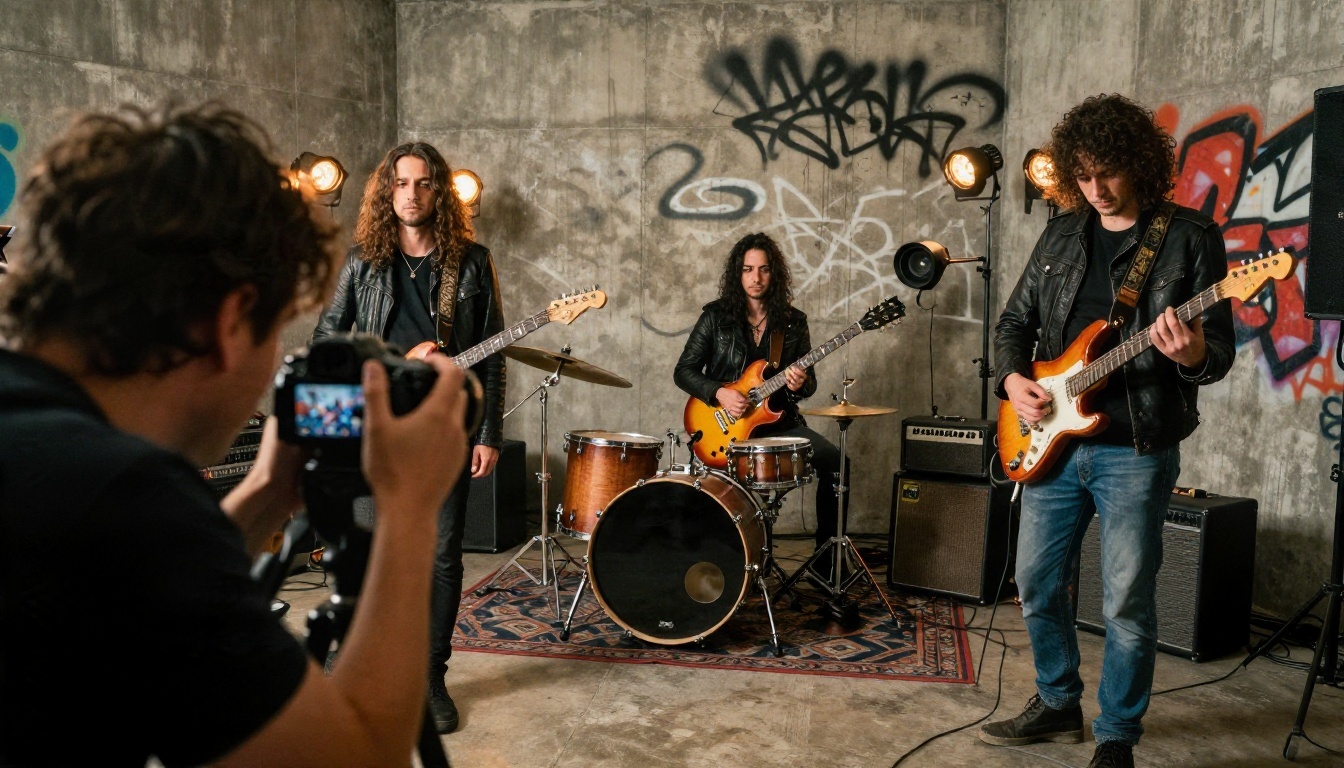
Starting from a blank page is the biggest time sink. Use a proven structure instead and swap in your own details.
One-Sheet Template
A one-sheet is a single page that works as a business card on steroids. A reliable layout:
- Top band: artist name, genre tags and a hero photo.
- Left column: a short bio and three highlight bullets.
- Right column: streaming links, a QR code and a video thumbnail.
- Footer: booking email, phone number and social handles.
Full Press Kit Template
For labels, festivals and press, build a multi-page kit. Here is a page-by-page structure that works for most acts:
| Page | Content | Purpose |
|---|
| 1 | Hero photo, name, one-line pitch | First impression |
| 2 | Bio and highlight list | Credibility |
| 3 | Music and video links | Proof of sound |
| 4 | Press quotes and playlist features | Social proof |
| 5 | Photo gallery with credits | Ready-to-use media |
| 6 | Tour dates and past venues | Track record |
| 7 | Contact and booking details | Next step |
Booking Rider Pack
If you play live, add a short appendix: stage plot, input list, backline needs and hospitality basics. Keep the rider to one or two pages. Agents love a rider that is realistic and easy to accommodate, especially for small venues with minimal gear.
✅ Best practice: Name every file clearly, for example "ArtistName_Bio_Short.pdf" and "ArtistName_Photo_Landscape.jpg". It saves a stranger five minutes and signals that you are organized.
How to Create an EPK Flipbook with Flipbooks AI
A PDF is fine, but a flipbook reads like a magazine on any device, supports embedded audio and video, and lets you see how people use it. You can use the PDF to Flipbook Converter or the dedicated Press Kit Designer for music kits. Here is the process from start to finish. First, create an account on Flipbooks AI and open the dashboard.
Upload and Convert Your PDF
- Build your kit as a PDF using Canva, Slides, InDesign or any design tool. Use the page structure above.
- Export at high quality, ideally in landscape orientation with fonts embedded.
- Click Create in your dashboard and upload the file.
- Wait a few moments while the platform converts each page into a flipbook with a realistic page-turn effect.
💡 Screenshot description: The upload screen shows a large drop zone in the center, a progress bar underneath, and a thumbnail strip of your converted pages appearing on the right.
Brand It Your Way
Open the customization panel and set the look to match your artwork:
- Custom branding: upload your logo and choose your accent color to echo your album cover.
- Page effects: choose a soft page curl, adjust flip speed, and set a background color or image.
- Multimedia: embed a YouTube performance clip, a streaming player or an audio sample directly on the relevant page. See the Interactive E-Book Publisher for how embedded media works.
- Links: turn your streaming buttons, socials and booking email into clickable hotspots.
Every flipbook is mobile responsive, and there are no watermarks on your kit, ever. That matters when your name is the whole product.
Share and Protect It
Publishing gives you several delivery options:
| Option | When to Use It |
|---|
| Direct link | Email pitches, DMs and social bios |
| Embed code | Your artist website via the Embed Flipbook on Website tool |
| Password protection | Unreleased tracks, label showcases, private rider details |
| Offline download | Promoters who want a copy for travel or stage planning |
Standard plans and above include unlimited flipbooks, so you can keep a general kit, a festival version and a label-focused version live at the same time. Compare pricing plans to see what fits your release schedule.
Track Who Opens It
On the Professional plan, analytics show how many people opened your kit, which pages held attention and where they dropped off. Lead generation can ask a viewer to enter an email before reading, which gives you a contact list of bookers and journalists who actually showed interest. Check the Professional features on the pricing page to see what is included.
Real EPK Examples by Artist Type
A good kit looks different depending on who is reading it and what you do. These scenarios show how the same tools produce different results.
Solo Singer-Songwriter
A folk singer chasing house concerts and small festivals builds a six-page flipbook. The cover is a warm portrait, page two is a story-driven bio with one standout credit, and page three embeds a live session video. Press quotes from local blogs fill page four. The rider is a half page: one guitar, one vocal mic, a small stool. She sends a direct link in every pitch and saves the password protected version for unreleased material.
Touring Band
A four-piece rock band needs more logistics. Their kit has a full stage plot, an input list and a tour history table showing every venue size they have played. They embed a festival set video and a link to a fan-shot clip. Their manager uses lead capture to track which promoters opened the kit, then follows up with the ones who reached the rider page.
DJ or Producer
A house DJ builds a kit that leads with a mix preview. Embedded audio sits on page two, followed by a residency list, a flyer gallery and a short technical rider (mixer model, monitor setup, travel needs). A QR code in the footer lets club owners open the kit from a phone on the spot.
| Artist Type | Lead With | Must Include | Skip |
|---|
| Singer-songwriter | Story and live video | Short rider, press quotes | Long discography lists |
| Touring band | Tour history | Stage plot, input list | Old unrelated photos |
| DJ or producer | Mix preview | Residencies, tech rider | Unedited social posts |
| Pop artist | Streaming milestones | Playlist features, press | Heavy text blocks |
| Classical or jazz ensemble | Repertoire and venues | Program sample, audio | Flashy effects |
Common Mistakes to Avoid
Even a great tool can't rescue a kit with these problems:
- Too much text. Keep paragraphs to three or four lines. Use bullets and short headings.
- Weak photos. Blurry phone shots hurt more than no photos. One good session beats twenty average ones.
- Outdated info. A kit that lists a 2022 tour as "upcoming" signals that you are inactive. Set a calendar reminder to update every quarter.
- Heavy attachments. Large audio files bounce or land in spam. Link or embed instead.
- Buried contact info. Put your booking email on the first and last pages.
- No tracking. If you never see who opens your kit, you can't improve it or time your follow-up.
⚠️ Common trap: Sending one generic kit to everyone. A festival booker cares about crowd size and set length. A playlist curator cares about sound and momentum. Make small, tailored versions of the same kit.
If you are on a tight budget, start with a free design app, build a clean one-sheet, and send it as a PDF. If you are ready to look more professional and see who is actually reading, publish the same file as a flipbook. Here is a simple decision shortcut:
| Your Situation | Best Starting Point |
|---|
| Brand new, no budget | Free design app plus a streaming profile |
| Releasing music regularly | Flipbook EPK with embedded audio |
| Pitching festivals and agents | Multi-page flipbook with rider and tracking |
| Label or management ready | Password protected flipbook with lead capture |
Ready to build yours? Create your first flipbook on Flipbooks AI, browse the full list of flipbook tools and templates, or try the Digital Portfolio Creator if you want to show artwork, photography and video in one place. When you are ready for analytics and lead capture, compare plans and upgrade. Your next booking could start with a link someone opens on their phone, so make that link count.



