You spent weeks on the booth design, shipped crates across the country, and printed 2,000 brochures. Then a visitor walks past, glances at a crooked stack of paper on the corner of your table, and keeps walking. A good trade show brochure holder prevents exactly that moment. It turns loose paper into an invitation, and in this article we will compare every major holder type, show you where to put them, and look at the digital alternative that tools like Flipbooks AI make possible.
Whether you exhibit twice a year or twenty times, the right display saves you money, saves your back at load-in, and puts your message into more hands.
Why Your Brochure Holder Matters
A brochure holder is a tiny piece of booth furniture doing a big job. It is your silent salesperson when every team member is busy with another visitor.
Think about what happens at a busy show. Attendees scan a booth in about three seconds. If your literature is flat on a table, it looks like clutter. If it sits upright, angled, and fully visible in a clean pocket, it looks intentional and easy to grab.
What a Good Holder Actually Does
- Presents your message at a height people can read without bending.
- Protects paper from creases, coffee spills and curling in humid halls.
- Organizes multiple pieces (product sheets, price lists, case studies) by category.
- Signals professionalism before anyone says a word.
- Frees your table for demos, tablets and conversation.
The Hidden Cost of Skipping It
Exhibitors often treat the holder as an afterthought and buy whatever is cheapest in the last week. The result is a wobbly wire rack that tips when a pocket is overloaded, or a stand too tall for the booth ceiling height rules. Fixing that on show day is stressful and expensive.
💡 Pro tip: Check your exhibitor manual before you buy. Many shows limit the height of freestanding items in a 10x10 inline booth, and some restrict how far a display can extend into the aisle.
Brochure Holder Types Compared
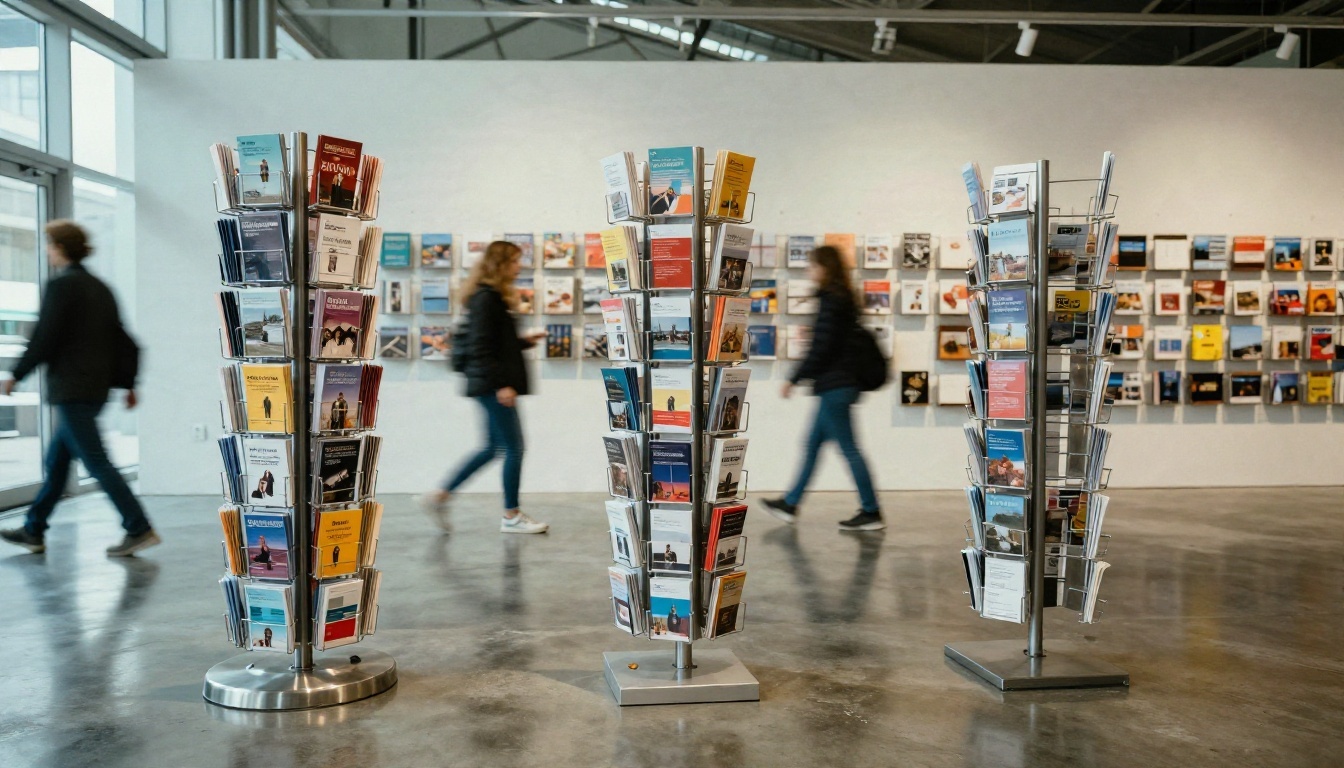
Most exhibitors choose between four formats. Each solves a different problem, so the right pick depends on your booth footprint, your literature volume and how you move around the hall.
| Holder Type | Best For | Capacity | Portability | Typical Price Range |
|---|
| Countertop acrylic holder | Small booths, tabletop displays | 3 to 12 brochures | Excellent, fits in a carry-on | Low |
| Floor-standing literature rack | Inline booths, aisle visibility | 12 to 40 pieces | Good, often folds flat | Medium |
| Wall-mounted pocket rack | Booths with a back wall or shell scheme | 6 to 24 pieces | Fair, needs mounting points | Low to medium |
| Rotating spinner rack | High volume, multiple product lines | 40 to 100+ pieces | Fair, bulky when assembled | Medium to high |
Prices vary by material and supplier, so treat the last column as a relative guide rather than a quote.
Countertop Holders
These are the workhorses of small exhibits. Clear acrylic is the classic choice because it is light, easy to wipe clean and does not compete with your branding. Tiered versions hold several brochure types in a compact footprint.
Pros: cheap, easy to pack, works on any counter.
Cons: limited capacity, takes up table space, can slide on smooth laminate unless you add grip pads.
Floor-Standing Racks
A floor stand puts literature at the edge of your booth, where attendees can pick up a piece without stepping inside. Look for aluminum frames with adjustable pockets, so you can switch between tri-fold, DL and letter-size sheets.
Some models collapse into a carry bag and set up in under two minutes. That matters when you are the only person on the team doing setup.
Wall-Mounted Pockets
If your booth has a back wall, a hanging rack frees up floor and table space entirely. Wall pockets are also great for shell scheme booths where you can attach lightweight fixtures. Always confirm whether the show allows adhesive strips or hooks, since some venues charge for wall damage.
Rotating Spinner Racks
Spinners work well when you have many distinct pieces, such as a catalog, five product sheets and a service menu. Visitors can browse by turning the rack, which is naturally interactive. The downside is bulk. A fully loaded spinner can weigh a lot, and the base needs a stable floor.
⚠️ Warning: Spinner racks can look messy fast. Assign someone to straighten the pockets at every break, or the display will lose its appeal by lunchtime on day one.
How to Choose the Right Display
The best holder is the one that matches your actual booth, not the one with the best photo online. Work through three questions before you order.
Match the Holder to Booth Size
| Booth Size | Recommended Setup | Why It Works |
|---|
| Tabletop (6 ft table) | One tiered countertop holder | Leaves room for a laptop and sample items |
| 10x10 inline | One floor rack plus one countertop holder | Covers the aisle edge and the demo area |
| 10x20 or island | Two floor racks or a spinner plus wall pockets | Supports multiple product zones |
| Pop-up shell scheme | Wall-mounted pockets | Uses vertical space and keeps the floor open |
Check Your Brochure Format
Measure your printed pieces first. A holder built for letter-size sheets will swallow a DL (one-third A4) brochure, and the paper will slump forward. Common formats include:
- Tri-fold (letter folded in three, often fits DL pockets)
- Bi-fold (half-letter, usually needs wider pockets)
- Single sheets (letter or A4)
- Catalog booklets (saddle-stitched, often thicker and heavier)
If you mix formats, choose a rack with adjustable pocket depth so everything sits upright.
Budget and Materials
Cheap wire racks bend in transit. Powder-coated steel and aluminum survive repeated shipping better. Acrylic scratches, so pack it with a soft sleeve. If you travel often, spend a little more for a carry case; replacing a bent rack mid-season costs more than the difference.
✅ Best practice: Buy one spare countertop holder. It weighs almost nothing and saves you if a floor rack gets damaged or lost by the freight company.
Where to Place Your Holder
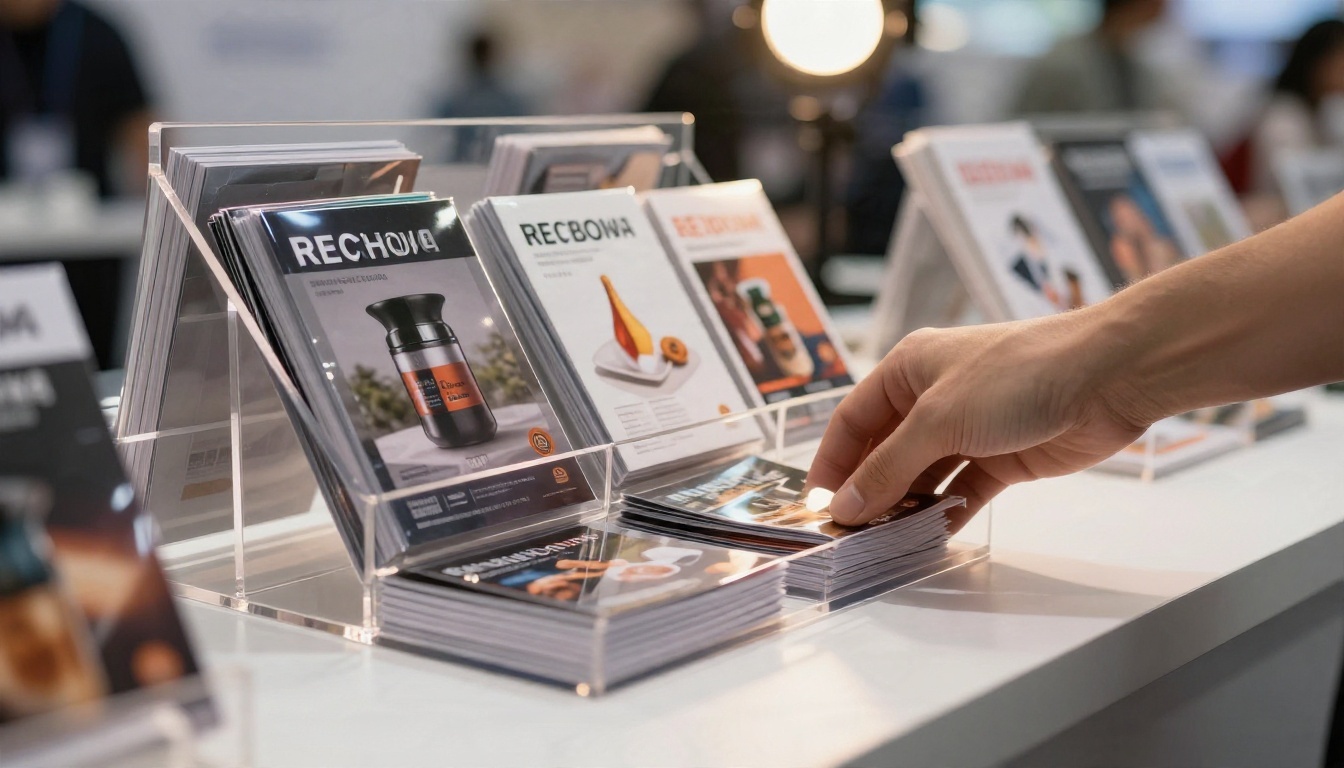
Placement can matter as much as the holder you chose. A great rack in a dead corner collects dust.
Put It at Eye and Hand Level
Aim for pockets between waist and chest height. Anything below the knee is invisible to most visitors, and anything above head height is out of reach. Angle the top row slightly toward the aisle so the front panel faces approaching traffic.
Follow the Traffic Flow
Stand in the aisle before the show opens and watch where people naturally slow down. In most halls visitors drift to the right and look at the first third of a booth. Place your main holder on that side, near the booth entrance, but not blocking it.
Keep Stock Full, But Not Overstuffed
An empty pocket says "nobody wants this". A jammed pocket says "good luck pulling one out". Refill little and often, with about three quarters capacity in each slot.
Here is a simple routine for a three day show:
- Before doors open: load every pocket, check alignment and wipe down acrylic.
- After the first rush: top up the fastest moving pieces.
- End of each day: count what is left to estimate tomorrow's reprint need.
- Final morning: remove slow movers and push your best performer to the front.
The Problem With Printed Brochures
Holders solve the display problem, but they cannot solve the paper problem. Even a perfect rack leaves you with questions you cannot answer after the show.
Cost and Waste
Industry surveys regularly suggest a large share of trade show literature ends up in hotel wastebaskets within days. You pay for design, printing, shipping and storage, then watch heavy bags of paper leave the hall in the arms of casual browsers. Add the cost of reprinting if a spec or price changes, and the budget grows quickly.
The Lead Tracking Gap
When someone takes a printed brochure, you learn nothing. You do not know who they are, which page they read or whether they ever opened it again. A paper holder is a one way street.
| Question You Want Answered | Printed Brochure | Digital Flipbook |
|---|
| Who picked it up? | Unknown | Known if lead capture is on |
| Which pages did they read? | Unknown | Page level analytics |
| Can you update it after the show? | No, reprint required | Yes, replace the file |
| Does it add luggage weight? | Yes | No |
| Can it include video or audio? | No | Yes |
| What happens when stock runs out? | Empty rack | Nothing, link is always live |
Digital Alternatives That Work
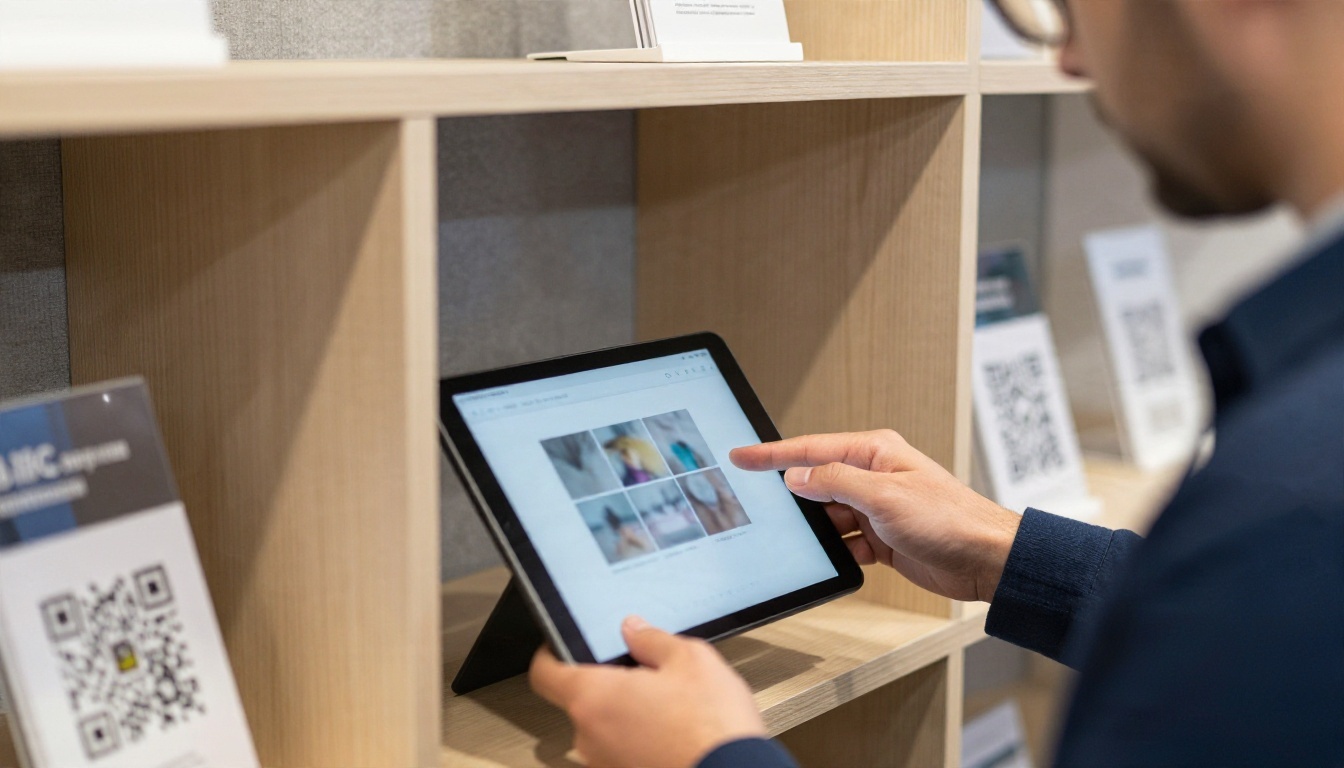
Digital does not mean abandoning the holder. The smartest booths use a small, well designed holder as a doorway to a richer online brochure. Here are the two setups that work best.
QR Code Cards in a Holder
Replace the thick stack of folded brochures with a stack of slim cards or a single printed sign carrying a QR code. The visitor scans and opens a page turning digital brochure on their phone. You carry a few hundred cards instead of 2,000 pieces of paper, and the same link works on your website, in emails and on social channels.
A compact countertop holder now does the work of a large floor rack. You can even keep one printed hero brochure for buyers who prefer paper, while everything else lives online.
Tablet Stands and Kiosks
For booths with demo areas, mount a tablet on a stand and let visitors flip through your catalog themselves. This works well for product catalogs, menus, lookbooks and event programs. A digital catalog opens quickly, zooms into product detail and can include embedded video that a paper page never could.
Tablets also lend themselves to the follow up. Visitors can enter their email to receive the file, which feeds straight into your lead list.
💡 Pro tip: Offer a small reason to scan, such as "scan for the full price list" or "scan for the spec sheet". People respond better to a clear benefit than a generic QR code.
Print Versus Digital: A Direct Comparison
| Factor | Printed Brochure in Holder | Digital Flipbook via QR |
|---|
| Upfront cost | Design, print and freight | Design only, then publish |
| Update speed | Days or weeks | Minutes |
| Shipping weight | Heavy | Zero |
| Measurable reach | None | Views, pages, time spent |
| Visitor convenience | Carry it home | Open it anywhere, share it |
| Environmental impact | Paper and transport | Minimal |
| Works without signal | Yes | Needs a connection or offline download |
The last row is worth noting. Convention halls are notorious for weak mobile coverage. That is why an offline download option and a few printed backups still make sense.
How to Create a Digital Brochure
You already have a PDF of your brochure, or can export one from your design software. Turning it into a page flipping online version takes a few minutes with Flipbooks AI. Here is the process step by step.
- Sign in. Create an account or log in to your dashboard.
- Upload your PDF. Drag the file into the uploader, or use the PDF to Flipbook Converter. The platform converts every page into a realistic page turning layout, with no watermark on your finished flipbook.
- Pick a layout. Start from the Brochure Flipbook Maker or the Online Brochure Designer if you want to build the pages from scratch.
- Customize the look. Add your logo, set brand colors, choose the page turning effect and background. The goal is a flipbook that feels like your booth.
- Add multimedia. Embed a product video, a short audio message from your founder, or clickable links on each product page.
- Set your sharing options. Copy the direct link for your QR code, grab an embed code to place it on your site (see the Embed Flipbook on Website tool), or switch on password protection for a private pre show preview for VIP clients.
- Turn on pro features. On the Professional plan you get analytics and lead generation, so you can see who opened the brochure and capture contact details before the pages open.
- Generate your QR code. Print it on a card, a sign or the back of your name badge, then place it in your holder.
What Each Plan Gives You
| Feature | Standard Plan | Professional Plan |
|---|
| No watermarks | Yes | Yes |
| Unlimited flipbooks | Yes | Yes |
| Custom branding | Yes | Yes |
| Password protection | Yes | Yes |
| Offline downloads | Yes | Yes |
| Analytics | Basic reporting | Detailed analytics |
| Lead generation forms | No | Yes |
Check the pricing page for current plan details before you commit, since features can change.
A Real World Example
Picture a furniture maker exhibiting at a regional design fair. Instead of printing 1,500 heavy catalogs, they bring a floor rack with 150 printed lookbooks for top prospects and a stack of QR cards for everyone else. Every scan opens a furniture catalog flipbook. By Friday night, the team can see which collections got the most views and which contacts spent time on the dining pages. Saturday morning, they push those products to the front of the booth and follow up with warm leads on Monday.
The paper rack is still there. It just stopped being the only thing carrying the message.
Build a Booth Plan That Fits
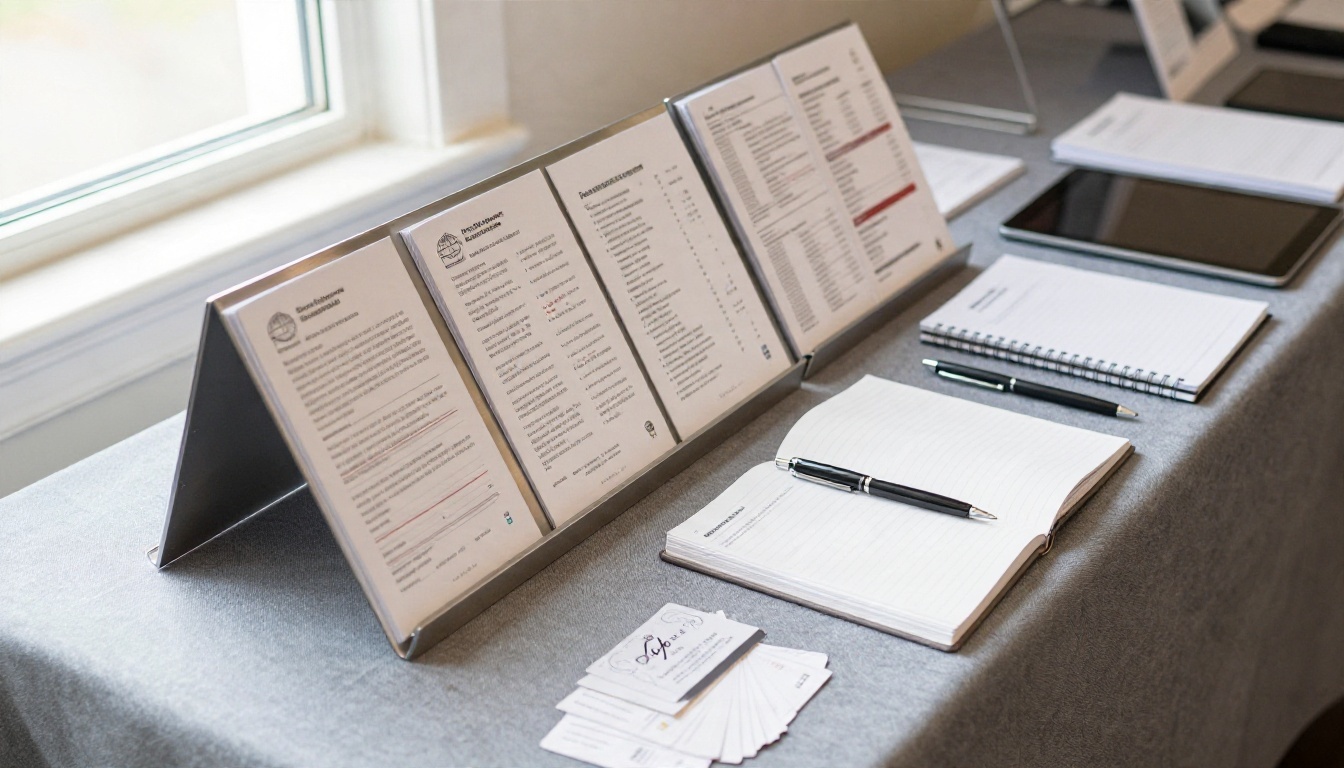
Here is a quick checklist you can use for your next event.
Before the show
- Measure your booth and read the exhibitor manual for height and aisle limits.
- Choose one primary holder and one backup.
- Finalize the PDF and publish the digital version at least a week early.
- Test the QR code on both iPhone and Android devices.
At the show
- Place the holder near the aisle edge at waist to chest height.
- Keep printed stock at about three quarters of pocket capacity.
- Display a visible sign explaining what the QR code opens.
- Check the Wi-Fi or have an offline download ready.
After the show
- Review analytics and sort contacts by interest.
- Send a personal follow up referencing the pages they viewed.
- Update the flipbook with new pricing or features without reprinting.
Exhibitors who run events with printed agendas can use the same approach through the Event Program Maker, so attendees always have the latest schedule on their phone.
Ready to Skip the Reprints?
A solid brochure holder still earns its place in every booth. Pick the format that fits your space, place it where traffic naturally slows, and keep it tidy. Then give it a digital partner so your message does not stop at the bottom of a paper stack.
- Get started for free and convert your first PDF in minutes.
- Browse all flipbook tools to find the right template for brochures, catalogs and programs.
- Compare pricing plans to pick the level of analytics and lead capture your next show needs.
Your next trade show brochure holder can carry fewer pages and reach far more people.



