You spent a weekend collecting the best cafes, viewpoints and train times for a trip, and now it lives in a messy notes app that nobody else can read. A travel PDF fixes that in an hour. It looks the same on every phone, prints cleanly, and travels well by email or chat. The catch is that a plain PDF is also heavy, static and easy to ignore. That is why more travel writers, agents and bloggers now turn their PDFs into page turning flipbooks with Flipbooks AI, so readers get a smooth, mobile friendly experience from one link.
This article walks through free template layouts you can copy today, the right page size and file format, real examples, and exactly how to share your travel PDF online.
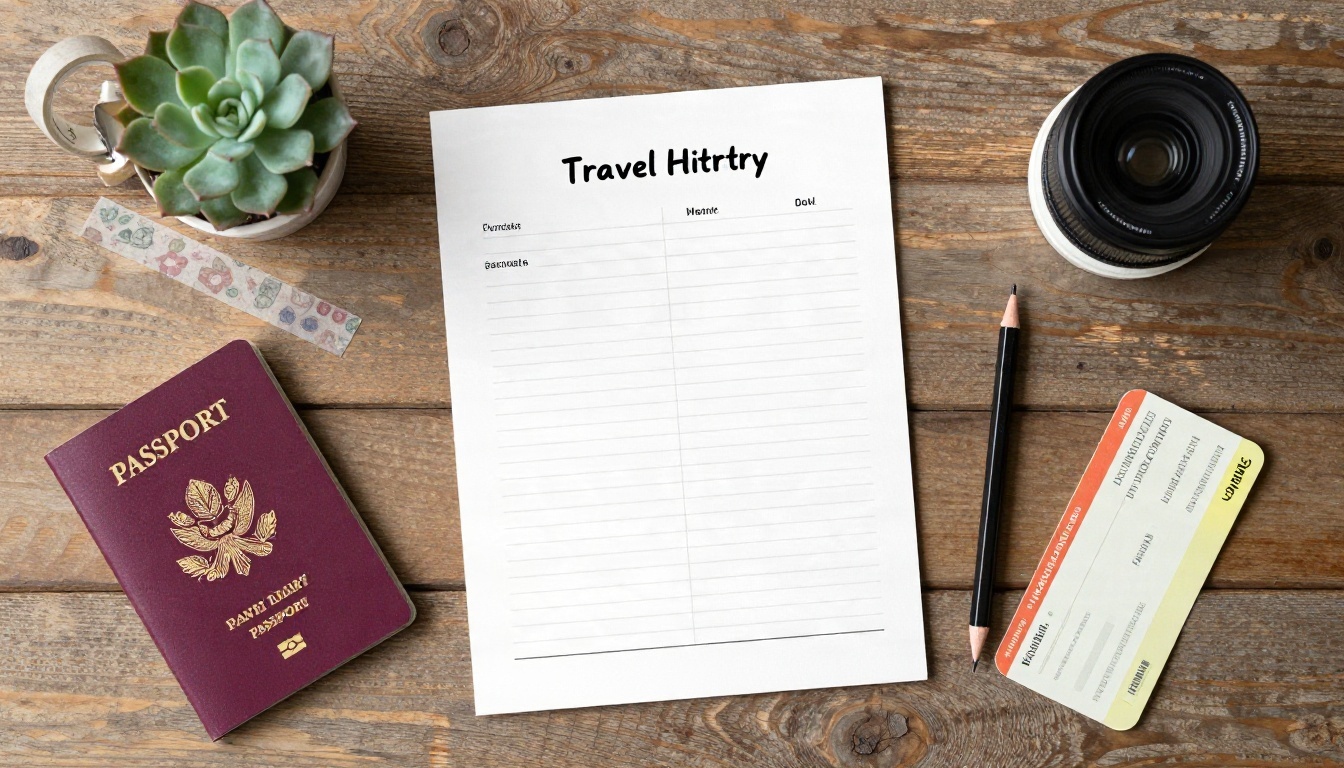
Why a PDF Still Works for Travel Content
PDF remains the safest container for travel plans. Fonts, maps and photos stay locked in place, and nearly every device opens the file without an app. For a trip with patchy airport Wi-Fi, that reliability matters more than fancy features.
What Readers Expect
Travelers open a trip document in a hurry: on a train, at a hotel desk, or in a taxi queue. They want three things fast.
- A clear day by day plan with times and addresses
- Maps and booking references within one tap
- Readable text on a small phone screen, in bright sun
If your file makes them pinch, zoom and scroll sideways, they will screenshot a single page and abandon the rest.
The Problem With Plain PDFs
A standard PDF has real weaknesses once you start sharing it widely:
- Large files bounce back from email inboxes
- There is no way to know who opened it or which page they read
- Links to maps or bookings are easy to miss
- Updating means re-sending a new file and hoping people delete the old one
💡 Pro tip: Keep the PDF as your master file, then publish a flipbook version for sharing. You edit once and everyone sees the same link.
Free Travel PDF Templates You Can Copy
You do not need a design degree. Start from a proven structure, drop in your content, and export. Here is a quick comparison of the three layouts that cover most trips.
| Template | Best for | Pages | Typical content |
|---|
| One page itinerary | Weekend trips, family sharing | 1 to 2 | Daily schedule, addresses, booking codes |
| Destination booklet | Blogs, agencies, lead magnets | 8 to 24 | Photos, neighborhoods, food picks, maps |
| Packing and budget sheet | Group trips, backpackers | 2 to 4 | Checklists, cost split, currency notes |
One Page Itinerary Template
This is the fastest win. Divide an A4 or US Letter page into a header and three columns for morning, afternoon and evening. Add a thin strip at the bottom for emergency contacts and the hotel address.
Suggested blocks:
- Trip title, dates and destination
- Day by day grid with time, place and transport
- Booking references in a small, high contrast box
- A mini map or QR code linking to the full route
Destination Booklet Template
A booklet suits anyone who wants to show off expertise: a travel blogger, a tour operator, or a hotel concierge team. Use a cover page with one strong photo, then repeat a consistent layout: one hero image, a short intro, three recommendations and a practical tip box.
Packing and Budget Sheet
Group trips fall apart over money and forgotten chargers. A simple sheet with a packing checklist on the left and a shared cost table on the right solves both. Keep it to two pages so people actually print it.
✅ Best practice: Use the same colors and fonts across all three templates. When they sit together in one flipbook, they look like a single, professional pack.
Format decisions made early save you hours of fixing later. Get them right once and reuse them.
Page Size and Orientation
Portrait is best for print and for phones held upright. Landscape works for slide style booklets viewed on tablets and laptops. Choose one and stay consistent.
| Format | Dimensions | Best use | Notes |
|---|
| A4 portrait | 210 x 297 mm | Print and email | Standard in Europe and Asia |
| US Letter portrait | 8.5 x 11 in | Print in North America | Slightly wider than A4 |
| A5 portrait | 148 x 210 mm | Pocket booklets | Great on phones |
| 16:9 landscape | 1920 x 1080 px | Screen first booklets | Looks like a slide deck |
| Square | 1080 x 1080 px | Social friendly pages | Short itineraries only |
Fonts, Images and File Weight
Small details decide whether your file feels professional.
- Use two fonts at most: one for headings, one for body text
- Keep body text at 10 pt or larger so phone readers do not squint
- Export photos at 150 to 200 dpi, not 300, unless you plan to print large
- Aim for a file under 10 MB so it loads on mobile data
- Embed fonts and flatten transparency when you export
⚠️ Warning: A 60 MB PDF full of uncompressed photos will fail in most email clients. Compress images before export, or share it as a flipbook link instead.
Real Examples That Work
Templates are only useful if you can picture the result. These two scenarios show how different people use the same basic structure.

Weekend City Break
A couple heading to Lisbon builds a four page PDF: page one is the trip overview with flight and hotel details, pages two and three hold the day plans with walking distances, and page four lists tram lines, tipping habits and emergency numbers. They send one link to the friends joining them. When a restaurant changes its hours, they update the file and the same link shows the new version.
Agency Client Proposal
A small agency builds a 12 page booklet for each client. It opens with a mood photo, followed by the proposed route, hotel options in a comparison table, a price breakdown and a final page with a booking button. Because the proposal is a flipbook with a clean link, clients can open it on their phone during a lunch break and forward it to a partner.
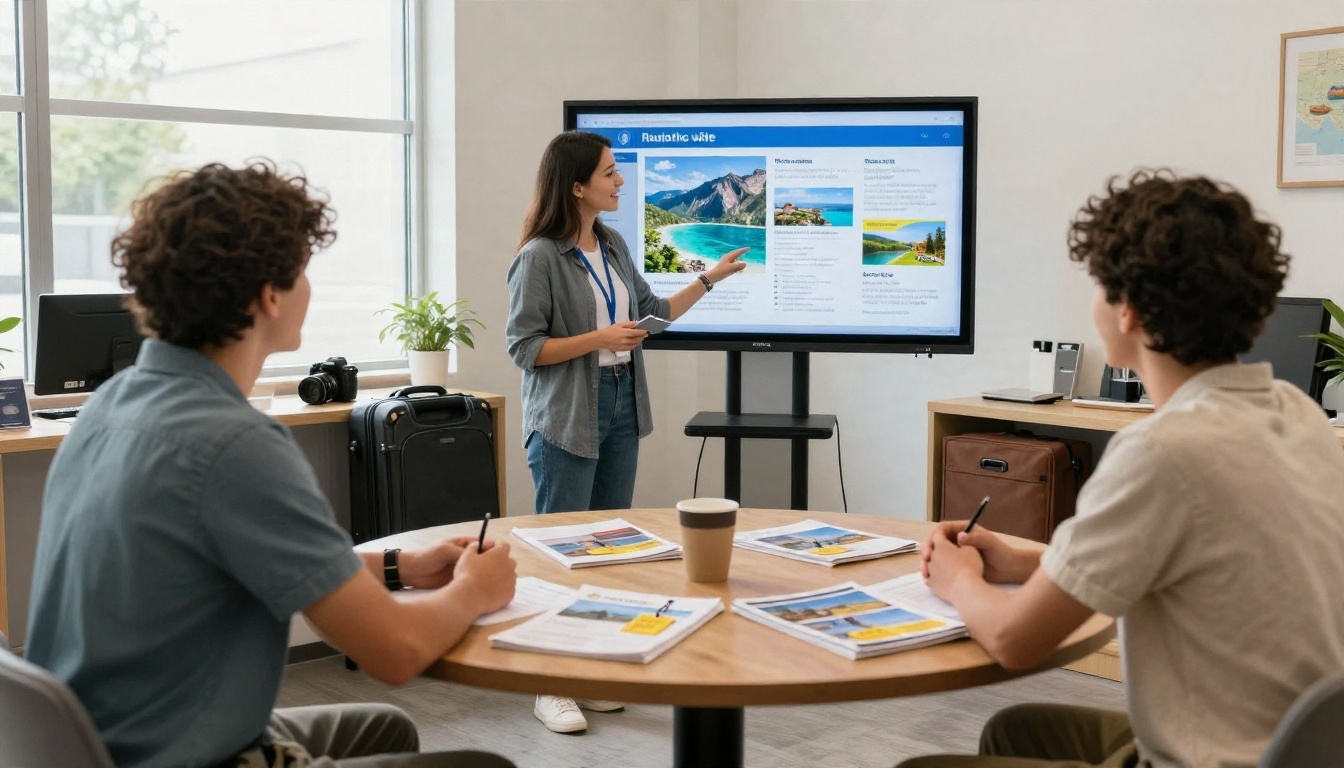
Here is how common travel PDF users benefit from going digital:
| Who you are | Main goal | What a flipbook adds |
|---|
| Travel blogger | Grow an email list | Lead capture form on a bonus booklet |
| Tour operator | Close bookings | Embedded videos and live links to payment pages |
| Hotel or B&B | Welcome guests | Mobile friendly local tips, no printing |
| Group organizer | Keep everyone aligned | One link, always the latest version |
| Student traveler | Share costs | Simple budget sheet viewable offline |
How to Create a Travel Flipbook With Flipbooks AI
Once your PDF is ready, you can publish it as an interactive flipbook in a few minutes. The dedicated travel flipbook maker is built for exactly this kind of content, and the PDF to Flipbook Converter handles the conversion itself.
Upload and Convert
- Open the platform. Create a free account on Flipbooks AI.
- Upload your PDF. Drag the file into the upload area. Pages are converted automatically and keep their layout, fonts and images.
- Check the preview. Flip through each page. Text stays sharp, and the flipbook adapts to phone, tablet and desktop screens.
- Name the flipbook. Use a clear title such as "Lisbon 4 Day Plan" so it is easy to find later.
Brand It and Add Media
Customization is where a plain file becomes something readers remember.
- Custom branding: add your logo, choose background colors and pick a page turning effect
- Multimedia: embed a short video of the neighborhood or an audio clip with pronunciation tips
- Clickable links: point addresses to map pins and booking codes to confirmation pages
- No watermarks, ever: your flipbook looks like your own brand, not a demo
💡 Pro tip: Add a table of contents on page two with links to each day. Readers jump straight to "Day 3" without flipping through everything.
If your content leans toward hotels or properties, the Hotel Brochure tool offers a layout tuned for rooms and amenities, while the Digital Portfolio Creator suits photographers sharing a destination series.
How to Share It Online
A beautiful file is useless if nobody can open it. Pick the sharing method that fits your audience.
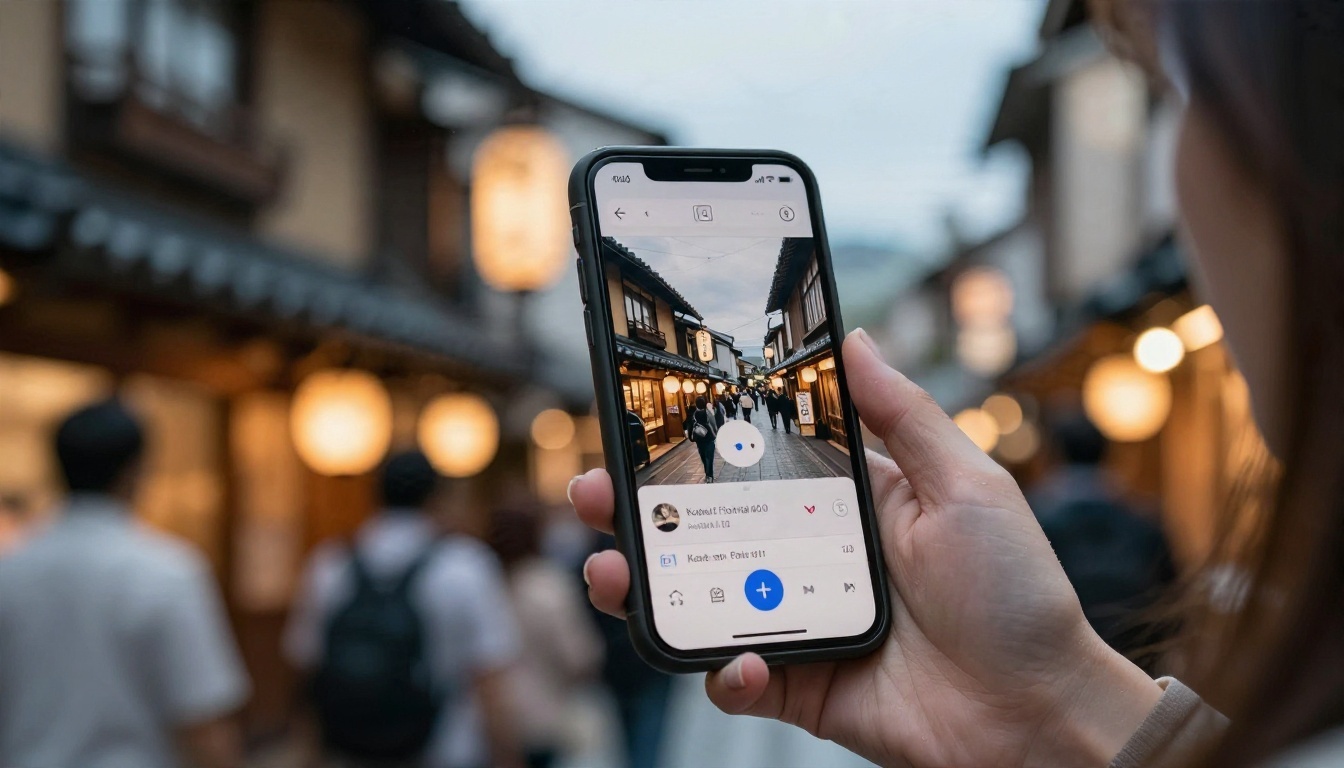
Links, Embeds and Passwords
| Method | Setup time | Best for | Notes |
|---|
| Direct link | Seconds | Chat, email, social posts | Works on any device |
| Embed code | 2 minutes | Blog posts, hotel websites | Use the Embed Flipbook on Website tool |
| QR code | 1 minute | Print posters, luggage tags | Scan opens the live flipbook |
| Password protection | 1 minute | Paid itineraries, client proposals | Share the password separately |
| Offline download | Seconds | Flights and remote areas | Readers keep a copy on their device |
How to publish in four steps:
- Click the share option on your finished flipbook.
- Copy the direct link, or copy the embed code for your website.
- Turn on password protection if the content is private or paid.
- Paste the link in your email, newsletter or social bio.
Track Who Reads It
If you sell trips or collect emails, you want to see what happens after you share. The Professional plan on Flipbooks AI pricing adds analytics so you can see views and which pages hold attention, plus lead generation forms that ask for an email before readers open the booklet. A blogger offering a "7 Day Japan Route" can grow a subscriber list from the same file that used to sit in a download folder.
Common Mistakes to Avoid
Even good itineraries fall flat because of small errors. Watch for these.
- Cramming too much onto one page. White space makes plans easier to scan.
- Skipping a mobile test. Open the file on your own phone before you share it.
- Forgetting offline access. Add a download option for readers who will not have signal.
- Using low contrast text. Light grey on white disappears in sunlight.
- Leaving outdated links. Check every map pin and booking page right before you publish.
- Sharing one huge file by email. Send a link and keep the inbox light.
⚠️ Watch out: Never put passport numbers or payment details in a shared PDF. Keep sensitive data in a separate, password protected file.

Publish Yours Today
Pick one template from the list above, fill it with your best recommendations, and export a lightweight PDF. Then turn it into a flipbook your readers will actually enjoy opening.
Here is a simple plan for this week:
- Today: choose a template and draft one trip in A4 portrait
- Tomorrow: compress images, add links and export the PDF
- This week: convert it to a flipbook, add your branding and share the link
Ready to publish your first travel flipbook? Get started for free on Flipbooks AI, browse all flipbook tools and templates, or compare pricing plans to see which one fits your trips. If you plan to sell itineraries or grow a mailing list, you can also upgrade after signing in to get analytics and lead capture.

A good travel PDF saves time, and a good flipbook makes sure people read it. Start small, keep the layout clean, and let the link do the sharing.