A trifold brochure looks simple until you open a blank document and have to decide how wide each panel should be. Get it wrong by an eighth of an inch and your text kisses the fold, the inner flap buckles, or the printer sends back a file with a polite rejection note. This article gives you the exact numbers: trifold brochure size in inches, centimeters and pixels, the position of every fold line, and the bleed and safe margins that keep your layout clean. Once your file is ready, you can also publish it as a page-turning online brochure with Flipbooks AI, so readers see it on any screen.
Standard Trifold Brochure Size at a Glance
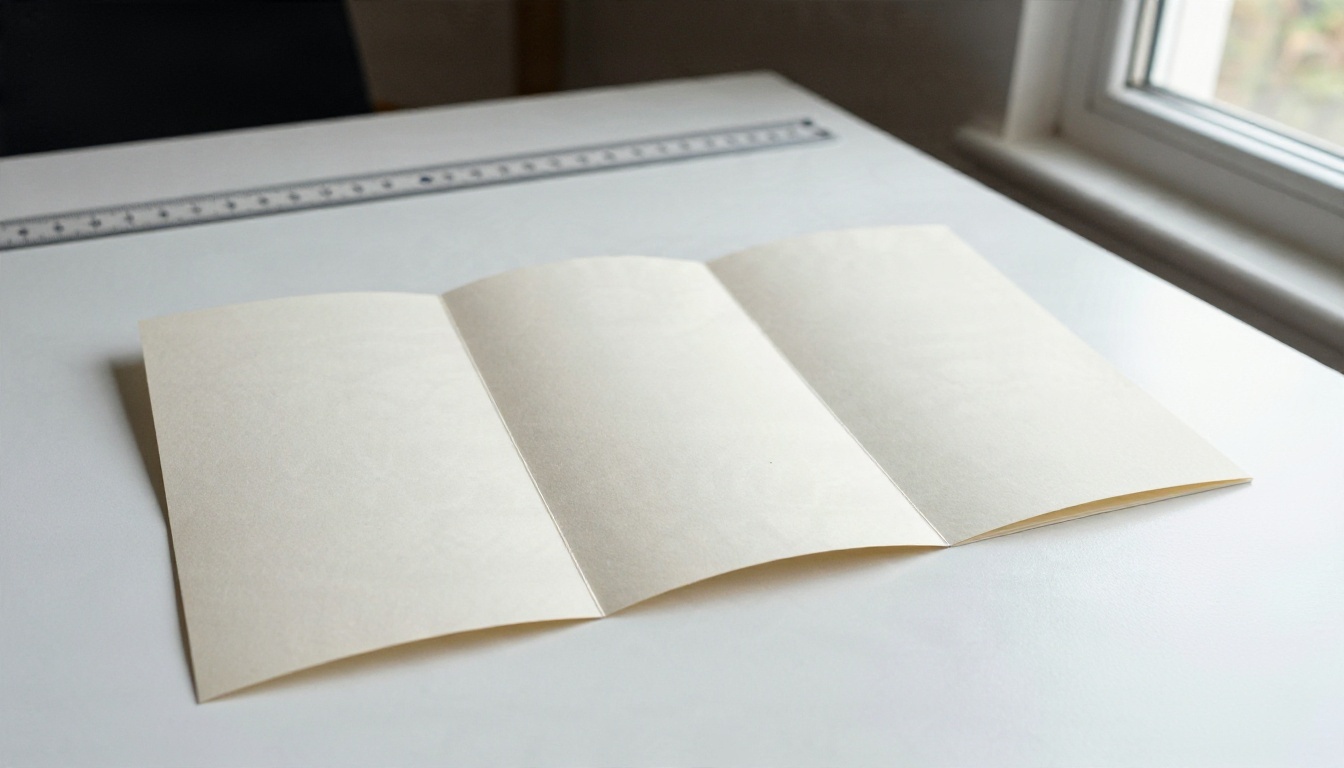
The most common trifold starts as a single flat sheet of 8.5 x 11 inches (US Letter) and folds into three panels. In most of the world, the equivalent is an A4 sheet (210 x 297 mm). Both fold down to a slim pocket-friendly rectangle.
US Letter, A4 and Legal Sizes
| Format | Flat size (inches) | Flat size (cm) | Folded size (inches) | Folded size (cm) |
|---|
| US Letter | 11 x 8.5 | 27.94 x 21.59 | 3.67 x 8.5 | 9.3 x 21.59 |
| A4 | 11.69 x 8.27 | 29.7 x 21.0 | 3.9 x 8.27 | 9.9 x 21.0 |
| US Legal | 14 x 8.5 | 35.56 x 21.59 | 4.67 x 8.5 | 11.86 x 21.59 |
| Tabloid (11 x 17) | 17 x 11 | 43.18 x 27.94 | 5.67 x 11 | 14.4 x 27.94 |
Notice that the flat size is written width first, in landscape orientation. A trifold is always laid out sideways, because the long edge gets divided into three.
💡 Pro tip: An A4 trifold folds to roughly 99 x 210 mm, which is the standard DL size. It slides straight into a DL envelope or a countertop brochure rack without trimming.
Flat Size Versus Folded Size
Designers often mix these up. The flat size is the sheet you design on. The folded size is what people hold. Always confirm which one a printer quotes, because a "4 x 9 inch brochure" is a very different product from a "12 x 9 inch flat sheet."
- Flat size: used for your artboard, bleed and fold guides.
- Folded size: used for racks, envelopes and mailing weight.
- Panel size: used to set margins and image crops for each side.
Panel Widths and Fold Line Positions
If every panel measured exactly one third of the sheet, the fold would fail. When a panel tucks inside another, it needs a little extra room, so the inner flap is made slightly narrower than the other two.
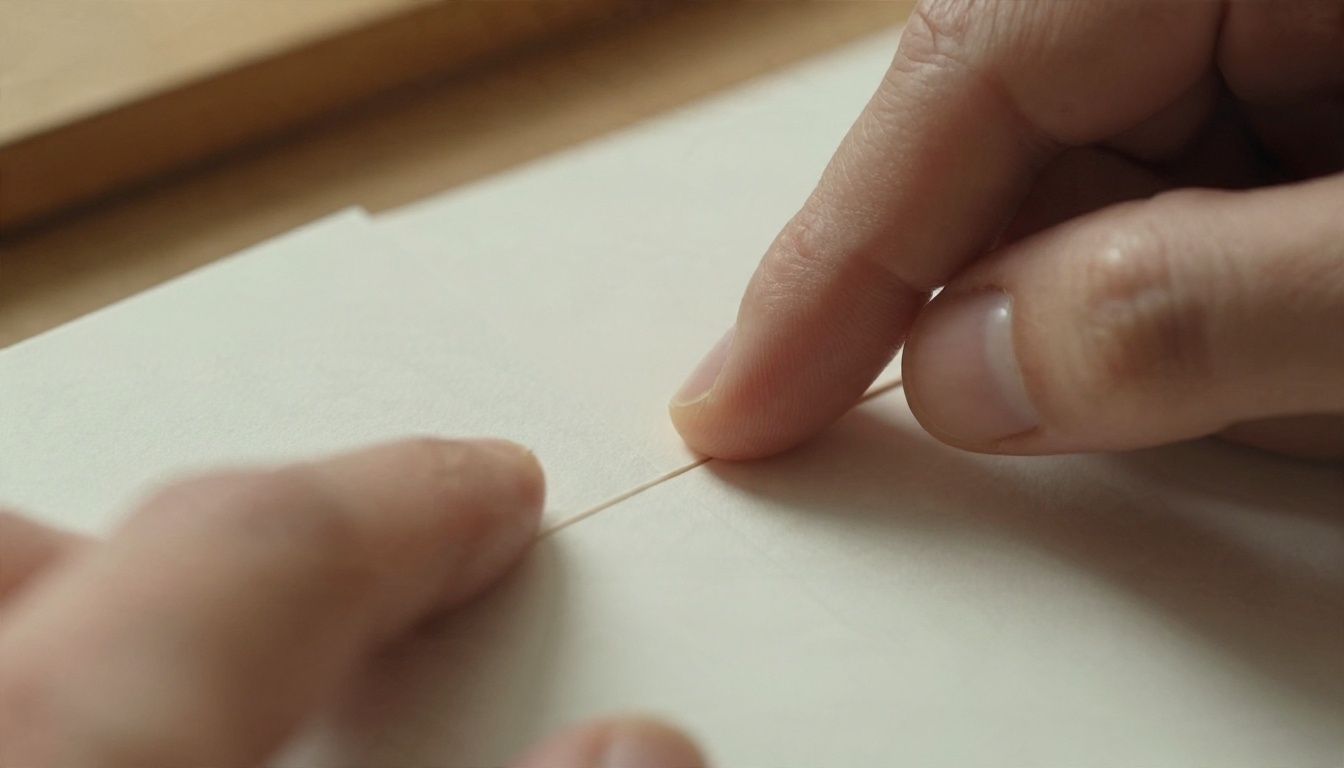
Why the Inner Flap Is Narrower
Paper has thickness. When the right panel folds in first and the left panel wraps over it, the outer panel travels a longer path. If all three panels were identical, the outer panel would bow outward and refuse to lie flat. Shaving 1/16 to 1/8 inch (about 2 to 3 mm) from the inner flap solves it.
Fold Line Coordinates by Size
Here are the panel widths for the standard letter fold (also called a C-fold or roll fold), measured left to right on the flat sheet.
| Format | Outside sheet panels | Inside sheet panels | Fold lines (outside) | Fold lines (inside) |
|---|
| US Letter (inches) | 3.625 / 3.6875 / 3.6875 | 3.6875 / 3.6875 / 3.625 | 3.625 and 7.3125 | 3.6875 and 7.375 |
| US Letter (cm) | 9.21 / 9.37 / 9.37 | 9.37 / 9.37 / 9.21 | 9.21 and 18.58 | 9.37 and 18.73 |
| A4 (mm) | 97 / 100 / 100 | 100 / 100 / 97 | 97 and 197 | 100 and 200 |
On the outside of the sheet, the narrow panel sits on the left and becomes the inner flap. On the inside, the narrow panel sits on the right. Mirror this and the folded piece closes properly.
⚠️ Warning: Do not simply divide your artboard into three equal columns. Equal thirds are the single most common reason a trifold arrives with a flap that sticks out or a fold that cuts through a headline.
Trifold Size in Pixels
Print uses inches and millimeters. Screens use pixels. To move between them you need one number: resolution, measured in dots per inch (DPI) or pixels per inch (PPI).
300 DPI Print Files
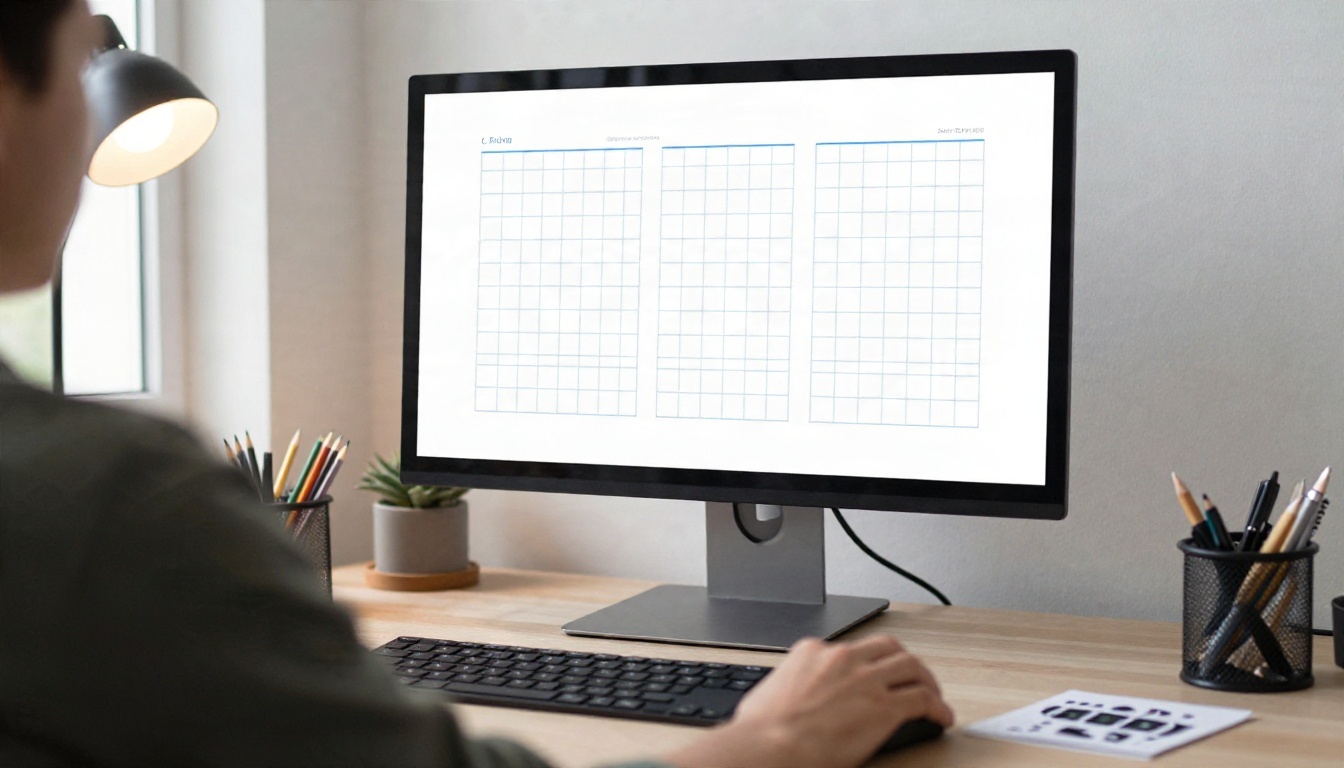
The formula is easy: inches x DPI = pixels. For a US Letter trifold at 300 DPI, that gives 11 x 300 = 3300 pixels wide and 8.5 x 300 = 2550 pixels tall.
| Format | Resolution | Flat size in pixels | Bleed version (0.125 in / 3 mm) |
|---|
| US Letter | 300 DPI | 3300 x 2550 | 3375 x 2625 |
| US Letter | 150 DPI | 1650 x 1275 | 1688 x 1313 |
| US Letter | 72 PPI (screen) | 792 x 612 | 810 x 630 |
| A4 | 300 DPI | 3508 x 2480 | 3579 x 2551 |
| A4 | 150 DPI | 1754 x 1240 | 1789 x 1276 |
| US Legal | 300 DPI | 4200 x 2550 | 4275 x 2625 |
Individual panel widths at 300 DPI for a US Letter file are 1088 px for the narrow inner flap and 1106 px for the other two panels (1106 + 1106 + 1088 = 3300). On the outside sheet, the fold lines land at 1088 px and 2194 px. On the inside sheet, they land at 1106 px and 2213 px.
💡 If you design in pixels, set the document to 300 PPI from the start. Resizing a 72 PPI file up to 300 later will make photos soft and logos blurry, and no export setting can fix that.
Screen and Social Sizes
A tall, narrow panel is awkward on a monitor. When you share a trifold digitally, you usually show spreads (outside and inside) rather than single panels.
- Website banner preview: 1600 x 900 px per spread image.
- Email attachment preview: 1200 x 927 px (keeps the 11:8.5 ratio).
- Social post of a single panel: 1080 x 1350 px, cropped from one panel.
- PDF for online viewing: 150 DPI is enough and keeps the file light.
Bleed, Trim and Safe Zones
Folding and cutting are never perfect to the hair. Three invisible boxes protect your design from the machine's small movements.
Bleed: Extend Past the Edge
Bleed is extra artwork that runs beyond the final trim. The standard is 0.125 inch (3 mm) on all four sides. If a background color or photo reaches the edge of the page, it must continue into the bleed. Otherwise a slight shift during cutting leaves a thin white sliver on one side.
Safe Margins: Keep Text Inside
The safe zone is the area where text and logos are always safe from the blade. Pull it in 0.125 to 0.25 inch (3 to 6 mm) from the trim edge. For fold lines, give text a similar buffer on both sides of the crease.
| Zone | Distance from trim | Purpose |
|---|
| Bleed | 0.125 in (3 mm) outside | Backgrounds and photos that touch the edge |
| Trim line | 0 | Where the sheet is cut |
| Safe margin | 0.25 in (6 mm) inside | Text, logos, phone numbers |
| Fold buffer | 0.125 in (3 mm) each side of crease | Headlines and key info stay readable |
Watch Text Near Folds
Folds shift by up to 1/16 inch in high-volume runs. Never place a headline across a fold unless it is intentional, and never run a face or a logo through a crease. Treat each panel as its own small poster.
Pick the Right Fold Type
Not every sheet folded in three is the same product. The fold type changes how panels are numbered and how readers experience the story.
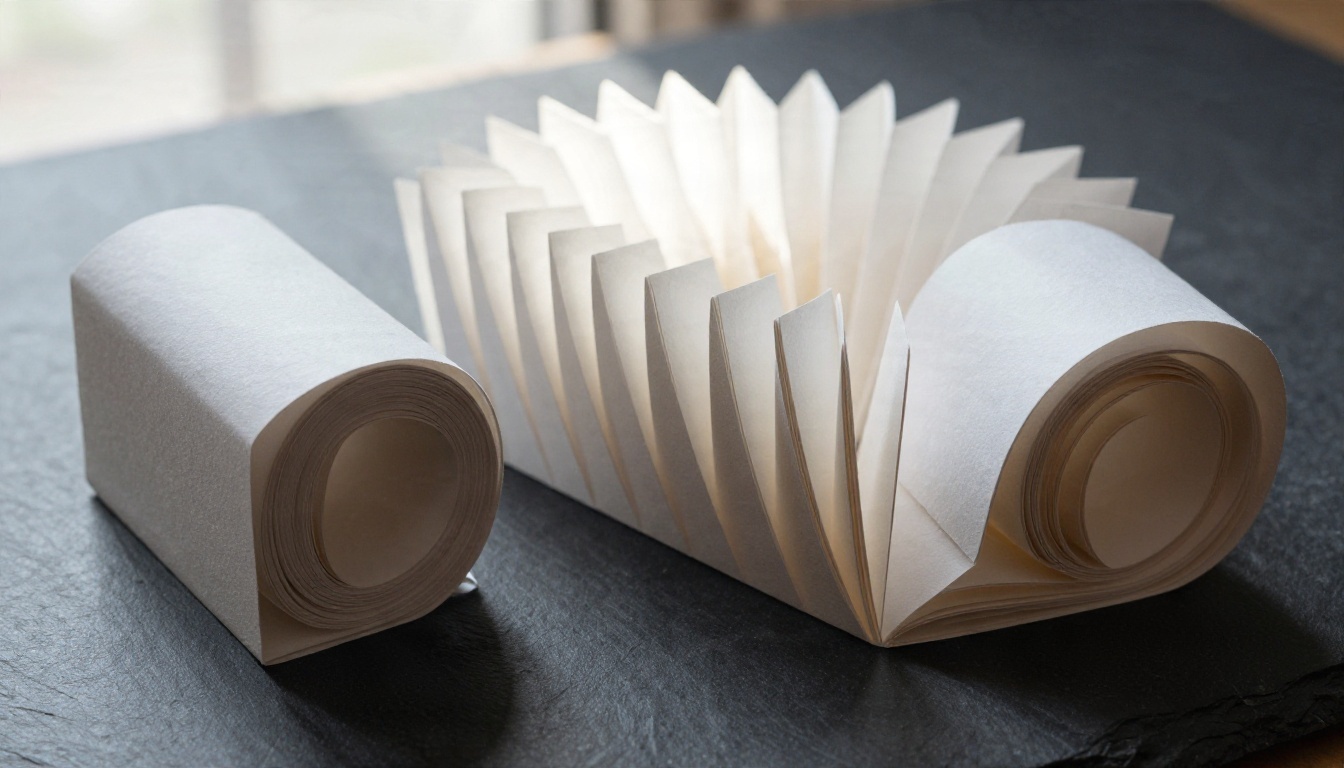
Letter Fold Versus Z-Fold
| Feature | Letter fold (C-fold) | Z-fold |
|---|
| Panel widths | Inner flap slightly narrower | All three equal |
| How it folds | Panel rolls inward | Panels zigzag like an accordion |
| Best for | Menus, services, mailers | Maps, timelines, product comparisons |
| Reveal | Slow, panel by panel | Wide, all at once |
| Mailing | Fits standard envelopes | Needs slightly wider space |
| Printer difficulty | Easy, very common | Easy, common |
Choose letter fold when you want to tell a story in sequence: front panel, inside flap, then the big inside spread. Choose Z-fold when readers should see a full-width image or a long diagram.
Which Paper Weight Folds Cleanly
Heavy stock cracks along the fold if it is not scored first. Lighter stock folds easily but feels cheap.
| Paper weight | Feel | Scoring needed |
|---|
| 120 gsm (80 lb text) | Light, flyer-like | No |
| 150 gsm (100 lb text) | Standard brochure | Optional |
| 170 gsm (115 lb text) | Premium, sturdy | Recommended |
| 200 gsm and up | Rigid, luxury | Required |
Build Your Template Step by Step
Follow this process in any design app that supports custom page sizes, from professional layout tools to browser editors.
- Set the artboard to the flat size, in landscape. For US Letter, use 11 x 8.5 in plus 0.125 in bleed.
- Add vertical guides at the fold positions listed in the tables above. Make one template for the outside and a second for the inside.
- Draw safe margin boxes inside each panel, 0.25 in from the trim and 0.125 in from every fold.
- Label every panel in a locked layer: front panel, back panel, inside flap, and the three inside panels.
- Place full-bleed images first, then add text inside the safe boxes.
- Export a print PDF with bleed, crop marks and 300 DPI images. Export a second screen PDF at 150 DPI without crop marks.
- Proof on paper. Print one copy at 100 percent scale, fold it by hand, and check that the flap tucks in without bowing.
Five Mistakes That Ruin Folds
- Equal thirds: the inner flap needs to be narrower.
- Missing bleed: white slivers appear after trimming.
- Panel order mix-ups: the inside flap prints upside down on the wrong side.
- Low-resolution images: a 72 PPI photo looks fuzzy at 300 DPI print size.
- Tiny text near folds: the crease swallows the last letters of a line.
✅ Best practice: Ask your printer for their own template. Most offer one for each fold type, and it already contains the correct panel widths.

Real-World Size Examples
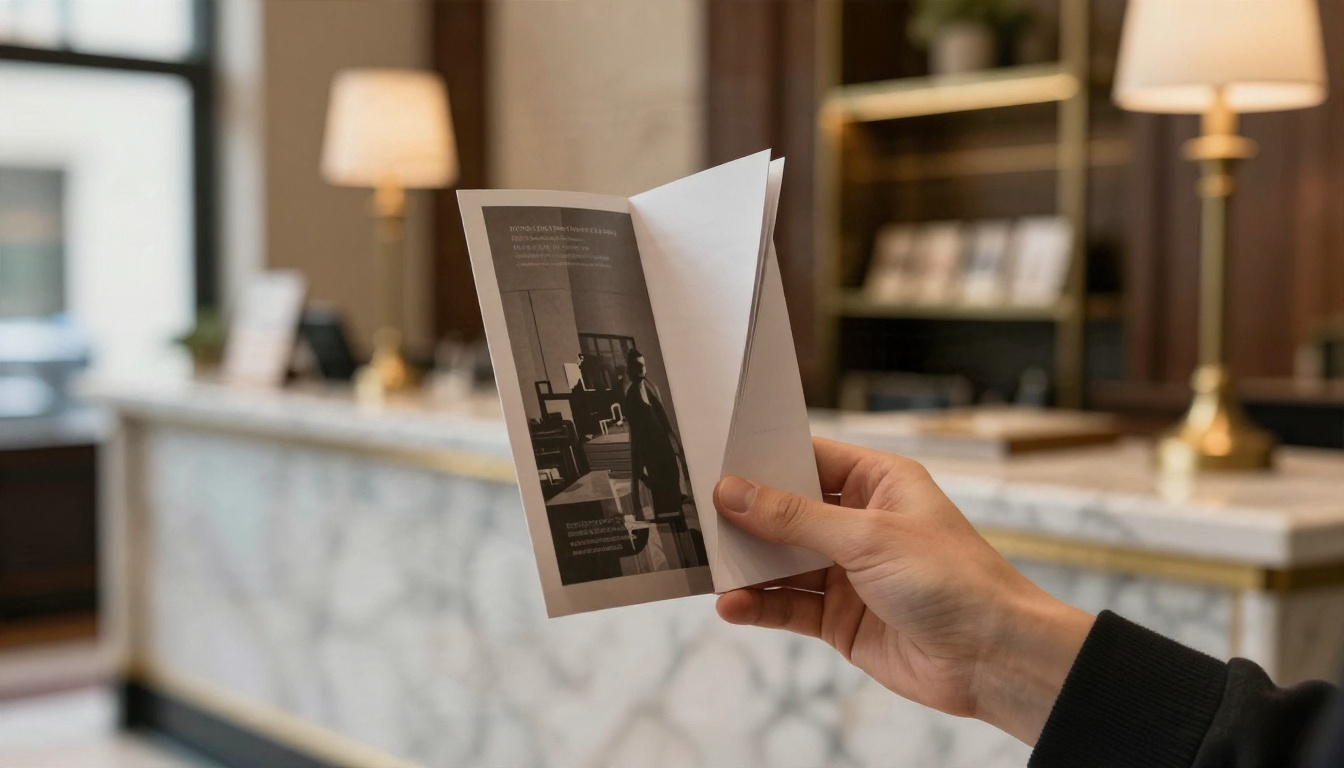
- A boutique hotel prints A4 letter-fold brochures to fit lobby racks, using the Hotel Brochure Designer to prepare the digital twin for booking pages.
- A real estate agent prints US Letter trifolds for open houses, and shares a matching online version made with the Real Estate Brochure Creator.
- A clinic uses a 3.67 x 8.5 in folded piece in waiting-room holders, with the inside spread holding services and pricing.
Create a Trifold Flipbook Online
Print reaches people in the lobby. A flipbook reaches everyone else. Once your PDF is ready, you can turn it into an interactive version in a few minutes with the Online Brochure Designer or the Brochure Flipbook Maker.

How to Create a Trifold Brochure Flipbook
- Open the platform. Go to Flipbooks AI and create an account. You can start without paying.
- Prepare the PDF. Export your trifold as two landscape pages (outside and inside) at 150 DPI, without crop marks or bleed. The file stays small and loads fast.
- Upload and convert. Drop the file into the PDF to Flipbook Converter. Page flips, sharp text and a mobile-responsive layout are built in automatically.
- Customize. Add your logo, pick brand colors, choose the page effect and a background. You can also embed videos and audio, so a panel about a hotel suite can play a short clip.
- Share. Copy a direct link, use the embed code for your website, or add password protection for private content.
- Pro features. Turn on analytics to see which pages get read, enable offline downloads, and capture leads with a form. These sit in the Professional plan, so check the pricing page.
| Step | Print version | Flipbook version |
|---|
| File size | 300 DPI, bleed, crop marks | 150 DPI, no bleed |
| Format | Letter or A4 flat sheet | Landscape pages, one per side |
| Reach | Local, handed out | Global, shared by link |
| Updates | Reprint needed | Edit and republish |
| Tracking | None | Page views and leads (Professional) |
| Watermarks | Not applicable | None, ever |
💡 Pro tip: Keep the print and digital files in the same project folder. When a price or phone number changes, update the source file once and export both versions.
Ready to Print and Publish?
You now have every number you need: 11 x 8.5 in (27.94 x 21.59 cm) for a Letter trifold, 3300 x 2550 px at 300 DPI, panel widths of 3.6875 and 3.625 inches, a 0.125 inch bleed and safe margins of 0.25 inch. Build your template once, proof it by hand, and send a clean PDF to the printer.
Then take the same file online. Get started for free on Flipbooks AI, browse all available flipbook tools, or compare pricing plans to pick the one that suits your brochure, from a single hotel to a full property portfolio.



