Somewhere in your home there is probably a shoebox, a drawer or a biscuit tin full of letters written by someone you love. The ink is fading, the paper is brittle, and only one person at a time can read them. The good news: you can turn handwritten letters into a book that every relative opens on a phone, with real page-turning motion, in a single weekend. With Flipbooks AI, the scanned pages become a shareable digital flipbook, and you can start with free tools for the scanning part.
This article walks through the whole path: sorting, scanning, building the flipbook, sharing it safely, and choosing between free and paid options.
Why Letters Deserve a Digital Home
Letters hold things photographs cannot: a voice, a sense of humor, a handwriting style that nobody else ever had. They also have one big weakness. There is only one copy.
What Paper Loses Over Time
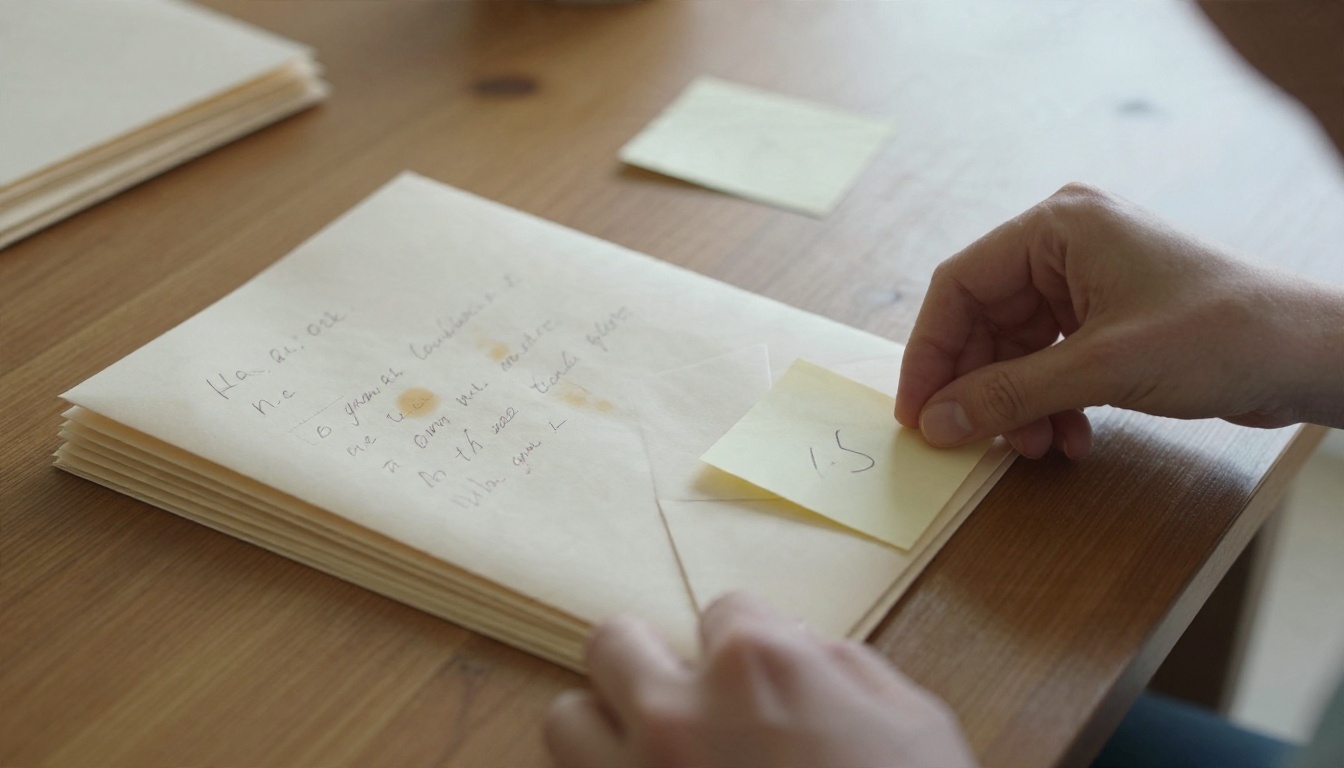
Paper ages in ways that are hard to reverse. Acid in cheap stationery turns pages yellow and brittle. Ballpoint and fountain pen ink fade, especially when exposed to sunlight. Folds crack along the crease. Humidity invites mold, and a single leak can erase decades of correspondence.
A digital copy does not stop the paper from aging, but it freezes the content at its current quality. Once scanned, a letter can be copied, backed up and shared without touching the original again.
Why a Flipbook Beats a Folder of Photos
You could dump 80 JPEG files into a shared folder and call it done. Most relatives will open three of them and stop. A flipbook behaves like a real book: pages turn, the order is fixed, and the reading experience feels intentional.
| Format | Reading Experience | Easy to Share | Keeps Order | Works on Phones |
|---|
| Folder of photos | Tap through files one by one | Medium | Only if named well | Yes, but clumsy |
| Single PDF | Scroll or pinch | High | Yes | Acceptable |
| Digital flipbook | Page-turning book view | High | Yes | Yes, responsive |
| Printed book | Physical, tactile | Low | Yes | No |
💡 Pro tip: A flipbook and a printed book are not rivals. Many families do both: a flipbook for everyone, and one printed copy for the person who wrote the letters or received them.
Sort and Prepare Your Letters
Before you scan anything, spend an hour on organization. A messy scan session produces a messy book.
Order Them by Date
Most letters carry a date, a postmark or at least a clue (a mention of a birthday, a season, a historic event). Lay them out on a table and build a timeline. Use small paper notes with numbers, never pen directly on the originals.
Create simple groups:
- By sender, if one person wrote most of the letters
- By year, if the correspondence spans decades
- By theme, such as wartime, travel, courtship or family news
Each group can become a chapter in the final flipbook.
Handle Fragile Paper Safely
Wash your hands, clear the table, and work with the lightest touch possible. Do not use tape, glue or staples to repair tears. Do not unfold a brittle letter by force. If a page cracks when you open it, stop and support it with a sheet of clean acid-free paper underneath.
⚠️ Warning: Never scan letters pressed under a heavy glass lid or with a hot lamp pointing at them for long. Heat and pressure damage old ink and paper. Short, gentle sessions are best.
Scan Handwritten Letters Step by Step
You do not need professional equipment. A modern smartphone camera is often enough, and a flatbed scanner is a bonus for the most fragile pages.
Phone Scanning Setup
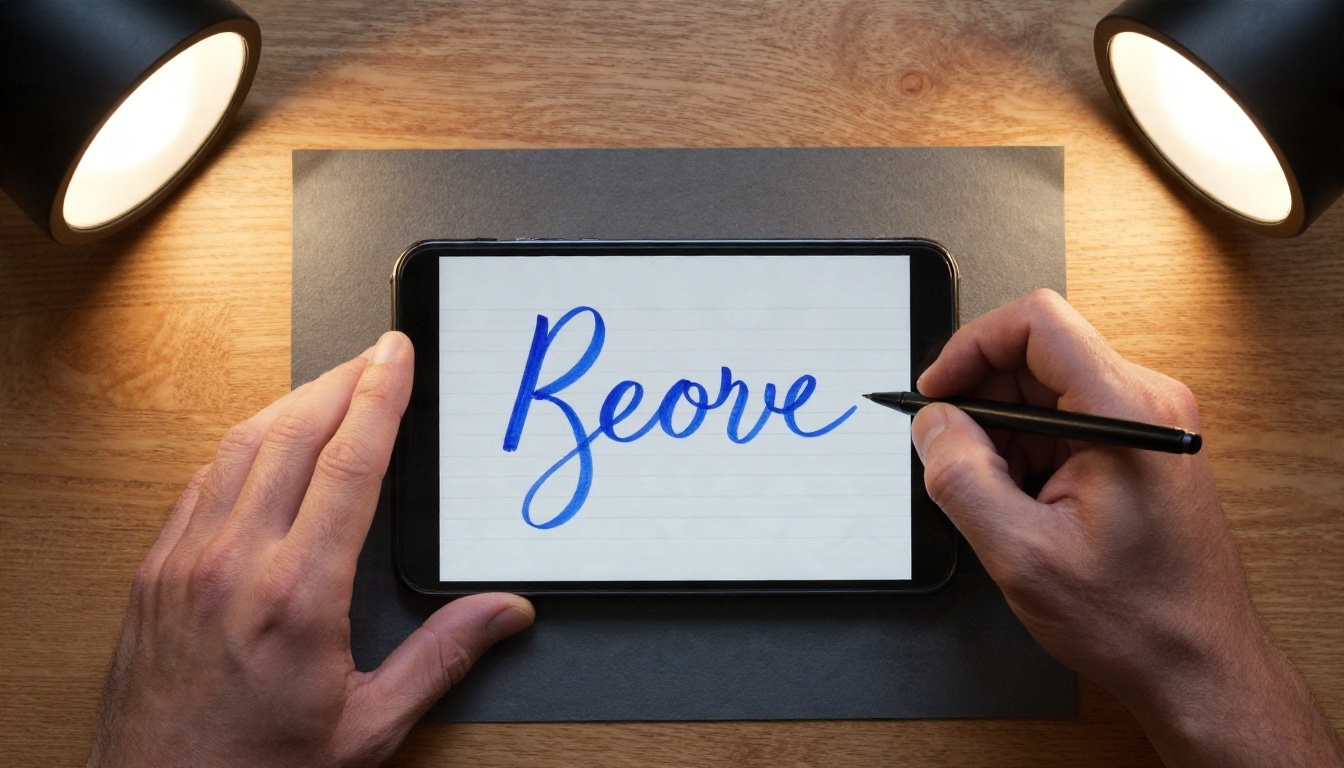
A phone works well when the lighting is right. Follow this order:
- Place the letter on a flat, dark and matte surface such as a gray cloth, so the edges are easy to detect.
- Use daylight from a window or two lamps placed at 45 degrees on both sides to avoid shadows and glare.
- Hold the phone parallel to the page, directly overhead, and keep your hands out of the frame.
- Open a scanning app (Apple Notes, Google Drive or Adobe Scan all have free scanning modes) and capture each page.
- Check that handwriting at the edges is sharp. Retake any blurry page right away.
- Scan both sides of every sheet, even when the back looks blank. Faint notes often hide there.
- Scan the envelope too. Postmarks and stamps add context and charm.
✅ Best practice: Name files with a pattern like 1962-03-12-letter-from-anna-p1. When you merge them later, the order will be automatic.
Flatbed Scanner for Fragile Pages
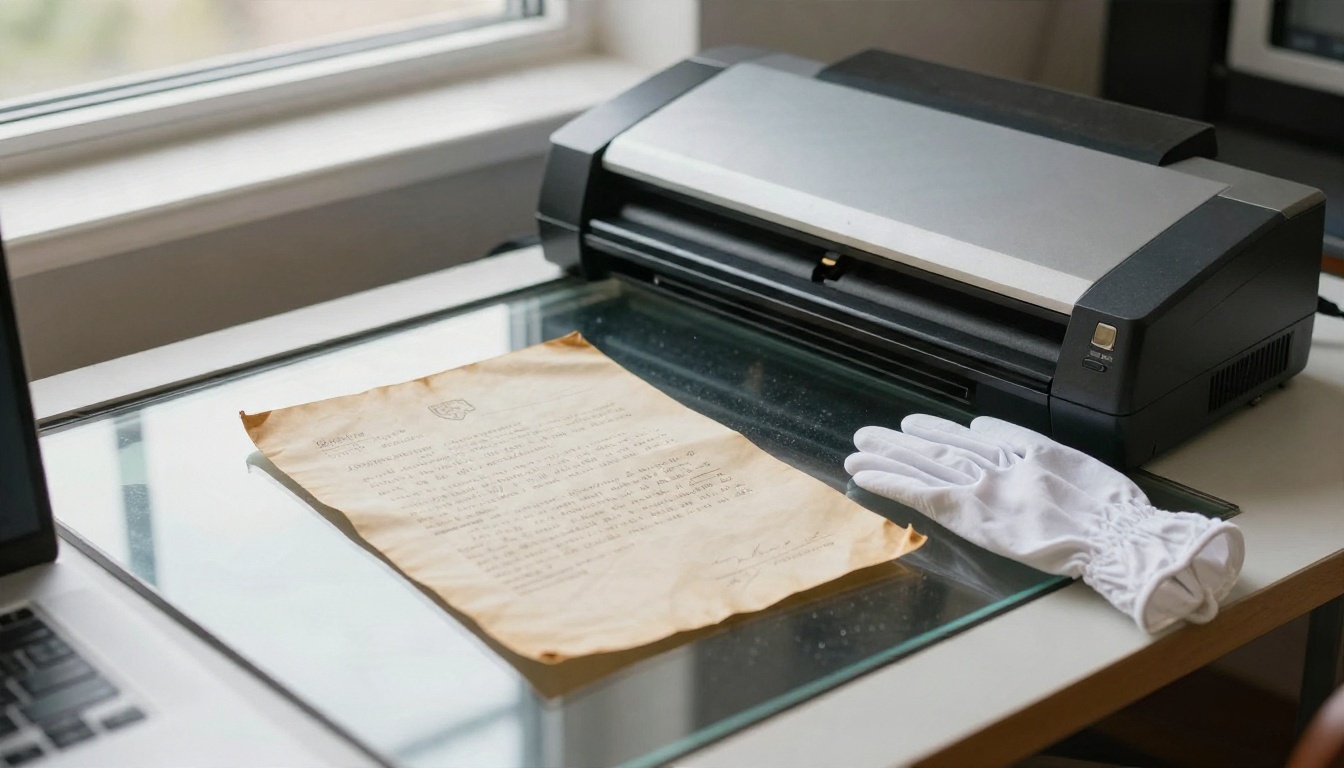
A flatbed scanner gives even light and consistent results. It is ideal for thin airmail paper, pencil writing and pages with faded ink, because you control the resolution. Wipe the glass first, because every dust speck will show up in the scan.
Here are the settings that work for most letters:
| Setting | Recommended Value | Why It Matters |
|---|
| Resolution | 300 DPI (600 DPI for faint ink) | Readable handwriting without huge files |
| Color mode | Color, not black and white | Preserves paper tone and ink color |
| File format | JPEG or PNG for pages, PDF for the final book | Easy to merge later |
| Cropping | Leave a small margin | Shows the real edges of the paper |
| Auto enhance filters | Off | Keeps the original look |
Color scanning matters more than most people think. A faded blue ink line on cream paper tells a story that a gray, high-contrast copy erases.
Build the Digital Flipbook with Flipbooks AI
Once every page is scanned, the rest is quick. The goal is a single PDF with the pages in order, then a flipbook built from that PDF.
Merge Scans into One PDF
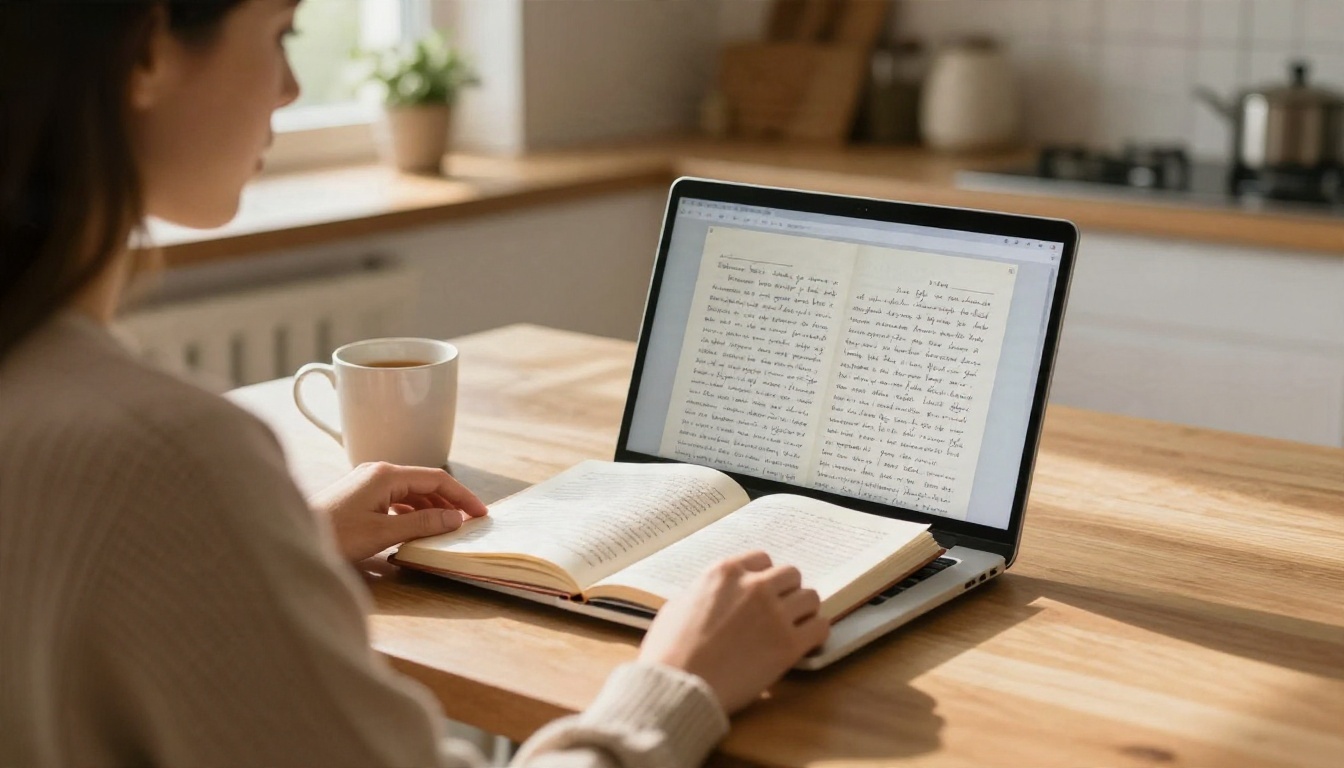
Most phones and computers can combine images into a PDF without extra software. On Windows and Mac, select the images, print to PDF, and keep the page order. Several free online tools merge files in seconds. If your scanning app already exported one PDF per letter, join them in the order of your timeline.
Add a title page as the first page. A simple line such as "Letters from Grandma Anna, 1958 to 1971" sets the tone. You can also add a short dedication page and a final page with the date you made the book.
Upload and Convert
Follow these numbered steps to make your flipbook:
- Open Flipbooks AI and create an account.
- Use the PDF to Flipbook Converter and upload your merged PDF.
- Wait a few moments while each page becomes a flipbook page. You will see a preview with page-turning animation.
- Flip through the preview and check the order, the legibility of the handwriting and any pages that need a rescan.
- Save the flipbook. Your letters now live online as a real book.
If your project is closer to a keepsake or a family memoir, the Interactive E-Book Publisher and the E-Book Flipbook Generator are good fits, since they treat the result as a book rather than a document.
Customize the Look
A good flipbook feels like an object, not a file. Take a few minutes for these choices:
- Branding and title: Name the book clearly, so relatives recognize it in an email or chat.
- Colors: Pick a background in warm cream, soft brown or muted green to echo the paper.
- Page effects: Keep the page-turn gentle. Letters deserve a calm, quiet feel.
- Multimedia: Embed an audio clip of the writer's voice, or a short video of a family member reading a favorite letter aloud. Flipbooks AI supports embedded video and audio.
- No watermarks: Flipbooks AI never stamps a watermark on your pages, which matters when the content is this personal.
💡 Pro tip: Record a 30-second voice message from the oldest living relative saying who the letter writer was. Place it next to the first page. Future generations will treasure it.
Share It with Family
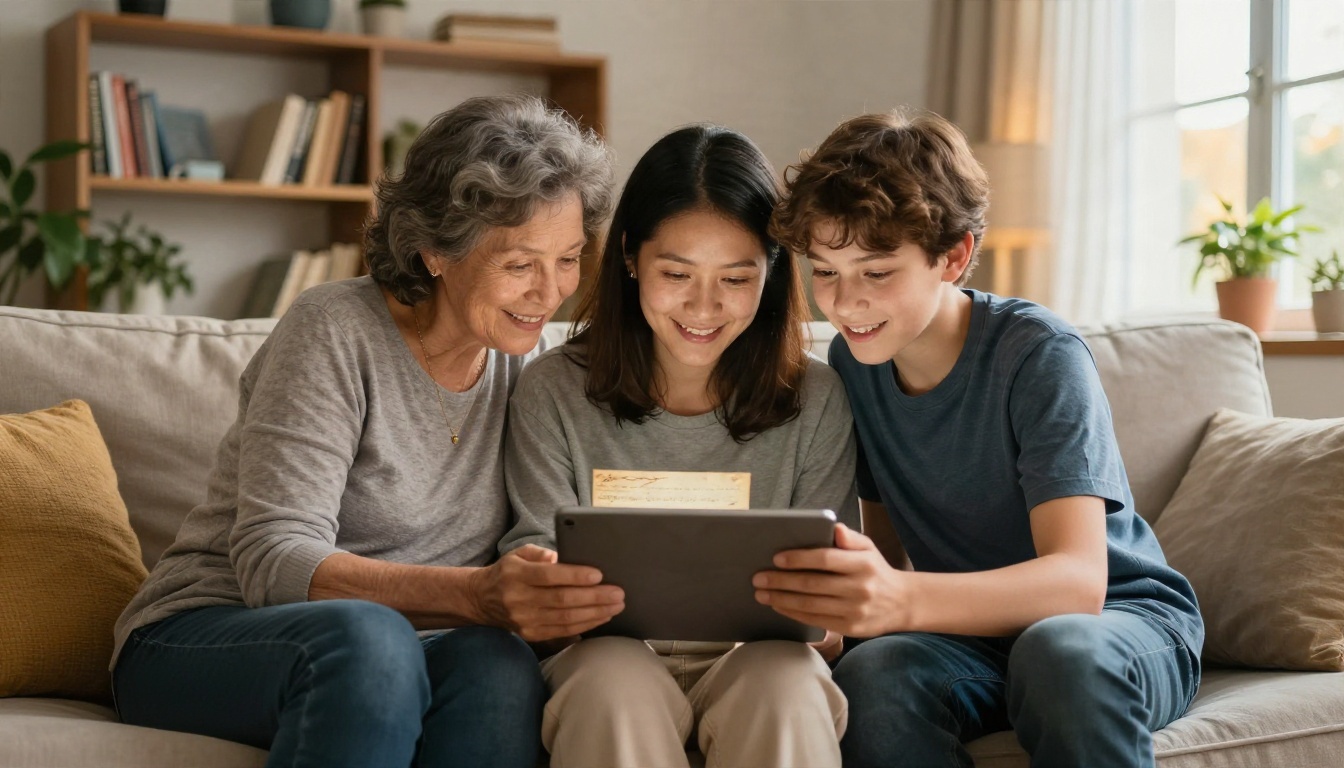
A beautiful book nobody can open is useless. The sharing step decides whether the letters get read.
Links, Embeds and Passwords
Letters are private. Treat them that way. These are the sharing options worth knowing:
| Method | Best For | Privacy Level | Effort |
|---|
| Direct link | Family group chats and email | Medium | Very low |
| Password protected link | Letters with sensitive details | High | Low |
| Embed on a website | Family history blogs and reunion pages | Depends on the site | Medium |
| Offline download | Relatives with weak internet | High | Low |
A direct link is perfect for a group chat. A password adds a second layer, and you can send the password in a separate message. If you keep a family website, the Embed Flipbook on Website tool gives you code to place the book on any page.
Offline Downloads for Relatives
Not every relative has a fast connection, and some prefer to keep a file on their own device. Offline downloads solve that. They are also a quiet insurance policy: if the link disappears, the family still has the book.
Professional plan users also get analytics, which show how many people opened the book and which pages held their attention. That can be a touching way to see that the letters are being read. Check the pricing page for the current plan details.
✅ Best practice: Keep an original backup of all raw scans on at least two places: a cloud drive and an external hard drive. The flipbook is the way to share the letters, not the only copy.
Free Options Compared
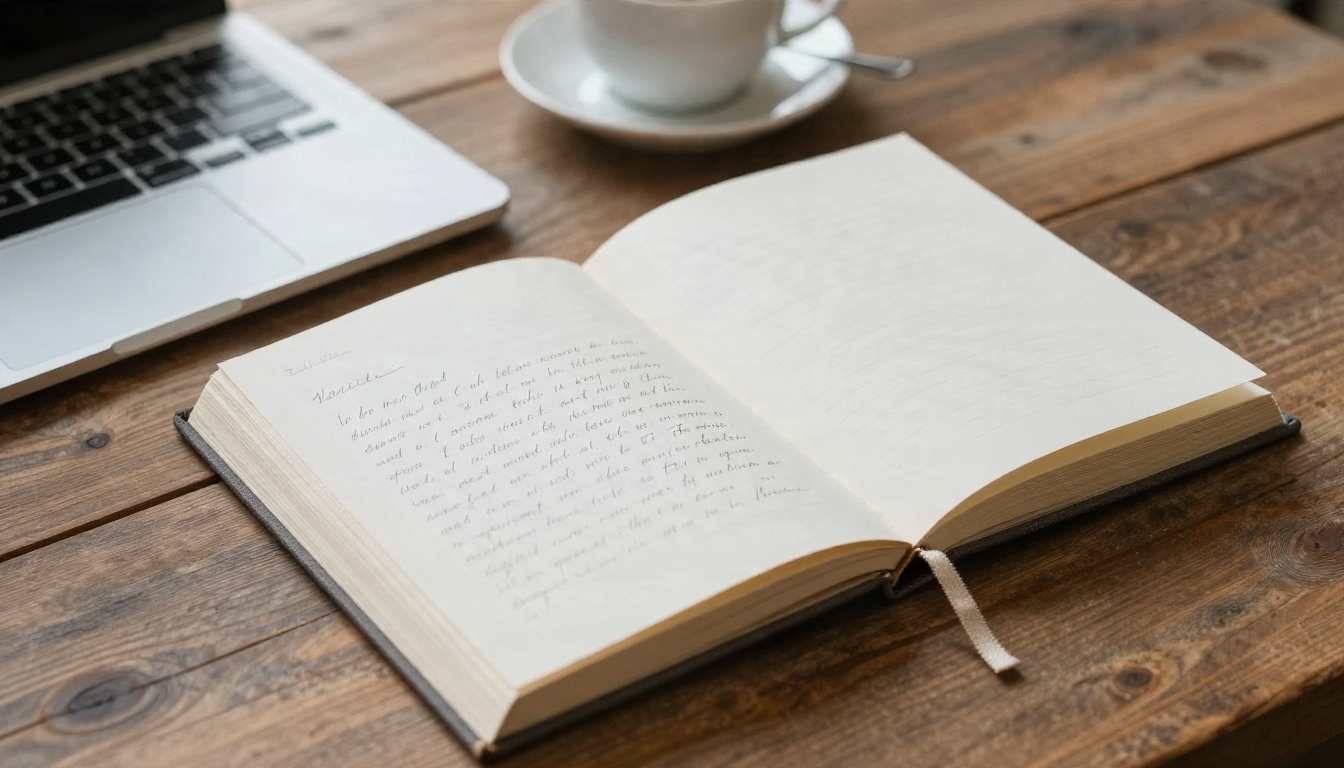
You can build a letter book without spending money, depending on how many pages you have and how polished you want the result.
What Free Tools Can Do
| Task | Free Option | Limits to Expect |
|---|
| Scanning pages | Apple Notes, Google Drive, Adobe Scan | Manual cropping and organization |
| Merging into a PDF | Built-in print to PDF, free online mergers | Page order is your responsibility |
| Cloud storage | Google Drive, iCloud, OneDrive | Space caps on free tiers |
| Flipbook creation | Free trial or entry level plan on Flipbooks AI | Check the plan for page and feature limits |
| Printing a copy | Local print shop | Cost per page and binding |
Free scanning apps are surprisingly good. Free flipbook tiers across the market tend to limit pages, add branding or remove features, so read the details before you start. On Flipbooks AI you can try it for free and review the plan features first, then decide.
When a Paid Plan Pays Off
Free is enough for one short book of ten pages. A paid plan makes sense when:
- You have hundreds of pages across several writers
- You want password protection for sensitive letters
- You plan several books, one per branch of the family (unlimited flipbooks are available from the Standard plan and above)
- You want analytics to see who opened the book
- You need a clean, watermark free result for a reunion or gift
Compare the plans when you are ready. A single weekend project often pays for itself in the time saved compared with building a book by hand.
Add Transcriptions and Context
Scans preserve the handwriting. Context makes the letters readable for people who never met the writer.
Type Out Hard to Read Pages
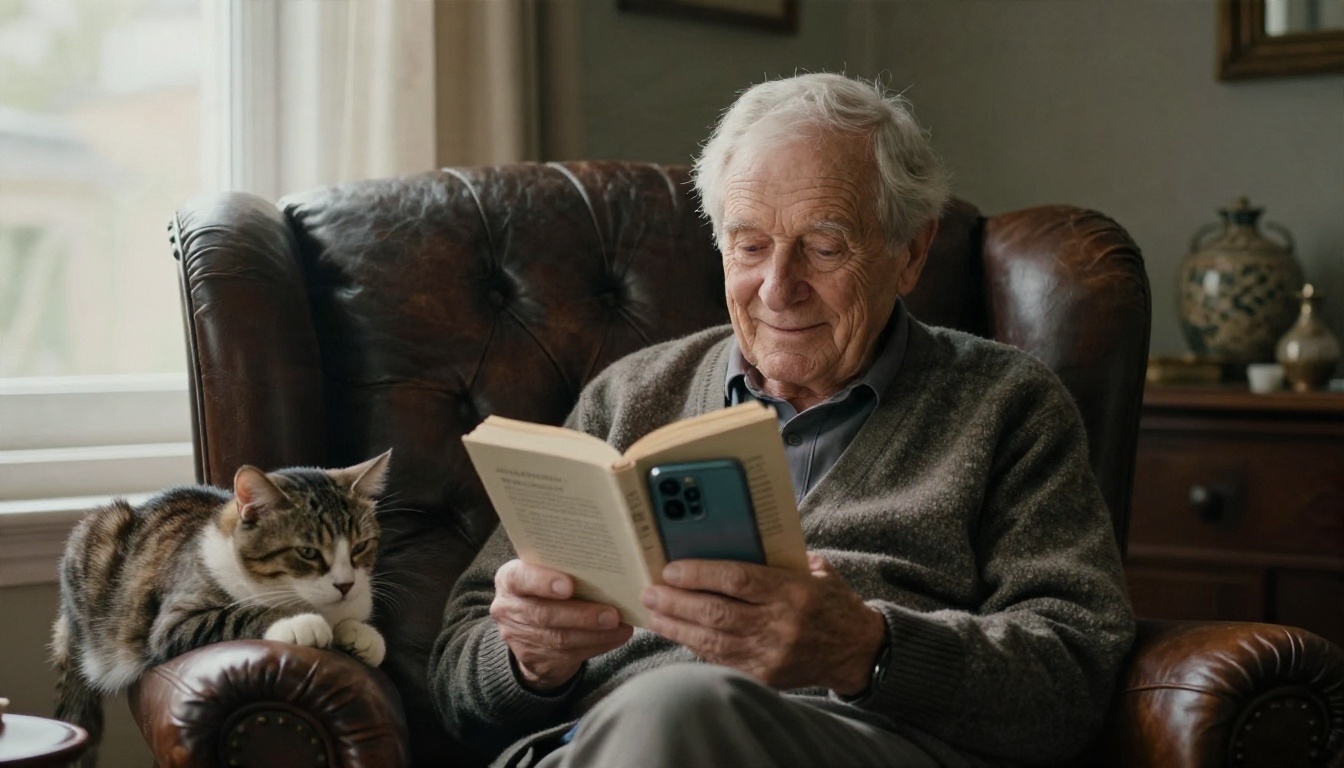
Old cursive can be hard for younger readers. Typed transcriptions help a lot. You have three practical approaches:
- Type each letter yourself. Slow, but you notice details no tool would.
- Use a free handwriting recognition app. Good for clean writing, weak for faded ink. Always proofread.
- Ask the family. Share the draft flipbook and let a relative fill in the words you could not read.
Place the transcription on the page after each scan, so a reader sees the original first and the text next. Use italics for any words you are unsure about, and add a short note when a word is unreadable.
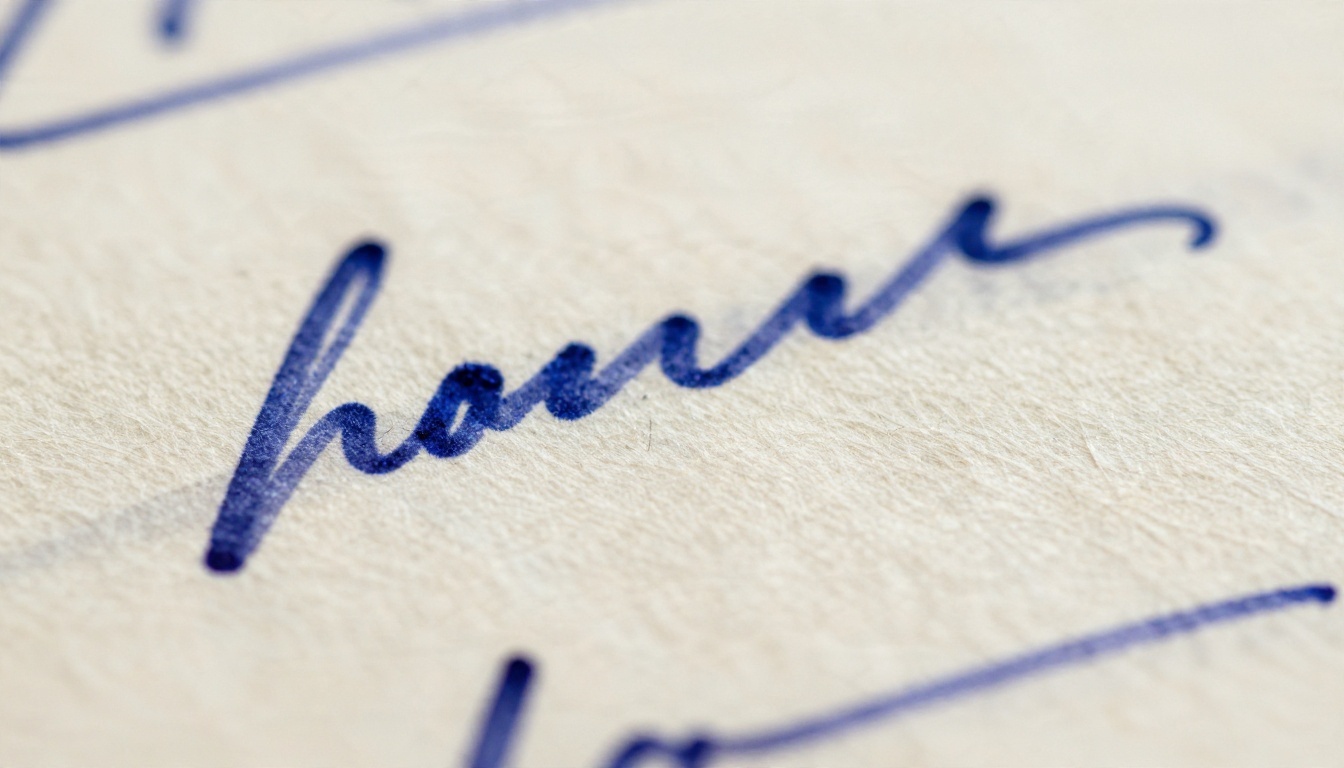
A real-world example: a grandson found a shoebox of wartime letters from his grandfather. He scanned 64 pages in an afternoon, typed the transcripts that evening, and added three photos from the same years. The flipbook went to twelve relatives by link. Two cousins replied with names and places the grandson had never heard.
Mistakes That Ruin Letter Books
Avoid these five problems:
- Scanning without a plan. Pages out of order are painful to fix later.
- Cropping too tightly. The edges, stamps and folds are part of the story.
- Skipping the backs of pages. Postscripts often hide there.
- Over-editing. Heavy filters can erase faint ink and change the paper tone.
- Sharing without asking. Letters can contain private details about living people. Ask relatives before sending the link widely.
Start Your Letter Book Today
Your letters already exist. The only missing step is giving them a form that survives, travels and invites people to read. Sort the pile, scan each page with care, merge the scans into a PDF, and publish it as a flipbook.
Pick one letter tonight, scan it, and watch it turn into the first page of a book your family will keep.



