You have a story sitting in a notebook, a phone note, or a folder of half-finished documents, and you want it to look like a real book. Good news: you can get there without paying a publisher or a designer. A handful of free online tools will take your words from rough draft to clean pages, and a flipbook version, built with a platform like Flipbooks AI, lets anyone read the result by clicking a link, with realistic page turns and no download.
This article compares the free options honestly, shows which layouts work for which kinds of story, and walks through a flipbook conversion step by step.
Pick the Right Path First
Before you open any tool, decide what "a book" means for you. The answer changes everything from page size to file format.
Three Ways to Publish
Most people land in one of three camps:
- A printed keepsake: a few copies for family, bound at a local shop or through print-on-demand.
- A digital book: a PDF or flipbook that anyone can open on a phone, tablet, or laptop.
- A public release: an ebook or paperback listed in online stores.
The good news is that these paths share the same first step. You write and format one clean PDF, and from that single file you can print, share, or convert to a flipbook.
Who Each Route Fits
| Goal | Best Format | Typical Audience | Cost Level |
|---|
| Family memoir | Printed copies plus flipbook link | Relatives, close friends | Low |
| Short story collection | Flipbook or ebook | Online readers, writing groups | Free to low |
| Debut novel | Ebook, paperback, flipbook sample | Public readers | Low to medium |
| Children's story | Flipbook with images | Parents, classrooms | Free to low |
| Life lessons or advice | PDF and flipbook | Followers, clients | Free to low |
💡 Pro tip: If you are unsure, aim for a digital book first. You can always send the same PDF to a printer later, but you cannot cheaply undo a print run with typos in it.
Free Online Options Compared
You do not need professional software. Here is how the free categories stack up.
Word Processors and Docs
Google Docs, the free web version of Microsoft Word, and LibreOffice Online-style editors are the most forgiving place to write. They autosave, work on any device, and export to PDF in two clicks.
Strengths: familiar, collaborative, great for drafting and editing with a friend.
Weaknesses: page layout controls are basic, and photos can jump around when you edit.
Use them for the writing stage, then lock the layout once the text is final.
Free Book Makers
Browser-based book makers give you templates with chapter pages, title pages, and photo spreads already set up. You drop in text and pictures, and the tool handles margins and numbering.
Strengths: a polished look fast, ideal for photo-heavy memoirs.
Weaknesses: free tiers often limit page counts or add the tool's logo to the output.
⚠️ Watch out: Read the export terms before you invest ten hours. Some free tools only let you export a low-resolution file, or put a watermark on every page.
Print-on-Demand Platforms
Print-on-demand services let you upload a PDF and order copies one at a time. Setting up an account is usually free, and you pay only when you order a printed copy.
Strengths: real paperbacks with no minimum order.
Weaknesses: strict file requirements for margins and page size, and a learning curve around bleed and spine width.
Side by Side
| Option | Free Level | Layout Control | Best For | Main Catch |
|---|
| Online word processor | Fully free | Basic | Drafting, plain text books | Photos shift easily |
| Free book maker | Free with limits | Template-based | Memoirs with photos | Watermarks, page caps |
| Print-on-demand setup | Free to join | Strict specs | Paperback copies | You pay per printed copy |
| Flipbook conversion | Free to try | Keeps your PDF as is | Sharing online | Needs a finished PDF |
Prepare the Story Before Any Tool
Tools will not fix a shapeless draft. Spend a weekend on structure and the rest goes faster.
Shape the Chapters
Read your story from start to finish and mark where the mood or time shifts. Each shift is a chapter break. Aim for chapters of roughly equal length, between 1,500 and 4,000 words for most memoirs and novels.
A simple outline works:
- Opening scene that puts the reader in a specific moment.
- Three to five turning points that move the story forward.
- A closing chapter that lands on a feeling, not a summary.
Gather Photos and Captions
If your story includes pictures, collect them in one folder and rename each file with the chapter number. Scan old prints at 300 dpi or higher. Write a one-line caption for each photo while the memory is fresh, because you will forget the details in six months.
Edit in Two Passes
Do not try to fix everything at once.
- Pass one, structure: cut slow scenes, reorder chapters, fill gaps.
- Pass two, sentences: fix typos, repeated words, and awkward phrasing. Reading aloud catches almost everything.
✅ Best practice: Print one chapter and read it on paper with a pencil. Your eyes skip errors on a screen that they catch immediately on a page.
Layouts That Make Stories Readable
A good layout is invisible. Readers should never think about it, only about your story. A bad one makes them tired by page ten.
Trim Size and Margins
Pick a page size early, since changing it later reflows the entire book.
| Book Type | Common Page Size | Why It Works |
|---|
| Novel or memoir | 5 x 8 in or 5.5 x 8.5 in | Feels like a paperback, easy to hold |
| Photo memoir | 8 x 8 in or 8.5 x 11 in | Room for large images |
| Short story or zine | A5 or 5.5 x 8.5 in | Light, quick to print |
| Children's story | 8 x 10 in landscape or square | Pictures get space |
Leave margins of at least 0.75 inch on the outside and a wider inner margin, around 1 inch, so text does not vanish into the binding.
Fonts and Spacing
Stick to one serif font for body text, such as Garamond, Georgia, or Merriweather, and one font for headings. Set body text at 10.5 to 12 points with line spacing around 1.3 to 1.5.
Quick rules that work:
- Indent the first line of each paragraph, but not the first paragraph of a chapter.
- Keep line length between 55 and 75 characters.
- Avoid justified text if it creates big gaps between words.
- Start every chapter on a right-hand page for a classic feel.
Photos and Chapter Openers
Give each chapter a clear opening: a large number or title, extra white space above, and perhaps a single photo. For memoirs, place photos near the paragraph they relate to and always include the caption.
💡 Pro tip: Export a PDF and view it at 100 percent zoom on your phone. If the text is comfortable to read there, it will work almost anywhere.
How to Create a Flipbook with Flipbooks AI
Once your PDF is ready, a flipbook gives it a second life. Pages turn on screen like paper, it works on every device, and you share one link instead of attaching a heavy file. Flipbooks AI is built for exactly this, and the Interactive E-Book Publisher and E-Book Flipbook Generator pages show how it applies to books.
Export Your PDF
From your word processor or book maker, export a PDF at standard or high quality. Check that fonts are embedded and photos look sharp. Name the file clearly, for example my-story-final.pdf.
Upload and Convert
- Go to Flipbooks AI and create an account. You can try it before choosing a plan on the pricing page.
- Click the upload button and select your PDF.
- Wait a few moments while the PDF to Flipbook Converter turns each page into a flippable spread.
- Open the preview and click through the pages to confirm nothing shifted.
There are no watermarks on your finished book, and the result is mobile-responsive, so it adapts to a phone screen automatically.
Customize the Look
In the editor you can adjust the details that make it feel like yours:
- Branding and colors: pick a background that matches your jacket design.
- Page effects: choose the page-turn style and sound.
- Multimedia: embed audio, such as you reading a chapter aloud, or a short video next to a photo.
- Custom branding: add your own name or logo if you are publishing as an author.
💡 Pro tip: For a memoir, a recording of a grandparent's voice beside the matching chapter is the kind of detail people remember for years.
Share It Safely
You have several ways to send the finished book out:
| Sharing Method | Best Use | Privacy Level |
|---|
| Direct link | Texts, emails, social posts | Anyone with the link |
| Password protection | Private family stories | Only people you give the password |
| Embed on a website | Author page or blog | Public on your page |
| Offline download | Readers without internet | Controlled by you |
For personal stories, password protection is worth switching on. You decide who gets inside, and you can change the password later if the link travels further than you intended.
Plans that include unlimited flipbooks start at the Standard level, and the Professional plan adds analytics and lead generation, handy if your story doubles as a launch for a book you plan to sell. Compare them on the pricing page.

Real Stories, Real Uses
Theory only goes so far. Here is how it plays out.
A Family Memoir
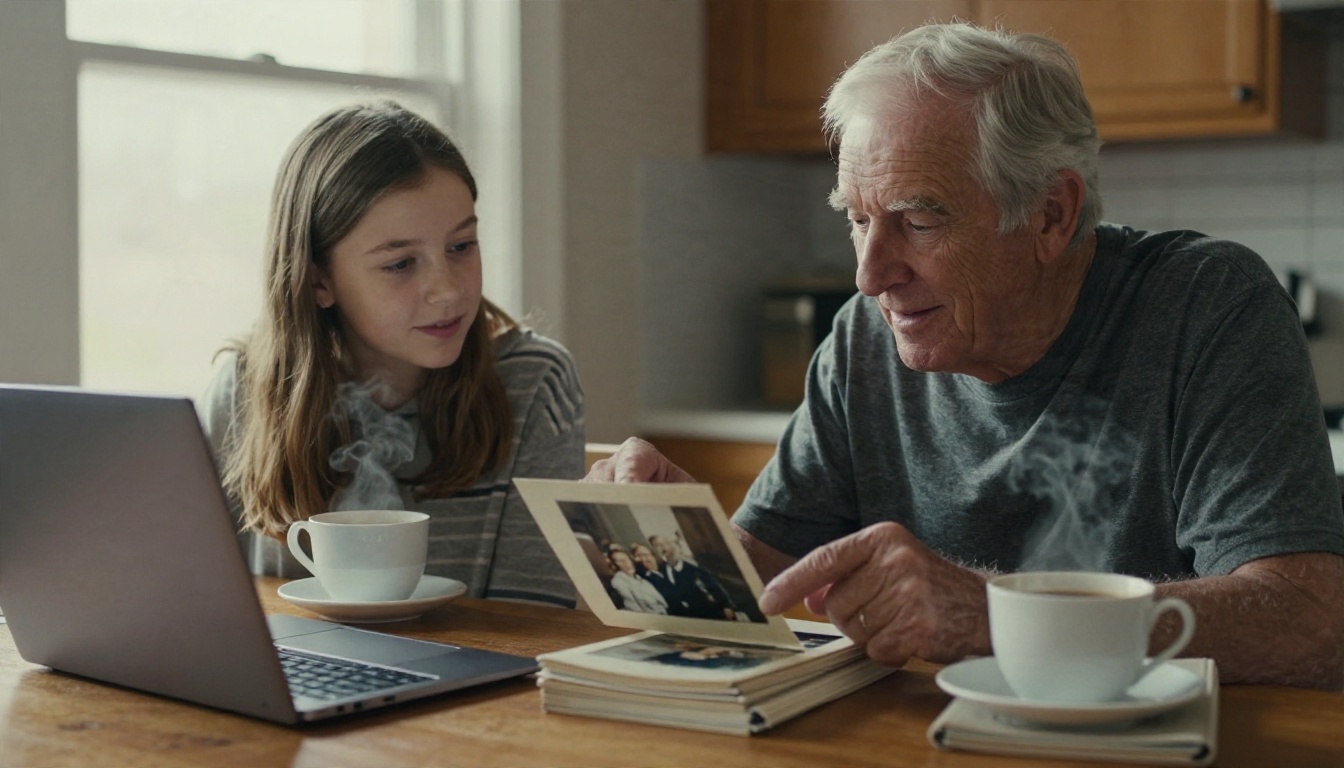
A grandfather dictates his life story over a winter. His granddaughter types it into a free online document, adds 40 scanned photos, and exports a PDF at 8 x 8 inches. She orders five printed copies for the holidays, then converts the same PDF to a flipbook with a password and sends the link to cousins overseas. Total outlay: the cost of five prints.
A Debut Novella
A writer finishes a 30,000-word novella and wants early readers. She formats it at 5.5 x 8.5 inches, publishes the first three chapters as a public flipbook embedded on her website, and uses the reader analytics to see where people stop reading. That data tells her which chapter needs a stronger opening before the paid release.
| Scenario | Tools Used | Result |
|---|
| Family memoir | Online doc, scanner, flipbook | Printed keepsake plus private link |
| Debut novella | Word processor, flipbook embed | Free sample that attracts early readers |
| Classroom storybook | Slides export, flipbook | Parents read it on their phones |
| Travel diary | Photo book maker, flipbook | Shareable trip story with audio |
Mistakes That Cost Readers
Even good stories lose readers to avoidable errors. Watch for these five.
- Skipping the second edit. Typos on page two make people doubt the rest.
- Tiny fonts to save pages. Under 10 points and older readers give up.
- Low-resolution photos. What looks fine on a laptop turns muddy on print or a large screen.
- No table of contents. Even short books benefit from one, especially in a flipbook where readers jump around.
- Forgetting a front page and a closing page. A title page, a dedication, and a short author note make it feel finished.
⚠️ Warning: Do not rely on a free tool as your only copy. Keep your original document and final PDF in two places, such as your computer and a cloud folder.
Your Next Step
Your story already exists. What is left is shaping it into pages and giving people an easy way to read them. Start by outlining your chapters this week, write and format in a free online editor, and export one clean PDF.
When it is ready, create your first flipbook on Flipbooks AI and share the link with the first person you want to hear it. If you plan to publish more than one book, compare pricing plans to see which one fits, and browse all the flipbook tools for templates that suit memoirs, portfolios, and recipe collections like the Recipe Book Flipbook.



