A printed brochure gets folded, stuffed in a bag and forgotten. A digital brochure gets opened on a phone, flipped through in seconds and forwarded to a colleague before the coffee cools. That difference is why more teams now publish brochures online with tools like Flipbooks AI, and why the types of digital brochures you can choose from have multiplied so quickly.
This article walks through every major type, shows real examples by industry, compares folding formats, points you to templates that work and lists free tools to get started. You will also find a short tutorial to publish your own brochure today.
What Counts as a Digital Brochure
A digital brochure is any promotional document designed to be viewed on a screen instead of (or alongside) paper. It can be a simple PDF, a page-turning flipbook, a mobile-first web page or an interactive file with video and clickable links.

Static vs Interactive
The biggest split is between static and interactive files:
- Static brochures are flat PDFs or images. They load fast but cannot react to the reader.
- Interactive brochures include clickable buttons, embedded video, audio, forms and animated page turns.
💡 Pro tip: Start with the static version you already have. Converting an existing PDF into an interactive flipbook takes minutes and keeps your original design intact.
Why Teams Switch
- Lower cost: no printing, no shipping, no reprints when a price changes.
- Instant updates: fix a typo once and every reader sees the new version.
- Trackable results: you can see how many people opened the file and which pages held their attention.
- Easy sharing: one link works in email, social posts, QR codes and messaging apps.
Types of Digital Brochures With Examples
Here are the six formats you will meet most often, each with a realistic scenario.
Flipbook Brochures
A flipbook turns your PDF into a realistic page-turning experience with a soft paper sound and curled corners. It feels familiar, which is exactly why readers stay longer than they do with a flat file.
Example: A furniture maker uploads a 24-page lookbook and publishes it as a flipbook with product links on every spread. Try the Brochure Flipbook Maker for this style.
Interactive PDF Brochures
These are standard PDFs enhanced with internal links, a clickable table of contents and buttons that open web pages. They work offline once downloaded, which suits field sales teams with unreliable signal.
Example: An industrial supplier sends a PDF where each product thumbnail jumps to its spec sheet.
Responsive Web Brochures
Built as a web page, this type reflows its content to fit any screen. It is great for search visibility because Google can read the text directly.
Example: A tourism board publishes a regional brochure as a scrolling page with a map and booking button.
Video and Motion Brochures
Short clips replace long paragraphs. A hotel can show the pool at sunrise instead of describing it in three sentences. Keep each clip under 30 seconds and always provide captions.
Email Brochures
A compact brochure built into the body of an email, usually one to three screens long. It suits announcements and limited offers, though it has little room for detail. Link out to a full flipbook for the long version.
Industry Brochures
Some sectors rely on brochures so heavily that dedicated templates exist for them:
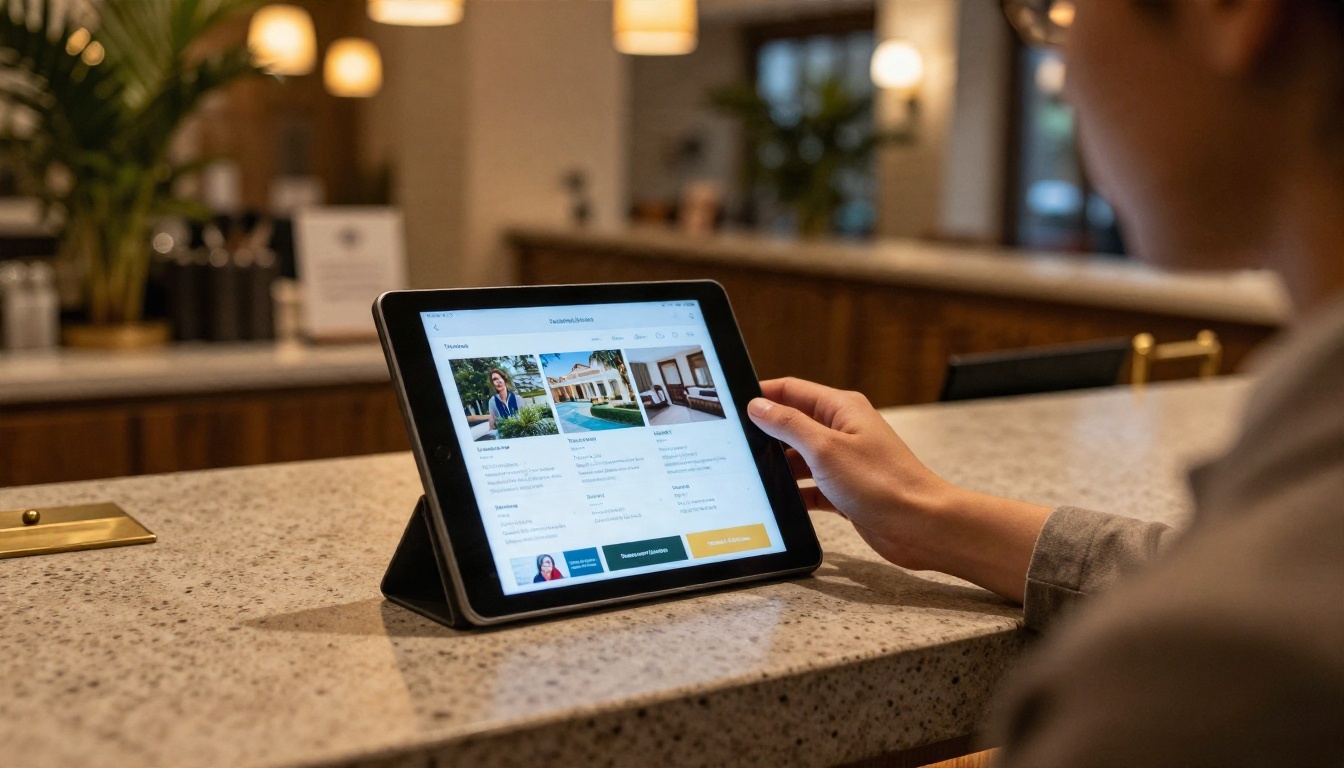

A real estate agent, for instance, can send a buyer a single link before a viewing. The buyer studies the floor plan on the train, arrives with questions already prepared and the visit becomes a conversation instead of a tour.
Comparison at a Glance
| Type | Best For | Interactivity | Works Offline | Setup Time |
|---|
| Flipbook | Catalogs, lookbooks, portfolios | High | Yes, with download | Minutes |
| Interactive PDF | Sales teams, spec sheets | Medium | Yes | Hours |
| Responsive web page | Search traffic, tourism | High | No | Days |
| Video brochure | Hotels, events, launches | High | Depends | Days |
| Email brochure | Offers, announcements | Low | No | Hours |
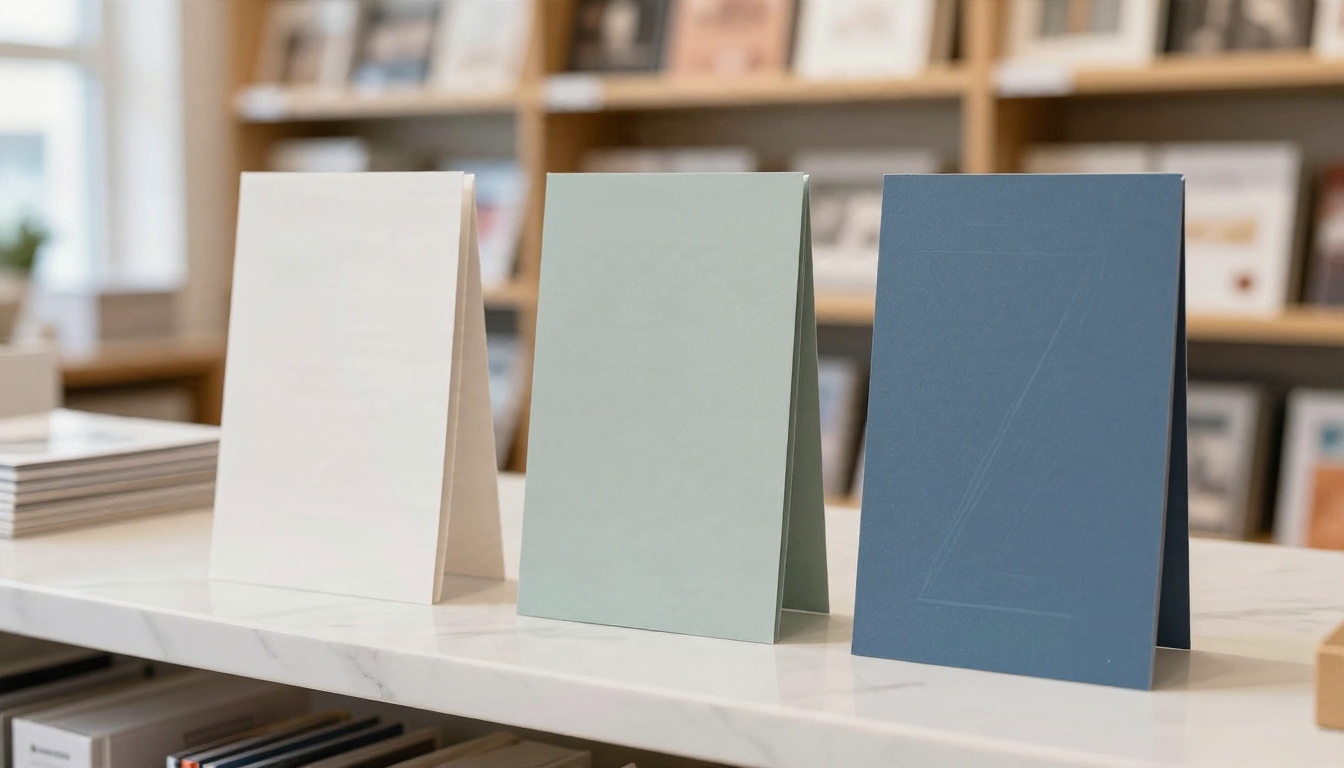
Digital brochures borrow their structure from print. Knowing the classic folds helps you plan content flow, even if nobody will ever hold the file.
Bi-Fold, Tri-Fold and Z-Fold
| Format | Panels | Reading Flow | Ideal Use |
|---|
| Bi-fold | 4 | Cover, inside spread, back | Menus, short company profiles |
| Tri-fold | 6 | Cover, flap reveal, inside spread | Services, event info, clinics |
| Z-fold | 6 | Accordion, one panel at a time | Step-by-step stories, timelines |
| Gate-fold | 6 to 8 | Two flaps open to a central panel | Luxury launches, hero products |
| Multi-page booklet | 8+ | Page by page | Catalogs, annual reports, portfolios |
On screen, each panel becomes a page or a scroll section. A tri-fold, for example, maps neatly to three scroll sections: a hook, the details and a call to action.
Page Sizes and Orientation
- Landscape (16:9 or A4 sideways): best for desktop viewing and slide-style brochures.
- Portrait (A4, US Letter): best for printing and for phones held vertically.
- Square: a good compromise for social media sharing.
⚠️ Warning: Avoid tiny body text. If a reader must pinch and zoom on a phone, you have already lost them. Aim for at least 11 pt on a portrait page.
Templates That Actually Work
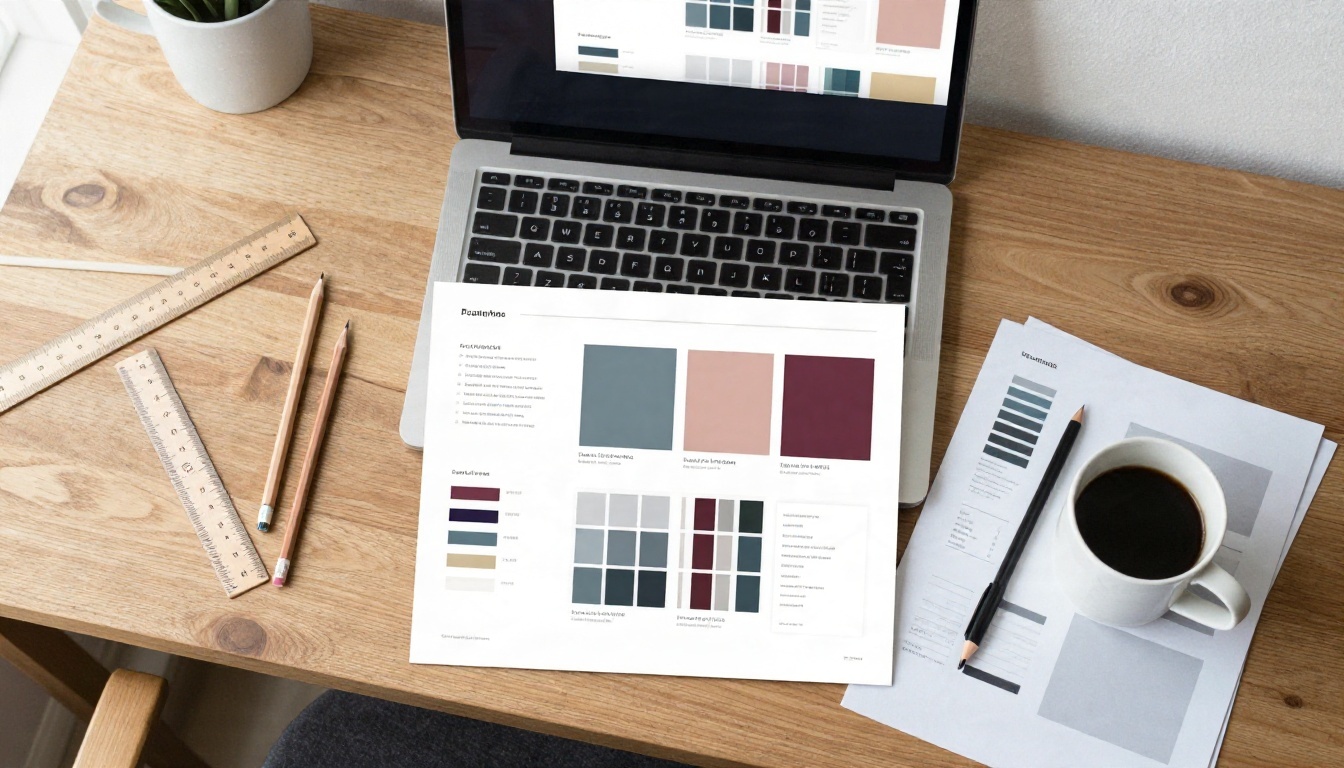
A good template saves hours, but only if you choose one that matches your goal. A beautiful layout built for a fashion label will not suit a clinic.
Pick by Industry
| Industry | Template Focus | Must-Have Pages |
|---|
| Hotels and resorts | Large photos, rates, amenities | Rooms, dining, contact |
| Real estate | Floor plans, gallery, location map | Property facts, agent info |
| Automotive | Spec tables, color options | Trims, features, finance |
| Restaurants | Menus, chef story | Menu, hours, reservation link |
| Consulting | Case studies, process | Services, results, team |
| Non-profit | Impact stories, donation call | Mission, numbers, how to help |
Browse the full tools directory to find a starting layout for your sector, or use the flexible Online Brochure Designer if your needs are unusual.
Template Mistakes to Avoid
- Too many fonts. Two is plenty: one for headings, one for body text.
- Wall-to-wall text. Break paragraphs into short blocks with icons or photos.
- No clear action. Every spread should lead somewhere: a form, a phone number or a booking page.
- Ignoring mobile. Preview on a phone before you publish.
✅ Best practice: Use one accent color for buttons and links and keep it identical on every page. Readers learn quickly where to tap.
You do not need a design agency to produce a polished brochure. Many tools offer free tiers, each with trade-offs.
What Free Plans Usually Include
| Tool Type | Typical Free Offer | Common Limit |
|---|
| Design editors (Canva, Adobe Express) | Thousands of layouts, export to PDF | Premium assets locked |
| Presentation software (Google Slides, PowerPoint) | Blank layouts, easy collaboration | Basic page effects |
| Word processors | Quick text-heavy brochures | Limited design control |
| Flipbook platforms | Convert a PDF into a page-turning link | Some add watermarks |
The watermark limit matters more than most people expect. A logo from a third-party tool printed across your brochure undermines your brand. With Flipbooks AI there are no watermarks, ever, and you can start for free before choosing a plan.
A Simple Free Workflow
- Design the layout in your editor of choice and export it as a PDF.
- Upload the PDF to a flipbook converter such as the PDF to Flipbook Converter.
- Add links, video and your colors.
- Share the link or embed it on your website.
How to Create a Digital Brochure with Flipbooks AI
If you already have a PDF, you are three minutes from a live brochure. Here is the process from start to finish.

Step 1: Create Your Account
Head to Flipbooks AI and create an account. Pick the plan that fits your volume. The Standard plan and above includes unlimited flipbooks, which is handy if you maintain several brochures at once.
Step 2: Upload and Convert
- Click the upload button in your dashboard.
- Drag in your PDF (bi-fold, tri-fold or multi-page booklet).
- Wait a few seconds while the platform converts each page into a flipbook spread.
Screenshot description: the dashboard shows a thumbnail grid of your pages, with a preview pane on the right where you can flip through the result.
Step 3: Customize the Look
- Branding: add your logo and choose brand colors for the toolbar and background.
- Page effects: adjust the page-turn style and sound.
- Multimedia: embed video and audio directly on a page. A product demo clip beside the spec table works wonders.
- Links: turn text and images into buttons that open your shop or booking form.
Step 4: Share and Protect
- Direct link: paste it into emails and social posts.
- Embed code: place the brochure inside a web page. The Embed Flipbook on Website tool shows you how.
- Password protection: limit private pricing sheets to approved clients.
- Offline download: let field teams save a copy for meetings with poor signal.
Step 5: Track and Capture Leads
On the Professional plan you get detailed analytics and lead generation forms. You can see which pages are opened most, how long readers stay and who left their email. Check the pricing plans to compare tiers.
💡 Pro tip: If page 4 gets twice the attention of page 2, move your best offer there and retest after a week.
Print vs Digital: The Real Cost
Many businesses worry that dropping paper loses the tactile feel. In practice the best results come from using both: print for the handshake moment, digital for everything else.
| Factor | Print Brochure | Digital Brochure |
|---|
| Cost per 1,000 copies | Hundreds of dollars plus shipping | Near zero after creation |
| Update speed | Days to weeks (reprint) | Seconds |
| Reach | Limited by quantity | Unlimited by link |
| Tracking | Nearly impossible | Pages, time, clicks, leads |
| Environmental impact | Paper, ink, transport | Minimal |
| Tactile impression | Strong | Simulated by page-turn effects |
A small shop owner packing parcels can slip a single card with a QR code into each box instead of a thick paper catalog. The customer scans, browses the latest range and the shop never worries about outdated prices.
Where Digital Shines at Events
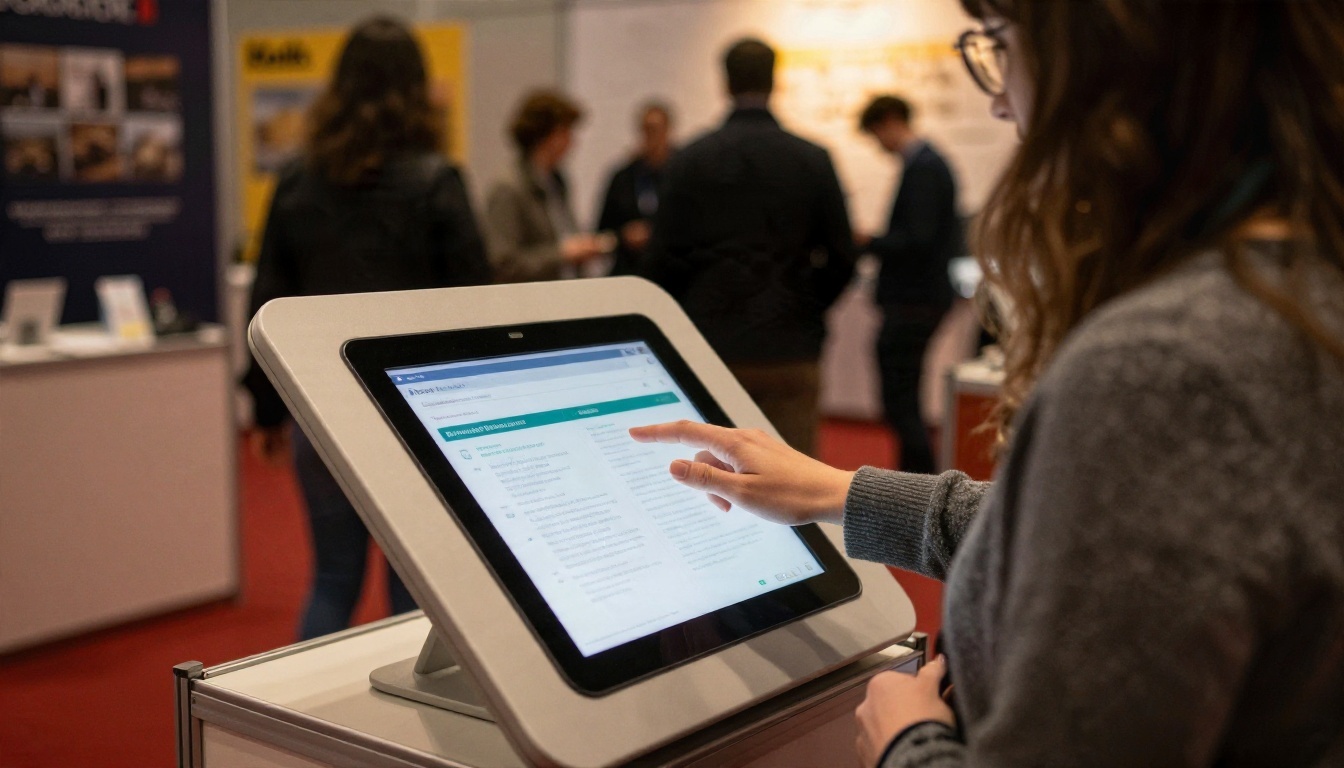
At trade shows a tablet kiosk displaying your interactive brochure lets visitors browse at their own pace while your team talks to the next person. You can also email the link to everyone who scans a badge.
A Quick Checklist Before You Publish
- Every page has one clear purpose.
- All links work and open in a new tab.
- Images are compressed so pages load in under three seconds.
- Contact details appear on the first and last pages.
- You previewed the brochure on both phone and desktop.
Ready to Build Yours?
The best type of digital brochure is the one your audience will actually open. For most businesses that means a flipbook built from a clean PDF, optionally backed by a short video and a lead form.
Upload one PDF today, share the link with a single client and see how it feels to hear "I opened it on my phone" instead of "I lost the brochure."



