It is 9:47 p.m. and a guest is standing in your kitchen, staring at a coffee machine that looks nothing like the one at home. They text you. You are at dinner. The reply takes twenty minutes, and the guest quietly remembers the delay when it is time to write a review. A vacation rental welcome book removes that moment entirely. It answers the Wi-Fi question, the trash day question and the "where do we eat tonight" question before anyone has to ask.
This article gives you a free template you can copy today, in both printable and digital form, plus real examples for beach houses, cabins and city apartments. If you would rather publish the book as a tappable online flipbook, Flipbooks AI turns a simple PDF into a page-turning version in a few minutes, with no watermark.
Why Every Rental Needs a Welcome Book
A welcome book is a single place where a guest finds everything about the property and the area. Think of it as a calm, friendly host who never sleeps. It works whether you manage one cottage or forty listings.
What Guests Actually Ask
Most host inboxes fill up with the same ten questions. Reading through a few hundred guest messages shows a clear pattern:
- How do I connect to the Wi-Fi?
- How do I get in, and what is the door code?
- Where do I park?
- How do the heating, air conditioning or fireplace work?
- What time is check-out, and what do I do with the towels?
- Where is the nearest grocery store and a decent restaurant?
- Who do I call if something breaks?
Every one of those belongs in your book. When the answer lives on page three, the message never gets sent.
What Hosts Gain
The benefits are practical, not decorative:
- Fewer messages and calls, especially late at night.
- Better reviews, because guests feel looked after and informed.
- Less damage and fewer rule violations, since expectations are written down.
- Higher perceived value, which supports your nightly rate.
- Easier handovers when a co-host or cleaner covers for you.
💡 Pro tip: Ask your last five guests what they searched for during their stay. Their answers are the first draft of your table of contents.
What to Include in Your Template
The best welcome books are short on fluff and long on usable detail. Aim for 12 to 20 pages. Anything longer and guests stop reading.
The Must-Have Pages
| Page | What goes on it | Why it matters |
|---|
| Welcome note | A warm 3 to 4 sentence greeting and your name | Sets the tone in ten seconds |
| Arrival and access | Address, parking, lockbox or door code steps | Prevents the most stressful problem |
| Wi-Fi and TV | Network name, password, streaming logins | The most asked question, every stay |
| House rules | Quiet hours, smoking, pets, occupancy | Protects your property and neighbors |
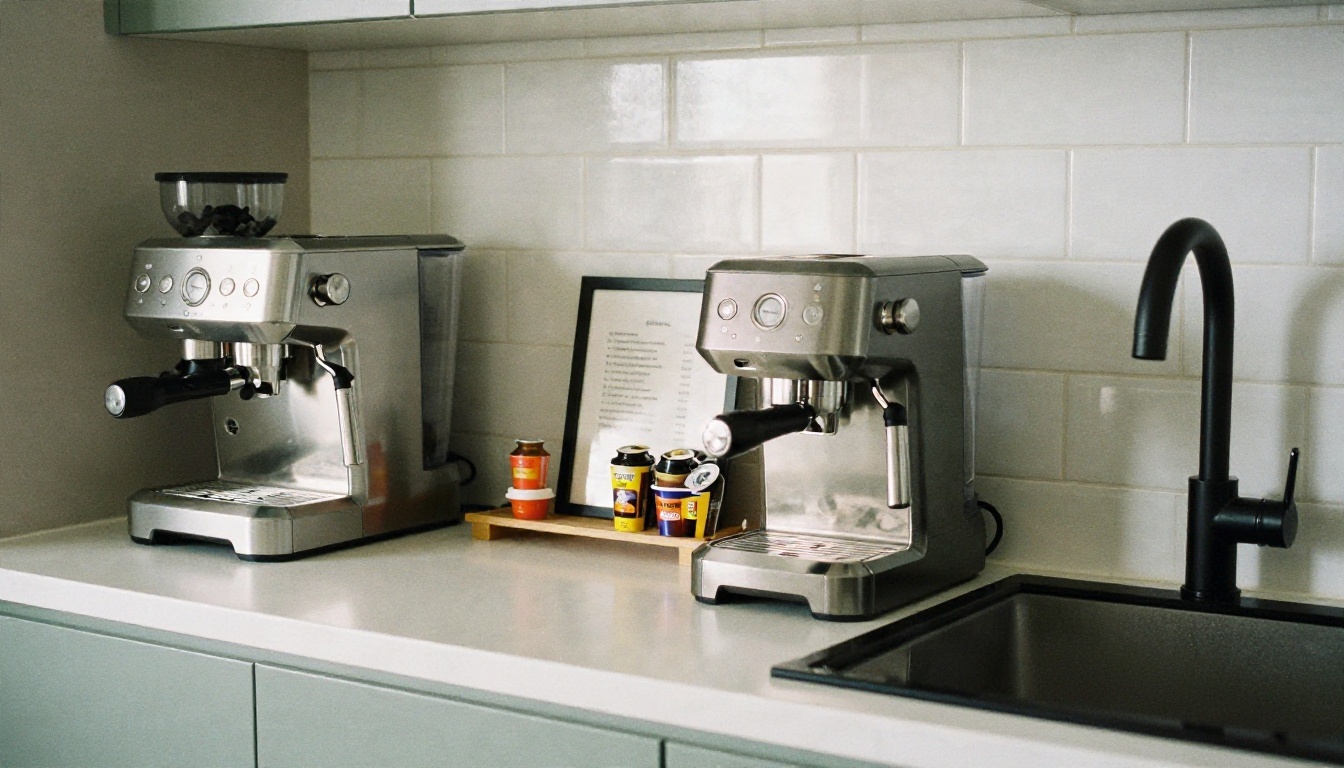
| Appliances | Coffee maker, oven, washer, thermostat | Cuts "how does this work" texts |
| Trash and recycling | Bin location, pickup day, sorting rules | Avoids fines and smells |
| Emergency info | Local emergency number, hospital, your phone | Safety, and a legal requirement in some regions |
| Check-out steps | Time, towels, lights, door lock | Makes turnovers smooth |
Nice Extras That Earn Five Stars
Once the essentials are in place, add the pages guests actually remember:
- Your favorite local spots, with a one-line reason for each.
- A simple map with walking times, not just a list of names.
- Seasonal tips, such as the best sunset spot or the farmers market day.
- A small welcome basket note pointing to snacks, local wine or coffee.
- A kids and pets page with the nearest park or a trusted sitter.
⚠️ Warning: Never print the door code on a page that guests might photograph and post. Share it through your booking platform message, and keep only the steps for using the lockbox in the book.
Free Printable Template You Can Copy
You do not need a design degree. Open any document editor, set the page to letter or A4, and paste the outline below. Each heading becomes one page.
Page-by-Page Outline
Page 1: Welcome
Write a short greeting. Example: "Welcome to Driftwood Cottage! We are so happy you are here. Everything you need is in this book, and we are only a text away." Add one warm photo of the living room or view.
Page 2: Quick Facts
List the address, check-in and check-out times, Wi-Fi name and password, and your phone number. Keep this page clean enough to be photographed with a phone.
Page 3: Getting In
Number the steps: 1. Find the lockbox beside the gate. 2. Enter the code from your booking message. 3. Return the key to the box when you leave. Add a photo of the lockbox, because guests recognize a picture faster than a sentence.
Pages 4 and 5: The House
Cover the thermostat, TV remote, fireplace, washer and dryer. Use one small photo per appliance with two or three lines of instruction.
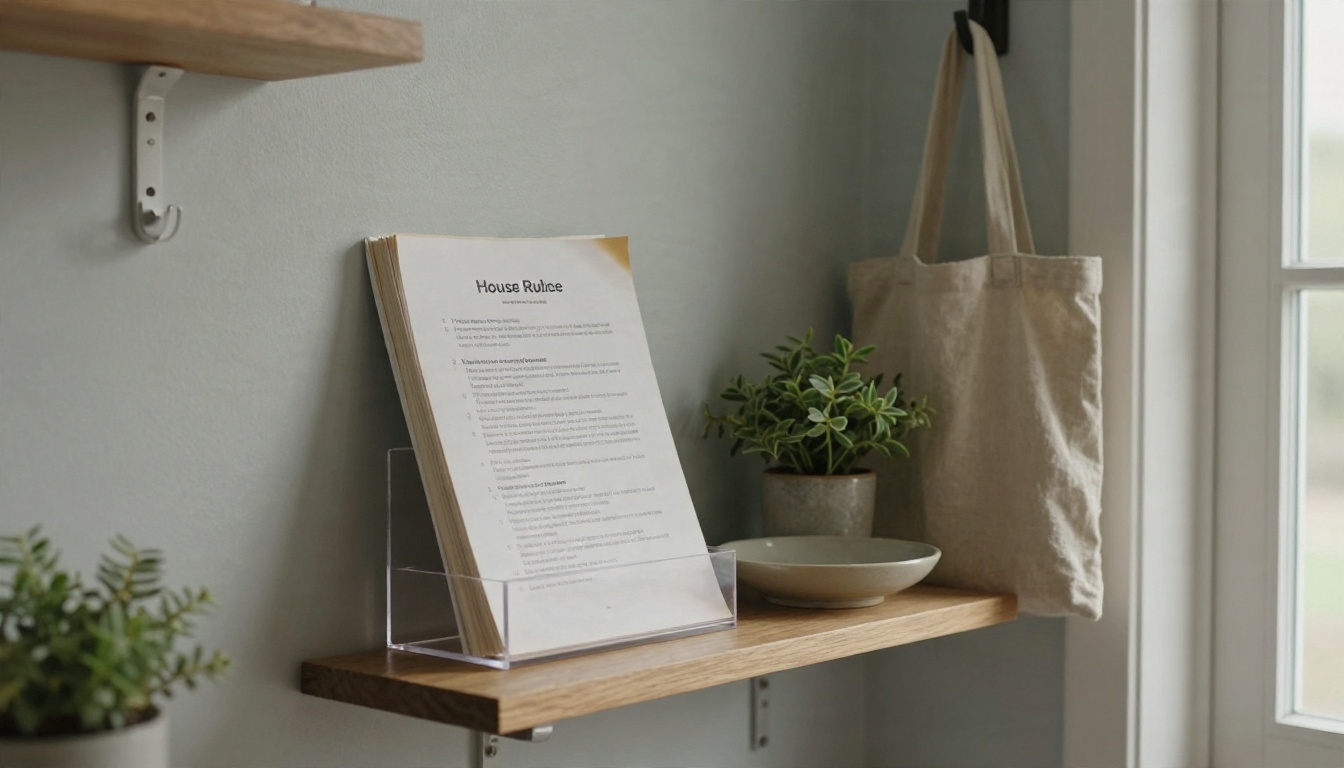
Page 6: House Rules
Quiet hours, maximum guests, smoking and pet policies, and parking limits. Be firm but friendly: "We share this street with wonderful neighbors, so please keep things quiet after 10 p.m."
Pages 7 to 9: The Neighborhood
Restaurants, coffee, groceries, pharmacy, beaches or trails. Give each place a name, a distance and one sentence.
Page 10: Emergencies
Local emergency number, nearest hospital, your number and a backup contact.
Page 11: Check-Out
A short checklist: start the dishwasher, put used towels in the tub, turn off lights and AC, lock the door.
Page 12: Thank You
Ask for feedback and mention that a review helps your small business.
Printing Tips That Save Money
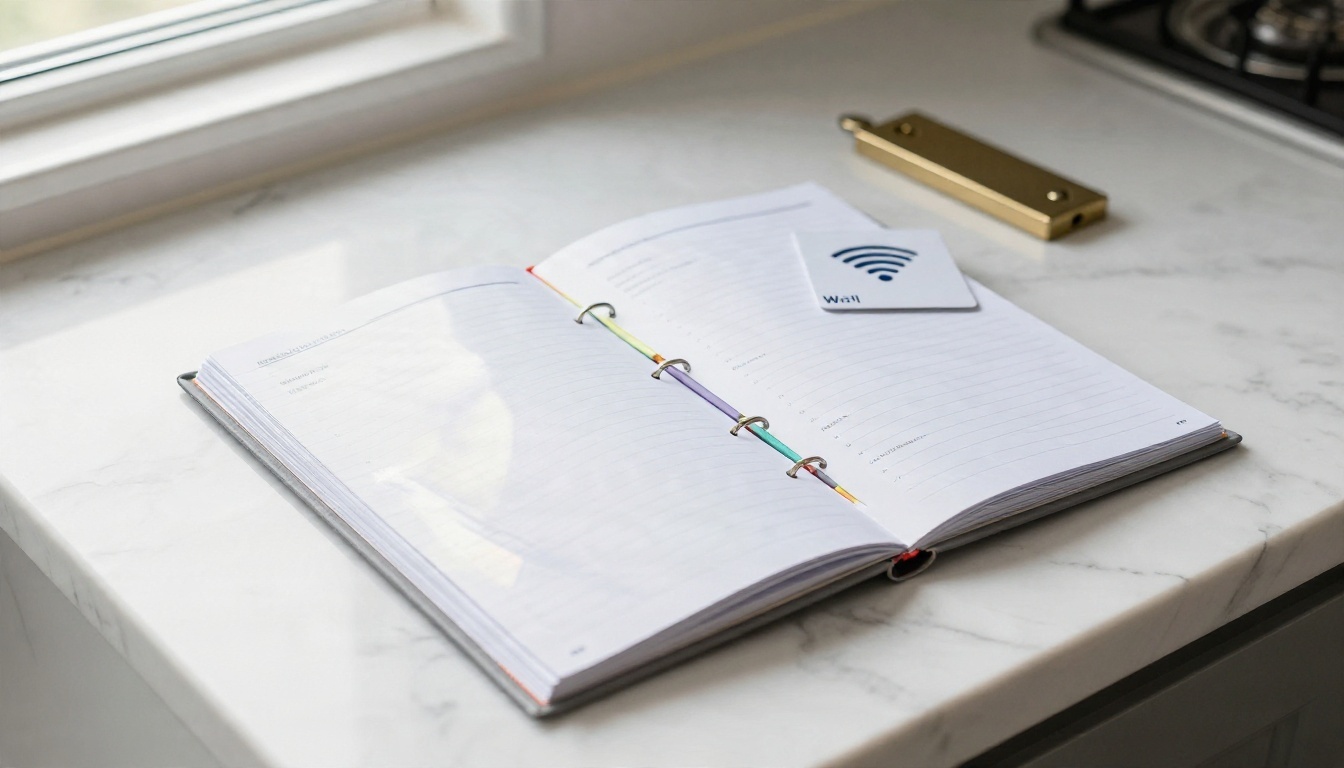
- Use a three-ring binder so you can swap a single page when something changes.
- Laminate the Wi-Fi and emergency pages, since those get touched most.
- Choose matte paper to avoid glare under kitchen lighting.
- Print two copies, one on the counter and one in the bedroom.
- Add color tabs for Home, Area and Rules.
✅ Best practice: Put the welcome book where guests land first, usually the kitchen counter or coffee table. A book buried in a drawer is a book nobody reads.
Digital Welcome Book Template
Paper is lovely, but it has limits. It gets coffee spilled on it, it goes out of date, and it cannot play a video of how the hot tub works. A digital version fixes all three.
Printable vs Digital: A Quick Comparison
| Feature | Printable binder | Digital flipbook |
|---|
| Upfront cost | Printing, binder, lamination | Free to low monthly cost |
| Updating | Reprint pages by hand | Edit once, everyone sees it |
| Photos and video | Photos only | Photos, video, audio, links |
| Works without internet | Yes | Yes, with an offline download |
| Sharing before arrival | Not possible | Link in the booking message |
| Guest tracking | None | Views and clicks (Professional plan) |
| Multiple properties | One copy per property | One link per property |
| Feel | Warm and tactile | Fast and interactive |
The honest answer for most hosts: use both. A short printed card with a QR code on the counter, and the full book online. Guests who like paper get paper. Everyone else gets a link on their phone.
QR Codes at the Door
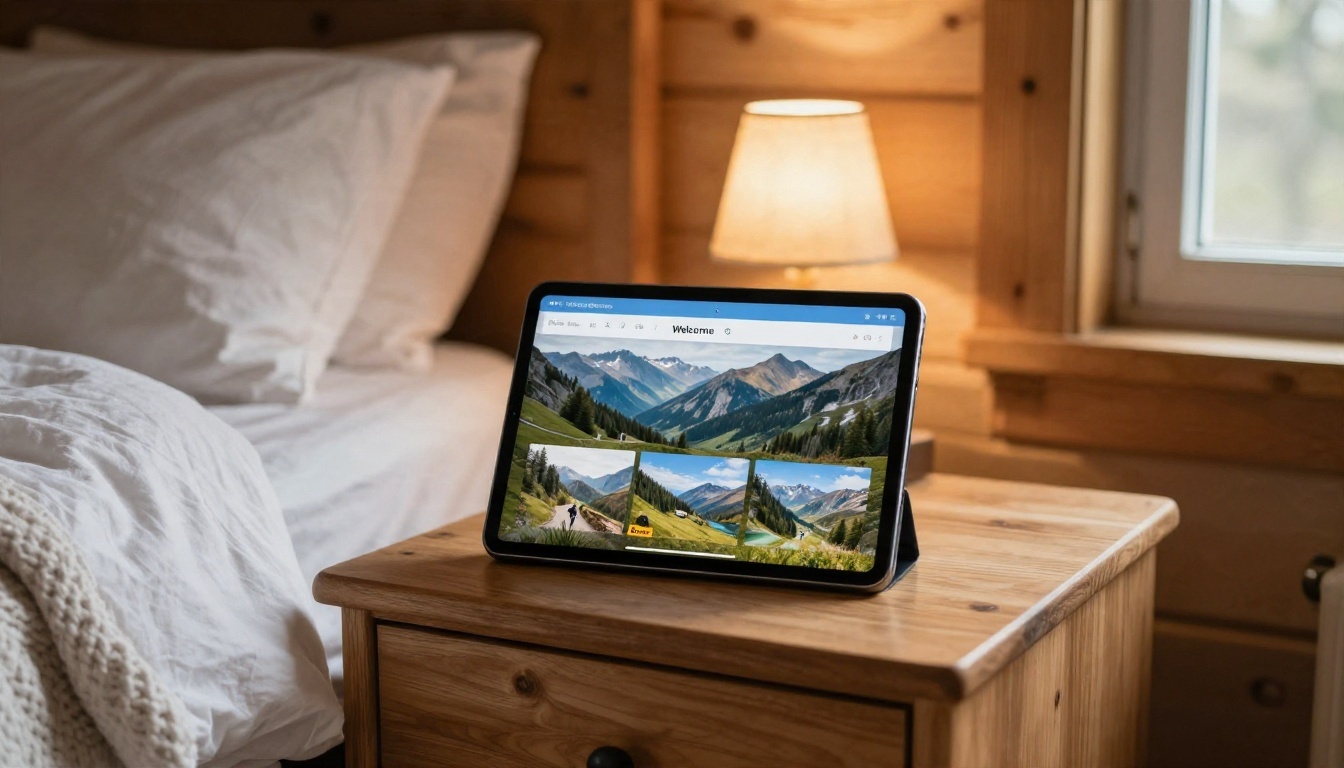
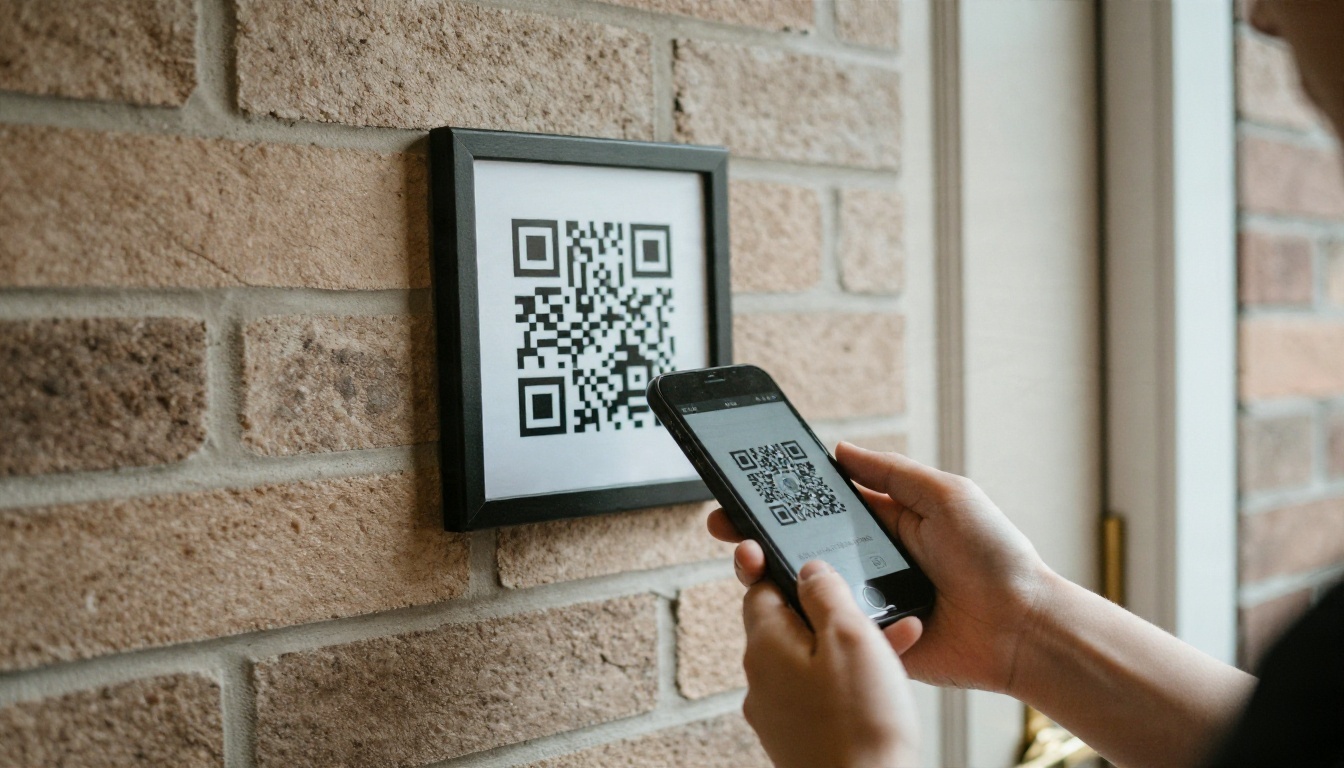
A QR code is the bridge between the two formats. Place one in a small frame by the front door, on the fridge and on the nightstand. Guests scan it and the book opens instantly, with nothing to download.
Some practical placements:
- Inside the entry, at eye level beside the light switch.
- On the kitchen counter, next to the coffee machine.
- In your booking confirmation, so guests read it before they arrive.
💡 Pro tip: Send the link 48 hours before check-in. Guests who read the arrival steps early rarely call you on arrival day.
How to Create One with Flipbooks AI
You can build the content in any editor, then publish it as an interactive flipbook. Here is the full workflow, start to finish.

Step 1: Write and Export Your PDF
Use the outline above in Google Docs, Word, Canva or Pages. Add photos, keep fonts large enough for a phone screen (at least 14 pt), and export as a PDF.
Step 2: Upload and Convert
- Create a free account on Flipbooks AI.
- Click to add a new flipbook and drop in your PDF.
- Wait a few seconds while it converts into a page-turning flipbook.
The PDF to Flipbook Converter keeps your layout and image quality intact. Your text stays sharp, even when guests zoom in on a phone.
Step 3: Brand and Polish
Open the design settings and set the details that make it feel like yours:
- Custom branding: add your logo and choose colors that match the property.
- Page effects: pick a realistic page curl or a simple slide.
- Multimedia: embed a short video for the hot tub, or add audio with a local greeting.
- Links: make addresses open in the maps app, and phone numbers tap to call.
Hosts who already publish brochures for their property can follow the same approach used in the Hotel Brochure Designer and the Real Estate Brochure Creator.
Step 4: Share It Your Way
| Sharing option | Best for | Notes |
|---|
| Direct link | Booking messages and emails | Fastest option |
| QR code | Printed cards at the property | Works from any phone camera |
| Embed code | Your own booking website | See Embed Flipbook on Website |
| Password protection | Private details such as access steps | Share the password in the booking message |
Password protection is worth using. You can safely include the Wi-Fi password and entry steps without making them public.
Step 5: Track and Improve
On the Professional plan, analytics show which pages guests open most. If nobody reads your house rules page, shorten it. If the restaurant page gets the most views, expand it. You can also enable offline downloads, so guests can still open the book in a cabin with weak signal.
✅ Why it works: Unlimited flipbooks come with the Standard plan and above, so a host with several properties can publish one book per listing without extra cost per book.
Welcome Book Examples by Property Type
A good template adapts to the place. Here is how the same twelve pages change from one property to the next.
Beach House Example
The beach house book leans on outdoor living. Page 2 lists the tide table link and beach rules. Page 5 explains the outdoor shower and where to rinse sandy feet. The neighborhood section is built around breakfast spots, a surf shop and a sunset viewpoint.
Mountain Cabin Example
A cabin book is mostly about safety and warmth. It includes fireplace and wood stove instructions with a short video, winter driving notes, wildlife advice and a trail difficulty list. Because cell signal is often weak, the offline download is the star feature here.
City Apartment Example
City guests want speed. Keep it to ten pages: building entry, elevator and mailbox notes, noise rules for neighbors, a transit map and a list of ten places within a five-minute walk. Add a note on trash sorting, which varies by city and causes more fines than hosts expect.
Comparing the Three Examples
| Section | Beach house | Mountain cabin | City apartment |
|---|
| Page count | 14 | 18 | 10 |
| Biggest focus | Outdoor living | Safety and heating | Transit and neighbors |
| Best media | Photos of the beach | Fireplace video | Walking map |
| Format that fits | Printed plus QR | Digital with offline copy | Digital link only |
| Common question | Where do towels go? | How do I light the stove? | Where do I put trash? |
Writing Pages Guests Actually Read
Layout matters less than tone. A few habits separate books people read from books people ignore.
Keep Sentences Short
Write the way you would talk to a friend at the door. "The dishwasher sticks. Press firmly until you hear a click" beats a paragraph of formal instructions.
Use Photos for Anything Physical
If you can point at it, photograph it. Thermostats, breaker panels, the hot tub cover and the trash bins all deserve a picture.
Give Opinions, Not Lists
Guests can find a hundred restaurants online. They cannot find your favorite. Write: "Order the lemon pasta and sit on the patio." That one line is worth more than a ten-name directory.
Keep the Rules Friendly
Rules are easier to accept when you explain the reason. Compare these two:
| Cold version | Friendly version |
|---|
| "No parties. Fines apply." | "We love hosting groups, but parties are not allowed because the neighbors are close." |
| "Quiet hours 10 p.m." | "Please keep voices low after 10 p.m. so everyone sleeps well." |
| "Do not use the oven." | "The oven runs hot, so please set it 25 degrees lower than a recipe says." |
Mistakes That Hurt Your Reviews
Even a well-made book can backfire. Watch for these common problems:
- Outdated information. A closed restaurant or changed Wi-Fi password costs you trust faster than having no book at all.
- Too much text. If a page looks like a legal contract, nobody reads it.
- Hidden placement. A book in a drawer might as well not exist.
- No emergency page. Guests need to find the nearest hospital without searching online.
- Public private details. Do not publish exact door codes or alarm codes on a public link.
- No update routine. Set a calendar reminder every three months to review each page.
⚠️ Warning: If your local rules require specific safety notices, such as fire exit maps or occupancy limits, check with your city or platform. A welcome book supports compliance but does not replace it.
Quick Answers for Hosts
How long should a welcome book be? Between 12 and 20 pages. Short enough to skim, long enough to answer the common questions.
Is a digital welcome book better than a printed one? Digital is easier to update and supports video. Printed feels warmer and works with zero tech. Most hosts do best with a printed card and a QR code to the digital book.
Can I use the same template for every property? Yes for the structure, no for the content. Keep the page order the same, and rewrite local details for each home.
Do I need a designer? No. A clean layout, one or two fonts and your own photos are enough.
Does it help with reviews? Hosts commonly report that guests mention the welcome book in their comments, especially for clear communication and local tips.

Ready to Publish Yours?
You already have the outline, the examples and the habits that make guests read. The last step is to put it where they will actually see it.
Start with the twelve-page outline, add your best photos, and send the link before the next check-in. Your next guest will thank you, probably in a five-star review.



