It is 9:40 pm. Your guests have been on the road since dawn, the lockbox code worked, and now they are standing in your kitchen asking the same three questions every guest asks: what is the Wi-Fi password, how does the heating work, and where can we eat nearby? If the answers live in a text thread you have to dig up, you are about to lose a good night's sleep. A well-built welcome book fixes that, and a modern one is a tap away instead of a binder nobody opens. Tools like Flipbooks AI turn a simple PDF into a page-turning booklet that opens on any phone, which is exactly what a vacation rental welcome guide app should do.
This article compares the free options, shows which templates are worth copying, and settles the digital vs printed debate with real numbers and real host scenarios.
Why Guests Skip Most Welcome Books
Most welcome books fail for a boring reason: they are long, dense, and written for the host instead of the guest. A fourteen-page Word document with a wall of house rules gets skimmed at best. Guests are tired, hungry, and holding a suitcase.
What Guests Actually Look For
When you read through guest messages and review comments, the same needs show up again and again. Roughly in order of urgency:
- Wi-Fi name and password, visible within two seconds
- Check-in and check-out steps, including door codes and parking
- Appliance instructions: stove, coffee machine, thermostat, TV remote
- Trash, recycling, and quiet-hours rules
- Local picks: groceries, restaurants, beaches, emergency numbers
- Who to call when something breaks
Everything else is a bonus. If your booklet does not answer those six items on its first two pages, guests will message you instead.
The Cost of Unanswered Questions
Every repeated question costs you time, and sometimes stars. A host with ten bookings a month who answers four routine messages per stay spends around forty messages a month on information that could live in one place. Worse, unclear instructions are one of the most common triggers for a 4-star review that should have been a 5.
💡 Pro tip: Scan your last twenty guest messages. Every question that appears three or more times belongs on page one of your booklet.
Free Options That Actually Work
You do not need a paid subscription to start. You do need to pick the right free tool for the way your guests behave.
Google Docs and Plain PDFs
The cheapest route is a Google Doc shared as a link or exported as a PDF. It is quick, editable from your phone, and costs nothing. The downsides are real, though: formatting breaks on small screens, there are no page-turn effects, and a raw PDF feels like paperwork.
Canva and Design Apps
Free design apps give you polished layouts and thousands of starter templates. They shine at looks. They are weaker at sharing: guests often download a heavy file, and updating it means re-exporting and re-sending. Free tiers also tend to limit brand customization and export options.
Free Flipbook and Welcome Book Apps
A flipbook app sits between a PDF and a full property-management add-on. You design the pages anywhere, upload once, and share a single link or QR code. Guests get a booklet that flips like paper and loads on a phone. You can start free on Flipbooks AI and compare tiers on the pricing page when your portfolio grows.
| Option | Cost to start | Mobile friendly | Easy to update | Looks polished |
|---|
| Google Doc or PDF | Free | Fair | Very easy | Basic |
| Canva-style design app | Free tier | Fair | Easy, but re-export needed | Strong |
| Property manager built-in page | Often bundled | Good | Easy | Moderate |
| Flipbook app | Free to start | Excellent | Easy, same link stays live | Strong |
Digital vs Printed: Side by Side
Hosts argue about this constantly, and the honest answer is that each format wins in different moments.
Where Digital Wins
- Instant updates. Change the Wi-Fi password once and every guest sees it.
- Searchable and linkable. Tap a map pin, call the host, open a menu.
- Zero printing cost across multiple properties.
- Rich media. Embed a short video showing how the fireplace works.
- Analytics. See which pages guests open most, so you know what to improve.
- Multi-language versions without reprinting.
Where Print Still Wins
- No battery, no signal. Remote cabins and spotty Wi-Fi are real.
- Older guests sometimes prefer paper in hand.
- Atmosphere. A linen-bound binder on the kitchen island feels like hospitality.
- Emergency sheets on the fridge or by the door work without any scanning.

| Factor | Digital booklet | Printed binder |
|---|
| Setup time | 1 to 3 hours | 2 to 5 hours plus printing |
| Cost per property | Low, mostly one-time | Printing and replacement costs |
| Updating info | Seconds | Reprint and swap pages |
| Works offline | Only if downloaded | Always |
| Tracks usage | Yes, with analytics | No |
| Guest experience | Fast, searchable | Tactile, personal |
| Spread across many properties | Easy | Tedious |
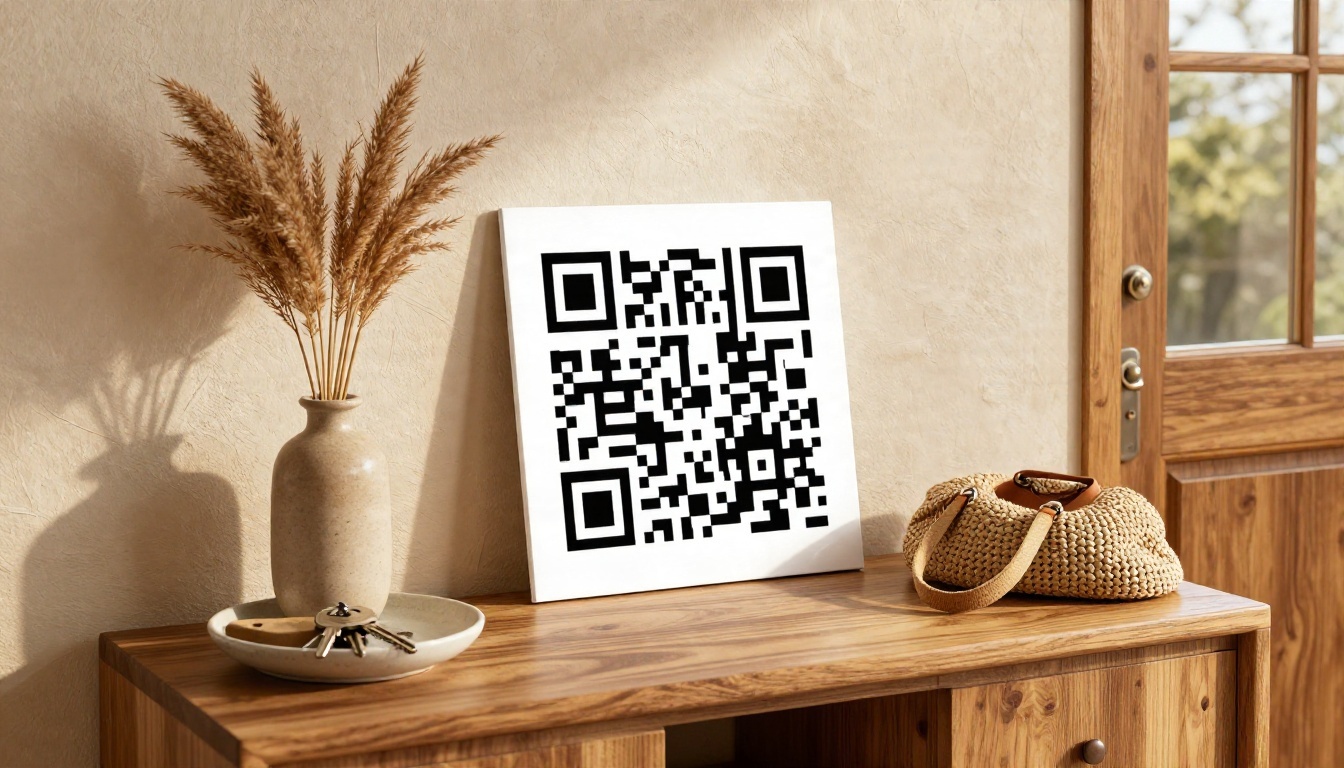
✅ Best practice: Use both. Keep a single laminated card with Wi-Fi, door code, and emergency numbers in the unit, and put a QR code on it that opens the full digital booklet. Paper handles the first five minutes, digital handles everything else.
Templates Worth Copying
Starting from a blank page is where most hosts stall. A good template saves hours and keeps you from forgetting the obvious.
Sections Every Template Needs
A strong vacation rental welcome template follows the guest's timeline:
- Welcome note: two or three warm sentences and a photo of you or the property
- Arrival: address, parking, door code, first-night tips
- Essentials: Wi-Fi, heating or air conditioning, hot water, TV, laundry
- House rules: short, friendly, and specific
- Local favorites: five restaurants, two grocery options, one pharmacy, one beach or trail
- Troubleshooting: breaker box, router restart, who to contact
- Check-out: a short checklist with the time and where to leave towels
- Thank-you and review request
Templates by Property Type
The same skeleton works everywhere, but the emphasis shifts:
| Property type | Lead with | Add extra pages for |
|---|
| City apartment | Building access, quiet hours | Transit, late-night food |
| Beach house | Parking, beach gear | Tide notes, outdoor shower |
| Mountain cabin | Heating, fireplace safety | Trail maps, wildlife notes |
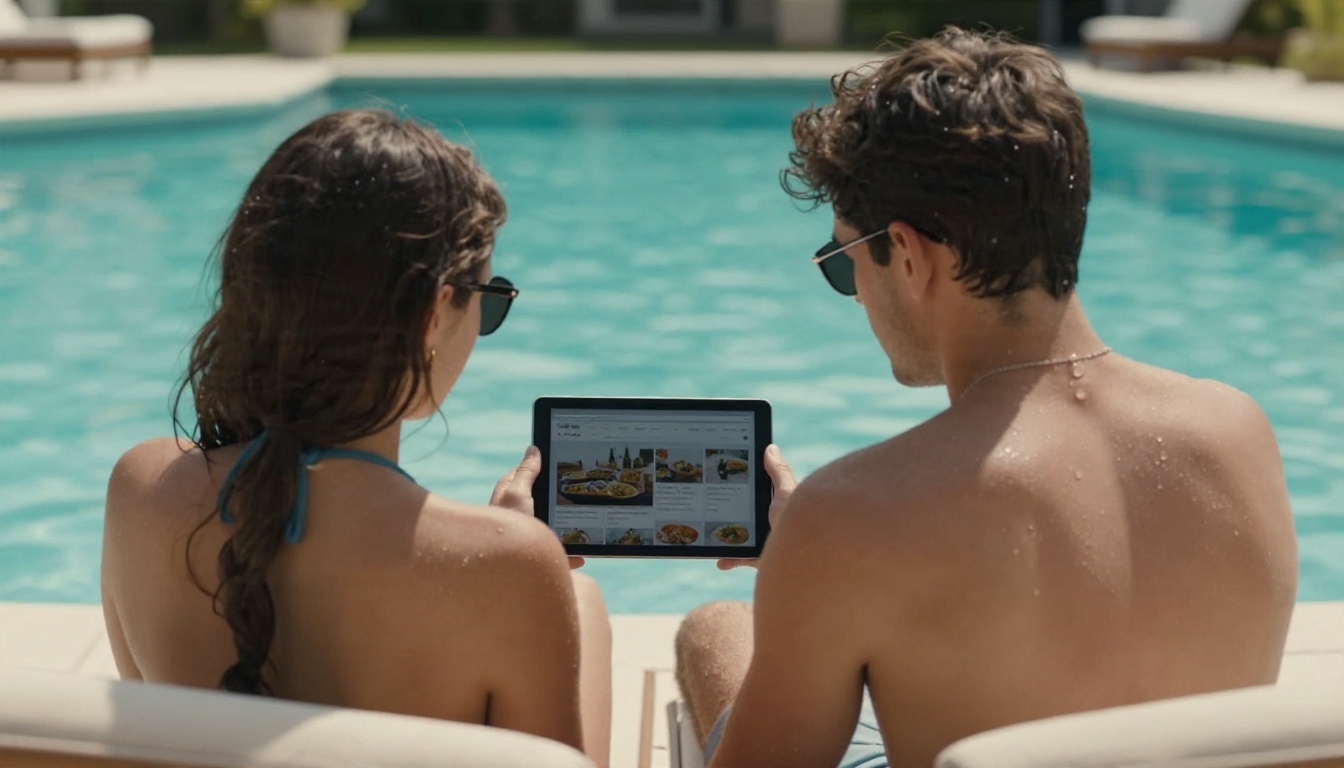
| Villa with pool | Pool rules, safety | Cleaning schedule, BBQ use |
| Family home | Kid-friendly info | Playgrounds, pediatric contacts |
If you already manage brochures for your properties, a Real Estate Brochure Creator layout or the Hotel Brochure Designer is a natural starting point for the visual style. You can also browse every flipbook tool to find a layout that matches your property.
How to Build One with Flipbooks AI
This is the fastest route I know from "nothing" to "booklet guests will open." The whole process takes under an hour if you have your content ready.
Step 1: Prepare and Upload Your PDF
- Write your content in Google Docs, Canva, Word, or any design tool.
- Keep pages short: one topic per page, large text, plenty of white space.
- Export as a PDF.
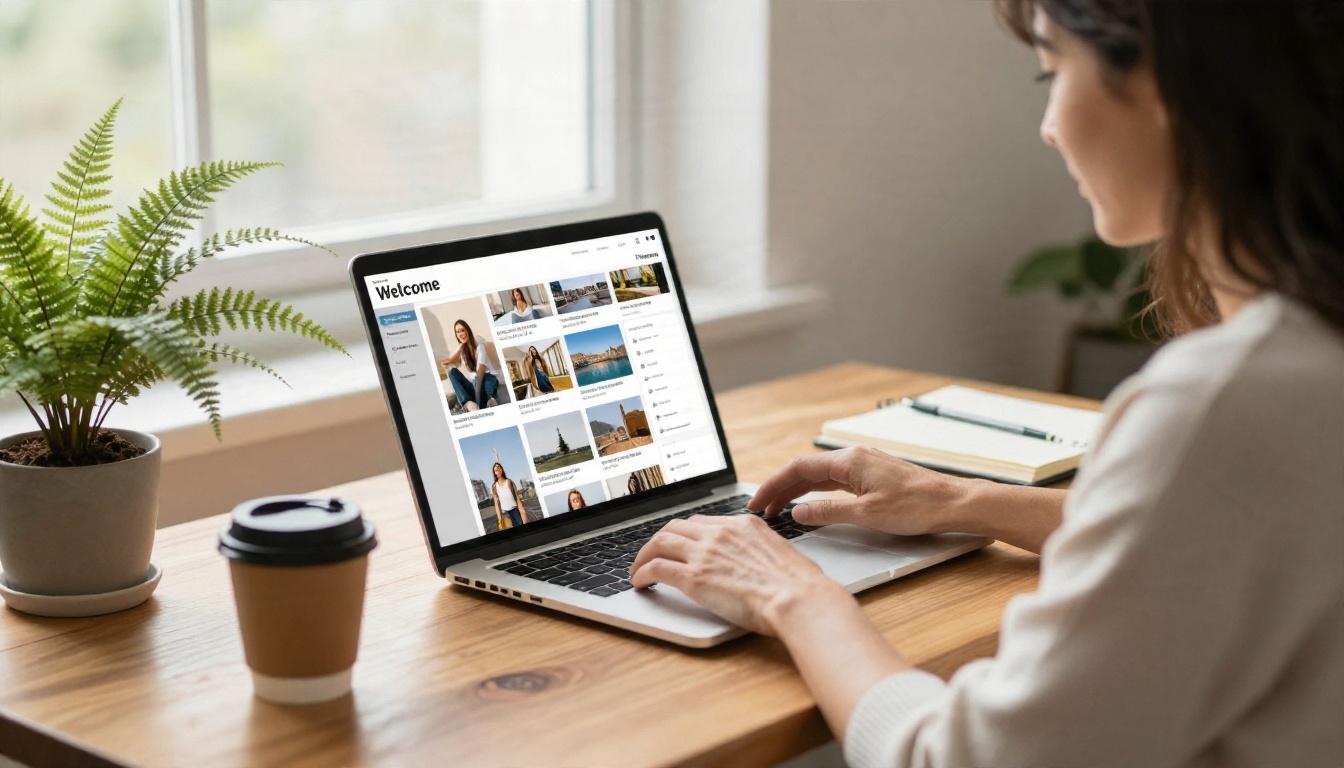
- Create an account and upload the file to the PDF to Flipbook Converter. Conversion takes moments, and the result is a mobile-responsive page-turning booklet.
If you prefer a template-style layout, the Brochure Flipbook Maker is a good fit for a short booklet.
Step 2: Customize the Look
- Branding: add your logo and choose colors that match your property's feel
- Page effects: pick a page-turn style and background that suits the mood
- Multimedia: embed a short video for tricky appliances, or add audio with a personal welcome message
- Links: make addresses, menus, and your phone number tappable
There are no watermarks, ever, so the booklet looks like it belongs to your brand and not to a tool.
💡 Pro tip: A 20-second phone video showing how to turn on the hot tub or start the induction stove removes more questions than three paragraphs of text.
Step 3: Share and Protect
- Copy the direct link and paste it into your booking confirmation and pre-arrival message.
- Turn the link into a QR code and print it on a small card for the entryway.
- Use password protection so only booked guests can open it. This matters because the booklet holds door codes and Wi-Fi details.
- Or embed the flipbook on your website so direct-booking guests find it in one place.
For hosts running several units, the Standard plan and above allow unlimited flipbooks, one for each property. The Professional plan adds analytics, lead generation, and offline downloads, which are especially handy for cabins with poor signal. Compare the options on the pricing page.
| Feature | Why a host cares |
|---|
| Password protection | Keeps codes and addresses private |
| Embedded video and audio | Shows instead of tells |
| Analytics (Professional) | Reveals which pages guests open |
| Offline download (Professional) | Works without signal |
| Lead generation (Professional) | Collects emails for repeat bookings |
| Custom branding | Looks like your own property brand |
Real Hosts, Real Setups
Here are three setups that reflect how hosts actually use these tools.
The Solo Host with One Cottage
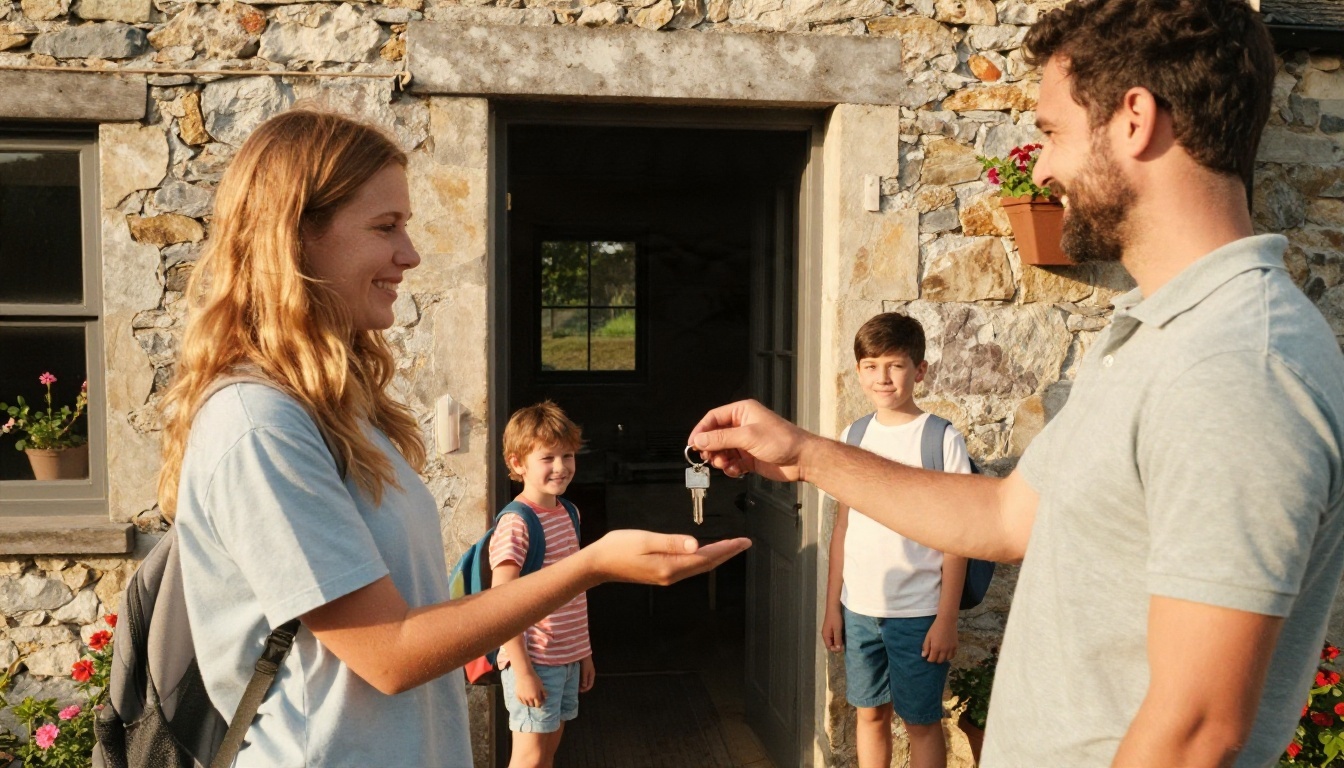
A host with a single stone cottage keeps things simple. She writes a nine-page booklet in a doc, exports a PDF, uploads it, and sends the link in the booking confirmation. A small QR card sits beside the door. Whenever the oven manual changes or a restaurant closes, she edits one page and the same link updates. Time saved: about two hours a month of repeated messaging.
The Co-Host Managing Twelve Units
A co-host managing a dozen apartments builds one master template, then duplicates it per unit and swaps the property-specific pages: door code, parking, appliances. Each unit gets its own password-protected link. Analytics show that the "Local Favorites" and "Wi-Fi" pages are the most opened, so those moved to pages one and two. Updating a building-wide rule takes minutes instead of a weekend of reprinting.
| Scenario | Format used | Result |
|---|
| Solo cottage | PDF flipbook plus QR card | Fewer routine messages |
| 12-unit co-host | Template per unit, password links | Fast updates across all units |
| Remote cabin | Digital plus offline download plus printed card | Works with no signal |

Mistakes That Make Guests Ignore It
Even a good booklet can fail. Watch for these five:
- Starting with house rules. Lead with a warm welcome and the Wi-Fi, not a list of prohibitions.
- Too many pages. Aim for eight to twelve. If a section needs more, link out.
- Tiny text. Guests read on phones in low light. Use large fonts and strong contrast.
- Outdated details. A dead restaurant recommendation or an old door code damages trust fast. Put a quarterly reminder in your calendar.
- No way to find it. Send the link before arrival, print the QR code, and place it where guests will see it first.
⚠️ Warning: Never place door codes or alarm instructions in an open, public link. Use a password-protected booklet and rotate the code between guests.
✅ Best practice: Add a short "If something goes wrong" page with your phone number, a backup contact, and the nearest emergency services. It reassures guests and prevents panicked late-night messages.
Ready to Welcome Guests Better?
The best setup for most rentals is a hybrid: a small printed card for the essentials and a digital booklet for everything else. Start with the free route, test it on your next three guests, and watch how many routine messages disappear.
Your guests will notice the difference before they have finished unpacking.