Every February, restaurants fill up with couples, and families with small children get quietly pushed to the side. That is a missed chance. A Valentine's Day menu for kids gives parents a reason to book a table, keeps little ones busy between courses, and lifts your average check without adding stress to the kitchen. This article shows you printable examples, dish ideas with real portion and cost notes, design rules that work for young readers, and a simple way to publish the menu as both a printed sheet and a mobile flipbook with Flipbooks AI.
Whether you run a bistro, a hotel dining room, a school cafeteria event or a home party, the same logic applies: keep it short, keep it colorful, and make every item something a six-year-old will actually eat.
What Parents Actually Want
Parents on Valentine's weekend are rarely looking for a gourmet experience for their children. They want three things: food that arrives fast, food that gets eaten, and an activity that buys them twenty quiet minutes. A dedicated kids menu delivers all three.
Common search phrases behind this topic include printable kids Valentine menu, Valentine's Day restaurant menu for children, heart-shaped food ideas for kids, Valentine's Day kids meal deal, family Valentine's dinner menu and Valentine's menu template. Parents are looking for something they can print, share or order from today.
💡 Pro tip: Name the menu after a character or a theme, such as "Little Sweethearts" or "Cupid's Choice." Kids ask for it by name, and that makes ordering simple for the whole table.
What It Does for Your Restaurant
A kids Valentine menu is cheap to produce and easy to promote. Here is what it typically brings:
- More family bookings on a night that usually favors couples, especially early seatings around 5:00 pm.
- Faster table turns, because children who are busy coloring and eating do not drag the evening out.
- Higher add-on sales through a themed dessert or a pink mocktail.
- Social sharing, since heart-shaped plates get photographed by parents.
- Goodwill, which turns into repeat visits through the rest of the year.
A neighborhood restaurant can run a "Family Early Bird" from 4:30 to 6:30 pm on February 14, then switch to the couples tasting menu afterward. The kids menu fills the early block and the kitchen resets calmly for the evening rush.
Below are three layouts that work in real dining rooms. Each fits on a single US Letter or A4 page, so you can print it as a placemat, a folded card or a handout.
Example 1: The Little Sweethearts Menu
Aimed at ages 3 to 6. Large icons, almost no reading required, and four choices per section.
- Pick a Main: heart-shaped grilled cheese, mini cheese pizza, chicken tenders, buttered pasta hearts.
- Pick a Side: apple slices, carrot sticks, steamed broccoli "trees," fries.
- Pick a Drink: pink strawberry milk, apple juice, water with a heart ice cube.
- Pick a Sweet: strawberry yogurt cup, one chocolate-dipped strawberry.
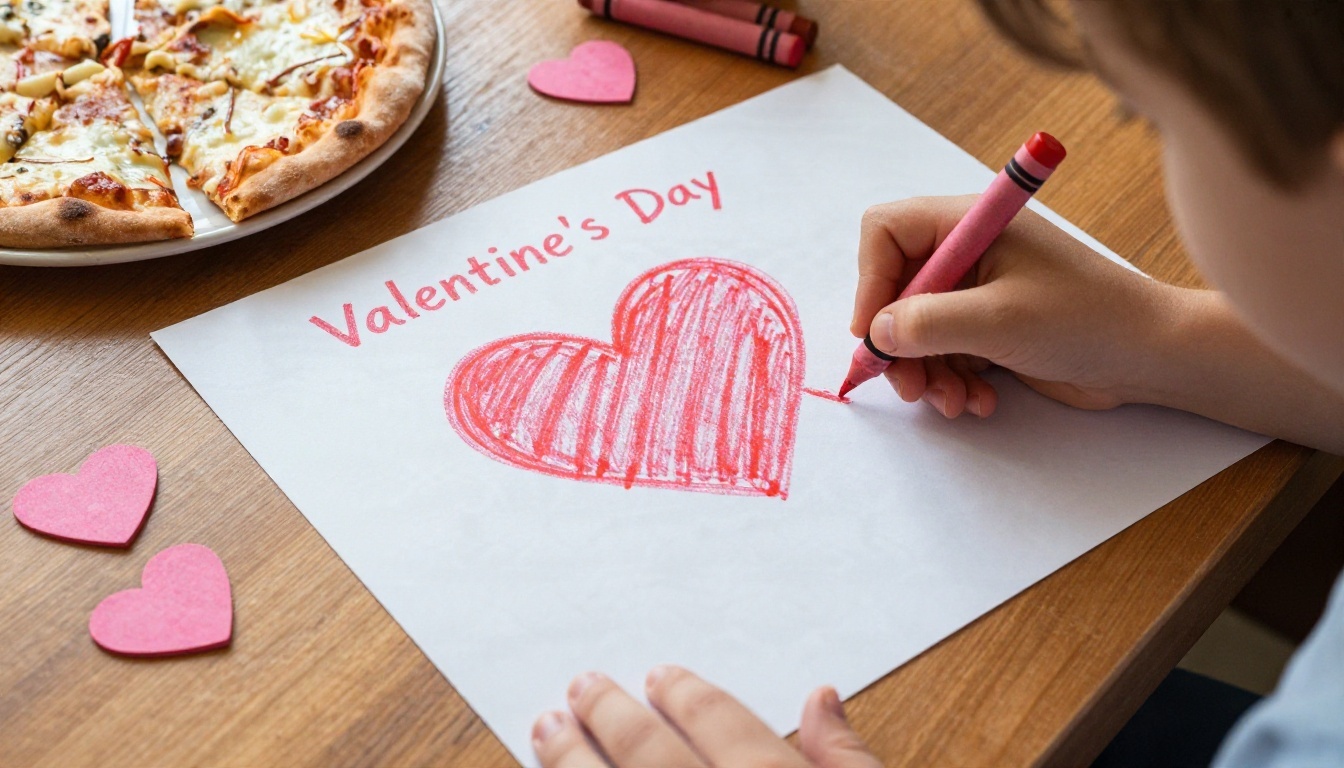
Add a coloring corner in the top right and a "Circle your favorite" instruction. Kids this age order by pointing, so every item needs a picture.
Example 2: Cupid's Choice for Ages 7 to 10
Older kids like to feel they are choosing from a grown-up menu. Use a cleaner layout, short descriptions and a "build your own" element.
- Build Your Own Heart Pizza: pick a sauce, one cheese and two toppings.
- Mini Burger Duo: two sliders with a side of sweet potato fries.
- Pasta with a Secret Sauce: tomato or butter, served with garlic bread.
- Dessert Mission: decorate your own sugar cookie with pink icing and sprinkles.
Put a small word search or a "Cupid's riddle" at the bottom. It fits in two inches of space and keeps this age group occupied.
Example 3: The Family Share Plate
Some parents prefer a single set price for the whole family. This version offers one themed platter at a fixed price, then optional extras.
- Platter for 2 adults and 2 kids: heart-shaped flatbreads, chicken skewers, fruit platter, mini dessert bites.
- Extras: a pink lemonade pitcher and a chocolate fondue cup.
| Menu Format | Best Age Range | Items to Print | Reading Level | Typical Price Range |
|---|
| Little Sweethearts | 3 to 6 | 12 to 14 with icons | Pictures only | $8 to $12 |
| Cupid's Choice | 7 to 10 | 10 to 12 with short text | Early readers | $10 to $15 |
| Family Share Plate | All ages | 4 to 6 | Parents read aloud | $45 to $70 per table |
Dish Ideas Kids Will Actually Eat
The best Valentine kids dishes are familiar foods with a small romantic twist. A heart-shaped cutter does most of the work. Keep ingredients simple, and watch cost per portion so the menu pays for itself.
Mains That Look Festive
- Heart-shaped grilled cheese cut with a cookie cutter after toasting.
- Pink pasta colored with a little beet puree or tomato cream sauce.
- Mini heart pizzas shaped from dough, topped with cheese and a pepperoni "arrow."
- Chicken tenders served with a red dipping sauce and a heart pick.
- Veggie quesadilla wedges arranged in a heart on the plate.
Sides and Drinks
- Strawberry and cucumber skewers
- Watermelon hearts cut with a small cutter
- Sweet potato fries in a paper cone
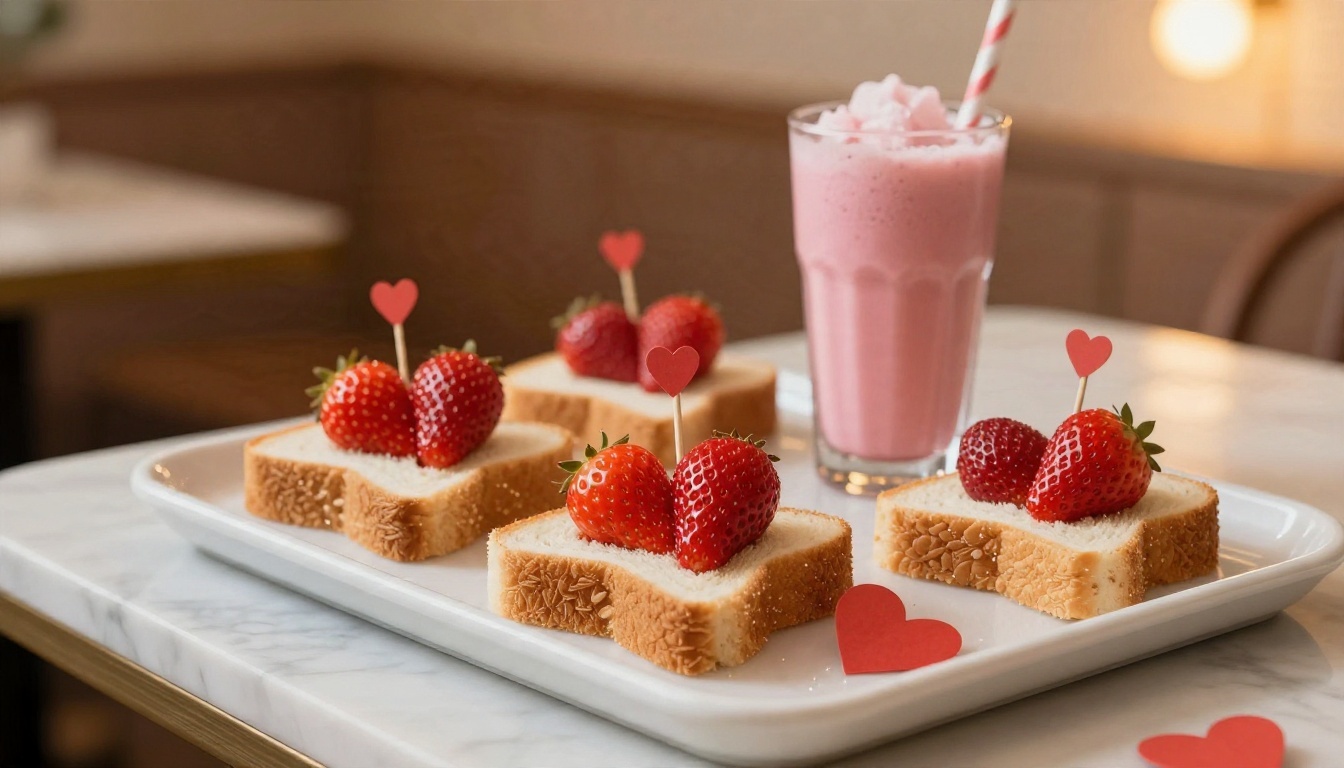
- Pink strawberry milk with a striped paper straw
- Sparkling berry mocktail with lots of ice and a single raspberry
Desserts Worth the Mess
- Chocolate-dipped strawberries, two per serving
- Heart-shaped waffles with whipped cream
- Cookie decorating kit served at the table
- Vanilla ice cream with pink sprinkles
- Fruit cup with a mini marshmallow heart on top
| Dish | Prep Time | Estimated Food Cost | Common Allergens | Suggested Menu Price |
|---|
| Heart grilled cheese | 5 min | $1.20 | Gluten, dairy | $8.00 |
| Mini heart pizza | 8 min | $1.60 | Gluten, dairy | $9.50 |
| Chicken tenders and sauce | 10 min | $2.10 | Gluten, egg | $10.00 |
| Pink pasta hearts | 8 min | $1.40 | Gluten, dairy | $8.50 |
| Dipped strawberries (2) | 4 min | $0.90 | Dairy, may contain nuts | $4.00 |
| Heart waffle with cream | 6 min | $1.10 | Gluten, egg, dairy | $6.00 |
⚠️ Allergen warning: Always print allergen icons next to each dish and train servers to answer questions about nuts, dairy, gluten and eggs. Parents of children with allergies read the menu carefully, and clear labels build trust fast.
A printable kids menu is a design problem with a very short attention span as the audience. These rules keep the page readable and fun.
Fonts, Colors and Paper
- Use rounded sans serif fonts at 16 pt or larger for item names. Avoid thin script fonts that are hard for early readers.
- Stick to a palette of soft pink, red, cream and one accent color. Too many colors make the page look busy.
- Print on matte paper at 120 gsm or heavier so crayons and markers do not bleed through. Laminate if you plan to reuse the sheet.
- Leave at least 30 percent white space so children have room to color and draw.
Activity Elements
A menu that doubles as an activity keeps kids happy while the food is prepared. Pick two or three:
- A coloring corner with a large heart outline.
- A maze from the "hungry puppy" to the "bone-shaped cookie."
- A connect the dots heart with 20 numbers.
- A write a Valentine box, "Draw or write a note for someone you love."
- A tic-tac-toe grid with heart and star symbols.
Allergen Labels and Safety Notes
Use small, consistent icons for gluten, dairy, egg, peanut and tree nut. Add a short line at the bottom: "Please tell your server about any allergies." Keep crayons non-toxic and wrapped in paper, and avoid small loose items like candy hearts for toddlers.
✅ Best practice: Test the printed menu with two or three real kids before the big day. If a six-year-old cannot find "pasta" in ten seconds, add an icon or enlarge the text.
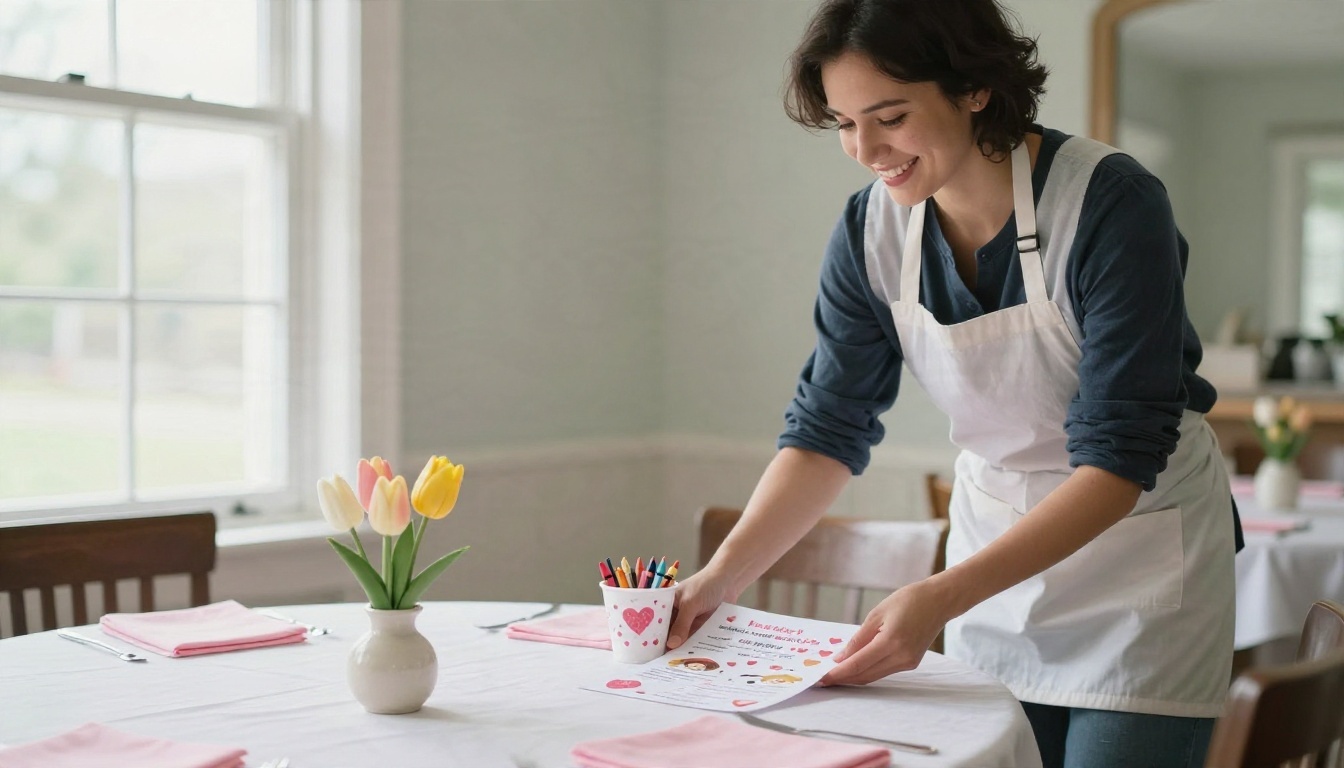
You do not need to choose one or the other. Most restaurants do best with a printed sheet at the table and a digital copy online, and the two should always match.
When Print Wins
- Placemats that double as coloring pages.
- Take-home handouts that families keep as a souvenir.
- Dining rooms with spotty Wi-Fi or guests who prefer paper.
- Parents who want children away from screens during dinner.
When Digital Wins
- Pre-orders and bookings, where families choose before arriving.
- Last-minute edits, such as removing a sold-out dessert without reprinting.
- Sharing on social media and Google Business profiles.
- Tracking which pages get opened, so you can see what families care about.
| Feature | Printed Menu | Digital Flipbook Menu |
|---|
| Setup cost | Printing per batch | One upload |
| Editing after launch | Needs reprinting | Update and republish |
| Coloring and activities | Excellent | Limited |
| Reach beyond the dining room | None | Link, QR code or website embed |
| Allergen updates | Slow | Instant |
| Analytics | None | Page views and visitor data |
| Mobile friendly | Not applicable | Yes |
Build It With Flipbooks AI
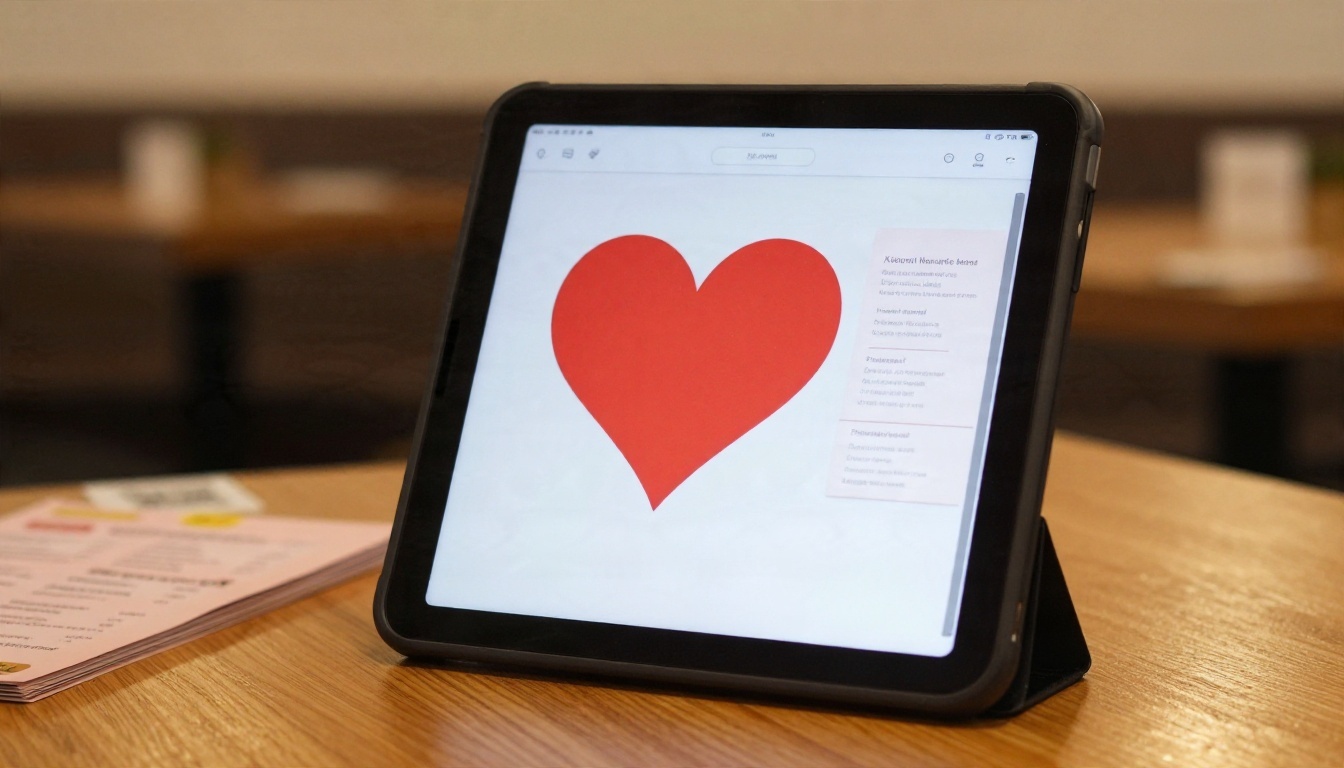
If you already have a PDF of your kids menu, you can have a shareable digital version in minutes. The Restaurant Menu Creator and the Menu Flipbook Designer are made for exactly this job. Here is how the process works.
Step 1: Create Your Account and Upload
- Open Flipbooks AI and create an account.
- Design your menu in any tool you like, such as Canva, Word or Google Docs, and export it as a PDF.
- Upload the file with the PDF to Flipbook Converter. Each page becomes a flipbook page with a realistic page turn.
Step 2: Customize the Look
- Add your logo and brand colors so the menu matches your restaurant.
- Choose a page effect and background color. A soft pink background works well for February.
- Insert links on dishes, for example to a reservation page or an allergen chart.
- Add audio or short video if you want a welcome message from the chef.
💡 Pro tip: Make a separate flipbook for the kids menu and the adult menu. Parents can open the one they need without scrolling through pages that do not apply.
Step 3: Share the Menu
- Direct link for email, WhatsApp and Instagram bio.
- QR code printed on table cards and takeaway bags.
- Embed code to place the menu on your website using the Embed Flipbook on Website tool.
- Password protection for private events such as a school party or a members' brunch.
- Offline download so guests can save or print it at home.
Step 4: Track Results With Professional Features
The Professional plan adds analytics and lead generation. You can see how many people opened the menu, which pages got the most views, and collect email addresses before the page opens. That list is useful for next year's Valentine promotion. Every plan stays free of watermarks, and mobile responsive design is built in, so parents can browse from a phone in the parking lot.
| Plan Feature | Free Trial | Standard | Professional |
|---|
| No watermark | Yes | Yes | Yes |
| Unlimited flipbooks | No | Yes | Yes |
| Password protection | Limited | Yes | Yes |
| Custom branding | Basic | Yes | Yes |
| Analytics | No | No | Yes |
| Lead generation | No | No | Yes |
For other seasonal documents, the same process works with a Recipe Book Flipbook for a take-home treat guide or a Digital Price List Generator for party packages.
A Simple Rollout Plan
Valentine's Day arrives fast. Use this timeline to stay ahead of it.
| When | Task | Owner |
|---|
| 4 weeks before | Pick 8 to 12 dishes and cost them | Chef |
| 3 weeks before | Draft the layout and add activities | Manager or designer |
| 2 weeks before | Test with a few families and fix typos | Front of house |
| 10 days before | Upload the PDF, publish the flipbook, create QR codes | Marketing |
| 7 days before | Announce on social media and Google profile | Marketing |
| 3 days before | Print menus and brief the staff on allergens | Manager |
| February 14 | Serve, collect feedback, take photos | Everyone |
| February 15 | Review analytics and notes for next year | Manager |
Pricing Without Scaring Parents
Most families accept a kids meal between $8 and $15 if it includes a drink and a small dessert. A bundle often works better than separate prices. For example: "Little Sweethearts Meal: main, side, drink and a dipped strawberry for $12." Bundles simplify ordering and raise the check slightly.
Staff Briefing Checklist
- Walk every server through each dish and its allergens.
- Keep a stack of spare crayons at the host stand.
- Prepare a quick answer for "Can we share a kids meal?" so the team stays consistent.
- Decide in advance how to handle requests for a plain version of any dish.
Mistakes to Avoid
- Too many choices. More than 12 items overwhelms young readers.
- Tiny text. If a parent cannot read it in dim light, a child cannot either.
- No allergen labels. This is the fastest way to lose a family's trust.
- Outdated PDF. If the printed and digital menus differ, guests notice. Update the flipbook the moment the kitchen changes something.
A great kids Valentine menu is short, bright and honest about what is in the food. Start with one of the three printable layouts above, pick dishes your kitchen can produce quickly, and add a small activity so parents can enjoy their meal.
When your design is ready, get started for free on Flipbooks AI and turn the PDF into a flipbook with a link, a QR code and an embed for your website. Browse all flipbook tools to find templates for brunch menus, party packages and seasonal promotions, or compare pricing plans to pick the one that fits your restaurant.
Print it, share it and let the kids color their way to a very happy February 14.



