Every February, the same thing happens. A restaurant owner realizes Valentine's Day is three weeks away, the kitchen has a great prix fixe idea, and the menu is still a blurry photo of a whiteboard. This article fixes that. You will get three free layouts to copy, sample wording, editing and printing specs, and a way to turn the same file into a digital menu with Flipbooks AI so guests can open it from a QR code or a reservation link.
Whether you run a 20-seat bistro or a hotel dining room, the process is identical: write a short menu, drop it into an editable template, print what you need, and publish the rest online. Valentine's Day 2027 lands on a Sunday, which means brunch and early dinner seatings are in play too, so you may need more than one version.
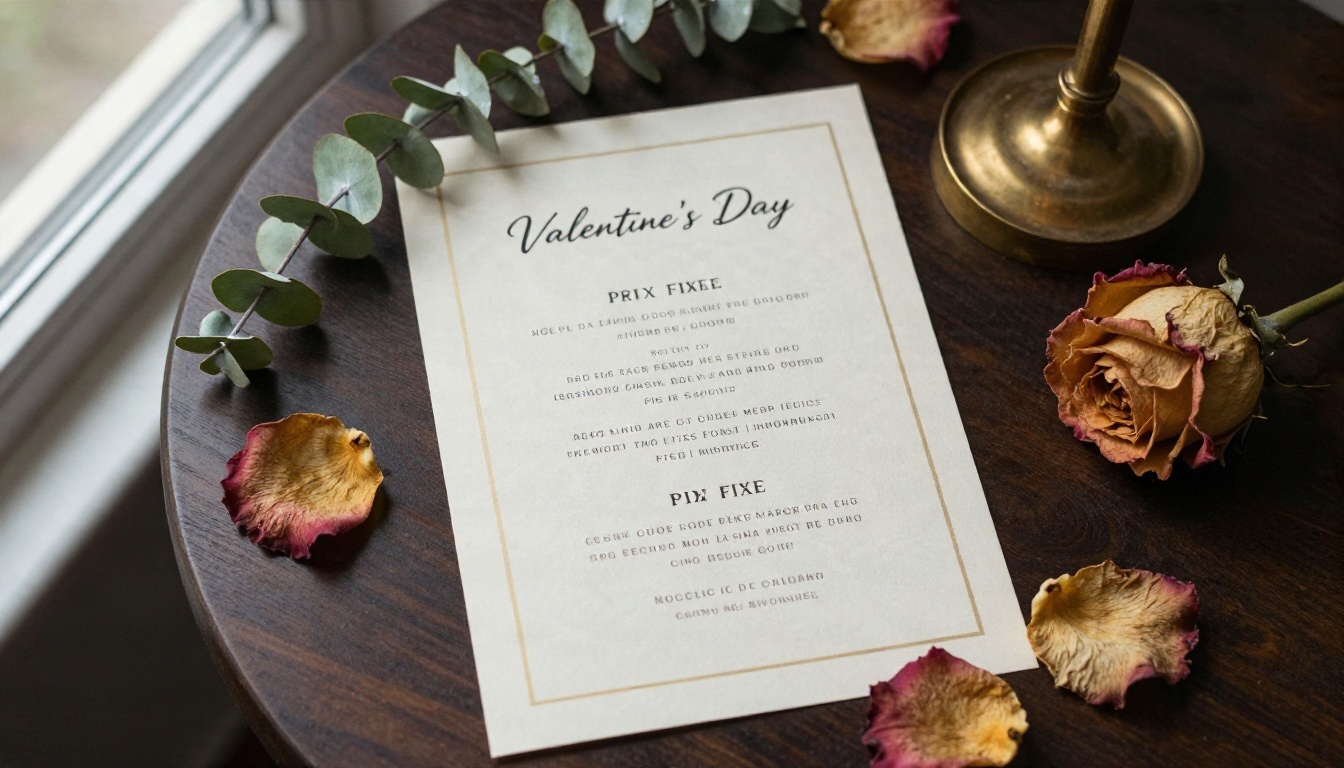
A romantic menu is not a regular menu with a heart clip-art on top. Couples are paying for an evening, not just for food, and the document in their hands sets the tone before the first glass is poured.
Keep It Short
The best Valentine's menus are a single page or a single fold. Offer one fixed menu with two or three choices per course. This protects your kitchen on a night when every table turns at the same time, and it makes the guest's decision easy.
- 1 welcome bite or amuse-bouche (no choice)
- 2 to 3 starters
- 2 to 3 mains, including one vegetarian option
- 2 desserts, one of them made for sharing
- 1 optional wine or cocktail pairing
💡 Pro tip: Name one dish after the occasion, such as "Rose Petal Panna Cotta" or "Heart of Palm Salad". Guests photograph and repeat these names, and it costs you nothing.
Price It as One Experience
Show a single price per person and list the pairing as an add-on. Avoid dollar signs next to every dish. A clean "Four courses, $85 per person" line feels generous, while a column of individual prices feels like an invoice.
| Menu Style | Best For | Typical Courses | Kitchen Pressure |
|---|
| Fixed prix fixe | Full-service dinner | 3 to 5 | Low |
| Choice prix fixe | Bistros, hotel dining | 3 | Medium |
| Shared tasting board | Wine bars, casual rooms | 4 to 6 small plates | Medium |
| À la carte with specials | Large menus, walk-ins | Open | High |
Free Template Layouts You Can Copy
You do not need a design agency. These three layouts work in Canva, Google Docs, Word, Figma or Affinity, and each one can be exported as a PDF in a few clicks. Copy the structure, then replace the dishes with your own.
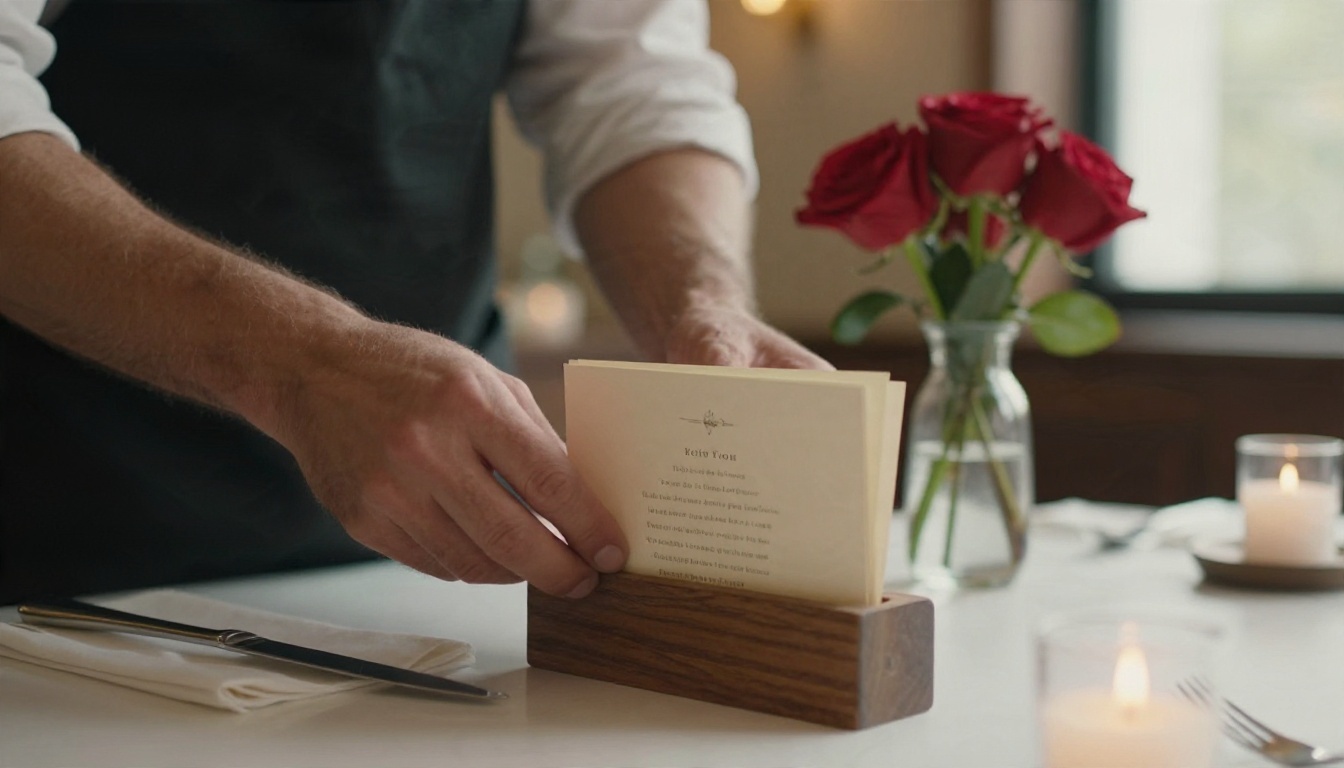
The Classic Prix Fixe
A portrait page, centered text, a thin border and plenty of white space. This is the safest option for fine dining and the easiest to print on cream cardstock.
Sample structure:
- Top: restaurant name in a serif font, small heart or rose line drawing
- Line: "Valentine's Day Menu, February 14"
- Section titles in small caps: To Begin, Main Course, To Share
- Dish name in bold, one line of description in italics
- Bottom: price per person, pairing add-on, dietary note
Sample copy you can paste:
To Begin: Seared scallop, brown butter, lemon zest, micro herbs. Burrata, roasted beet, pistachio. Wild mushroom velouté, truffle oil.
Main Course: Filet of beef, red wine reduction, potato fondant. Pan-roasted halibut, saffron beurre blanc. Wild mushroom risotto, aged parmesan.
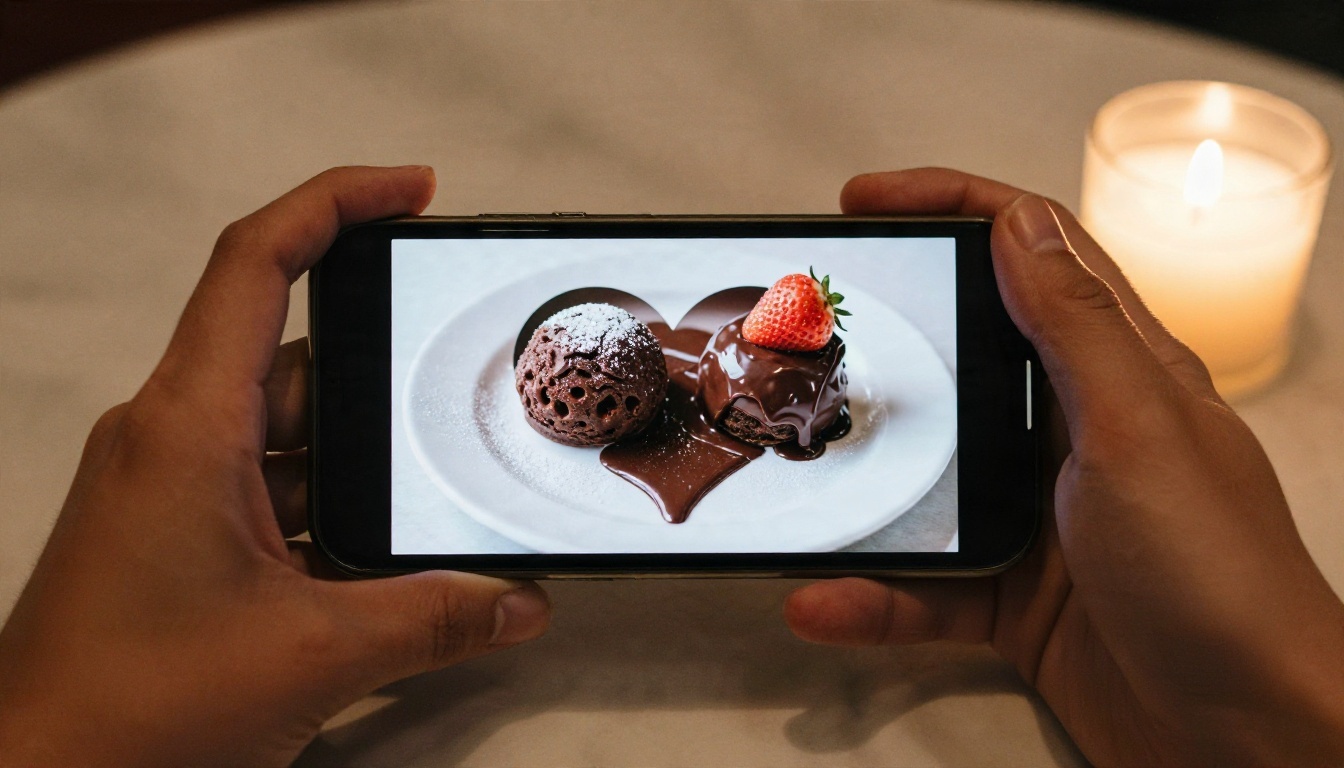
To Share: Dark chocolate fondant with raspberry and cream, served with two spoons.
The Shared Tasting Board
A landscape layout with a three-column grid. Each column is a theme such as Land, Sea, Garden, and couples pick one plate from each. This works well for wine bars and informal rooms where guests want to graze rather than sit through a long tasting.
Use a blush pink or deep burgundy header band, then keep the body white so the text stays easy to read under candlelight.
The Single Page Cocktail Card
A short card for bars: three signature drinks, one zero-proof option and one sparkling pour. It also doubles as a table tent. Keep descriptions under 12 words each.
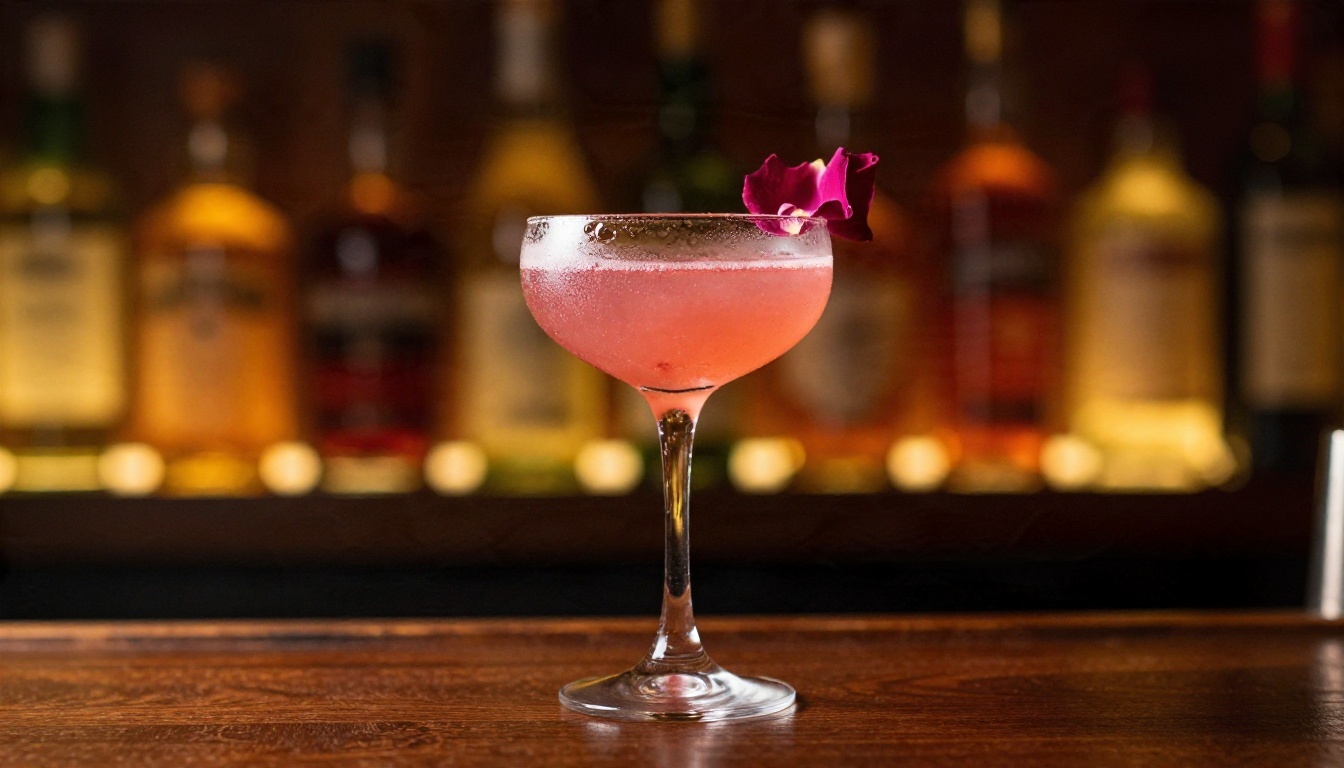
✅ Best practice: Always include a zero-proof option. Many couples include one person who is not drinking, and a thoughtful non-alcoholic pairing is remembered.
Make It Editable
An editable menu is the difference between a smooth February and a panicked one. Dishes run out, suppliers change, and a 7 pm seating might need a different dessert than the 9 pm seating.
Pick the Right Editor
| Tool | Cost | Learning Curve | Best Use | Export |
|---|
| Canva | Free tier available | Very low | Fast visual layouts | PDF, PNG |
| Google Docs | Free | Very low | Simple text menus | PDF |
| Microsoft Word | Paid | Low | Staff who already use Office | PDF |
| Figma | Free tier available | Medium | Teams sharing one source file | PDF, SVG |
| Affinity or InDesign | Paid | High | Print studios, multi-page menus | Print-ready PDF |
For most restaurants, Canva or Google Docs is plenty. The important rule is to keep one master file and duplicate it for each seating or language. Do not edit printed-and-scanned copies.
Fonts and Colors That Feel Romantic
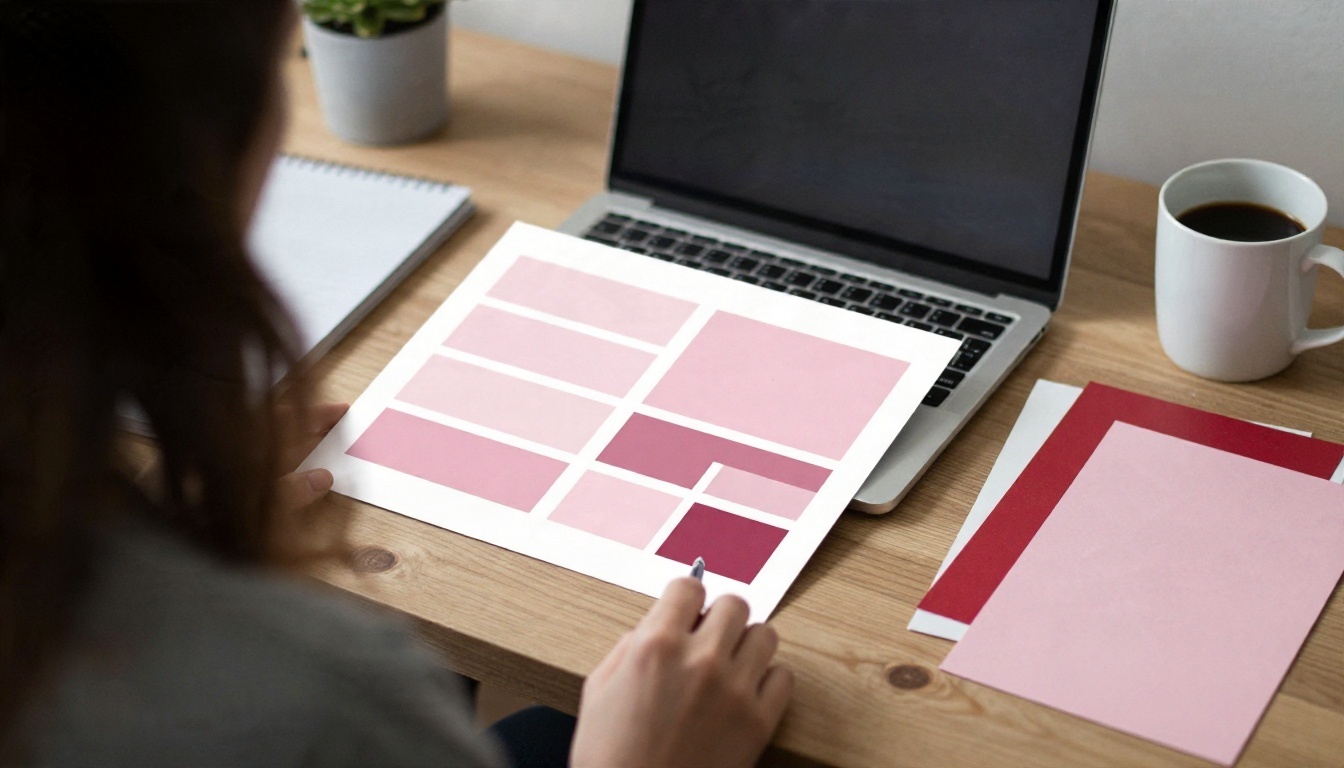
Two fonts are enough: one serif for headings, one clean sans-serif for descriptions. Avoid script fonts for anything longer than a title, since cursive is hard to read in dim light.
| Palette | Colors | Mood | Works Best On |
|---|
| Classic romance | Burgundy, cream, gold | Elegant, timeless | Fine dining |
| Soft blush | Blush pink, ivory, charcoal | Modern, gentle | Cafés, brunch |
| Midnight rose | Navy, rose, silver | Dramatic, intimate | Cocktail bars |
| Garden | Sage, white, dusty red | Fresh, relaxed | Farm-to-table |
⚠️ Warning: Light pink text on a white background looks lovely on a screen and disappears on paper. Check contrast on a printed test page before you commit.
Print It Properly
Printing is where a good template can look cheap. A few specs are enough to avoid it.
Paper, Size and Bleed
| Format | Size | Paper | Notes |
|---|
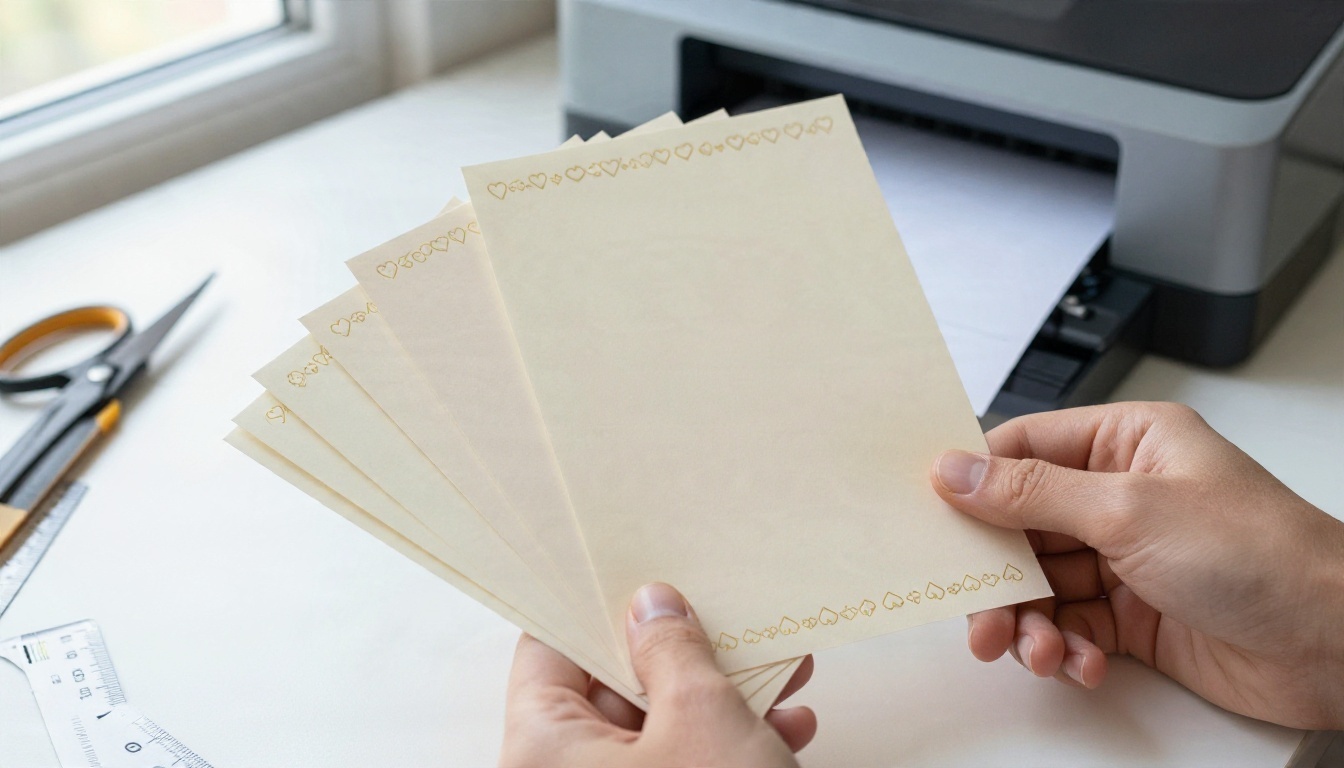
| Single page | 5.5 x 8.5 in (half letter) | 100 to 120 lb cream cardstock | Most popular for prix fixe |
| Standard page | 8.5 x 11 in | 80 to 100 lb text weight | Good for office printers |
| Long format | 4 x 9 in | 110 lb cardstock | Fits a table setting nicely |
| Table tent | 4 x 6 in folded | 110 lb cardstock | Cocktails and add-ons |
If you use a print shop, set 0.125 in bleed on all sides and keep text at least 0.25 in from the edge. For a matte, premium feel, ask for uncoated stock. Gloss feels like a flyer.
Print Checklist
- Export a PDF at 300 DPI, not a screenshot.
- Print one proof on the same paper as the final run.
- Read the proof aloud in your dining room's actual lighting.
- Count seatings, add 15 percent for spills and replacements.
- Keep a stack of blank cardstock in the office for last-minute changes.
💡 Pro tip: Print a small number of physical menus, then use a digital version for everything else. Handwritten "sold out" stickers on 200 printed menus look worse than one quick edit on a digital file.
Paper is lovely, but it cannot be sent to a guest who is booking on a phone at midnight. A digital flipbook can. With Flipbooks AI, you upload your finished PDF and it becomes a page-turning online menu, with no watermarks and no design software required.
How to Create a Valentine's Menu Flipbook
The Restaurant Menu Creator and Menu Flipbook Designer are built for exactly this use. Here is the process:
- Open your account. Create a free account on Flipbooks AI.
- Upload your PDF. Drop in the file exported from Canva or Word. The PDF to Flipbook Converter turns each page into a flipping page with a realistic fold.
- Customize the look. Add your logo, set background colors that match your burgundy or blush palette, choose a page-turn effect and add a soft page sound if you like.
- Add extras. Embed a short video of the chef plating dessert, link the reservation button, or add an audio welcome message.
- Protect it if needed. Use password protection for a private event menu or a members-only preview.
- Publish and share. Copy the direct link, generate a QR code for table cards, or use the Embed Flipbook on Website option to place it on your booking page.
✅ Best practice: Use the same link for every channel. When you update the flipbook, the link stays the same and every QR code, email and post updates automatically.
What Each Plan Offers
| Feature | Free | Standard | Professional |
|---|
| No watermarks | Yes | Yes | Yes |
| Unlimited flipbooks | No | Yes | Yes |
| Custom branding | Basic | Yes | Yes |
| Password protection | Limited | Yes | Yes |
| Offline downloads | Limited | Yes | Yes |
| Analytics and lead generation | No | No | Yes |
Check current limits on the pricing page before you choose, since plans can change. If you only need one menu for one holiday, the free option may be enough to start.
Share and Track Reservations
A menu that nobody sees does not sell tables. Spend as much time on distribution as on design.
QR Codes and Links
Place the flipbook link in four spots: your booking page, your Instagram bio, your confirmation email and a small card on each table. For walk-in guests, a QR code on the window lets people preview the menu before they step inside.
| Channel | How to Use the Menu | Best Timing |
|---|
| Website booking page | Embed the flipbook under the reserve button | 3 to 4 weeks ahead |
| Instagram or Facebook | Link in bio, plus story with the cover page | 2 to 3 weeks ahead |
| Email list | Send the link with an early-booking note | 3 weeks ahead |
| Window or door sign | QR code on a small printed card | 1 to 2 weeks ahead |
| Table card | QR code to the wine or cocktail list | Night of |
See What Guests Open
With the Professional plan, analytics show how many people opened the menu, which pages they spent time on and when. If the dessert page gets the most attention, lead with the dessert in your next post. Lead generation lets you collect an email before the menu opens, which helps if you want to invite people to your Easter or Mother's Day menu later.
💡 Pro tip: If you run a hotel or spa, pair the dining menu with a Spa and Wellness Menu so couples can book dinner and a treatment in one flow.
Mistakes That Cost You Tables
Here are the five errors that show up most often on Valentine's menus, and how to avoid them.
- Too many choices. Six mains slows the kitchen and confuses guests. Offer three at most.
- Tiny text. Use at least 10 pt for descriptions. Many guests read by candlelight.
- No dietary notes. Mark vegetarian, vegan and gluten-free items with small letters, not long paragraphs.
- Unclear time slots. State seating times and the length of the experience, for example "90 minutes per seating".
- Forgetting the digital version. A phone-friendly menu answers questions before they become calls to your front desk.
| Problem | Quick Fix | Time Needed |
|---|
| Dish sells out | Edit the master file, republish the flipbook | 5 minutes |
| Typo on the printed run | Print a small insert card | 30 minutes |
| Guest asks for allergens | Add a dietary page to the flipbook | 15 minutes |
| Second seating needs a new dessert | Duplicate the file, change one page | 10 minutes |
A Simple Timeline
- 4 weeks out: Finalize dishes and costs with the kitchen.
- 3 weeks out: Choose a template, write the copy, send a proof for tasting notes.
- 2.5 weeks out: Print a proof, convert the PDF to a flipbook, test the QR code.
- 2 weeks out: Launch to your email list and social accounts.
- 1 week out: Send reminder messages and confirm allergies with booked guests.
- Day of: Keep the digital menu open on a tablet at the host stand.
If you want to extend the idea, a Recipe Book Flipbook makes a lovely thank-you for loyal guests, and the Event Program Maker fits a special dinner with a live musician or a wine host. You can also publish your regular list with the Digital Price List Generator once the holiday has passed.
Ready for February 14?
You already have the pieces: a short menu, one of three layouts, a palette, a print spec and a plan for distribution. The only step left is to build it.
Write the menu this week, print a proof, publish the link, and let your guests focus on the person across the table rather than the list in their hands.



