A PDF sits on a screen. A video moves, talks and sells. Put them together and you get a video flip book: a page-turning publication where a product demo, a recipe, a property tour or a welcome message plays right on the page, with no extra tab and no download. If you have ever watched a reader skim past a paragraph of text and wished they would just see the thing, this format is for you. Platforms like Flipbooks AI turn an ordinary PDF into a flipbook and let you drop video and audio exactly where they belong.
This article walks through how video flip books work, the ways to embed video, the main maker and software options, a full tutorial, real examples, and the mistakes that make video flipbooks slow or ignored.
What a Video Flip Book Really Is
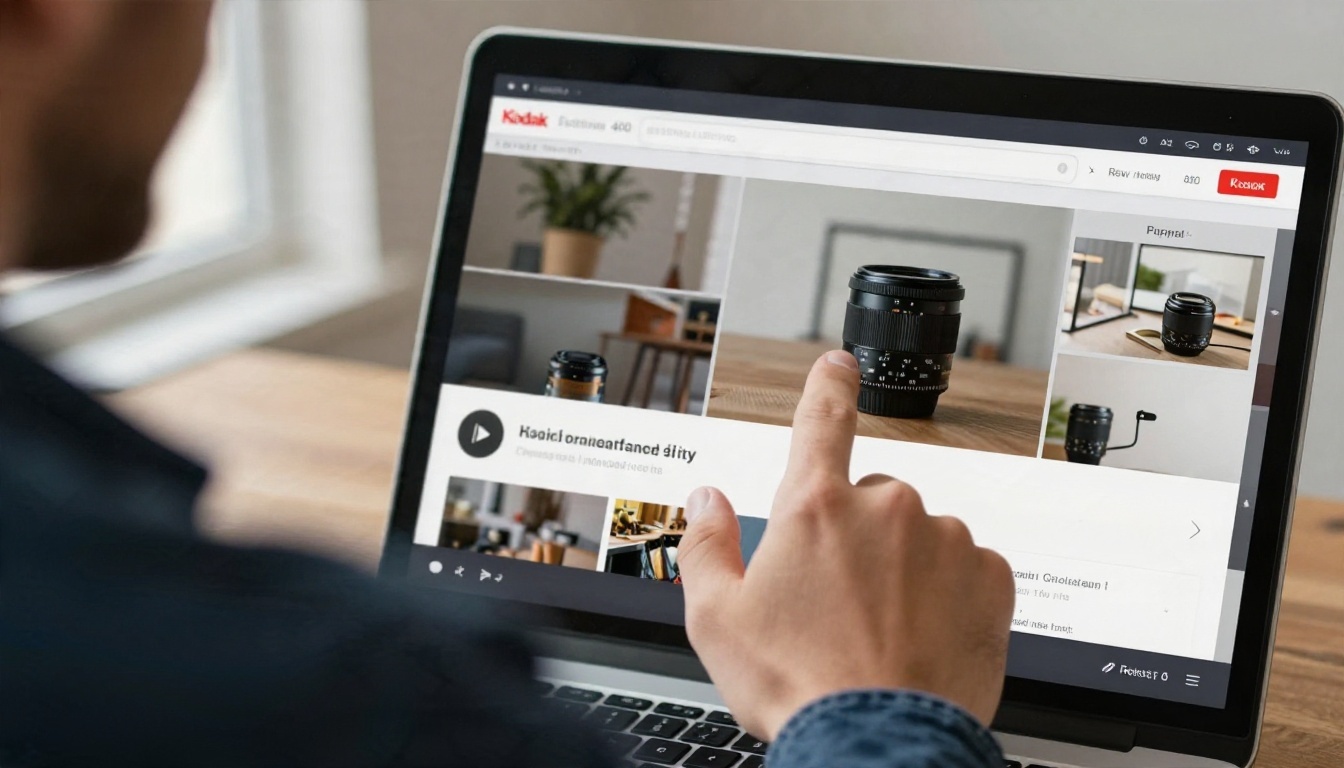
A video flip book is a digital publication with realistic page-turning, built from a PDF or a design file, that contains playable video. The video can be a hosted link (for example from YouTube or Vimeo), an uploaded file, or an audio clip that plays when a page opens.
Think of it as a magazine that can talk. The layout, typography and photography stay the same, but one rectangle on the page becomes alive.
Why Video Beats Static Pages
Static pages ask the reader to imagine. Video shows the result. A few reasons the combination works:
- Time on page rises. A 40 second clip holds attention longer than a paragraph of the same information.
- Complex things get simple. Assembly steps, fabric movement, a kitchen walkthrough: all of these are easier to watch than to read.
- Trust grows. A real person on screen explaining a product feels more honest than a polished spec sheet.
- One file does everything. Catalog, demo reel and brochure live in a single link.
Where Video Flip Books Work Best
| Use case | What the video shows | Typical length |
|---|
| Product catalog | Product in use, close-ups | 15 to 45 seconds |
| Restaurant menu | Dish preparation, chef intro | 10 to 30 seconds |
| Real estate brochure | Room walkthrough, neighborhood | 30 to 90 seconds |
| Training manual | Procedure demonstration | 1 to 3 minutes |
| Lookbook | Runway or styling clip | 10 to 30 seconds |
| Annual report | CEO message, impact story | 1 to 2 minutes |
💡 Pro tip: Short clips win. If a video needs more than three minutes, link to the full version and keep a 30 second teaser on the page.
Ways to Embed Videos in a Flipbook
There is more than one way to put a video inside a flipbook, and each has trade-offs. Picking the right one saves you from slow loading and broken playback later.
Hosted Video Links
You paste a link from a video platform and the flipbook displays a player on the page. This is the lightest option for file size because the video itself stays on the host's servers.
Best for: long videos, public content, channels you already maintain.
Watch out for: ads or related-video suggestions on some free hosts, and links that stop working if the original video is deleted or set to private.
Uploaded Video Files
You upload an MP4 directly and the flipbook plays it. You control the experience from start to finish: no recommendations, no outside branding, no dependency on another site.
Best for: private content, branded demos, anything behind a password.
Watch out for: file size. Compress before uploading (more on that below).
Audio and Background Clips
Not every page needs a screen. A short audio narration, ambient sound on a travel page, or a background track for a wedding album can add atmosphere without the weight of video. Flipbooks AI supports both video and audio embeds, so you can mix them in one publication.
| Method | File weight | Control | Best for |
|---|
| Hosted link | Very light | Medium | Long videos, public content |
| Uploaded MP4 | Medium to heavy | Full | Branded and private content |
| Audio clip | Light | Full | Narration, mood, music |
Video Flip Book Maker Options Compared
Search for a video flip book maker and you will find three broad families of tools. The right one depends on how often you publish and who needs to edit.
Desktop Software
Installed programs give you detailed control over page layout and animation. They also come with a learning curve, a license fee, and a tendency to produce heavy output files. Updating a single page means opening the project, exporting again and re-uploading.
Online Flipbook Makers
Browser-based platforms take a PDF and turn it into a flipbook in minutes. You add video through a menu, pick a theme, and share a link. There is nothing to install, updates are instant, and the flipbook works on phones because the player adapts to the screen. This is where most teams land. See what Flipbooks AI offers here, or browse the full tools directory.
Templates and Design Plugins
Some design apps export flipbook-style files with preset layouts. They are fast for one-off projects but often limit hosting, video options and branding.
| Option | Setup time | Video support | Mobile-ready | Branding control | Cost pattern |
|---|
| Desktop software | Hours | Strong but manual | Varies | High | One-time or license |
| Online flipbook maker | Minutes | Built in | Yes | High | Monthly plan |
| Design app export | Minutes | Limited | Varies | Low to medium | Often bundled |
⚠️ Watch the watermark. Many free flipbook makers stamp their logo on every page or place videos behind a paywall. Flipbooks AI never adds watermarks. Check pricing before you build anything you plan to share with clients.
What to Check Before You Pick a Maker
- Does it support both hosted and uploaded video?
- Is the output responsive on phones and tablets?
- Can you protect private flipbooks with a password?
- Do you get analytics, so you know which pages get watched?
- Is there an offline download for readers with poor connections?
How to Create a Video Flipbook with Flipbooks AI
This is the tutorial. The whole process takes around ten minutes once your PDF and videos are ready.
Step 1: Create Your Account
Head to Flipbooks AI and create an account. You can compare plans on the pricing page at any time.
Step 2: Upload and Convert Your PDF
- Click to create a new flipbook.
- Upload your PDF (a brochure, catalog, menu, report or magazine).
- Wait a few seconds while the pages are converted into a page-turning flipbook.
If you are starting from a document and not a finished PDF, the PDF to Flipbook Converter is the direct route.
Step 3: Add Your Videos
- Open the page where the video belongs.
- Choose the multimedia option and select either a video link or a file upload.
- Drag the player frame over the area of the page you want to replace, such as a blank photo placeholder.
- Resize it, set whether it should autoplay on page open or wait for a click, and save.
💡 Leave a visible space in your original PDF design for each video. A clean rectangle with a "Watch" label looks intentional. A video dropped over body text looks like a mistake.
Step 4: Customize the Look
Match the flipbook to your brand:
- Colors and background to fit your site or campaign
- Logo and custom branding on the viewer
- Page-turn effects and sound
- Toolbar options such as zoom, share and fullscreen
Step 5: Share It
| Sharing option | When to use it |
|---|
| Direct link | Email, messaging, social posts |
| Embed code | A page on your own site, see Embed Flipbook on Website |
| Password protection | Client proposals, internal training, paid content |
| Offline download | Trade shows, travel, weak connections |
Step 6: Use the Pro Features
On the Professional plan you can add analytics to see which pages get opened and watched, and lead generation forms that ask for an email before a reader continues. A showroom can send a video flipbook to a prospect and later see which pages were read most. Compare plans on the pricing page.
Prepare Your Video Before You Embed
A good flipbook can still feel clumsy if the clip is wrong. Spend ten minutes on preparation.
Record for the Page, Not the Cinema
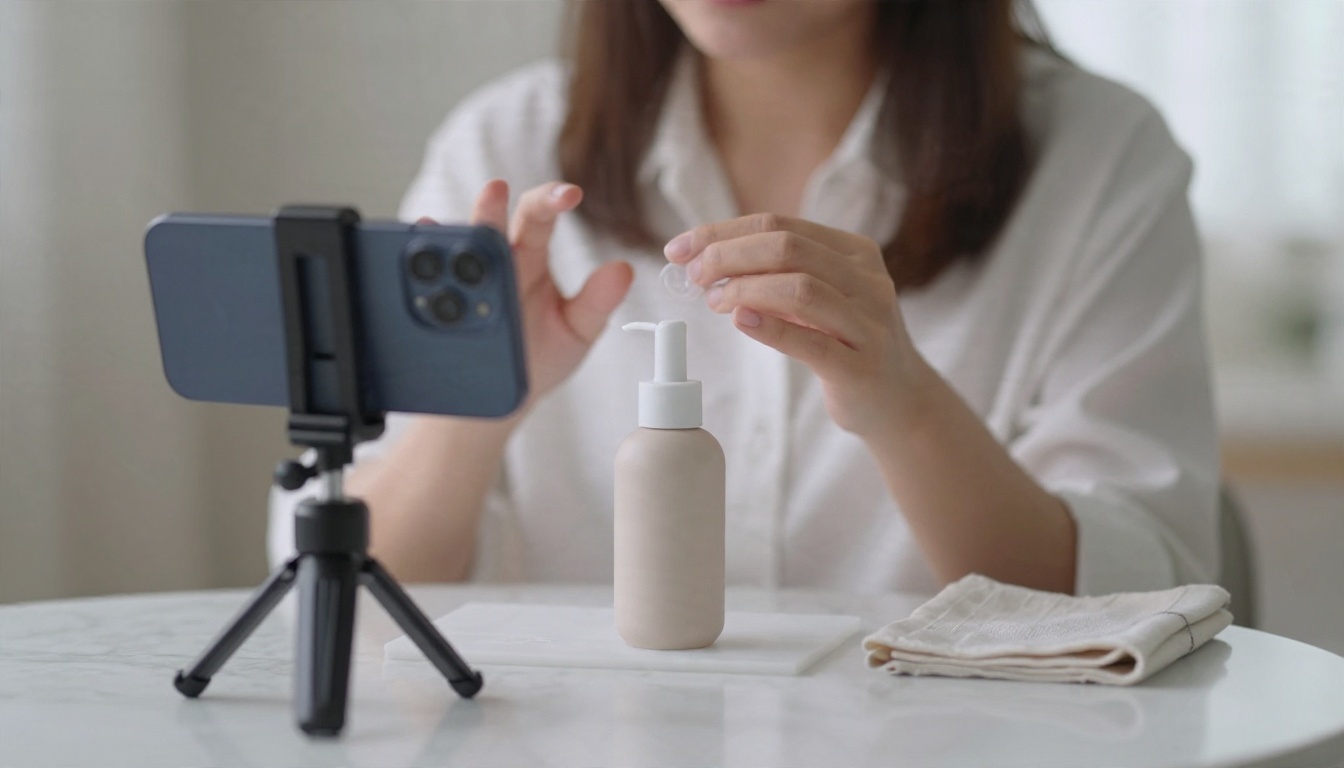
Page videos play in a small frame. Shoot closer than you would for a full screen film. Keep one subject, one message and steady framing. A phone on a tripod near a window is enough.
Compress and Choose the Right Format
- Export as MP4 (H.264), the format that plays almost everywhere.
- Aim for 720p or 1080p. Anything higher adds weight without a visible gain in a small frame.
- Trim the start and end. Cut the first two seconds of "hello, can you hear me."
- Add captions so the video makes sense with the sound off.
| Video setting | Recommended choice | Why |
|---|
| Format | MP4 (H.264) | Broad device support |
| Resolution | 720p to 1080p | Sharp but light |
| Length | Under 90 seconds per page | Holds attention |
| Audio | Clear voice, low music | Readable on phone speakers |
| Captions | On | Many people watch muted |
Video Flip Book Examples That Work
Ideas are easier to borrow than to invent. These four formats consistently perform well.
A Restaurant Menu with Chef Clips
A café places a 15 second clip of its signature dessert being plated next to the dish. Guests scanning a QR code at the table see motion and steam instead of a static photo. Build one with the Restaurant Menu Creator or the Menu Flipbook Designer.
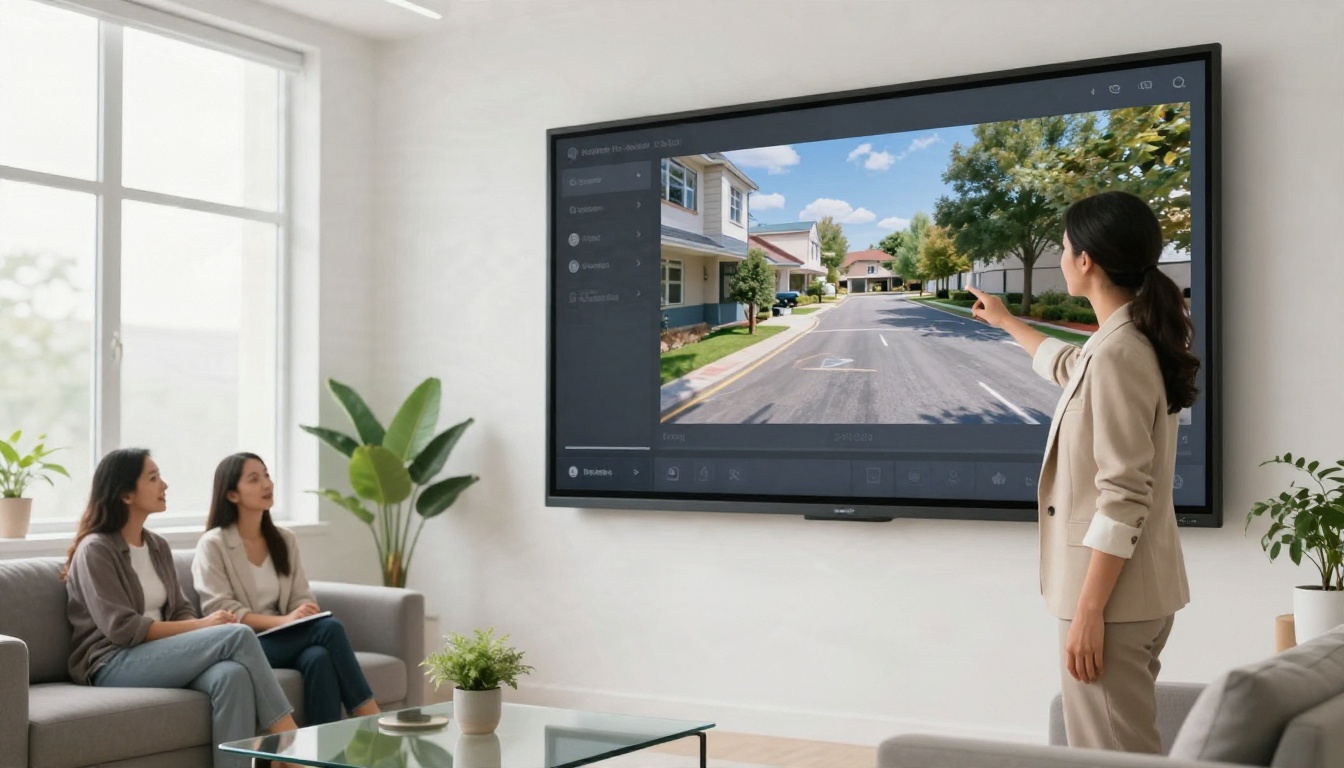
A Property Brochure with Walkthroughs
A real estate agent adds a 60 second tour video on page two, floor plans on page three, and a neighborhood clip on the last page. Buyers who cannot visit in person still get a sense of space. The Real Estate Brochure Creator is made for this.
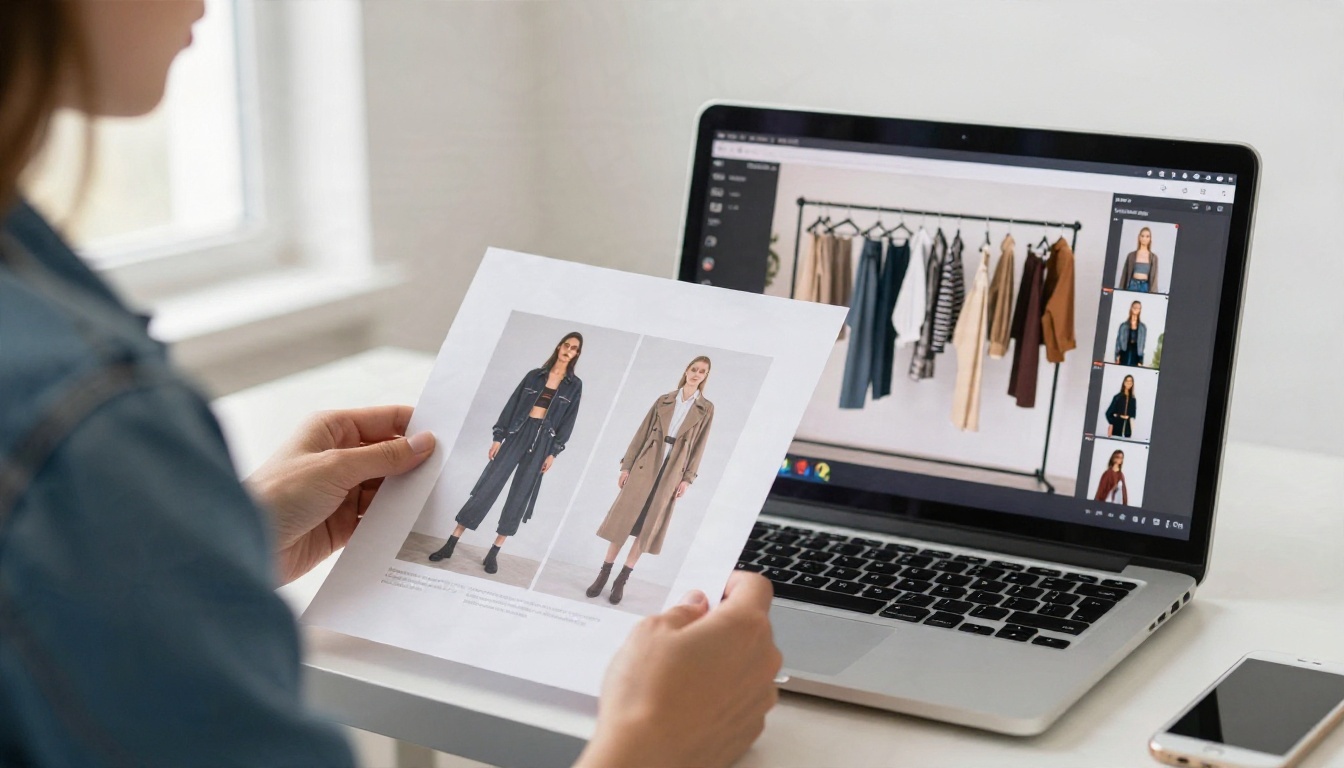
A Fashion Lookbook with Motion
Fabric moves, and photos cannot show that. A short styling clip beside each outfit sells drape and fit. Try the Interactive Lookbook Designer for a seasonal release.
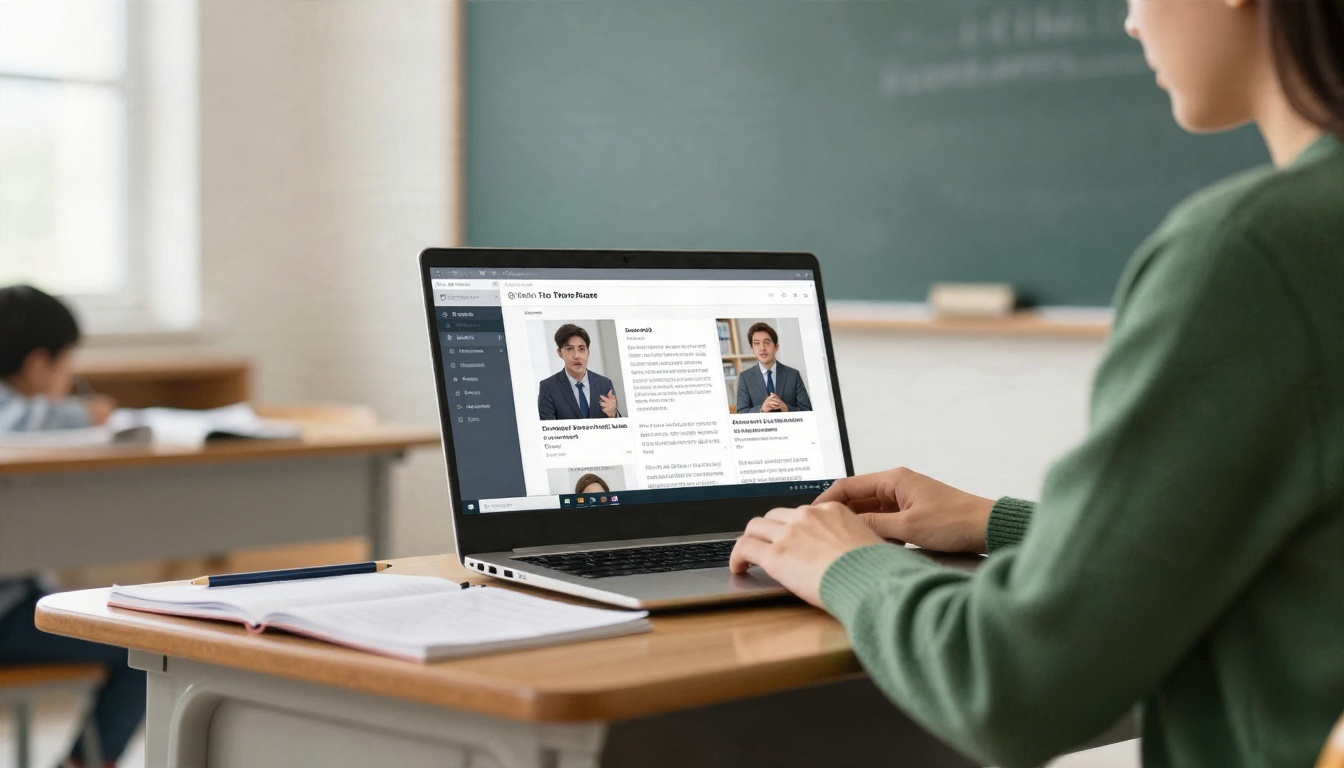
A Training Manual with Demonstrations
Safety steps and software walkthroughs are far easier to follow on video. Pair each written procedure with a short demonstration. The Training Manual Flipbook and Course Material Publisher fit this well.
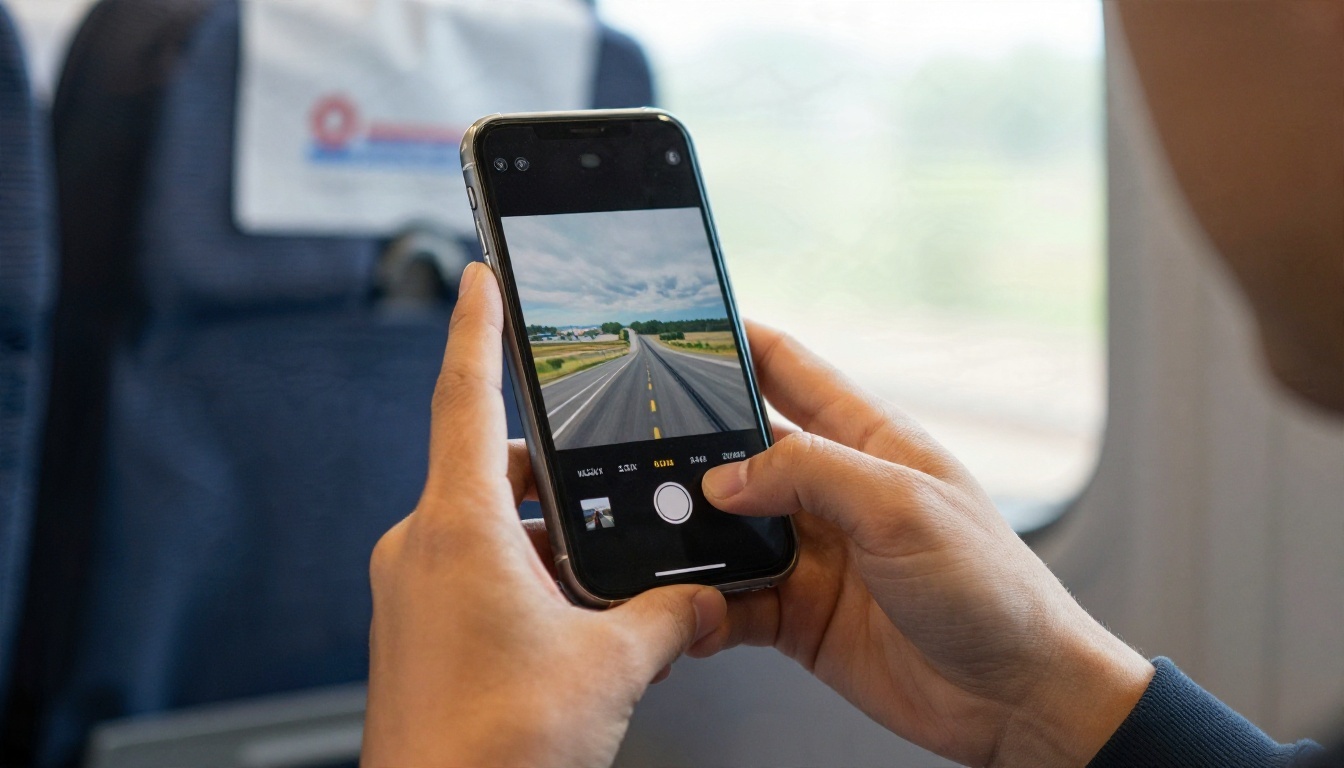
More than half of flipbook views happen on a phone, so a video flip book has to behave on a small screen.
Three Common Mistakes
- Too many videos on one page. Two or three autoplaying clips fight for bandwidth and attention. One video per page is a safe rule.
- Giant files. A 300 MB upload on a mobile connection means a blank frame and a lost reader. Compress first, or use a hosted link for long content.
- Autoplay with sound. Browsers often block it, and readers dislike it. Let the reader tap, or autoplay muted with captions.
✅ Best practice: Test your flipbook on a real phone over mobile data before you send it to anyone. Flipbooks AI is mobile-responsive, but your own file sizes still matter.
Offline and Private Delivery
If readers will open the flipbook at a trade show or on a plane, enable the offline download. If the content is for clients only, add a password. Both options keep video useful in places where an open link would not work.
Measure What People Watch
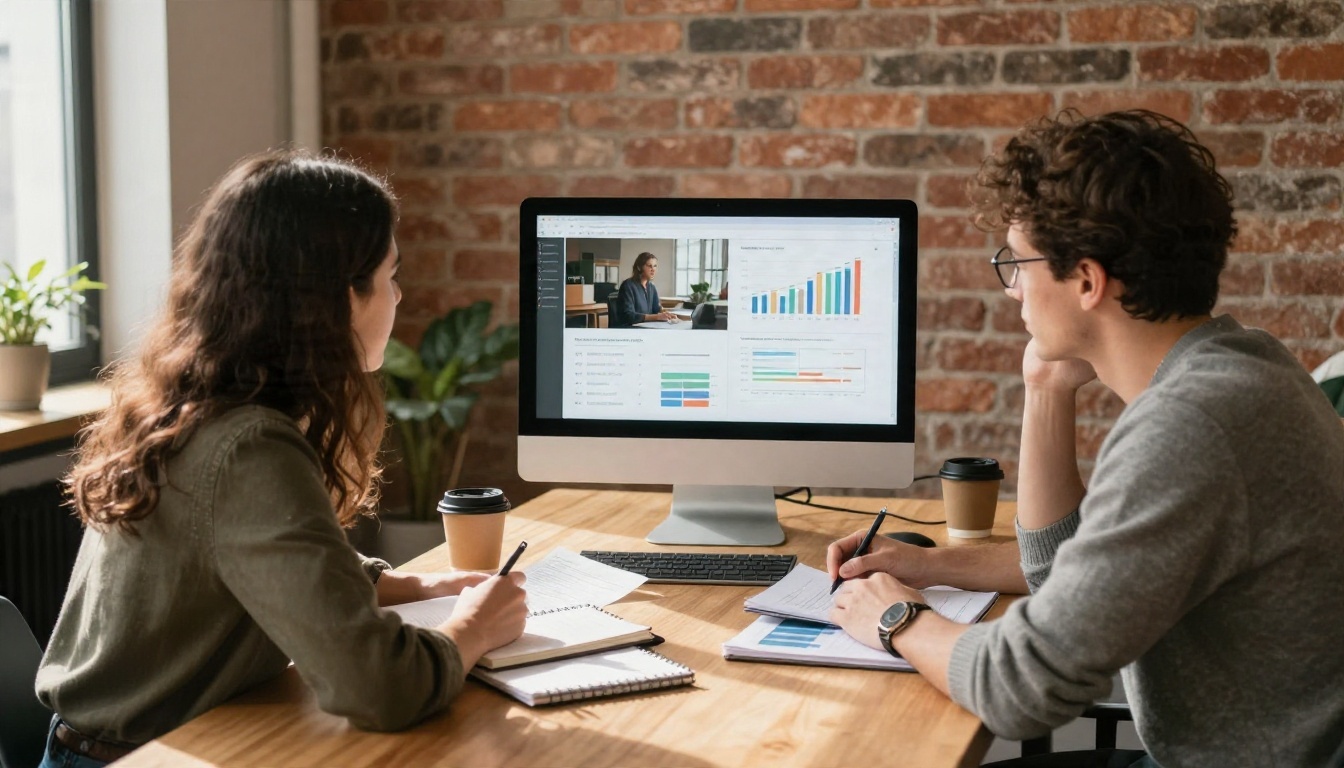
A video flip book gives you something a printed brochure never could: evidence. With analytics on the Professional plan, you can see which pages are opened, how long readers stay, and where they drop off.
What to Look For
- Pages with long dwell time usually hold a video worth repeating elsewhere.
- Sudden exits after a heavy video page suggest the file is too large or the clip is too long.
- Lead form completions show whether gated content is worth the effort.
Simple Improvement Loop
- Publish with one video per key page.
- Check analytics after one week.
- Replace the weakest clip with a shorter or sharper version.
- Repeat. Flipbooks update without changing the link, so readers always see the latest version.
Start Your Video Flipbook Today
A video flip book turns a flat document into something people actually watch. Pick a short clip, put it on the page where words struggle, and publish. You do not need new software or a design team.
Your next brochure, menu or report can talk, move and sell. Try it free and see how a single video changes the way readers respond.



